ToolMage
Anmelden
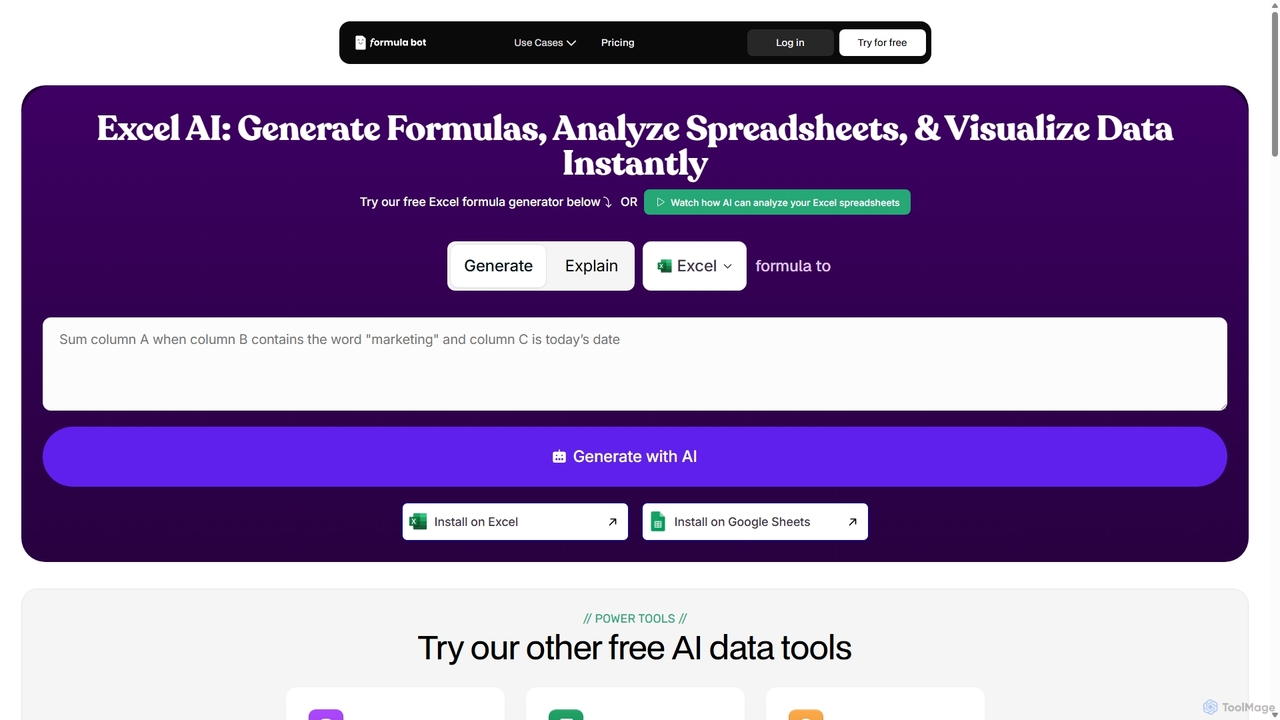
ExcelFormulaBot
Datenanalyse · 4.1K monatliche besuche

ExcelFormulaBot ist ein KI-gestütztes Tool, das komplexe Excel- und Google Sheets-Formeln aus Textanweisungen in Sekunden generiert. Es analysiert auch Daten, erstellt Diagramme, generiert VBA/SQL-Code und erklärt Formeln, wodurch Tabellenkalkulationsaufgaben für alle, von Anfängern bis zu Experten, schneller und zugänglicher werden.

VS
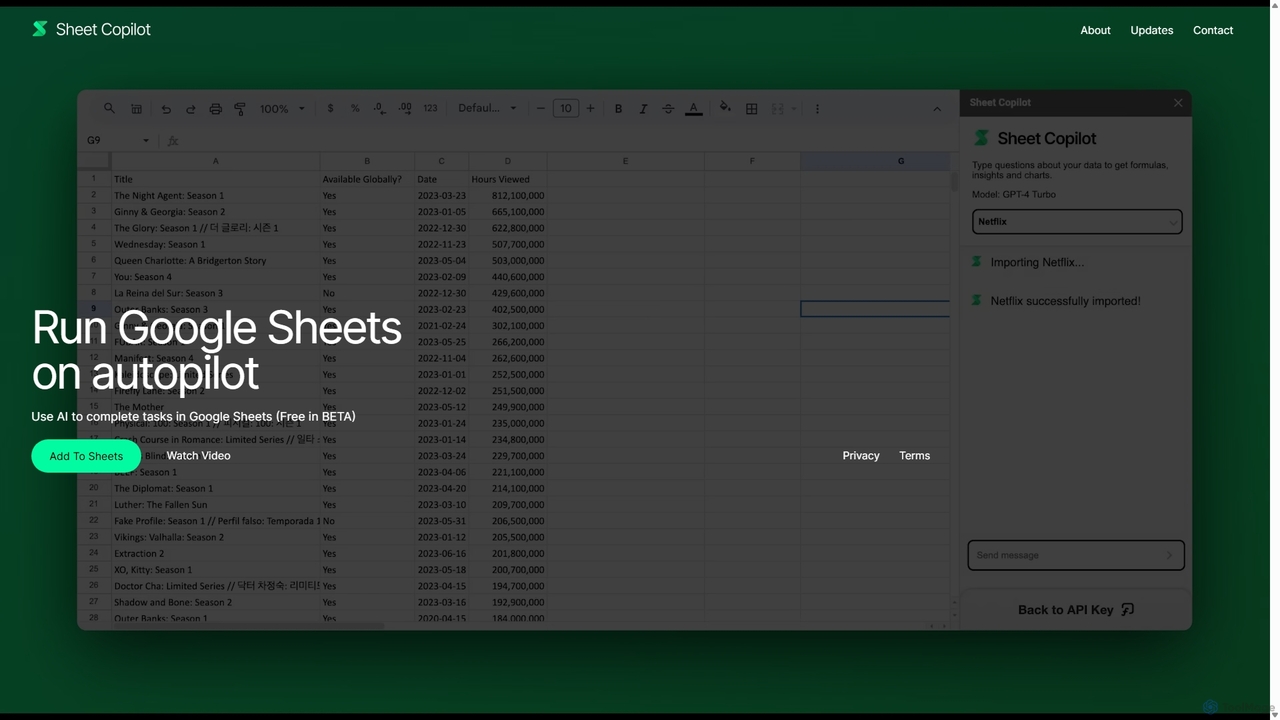
Sheet Copilot
Automatisierung · 6.9K monatliche besuche

Sheet Copilot ist ein KI-gestützter Assistent, der Aufgaben automatisiert und Fragen direkt in Google Sheets beantwortet. Mit Befehlen in natürlicher Sprache können Sie Daten bereinigen, Formeln generieren, Zusammenfassungen erstellen und Informationen analysieren, ohne komplexe Funktionen schreiben zu müssen. Es ist derzeit in der Beta-Phase kostenlos und funktioniert mit Ihrem eigenen OpenAI-API-Schlüssel für erhöhte Privatsphäre und Sicherheit.

ExcelFormulaBot vs Sheet Copilot: Preise, Funktionen und Traffic

Vergleiche ExcelFormulaBot und Sheet Copilot nach Positionierung, Preis, Funktionen, Traffic und Nutzerfeedback.

Aktualisiert 19.08.2026

Produktübersicht

ExcelFormulaBot Produktübersicht

ExcelFormulaBot ist ein KI-gestütztes Tool, das komplexe Excel- und Google Sheets-Formeln aus Textanweisungen in Sekunden generiert. Es analysiert auch Daten, erstellt Diagramme, generiert VBA/SQL-Code und erklärt Formeln, wodurch Tabellenkalkulationsaufgaben für alle, von Anfängern bis zu Experten, schneller und zugänglicher werden.
Preview

Sheet Copilot Produktübersicht

Sheet Copilot ist ein KI-gestützter Assistent, der Aufgaben automatisiert und Fragen direkt in Google Sheets beantwortet. Mit Befehlen in natürlicher Sprache können Sie Daten bereinigen, Formeln generieren, Zusammenfassungen erstellen und Informationen analysieren, ohne komplexe Funktionen schreiben zu müssen. Es ist derzeit in der Beta-Phase kostenlos und funktioniert mit Ihrem eigenen OpenAI-API-Schlüssel für erhöhte Privatsphäre und Sicherheit.

Preview

Detailed feature comparison

FeatureExcelFormulaBotSheet Copilot
HauptkategorieDatenanalyseAutomatisierung
Hinzugefügt2025-09-092025-09-02
PreismodellFreemiumKostenlos
Offizielle Websiteexcelformulabot.comsheetcopilot.ai
ProdukttypWebsiteBrowser-Erweiterung
Performance data
NutzerbewertungNicht verifiziertNicht verifiziert
Kommentare00
Monatliche Besuche4.1K6.9K
Monatliches WachstumNicht verifiziert9.4%
Favoriten124157
DetailsDetails ansehenDetails ansehen

ExcelFormulaBot vs Sheet Copilot monthly traffic

Compare ExcelFormulaBot and Sheet Copilot by monthly reach, traffic trend, visit depth, top regions, and acquisition sources.

How to interpret the traffic data

In the ExcelFormulaBot vs Sheet Copilot monthly traffic comparison, ExcelFormulaBot currently shows 4.1K visits and Sheet Copilot shows 6.9K; Sheet Copilot has about 1.7 times the visible traffic of ExcelFormulaBot, an absolute difference of about 2.7K visits. This reflects visible reach, not feature quality or paid users.

Only Sheet Copilot has complete third-party traffic details; ExcelFormulaBot uses visits recorded inside ToolMage. These scopes cannot estimate market share directly, and on-site views should not be treated as the product’s total website traffic.

ExcelFormulaBot monthly traffic:

Latest traffic

Monatliche Besuche
4.1K

Sheet Copilot monthly traffic:

Latest traffic

Monatliche Besuche
6.9K
Ø Besuchsdauer
0:00
Seiten pro Besuch
1
Absprungrate
100%
Data updated 2026-06-11

Monthly traffic trend

  • 2025/9: 3.4K Monatliche Besuche
  • 2026/1: 1.2K Monatliche Besuche
  • 2026/2: 6.6K Monatliche Besuche
  • 2026/3: 4.7K Monatliche Besuche
  • 2026/4: 6.3K Monatliche Besuche
  • 2026/5: 6.9K Monatliche Besuche

Traffic-Quellen

Source typePercentageTraffic
Verweis100%6.9K
Traffic-based selection guidance: The current traffic scope is not sufficient for a reliable product ranking. Treat monthly visits as a market-interest signal, then decide using taxonomy, use cases, pricing, and a like-for-like trial rather than reading exposure as product capability.

Usage comparison

Compare the core capabilities of ExcelFormulaBot and Sheet Copilot

ExcelFormulaBot Core features

Datenanalyse
Tabellenkalkulationen
No-Code & Low-Code

Sheet Copilot Core features

Datenanalyse
Tabellenkalkulationen
Automatisierung

Use cases

ExcelFormulaBot Use cases

KI-Assistent
Datenanalyse
Formel-Generator
Google Tabellen
Produktivität
Business Intelligence
Datenvisualisierung
Excel
Tabellenkalkulationsautomatisierung
SQL-Generator
VBA-Generator

Sheet Copilot Use cases

KI-Assistent
Datenanalyse
Formel-Generator
Google Tabellen
Produktivität
Automatisierung
Datenbereinigung
natürliche Sprachverarbeitung
OpenAI
Berichte
Tabellenkalkulation

Best suited roles

ExcelFormulaBot Best suited roles

Datenanalyst
Finanzanalyst
Personalmanager
Marketing Manager
Betriebsleiter
Projektmanager
Forscher
Vertriebsmitarbeiter
Student
Kleinunternehmer

Sheet Copilot Best suited roles

Datenanalyst
Finanzanalyst
Personalmanager
Marketing Manager
Betriebsleiter
Projektmanager
Forscher
Vertriebsmitarbeiter
Student
Geschäftsinhaber

ExcelFormulaBot vs Sheet Copilot:In-depth comparison and selection guidance

First decide whether the products solve the same kind of need

This in-depth ExcelFormulaBot vs Sheet Copilot comparison uses only the product records, taxonomy, audience, traffic, and community signals available on this page. ExcelFormulaBot is primarily listed under “Datenanalyse”, while Sheet Copilot is primarily listed under “Automatisierung”, so the first decision is whether your actual task matches their recorded scope.

The structured fields currently show these decision-relevant differences: Primary category (ExcelFormulaBot: Datenanalyse; Sheet Copilot: Automatisierung); Product type (ExcelFormulaBot: Website; Sheet Copilot: Browser extension); Pricing (ExcelFormulaBot: Freemium; Sheet Copilot: Free); Monthly visits (ExcelFormulaBot: 4.1K; Sheet Copilot: 6.9K); Favorites (ExcelFormulaBot: 124; Sheet Copilot: 157). These facts are more useful for selection than brand visibility alone.

What market visibility and monthly traffic mean

In the ExcelFormulaBot vs Sheet Copilot monthly traffic comparison, ExcelFormulaBot currently shows 4.1K visits and Sheet Copilot shows 6.9K; Sheet Copilot has about 1.7 times the visible traffic of ExcelFormulaBot, an absolute difference of about 2.7K visits. This reflects visible reach, not feature quality or paid users.

Only Sheet Copilot has complete third-party traffic details; ExcelFormulaBot uses visits recorded inside ToolMage. These scopes cannot estimate market share directly, and on-site views should not be treated as the product’s total website traffic.

The current traffic scope is not sufficient for a reliable product ranking. Treat monthly visits as a market-interest signal, then decide using taxonomy, use cases, pricing, and a like-for-like trial rather than reading exposure as product capability.

Product positioning, use cases, and roles

ExcelFormulaBot and Sheet Copilot currently overlap in shared categories: Datenanalyse und Tabellenkalkulationen; shared tags: KI-Assistent, Datenanalyse, Formel-Generator, Google Tabellen und Produktivität; shared roles: Datenanalyst, Finanzanalyst, Personalmanager, Marketing Manager, Betriebsleiter, Projektmanager, Forscher, Vertriebsmitarbeiter und Student. This can place both on the same shortlist, but it does not prove equal implementation, depth, or cost.

ExcelFormulaBot's unique categories/tags are No-Code & Low-Code, Business Intelligence, Datenvisualisierung, Excel, Tabellenkalkulationsautomatisierung, SQL-Generator und VBA-Generator; Sheet Copilot's are Automatisierung, Datenbereinigung, natürliche Sprachverarbeitung, OpenAI, Berichte und Tabellenkalkulation. These unique fields are the strongest differentiators: validate the product whose recorded scope matches the task instead of following traffic alone.

What ratings, comments, and favorites can tell you

ExcelFormulaBot has no verified rating, 0 comments, 124 favorites, and 95 likes;Sheet Copilot has no verified rating, 0 comments, 157 favorites, and 147 likes。

Neither product has enough rating or comment samples for a credible reputation ranking.

Selection guidance by actual need

When to evaluate ExcelFormulaBot first

Put ExcelFormulaBot on the priority trial list when the task aligns with “Datenanalyse” and especially No-Code & Low-Code, Business Intelligence, Datenvisualisierung, Excel, Tabellenkalkulationsautomatisierung und SQL-Generator, or the users include Kleinunternehmer. This follows recorded positioning and does not imply unlisted capabilities are absent.

ExcelFormulaBot also currently records: pricing is freemium, product type is website, 4.1K on-site monthly views, no verified user rating. Verify any hard requirement around price, platform, or reach before trial, and do not let sparse review data substitute for testing.

When to evaluate Sheet Copilot first

Put Sheet Copilot on the priority trial list when the task aligns with “Automatisierung” and especially Automatisierung, Datenbereinigung, natürliche Sprachverarbeitung, OpenAI, Berichte und Tabellenkalkulation, or the users include Geschäftsinhaber. This follows recorded positioning and does not imply unlisted capabilities are absent.

Sheet Copilot also currently records: pricing is free, product type is browser extension, 6.9K verified monthly visits, no verified user rating. Verify any hard requirement around price, platform, or reach before trial, and do not let sparse review data substitute for testing.

How to validate the recommendation before deciding

The available data describes positioning, public visibility, and community signals, but it cannot prove output quality, speed, integration effort, privacy, or long-term cost in your workflow. Before deciding, run the same representative tasks in ExcelFormulaBot and Sheet Copilot, then record completion time, accuracy, manual corrections, and the real paid threshold. A like-for-like trial turns this comparison into a defensible adoption decision.

Vergleichs-FAQ

How should I choose between ExcelFormulaBot and Sheet Copilot?
Compare positioning, pricing, taxonomy, and traffic maturity, then verify the latest details on each official website.
Where does this comparison data come from?
The factual baseline is derived from product, taxonomy, traffic, and community data. Reviewed editorial conclusions show their source and verification date.
What do unknown fields mean?
Unknown means there is not enough reliable evidence; the page does not fill gaps with assumptions.

Related AI tools

Sheetplus
Freemium

Sheetplus

Sheetplus ist ein KI-gestütztes Toolkit, das entwickelt wurde, um Ihre Tabellenkalkulationserfahrung in Google Sheets und Excel zu verbessern. Durch die Nutzung natürlicher Sprache können Benutzer komplexe Formeln generieren, Daten bereinigen und analysieren, Aufgaben automatisieren und Erkenntnisse gewinnen, ohne Code zu schreiben. Es fungiert als intelligenter Assistent, der die Datenverwaltung schneller, intuitiver und für jeden zugänglich macht, unabhängig von seiner technischen Expertise.

Automatisierung
Visits 5.2KFavorites 112Likes 127
Spreadsheet Daddy

Spreadsheet Daddy

Spreadsheet Daddy ist ein fortschrittliches KI-gesteuertes Add-on für Google Sheets, das komplexe Aufgaben automatisiert. Es ermöglicht Benutzern, Formeln, Apps Script und reguläre Ausdrücke aus einfachen Textaufforderungen zu generieren. Das Tool zeichnet sich auch durch die Massenerstellung von Inhalten, Datenanalyse und sogar die Erstellung benutzerdefinierter KI-Modelle aus, wodurch Ihr Spreadsheet zu einem leistungsstarken Produktivitätszentrum wird.

Low-Code No-Code
Visits 22.6KFavorites 104Likes 112
Jyek
AD

Jyek

Jyek ist eine KI-Agenten-Plattform, die Ziele versteht, Ausführungspläne erstellt, Werkzeuge nutzt und überprüfbare Ergebnisse für komplexe, mehrstufige Aufgaben liefert.

Automatisierung
Visits 2.5KFavorites 4Likes 6
Metatable
Freemium

Metatable

Metatable ist ein KI-gestützter Datenassistent, der die Art und Weise, wie Sie mit Tabellenkalkulationen und tabellarischen Daten interagieren, revolutioniert. Verwenden Sie einfach Anweisungen in natürlicher Sprache, um Ihre Daten sofort zu bereinigen, zu analysieren, umzuwandeln und zu visualisieren. Es eliminiert komplexe Formeln und manuelle Aufgaben und macht die Datenanalyse für jeden zugänglich, vom Datenanalysten bis zum Geschäftsführer.

Analysen
Visits 4.1KFavorites 150Likes 150
Sumifai
Freemium

Sumifai

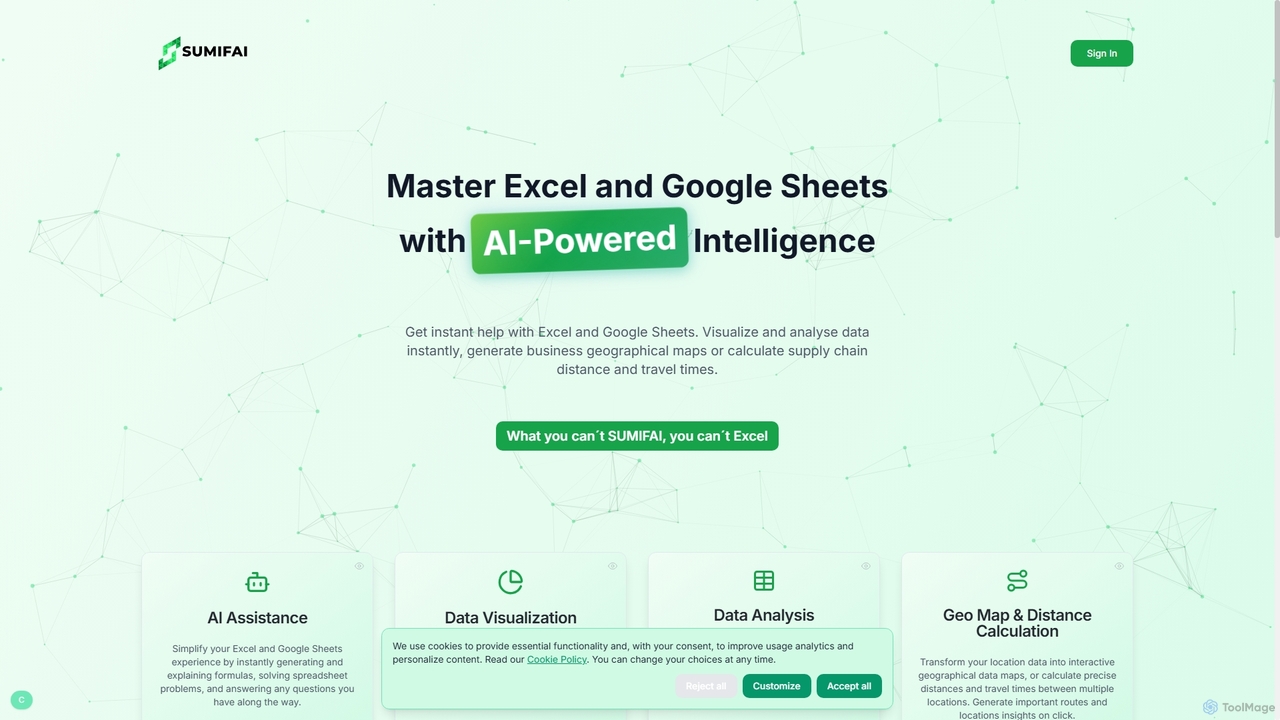
Sumifai ist ein KI-gestützter Assistent für Excel und Google Sheets, der Tabellenkalkulationsaufgaben vereinfacht. Er generiert und erklärt sofort Formeln, analysiert Daten, erstellt Visualisierungen und baut sogar interaktive geografische Karten aus Standortdaten. Entwickelt für alle Fähigkeitsstufen, hilft er Benutzern, Einblicke zu gewinnen und Arbeitsabläufe zu optimieren, ohne technisches Fachwissen zu benötigen.

Business Intelligence
Visits 5.6KFavorites 94Likes 87
GPT Workspace
Freemium

GPT Workspace

GPT Workspace integriert KI-gestützte Funktionen direkt in Google Workspace-Anwendungen wie Docs, Sheets, Slides und Gmail. Es steigert die Produktivität durch die Automatisierung der Inhaltserstellung, Datenanalyse, E-Mail-Entwürfe und Dokumentenbearbeitung und ermöglicht es den Nutzern, die Leistung von Modellen wie GPT-4o nahtlos in ihrem bestehenden Arbeitsablauf zu nutzen.

Dokumentenmanagement
Visits 276.6KFavorites 112Likes 113
Chatsheet
Freemium

Chatsheet

Chatsheet ist eine KI-gestützte Tabellenkalkulationsplattform, die Recherche, Inhaltserstellung und Datenanalyse automatisiert. Über eine vertraute Tabellenkalkulationsoberfläche können Benutzer komplexe, codefreie Workflows erstellen, um Dokumente zu verarbeiten, Websites zu scrapen und personalisierte Inhalte in großem Maßstab zu generieren, wodurch jede Zelle effektiv zu einem intelligenten KI-Agenten wird.

Tabellenkalkulationen
Visits 4.2KFavorites 120Likes 126
Array Assistant
Freemium

Array Assistant

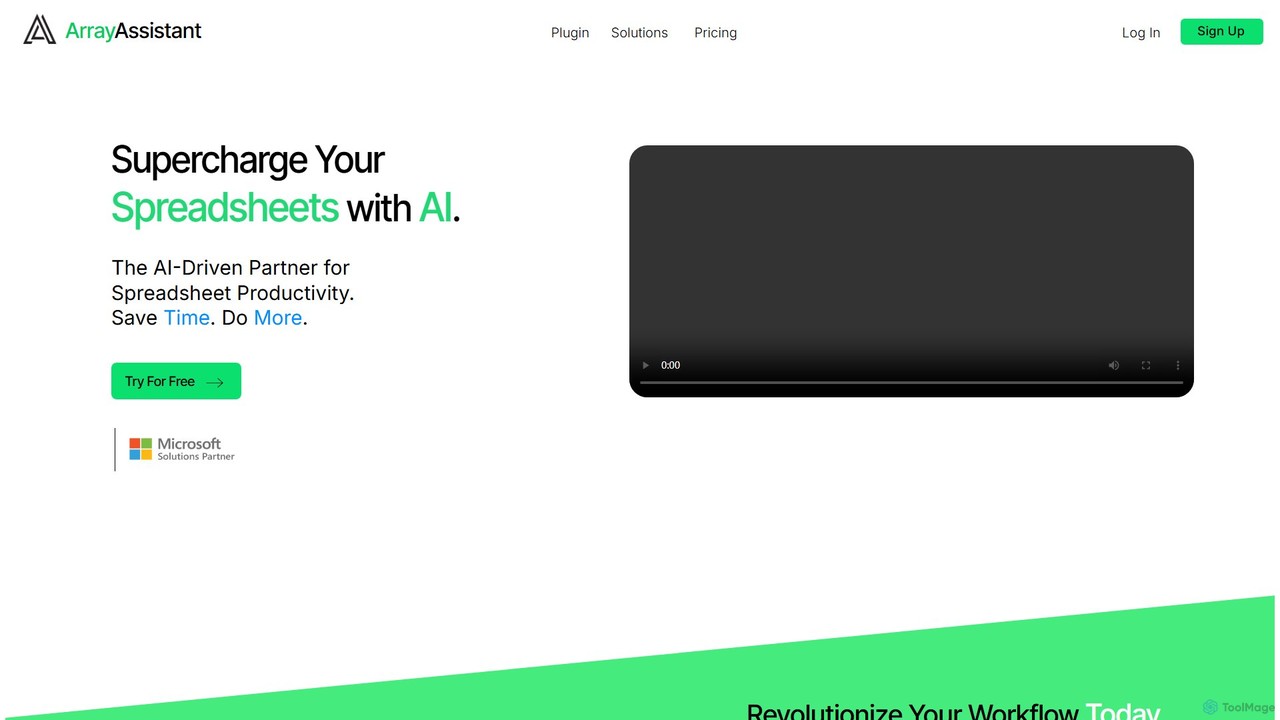
Array Assistant ist ein KI-gestütztes Plugin für Tabellenkalkulationen, das Ihre Produktivität steigert. Es hilft Ihnen, komplexe Formeln zu generieren, Daten zu bereinigen und zu organisieren, Texte zusammenzufassen, Probleme zu erklären und Automatisierungen zu entwerfen – alles innerhalb Ihres bestehenden Workflows. Ideal für Fachleute, Studenten und jeden, der Tabellenkalkulationen verwendet.

Finanzen
Visits 4.3KFavorites 98Likes 113
Formula Bot
Freemium

Formula Bot

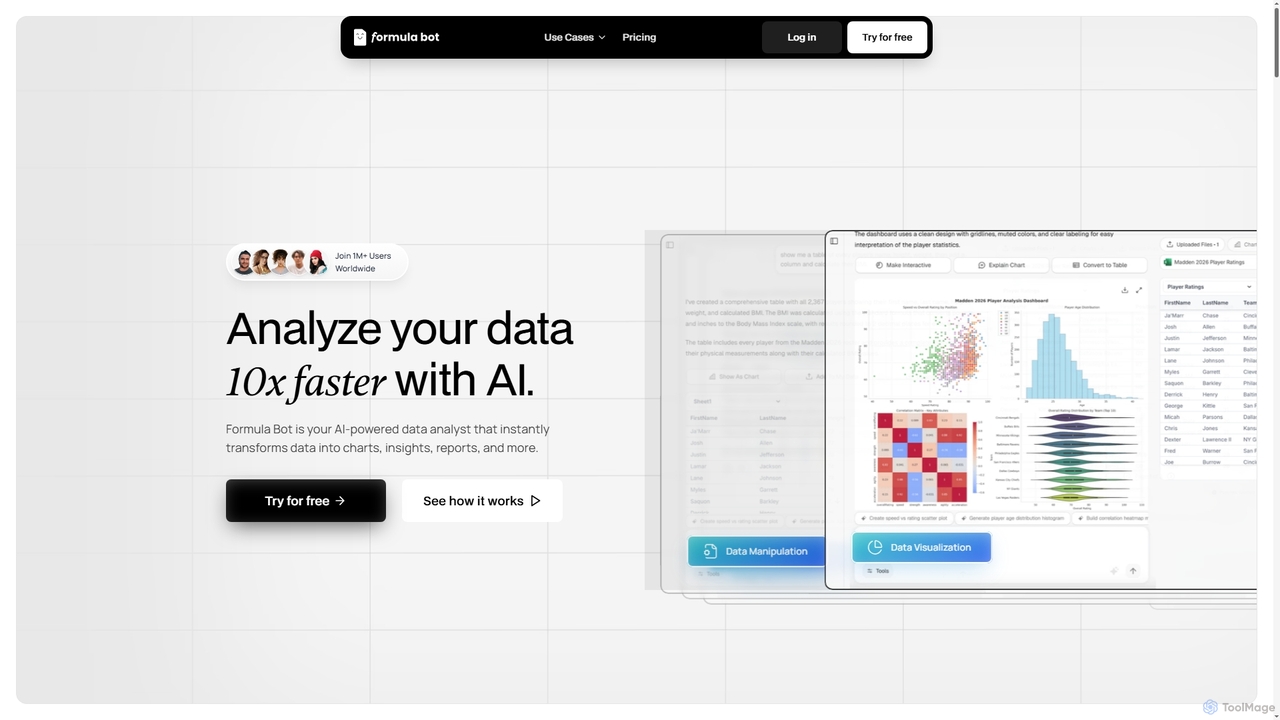
Formula Bot ist ein KI-gestützter Datenanalyst, der Rohdaten sofort in umsetzbare Erkenntnisse, beeindruckende Diagramme und umfassende Berichte umwandelt. Es bietet auch spezialisierte KI-Tools zur Generierung von Excel-Formeln, zur Konvertierung von PDFs in Excel und zur schrittweisen Hausaufgabenhilfe in verschiedenen Fächern, wodurch die Datenverarbeitung und Lernprozesse für Benutzer weltweit optimiert werden.

Visualisierung
Visits 7.6KFavorites 108Likes 98
SheetSavvy AI
Freemium

SheetSavvy AI

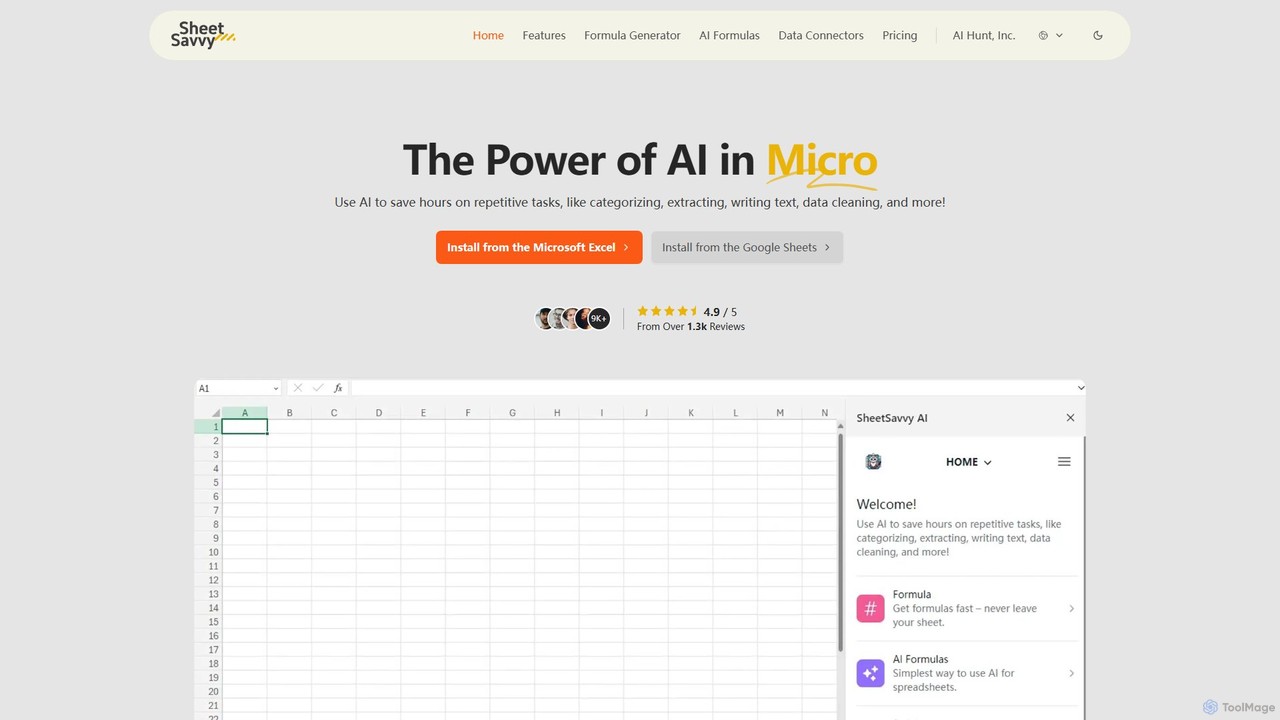
SheetSavvy AI ist ein KI-gestützter Assistent für Google Sheets und Microsoft Excel, der entwickelt wurde, um repetitive Aufgaben zu automatisieren. Er verfügt über einen Formelgenerator, KI-gesteuerte Formeln zur Datenbereinigung und -analyse sowie nahtlose Datenkonnektoren zum Importieren von Live-Daten, was die Produktivität in Tabellenkalkulationen erheblich steigert.

Finanzen
Visits 4KFavorites 110Likes 116
Powerdrill
Freemium

Powerdrill

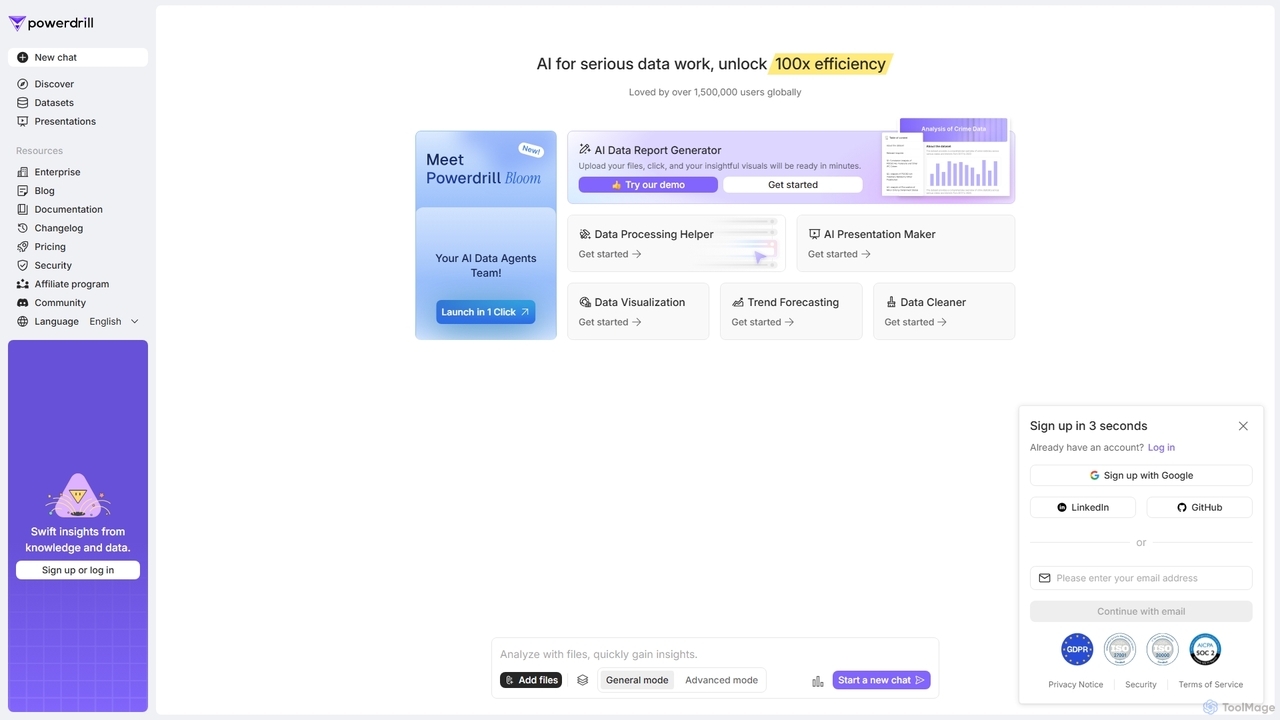
Powerdrill ist eine KI-gestützte Datenanalyseplattform für anspruchsvolle Datenarbeit, die es Benutzern ermöglicht, eine 100-fache Effizienz zu erzielen. Sie automatisiert den gesamten Prozess von der Datenverarbeitung und -bereinigung bis hin zur Visualisierung, Berichterstellung und Trendprognose. Laden Sie einfach Ihre Dateien (Excel, CSV, PDF) hoch oder verbinden Sie sich mit einer Datenbank, und lassen Sie die KI in wenigen Minuten handlungsrelevante Einblicke, interaktive Diagramme und umfassende Präsentationen erstellen.

Business Intelligence
Visits 143.5KFavorites 103Likes 110
Excelly
Freemium

Excelly

Excelly ist ein KI-Copilot für Excel und Google Sheets, der einfache englische Beschreibungen sofort in komplexe Formeln umwandelt. Es bietet auch Schritt-für-Schritt-Erklärungen, steigert die Produktivität und vereinfacht Tabellenkalkulationsaufgaben für Benutzer aller Fähigkeitsstufen.

Formelgenerierung
Visits 4.2KFavorites 132Likes 130
MotionExcel
Freemium

MotionExcel

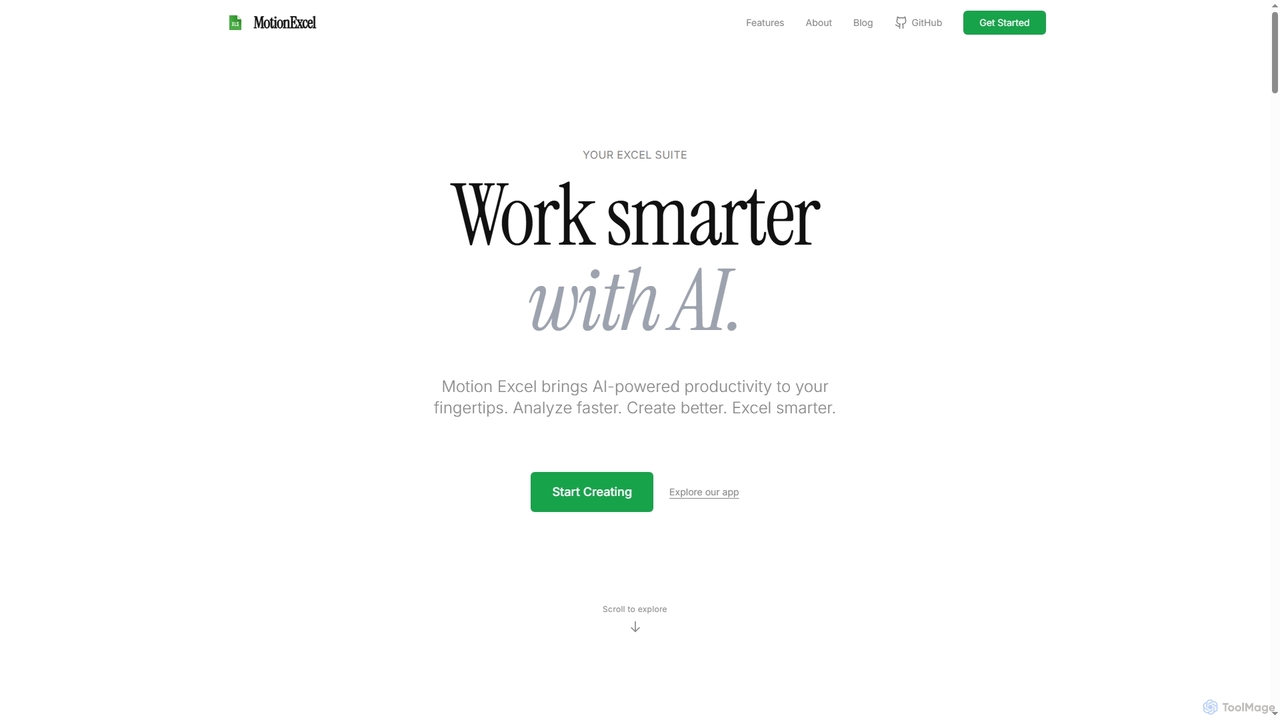
MotionExcel ist ein KI-gestützter Tabellenkalkulationseditor, der künstliche Intelligenz, Python und SQL integriert, um die Datenanalyse und -automatisierung zu transformieren. Es hilft Benutzern, Daten schneller zu analysieren, bessere Erkenntnisse zu gewinnen und mit intelligenten Agenten und erweiterten Funktionen smarter zu arbeiten.

Tabellenkalkulation
Visits 4.2KFavorites 119Likes 104
Charm
Paid

Charm

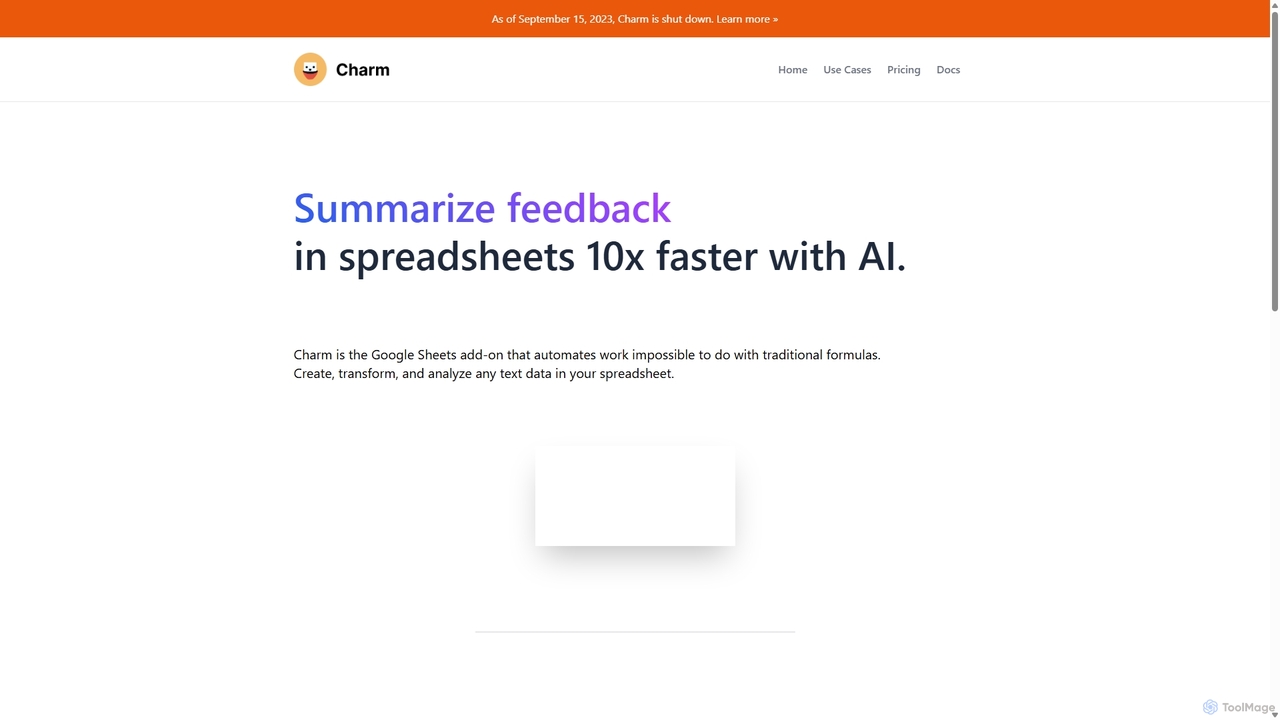
Charm war ein KI-gestützter Assistent, der als Add-on direkt in Google Sheets integriert war. Er wurde entwickelt, um komplexe textbasierte Aufgaben wie das Bereinigen unordentlicher Daten, das Erstellen von Inhalten, das Zusammenfassen von Texten und das Klassifizieren von Informationen zu automatisieren, ohne dass herkömmliche Formeln oder Programmierkenntnisse erforderlich sind. Bitte beachten Sie: Charm wurde am 15. September 2023 offiziell eingestellt.

Automatisierung
Visits 6.3KFavorites 102Likes 92
SlickAlgo
Freemium

SlickAlgo

SlickAlgo ist eine KI-Datenanalyseplattform, die natürliche Sprachfragen in sofortige Dateneinblicke, Python-Code und interaktive Dashboards umwandelt. Es verbindet sich mit über 50 Datenquellen und ermöglicht Unternehmen, datengesteuerte Entscheidungen ohne Programmierung zu treffen.

3D
Visits 5.7KFavorites 113Likes 100