ToolMage
Anmelden
ImgTools
Bildbearbeitung · 1.5K monatliche besuche

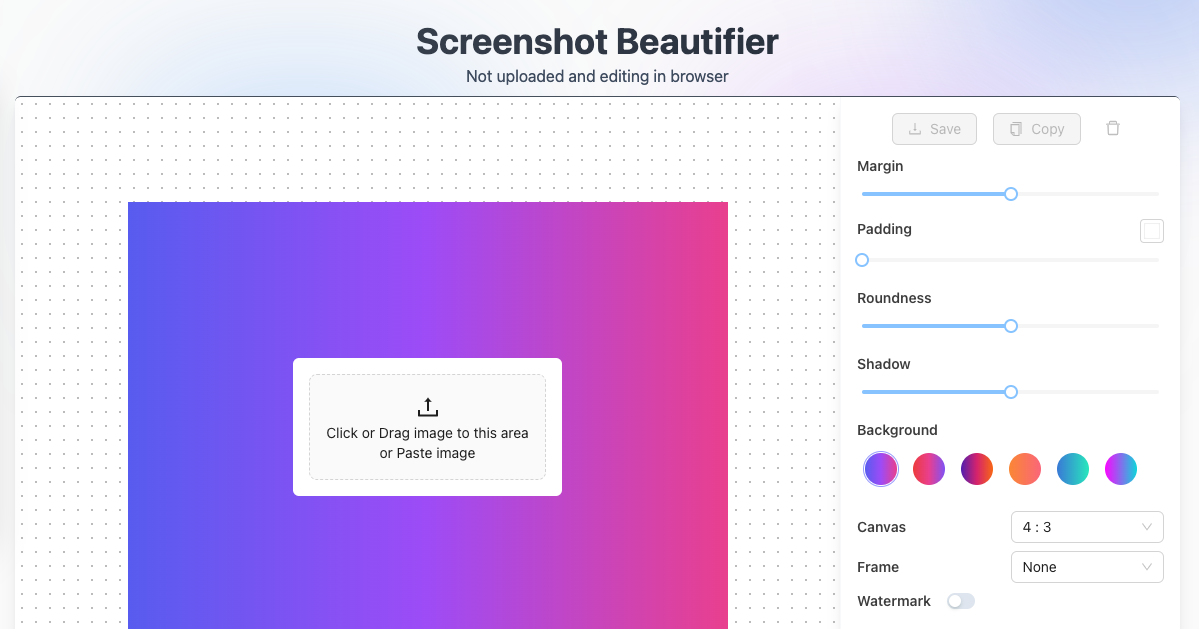
ImgTools ist eine vielseitige, browserbasierte Bildbearbeitungssuite, die entwickelt wurde, um Ihre Screenshots und Fotos mühelos zu transformieren. Es kombiniert ein leistungsstarkes Screenshot-Dienstprogramm mit einem intuitiven Editor, mit dem Sie Bilder direkt in Ihrem Browser verschönern, kommentieren, komprimieren und mit Wasserzeichen versehen können, wobei ein starker Fokus auf die Privatsphäre der Benutzer gelegt wird.

VS
Pixelmator Pro
Bildbearbeitung · 67.8K monatliche besuche

Pixelmator Pro ist ein leistungsstarker, ansprechender und einfach zu bedienender Bildeditor exklusiv für den Mac. Er nutzt fortschrittliche KI und maschinelles Lernen, um professionelle Fotobearbeitung, Grafikdesign und Vektorwerkzeuge anzubieten. Zu den Funktionen gehören Ein-Klick-Fotoverbesserung, automatische Hintergrundentfernung, erweiterte Farbanpassungen, RAW-Bearbeitung, Unterstützung für Videoebenen und eine riesige Bibliothek an Vorlagen und Mockups, was ihn ideal für Anfänger und erfahrene Profis macht.

ImgTools vs Pixelmator Pro: Preise, Funktionen und Traffic

Vergleiche ImgTools und Pixelmator Pro nach Positionierung, Preis, Funktionen, Traffic und Nutzerfeedback.

Aktualisiert 18.08.2026

Produktübersicht

ImgTools Produktübersicht

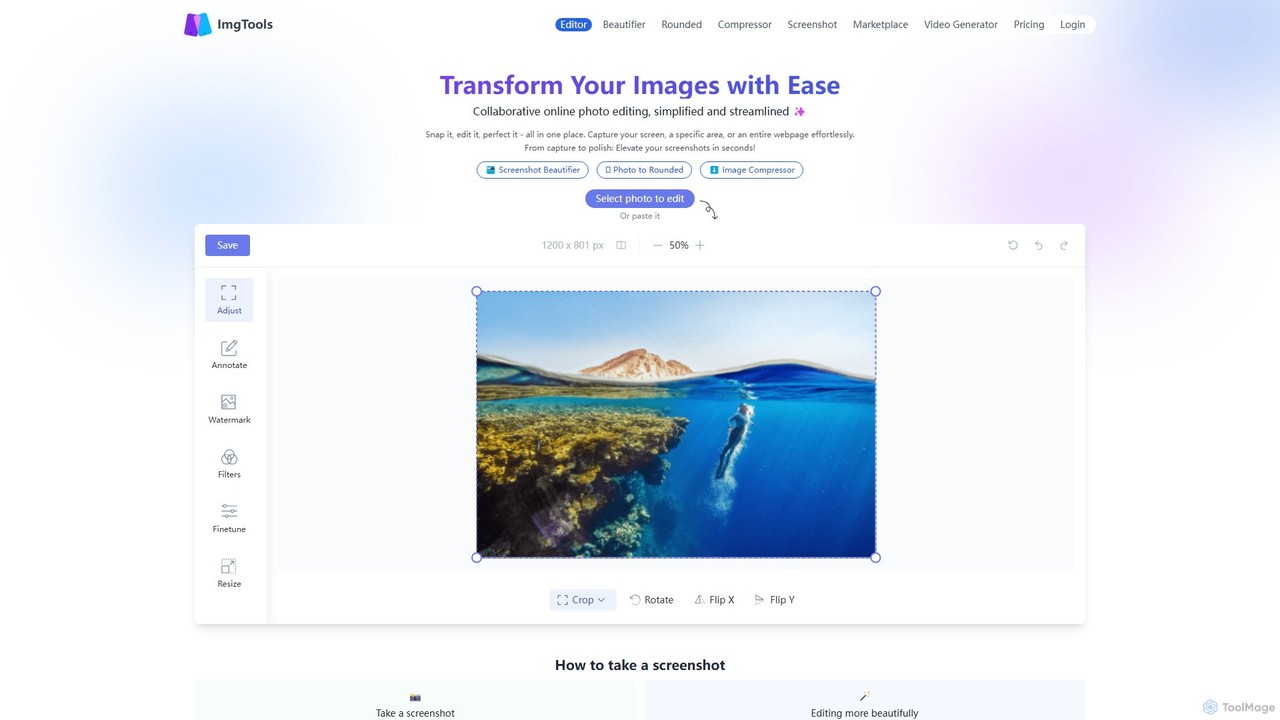
ImgTools ist eine vielseitige, browserbasierte Bildbearbeitungssuite, die entwickelt wurde, um Ihre Screenshots und Fotos mühelos zu transformieren. Es kombiniert ein leistungsstarkes Screenshot-Dienstprogramm mit einem intuitiven Editor, mit dem Sie Bilder direkt in Ihrem Browser verschönern, kommentieren, komprimieren und mit Wasserzeichen versehen können, wobei ein starker Fokus auf die Privatsphäre der Benutzer gelegt wird.
Preview

Pixelmator Pro Produktübersicht

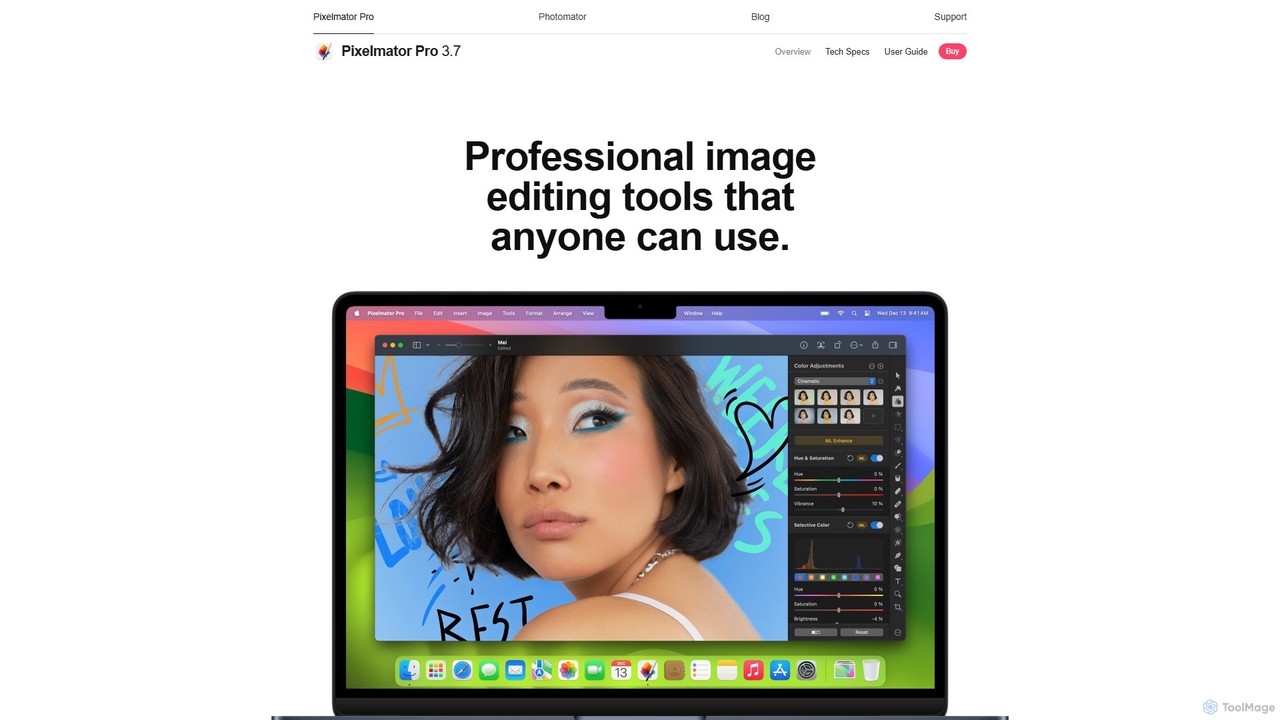
Pixelmator Pro ist ein leistungsstarker, ansprechender und einfach zu bedienender Bildeditor exklusiv für den Mac. Er nutzt fortschrittliche KI und maschinelles Lernen, um professionelle Fotobearbeitung, Grafikdesign und Vektorwerkzeuge anzubieten. Zu den Funktionen gehören Ein-Klick-Fotoverbesserung, automatische Hintergrundentfernung, erweiterte Farbanpassungen, RAW-Bearbeitung, Unterstützung für Videoebenen und eine riesige Bibliothek an Vorlagen und Mockups, was ihn ideal für Anfänger und erfahrene Profis macht.

Preview

Detailed feature comparison

FeatureImgToolsPixelmator Pro
HauptkategorieBildbearbeitungBildbearbeitung
Hinzugefügt2025-08-072025-08-14
PreismodellFreemiumKostenpflichtig
Offizielle Websitewww.img-tools.appwww.pixelmator.com
ProdukttypWebsiteApp
Performance data
NutzerbewertungNicht verifiziertNicht verifiziert
Kommentare00
Monatliche Besuche1.5K67.8K
Monatliches Wachstum729.3%-11.5%
Favoriten14086
DetailsDetails ansehenDetails ansehen

ImgTools vs Pixelmator Pro monthly traffic

Compare ImgTools and Pixelmator Pro by monthly reach, traffic trend, visit depth, top regions, and acquisition sources.

How to interpret the traffic data

In the ImgTools vs Pixelmator Pro monthly traffic comparison, ImgTools currently shows 1.5K visits and Pixelmator Pro shows 67.8K; Pixelmator Pro has about 45.2 times the visible traffic of ImgTools, an absolute difference of about 66.3K visits. This reflects visible reach, not feature quality or paid users.

Both tools provide verified traffic details, so monthly trends, visit depth, regions, and acquisition sources can be compared on the same basis.

Pixelmator Pro is registered at the www.pixelmator.com/pro subpage. Because the current data does not state whether other host pages are excluded, treat this as domain-level context rather than independent traffic for one product or project.

ImgTools monthly traffic:

Latest traffic

Monatliche Besuche
1.5K
Ø Besuchsdauer
0:09
Seiten pro Besuch
1.07
Absprungrate
94.29%
Data updated 2026-06-15

Monthly traffic trend

  • 2025/9: 4.8K Monatliche Besuche
  • 2026/1: 1K Monatliche Besuche
  • 2026/2: 1K Monatliche Besuche
  • 2026/3: 1.5K Monatliche Besuche
  • 2026/4: 181 Monatliche Besuche
  • 2026/5: 1.5K Monatliche Besuche

Top-Regionen

Top 5 countries/regions
Country/regionPercentageTraffic
🇯🇵Japan97.26%1.5K
🇮🇳India2.74%41

Suchbegriffe

como borrar objetos de una fotocrop imageenhance imagemake it 50 kbresize image online free hd

Pixelmator Pro monthly traffic:

Latest traffic

Monatliche Besuche
67.8K
Ø Besuchsdauer
0:16
Seiten pro Besuch
1.55
Absprungrate
43.94%
Data updated 2026-06-15

Monthly traffic trend

  • 2026/1: 211K Monatliche Besuche
  • 2026/2: 110.3K Monatliche Besuche
  • 2026/3: 73.1K Monatliche Besuche
  • 2026/4: 76.6K Monatliche Besuche
  • 2026/5: 67.8K Monatliche Besuche

Top-Regionen

Top 5 countries/regions
Country/regionPercentageTraffic
🇺🇸United States48.96%33.2K
🇩🇪Germany18.54%12.6K
🇬🇧United Kingdom15.79%10.7K
🇧🇷Brazil8.41%5.7K
🇮🇹Italy8.3%5.6K

Traffic-Quellen

Source typePercentageTraffic
Direkt89.51%60.7K
Verweis10.49%7.1K

Suchbegriffe

how to measure with pixelmaroephotomatorpixelmatorpixelmator propixelmator pro lumix raw
Traffic-based selection guidance: Pixelmator Pro is registered under a www.pixelmator.com subpath, so its large visible total may include the host platform. The current data does not justify choosing Pixelmator Pro for traffic alone; shortlist by unique taxonomy and use case, then validate with the same tasks.

Usage comparison

Compare the core capabilities of ImgTools and Pixelmator Pro

ImgTools Core features

Bildbearbeitung
Soziale Medien
Screenshot-Dienstprogramm

Pixelmator Pro Core features

Bildbearbeitung
Soziale Medien
Kreativwerkzeug

Use cases

ImgTools Use cases

Hintergrundentferner
Bildeditor
Annotation
Bildkompressor
Online-Editor
Datenschutzorientiert
abgerundete Ecken
Screenshot-Verschönerer
Screenshot-Tool
Wasserzeichen

Pixelmator Pro Use cases

Hintergrundentferner
Bildeditor
KI-Bildbearbeitung
Grafikdesign
Mac-App
Bildbearbeitung
RAW-Editor
Vektorgrafiken
Videobearbeitung

ImgTools vs Pixelmator Pro:In-depth comparison and selection guidance

First decide whether the products solve the same kind of need

This in-depth ImgTools vs Pixelmator Pro comparison uses only the product records, taxonomy, audience, traffic, and community signals available on this page. ImgTools is primarily listed under “Bildbearbeitung”, while Pixelmator Pro is primarily listed under “Bildbearbeitung”, so the first decision is whether your actual task matches their recorded scope.

The structured fields currently show these decision-relevant differences: Product type (ImgTools: Website; Pixelmator Pro: App); Pricing (ImgTools: Freemium; Pixelmator Pro: Paid); Monthly visits (ImgTools: 1.5K; Pixelmator Pro: 67.8K); Monthly growth (ImgTools: 729.3%; Pixelmator Pro: -11.5%); Favorites (ImgTools: 140; Pixelmator Pro: 86). These facts are more useful for selection than brand visibility alone.

What market visibility and monthly traffic mean

In the ImgTools vs Pixelmator Pro monthly traffic comparison, ImgTools currently shows 1.5K visits and Pixelmator Pro shows 67.8K; Pixelmator Pro has about 45.2 times the visible traffic of ImgTools, an absolute difference of about 66.3K visits. This reflects visible reach, not feature quality or paid users.

Both tools provide verified traffic details, so monthly trends, visit depth, regions, and acquisition sources can be compared on the same basis.

Pixelmator Pro is registered at the www.pixelmator.com/pro subpage. Because the current data does not state whether other host pages are excluded, treat this as domain-level context rather than independent traffic for one product or project.

Pixelmator Pro is registered under a www.pixelmator.com subpath, so its large visible total may include the host platform. The current data does not justify choosing Pixelmator Pro for traffic alone; shortlist by unique taxonomy and use case, then validate with the same tasks.

Product positioning, use cases, and roles

ImgTools and Pixelmator Pro currently overlap in shared categories: Bildbearbeitung und Soziale Medien; shared tags: Hintergrundentferner und Bildeditor. This can place both on the same shortlist, but it does not prove equal implementation, depth, or cost.

ImgTools's unique categories/tags are Screenshot-Dienstprogramm, Annotation, Bildkompressor, Online-Editor, Datenschutzorientiert, abgerundete Ecken, Screenshot-Verschönerer und Screenshot-Tool; Pixelmator Pro's are Kreativwerkzeug, KI-Bildbearbeitung, Grafikdesign, Mac-App, Bildbearbeitung, RAW-Editor, Vektorgrafiken und Videobearbeitung. These unique fields are the strongest differentiators: validate the product whose recorded scope matches the task instead of following traffic alone.

What ratings, comments, and favorites can tell you

ImgTools has no verified rating, 0 comments, 140 favorites, and 145 likes;Pixelmator Pro has no verified rating, 0 comments, 86 favorites, and 94 likes。

Neither product has enough rating or comment samples for a credible reputation ranking.

Selection guidance by actual need

When to evaluate ImgTools first

Put ImgTools on the priority trial list when the task aligns with “Bildbearbeitung” and especially Screenshot-Dienstprogramm, Annotation, Bildkompressor, Online-Editor, Datenschutzorientiert und abgerundete Ecken. This follows recorded positioning and does not imply unlisted capabilities are absent.

ImgTools also currently records: pricing is freemium, product type is website, 1.5K verified monthly visits, no verified user rating. Verify any hard requirement around price, platform, or reach before trial, and do not let sparse review data substitute for testing.

When to evaluate Pixelmator Pro first

Put Pixelmator Pro on the priority trial list when the task aligns with “Bildbearbeitung” and especially Kreativwerkzeug, KI-Bildbearbeitung, Grafikdesign, Mac-App, Bildbearbeitung und RAW-Editor. This follows recorded positioning and does not imply unlisted capabilities are absent.

Pixelmator Pro also currently records: pricing is paid, product type is app, 67.8K monthly visits shown for the registered host (subpage scope unknown), no verified user rating. Verify any hard requirement around price, platform, or reach before trial, and do not let sparse review data substitute for testing.

How to validate the recommendation before deciding

The available data describes positioning, public visibility, and community signals, but it cannot prove output quality, speed, integration effort, privacy, or long-term cost in your workflow. Before deciding, run the same representative tasks in ImgTools and Pixelmator Pro, then record completion time, accuracy, manual corrections, and the real paid threshold. A like-for-like trial turns this comparison into a defensible adoption decision.

Vergleichs-FAQ

How should I choose between ImgTools and Pixelmator Pro?
Compare positioning, pricing, taxonomy, and traffic maturity, then verify the latest details on each official website.
Where does this comparison data come from?
The factual baseline is derived from product, taxonomy, traffic, and community data. Reviewed editorial conclusions show their source and verification date.
What do unknown fields mean?
Unknown means there is not enough reliable evidence; the page does not fill gaps with assumptions.

Related AI tools

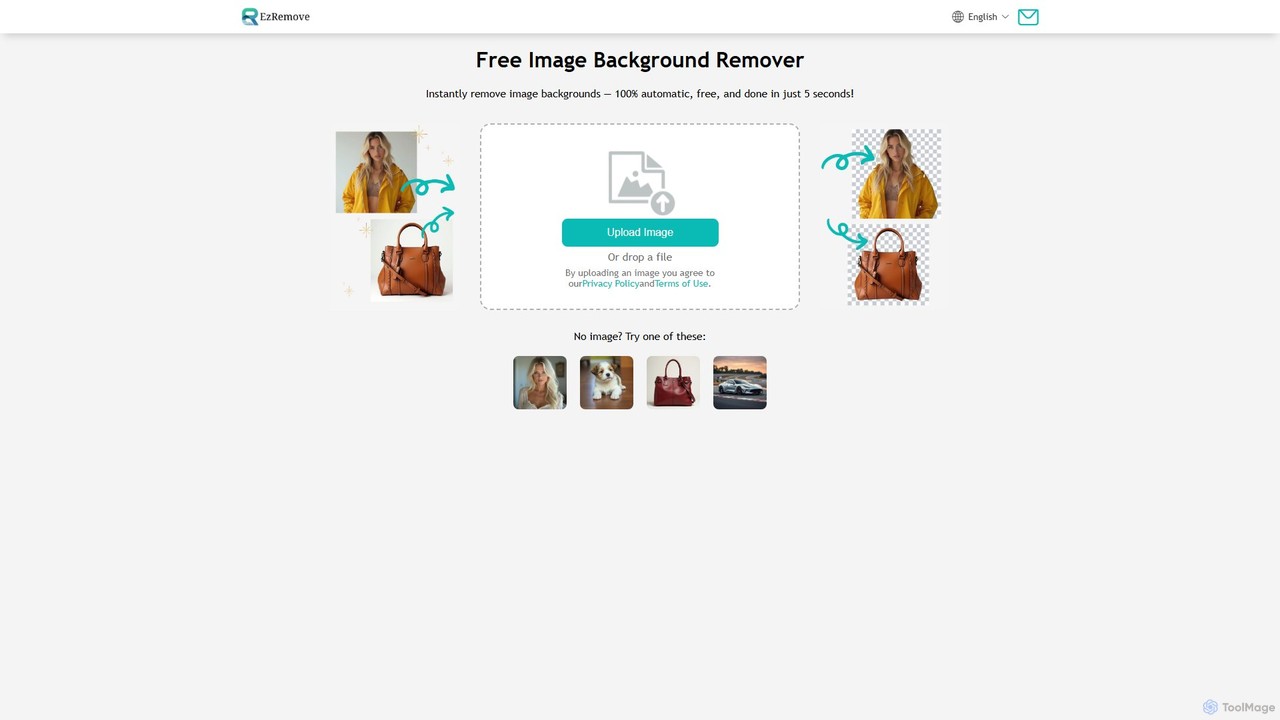
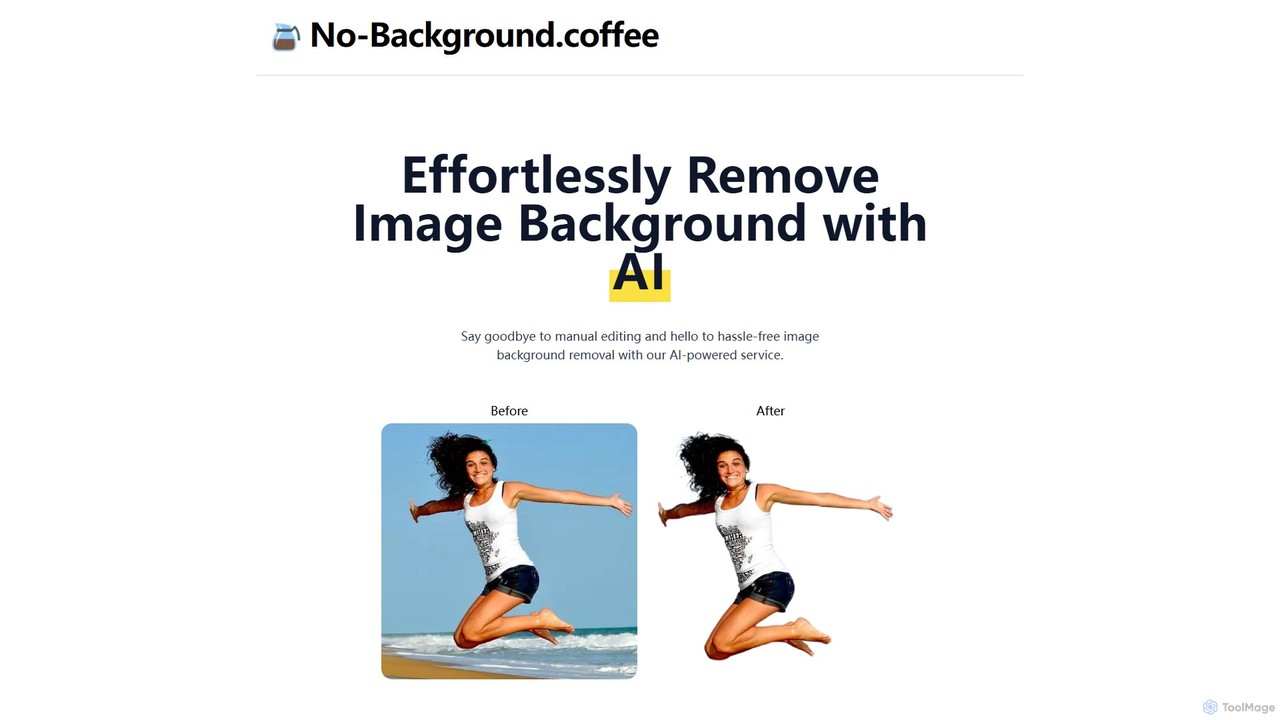
ezremove
Free

ezremove

ezremove ist ein kostenloser, KI-gestützter Bildhintergrund-Entferner, der automatisch in nur 5 Sekunden transparente Hintergründe erstellt. Ideal für E-Commerce, Grafikdesign und soziale Medien, unterstützt es die Stapelverarbeitung, grundlegende Bearbeitung und verschiedene Bildformate. Keine Software oder technischen Fähigkeiten erforderlich – laden Sie einfach Ihr Bild hoch und laden Sie sofort eine hochwertige, saubere PNG-Datei herunter.

Bildbearbeitung
Visits 4.3MFavorites 110Likes 113
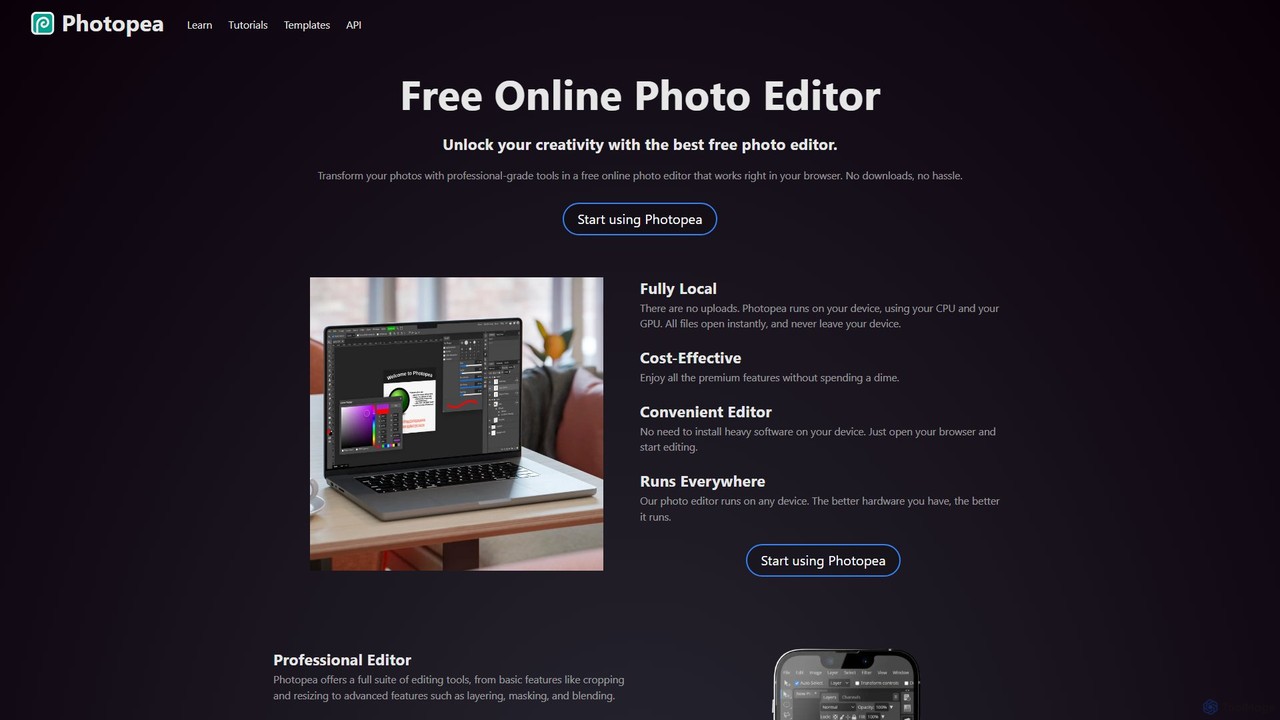
Photopea
Freemium

Photopea

Photopea ist ein leistungsstarker, kostenloser Online-Foto- und Grafikeditor, der direkt in Ihrem Browser läuft. Er unterstützt erweiterte Funktionen wie Ebenen, Masken und Smart-Objekte und ist mit Formaten wie PSD, AI und Sketch kompatibel. Es ist eine vielseitige Alternative zu teurer Desktop-Software, perfekt für Designer, Fotografen und Content-Ersteller.

Bildbearbeitung
Visits 18.3MFavorites 134Likes 139
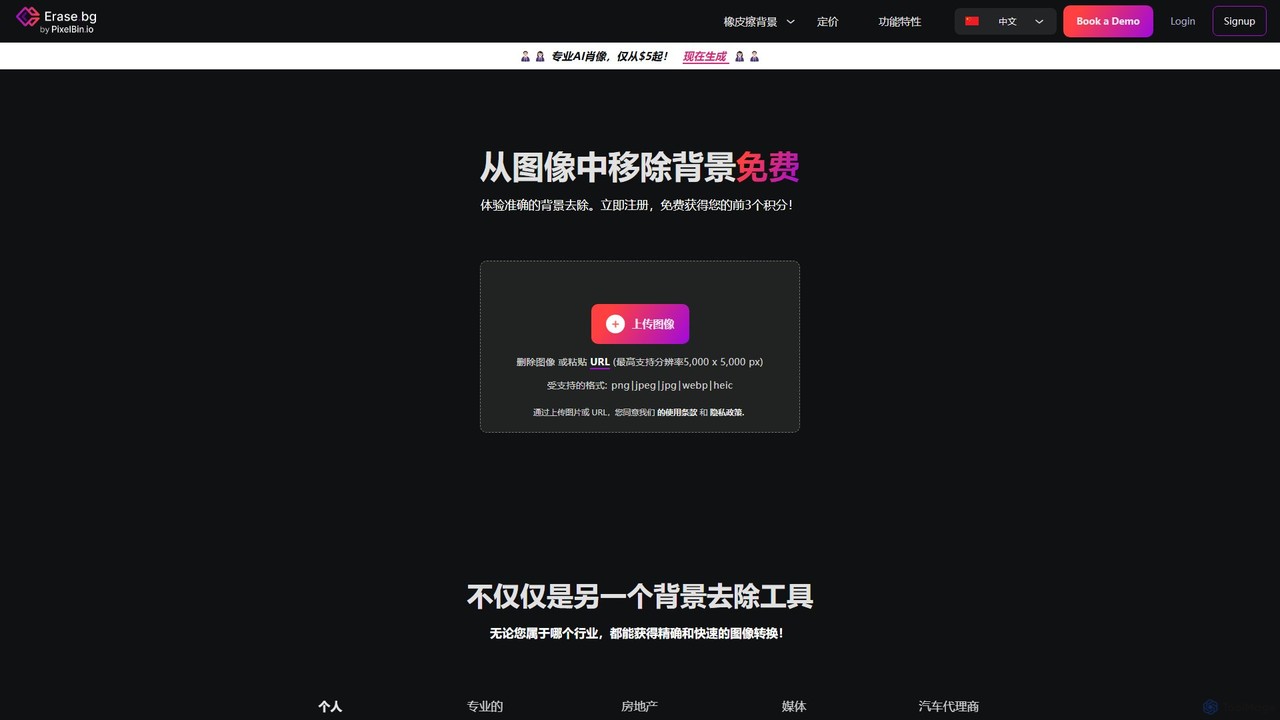
Erase.bg
Freemium

Erase.bg

Erase.bg ist ein KI-gestütztes Werkzeug, das automatisch Hintergründe von Bildern in Sekunden entfernt. Es ist für eine breite Palette von Nutzern konzipiert, von Einzelpersonen, die Social-Media-Inhalte erstellen, bis hin zu E-Commerce-Unternehmen, die saubere Produktfotos benötigen. Das Tool unterstützt verschiedene Formate, bietet hochauflösende Ausgaben und einfache Bearbeitungsoptionen zum Hinzufügen neuer Hintergründe. Es ist über Web- und mobile Apps zugänglich und bietet eine API für Entwickler.

Bearbeitung
Visits 834.1KFavorites 111Likes 105
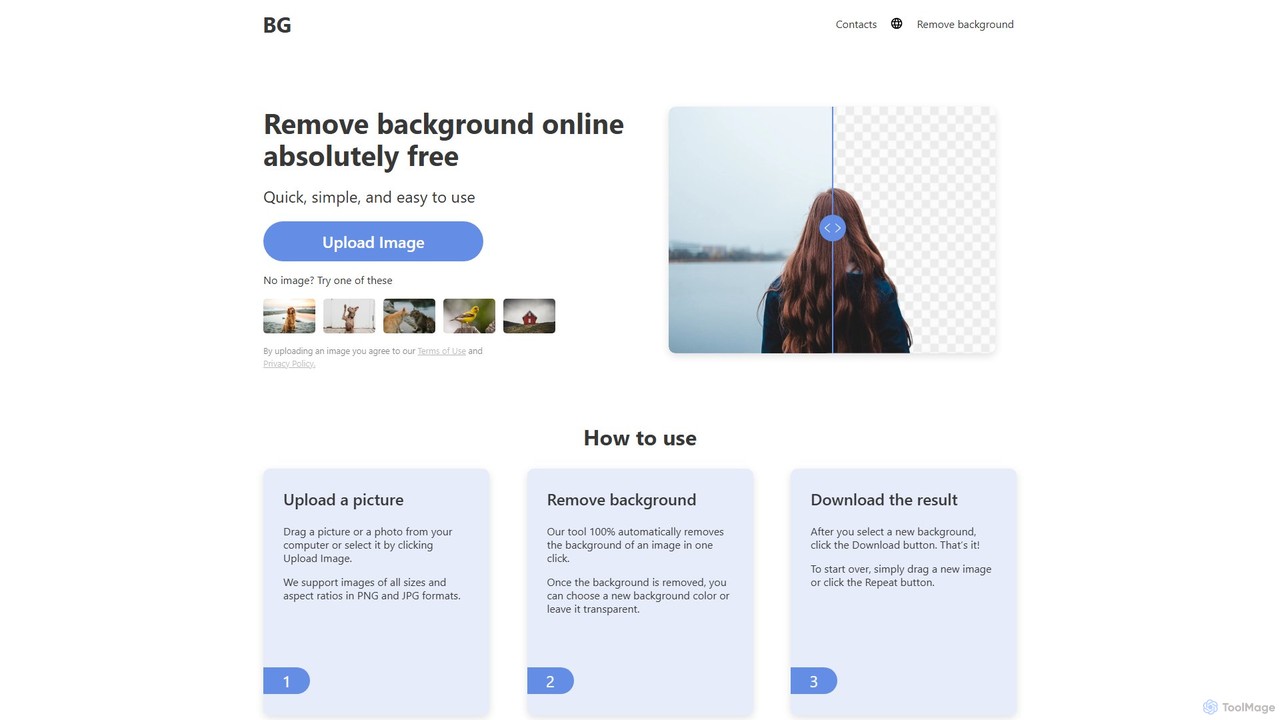
background_remover
Free

background_remover

background_remover ist ein kostenloses, KI-gestütztes Online-Tool, das mit nur einem Klick automatisch den Hintergrund von jedem Bild entfernt. Es ist keine Registrierung oder Software-Installation erforderlich. Laden Sie einfach Ihr JPG- oder PNG-Bild hoch, um sofort einen hochwertigen, transparenten Hintergrund zu erhalten. Ideal für E-Commerce, Grafikdesign und persönliche Projekte, unterstützt es hochauflösende Bilder und funktioniert auf jedem Gerät.

3D
Visits 19.1KFavorites 68Likes 74
Fotoai.ai
Freemium

Fotoai.ai

Fotoai.ai ist ein leistungsstarkes KI-gestütztes Werkzeug zur sofortigen, automatischen Hintergrundentfernung. Es ermöglicht Benutzern, transparente Hintergründe (PNGs) zu erstellen, neue Hintergründe hinzuzufügen und unerwünschte Objekte mit Textaufforderungen oder einem magischen Radierer zu entfernen. Entwickelt für E-Commerce, Marketing und Design, unterstützt es die Stapelverarbeitung zur Optimierung von Arbeitsabläufen. Es ist eine schnelle, kostenlose und benutzerfreundliche Lösung für professionelle Bildbearbeitung ohne technische Vorkenntnisse.

Produktfotos
Visits 4.1KFavorites 138Likes 148
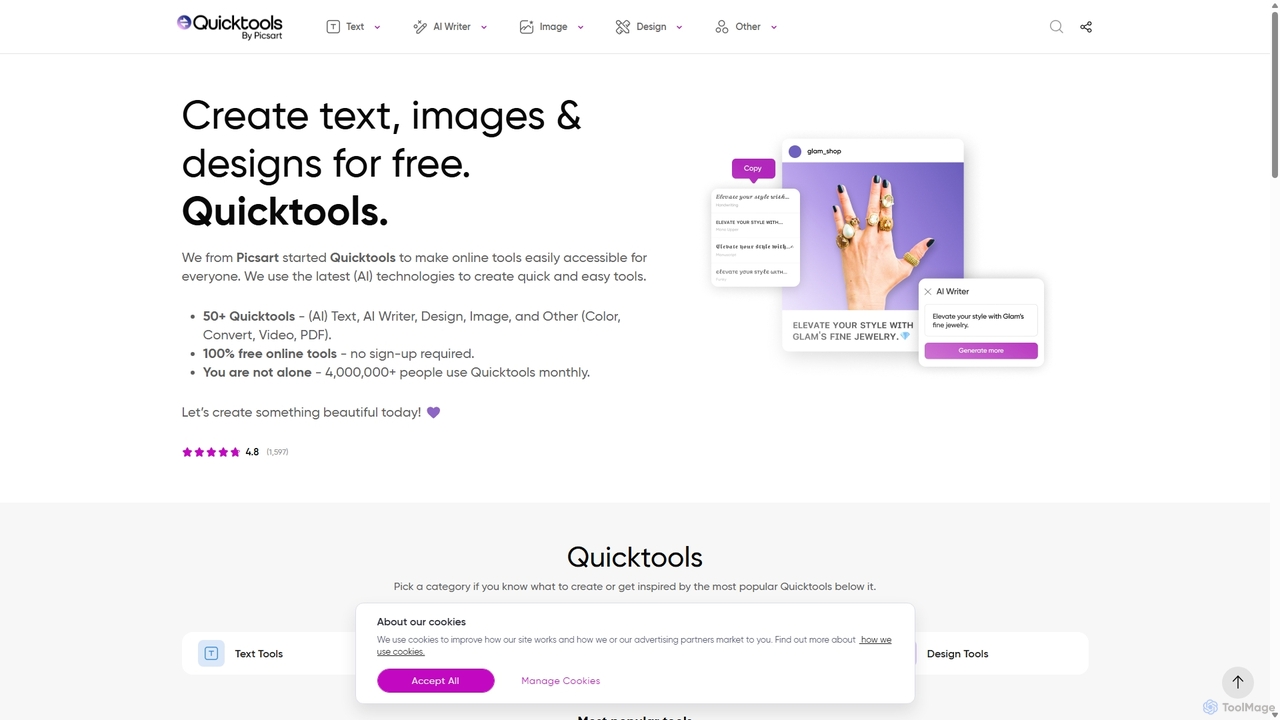
Quicktools by Picsart
Free

Quicktools by Picsart

Quicktools by Picsart ist eine umfassende Suite von über 50 kostenlosen, KI-gestützten Online-Tools für kreative Aufgaben. Es bietet eine breite Palette von Einzelzweck-Dienstprogrammen für Bildbearbeitung, Texterstellung, Design und Dateikonvertierung. Entwickelt für Geschwindigkeit und Einfachheit, ermöglicht es Benutzern, schnelle Bearbeitungen wie Hintergrundentfernung, Bildhochauflösung und Schriftartengenerierung ohne Anmeldung oder einen komplexen Editor durchzuführen.

Bildbearbeitung
Visits 4.2MFavorites 122Likes 130
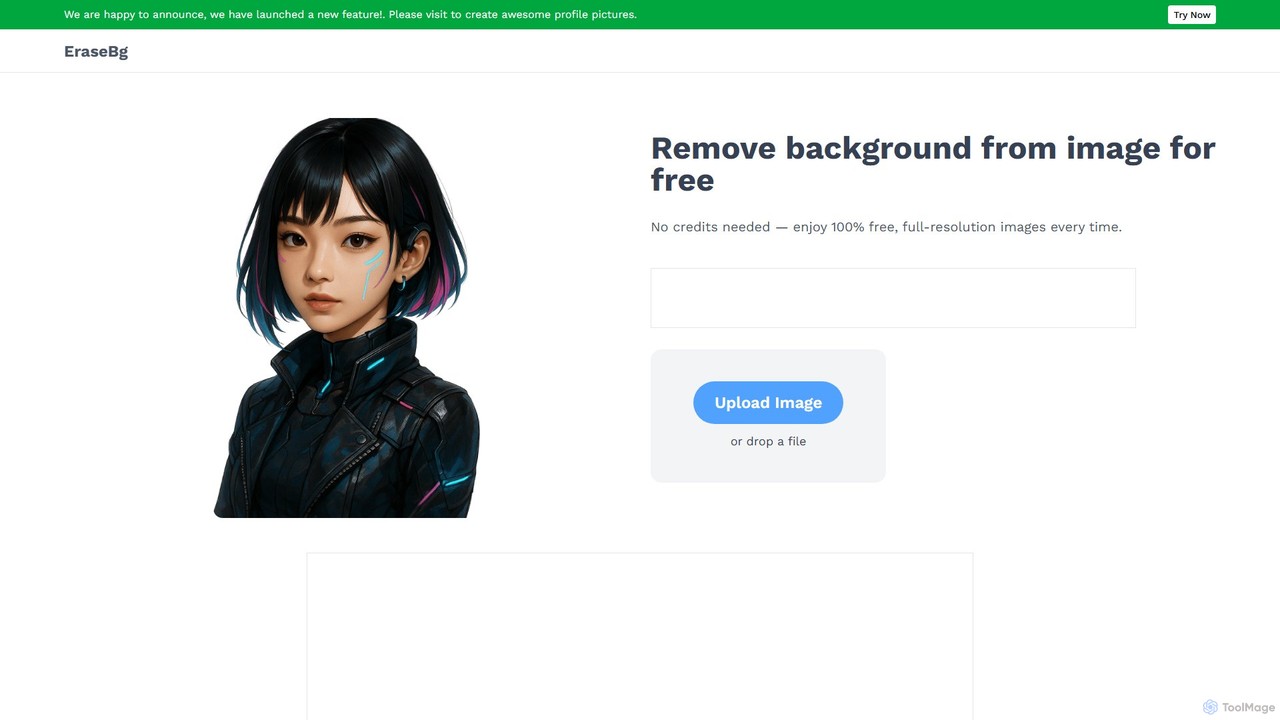
Erase BG
Free

Erase BG

Erase BG ist ein komplett kostenloses KI-gestütztes Werkzeug, das Hintergründe von Bildern sofort entfernt. Es erfordert keine Registrierung oder Credits und bietet unbegrenzte Downloads in hoher Auflösung (bis zu 4K). Laden Sie einfach Ihr Bild hoch, um in Sekunden ein sauberes, transparentes PNG oder ein JPEG mit weißem Hintergrund zu erhalten. Es verfügt auch über einen kreativen GIF-Maker für personalisierte Animationen.

Bildbearbeitung
Visits 43.2KFavorites 147Likes 154
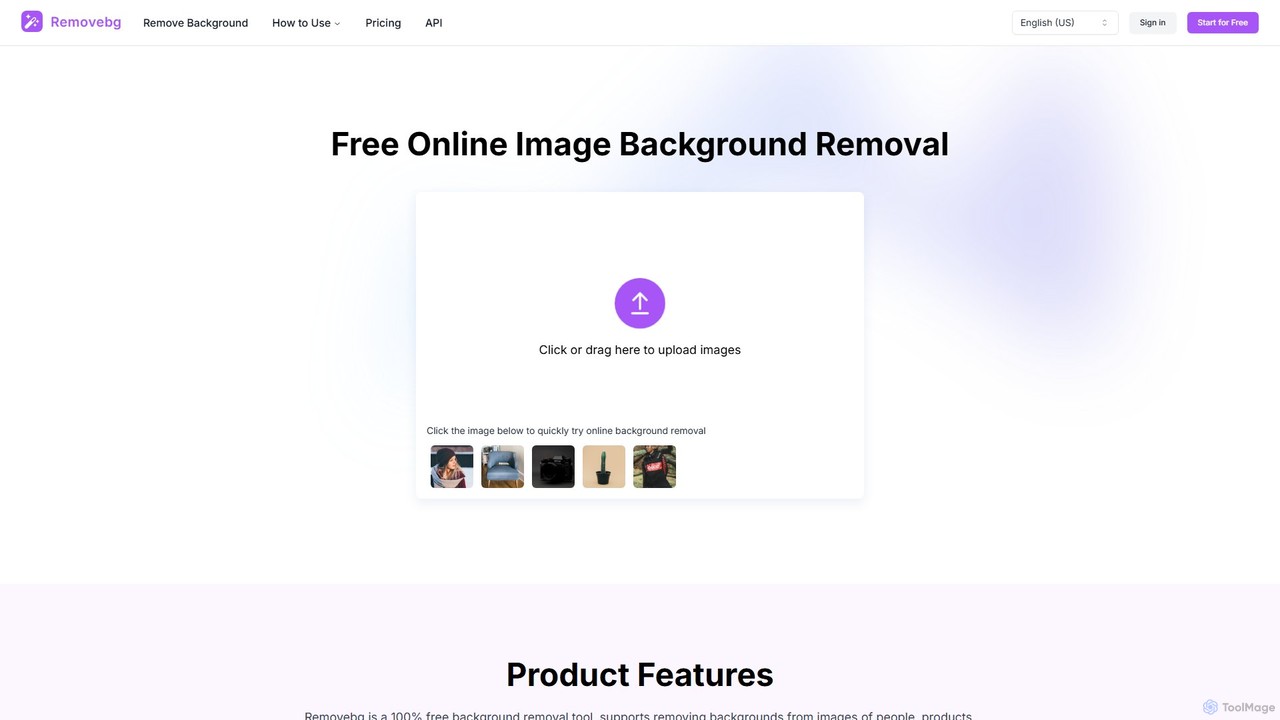
removebg.one
Freemium

removebg.one

removebg.one ist ein kostenloses, KI-gestütztes Online-Tool zur sofortigen Entfernung von Bildhintergründen. Es unterstützt verschiedene Motive wie Personen, Produkte, Tiere, Autos und Logos. Ideal für E-Commerce, Grafikdesign und Social Media, bietet es hochauflösende Downloads und eine optionale API für Entwickler. Für die Web-Nutzung ist keine Registrierung erforderlich, was eine schnelle und effiziente Lösung für saubere, professionelle Freisteller bietet.

Bildbearbeitung
Visits 9.2KFavorites 110Likes 109
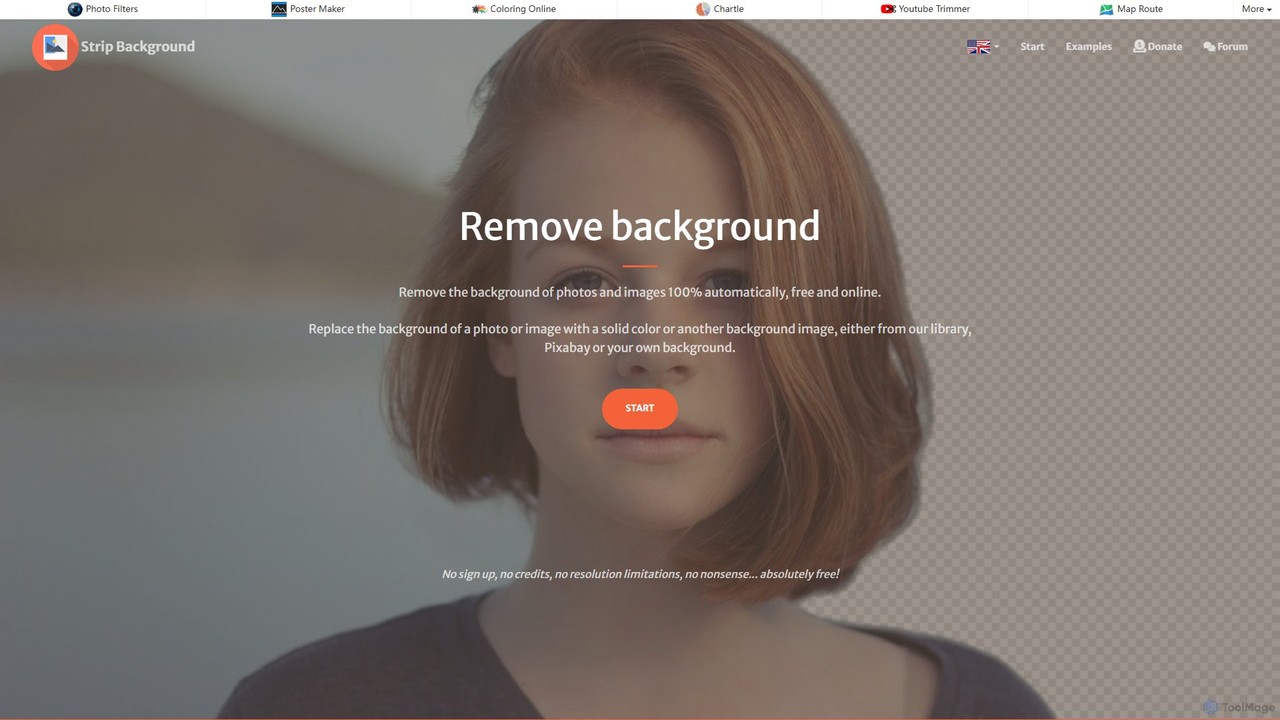
stripbackground
Free

stripbackground

Ein kostenloses, KI-gestütztes Online-Tool zum sofortigen Entfernen von Hintergründen aus Fotos. Unterstützt verschiedene Bildformate und ermöglicht das Ersetzen des Hintergrunds durch eine Volltonfarbe oder ein neues Bild. Ideal für E-Commerce, Grafikdesign und den persönlichen Gebrauch, mit Fokus auf Datenschutz und Benutzerfreundlichkeit.

Bildbearbeitung
Visits 8KFavorites 98Likes 108
remove-bg.ai
Free

remove-bg.ai

Ein kostenloses, KI-gestütztes Werkzeug, das automatisch Hintergründe von Bildern in Sekunden entfernt. Laden Sie ein beliebiges Foto hoch, um einen hochwertigen, transparenten Hintergrund zu erhalten. Zu den Funktionen gehören manuelle Bearbeitungswerkzeuge, die Anpassung des Hintergrunds mit Farben und Vorlagen sowie die Unterstützung aller gängigen Bildformate. Ideal für E-Commerce, Marketing und den persönlichen Gebrauch ohne Account.

Bildbearbeitung
Visits 4.3KFavorites 137Likes 135
Background Removal AI
Freemium

Background Removal AI

Ein KI-gestütztes Werkzeug, das Hintergründe aus jedem Bild sofort, automatisch und kostenlos entfernt. Ideal für E-Commerce, Grafikdesign, Marketing und den persönlichen Gebrauch, bietet es hochpräzise Ergebnisse, Stapelverarbeitung und eine API-Integration für optimierte Arbeitsabläufe. Erhalten Sie in Sekunden saubere, professionelle Bilder mit transparentem Hintergrund.

Bildbearbeitung
Visits 4.1KFavorites 130Likes 129
no_background
Free

no_background

Ein kostenloses, KI-gestütztes Web-Tool, das mühelos Hintergründe von Bildern in Sekunden entfernt. Basierend auf dem MODNet Deep-Learning-Modell bietet es eine schnelle, einfache und datenschutzorientierte Lösung zur Erstellung transparenter Hintergründe ohne manuelle Bearbeitung.

Bildbearbeitung
Visits 4.1KFavorites 122Likes 113
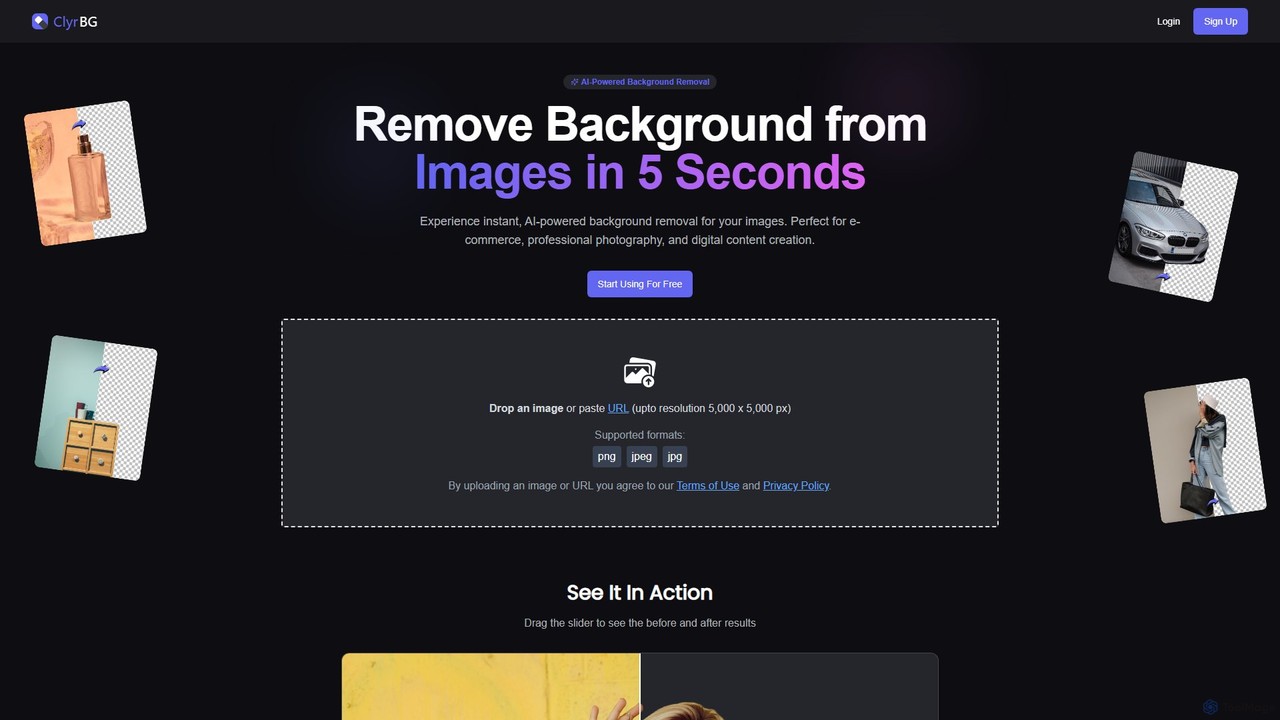
clyrbg
Freemium

clyrbg

ClyrBG ist ein KI-gestütztes Tool, das Hintergründe von Bildern in nur 5 Sekunden automatisch entfernt. Es wurde für E-Commerce, Fotografen, Vermarkter und Designer entwickelt und bietet hochpräzise Ausschnitte, Stapelverarbeitung und eine API zur Integration. Laden Sie einfach ein Bild hoch, um sofort einen transparenten Hintergrund zu erhalten, ohne dass technische Kenntnisse erforderlich sind.

Bildbearbeitung
Visits 4KFavorites 120Likes 124
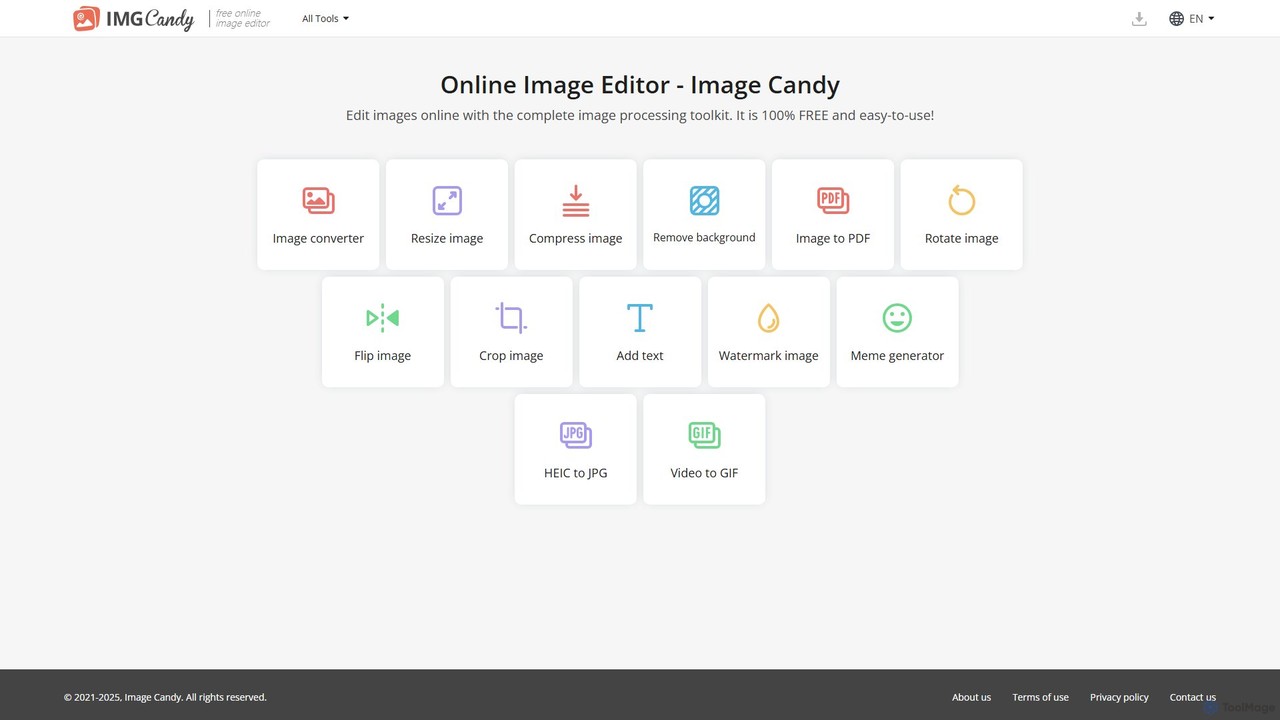
Image Candy
Free

Image Candy

Image Candy ist ein umfassendes und 100% kostenloses Online-Bildbearbeitungs-Toolkit. Es bietet eine breite Palette an benutzerfreundlichen Werkzeugen zum Konvertieren, Ändern der Größe, Komprimieren, Entfernen von Hintergründen und für verschiedene andere Bildmodifikationen direkt in Ihrem Browser, ohne dass eine Softwareinstallation erforderlich ist.

Grafik
Visits 180.5KFavorites 143Likes 138
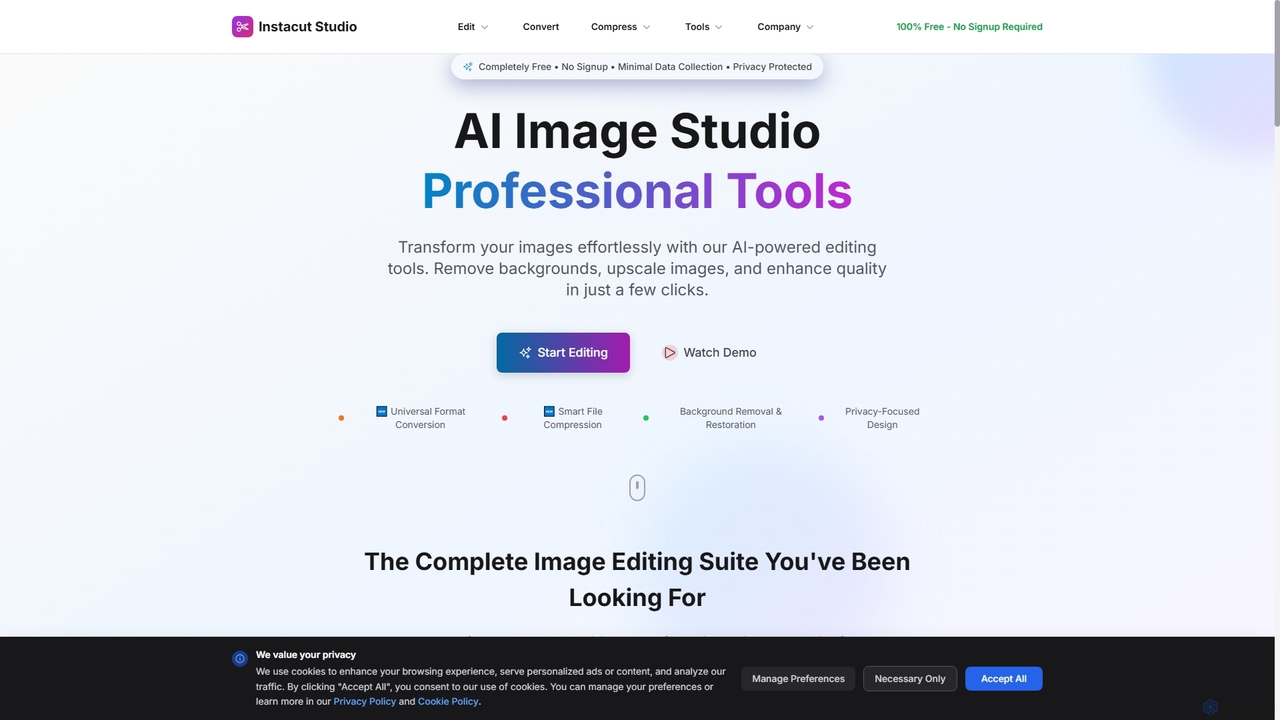
Instacut
Free

Instacut

Instacut ist eine umfassende, datenschutzorientierte Suite von KI-gestützten Bildbearbeitungswerkzeugen, die kostenlos online verfügbar ist. Es erfordert keine Anmeldung und bietet Funktionen wie Hintergrundentfernung, Bild-Upscaling, Fotowiederherstellung, Formatkonvertierung und Dateikomprimierung, wobei sichergestellt wird, dass Benutzerdaten niemals gespeichert werden.

Grafik
Visits 7.9KFavorites 91Likes 92