ToolMage
Anmelden
ScreenStory
Tutorials · 9.4K monatliche besuche

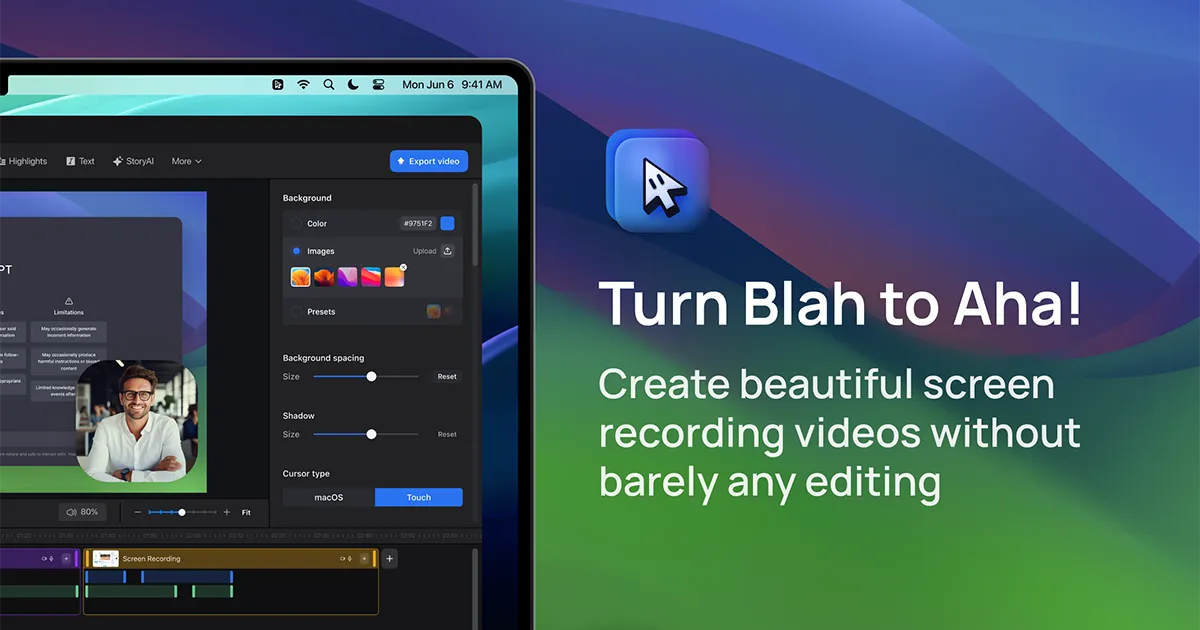
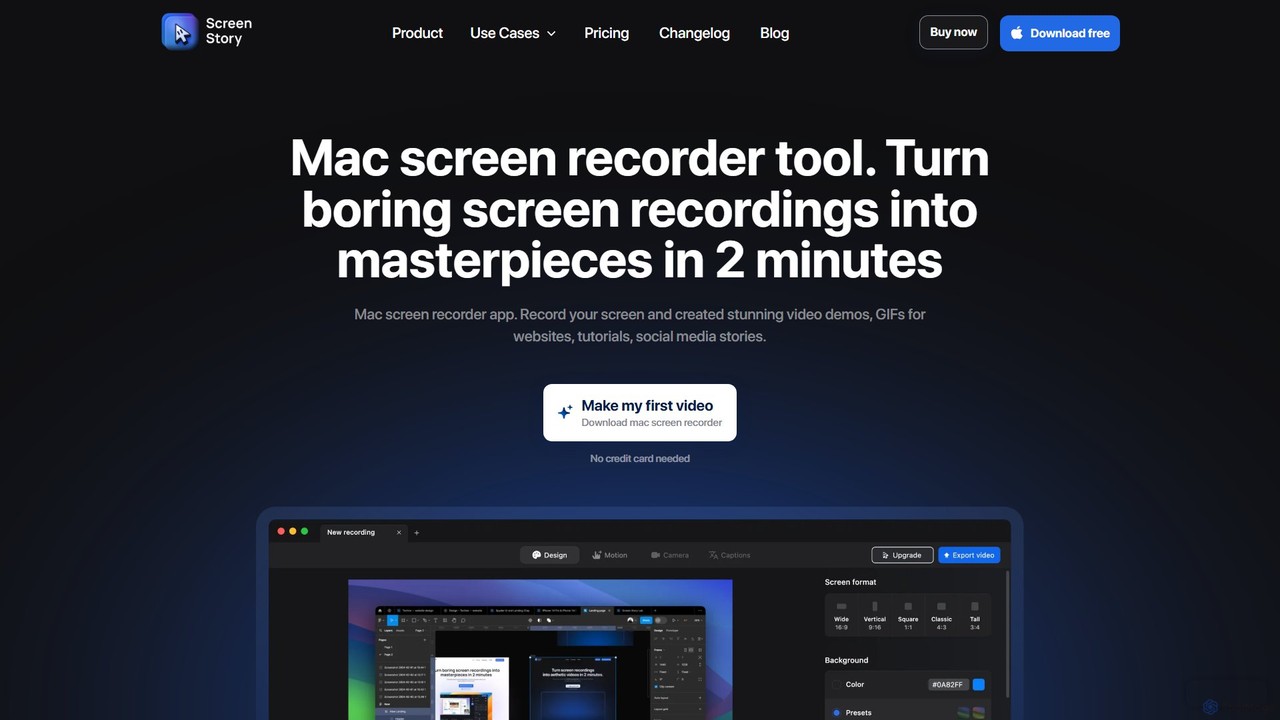
ScreenStory ist eine intelligente Bildschirmaufnahme-App für macOS, die Standard-Bildschirmaufnahmen automatisch in ausgefeilte, professionell aussehende Videos umwandelt. Sie fügt dynamische Zooms, sanfte Cursor-Bewegungen und Bewegungsunschärfe ohne manuelle Bearbeitung hinzu. Ideal für die Erstellung ansprechender Produktdemos, Tutorials und Marketinginhalte, vereinfacht es die Videoproduktion für Benutzer aller Erfahrungsstufen.

VS
TechSmith
E-Learning · 871.3K monatliche besuche

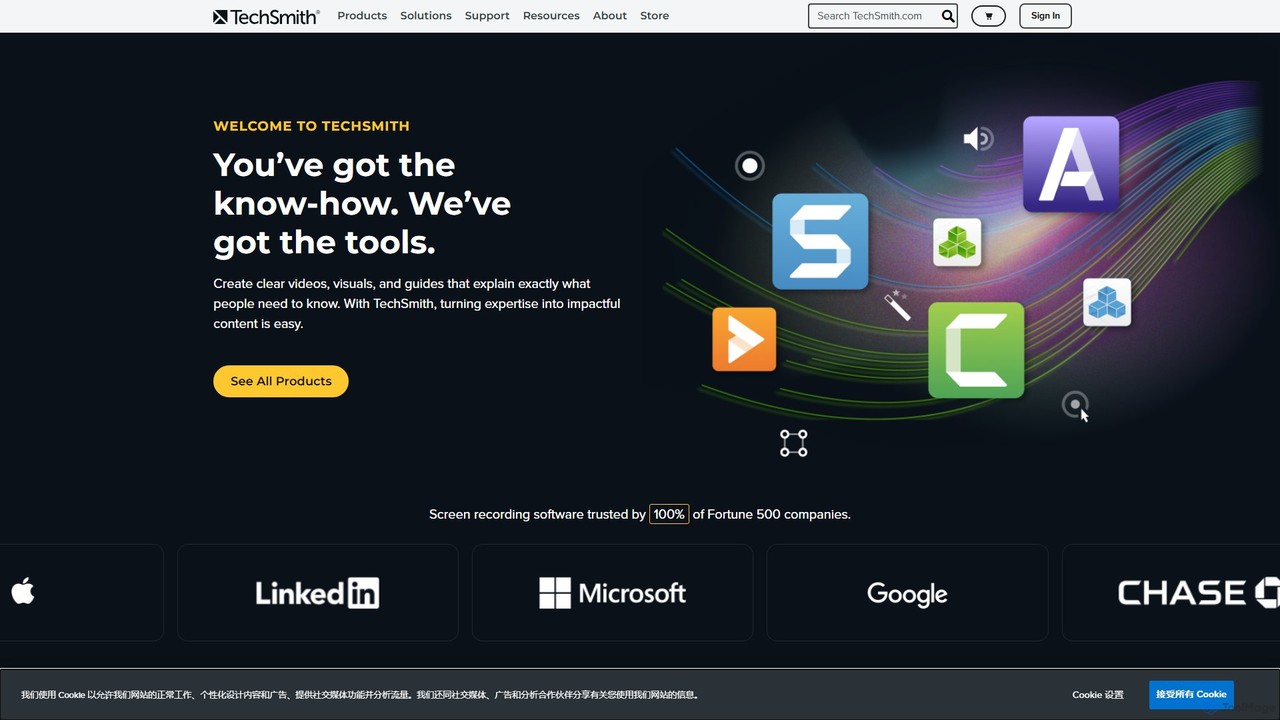
TechSmith bietet eine leistungsstarke Suite von Tools, einschließlich Snagit und Camtasia, für professionelle Bildschirmaufnahmen und Videoproduktion. Mithilfe von KI-gestützten Funktionen können Benutzer mühelos hochwertige Tutorials, Schulungsvideos und Präsentationen aufnehmen, bearbeiten und teilen. Es vereinfacht komplexe Kommunikation, indem es Fachwissen in klare, ansprechende visuelle Inhalte umwandelt, denen Fachleute und Fortune-500-Unternehmen weltweit vertrauen.

ScreenStory vs TechSmith: Preise, Funktionen und Traffic

Vergleiche ScreenStory und TechSmith nach Positionierung, Preis, Funktionen, Traffic und Nutzerfeedback.

Aktualisiert 10.08.2026

Produktübersicht

ScreenStory Produktübersicht

ScreenStory ist eine intelligente Bildschirmaufnahme-App für macOS, die Standard-Bildschirmaufnahmen automatisch in ausgefeilte, professionell aussehende Videos umwandelt. Sie fügt dynamische Zooms, sanfte Cursor-Bewegungen und Bewegungsunschärfe ohne manuelle Bearbeitung hinzu. Ideal für die Erstellung ansprechender Produktdemos, Tutorials und Marketinginhalte, vereinfacht es die Videoproduktion für Benutzer aller Erfahrungsstufen.
Preview

TechSmith Produktübersicht

TechSmith bietet eine leistungsstarke Suite von Tools, einschließlich Snagit und Camtasia, für professionelle Bildschirmaufnahmen und Videoproduktion. Mithilfe von KI-gestützten Funktionen können Benutzer mühelos hochwertige Tutorials, Schulungsvideos und Präsentationen aufnehmen, bearbeiten und teilen. Es vereinfacht komplexe Kommunikation, indem es Fachwissen in klare, ansprechende visuelle Inhalte umwandelt, denen Fachleute und Fortune-500-Unternehmen weltweit vertrauen.

Preview

Detailed feature comparison

FeatureScreenStoryTechSmith
HauptkategorieTutorialsE-Learning
Hinzugefügt2025-08-142025-08-07
PreismodellFreemiumKostenpflichtig
Offizielle Websitewww.screenstory.iowww.techsmith.com
ProdukttypAppApp
Performance data
NutzerbewertungNicht verifiziertNicht verifiziert
Kommentare00
Monatliche Besuche9.4K871.3K
Monatliches Wachstum-9.3%-10.8%
Favoriten10184
DetailsDetails ansehenDetails ansehen

ScreenStory vs TechSmith monthly traffic

Compare ScreenStory and TechSmith by monthly reach, traffic trend, visit depth, top regions, and acquisition sources.

How to interpret the traffic data

In the ScreenStory vs TechSmith monthly traffic comparison, ScreenStory currently shows 9.4K visits and TechSmith shows 871.3K; TechSmith has about 93.2 times the visible traffic of ScreenStory, an absolute difference of about 862K visits. This reflects visible reach, not feature quality or paid users.

Both tools provide verified traffic details, so monthly trends, visit depth, regions, and acquisition sources can be compared on the same basis.

ScreenStory monthly traffic:

Latest traffic

Monatliche Besuche
9.4K
Ø Besuchsdauer
0:08
Seiten pro Besuch
1.6
Absprungrate
41.07%
Data updated 2026-06-11

Monthly traffic trend

  • 2025/9: 26.4K Monatliche Besuche
  • 2026/1: 26.9K Monatliche Besuche
  • 2026/2: 16.3K Monatliche Besuche
  • 2026/3: 14.7K Monatliche Besuche
  • 2026/4: 10.3K Monatliche Besuche
  • 2026/5: 9.4K Monatliche Besuche

Top-Regionen

Top 5 countries/regions
Country/regionPercentageTraffic
🇺🇸United States49.67%4.6K
🇩🇪Germany18.09%1.7K
🇮🇳India12.91%1.2K
🇧🇷Brazil10.38%971
🇬🇧United Kingdom8.95%837

Suchbegriffe

convert .screenstudio to mp4hotkey zoom in group obsobs magnifyobs studio zoom outthe aspect ratio of the video you tried to upload was too large. twitter

TechSmith monthly traffic:

Latest traffic

Monatliche Besuche
871.3K
Ø Besuchsdauer
1:54
Seiten pro Besuch
3.42
Absprungrate
40.89%
Data updated 2026-06-15

Monthly traffic trend

  • 2025/9: 1.1M Monatliche Besuche
  • 2026/1: 1.2M Monatliche Besuche
  • 2026/2: 1M Monatliche Besuche
  • 2026/3: 1.1M Monatliche Besuche
  • 2026/4: 977.4K Monatliche Besuche
  • 2026/5: 871.3K Monatliche Besuche

Top-Regionen

Top 5 countries/regions
Country/regionPercentageTraffic
🇺🇸United States77.37%674.2K
🇮🇳India12.05%105K
🇨🇦Canada3.86%33.6K
🇩🇪Germany3.47%30.2K
🇬🇧United Kingdom3.25%28.3K

Traffic-Quellen

Source typePercentageTraffic
Direkt79.69%694.4K
Verweis13.55%118.1K
E-Mail6.76%58.9K

Suchbegriffe

camtasialoomsnagitsnagit downloadtechsmith
Traffic-based selection guidance: If public market visibility is an important first-pass criterion, investigate TechSmith first. The final choice should still follow taxonomy, use case, and a real trial because higher traffic does not prove broader capabilities or better workflow fit.

Usage comparison

Compare the core capabilities of ScreenStory and TechSmith

ScreenStory Core features

Inhaltserstellung
Bildschirmaufnahme
Tutorials
Präsentationen

TechSmith Core features

Inhaltserstellung
Bildschirmaufnahme
E-Learning
Schulung

Use cases

ScreenStory Use cases

Bildschirmrekorder
Tutorial-Ersteller
Video-Editor
animiertes GIF
automatischer Zoom
Inhaltserstellung
macOS
Marketingvideo
Produktdemo
Videoerstellung

TechSmith Use cases

Bildschirmrekorder
Tutorial-Ersteller
Video-Editor
KI-Videobearbeitung
Hintergrundentfernung
Camtasia
Unternehmenstraining
E-Learning
Screenshot
Snagit
technische Dokumentation

ScreenStory vs TechSmith:In-depth comparison and selection guidance

First decide whether the products solve the same kind of need

This in-depth ScreenStory vs TechSmith comparison uses only the product records, taxonomy, audience, traffic, and community signals available on this page. ScreenStory is primarily listed under “Tutorials”, while TechSmith is primarily listed under “E-Learning”, so the first decision is whether your actual task matches their recorded scope.

The structured fields currently show these decision-relevant differences: Primary category (ScreenStory: Tutorials; TechSmith: E-Learning); Pricing (ScreenStory: Freemium; TechSmith: Paid); Monthly visits (ScreenStory: 9.4K; TechSmith: 871.3K); Monthly growth (ScreenStory: -9.3%; TechSmith: -10.8%); Favorites (ScreenStory: 101; TechSmith: 84). These facts are more useful for selection than brand visibility alone.

What market visibility and monthly traffic mean

In the ScreenStory vs TechSmith monthly traffic comparison, ScreenStory currently shows 9.4K visits and TechSmith shows 871.3K; TechSmith has about 93.2 times the visible traffic of ScreenStory, an absolute difference of about 862K visits. This reflects visible reach, not feature quality or paid users.

Both tools provide verified traffic details, so monthly trends, visit depth, regions, and acquisition sources can be compared on the same basis.

If public market visibility is an important first-pass criterion, investigate TechSmith first. The final choice should still follow taxonomy, use case, and a real trial because higher traffic does not prove broader capabilities or better workflow fit.

Product positioning, use cases, and roles

ScreenStory and TechSmith currently overlap in shared categories: Inhaltserstellung und Bildschirmaufnahme; shared tags: Bildschirmrekorder, Tutorial-Ersteller und Video-Editor. This can place both on the same shortlist, but it does not prove equal implementation, depth, or cost.

ScreenStory's unique categories/tags are Tutorials, Präsentationen, animiertes GIF, automatischer Zoom, Inhaltserstellung, macOS, Marketingvideo und Produktdemo; TechSmith's are E-Learning, Schulung, KI-Videobearbeitung, Hintergrundentfernung, Camtasia, Unternehmenstraining, Screenshot und Snagit. These unique fields are the strongest differentiators: validate the product whose recorded scope matches the task instead of following traffic alone.

What ratings, comments, and favorites can tell you

ScreenStory has no verified rating, 0 comments, 101 favorites, and 118 likes;TechSmith has no verified rating, 0 comments, 84 favorites, and 89 likes。

Neither product has enough rating or comment samples for a credible reputation ranking.

Selection guidance by actual need

When to evaluate ScreenStory first

Put ScreenStory on the priority trial list when the task aligns with “Tutorials” and especially Tutorials, Präsentationen, animiertes GIF, automatischer Zoom, Inhaltserstellung und macOS. This follows recorded positioning and does not imply unlisted capabilities are absent.

ScreenStory also currently records: pricing is freemium, product type is app, 9.4K verified monthly visits, no verified user rating. Verify any hard requirement around price, platform, or reach before trial, and do not let sparse review data substitute for testing.

When to evaluate TechSmith first

Put TechSmith on the priority trial list when the task aligns with “E-Learning” and especially E-Learning, Schulung, KI-Videobearbeitung, Hintergrundentfernung, Camtasia und Unternehmenstraining. This follows recorded positioning and does not imply unlisted capabilities are absent.

TechSmith also currently records: pricing is paid, product type is app, 871.3K verified monthly visits, no verified user rating. Verify any hard requirement around price, platform, or reach before trial, and do not let sparse review data substitute for testing.

How to validate the recommendation before deciding

The available data describes positioning, public visibility, and community signals, but it cannot prove output quality, speed, integration effort, privacy, or long-term cost in your workflow. Before deciding, run the same representative tasks in ScreenStory and TechSmith, then record completion time, accuracy, manual corrections, and the real paid threshold. A like-for-like trial turns this comparison into a defensible adoption decision.

Vergleichs-FAQ

How should I choose between ScreenStory and TechSmith?
Compare positioning, pricing, taxonomy, and traffic maturity, then verify the latest details on each official website.
Where does this comparison data come from?
The factual baseline is derived from product, taxonomy, traffic, and community data. Reviewed editorial conclusions show their source and verification date.
What do unknown fields mean?
Unknown means there is not enough reliable evidence; the page does not fill gaps with assumptions.

Related AI tools

FocuSee
Freemium

FocuSee

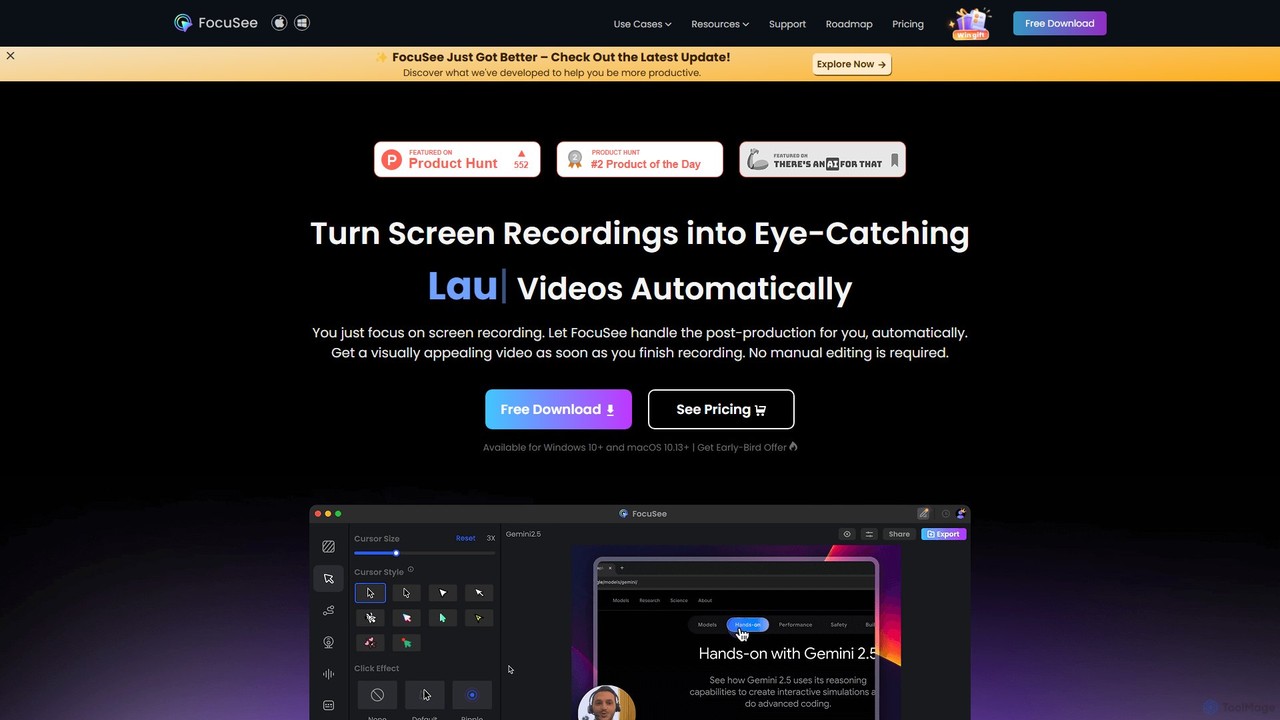
FocuSee ist eine KI-gestützte Bildschirmaufnahme- und Videobearbeitungssoftware, die entwickelt wurde, um mühelos professionell aussehende Videos zu erstellen. Ihr herausragendes Merkmal ist der automatische Zoom- und Schwenkeffekt, der intelligent Ihren Mausbewegungen folgt, um wichtige Aktionen hervorzuheben. Dies macht es ideal für die Erstellung ansprechender Produktdemos, Tutorials und Präsentationen ohne komplexe manuelle Bearbeitung und vereinfacht den gesamten Videoerstellungsprozess.

E-Learning
Visits 111.6KFavorites 90Likes 83
Tella
Freemium

Tella

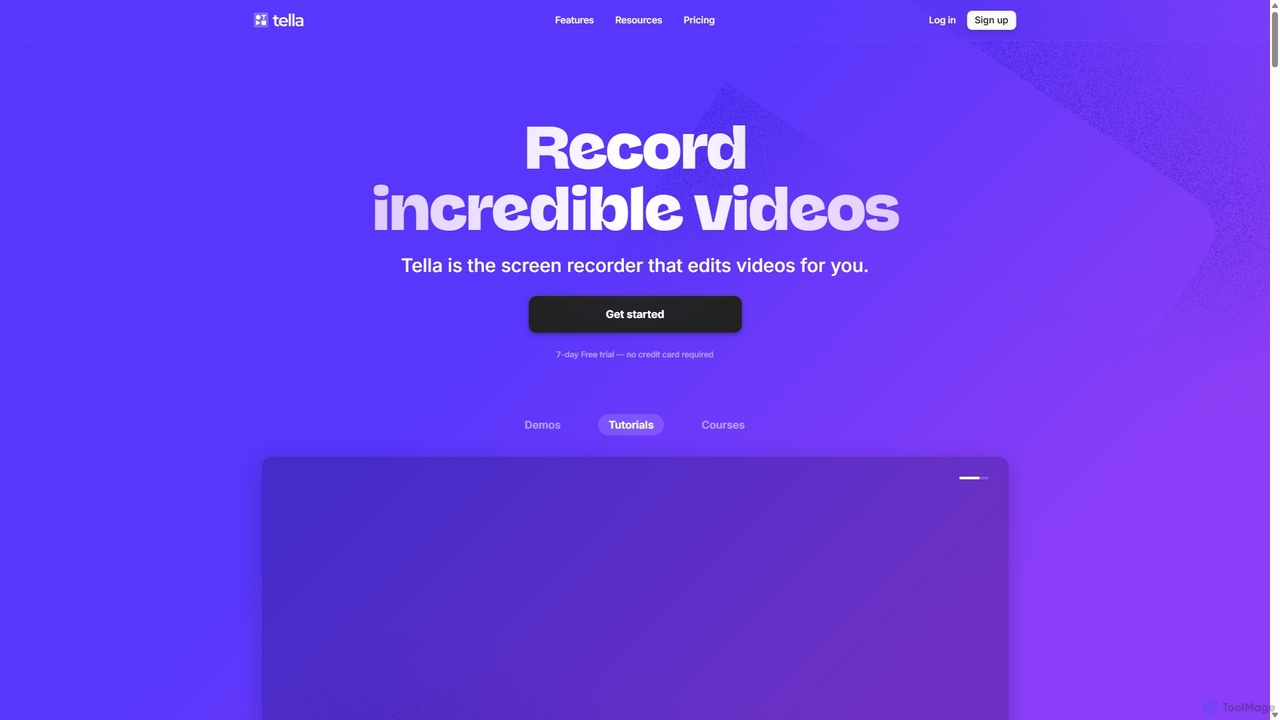
Tella ist ein KI-gestützter Bildschirmrekorder und Videoeditor für Mac und Windows, der für Unternehmer und Kreative entwickelt wurde. Er vereinfacht die Videoproduktion durch die Aufnahme in überschaubaren Clips und den Einsatz von KI zur automatischen Entfernung von Füllwörtern und Pausen. Mit Funktionen wie anpassbaren Hintergründen, dynamischen Zooms und 4K-Exporten hilft Tella den Nutzern, professionell aussehende Demos, Tutorials und Kurse in Minuten statt Stunden zu erstellen, ohne dass dafür Videobearbeitungskenntnisse erforderlich sind.

Kurserstellung
Visits 316.9KFavorites 141Likes 146
Tight Studio
Freemium

Tight Studio

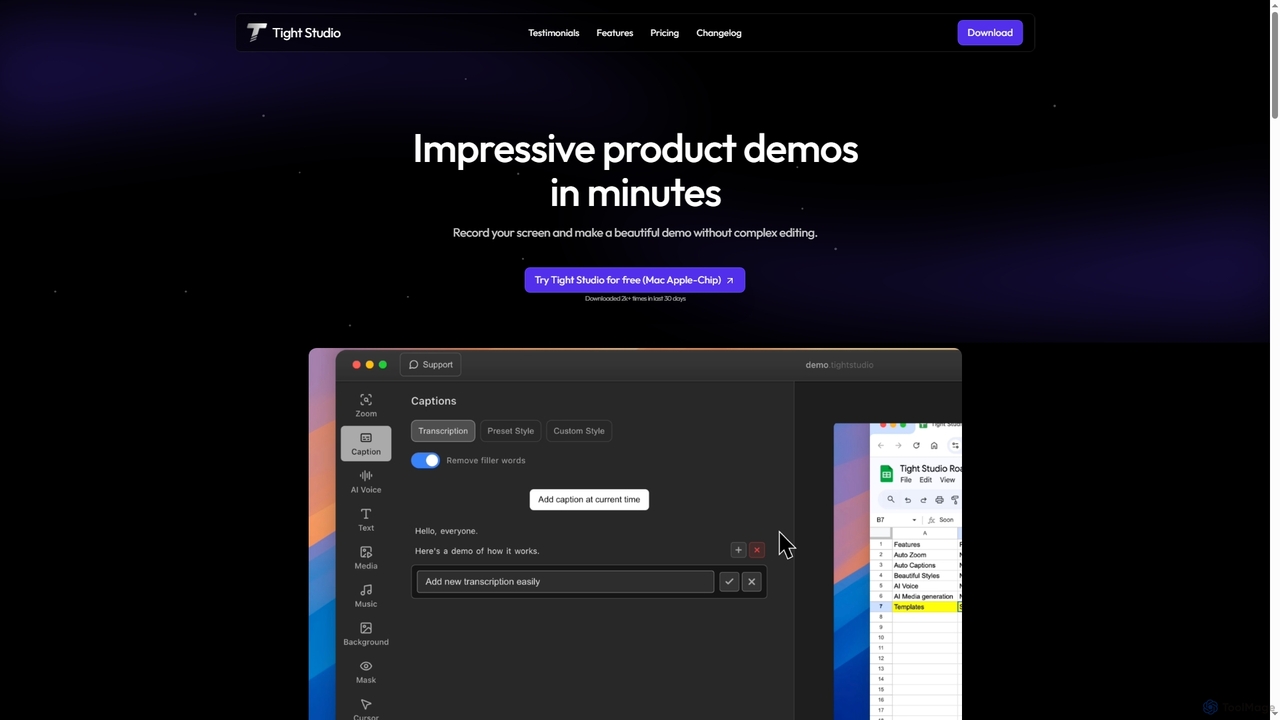
Tight Studio ist eine KI-gestützte Bildschirmaufnahme- und Videobearbeitungsanwendung für Mac, die entwickelt wurde, um professionelle Produktdemos und Tutorials in Minuten zu erstellen. Es verfügt über intelligenten Zoom, automatische Untertitel, KI-Narration und einen intuitiven Editor, der es Benutzern ohne Bearbeitungsfähigkeiten ermöglicht, mühelos hochwertige und ansprechende Videos zu produzieren.

Tutorials
Visits 4.1KFavorites 98Likes 87
Tella
Freemium

Tella

Tella ist ein KI-gestützter Bildschirmrekorder und Video-Editor für Mac & Windows, der die Videoerstellung vereinfacht. Er entfernt automatisch Pausen und Füllwörter, bietet eine transkriptbasierte Bearbeitung und professionelle Anpassungsoptionen wie Hintergründe, Layouts und Zooms. Ideal für die Erstellung von Tutorials, Produktdemos und Online-Kursen in Minuten, nicht Stunden.

E-Learning
Visits 384.8KFavorites 127Likes 115
DreamCut
Freemium

DreamCut

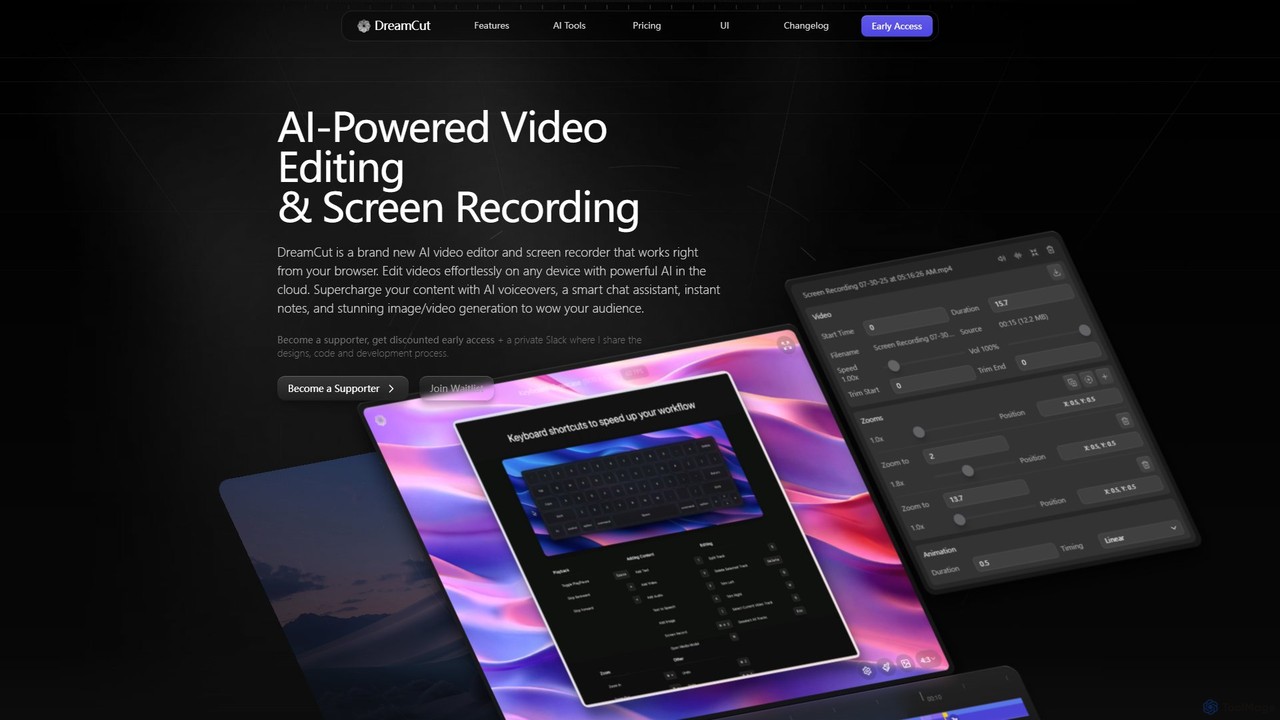
DreamCut ist ein All-in-One, KI-gestützter Video-Editor und Bildschirmrekorder, der direkt in Ihrem Browser funktioniert. Er kombiniert einen Multi-Track-Editor, hochwertige Bildschirmaufnahmen, KI-Stimmgenerierung, einen KI-Chat-Assistenten und Bild-/Videoerstellung in einer einzigen, cloud-basierten Plattform, die es Benutzern ermöglicht, mühelos professionelle Inhalte auf jedem Gerät zu erstellen.

Text zu Sprache
Visits 25.1KFavorites 125Likes 131
Kite
Freemium

Kite

Kite ist ein leistungsstarker Bildschirmrekorder für Mac, mit dem Sie in wenigen Minuten beeindruckende, professionelle Produktdemo-Videos erstellen können. Er kombiniert Bildschirmaufnahmen mit KI-gestützten Funktionen wie automatischem Zoom, 3D-Animationen, KI-Voiceover und einer Musikbibliothek, um Ihre Videos so poliert wie eine Apple-Werbung aussehen zu lassen.

Sprachsynthese
Visits 32.2KFavorites 101Likes 107
Canvid
Freemium

Canvid

Canvid ist ein KI-gestützter Bildschirmrekorder für Windows und Mac, der entwickelt wurde, um mühelos professionell aussehende Demos zu erstellen. Er verfolgt automatisch Klicks, wendet intelligente Zooms an und verbessert mit KI die Audioqualität durch Entfernen von Hintergrundgeräuschen. Mit Funktionen wie Webcam-Hintergrundersetzung und Sofort-Untertiteln vereinfacht Canvid die Videoproduktion und ist eine leistungsstarke Alternative zu Tools wie Loom.

Inhaltserstellung
Visits 41.7KFavorites 114Likes 120
Filmora
Freemium

Filmora

Filmora ist ein KI-gestützter Video-Editor, der den Erstellungsprozess für Anfänger und Profis vereinfacht. Er bietet eine umfangreiche Suite von KI-Tools, einschließlich intelligenter Clip-Erstellung, Text-zu-Video und fortschrittlicher Audioverbesserung, kombiniert mit einer benutzerfreundlichen Oberfläche und einer riesigen Bibliothek von Effekten und Ressourcen, um die Videobearbeitung schneller und kreativer zu gestalten.

Soziale Medien
Visits 635.1KFavorites 129Likes 124
BeeCut
Freemium

BeeCut

BeeCut ist eine intuitive und funktionsreiche Videobearbeitungssoftware für Benutzer aller Erfahrungsstufen. Es vereinfacht die Videoerstellung mit einer sauberen Benutzeroberfläche, einer umfangreichen Asset-Bibliothek und leistungsstarken KI-Funktionen wie automatischer Untertitelung und Text-to-Speech, was es ideal für Vlogs, Tutorials, Social-Media-Inhalte und mehr macht.
Soziale Medien
Visits 29.1KFavorites 125Likes 112
LOVO
Freemium

LOVO

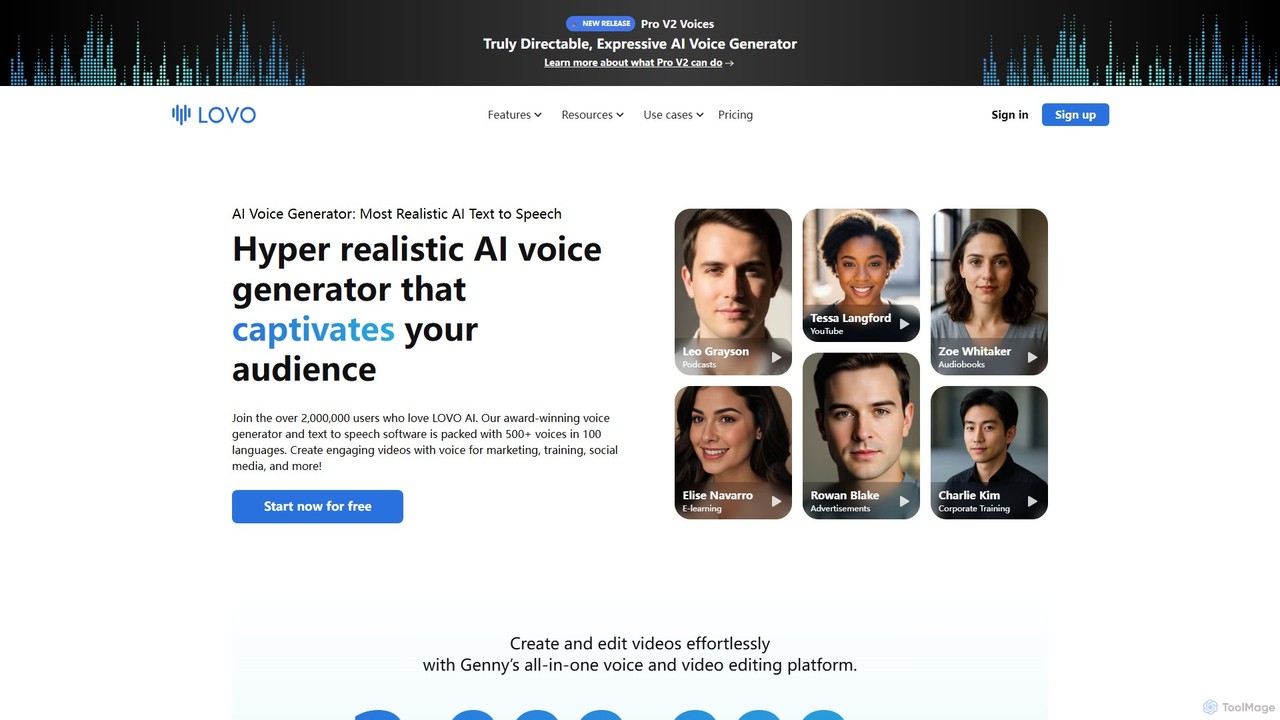
LOVO ist ein preisgekrönter KI-Stimmgenerator und eine Text-to-Speech-Plattform mit über 500 hyperrealistischen Stimmen in mehr als 100 Sprachen. Sein All-in-One-Tool, Genny, kombiniert Stimmgenerierung mit einem leistungsstarken Online-Video-Editor, einem KI-Writer und einem Kunstgenerator, sodass Benutzer effizient ansprechende Inhalte für Marketing, Schulungen und soziale Medien erstellen können.

Text zu Sprache
Visits 471.7KFavorites 109Likes 107
Clixie
Freemium

Clixie

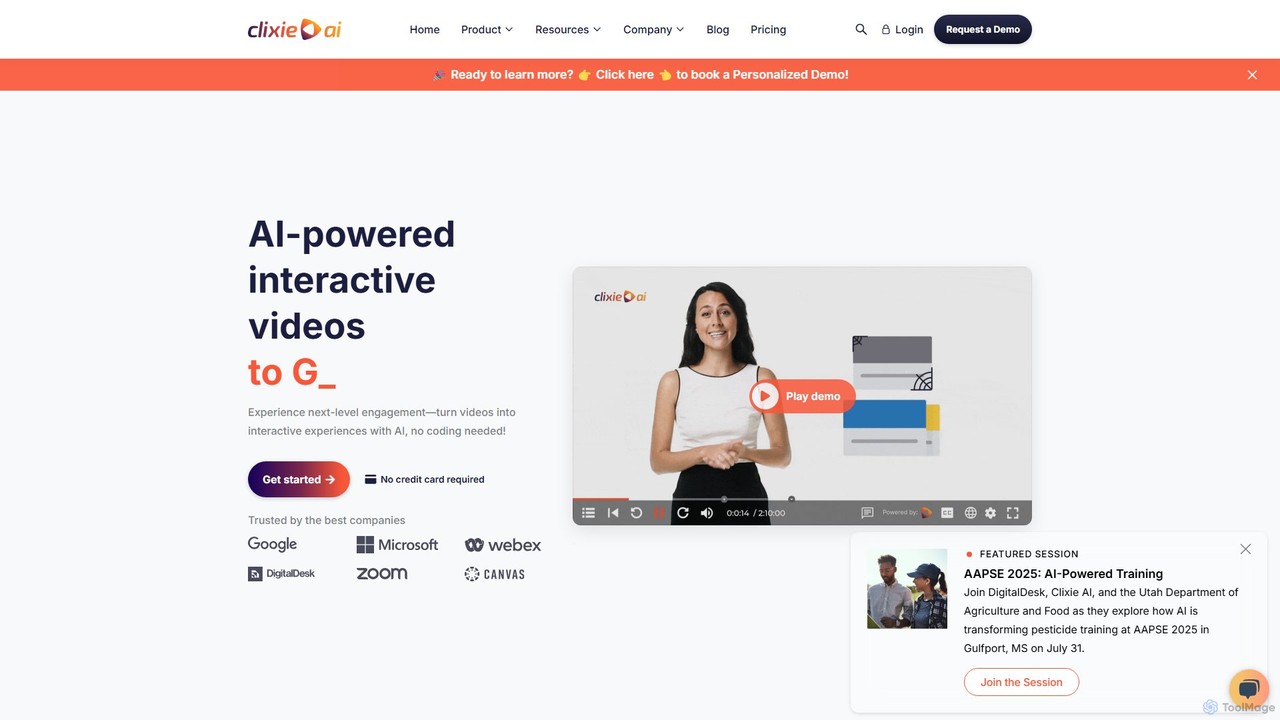
Clixie ist eine KI-gestützte Plattform, die Standardvideos in fesselnde, interaktive Erlebnisse verwandelt. Sie ermöglicht es Benutzern, Elemente wie Quizze, Hotspots und Verzweigungslogik ohne jegliche Programmierung hinzuzufügen. Ideal für Unternehmensschulungen, E-Learning und Marketing, steigert Clixie das Engagement der Zuschauer, liefert tiefgehende Analysen und unterstützt die Lokalisierung von Inhalten in über 40 Sprachen.

E-Learning
Visits 16.2KFavorites 87Likes 88
Synthesia
Freemium

Synthesia

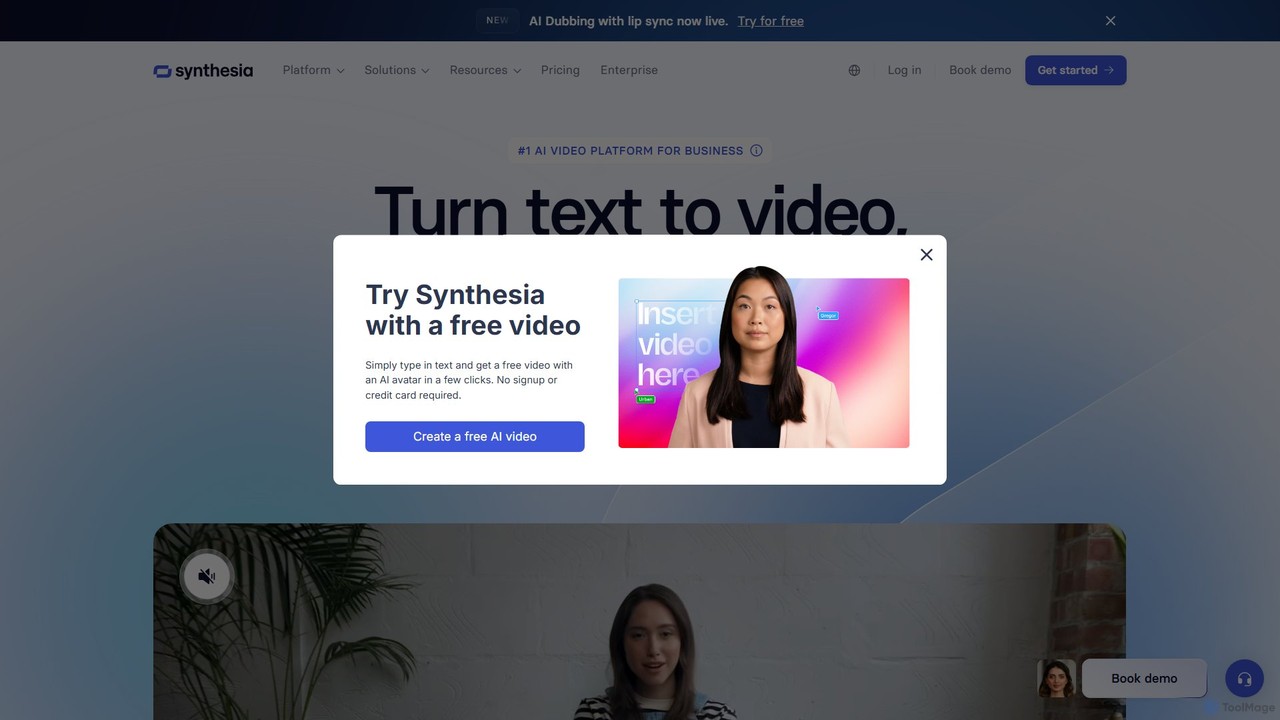
Synthesia ist eine führende KI-Videogenerierungsplattform, die es Benutzern ermöglicht, professionelle Videos mit realistischen KI-Avataren und Voice-overs in über 140 Sprachen zu erstellen. Sie eliminiert die Notwendigkeit von Kameras, Mikrofonen und Studios und macht die Videoproduktion skalierbar, erschwinglich und schnell. Ideal für Unternehmensschulungen, Marketing und Vertriebskommunikation.

E-Learning
Visits 1.9MFavorites 141Likes 127
Animoto
Freemium

Animoto

Animoto ist ein intuitiver Online-Video-Maker, mit dem Benutzer mühelos Videos in professioneller Qualität erstellen können. Über eine Drag-and-Drop-Oberfläche können Sie Fotos, Videoclips und Bildschirmaufnahmen kombinieren. Es bietet eine riesige Bibliothek mit Vorlagen, lizenzierter Musik und Stock-Medien von Getty Images und ist somit ideal für Marketing, Geschäftskommunikation und persönliche Projekte, ohne dass Vorkenntnisse in der Bearbeitung erforderlich sind.

Unternehmenskommunikation
Visits 353.8KFavorites 141Likes 136
VEED.IO
Freemium

VEED.IO

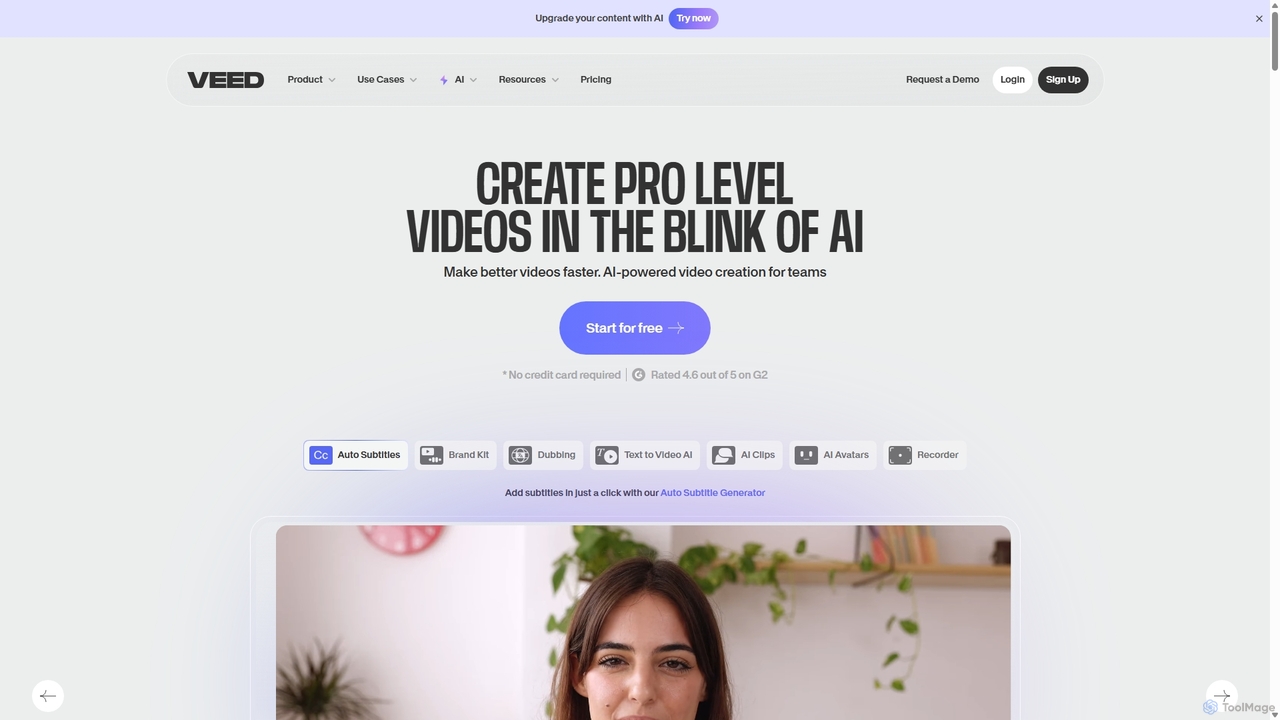
VEED.IO ist ein leistungsstarker, KI-gesteuerter Online-Video-Editor für Teams und Kreative. Er vereinfacht die professionelle Videoproduktion mit einer Reihe intuitiver Werkzeuge, darunter automatische Untertitel, Text-zu-Video, KI-Avatare und kollaborative Arbeitsbereiche. Erstellen, bearbeiten und teilen Sie hochwertige Videos direkt in Ihrem Browser, ohne komplexe Software.

Soziale Medien
Visits 9.8MFavorites 119Likes 128
Clipchamp
Freemium

Clipchamp

Clipchamp ist ein benutzerfreundlicher, KI-gestützter Online-Videoeditor von Microsoft. Er ermöglicht es jedem, von Anfängern bis zu Profis, beeindruckende Videos mit Funktionen wie KI-gesteuerter Text-zu-Sprache-Umwandlung, automatischen Untertiteln und intelligenten Bearbeitungswerkzeugen zu erstellen. Verfügbar im Browser, für Windows und iOS, ist es eine All-in-One-Lösung für Content-Ersteller, Unternehmen und Pädagogen.

Text zu Sprache
Visits 7.2MFavorites 114Likes 107