

ToolMage
Anmelden
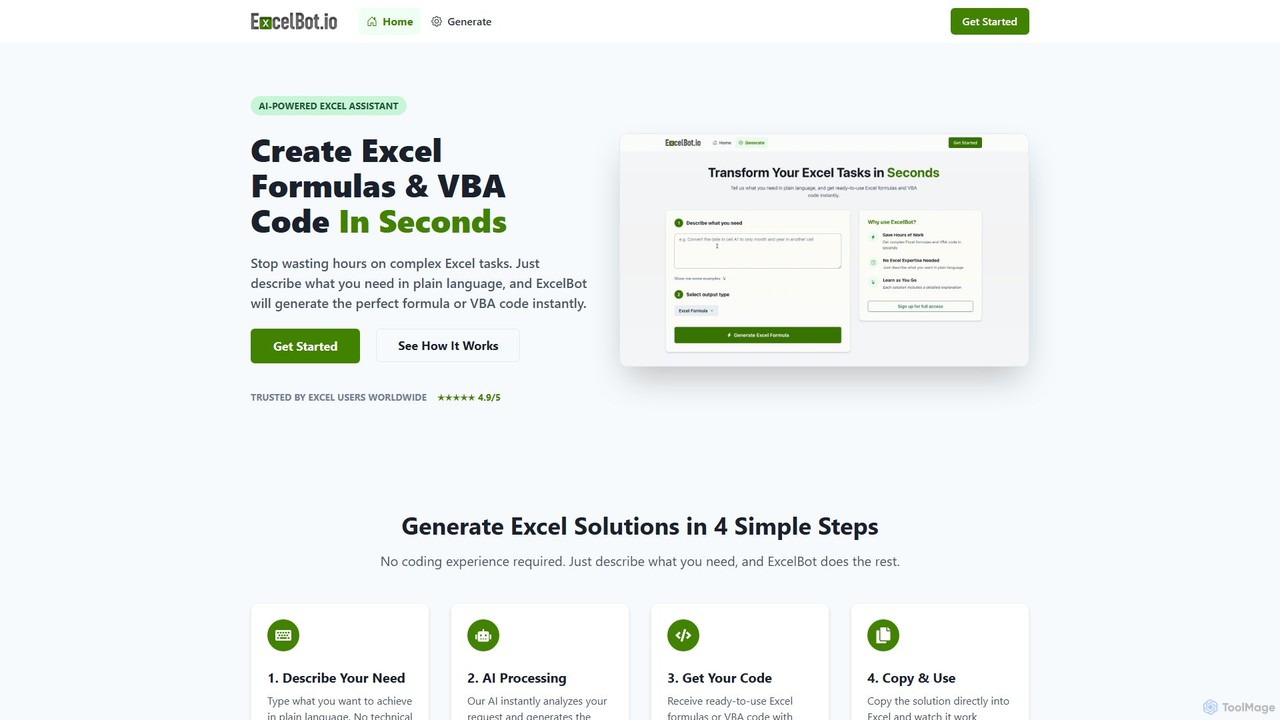
ExcelBot
Datenautomatisierung · 491 monatliche besuche

ExcelBot ist ein KI-gestützter Assistent, der aus einfachen englischen Beschreibungen sofort komplexe Excel-Formeln und VBA-Code generiert. Er wurde für Benutzer aller Kenntnisstufen entwickelt, von Anfängern bis zu Datenanalysten, spart Stunden manueller Arbeit, steigert die Produktivität und hilft Benutzern durch detaillierte Erklärungen für jede Lösung beim Lernen. Beschreiben Sie einfach Ihre Aufgabe, und ExcelBot liefert den sofort einsatzbereiten Code in Sekunden.

VS
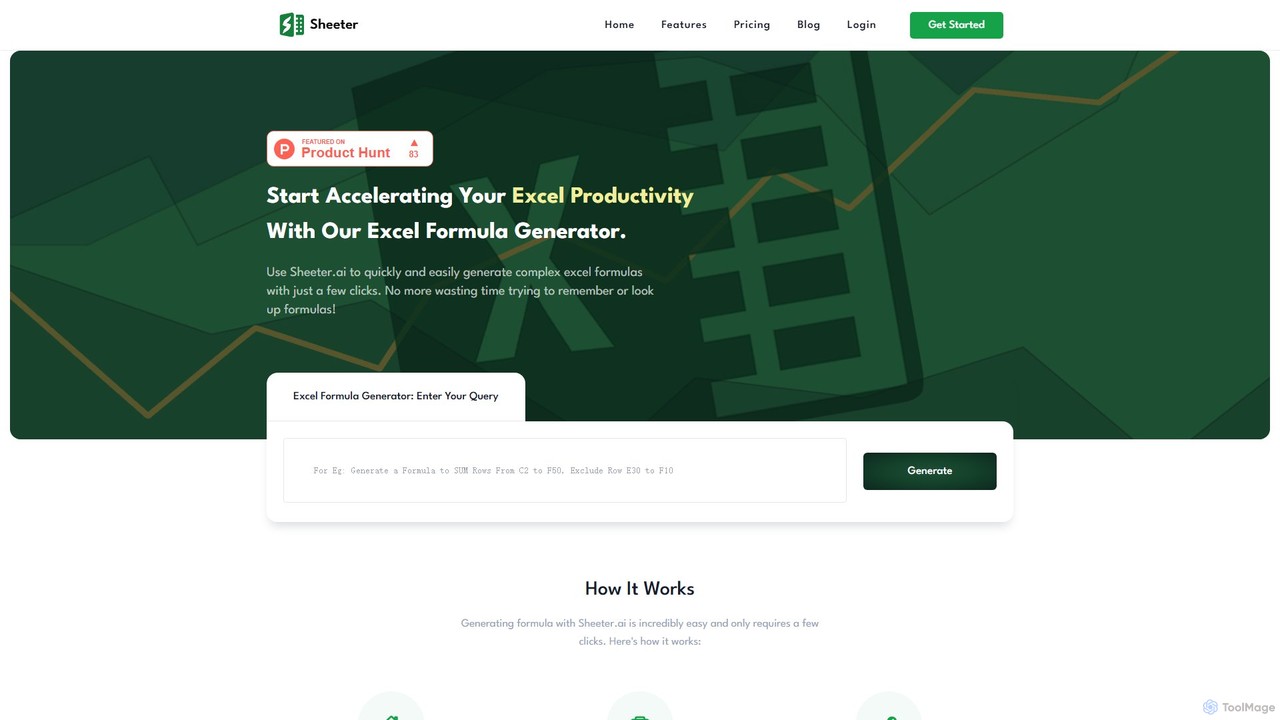
sheeter
Datenanalyse · 10.5K monatliche besuche

Sheeter ist ein KI-gestütztes Werkzeug, das komplexe Formeln für Excel und Google Sheets aus einfachen englischen Beschreibungen generiert. Es erstellt auch VBA-Skripte, Google Apps Scripts und Regex, was die Produktivität in Tabellenkalkulationen erheblich steigert und Benutzern Zeit spart, indem das Auswendiglernen oder Nachschlagen von Formeln entfällt.

ExcelBot vs sheeter: Preise, Funktionen und Traffic

Vergleiche ExcelBot und sheeter nach Positionierung, Preis, Funktionen, Traffic und Nutzerfeedback.

Aktualisiert 05.08.2026

Produktübersicht

ExcelBot Produktübersicht

ExcelBot ist ein KI-gestützter Assistent, der aus einfachen englischen Beschreibungen sofort komplexe Excel-Formeln und VBA-Code generiert. Er wurde für Benutzer aller Kenntnisstufen entwickelt, von Anfängern bis zu Datenanalysten, spart Stunden manueller Arbeit, steigert die Produktivität und hilft Benutzern durch detaillierte Erklärungen für jede Lösung beim Lernen. Beschreiben Sie einfach Ihre Aufgabe, und ExcelBot liefert den sofort einsatzbereiten Code in Sekunden.
Preview

sheeter Produktübersicht

Sheeter ist ein KI-gestütztes Werkzeug, das komplexe Formeln für Excel und Google Sheets aus einfachen englischen Beschreibungen generiert. Es erstellt auch VBA-Skripte, Google Apps Scripts und Regex, was die Produktivität in Tabellenkalkulationen erheblich steigert und Benutzern Zeit spart, indem das Auswendiglernen oder Nachschlagen von Formeln entfällt.

Preview

Detailed feature comparison

FeatureExcelBotsheeter
HauptkategorieDatenautomatisierungDatenanalyse
Hinzugefügt2025-08-092025-08-01
PreismodellKostenpflichtigKostenpflichtig
Offizielle Websiteexcelbot.iosheeter.ai
ProdukttypWebsiteWebsite
Performance data
NutzerbewertungNicht verifiziertNicht verifiziert
Kommentare00
Monatliche Besuche49110.5K
Monatliches Wachstum25.9%-5.8%
Favoriten101119
DetailsDetails ansehenDetails ansehen

ExcelBot vs sheeter monthly traffic

Compare ExcelBot and sheeter by monthly reach, traffic trend, visit depth, top regions, and acquisition sources.

How to interpret the traffic data

In the ExcelBot vs sheeter monthly traffic comparison, ExcelBot currently shows 491 visits and sheeter shows 10.5K; sheeter has about 21.3 times the visible traffic of ExcelBot, an absolute difference of about 10K visits. This reflects visible reach, not feature quality or paid users.

Both tools provide verified traffic details, so monthly trends, visit depth, regions, and acquisition sources can be compared on the same basis.

ExcelBot monthly traffic:

Latest traffic

Monatliche Besuche
491
Ø Besuchsdauer
1:57
Seiten pro Besuch
2.21
Absprungrate
32.03%
Data updated 2026-06-11

Monthly traffic trend

  • 2025/9: 2K Monatliche Besuche
  • 2026/1: 963 Monatliche Besuche
  • 2026/2: 1.6K Monatliche Besuche
  • 2026/3: 1.5K Monatliche Besuche
  • 2026/4: 390 Monatliche Besuche
  • 2026/5: 491 Monatliche Besuche

Top-Regionen

Top 5 countries/regions
Country/regionPercentageTraffic
🇲🇽Mexico100%491

Suchbegriffe

ai excel botai vba code generator freeai vba creatorformula botformula bot excel

sheeter monthly traffic:

Latest traffic

Monatliche Besuche
10.5K
Ø Besuchsdauer
0:09
Seiten pro Besuch
1.29
Absprungrate
69.67%
Data updated 2026-06-15

Monthly traffic trend

  • 2025/9: 8.9K Monatliche Besuche
  • 2026/1: 3.3K Monatliche Besuche
  • 2026/2: 7.6K Monatliche Besuche
  • 2026/3: 9.8K Monatliche Besuche
  • 2026/4: 11.1K Monatliche Besuche
  • 2026/5: 10.5K Monatliche Besuche

Top-Regionen

Top 5 countries/regions
Country/regionPercentageTraffic
🇺🇸United States59.41%6.2K
🇮🇳India30.72%3.2K
🇬🇧United Kingdom9.87%1K

Suchbegriffe

combine first and last name in excelexcel formula generatorexcel new line in cellhow to combine a first and last name in excelnew line in excel cell
Traffic-based selection guidance: If public market visibility is an important first-pass criterion, investigate sheeter first. The final choice should still follow taxonomy, use case, and a real trial because higher traffic does not prove broader capabilities or better workflow fit.

Usage comparison

Compare the core capabilities of ExcelBot and sheeter

ExcelBot Core features

Low-Code No-Code
Tabellenkalkulationen
Datenautomatisierung

sheeter Core features

Low-Code No-Code
Tabellenkalkulationen
Datenanalyse

Use cases

ExcelBot Use cases

Datenanalyse
Excel
Formel-Generator
No-Code
Produktivität
Tabellenkalkulation
VBA
Automatisierung
Code-Generator
Microsoft Excel

sheeter Use cases

Datenanalyse
Excel
Formel-Generator
No-Code
Produktivität
Tabellenkalkulation
VBA
Apps Script
Google Tabellen
Regulärer Ausdruck

ExcelBot vs sheeter:In-depth comparison and selection guidance

First decide whether the products solve the same kind of need

This in-depth ExcelBot vs sheeter comparison uses only the product records, taxonomy, audience, traffic, and community signals available on this page. ExcelBot is primarily listed under “Datenautomatisierung”, while sheeter is primarily listed under “Datenanalyse”, so the first decision is whether your actual task matches their recorded scope.

The structured fields currently show these decision-relevant differences: Primary category (ExcelBot: Datenautomatisierung; sheeter: Datenanalyse); Monthly visits (ExcelBot: 491; sheeter: 10.5K); Monthly growth (ExcelBot: 25.9%; sheeter: -5.8%); Favorites (ExcelBot: 101; sheeter: 119); Website (ExcelBot: excelbot.io; sheeter: sheeter.ai). These facts are more useful for selection than brand visibility alone.

What market visibility and monthly traffic mean

In the ExcelBot vs sheeter monthly traffic comparison, ExcelBot currently shows 491 visits and sheeter shows 10.5K; sheeter has about 21.3 times the visible traffic of ExcelBot, an absolute difference of about 10K visits. This reflects visible reach, not feature quality or paid users.

Both tools provide verified traffic details, so monthly trends, visit depth, regions, and acquisition sources can be compared on the same basis.

If public market visibility is an important first-pass criterion, investigate sheeter first. The final choice should still follow taxonomy, use case, and a real trial because higher traffic does not prove broader capabilities or better workflow fit.

Product positioning, use cases, and roles

ExcelBot and sheeter currently overlap in shared categories: Low-Code No-Code und Tabellenkalkulationen; shared tags: Datenanalyse, Excel, Formel-Generator, No-Code, Produktivität, Tabellenkalkulation und VBA. This can place both on the same shortlist, but it does not prove equal implementation, depth, or cost.

ExcelBot's unique categories/tags are Datenautomatisierung, Automatisierung, Code-Generator und Microsoft Excel; sheeter's are Datenanalyse, Apps Script, Google Tabellen und Regulärer Ausdruck. These unique fields are the strongest differentiators: validate the product whose recorded scope matches the task instead of following traffic alone.

What ratings, comments, and favorites can tell you

ExcelBot has no verified rating, 0 comments, 101 favorites, and 102 likes;sheeter has no verified rating, 0 comments, 119 favorites, and 122 likes。

Neither product has enough rating or comment samples for a credible reputation ranking.

Selection guidance by actual need

When to evaluate ExcelBot first

Put ExcelBot on the priority trial list when the task aligns with “Datenautomatisierung” and especially Datenautomatisierung, Automatisierung, Code-Generator und Microsoft Excel. This follows recorded positioning and does not imply unlisted capabilities are absent.

ExcelBot also currently records: pricing is paid, product type is website, 491 verified monthly visits, no verified user rating. Verify any hard requirement around price, platform, or reach before trial, and do not let sparse review data substitute for testing.

When to evaluate sheeter first

Put sheeter on the priority trial list when the task aligns with “Datenanalyse” and especially Datenanalyse, Apps Script, Google Tabellen und Regulärer Ausdruck. This follows recorded positioning and does not imply unlisted capabilities are absent.

sheeter also currently records: pricing is paid, product type is website, 10.5K verified monthly visits, no verified user rating. Verify any hard requirement around price, platform, or reach before trial, and do not let sparse review data substitute for testing.

How to validate the recommendation before deciding

The available data describes positioning, public visibility, and community signals, but it cannot prove output quality, speed, integration effort, privacy, or long-term cost in your workflow. Before deciding, run the same representative tasks in ExcelBot and sheeter, then record completion time, accuracy, manual corrections, and the real paid threshold. A like-for-like trial turns this comparison into a defensible adoption decision.

Vergleichs-FAQ

How should I choose between ExcelBot and sheeter?
Compare positioning, pricing, taxonomy, and traffic maturity, then verify the latest details on each official website.
Where does this comparison data come from?
The factual baseline is derived from product, taxonomy, traffic, and community data. Reviewed editorial conclusions show their source and verification date.
What do unknown fields mean?
Unknown means there is not enough reliable evidence; the page does not fill gaps with assumptions.