
ToolMage
Anmelden
Thumb
Logo Design · 1K monatliche besuche

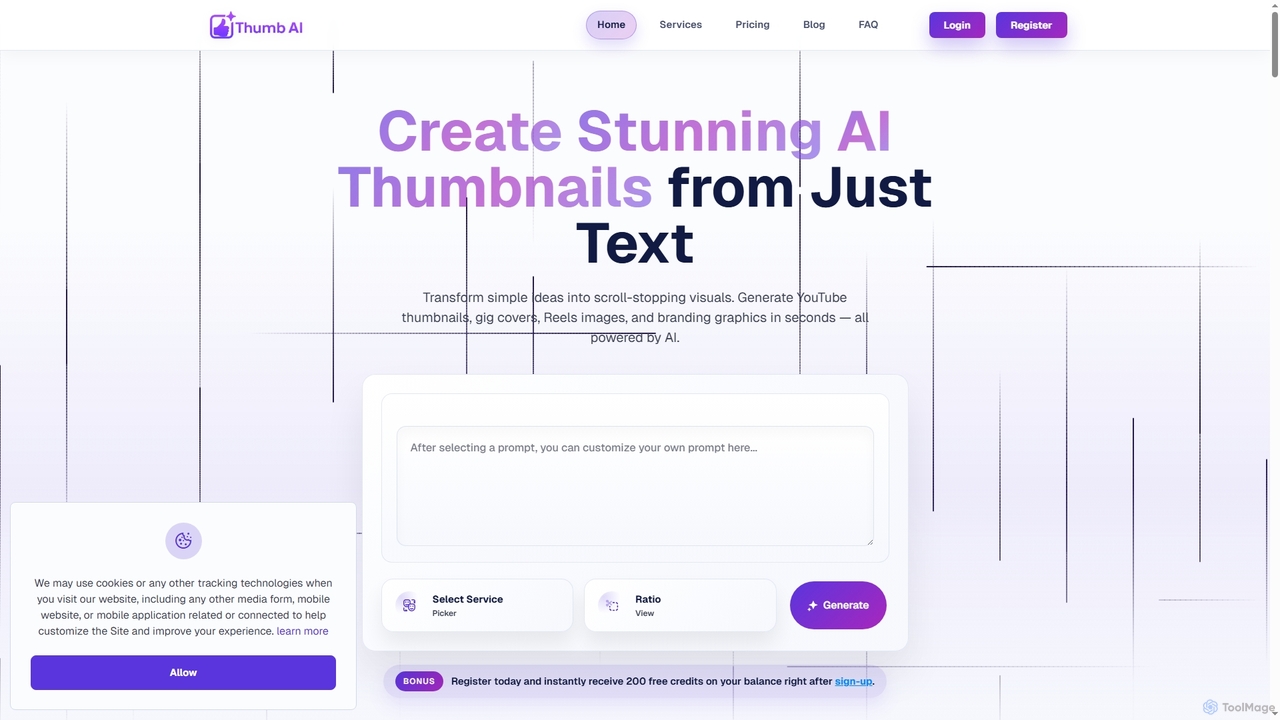
Thumb ist ein KI-gestütztes Designtool, das in Sekundenschnelle beeindruckende, plattformoptimierte Thumbnails, Cover und Branding-Visuals generiert. Es wurde für Kreative, Marketer, Freelancer und Unternehmen entwickelt, um Textideen mühelos in aufmerksamkeitsstarke Grafiken für YouTube, soziale Medien, E-Commerce und mehr zu verwandeln, ohne Designkenntnisse zu erfordern.

VS
TinyArt
Kreative Werkzeuge · 705 monatliche besuche

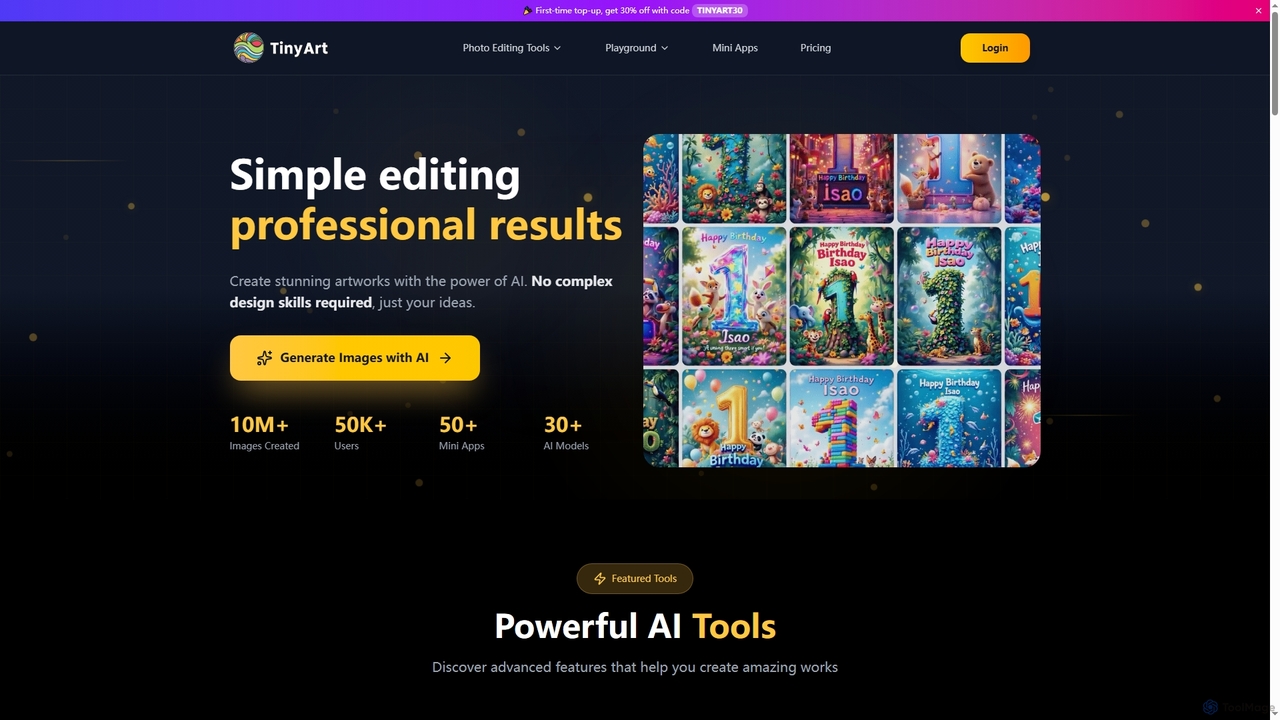
TinyArt ist eine KI-gestützte Plattform zur Fotobearbeitung und Bildgenerierung, die professionelle Ergebnisse ohne komplexe Designkenntnisse ermöglicht. Sie bietet eine Reihe von Tools, darunter Hintergrundentfernung, Bildverbesserung, Wasserzeichenentfernung, Objektbereinigung und Text-zu-Bild-Generierung, sowie spezialisierte Mini-Apps für Ausweisfotos, Gesichtstausch und Fotorestaurierung.

Thumb vs TinyArt: Preise, Funktionen und Traffic

Vergleiche Thumb und TinyArt nach Positionierung, Preis, Funktionen, Traffic und Nutzerfeedback.

Aktualisiert 05.08.2026

Produktübersicht

Thumb Produktübersicht

Thumb ist ein KI-gestütztes Designtool, das in Sekundenschnelle beeindruckende, plattformoptimierte Thumbnails, Cover und Branding-Visuals generiert. Es wurde für Kreative, Marketer, Freelancer und Unternehmen entwickelt, um Textideen mühelos in aufmerksamkeitsstarke Grafiken für YouTube, soziale Medien, E-Commerce und mehr zu verwandeln, ohne Designkenntnisse zu erfordern.
Preview

TinyArt Produktübersicht

TinyArt ist eine KI-gestützte Plattform zur Fotobearbeitung und Bildgenerierung, die professionelle Ergebnisse ohne komplexe Designkenntnisse ermöglicht. Sie bietet eine Reihe von Tools, darunter Hintergrundentfernung, Bildverbesserung, Wasserzeichenentfernung, Objektbereinigung und Text-zu-Bild-Generierung, sowie spezialisierte Mini-Apps für Ausweisfotos, Gesichtstausch und Fotorestaurierung.

Preview

Detailed feature comparison

FeatureThumbTinyArt
HauptkategorieLogo DesignKreative Werkzeuge
Hinzugefügt2025-11-022025-11-01
PreismodellFreemiumFreemium
Offizielle Websitethumb.onltinyart.io
ProdukttypWebsiteWebsite
Performance data
NutzerbewertungNicht verifiziertNicht verifiziert
Kommentare00
Monatliche Besuche1K705
Monatliches Wachstum356.8%28.9%
Favoriten119108
DetailsDetails ansehenDetails ansehen

Thumb vs TinyArt monthly traffic

Compare Thumb and TinyArt by monthly reach, traffic trend, visit depth, top regions, and acquisition sources.

How to interpret the traffic data

In the Thumb vs TinyArt monthly traffic comparison, Thumb currently shows 1K visits and TinyArt shows 705; Thumb has about 1.4 times the visible traffic of TinyArt, an absolute difference of about 300 visits. This reflects visible reach, not feature quality or paid users.

Both tools provide verified traffic details, so monthly trends, visit depth, regions, and acquisition sources can be compared on the same basis.

Thumb monthly traffic:

Latest traffic

Monatliche Besuche
1K
Ø Besuchsdauer
0:00
Seiten pro Besuch
1.02
Absprungrate
35.5%
Data updated 2026-06-15

Monthly traffic trend

  • 2026/1: 181 Monatliche Besuche
  • 2026/2: 1.1K Monatliche Besuche
  • 2026/3: 220 Monatliche Besuche
  • 2026/4: 0 Monatliche Besuche
  • 2026/5: 1K Monatliche Besuche

Top-Regionen

Top 5 countries/regions
Country/regionPercentageTraffic
🇮🇩Indonesia69.94%703
🇧🇷Brazil30.06%302

Suchbegriffe

post thumbthumb aithumbnail twitchthumbs aitwitch thumbnail

TinyArt monthly traffic:

Latest traffic

Monatliche Besuche
705
Ø Besuchsdauer
0:00
Seiten pro Besuch
1.04
Absprungrate
37.18%
Data updated 2026-06-15

Monthly traffic trend

  • 2026/1: 524 Monatliche Besuche
  • 2026/2: 0 Monatliche Besuche
  • 2026/3: 150 Monatliche Besuche
  • 2026/4: 547 Monatliche Besuche
  • 2026/5: 705 Monatliche Besuche

Top-Regionen

Top 5 countries/regions
Country/regionPercentageTraffic
🇦🇺Australia45.69%322
🇮🇩Indonesia33.83%239
🇺🇸United States20.48%144

Suchbegriffe

ai cleanupai community mini app image upscale flux kontext image generatorphotoshop online aipicsart playgroundqwen image
Traffic-based selection guidance: If public market visibility is an important first-pass criterion, investigate Thumb first. The final choice should still follow taxonomy, use case, and a real trial because higher traffic does not prove broader capabilities or better workflow fit.

Usage comparison

Compare the core capabilities of Thumb and TinyArt

Thumb Core features

Logo Design
Visualisierungen
Thumbnail-Erstellung
Social-Media-Grafiken

TinyArt Core features

Kreative Werkzeuge
Fotoeditor
Text zu Bild
Spezielle Fotowerkzeuge

Use cases

Thumb Use cases

KI-Kunst
E-Commerce-Visuals
Social-Media-Grafiken
visuelle Inhalte
Werbemittel
KI-Design-Tool
KI-Bildgenerator
Branding-Visuals
Content Marketing
Fiverr Gig Bild
Grafikdesign
Instagram Reels Cover
Podcast-Cover
Thumbnail-Ersteller
TikTok Video Cover
YouTube-Thumbnail

TinyArt Use cases

KI-Kunst
E-Commerce-Visuals
Social-Media-Grafiken
visuelle Inhalte
KI-Bildbearbeitung
Hintergrundentferner
Kreatives Design
Gesichtstausch
Ausweisfoto-Ersteller
Bildgenerator
Bild-Upscaler
Marketing-Tools
Objektentferner
Foto-Verbesserer
Fotorestaurierung
Wasserzeichen-Entferner

Best suited roles

Thumb Best suited roles

Content Creator
E-Commerce-Spezialist
Freelancer
Grafikdesigner
Social Media Manager
Digital Marketing Manager
Unternehmer
Podcaster
Streamer
YouTuber

TinyArt Best suited roles

Content Creator
E-Commerce-Spezialist
Freelancer
Grafikdesigner
Social Media Manager
Marketing Manager
Fotograf
Kleinunternehmer

Thumb vs TinyArt:In-depth comparison and selection guidance

First decide whether the products solve the same kind of need

This in-depth Thumb vs TinyArt comparison uses only the product records, taxonomy, audience, traffic, and community signals available on this page. Thumb is primarily listed under “Logo Design”, while TinyArt is primarily listed under “Kreative Werkzeuge”, so the first decision is whether your actual task matches their recorded scope.

The structured fields currently show these decision-relevant differences: Primary category (Thumb: Logo Design; TinyArt: Kreative Werkzeuge); Monthly visits (Thumb: 1K; TinyArt: 705); Monthly growth (Thumb: 356.8%; TinyArt: 28.9%); Favorites (Thumb: 119; TinyArt: 108); Website (Thumb: thumb.onl; TinyArt: tinyart.io). These facts are more useful for selection than brand visibility alone.

What market visibility and monthly traffic mean

In the Thumb vs TinyArt monthly traffic comparison, Thumb currently shows 1K visits and TinyArt shows 705; Thumb has about 1.4 times the visible traffic of TinyArt, an absolute difference of about 300 visits. This reflects visible reach, not feature quality or paid users.

Both tools provide verified traffic details, so monthly trends, visit depth, regions, and acquisition sources can be compared on the same basis.

If public market visibility is an important first-pass criterion, investigate Thumb first. The final choice should still follow taxonomy, use case, and a real trial because higher traffic does not prove broader capabilities or better workflow fit.

Product positioning, use cases, and roles

Thumb and TinyArt currently overlap in shared tags: KI-Kunst, E-Commerce-Visuals, Social-Media-Grafiken und visuelle Inhalte; shared roles: Content Creator, E-Commerce-Spezialist, Freelancer, Grafikdesigner und Social Media Manager. This can place both on the same shortlist, but it does not prove equal implementation, depth, or cost.

Thumb's unique categories/tags are Logo Design, Visualisierungen, Thumbnail-Erstellung, Social-Media-Grafiken, Werbemittel, KI-Design-Tool, KI-Bildgenerator und Branding-Visuals; TinyArt's are Kreative Werkzeuge, Fotoeditor, Text zu Bild, Spezielle Fotowerkzeuge, KI-Bildbearbeitung, Hintergrundentferner, Kreatives Design und Gesichtstausch. These unique fields are the strongest differentiators: validate the product whose recorded scope matches the task instead of following traffic alone.

What ratings, comments, and favorites can tell you

Thumb has no verified rating, 0 comments, 119 favorites, and 115 likes;TinyArt has no verified rating, 0 comments, 108 favorites, and 135 likes。

Neither product has enough rating or comment samples for a credible reputation ranking.

Selection guidance by actual need

When to evaluate Thumb first

Put Thumb on the priority trial list when the task aligns with “Logo Design” and especially Logo Design, Visualisierungen, Thumbnail-Erstellung, Social-Media-Grafiken, Werbemittel und KI-Design-Tool, or the users include Digital Marketing Manager, Unternehmer, Podcaster und Streamer. This follows recorded positioning and does not imply unlisted capabilities are absent.

Thumb also currently records: pricing is freemium, product type is website, 1K verified monthly visits, no verified user rating. Verify any hard requirement around price, platform, or reach before trial, and do not let sparse review data substitute for testing.

When to evaluate TinyArt first

Put TinyArt on the priority trial list when the task aligns with “Kreative Werkzeuge” and especially Kreative Werkzeuge, Fotoeditor, Text zu Bild, Spezielle Fotowerkzeuge, KI-Bildbearbeitung und Hintergrundentferner, or the users include Marketing Manager, Fotograf und Kleinunternehmer. This follows recorded positioning and does not imply unlisted capabilities are absent.

TinyArt also currently records: pricing is freemium, product type is website, 705 verified monthly visits, no verified user rating. Verify any hard requirement around price, platform, or reach before trial, and do not let sparse review data substitute for testing.

How to validate the recommendation before deciding

The available data describes positioning, public visibility, and community signals, but it cannot prove output quality, speed, integration effort, privacy, or long-term cost in your workflow. Before deciding, run the same representative tasks in Thumb and TinyArt, then record completion time, accuracy, manual corrections, and the real paid threshold. A like-for-like trial turns this comparison into a defensible adoption decision.

Vergleichs-FAQ

How should I choose between Thumb and TinyArt?
Compare positioning, pricing, taxonomy, and traffic maturity, then verify the latest details on each official website.
Where does this comparison data come from?
The factual baseline is derived from product, taxonomy, traffic, and community data. Reviewed editorial conclusions show their source and verification date.
What do unknown fields mean?
Unknown means there is not enough reliable evidence; the page does not fill gaps with assumptions.

Gesponserte Tools

Discover more tools in the same category.

Jyek
AD

Jyek

Jyek ist eine KI-Agenten-Plattform, die Ziele versteht, Ausführungspläne erstellt, Werkzeuge nutzt und überprüfbare Ergebnisse für komplexe, mehrstufige Aufgaben liefert.

Automatisierung
Visits 1.8KFavorites 1Likes 1
