Sheet0
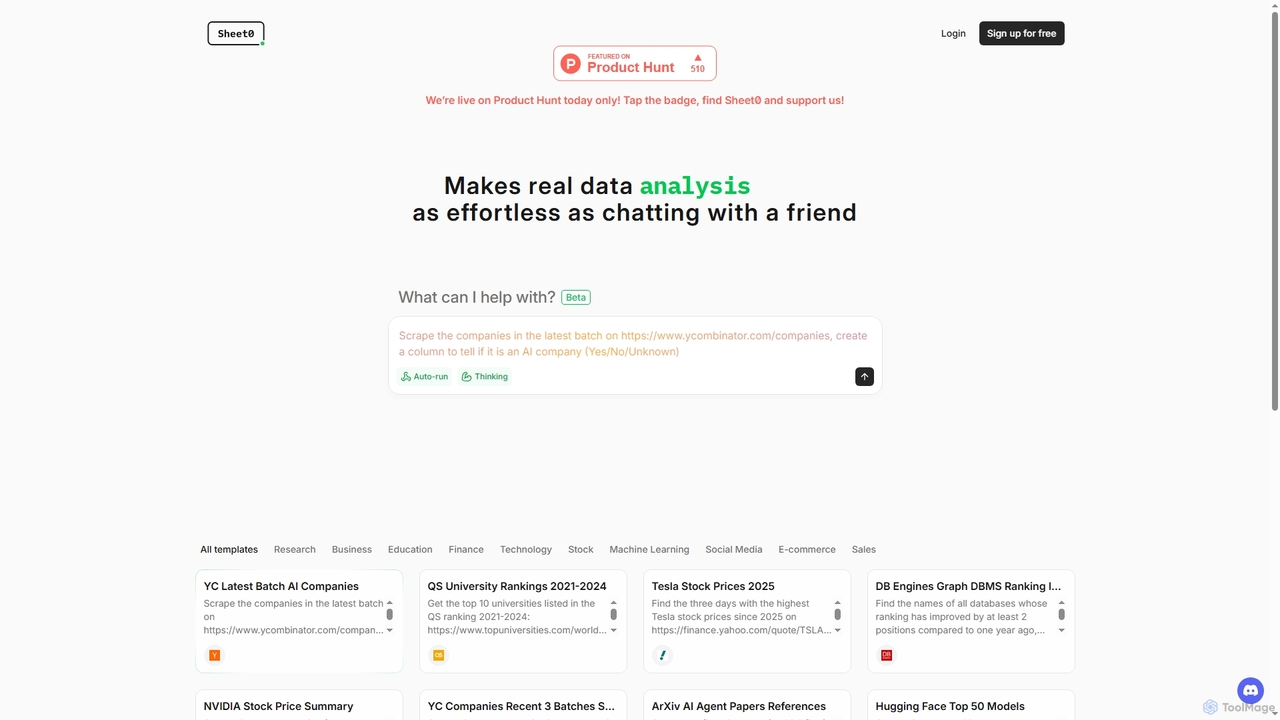
Sheet0 is an AI spreadsheet agent designed to automate and simplify complex data analysis tasks. It acts as …
Sheet0 is an AI spreadsheet agent designed to automate and simplify complex data analysis tasks. It acts as a conversational assistant, allowing users to interact with spreadsheets through natural language, perform data scraping, classification, and achieve 100% accurate results effortlessly.
About Spreadsheet Automation
Spreadsheet Automation tools are AI-powered solutions designed to streamline and automate repetitive tasks within spreadsheets, representing a specialized application within data analysis. These tools leverage artificial intelligence, including natural language processing and machine learning, to interpret data, generate formulas, clean datasets, and create reports. Their primary value lies in significantly reducing manual effort, enhancing data accuracy, and accelerating decision-making processes by transforming raw data into actionable insights more efficiently.
Core Features
- AI-driven Formula Generation: Automatically suggests and creates complex formulas based on data patterns and user intent.
- Intelligent Data Cleaning: Identifies and corrects errors, removes duplicates, and standardizes formats across large datasets.
- Automated Report Generation: Compiles data from various sources into customizable reports and dashboards with minimal manual input.
- Natural Language Querying: Allows users to ask questions about their data in plain language and receive instant insights.
- Integration Capabilities: Connects with other business tools like CRM, ERP, and databases for seamless data flow.
Use Cases
These tools are invaluable for finance professionals automating monthly budget reports, marketing analysts consolidating campaign performance data, and operations managers tracking inventory levels. They enable faster data preparation for deeper analysis, ensure consistency across financial statements, and provide real-time insights for strategic planning, all while minimizing human error and freeing up valuable time for more complex tasks.
How to Choose
When selecting a Spreadsheet Automation tool, consider its integration capabilities with your existing spreadsheet software (e.g., Excel, Google Sheets) and other business systems. Evaluate the breadth of its AI features, such as natural language processing for queries or advanced machine learning for predictive analysis. Assess its scalability to handle your data volume and complexity, and review the user interface for ease of adoption by your team. Finally, compare pricing models and customer support options to ensure long-term value.
Spreadsheet AutomationUse Cases
Automating Monthly Financial Reporting
Finance teams can use Spreadsheet Automation tools to automatically pull transaction data from various accounting systems, categorize expenses, reconcile accounts, and generate comprehensive monthly financial statements. This significantly reduces the time spent on manual data entry and validation, ensuring accuracy and freeing up analysts for strategic financial planning and variance analysis.
Streamlining Marketing Campaign Performance Analysis
Marketing analysts often deal with data from multiple platforms (social media, ads, website analytics). AI Spreadsheet Automation can automatically import this data, clean it, merge disparate datasets, and create unified dashboards to track KPIs like conversion rates and ROI, providing quick insights into campaign effectiveness without manual aggregation.
Enhancing Inventory Management and Forecasting
Operations managers can leverage these tools to automatically update inventory levels from sales and supply chain data, identify slow-moving items, and generate demand forecasts based on historical sales patterns and external factors. This leads to optimized stock levels, reduced carrying costs, and improved order fulfillment rates.
Simplifying Customer Data Consolidation for Sales Teams
Sales professionals can automate the consolidation of customer interaction data from CRM, email, and support tickets into a central spreadsheet. The AI can then identify key customer segments, predict churn risk, or suggest upsell opportunities, enabling more targeted outreach and personalized customer engagement strategies.
Accelerating HR Data Processing for Payroll and Compliance
HR departments can automate the collection and processing of employee data, including attendance, leave requests, and performance metrics, directly into spreadsheets. This ensures accurate payroll calculations, simplifies compliance reporting, and provides quick access to aggregated HR insights for workforce planning and talent management.
Generating Dynamic Sales Forecasts with AI Models
Sales managers can utilize Spreadsheet Automation to feed historical sales data, market trends, and external economic indicators into AI models directly within their spreadsheets. The tools then generate dynamic sales forecasts, allowing for scenario planning and adjustments to sales strategies in real-time, improving revenue predictability.