NextDocs
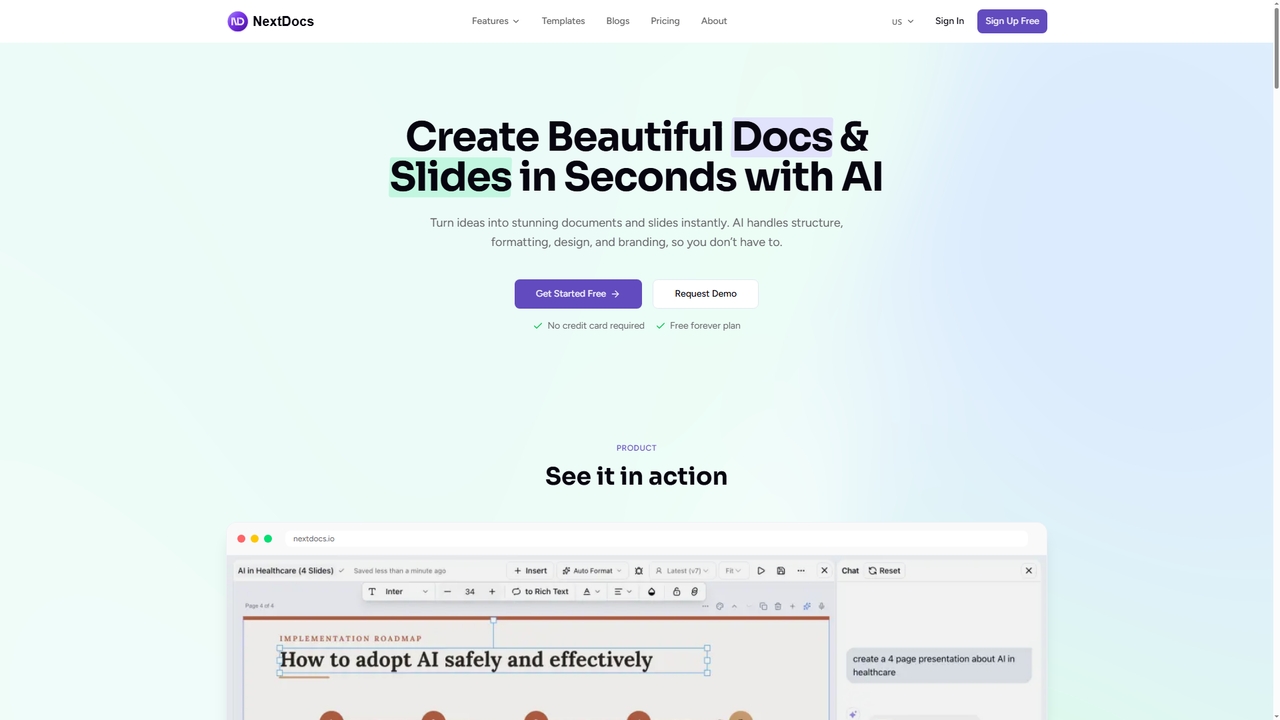
NextDocs is an AI-powered document and presentation generator that transforms ideas into polished documents and slides in seconds. …
NextDocs is an AI-powered document and presentation generator that transforms ideas into polished documents and slides in seconds. It handles structure, formatting, and design automatically, supports multiple formats from a single prompt, and offers flexible editing and export options to fit any workflow.
Quark
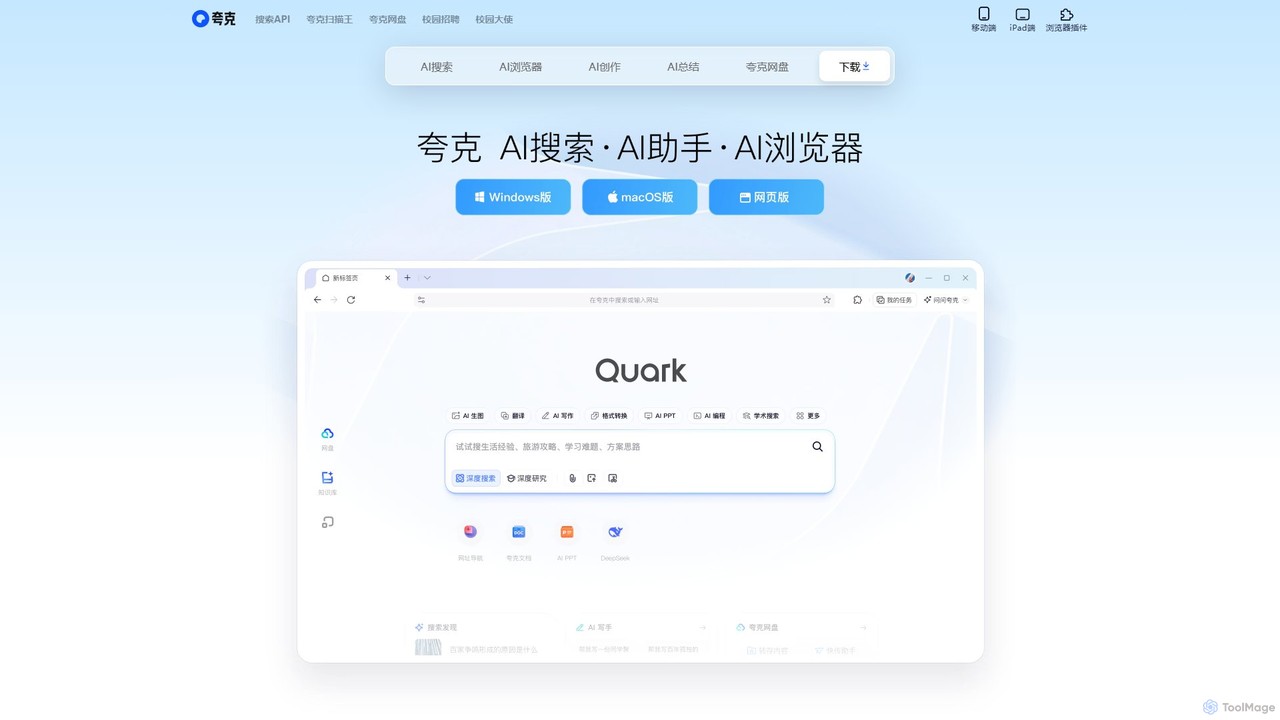
Quark is an all-in-one AI-powered suite from Alibaba, integrating a smart search engine, a fast browser, a massive …
Quark is an all-in-one AI-powered suite from Alibaba, integrating a smart search engine, a fast browser, a massive cloud drive, and a suite of creative tools. It's designed to boost productivity for students and professionals with features like AI summarization, content generation, and seamless multi-device synchronization.
wondrful
wondrful is an AI-powered creative suite that helps users generate stunning marketing content, social media posts, presentations, and …
wondrful is an AI-powered creative suite that helps users generate stunning marketing content, social media posts, presentations, and short videos effortlessly. By simply inputting text prompts, users can create professional-quality visuals and written content in minutes, streamlining their creative workflow and enhancing brand engagement.
Cerebrella
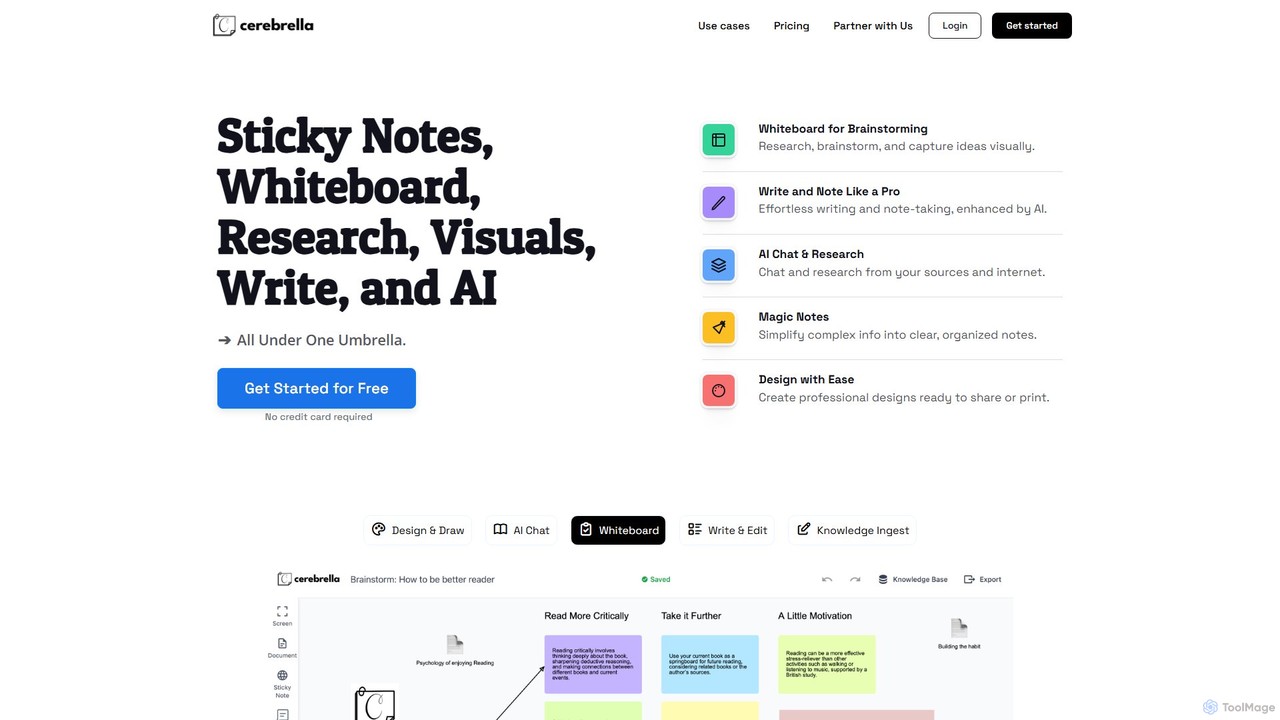
Cerebrella is an all-in-one AI-powered workspace that integrates a visual whiteboard, sticky notes, research tools, and a document …
Cerebrella is an all-in-one AI-powered workspace that integrates a visual whiteboard, sticky notes, research tools, and a document editor. It's designed to help users brainstorm, organize knowledge, write content, and create visuals seamlessly. By allowing you to upload your documents and chat with your data, Cerebrella centralizes your workflow and enhances productivity for students, professionals, and creators.
Visme
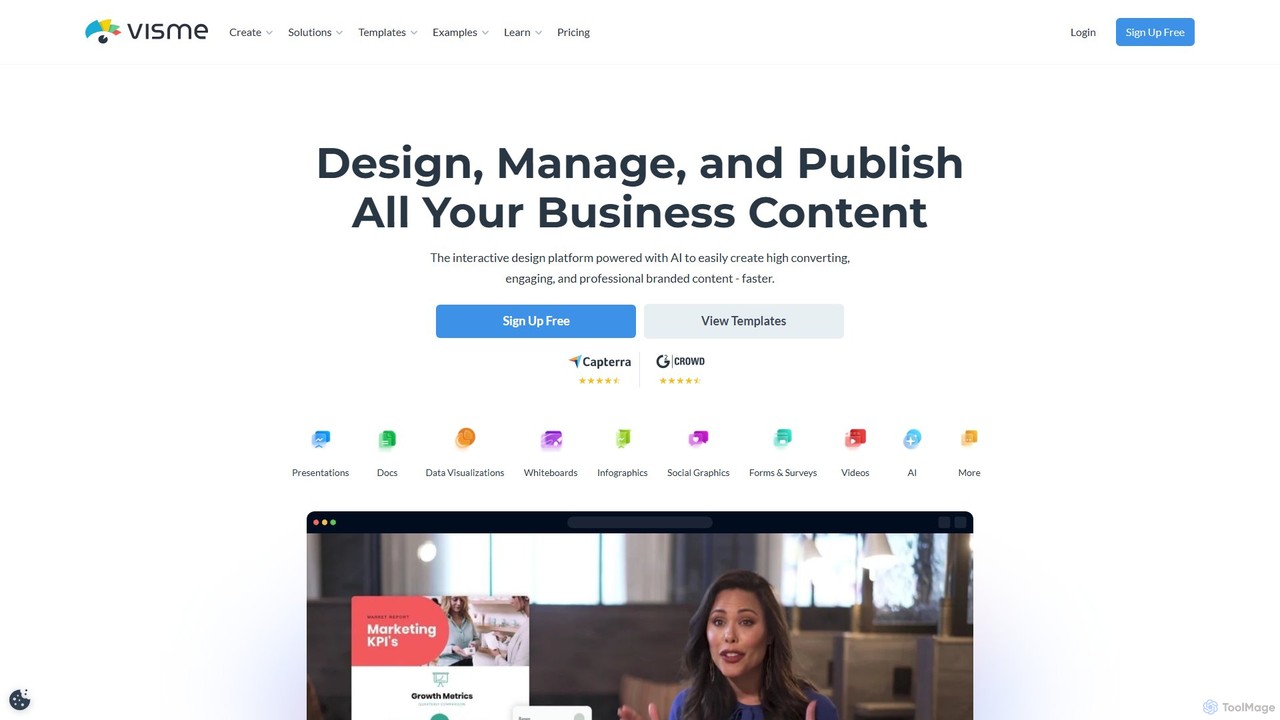
Visme is an all-in-one, AI-powered visual communication platform that enables users to create professional presentations, infographics, data visualizations, …
Visme is an all-in-one, AI-powered visual communication platform that enables users to create professional presentations, infographics, data visualizations, and other branded content. Designed for non-designers and experts alike, it combines a user-friendly drag-and-drop interface with powerful features like a brand kit, team collaboration, and a vast library of templates and assets to streamline the content creation process.
Artadum
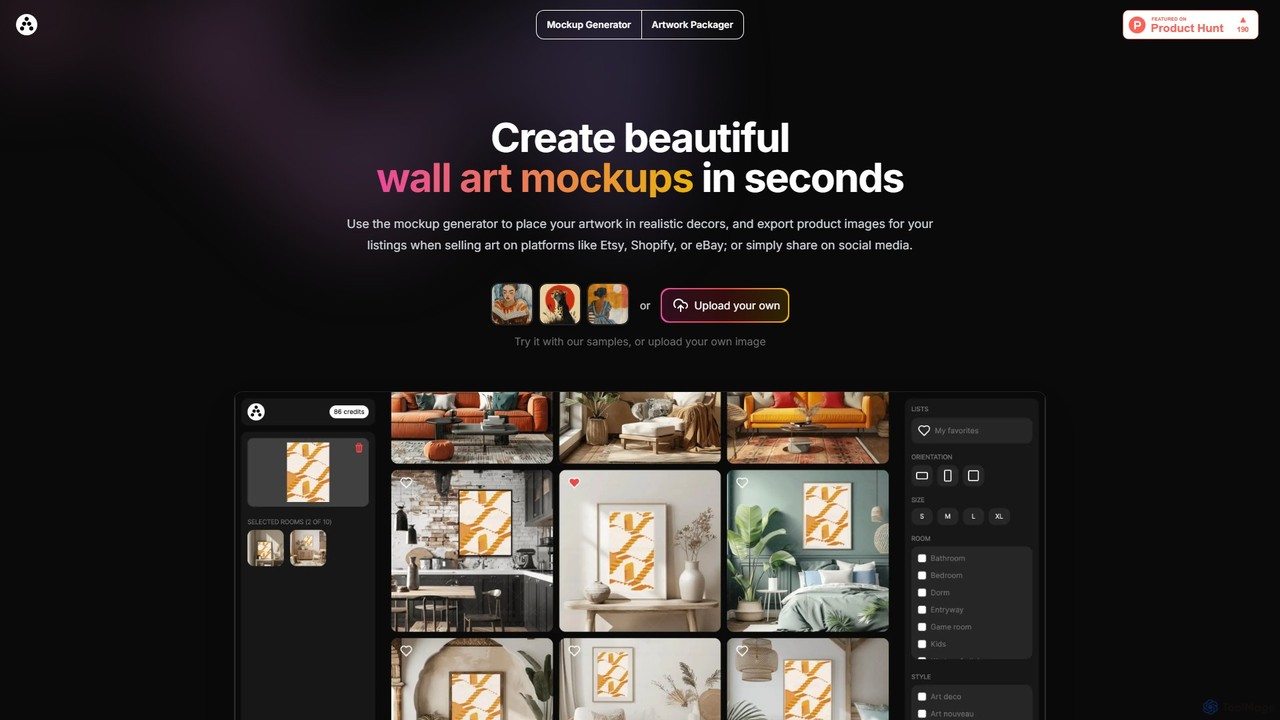
Artadum is an AI-powered mockup generator designed for artists and photographers. It allows users to instantly create beautiful, …
Artadum is an AI-powered mockup generator designed for artists and photographers. It allows users to instantly create beautiful, realistic wall art mockups by placing their artwork in hundreds of diverse room settings. Ideal for creating professional product listings for e-commerce platforms like Etsy, Shopify, and eBay, or for crafting engaging content for social media. The tool offers bulk generation, a wide variety of decor styles, and flexible pricing options to streamline the art promotion process.
About Presentation
AI Presentation tools are applications that use generative AI to automatically create complete, well-structured slide decks from a simple text prompt. These tools leverage large language models (LLMs) to generate outlines, write content, and suggest speaker notes, while also utilizing AI image models to create relevant visuals. Their primary value is in dramatically reducing the time and effort required for presentation creation, allowing users to focus on refining the core message rather than manual design and content writing. This approach transforms the creation process from manual construction to AI-assisted generation and editing.
Core Features
- Prompt-to-Deck Generation: Instantly creates a full presentation, including text and visuals, from a single topic or detailed prompt.
- AI Content Writing: Automatically generates slide titles, bullet points, summaries, and detailed speaker notes based on the provided topic.
- Automated Visual Design: Intelligently selects appropriate layouts, color schemes, fonts, and generates or sources relevant images and icons for each slide.
- Smart Reformatting & Editing: Allows for one-click redesigns of the entire deck, tone adjustments, or content summarization and expansion.
- Data Integration & Visualization: Some tools can interpret raw data or text to automatically create charts, graphs, and infographics.
Use Cases
AI Presentation tools are widely used across various sectors. In business, sales and marketing teams use them to rapidly generate client pitches and campaign reports. Startups and entrepreneurs leverage them to quickly build investor pitch decks. In academia, educators and students create lecture materials and project presentations efficiently. Corporate trainers also use these tools to develop onboarding and training modules with consistent branding and structure.
How to Choose
When selecting an AI Presentation tool, first evaluate the quality and coherence of the AI-generated content and design. Consider the level of customization available after generation—can you easily edit layouts, text, and images? Check for essential export options, such as PPTX, PDF, or Google Slides compatibility. Finally, assess collaboration features if you work in a team, and compare pricing models to find one that aligns with your usage frequency and budget.
PresentationUse Cases
Rapid Creation of Business Proposals
A sales manager needs to create a customized pitch deck for a potential client within an hour. Instead of starting from scratch, they input a prompt into an AI Presentation tool detailing the client's industry, pain points, and the proposed solution. The AI instantly generates a 12-slide presentation with a professional design, including an agenda, problem statement, solution overview, key benefits, and a call to action. The manager spends 20 minutes refining the AI-generated text and swapping a few images, completing a tailored, high-quality proposal in under 30 minutes, a task that would typically take over two hours.
Efficient Lecture and Course Material Preparation
An educator is preparing a new university course on 'Sustainable Urban Development'. To save preparation time, they use an AI Presentation tool for each lecture topic. For a lecture on 'Green Infrastructure', they input the key concepts: green roofs, permeable pavements, and urban wetlands. The AI generates a structured 20-slide presentation, complete with definitions, real-world examples, supporting images, and discussion questions. This provides a solid foundation, allowing the educator to focus on adding their own expert insights and case studies rather than spending hours on basic research and slide design.
Generating a Startup Investor Pitch Deck
An entrepreneur with a groundbreaking idea needs to create a compelling pitch deck to secure seed funding. Using an AI Presentation tool with a dedicated 'Investor Pitch' template, they are guided through the essential sections. They input their core business concept, target market, problem statement, and unique solution. The AI then populates the deck, generating slides for Market Size, Competitive Landscape, Business Model, and Financial Projections. It even suggests visuals and data points to strengthen their arguments. This structured, AI-assisted process ensures they cover all critical points investors look for, resulting in a professional and persuasive deck.
Content Repurposing for Social Media Marketing
A content marketer has written a detailed blog post and wants to repurpose it into a visual format for LinkedIn and Instagram. They paste the URL of the blog post into an AI Presentation tool. The AI analyzes the content, extracts key points, summaries, and statistics, and then automatically arranges them into a series of visually engaging slides or a carousel post. It selects a modern design template and finds relevant stock photos or icons. Within minutes, the marketer has a ready-to-publish social media asset, extending the reach of their original content without needing graphic design skills or significant time investment.
Automating Weekly Team Meeting Reports
A project manager is responsible for presenting a weekly progress report to stakeholders. Instead of manually compiling slides each week, she provides an AI Presentation tool with a bulleted list of updates: key accomplishments, challenges faced, and next week's priorities. The AI takes this raw text and formats it into a consistent, branded presentation template. It might even suggest creating a simple chart to visualize progress metrics. This automates a repetitive task, ensuring reports are always professional and delivered on time, freeing up the manager's time to focus on strategic project management.
Developing Corporate Training and Onboarding Materials
An HR department needs to create a standardized onboarding presentation for new hires. The training manager inputs the core topics into an AI tool: 'Company History & Values', 'Code of Conduct', and 'Key Department Overviews'. The AI generates a comprehensive deck, ensuring a logical flow and consistent tone. It suggests incorporating interactive elements like a short quiz after each section to check for understanding. The manager can then easily duplicate and slightly modify this master presentation for different departments, ensuring all new employees receive high-quality, consistent information while saving the HR team dozens of hours of work.