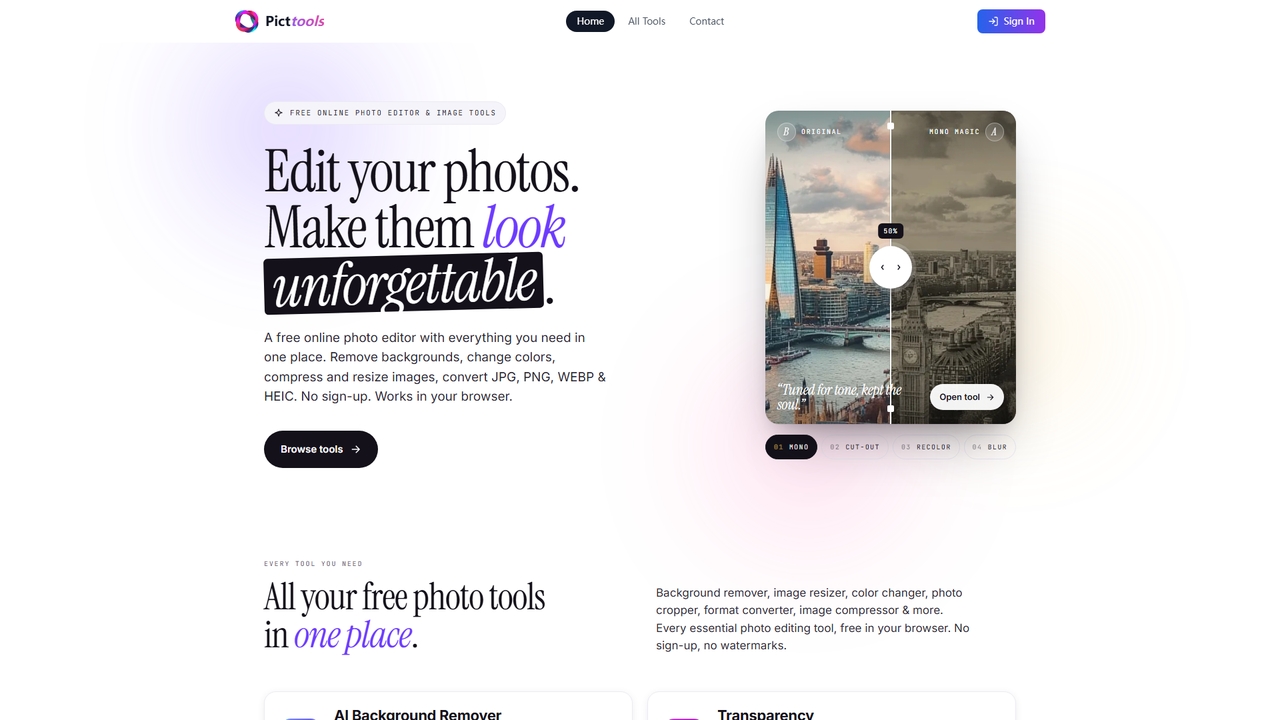
PictTools
Free online photo editor with a suite of essential image tools including background remover, color changer, and format …
Free online photo editor with a suite of essential image tools including background remover, color changer, and format converter. All tools run in your browser with no sign-up or watermarks.
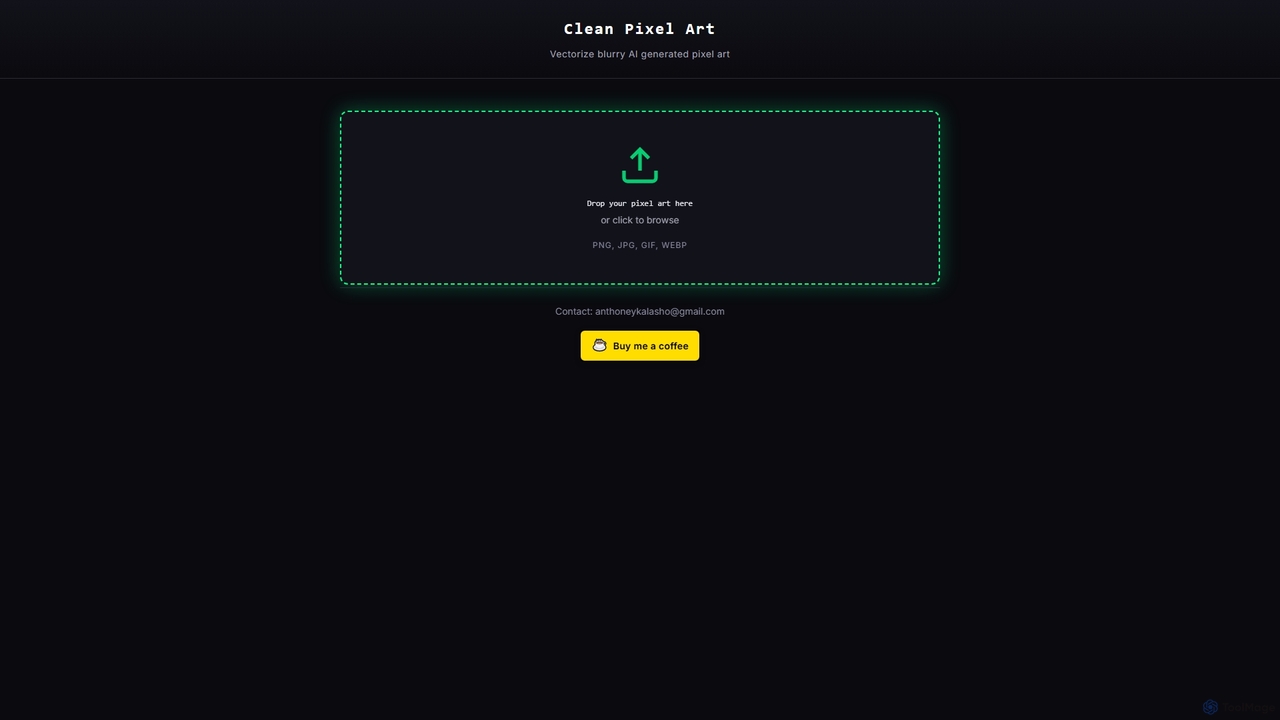
Clean Pixel Art
Clean Pixel Art is an online AI-powered tool designed to transform blurry, AI-generated pixel art into crisp, scalable …
Clean Pixel Art is an online AI-powered tool designed to transform blurry, AI-generated pixel art into crisp, scalable vector graphics. It simplifies the process of enhancing pixel art quality, supporting popular formats like PNG, JPG, GIF, and WEBP for easy conversion.
YouArt
YouArt is an AI design studio that transforms ideas into stunning visuals using advanced AI image and video …
YouArt is an AI design studio that transforms ideas into stunning visuals using advanced AI image and video generation technologies. It features a visual workflow builder, a text-to-image generator, image editing tools like background removal, and an image-to-video converter. With a variety of specialized templates for e-commerce, fashion, and art, YouArt empowers users to create professional-grade visual content efficiently, leveraging multiple premium AI models on a single platform.
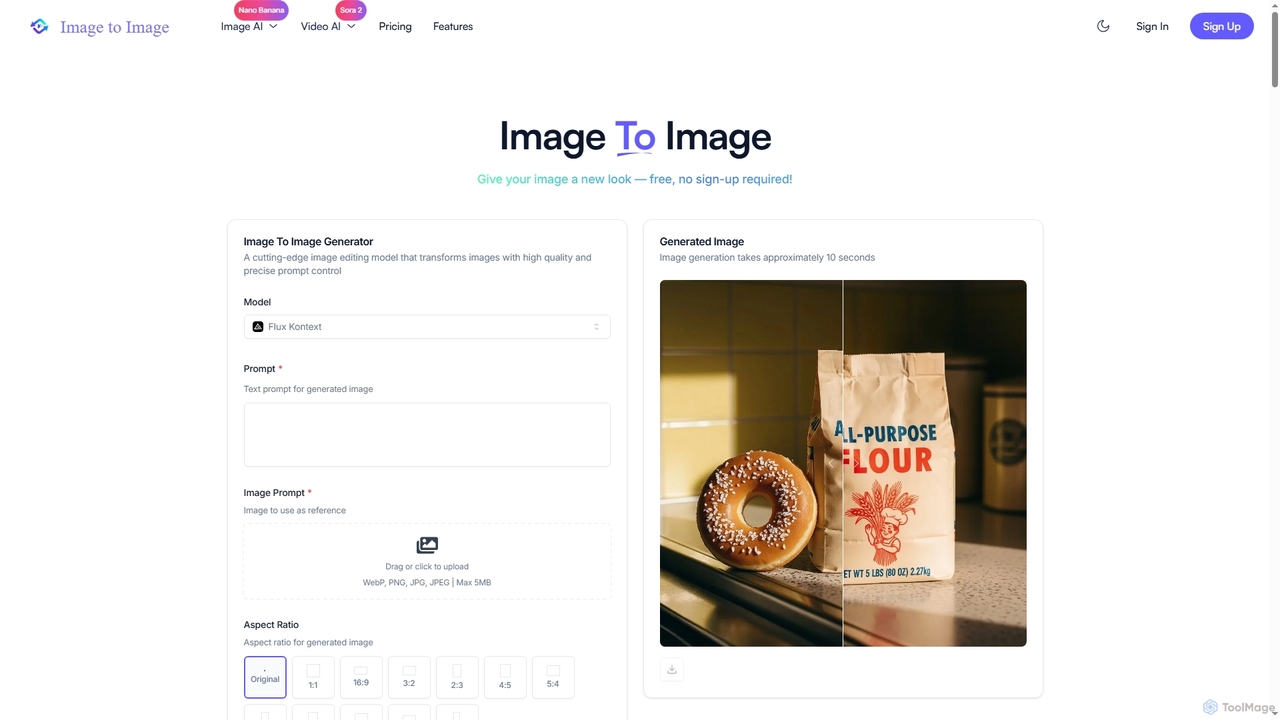
Image to Image
Image to Image is an all-in-one AI creative suite that transforms existing images, generates new visuals from text, …
Image to Image is an all-in-one AI creative suite that transforms existing images, generates new visuals from text, and creates dynamic videos from both images and text. It offers high-fidelity outputs, multiple AI models, and a user-friendly interface for artists, designers, marketers, and content creators.
About Design Tools
AI Design Tools are a class of software that utilizes artificial intelligence to automate, assist, and accelerate creative design processes. These tools employ generative models and machine learning algorithms to interpret text prompts, analyze visual data, and produce a wide range of design assets, from images and logos to complete user interface layouts. They empower both professional designers and non-designers to create high-quality visuals, iterate on ideas rapidly, and scale content production efficiently. The core value lies in bridging the gap between imagination and execution, significantly reducing the time and technical skill required to produce compelling designs.
Core Features
- Generative Asset Creation: Automatically produces unique images, illustrations, icons, and logos from simple text descriptions or style inputs.
- Automated Editing & Enhancement: Intelligently removes backgrounds, upscales image resolution, adjusts colors, and retouches photos with minimal user intervention.
- Smart Layout & Templating: Generates optimized layouts for social media, presentations, and websites based on content and brand guidelines.
- UI/UX Prototyping Assistance: Creates wireframes, user flow diagrams, and design system components to speed up the product design workflow.
- Predictive Design Analysis: Analyzes the potential effectiveness of a design by predicting user attention hotspots and aesthetic appeal before testing.
Use Cases
AI Design Tools are widely used across marketing, e-commerce, software development, and content creation. Marketers use them to generate ad creatives and social media content at scale. UX/UI designers leverage them for rapid prototyping and ideation. Small business owners and content creators can produce professional-grade branding and visuals without extensive design experience.
How to Choose
When selecting an AI Design Tool, consider its primary function—whether it's for image generation, UI design, or general-purpose editing. Evaluate its ease of use and learning curve, especially for non-designers. Check for integration capabilities with your existing workflow, such as plugins for Figma or Adobe Creative Suite. Finally, assess the output quality, level of creative control, and the pricing model (e.g., subscription vs. pay-per-use credits).
Design ToolsUse Cases
Generate Marketing Campaign Visuals
A marketing manager for an e-commerce brand needs to launch a new social media campaign across multiple platforms. Instead of a lengthy process involving graphic designers, they use an AI design tool. By inputting a text prompt like 'A vibrant product shot of our new sneaker on a minimalist background with a futuristic feel,' the tool generates dozens of high-quality, on-brand image variations in minutes. This allows the team to A/B test different visuals to find the most effective creative, significantly reducing production time and costs while increasing campaign performance.
Rapid UI/UX Wireframing and Ideation
A UX designer is tasked with creating a new user onboarding flow for a mobile app. To quickly explore different layout possibilities, they use an AI-powered design tool. They can describe the required screens and components, such as 'a welcome screen with a logo and a login button, followed by a three-step tutorial carousel.' The AI generates multiple wireframe options instantly. This accelerates the ideation phase, allowing the designer to focus on refining user experience and logic rather than manually drawing boxes and elements, presenting several viable concepts to stakeholders in a fraction of the time.
Automate E-commerce Product Image Editing
An online store owner manages hundreds of new products each month, each requiring professional photos with clean, white backgrounds. Manually editing each photo is time-consuming and costly. By using an AI design tool with batch processing capabilities, they can upload all product images at once. The AI automatically detects the subject, removes the background with high precision, and can even apply consistent shadows or place the product in lifestyle mockups. This automates a tedious workflow, ensuring a professional and uniform look across the entire product catalog and saving dozens of hours of manual labor per month.
Create Logos and Brand Identity Assets
A startup founder or small business owner needs a professional logo and basic brand assets but has a limited budget. They use an AI logo maker, a specialized type of design tool. By providing the company name, industry, preferred colors, and style keywords (e.g., 'modern', 'minimalist', 'bold'), the AI generates hundreds of unique logo concepts. The founder can then select a favorite, customize the fonts and layout, and download a complete brand kit including logo files for web and print, color palettes, and font information. This provides a cost-effective and rapid alternative to hiring a design agency for foundational branding.
Generate Unique Illustrations and Icons
A content creator for a blog or a presentation needs custom illustrations to make their content more engaging, but lacks drawing skills. Using an AI design tool, they can generate unique, royalty-free illustrations and icons in a consistent style. By describing the desired image, such as 'a flat design icon of a lightbulb for an idea concept,' and specifying a color palette, the tool produces multiple options. This allows them to populate articles, slides, and websites with bespoke visuals that match their branding, avoiding generic stock imagery and enhancing the overall quality of their content.
Architectural and Interior Design Visualization
An interior designer or architect needs to quickly show clients realistic visualizations of a proposed design. Instead of spending days creating detailed 3D models and renderings, they use an AI design tool. They can upload a simple sketch, a floor plan, or a photo of an existing space and provide a text prompt like 'render this living room in a Scandinavian style with oak wood floors and natural light.' The AI transforms the input into multiple photorealistic images, allowing clients to visualize the final result instantly and provide feedback, dramatically speeding up the design approval process.