m00d
m00d is a powerful, locally-run AI image generation suite for creative professionals. It offers a sophisticated interface for …
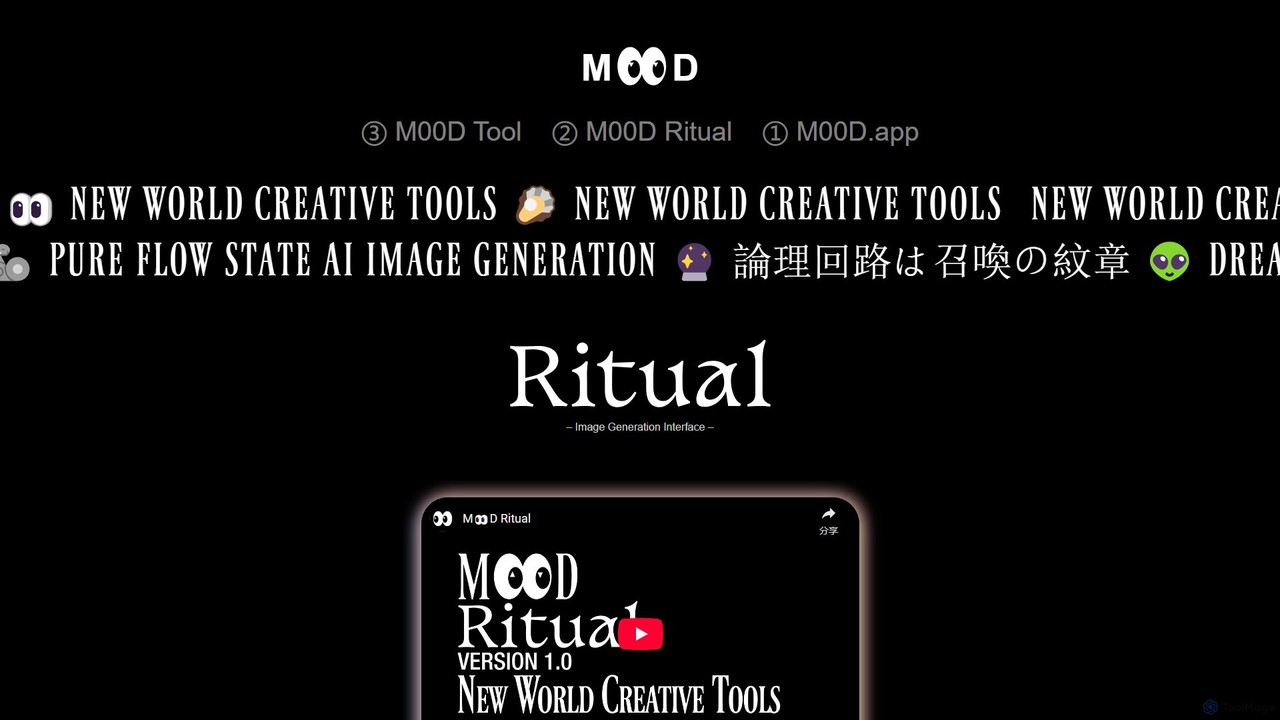
m00d is a powerful, locally-run AI image generation suite for creative professionals. It offers a sophisticated interface for Stable Diffusion (SDXL & 1.5), featuring text-to-image, inpainting, and upscaling. Its unique advantages include a collaborative multiplayer mode, a timeline-based workflow, and the ability to pool GPU resources from multiple machines for accelerated rendering. It's a free, downloadable application for Windows (NVIDIA) and Mac (Apple Silicon), built for a pure 'flow state' creative experience.
About Visuals
AI Visuals tools are a specialized category of design software that uses artificial intelligence to generate and enhance a wide range of visual assets, including icons, 3D models, vector graphics, and textures. These tools typically employ generative models to translate text descriptions or simple inputs into complex, ready-to-use visual elements. They empower creators to rapidly prototype concepts, produce unique brand assets, and automate the creation of intricate graphics without extensive manual effort. This focus on discrete visual components distinguishes them from broader design platforms that handle layout and composition.
Core Features
- Vector Graphic Generation: Creates scalable vector graphics (SVGs) from text prompts, ideal for logos and icons.
- 3D Model Creation: Generates 3D models and textures from text or 2D images for use in games, animation, and product design.
- Icon Set Production: Produces consistent sets of icons in various styles for applications and websites.
- Texture and Pattern Synthesis: Creates seamless textures and complex patterns for digital surfaces and backgrounds.
- Style Transfer and Enhancement: Applies specific artistic styles to existing visuals or enhances their quality and resolution.
Use Cases
These tools are widely used by graphic designers, UI/UX designers, game developers, and marketing teams. Common applications include creating custom icon libraries for software interfaces, generating 3D prototypes for product visualization, producing unique illustrations for marketing campaigns, and designing textures for virtual environments.
How to Choose
When selecting an AI Visuals tool, consider the specific output formats you need (e.g., SVG, OBJ, PNG). Evaluate the diversity of styles the AI can produce and the level of control you have over the final output. Also, check for integrations with your existing design software (like Figma or Blender) and consider the pricing model, whether it's subscription-based or pay-per-generation.
VisualsUse Cases
Generate Custom Icon Sets for a Web App
A UI/UX designer is developing a new web application and needs a unique, consistent set of icons that match the brand's aesthetic. Instead of spending days designing each icon manually or settling for generic stock icons, the designer uses an AI Visuals tool. They input text prompts like 'minimalist line-art icon for user profile' and 'flat design icon for settings gear'. The tool generates a complete set of icons in SVG format, all sharing a cohesive style. This process reduces design time from days to hours and ensures the application has a distinct visual identity.
Create 3D Prototypes for Product Visualization
A product designer needs to present a new gadget concept to stakeholders. To create a compelling visualization, they use an AI Visuals tool to generate a 3D model. By providing a few 2D sketches and a text description like 'ergonomic handheld device with a matte black finish and a central dial', the AI generates a detailed 3D model in OBJ format. The designer can then import this model into rendering software for further refinement and presentation. This approach accelerates the prototyping phase, allowing for rapid iteration and clearer communication of the design vision without needing advanced 3D modeling skills.
Design Seamless Textures for Game Environments
A game developer is building a new level and requires a variety of seamless textures for walls, floors, and objects. Manually creating these textures is time-consuming and requires specialized skills. The developer turns to an AI Visuals tool specializing in texture synthesis. They input prompts like 'gritty concrete wall texture, 4K, seamless' or 'ancient cobblestone floor with moss'. The AI generates high-resolution, tileable texture maps, including diffuse, normal, and roughness maps. This allows the developer to quickly populate their game world with realistic and diverse surfaces, significantly speeding up the environment art workflow.
Generate Abstract Backgrounds for Marketing Materials
A marketing specialist is creating a series of social media posts and website banners. They need visually appealing but non-distracting backgrounds that align with their campaign's color palette. Using an AI Visuals tool, they can generate abstract patterns and gradients. By providing a color scheme and descriptive words like 'soft organic waves' or 'geometric low-poly pattern', the tool produces numerous high-resolution background options. This allows the marketer to maintain brand consistency across all visuals while having a virtually unlimited supply of unique, professional-looking backgrounds, avoiding the repetitive use of stock photos.
Create Vector Logos from Simple Sketches
A startup founder has a rough sketch of a logo idea but lacks the design skills to create a professional, scalable version. They use an AI Visuals tool that can convert raster images to vector graphics. After uploading a photo of their sketch, they add a text prompt like 'convert to a clean, modern logo, use blue and grey colors'. The AI interprets the sketch, refines the lines, applies the color scheme, and outputs a polished logo in SVG format. This allows the founder to quickly get a usable, high-quality logo asset without hiring a designer, perfect for initial branding on their website and business cards.
Automate Creation of Social Media Visuals
A social media manager for a small business needs to post fresh content daily across multiple platforms. Creating unique visuals for each post is a major bottleneck. By using an AI Visuals tool, they can automate this process. They set up a template with the brand's logo and style, then use text prompts to generate relevant illustrations or icons for each day's topic, such as 'illustration of a coffee cup for Monday motivation' or 'icon of a calendar for event reminder'. The tool generates multiple options, allowing the manager to quickly select, schedule, and post engaging content, maintaining a consistent and active online presence with minimal effort.