Joyschooler
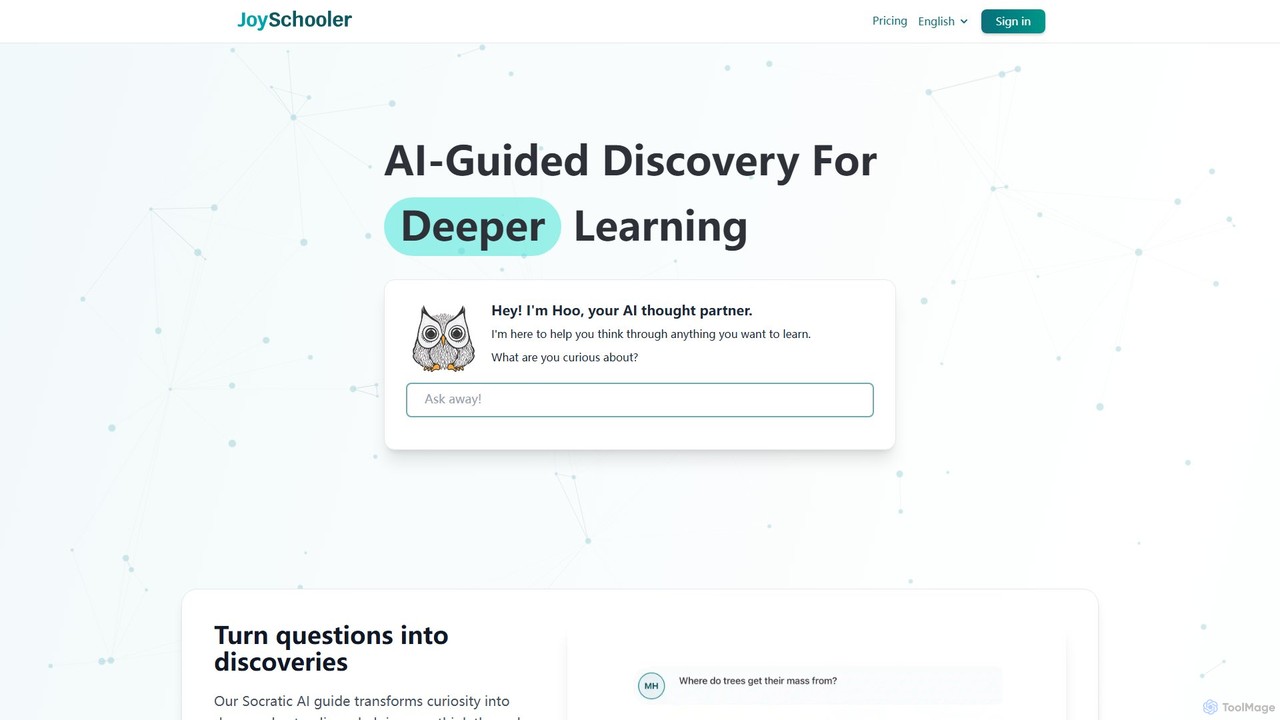
Joyschooler is an AI-powered educational platform for students aged 5+. Featuring a Socratic AI guide named 'Hoo,' it …
Joyschooler is an AI-powered educational platform for students aged 5+. Featuring a Socratic AI guide named 'Hoo,' it helps kids develop critical thinking and deeper understanding across subjects like math, science, and writing. Instead of providing direct answers, it asks guiding questions, fostering independent problem-solving, curiosity, and improved writing skills in a safe, monitored environment for parents and teachers.
Whizz
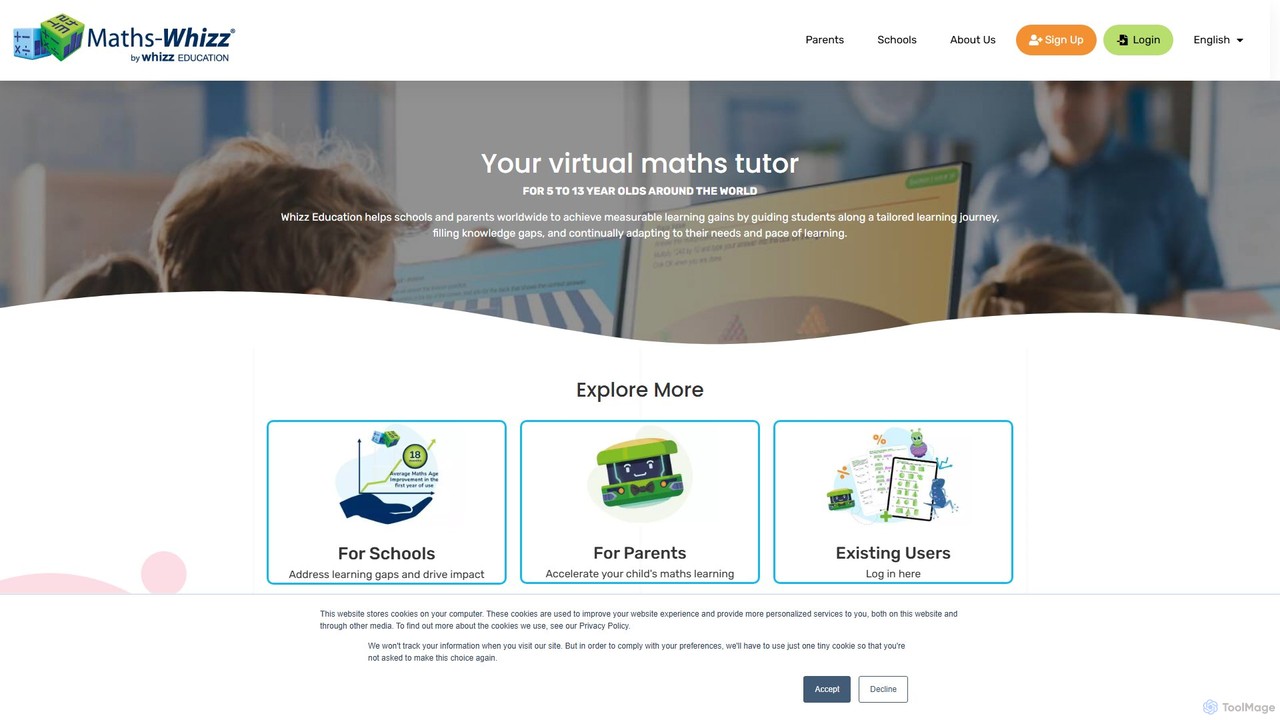
Whizz is an AI-powered virtual maths tutor for children aged 5-13. It uses adaptive learning technology to create …
Whizz is an AI-powered virtual maths tutor for children aged 5-13. It uses adaptive learning technology to create personalized lesson plans, identify knowledge gaps, and accelerate learning through engaging, gamified activities. Proven to improve a child's maths age by 18 months in one year.
About For Kids
AI tools for kids are a category of applications and platforms that use artificial intelligence to create educational, entertaining, and developmental experiences for children. These tools leverage technologies like natural language processing, computer vision, and adaptive learning algorithms to offer interactive and personalized content. Their primary value lies in making learning more engaging, fostering creativity in a controlled environment, and providing safe digital spaces for exploration and skill-building. Many tools adapt to a child's individual learning pace, offering a customized educational journey.
Core Features
- Adaptive Learning Paths: The AI adjusts the difficulty of lessons and quizzes based on the child's performance.
- Interactive Storytelling: AI generates or co-creates unique stories and characters based on a child's input and choices.
- Gamified Education: Core learning concepts are embedded within fun, interactive games to increase engagement.
- Safe Content Moderation: AI systems automatically filter inappropriate language and content to ensure a child-safe environment.
- Creative Assistance: Tools provide smart suggestions and assistance for drawing, coding, or music composition.
Use Cases
These tools are widely used in homes for supplemental education and creative play. In educational settings, teachers use them to provide personalized instruction and track student progress. They are also valuable for children with different learning needs, offering tailored support that traditional methods may not provide. Content creators also use these platforms to develop interactive educational media.
How to Choose
When selecting an AI tool for kids, prioritize age-appropriateness of the content and interface. Scrutinize the platform's safety features, including robust parental controls and clear data privacy policies. Evaluate the educational value to ensure it aligns with learning objectives and is based on sound pedagogical principles. Finally, consider the level of engagement and fun, as a child's interest is key to sustained learning.
For KidsUse Cases
Personalized Math Tutoring
A primary school student struggling with fractions uses an AI-powered math app. The app first assesses their knowledge level through an interactive quiz. Based on the results, the AI creates a personalized learning path, starting with fundamental concepts and gradually introducing more complex problems. When the student makes a mistake, the AI provides instant, step-by-step visual feedback, rather than just the correct answer. This adaptive approach helps the student build confidence and master the topic at their own pace, turning a frustrating subject into an engaging challenge.
Creating an AI-Generated Storybook
A child uses an interactive storytelling tool to create their own picture book. They start by providing a simple prompt, such as 'a curious robot exploring a magical forest.' The AI generates a short story based on this idea and creates accompanying illustrations in a chosen art style. The child can then become a co-author, asking the AI to change plot points ('What if the robot meets a talking squirrel?'), add new characters, or describe a scene in more detail. This process not only fosters creativity and literacy skills but also teaches the basics of narrative structure in a fun, hands-on way.
Learning a New Language with an AI Pal
To learn Spanish, a child interacts with an AI-powered language companion. This 'AI pal' engages the child in simple, spoken conversations on topics like animals, food, and hobbies. It uses speech recognition to understand the child's responses and provides gentle corrections on pronunciation and grammar. The learning is gamified with points and rewards for using new vocabulary correctly. Unlike a static app, the AI pal can ask and answer a wide range of questions, making language practice feel like a natural conversation with a patient friend, thereby reducing the anxiety often associated with learning a new language.
Beginner Coding with an AI Assistant
A young learner uses a block-based coding platform to create a simple animation. The platform includes an AI assistant that provides real-time support. When the child gets stuck trying to make a character jump, they can ask the AI assistant in natural language, 'How do I make it jump?' The AI then highlights the necessary code blocks and provides a simple explanation of the logic. It can also help debug code by identifying common errors, like a missing loop, and suggesting fixes. This immediate, contextual help prevents frustration and encourages experimentation, making the introduction to programming concepts more accessible and enjoyable.
Interactive Science Exploration
Using a tablet with an AI-powered nature identification app, a child explores their backyard. They point the camera at a flower, and the app's computer vision model instantly identifies it as a 'Dandelion' and displays fun facts, such as how its seeds travel. The app then suggests a related activity, like finding other plants that spread seeds with the wind. This turns a simple walk into an interactive scavenger hunt, encouraging curiosity about the natural world. The AI acts as a personal nature guide, answering the child's 'what is that?' questions in real-time and making scientific learning tangible and exciting.
Developing Artistic Skills with AI Drawing Tools
A child who loves to draw uses an AI art application to explore their creativity. They start by drawing a simple sketch of a cat. The AI tool offers several features to enhance the drawing. It can suggest color palettes that work well together, automatically fill in areas with clean colors ('smart fill'), or even transform the simple sketch into different styles, like 'cartoon' or 'watercolor painting,' with a single click. This allows the child to experiment with advanced artistic concepts without the technical frustration, helping them visualize possibilities and develop their own unique style over time.