Pickle
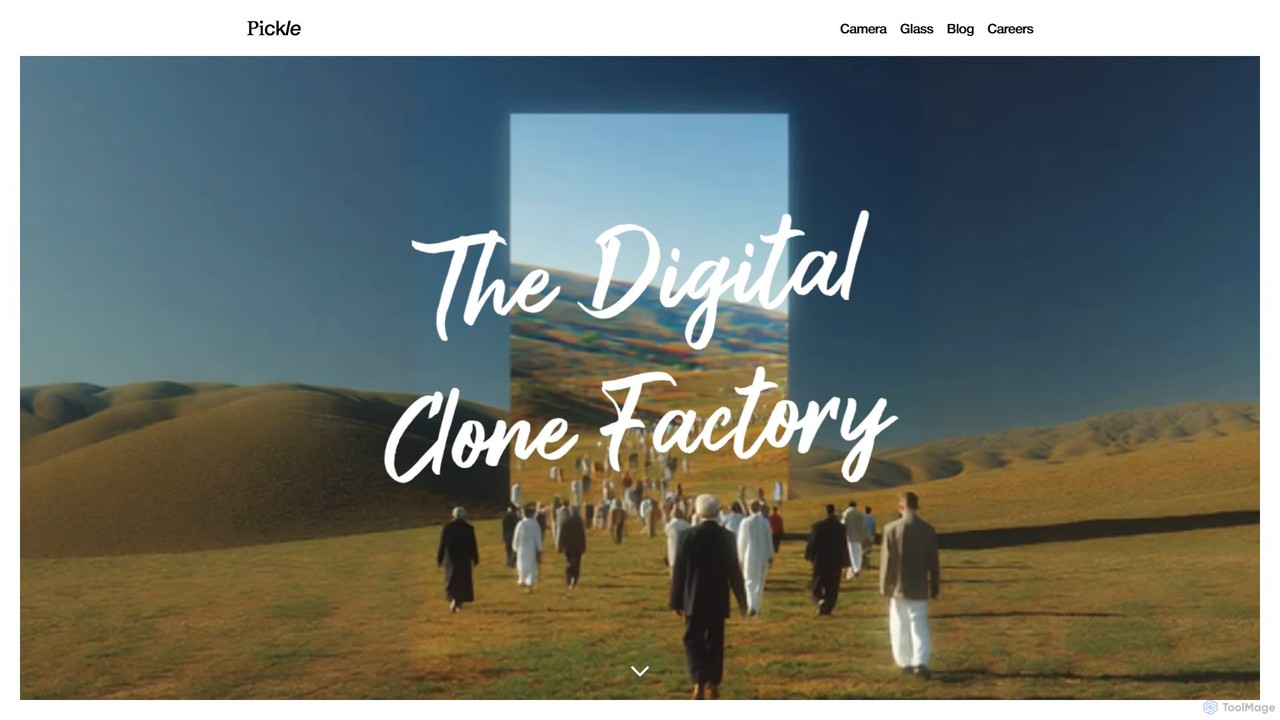
Pickle is a digital clone factory that creates a living AI avatar of you. This digital twin can …
Pickle is a digital clone factory that creates a living AI avatar of you. This digital twin can learn from your daily life, represent you in video calls with perfect lip-sync, and manage your social media presence 24/7, offering a seamless blend of productivity and digital identity.
Fineshare
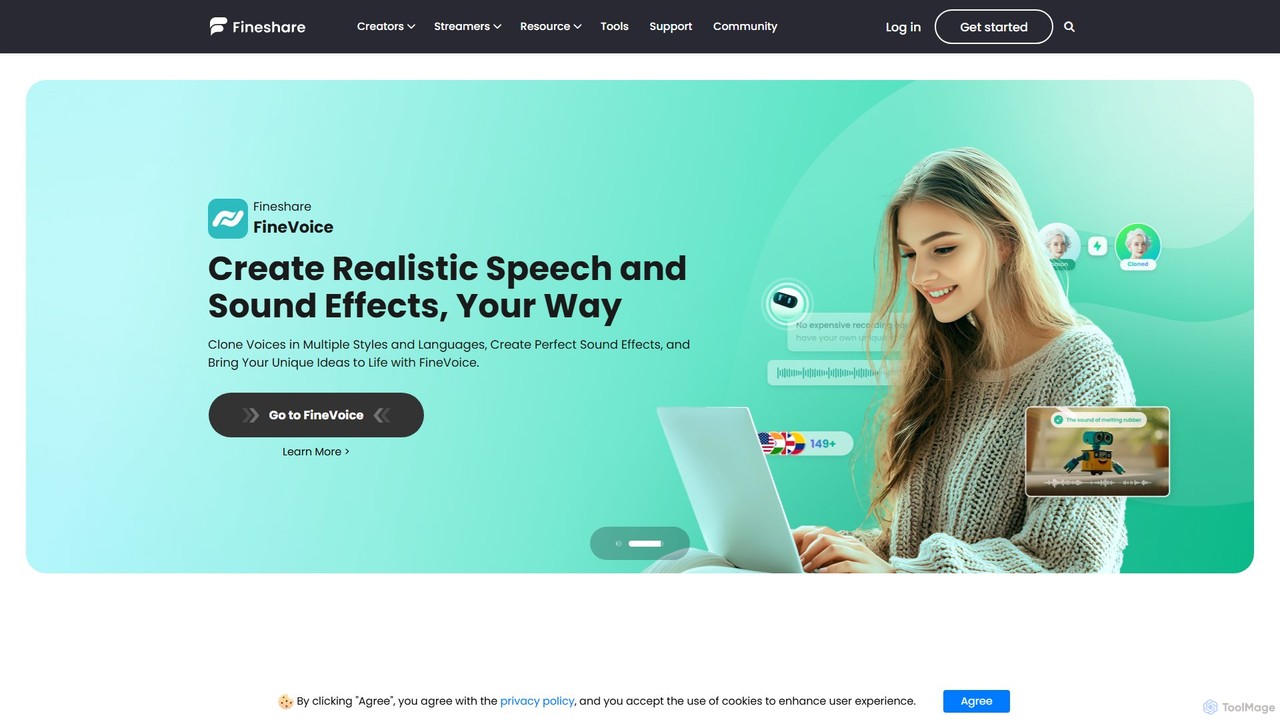
Fineshare offers a suite of AI-powered audio and video tools, including the advanced Finevoice AI voice generator for …
Fineshare offers a suite of AI-powered audio and video tools, including the advanced Finevoice AI voice generator for text-to-speech and voice cloning, and FineCam for turning your phone into a professional HD webcam. It's designed for content creators, marketers, and educators to produce high-quality media effortlessly.
About Virtual Camera
Virtual Camera is a type of AI-powered software that emulates a physical webcam, allowing users to feed diverse media sources into video conferencing, streaming, and recording applications. These tools leverage artificial intelligence to enhance live video streams, offering advanced capabilities like real-time background removal, virtual avatars, and dynamic content overlays. They enable professional broadcasting, engaging virtual presentations, and improved privacy for online interactions, transforming how users present themselves digitally and elevating the quality of their virtual presence.
Core Features
- AI Background Removal/Replacement: Intelligently removes or replaces your background in real-time without the need for a physical green screen, offering privacy and a professional appearance.
- Virtual Avatars & Identity Masking: Transforms users into AI-generated virtual characters or masks their identity, providing anonymity or creative expression for various online scenarios.
- Real-time Effects & Filters: Applies dynamic visual effects, artistic filters, and augmented reality elements directly to your video feed, enhancing engagement and personalization.
- Multi-source Switching: Seamlessly switches between multiple video inputs, such as different cameras, pre-recorded videos, images, screen shares, or even other applications, creating a dynamic presentation.
- Customizable Overlays & Branding: Allows users to add personalized logos, lower thirds, text, and other graphic elements to their video stream, perfect for professional branding or informational displays.
Applicable Scenarios
Virtual cameras are indispensable for professional live streamers in gaming or educational content creation, significantly enhancing virtual meetings with dynamic and private backgrounds, and enabling the creation of highly engaging online presentations. They also serve content creators who aim to integrate unique visual flair and advanced production techniques into their videos, from YouTube tutorials to social media clips.
How to Choose
When selecting an AI virtual camera, consider its core AI capabilities, particularly the accuracy and performance of background removal and the quality of avatar generation. Evaluate its compatibility with your primary streaming or conferencing platforms (e.g., OBS, Zoom, Teams), the ease of use for real-time adjustments and scene management, and the breadth of available effects, filters, and overlay customization options. Additionally, assess its impact on your system's CPU/GPU resources and explore the pricing models, including free tiers versus premium subscriptions for advanced features.
Virtual CameraUse Cases
Professional Live Streaming & Broadcasting
Streamers and broadcasters use virtual cameras to integrate multiple video sources, apply real-time effects, display custom overlays, and manage dynamic scene switching for a polished, TV-like production quality on platforms like Twitch, YouTube Live, or OBS. This allows them to create highly engaging and professional-looking live content, captivating their audience with seamless transitions and interactive elements.
Enhanced Virtual Meetings & Webinars
Business professionals and educators leverage virtual cameras to replace distracting backgrounds with professional settings, use virtual avatars for privacy, or share dynamic presentations directly into platforms like Zoom, Microsoft Teams, or Google Meet, making interactions more engaging and secure. This elevates the standard of online communication, fostering better engagement and a more polished corporate image.
Content Creation with AI Avatars
YouTubers, TikTok creators, and animators utilize virtual cameras to transform themselves into AI-generated avatars, enabling them to create unique character-driven content without revealing their identity, or to experiment with different personas for storytelling. This opens up new avenues for creative expression, allowing creators to explore diverse narratives and visual styles with ease.
Online Education & Interactive Learning
Teachers and trainers employ virtual cameras to overlay educational graphics, highlight key information on screen, or switch between camera feeds and digital whiteboards, creating a more interactive and visually stimulating learning environment for students. This dynamic approach enhances student engagement and comprehension, making online lessons more impactful and memorable.
Gaming & Esports Commentary
Gamers and esports commentators use virtual cameras to integrate their gameplay footage with their webcam feed, add custom frames, display real-time game statistics, and apply dynamic effects, enhancing the viewer experience and personalizing their streams. This creates a more immersive and branded viewing experience, helping them stand out in a competitive streaming landscape.
Virtual Event Hosting & Production
Event organizers and hosts use virtual cameras to manage complex virtual stages, integrate pre-recorded segments, display sponsor logos, and ensure seamless transitions between speakers and content, delivering a high-quality virtual event experience. This allows for professional-grade event production, making online conferences, concerts, and ceremonies feel more polished and engaging for attendees.