

ToolMage
Iniciar sesión
CTRL Sheet
Automatización de Tareas · 9.6K visitas mensuales

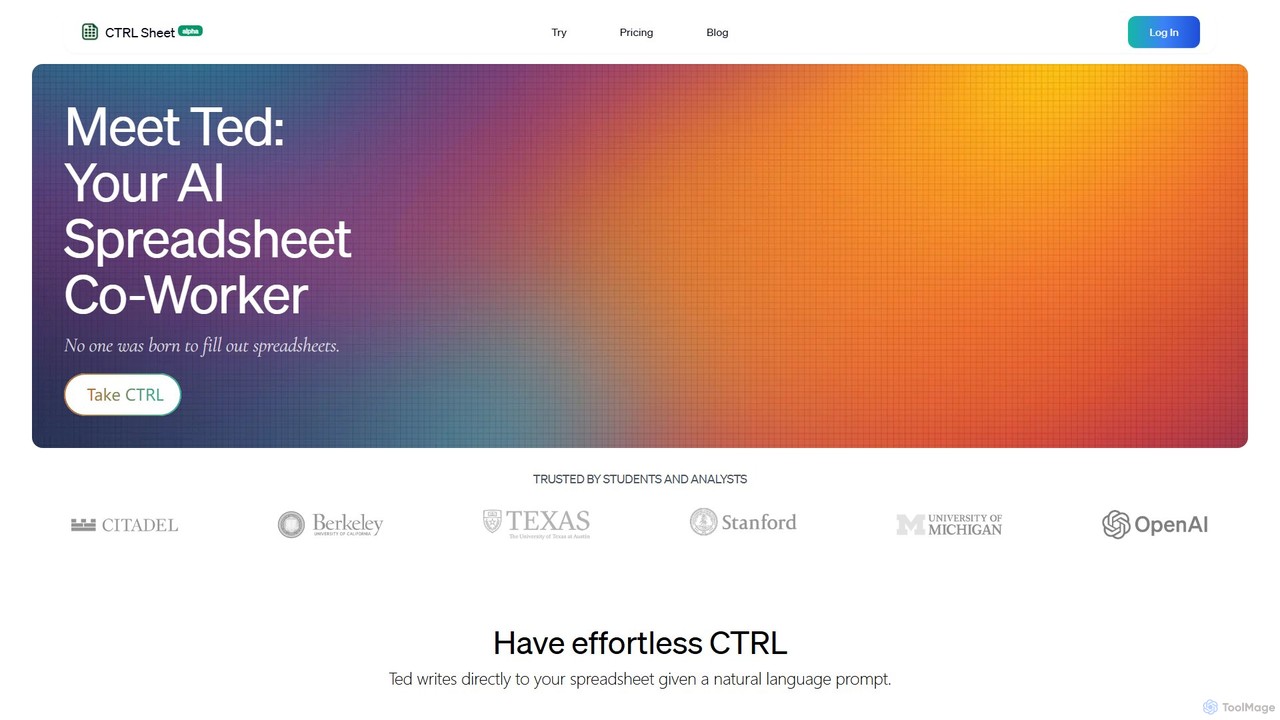
CTRL Sheet es un compañero de trabajo de hojas de cálculo con IA llamado Ted que automatiza tareas de datos. Permite a los usuarios interactuar con hojas de cálculo usando lenguaje natural, extraer datos de varios archivos como PDF e imágenes, y generar fórmulas complejas sin esfuerzo. Está diseñado para ahorrar tiempo y reducir errores para estudiantes, analistas y profesionales.

VS
ExcelMaster.ai
Asistente de Código · 30.7K visitas mensuales

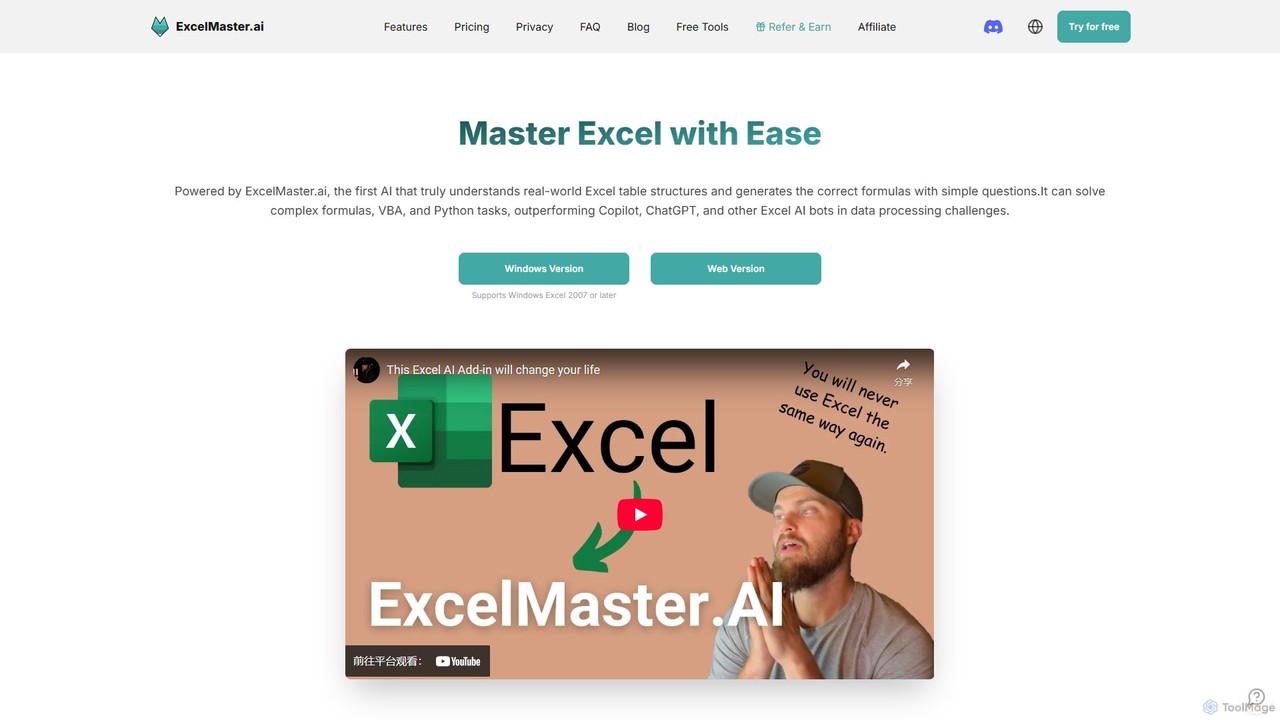
ExcelMaster.ai es un asistente de IA avanzado diseñado para dominar Microsoft Excel. Genera fórmulas precisas, código VBA y scripts de Python a partir de simples preguntas en lenguaje natural. Destaca en la comprensión de estructuras complejas de múltiples hojas y ofrece automatización con un solo clic, lo que lo convierte en una herramienta poderosa tanto para principiantes como para usuarios expertos de Excel para mejorar la productividad y agilizar las tareas con gran cantidad de datos.

CTRL Sheet vs ExcelMaster.ai: precios, funciones y tráfico

Compara CTRL Sheet y ExcelMaster.ai por posicionamiento, precio, capacidades, tráfico y opiniones.

Actualizado 5 ago 2026

Resumen del producto

CTRL Sheet Resumen del producto

CTRL Sheet es un compañero de trabajo de hojas de cálculo con IA llamado Ted que automatiza tareas de datos. Permite a los usuarios interactuar con hojas de cálculo usando lenguaje natural, extraer datos de varios archivos como PDF e imágenes, y generar fórmulas complejas sin esfuerzo. Está diseñado para ahorrar tiempo y reducir errores para estudiantes, analistas y profesionales.
Preview

ExcelMaster.ai Resumen del producto

ExcelMaster.ai es un asistente de IA avanzado diseñado para dominar Microsoft Excel. Genera fórmulas precisas, código VBA y scripts de Python a partir de simples preguntas en lenguaje natural. Destaca en la comprensión de estructuras complejas de múltiples hojas y ofrece automatización con un solo clic, lo que lo convierte en una herramienta poderosa tanto para principiantes como para usuarios expertos de Excel para mejorar la productividad y agilizar las tareas con gran cantidad de datos.

Preview

Detailed feature comparison

FeatureCTRL SheetExcelMaster.ai
Categoría principalAutomatización de TareasAsistente de Código
Añadido2025-08-062025-08-08
PrecioFreemiumFreemium
Sitio oficialwww.ctrlsheet.aiexcelmaster.ai
Tipo de productoSitio webSitio web
Performance data
ValoraciónSin verificarSin verificar
Comentarios00
Visitas mensuales9.6K30.7K
Crecimiento mensual-11.9%16.5%
Favoritos10794
DetailsVer detallesVer detalles

CTRL Sheet vs ExcelMaster.ai monthly traffic

Compare CTRL Sheet and ExcelMaster.ai by monthly reach, traffic trend, visit depth, top regions, and acquisition sources.

How to interpret the traffic data

In the CTRL Sheet vs ExcelMaster.ai monthly traffic comparison, CTRL Sheet currently shows 9.6K visits and ExcelMaster.ai shows 30.7K; ExcelMaster.ai has about 3.2 times the visible traffic of CTRL Sheet, an absolute difference of about 21.1K visits. This reflects visible reach, not feature quality or paid users.

Both tools provide verified traffic details, so monthly trends, visit depth, regions, and acquisition sources can be compared on the same basis.

CTRL Sheet monthly traffic:

Latest traffic

Visitas mensuales
9.6K
Duración media
0:16
Páginas por visita
1.61
Tasa de rebote
42.43%
Data updated 2026-06-15

Monthly traffic trend

  • 2025/9: 3.6K Visitas mensuales
  • 2026/1: 7.1K Visitas mensuales
  • 2026/2: 4.6K Visitas mensuales
  • 2026/3: 6K Visitas mensuales
  • 2026/4: 10.9K Visitas mensuales
  • 2026/5: 9.6K Visitas mensuales

Regiones principales

Top 5 countries/regions
Country/regionPercentageTraffic
🇺🇸United States43.17%4.1K
🇻🇳Vietnam25.64%2.5K
🇬🇧United Kingdom16.34%1.6K
🇳🇬Nigeria9.11%870
🇳🇱Netherlands5.74%548

Palabras clave

controle z excelexcel new sheet shortcutgoogle sheet grasdient highlightgoogle sheets, if text is true, format different cellshow to do gradients in text on spreadsheets in google

ExcelMaster.ai monthly traffic:

Latest traffic

Visitas mensuales
30.7K
Duración media
0:22
Páginas por visita
1.64
Tasa de rebote
41.41%
Data updated 2026-06-15

Monthly traffic trend

  • 2025/9: 13.8K Visitas mensuales
  • 2026/1: 23.6K Visitas mensuales
  • 2026/2: 19.5K Visitas mensuales
  • 2026/3: 29K Visitas mensuales
  • 2026/4: 26.3K Visitas mensuales
  • 2026/5: 30.7K Visitas mensuales

Regiones principales

Top 5 countries/regions
Country/regionPercentageTraffic
🇮🇳India22.45%6.9K
🇷🇺Russia19.95%6.1K
🇺🇸United States19.69%6K
🇰🇷Korea, Republic of19.52%6K
🇻🇳Vietnam18.39%5.6K

Palabras clave

excel 保護強制解除  オンラインexcel 開く パスワード 強制 解除 オンラインxlsb to xlsxвосстановить excel файл онлайнهل يمكن تحويل ملف excel الى صيغة md
Traffic-based selection guidance: If public market visibility is an important first-pass criterion, investigate ExcelMaster.ai first. The final choice should still follow taxonomy, use case, and a real trial because higher traffic does not prove broader capabilities or better workflow fit.

Usage comparison

Compare the core capabilities of CTRL Sheet and ExcelMaster.ai

CTRL Sheet Core features

Análisis de Datos
Hojas de cálculo
Automatización de Tareas

ExcelMaster.ai Core features

Análisis de Datos
Hojas de cálculo
Asistente de Código
Contabilidad

Use cases

CTRL Sheet Use cases

automatización
análisis de datos
Excel
Generador de fórmulas
hoja de cálculo
Asistente de IA
entrada de datos
Extracción de datos
Google Hojas de cálculo
No-code

ExcelMaster.ai Use cases

automatización
análisis de datos
Excel
Generador de fórmulas
hoja de cálculo
Limpieza de datos
Microsoft Excel
herramientas de oficina
productividad
Script de Python
Generador de VBA

CTRL Sheet vs ExcelMaster.ai:In-depth comparison and selection guidance

First decide whether the products solve the same kind of need

This in-depth CTRL Sheet vs ExcelMaster.ai comparison uses only the product records, taxonomy, audience, traffic, and community signals available on this page. CTRL Sheet is primarily listed under “Automatización de Tareas”, while ExcelMaster.ai is primarily listed under “Asistente de Código”, so the first decision is whether your actual task matches their recorded scope.

The structured fields currently show these decision-relevant differences: Primary category (CTRL Sheet: Automatización de Tareas; ExcelMaster.ai: Asistente de Código); Monthly visits (CTRL Sheet: 9.6K; ExcelMaster.ai: 30.7K); Monthly growth (CTRL Sheet: -11.9%; ExcelMaster.ai: 16.5%); Favorites (CTRL Sheet: 107; ExcelMaster.ai: 94); Website (CTRL Sheet: www.ctrlsheet.ai; ExcelMaster.ai: excelmaster.ai). These facts are more useful for selection than brand visibility alone.

What market visibility and monthly traffic mean

In the CTRL Sheet vs ExcelMaster.ai monthly traffic comparison, CTRL Sheet currently shows 9.6K visits and ExcelMaster.ai shows 30.7K; ExcelMaster.ai has about 3.2 times the visible traffic of CTRL Sheet, an absolute difference of about 21.1K visits. This reflects visible reach, not feature quality or paid users.

Both tools provide verified traffic details, so monthly trends, visit depth, regions, and acquisition sources can be compared on the same basis.

If public market visibility is an important first-pass criterion, investigate ExcelMaster.ai first. The final choice should still follow taxonomy, use case, and a real trial because higher traffic does not prove broader capabilities or better workflow fit.

Product positioning, use cases, and roles

CTRL Sheet and ExcelMaster.ai currently overlap in shared categories: Análisis de Datos y Hojas de cálculo; shared tags: automatización, análisis de datos, Excel, Generador de fórmulas y hoja de cálculo. This can place both on the same shortlist, but it does not prove equal implementation, depth, or cost.

CTRL Sheet's unique categories/tags are Automatización de Tareas, Asistente de IA, entrada de datos, Extracción de datos, Google Hojas de cálculo y No-code; ExcelMaster.ai's are Asistente de Código, Contabilidad, Limpieza de datos, Microsoft Excel, herramientas de oficina, productividad, Script de Python y Generador de VBA. These unique fields are the strongest differentiators: validate the product whose recorded scope matches the task instead of following traffic alone.

What ratings, comments, and favorites can tell you

CTRL Sheet has no verified rating, 0 comments, 107 favorites, and 99 likes;ExcelMaster.ai has no verified rating, 0 comments, 94 favorites, and 96 likes。

Neither product has enough rating or comment samples for a credible reputation ranking.

Selection guidance by actual need

When to evaluate CTRL Sheet first

Put CTRL Sheet on the priority trial list when the task aligns with “Automatización de Tareas” and especially Automatización de Tareas, Asistente de IA, entrada de datos, Extracción de datos, Google Hojas de cálculo y No-code. This follows recorded positioning and does not imply unlisted capabilities are absent.

CTRL Sheet also currently records: pricing is freemium, product type is website, 9.6K verified monthly visits, no verified user rating. Verify any hard requirement around price, platform, or reach before trial, and do not let sparse review data substitute for testing.

When to evaluate ExcelMaster.ai first

Put ExcelMaster.ai on the priority trial list when the task aligns with “Asistente de Código” and especially Asistente de Código, Contabilidad, Limpieza de datos, Microsoft Excel, herramientas de oficina y productividad. This follows recorded positioning and does not imply unlisted capabilities are absent.

ExcelMaster.ai also currently records: pricing is freemium, product type is website, 30.7K verified monthly visits, no verified user rating. Verify any hard requirement around price, platform, or reach before trial, and do not let sparse review data substitute for testing.

How to validate the recommendation before deciding

The available data describes positioning, public visibility, and community signals, but it cannot prove output quality, speed, integration effort, privacy, or long-term cost in your workflow. Before deciding, run the same representative tasks in CTRL Sheet and ExcelMaster.ai, then record completion time, accuracy, manual corrections, and the real paid threshold. A like-for-like trial turns this comparison into a defensible adoption decision.

Preguntas frecuentes

How should I choose between CTRL Sheet and ExcelMaster.ai?
Compare positioning, pricing, taxonomy, and traffic maturity, then verify the latest details on each official website.
Where does this comparison data come from?
The factual baseline is derived from product, taxonomy, traffic, and community data. Reviewed editorial conclusions show their source and verification date.
What do unknown fields mean?
Unknown means there is not enough reliable evidence; the page does not fill gaps with assumptions.