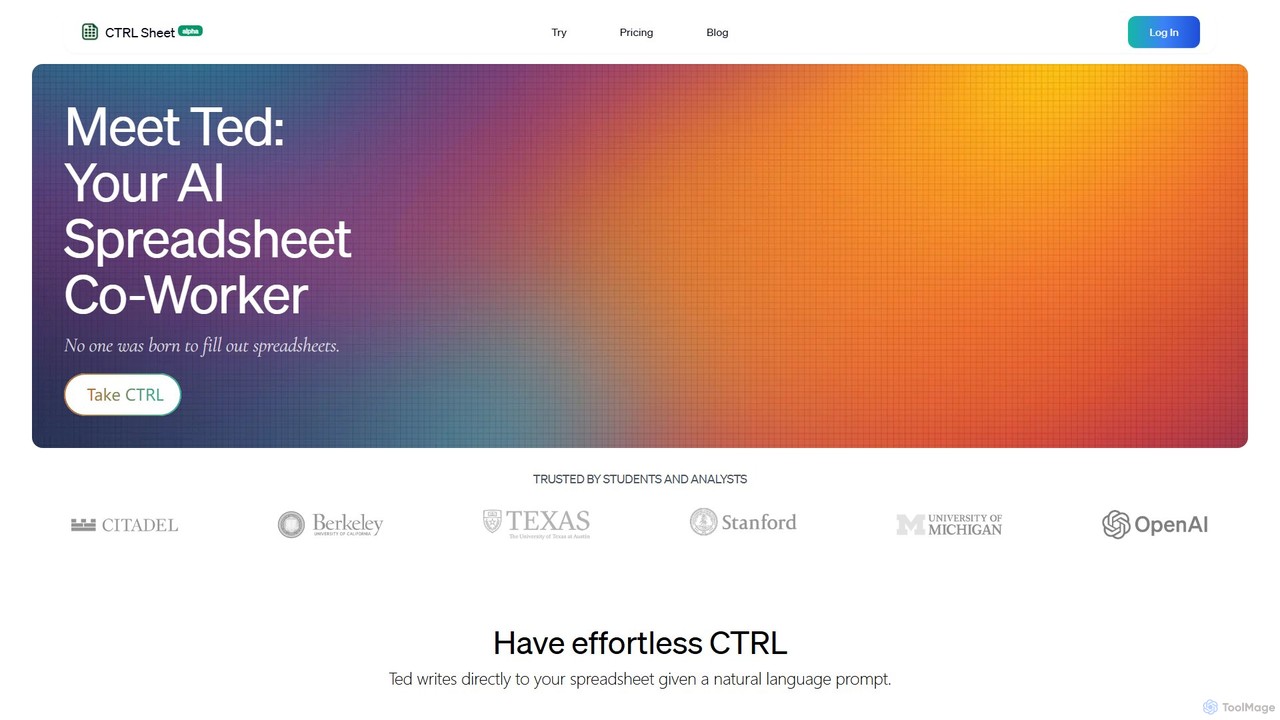
CTRL Sheet es un compañero de trabajo de hojas de cálculo con IA llamado Ted que automatiza tareas de datos. Permite a los usuarios interactuar con hojas de cálculo usando lenguaje natural, extraer datos de varios archivos como PDF e imágenes, y generar fórmulas complejas sin esfuerzo. Está diseñado para ahorrar tiempo y reducir errores para estudiantes, analistas y profesionales.
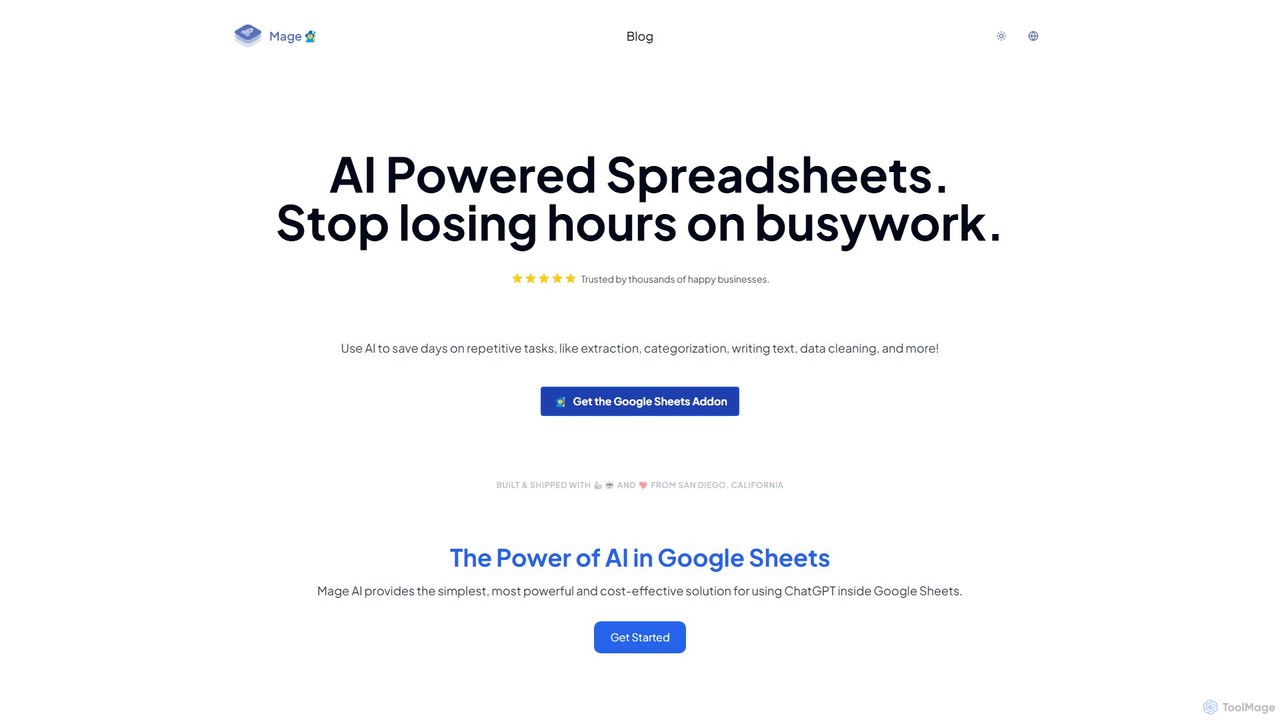
Mage es un potente complemento de IA para Google Sheets que automatiza tareas repetitivas. Úsalo para extraer datos, categorizar texto, generar contenido, limpiar datos y realizar traducciones directamente en tus hojas de cálculo, ahorrando horas de trabajo manual.
Resumen del producto
CTRL Sheet Resumen del producto
CTRL Sheet es un compañero de trabajo de hojas de cálculo con IA llamado Ted que automatiza tareas de datos. Permite a los usuarios interactuar con hojas de cálculo usando lenguaje natural, extraer datos de varios archivos como PDF e imágenes, y generar fórmulas complejas sin esfuerzo. Está diseñado para ahorrar tiempo y reducir errores para estudiantes, analistas y profesionales.
Mage Resumen del producto
Mage es un potente complemento de IA para Google Sheets que automatiza tareas repetitivas. Úsalo para extraer datos, categorizar texto, generar contenido, limpiar datos y realizar traducciones directamente en tus hojas de cálculo, ahorrando horas de trabajo manual.
Detailed feature comparison
| Feature | CTRL Sheet | Mage |
|---|---|---|
| Categoría principal | Automatización de Tareas | No Code |
| Añadido | 2025-08-06 | 2025-08-02 |
| Precio | Freemium | Freemium |
| Sitio oficial | www.ctrlsheet.ai | www.usemage.com |
| Tipo de producto | Sitio web | Extensión del navegador |
| Performance data | ||
| Valoración | Sin verificar | Sin verificar |
| Comentarios | 0 | 0 |
| Visitas mensuales | 9.6K | 2.6K |
| Crecimiento mensual | -11.9% | -3.6% |
| Favoritos | 107 | 127 |
| Details | Ver detalles | Ver detalles |
CTRL Sheet vs Mage monthly traffic
Compare CTRL Sheet and Mage by monthly reach, traffic trend, visit depth, top regions, and acquisition sources.
How to interpret the traffic data
In the CTRL Sheet vs Mage monthly traffic comparison, CTRL Sheet currently shows 9.6K visits and Mage shows 2.6K; CTRL Sheet has about 3.6 times the visible traffic of Mage, an absolute difference of about 6.9K visits. This reflects visible reach, not feature quality or paid users.
Both tools provide verified traffic details, so monthly trends, visit depth, regions, and acquisition sources can be compared on the same basis.
CTRL Sheet monthly traffic:
Latest traffic
Monthly traffic trend
- 2025/9: 3.6K Visitas mensuales
- 2026/1: 7.1K Visitas mensuales
- 2026/2: 4.6K Visitas mensuales
- 2026/3: 6K Visitas mensuales
- 2026/4: 10.9K Visitas mensuales
- 2026/5: 9.6K Visitas mensuales
Regiones principales
Top 5 countries/regions
| Country/region | Percentage | Traffic |
|---|---|---|
| 🇺🇸United States | 43.17% | 4.1K |
| 🇻🇳Vietnam | 25.64% | 2.5K |
| 🇬🇧United Kingdom | 16.34% | 1.6K |
| 🇳🇬Nigeria | 9.11% | 870 |
| 🇳🇱Netherlands | 5.74% | 548 |
Palabras clave
Mage monthly traffic:
Latest traffic
Monthly traffic trend
- 2025/9: 6.9K Visitas mensuales
- 2026/1: 9.8K Visitas mensuales
- 2026/2: 5.8K Visitas mensuales
- 2026/3: 3.4K Visitas mensuales
- 2026/4: 2.7K Visitas mensuales
- 2026/5: 2.6K Visitas mensuales
Regiones principales
Top 5 countries/regions
| Country/region | Percentage | Traffic |
|---|---|---|
| 🇺🇸United States | 100% | 2.6K |
Palabras clave
Usage comparison
Compare the core capabilities of CTRL Sheet and Mage
CTRL Sheet Core features
Mage Core features
Use cases
CTRL Sheet Use cases
Mage Use cases
CTRL Sheet vs Mage:In-depth comparison and selection guidance
First decide whether the products solve the same kind of need
This in-depth CTRL Sheet vs Mage comparison uses only the product records, taxonomy, audience, traffic, and community signals available on this page. CTRL Sheet is primarily listed under “Automatización de Tareas”, while Mage is primarily listed under “No Code”, so the first decision is whether your actual task matches their recorded scope.
The structured fields currently show these decision-relevant differences: Primary category (CTRL Sheet: Automatización de Tareas; Mage: No Code); Product type (CTRL Sheet: Website; Mage: Browser extension); Monthly visits (CTRL Sheet: 9.6K; Mage: 2.6K); Monthly growth (CTRL Sheet: -11.9%; Mage: -3.6%); Favorites (CTRL Sheet: 107; Mage: 127). These facts are more useful for selection than brand visibility alone.
What market visibility and monthly traffic mean
In the CTRL Sheet vs Mage monthly traffic comparison, CTRL Sheet currently shows 9.6K visits and Mage shows 2.6K; CTRL Sheet has about 3.6 times the visible traffic of Mage, an absolute difference of about 6.9K visits. This reflects visible reach, not feature quality or paid users.
Both tools provide verified traffic details, so monthly trends, visit depth, regions, and acquisition sources can be compared on the same basis.
If public market visibility is an important first-pass criterion, investigate CTRL Sheet first. The final choice should still follow taxonomy, use case, and a real trial because higher traffic does not prove broader capabilities or better workflow fit.
Product positioning, use cases, and roles
CTRL Sheet and Mage currently overlap in shared categories: Análisis de Datos y Hojas de cálculo; shared tags: automatización, Extracción de datos, Google Hojas de cálculo, No-code y hoja de cálculo. This can place both on the same shortlist, but it does not prove equal implementation, depth, or cost.
CTRL Sheet's unique categories/tags are Automatización de Tareas, Asistente de IA, análisis de datos, entrada de datos, Excel y Generador de fórmulas; Mage's are No Code, Generación de Contenido, Categorización, Limpieza de datos, productividad, Generación de texto y traducción. These unique fields are the strongest differentiators: validate the product whose recorded scope matches the task instead of following traffic alone.
What ratings, comments, and favorites can tell you
CTRL Sheet has no verified rating, 0 comments, 107 favorites, and 99 likes;Mage has no verified rating, 0 comments, 127 favorites, and 122 likes。
Neither product has enough rating or comment samples for a credible reputation ranking.
Selection guidance by actual need
When to evaluate CTRL Sheet first
Put CTRL Sheet on the priority trial list when the task aligns with “Automatización de Tareas” and especially Automatización de Tareas, Asistente de IA, análisis de datos, entrada de datos, Excel y Generador de fórmulas. This follows recorded positioning and does not imply unlisted capabilities are absent.
CTRL Sheet also currently records: pricing is freemium, product type is website, 9.6K verified monthly visits, no verified user rating. Verify any hard requirement around price, platform, or reach before trial, and do not let sparse review data substitute for testing.
When to evaluate Mage first
Put Mage on the priority trial list when the task aligns with “No Code” and especially No Code, Generación de Contenido, Categorización, Limpieza de datos, productividad y Generación de texto. This follows recorded positioning and does not imply unlisted capabilities are absent.
Mage also currently records: pricing is freemium, product type is browser extension, 2.6K verified monthly visits, no verified user rating. Verify any hard requirement around price, platform, or reach before trial, and do not let sparse review data substitute for testing.
How to validate the recommendation before deciding
The available data describes positioning, public visibility, and community signals, but it cannot prove output quality, speed, integration effort, privacy, or long-term cost in your workflow. Before deciding, run the same representative tasks in CTRL Sheet and Mage, then record completion time, accuracy, manual corrections, and the real paid threshold. A like-for-like trial turns this comparison into a defensible adoption decision.
Preguntas frecuentes
How should I choose between CTRL Sheet and Mage?
Where does this comparison data come from?
What do unknown fields mean?
Related AI tools

excelformulagpt
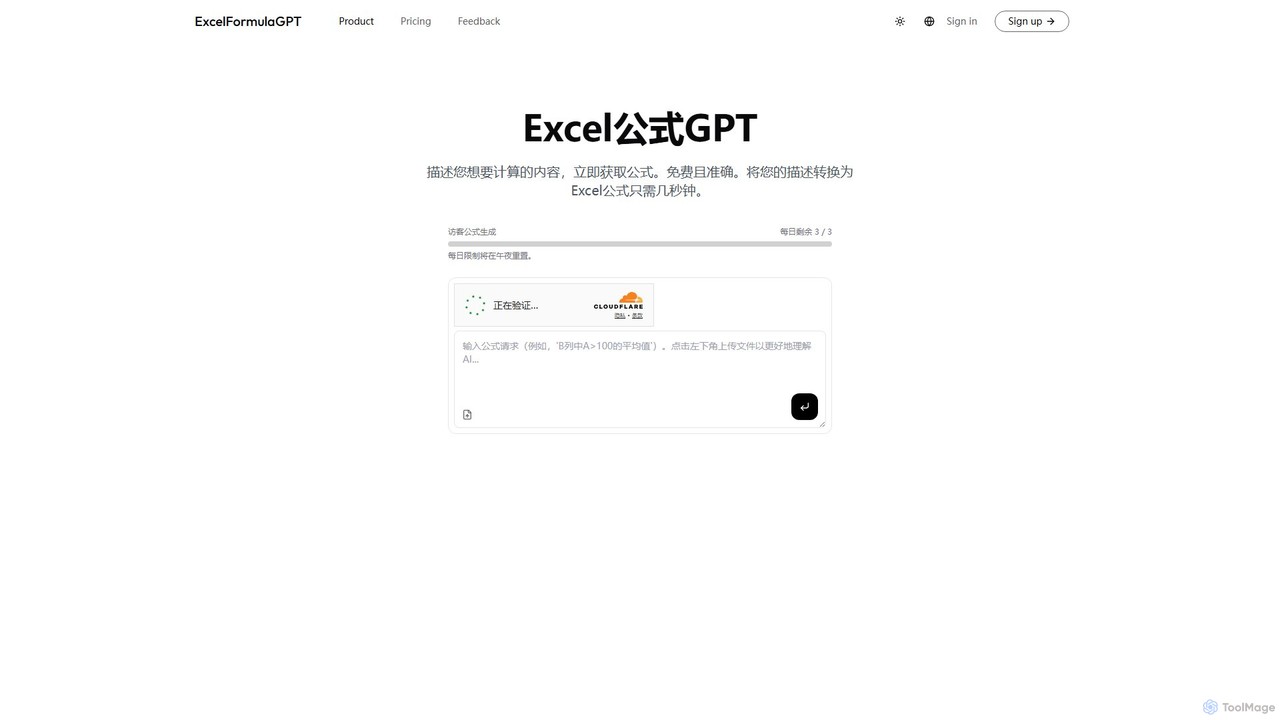
excelformulagpt es una herramienta impulsada por IA que convierte instantáneamente descripciones en lenguaje natural en fórmulas complejas de Excel y Google Sheets. Ayuda a los usuarios a ahorrar tiempo, reducir errores y aumentar la productividad sin necesidad de memorizar sintaxis complejas. Las características incluyen generación de fórmulas, sugerencias contextuales de archivos subidos y explicaciones de fórmulas.
Automatización
Sheetplus
Sheetplus es un conjunto de herramientas impulsado por IA diseñado para potenciar tu experiencia con hojas de cálculo en Google Sheets y Excel. Utilizando lenguaje natural, permite a los usuarios generar fórmulas complejas, limpiar y analizar datos, automatizar tareas y extraer información sin escribir código. Actúa como un asistente inteligente, haciendo la gestión de datos más rápida, intuitiva y accesible para todos, independientemente de su experiencia técnica.
Automatización
Array Assistant
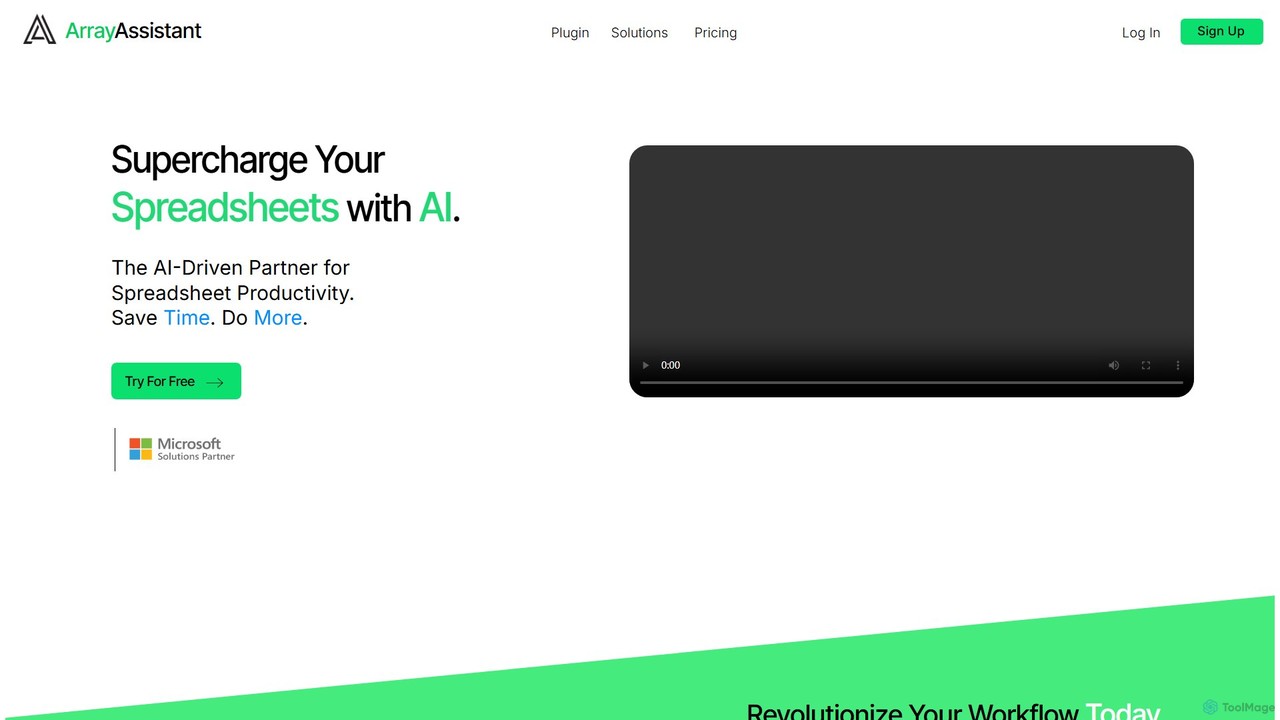
Array Assistant es un complemento de hojas de cálculo impulsado por IA que potencia tu productividad. Te ayuda a generar fórmulas complejas, limpiar y organizar datos, resumir texto, explicar problemas y diseñar automatizaciones, todo dentro de tu flujo de trabajo existente. Ideal para profesionales, estudiantes y cualquiera que use hojas de cálculo.
Finanzas
Numerous.ai
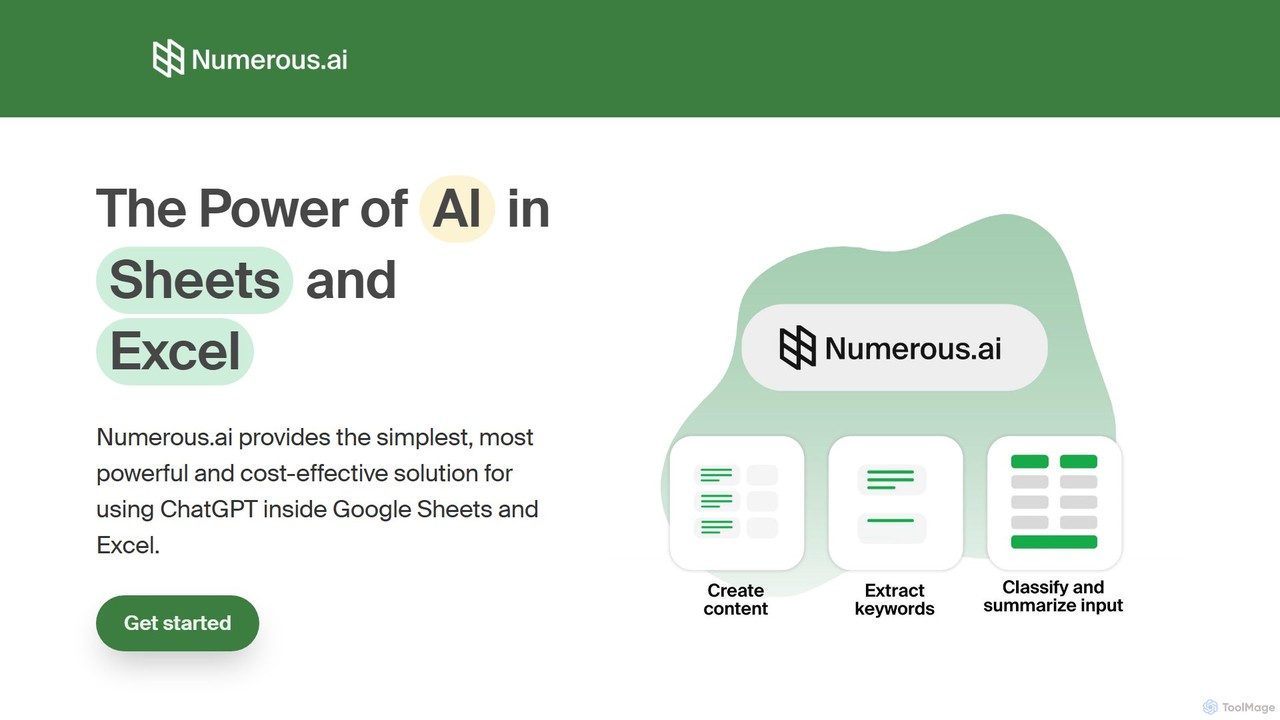
Numerous.ai es un potente asistente de IA que se integra directamente en Google Sheets y Excel. Permite a los usuarios automatizar tareas, generar contenido, limpiar y clasificar datos, y realizar análisis complejos utilizando una simple función '=AI()', sin necesidad de claves de API ni conocimientos de programación.
Análisis de Datos
Charm
Charm era un asistente impulsado por IA integrado directamente en Google Sheets como un complemento. Fue diseñado para automatizar tareas complejas basadas en texto, como limpiar datos desordenados, generar contenido, resumir textos y clasificar información, sin requerir fórmulas tradicionales ni codificación. Tenga en cuenta: Charm fue cerrado oficialmente el 15 de septiembre de 2023.
Automatización
Sheet Copilot
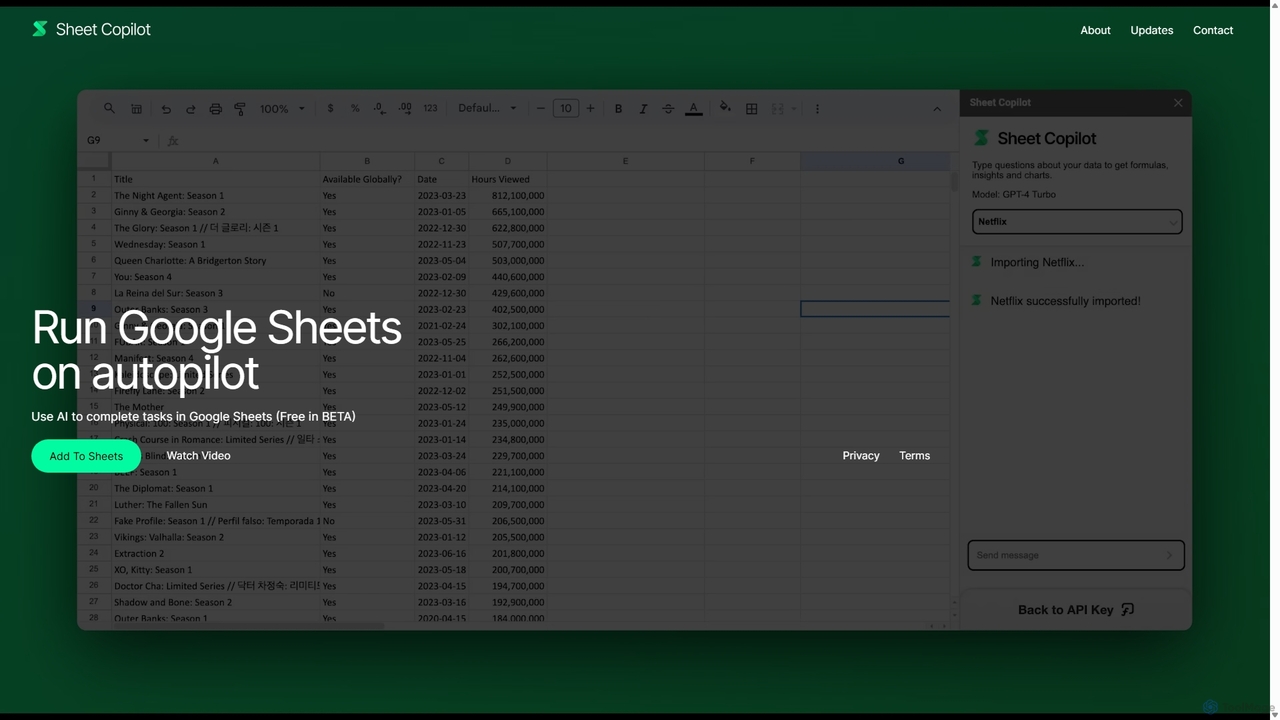
Sheet Copilot es un asistente impulsado por IA que automatiza tareas y responde preguntas directamente en Google Sheets. Mediante comandos de lenguaje natural, puedes limpiar datos, generar fórmulas, crear resúmenes y analizar información sin escribir funciones complejas. Actualmente es gratuito en fase beta y funciona con tu propia clave de API de OpenAI para una mayor privacidad y seguridad.
Automatización
sheety.ai
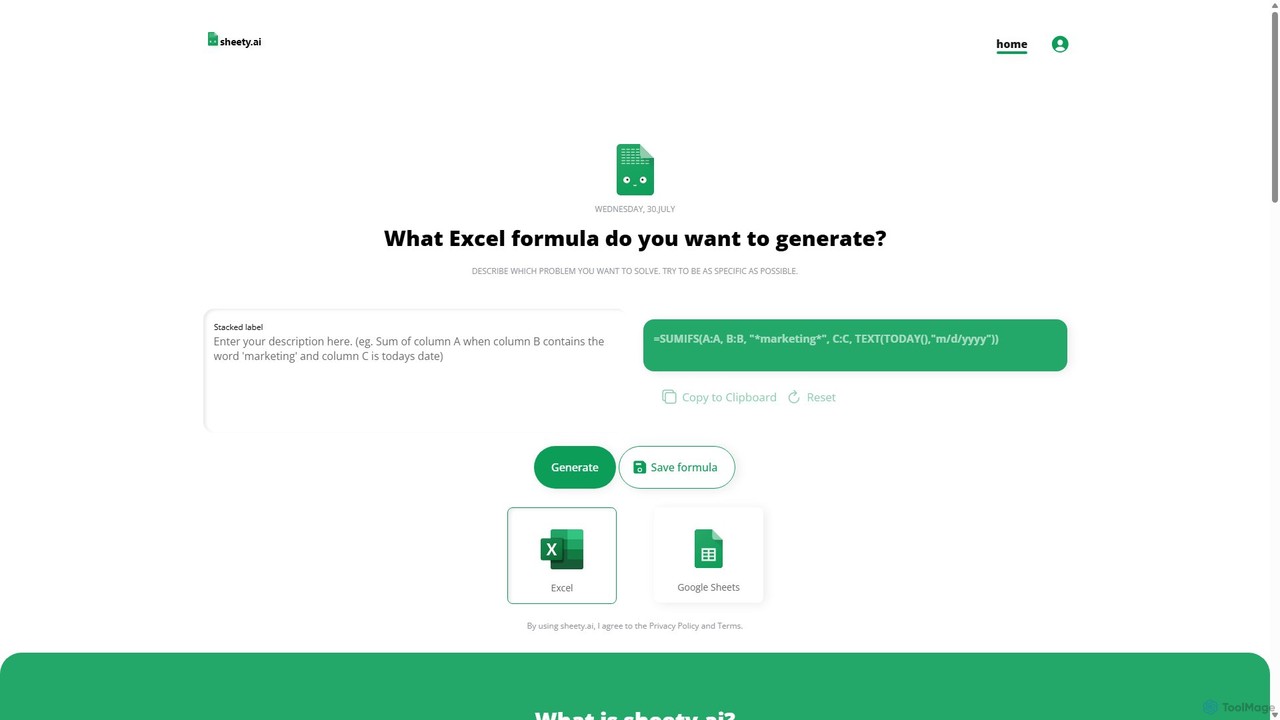
sheety.ai es una herramienta impulsada por IA que genera instantáneamente fórmulas complejas de hojas de cálculo para Excel y Google Sheets a partir de descripciones en lenguaje natural. Simplemente describe el problema que quieres resolver y la IA te proporcionará la fórmula correcta, ahorrándote tiempo y eliminando la necesidad de memorizar la sintaxis. Está diseñado para todos, desde estudiantes hasta analistas financieros, aumentando la productividad y la precisión de los datos.
Procesamiento de Datos
GPT for Work
Un potente complemento de IA que integra las capacidades de GPT directamente en Google Sheets, Docs, Microsoft Excel y Word. Automatice tareas, genere texto, analice datos y cree fórmulas con comandos sencillos, aumentando su productividad sin salir de sus documentos.
Asistente de Documentos
Ajelix
Ajelix es un conjunto de herramientas impulsadas por IA diseñadas para mejorar la productividad de los usuarios de Excel y Google Sheets. Actúa como un analista de datos de IA, automatizando tareas, generando fórmulas y scripts de VBA, creando informes perspicaces y proporcionando análisis de datos avanzados a través de una sencilla interfaz de chat.
Inteligencia de Negocio
Prompting Sheets
Prompting Sheets es un complemento para Google Sheets impulsado por IA que transforma tus hojas de cálculo en herramientas dinámicas. Permite a los usuarios generar planes de proyecto personalizados, listas de tareas y automatizar el análisis de datos y la creación de contenido mediante potentes fórmulas de IA y un chatbot integrado, eliminando la necesidad de plantillas genéricas.
Gestión de Proyectos
SheetSavvy AI
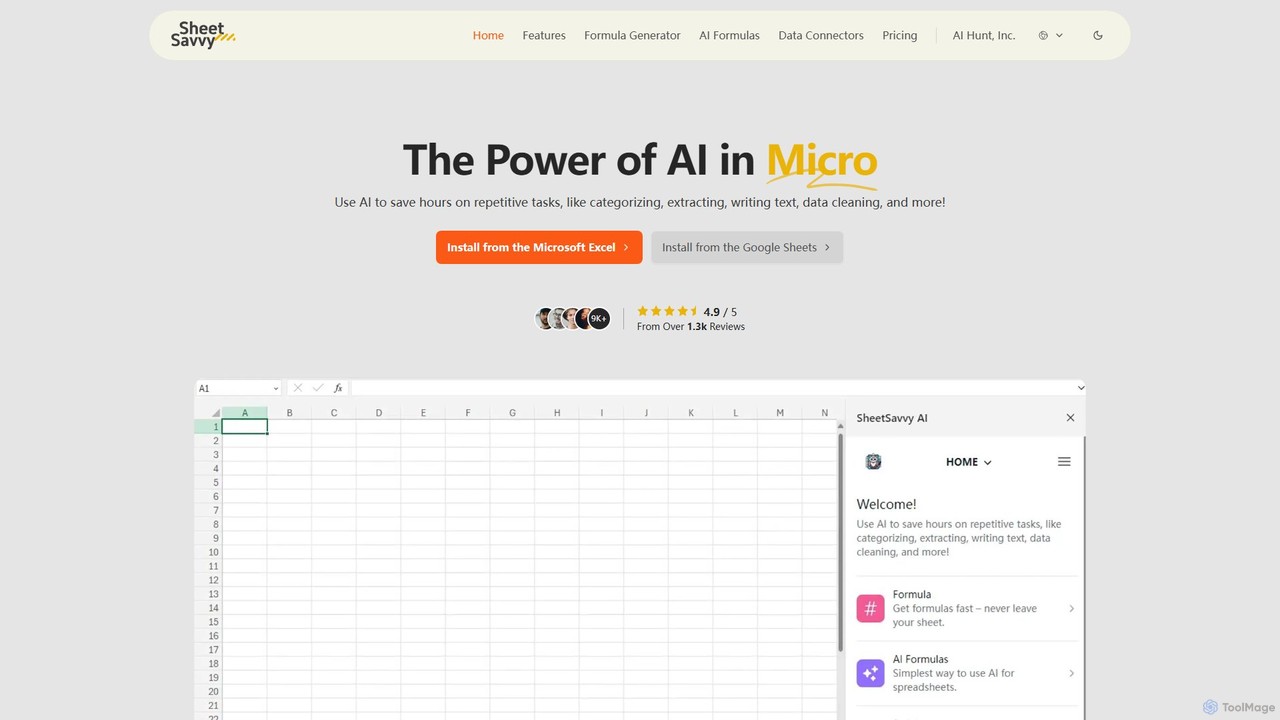
SheetSavvy AI es un asistente con IA para Google Sheets y Microsoft Excel, diseñado para automatizar tareas repetitivas. Cuenta con un generador de fórmulas, fórmulas impulsadas por IA para la limpieza y análisis de datos, y conectores de datos para importar datos en vivo, aumentando significativamente la productividad en hojas de cálculo.
Finanzas
sheeter
Sheeter es una herramienta impulsada por IA que genera fórmulas complejas para Excel y Google Sheets a partir de descripciones en inglés sencillo. También crea scripts de VBA, Google Apps Scripts y Regex, aumentando significativamente la productividad en hojas de cálculo y ahorrando tiempo a los usuarios al eliminar la necesidad de memorizar o buscar fórmulas.
Análisis de Datos
SheetAI
SheetAI integra la potencia de la IA directamente en Google Sheets, permitiendo a los usuarios generar contenido, analizar datos y automatizar tareas usando funciones simples. Elimina la necesidad de fórmulas complejas, haciendo la gestión de hojas de cálculo más eficiente e intuitiva para todos.
No Code
ExcelBot
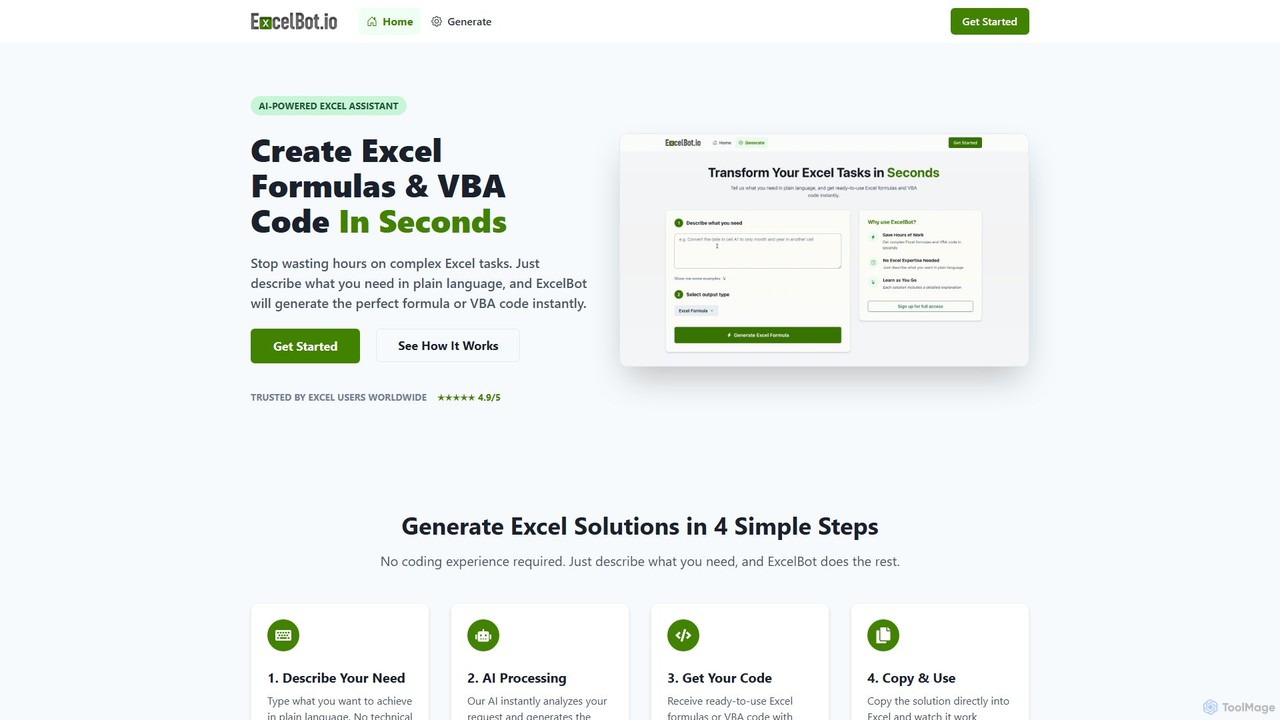
ExcelBot es un asistente impulsado por IA que genera instantáneamente fórmulas complejas de Excel y código VBA a partir de descripciones en inglés sencillo. Diseñado para usuarios de todos los niveles, desde principiantes hasta analistas de datos, ahorra horas de trabajo manual, aumenta la productividad y ayuda a los usuarios a aprender proporcionando explicaciones detalladas para cada solución. Simplemente describa su tarea y ExcelBot le entregará el código listo para usar en segundos.
Automatización de Datos
Excel Bot
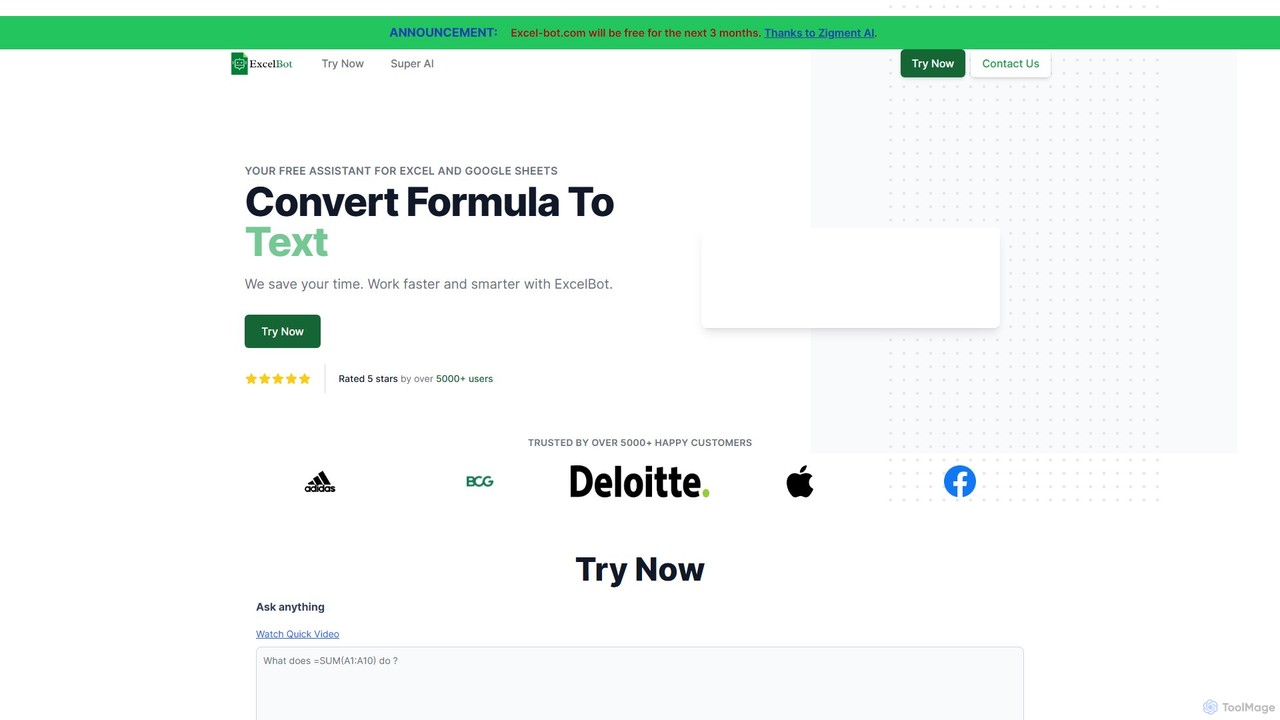
Excel Bot es un asistente con IA para Microsoft Excel y Google Sheets. Convierte tus instrucciones de texto plano en fórmulas complejas al instante, ahorrándote tiempo y reduciendo errores. Simplemente describe lo que necesitas y la IA genera la fórmula correcta para ti.
Finanzas