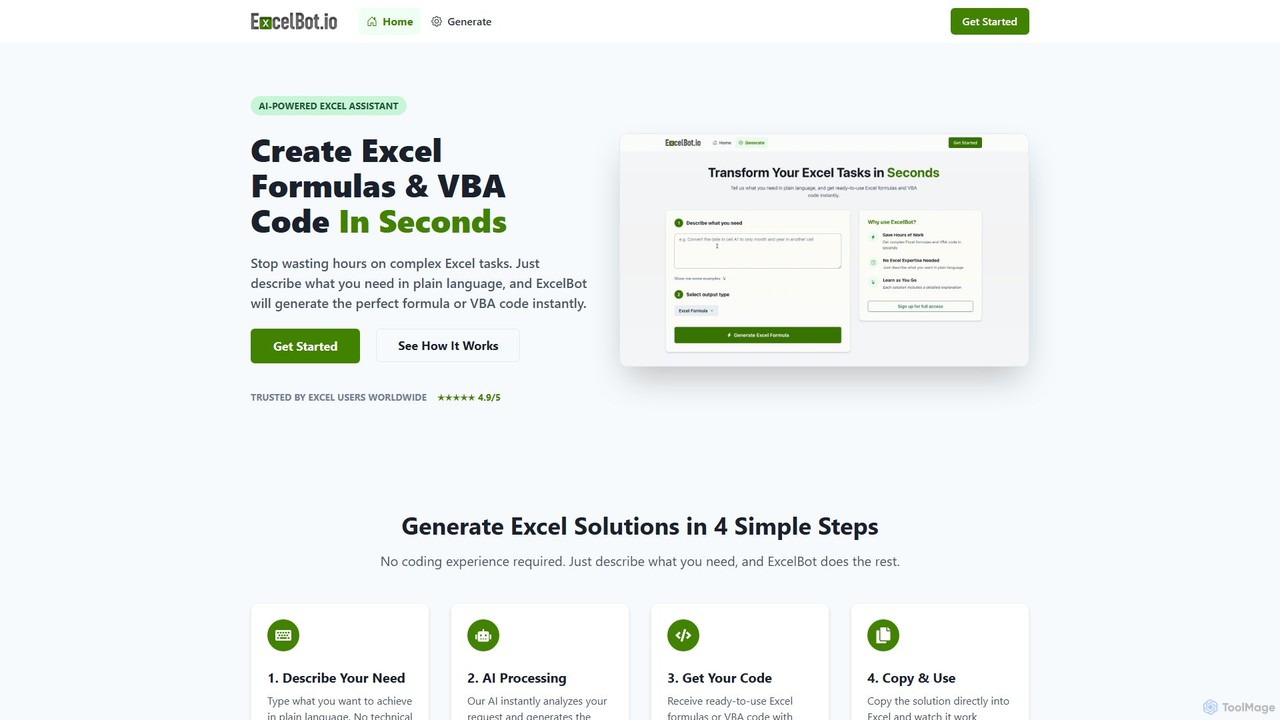
ExcelBot es un asistente impulsado por IA que genera instantáneamente fórmulas complejas de Excel y código VBA a partir de descripciones en inglés sencillo. Diseñado para usuarios de todos los niveles, desde principiantes hasta analistas de datos, ahorra horas de trabajo manual, aumenta la productividad y ayuda a los usuarios a aprender proporcionando explicaciones detalladas para cada solución. Simplemente describa su tarea y ExcelBot le entregará el código listo para usar en segundos.

Sheeter es una herramienta impulsada por IA que genera fórmulas complejas para Excel y Google Sheets a partir de descripciones en inglés sencillo. También crea scripts de VBA, Google Apps Scripts y Regex, aumentando significativamente la productividad en hojas de cálculo y ahorrando tiempo a los usuarios al eliminar la necesidad de memorizar o buscar fórmulas.
Resumen del producto
ExcelBot Resumen del producto
ExcelBot es un asistente impulsado por IA que genera instantáneamente fórmulas complejas de Excel y código VBA a partir de descripciones en inglés sencillo. Diseñado para usuarios de todos los niveles, desde principiantes hasta analistas de datos, ahorra horas de trabajo manual, aumenta la productividad y ayuda a los usuarios a aprender proporcionando explicaciones detalladas para cada solución. Simplemente describa su tarea y ExcelBot le entregará el código listo para usar en segundos.
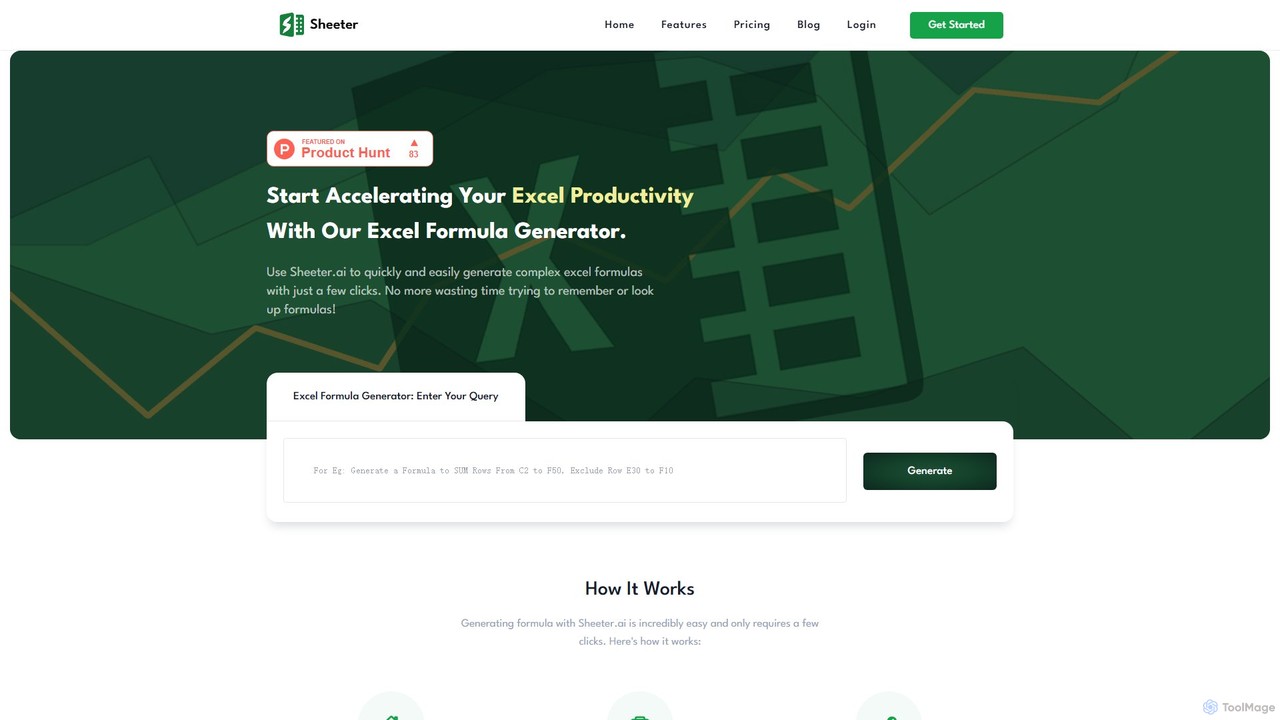
sheeter Resumen del producto
Sheeter es una herramienta impulsada por IA que genera fórmulas complejas para Excel y Google Sheets a partir de descripciones en inglés sencillo. También crea scripts de VBA, Google Apps Scripts y Regex, aumentando significativamente la productividad en hojas de cálculo y ahorrando tiempo a los usuarios al eliminar la necesidad de memorizar o buscar fórmulas.
Detailed feature comparison
| Feature | ExcelBot | sheeter |
|---|---|---|
| Categoría principal | Automatización de Datos | Análisis de Datos |
| Añadido | 2025-08-09 | 2025-08-01 |
| Precio | De pago | De pago |
| Sitio oficial | excelbot.io | sheeter.ai |
| Tipo de producto | Sitio web | Sitio web |
| Performance data | ||
| Valoración | Sin verificar | Sin verificar |
| Comentarios | 0 | 0 |
| Visitas mensuales | 491 | 10.5K |
| Crecimiento mensual | 25.9% | -5.8% |
| Favoritos | 101 | 119 |
| Details | Ver detalles | Ver detalles |
ExcelBot vs sheeter monthly traffic
Compare ExcelBot and sheeter by monthly reach, traffic trend, visit depth, top regions, and acquisition sources.
How to interpret the traffic data
In the ExcelBot vs sheeter monthly traffic comparison, ExcelBot currently shows 491 visits and sheeter shows 10.5K; sheeter has about 21.3 times the visible traffic of ExcelBot, an absolute difference of about 10K visits. This reflects visible reach, not feature quality or paid users.
Both tools provide verified traffic details, so monthly trends, visit depth, regions, and acquisition sources can be compared on the same basis.
ExcelBot monthly traffic:
Latest traffic
Monthly traffic trend
- 2025/9: 2K Visitas mensuales
- 2026/1: 963 Visitas mensuales
- 2026/2: 1.6K Visitas mensuales
- 2026/3: 1.5K Visitas mensuales
- 2026/4: 390 Visitas mensuales
- 2026/5: 491 Visitas mensuales
Regiones principales
Top 5 countries/regions
| Country/region | Percentage | Traffic |
|---|---|---|
| 🇲🇽Mexico | 100% | 491 |
Palabras clave
sheeter monthly traffic:
Latest traffic
Monthly traffic trend
- 2025/9: 8.9K Visitas mensuales
- 2026/1: 3.3K Visitas mensuales
- 2026/2: 7.6K Visitas mensuales
- 2026/3: 9.8K Visitas mensuales
- 2026/4: 11.1K Visitas mensuales
- 2026/5: 10.5K Visitas mensuales
Regiones principales
Top 5 countries/regions
| Country/region | Percentage | Traffic |
|---|---|---|
| 🇺🇸United States | 59.41% | 6.2K |
| 🇮🇳India | 30.72% | 3.2K |
| 🇬🇧United Kingdom | 9.87% | 1K |
Palabras clave
Usage comparison
Compare the core capabilities of ExcelBot and sheeter
ExcelBot Core features
sheeter Core features
Use cases
ExcelBot Use cases
sheeter Use cases
ExcelBot vs sheeter:In-depth comparison and selection guidance
First decide whether the products solve the same kind of need
This in-depth ExcelBot vs sheeter comparison uses only the product records, taxonomy, audience, traffic, and community signals available on this page. ExcelBot is primarily listed under “Automatización de Datos”, while sheeter is primarily listed under “Análisis de Datos”, so the first decision is whether your actual task matches their recorded scope.
The structured fields currently show these decision-relevant differences: Primary category (ExcelBot: Automatización de Datos; sheeter: Análisis de Datos); Monthly visits (ExcelBot: 491; sheeter: 10.5K); Monthly growth (ExcelBot: 25.9%; sheeter: -5.8%); Favorites (ExcelBot: 101; sheeter: 119); Website (ExcelBot: excelbot.io; sheeter: sheeter.ai). These facts are more useful for selection than brand visibility alone.
What market visibility and monthly traffic mean
In the ExcelBot vs sheeter monthly traffic comparison, ExcelBot currently shows 491 visits and sheeter shows 10.5K; sheeter has about 21.3 times the visible traffic of ExcelBot, an absolute difference of about 10K visits. This reflects visible reach, not feature quality or paid users.
Both tools provide verified traffic details, so monthly trends, visit depth, regions, and acquisition sources can be compared on the same basis.
If public market visibility is an important first-pass criterion, investigate sheeter first. The final choice should still follow taxonomy, use case, and a real trial because higher traffic does not prove broader capabilities or better workflow fit.
Product positioning, use cases, and roles
ExcelBot and sheeter currently overlap in shared categories: Low-code No-code y Hojas de cálculo; shared tags: análisis de datos, Excel, Generador de fórmulas, No-code, productividad, hoja de cálculo y VBA. This can place both on the same shortlist, but it does not prove equal implementation, depth, or cost.
ExcelBot's unique categories/tags are Automatización de Datos, automatización, generador de código y Microsoft Excel; sheeter's are Análisis de Datos, Apps Script, Google Hojas de cálculo y Expresión regular. These unique fields are the strongest differentiators: validate the product whose recorded scope matches the task instead of following traffic alone.
What ratings, comments, and favorites can tell you
ExcelBot has no verified rating, 0 comments, 101 favorites, and 102 likes;sheeter has no verified rating, 0 comments, 119 favorites, and 122 likes。
Neither product has enough rating or comment samples for a credible reputation ranking.
Selection guidance by actual need
When to evaluate ExcelBot first
Put ExcelBot on the priority trial list when the task aligns with “Automatización de Datos” and especially Automatización de Datos, automatización, generador de código y Microsoft Excel. This follows recorded positioning and does not imply unlisted capabilities are absent.
ExcelBot also currently records: pricing is paid, product type is website, 491 verified monthly visits, no verified user rating. Verify any hard requirement around price, platform, or reach before trial, and do not let sparse review data substitute for testing.
When to evaluate sheeter first
Put sheeter on the priority trial list when the task aligns with “Análisis de Datos” and especially Análisis de Datos, Apps Script, Google Hojas de cálculo y Expresión regular. This follows recorded positioning and does not imply unlisted capabilities are absent.
sheeter also currently records: pricing is paid, product type is website, 10.5K verified monthly visits, no verified user rating. Verify any hard requirement around price, platform, or reach before trial, and do not let sparse review data substitute for testing.
How to validate the recommendation before deciding
The available data describes positioning, public visibility, and community signals, but it cannot prove output quality, speed, integration effort, privacy, or long-term cost in your workflow. Before deciding, run the same representative tasks in ExcelBot and sheeter, then record completion time, accuracy, manual corrections, and the real paid threshold. A like-for-like trial turns this comparison into a defensible adoption decision.