

ToolMage
Iniciar sesión
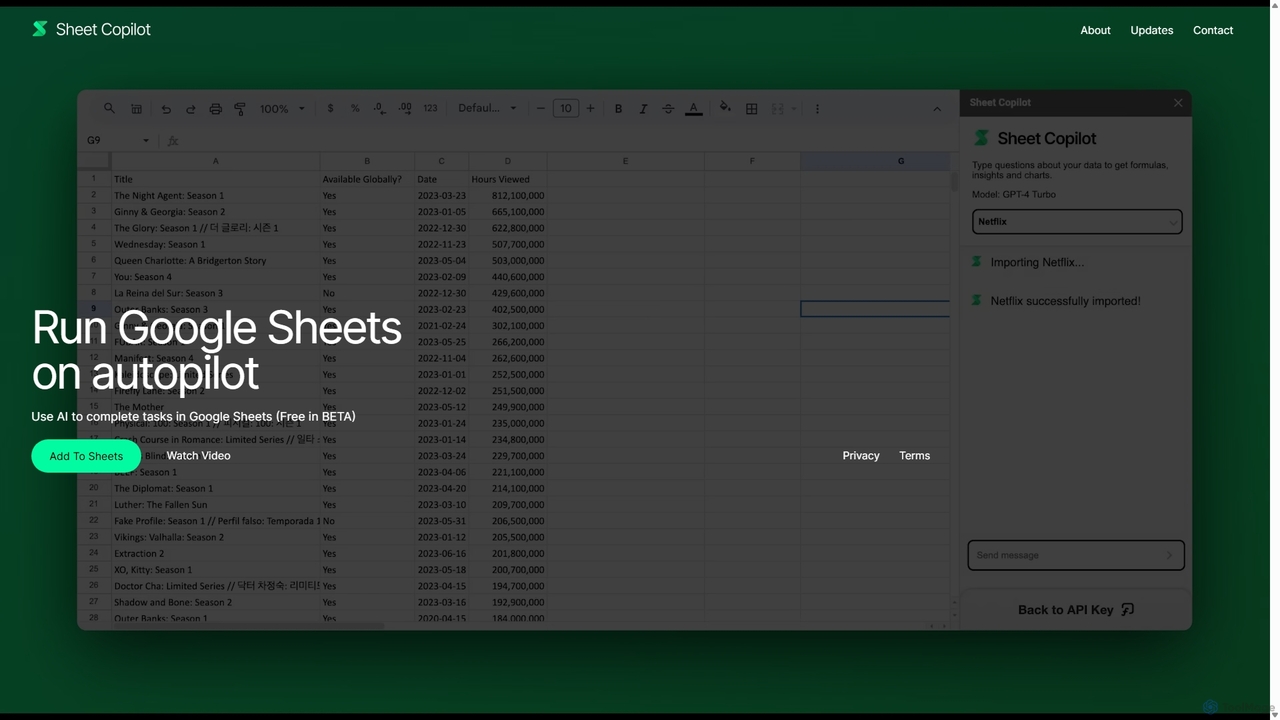
Sheet Copilot
Automatización · 6.9K visitas mensuales

Sheet Copilot es un asistente impulsado por IA que automatiza tareas y responde preguntas directamente en Google Sheets. Mediante comandos de lenguaje natural, puedes limpiar datos, generar fórmulas, crear resúmenes y analizar información sin escribir funciones complejas. Actualmente es gratuito en fase beta y funciona con tu propia clave de API de OpenAI para una mayor privacidad y seguridad.

VS
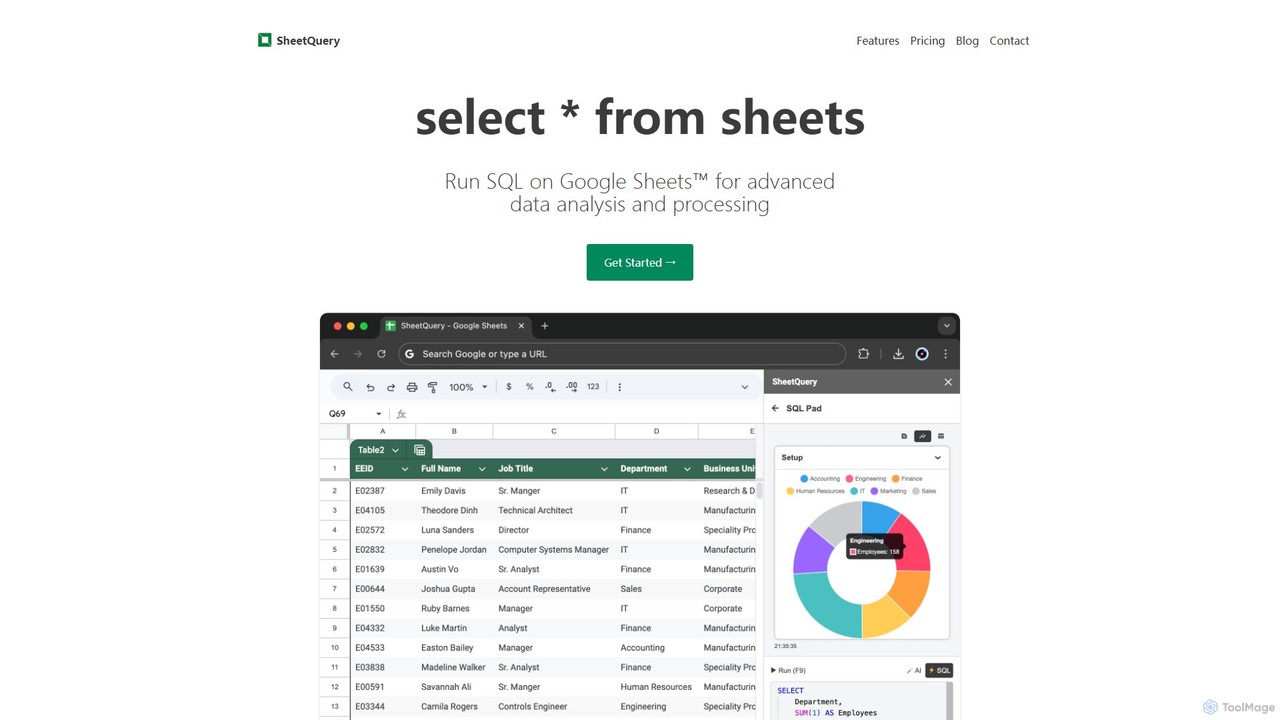
SheetQuery
Bases de datos · 643 visitas mensuales

Una potente herramienta que le permite ejecutar consultas SQL avanzadas directamente en Google Sheets para un análisis de datos sofisticado, actualizaciones masivas, eliminaciones e inserciones. Transforme sus hojas de cálculo en una base de datos consultable.

Sheet Copilot vs SheetQuery: precios, funciones y tráfico

Compara Sheet Copilot y SheetQuery por posicionamiento, precio, capacidades, tráfico y opiniones.

Actualizado 5 ago 2026

Resumen del producto

Sheet Copilot Resumen del producto

Sheet Copilot es un asistente impulsado por IA que automatiza tareas y responde preguntas directamente en Google Sheets. Mediante comandos de lenguaje natural, puedes limpiar datos, generar fórmulas, crear resúmenes y analizar información sin escribir funciones complejas. Actualmente es gratuito en fase beta y funciona con tu propia clave de API de OpenAI para una mayor privacidad y seguridad.
Preview

SheetQuery Resumen del producto

Una potente herramienta que le permite ejecutar consultas SQL avanzadas directamente en Google Sheets para un análisis de datos sofisticado, actualizaciones masivas, eliminaciones e inserciones. Transforme sus hojas de cálculo en una base de datos consultable.

Preview

Detailed feature comparison

FeatureSheet CopilotSheetQuery
Categoría principalAutomatizaciónBases de datos
Añadido2025-09-022025-08-11
PrecioGratisDe pago
Sitio oficialsheetcopilot.aisheetquery.com
Tipo de productoExtensión del navegadorExtensión del navegador
Performance data
ValoraciónSin verificarSin verificar
Comentarios00
Visitas mensuales6.9K643
Crecimiento mensual9.4%383.5%
Favoritos151101
DetailsVer detallesVer detalles

Sheet Copilot vs SheetQuery monthly traffic

Compare Sheet Copilot and SheetQuery by monthly reach, traffic trend, visit depth, top regions, and acquisition sources.

How to interpret the traffic data

In the Sheet Copilot vs SheetQuery monthly traffic comparison, Sheet Copilot currently shows 6.9K visits and SheetQuery shows 643; Sheet Copilot has about 10.7 times the visible traffic of SheetQuery, an absolute difference of about 6.2K visits. This reflects visible reach, not feature quality or paid users.

Both tools provide verified traffic details, so monthly trends, visit depth, regions, and acquisition sources can be compared on the same basis.

Sheet Copilot monthly traffic:

Latest traffic

Visitas mensuales
6.9K
Duración media
0:00
Páginas por visita
1
Tasa de rebote
100%
Data updated 2026-06-11

Monthly traffic trend

  • 2025/9: 3.4K Visitas mensuales
  • 2026/1: 1.2K Visitas mensuales
  • 2026/2: 6.6K Visitas mensuales
  • 2026/3: 4.7K Visitas mensuales
  • 2026/4: 6.3K Visitas mensuales
  • 2026/5: 6.9K Visitas mensuales

Fuentes de tráfico

Source typePercentageTraffic
Referido100%6.9K

SheetQuery monthly traffic:

Latest traffic

Visitas mensuales
643
Duración media
0:00
Páginas por visita
1.01
Tasa de rebote
31.93%
Data updated 2026-06-15

Monthly traffic trend

  • 2025/8: 84 Visitas mensuales
  • 2025/9: 349 Visitas mensuales
  • 2026/3: 0 Visitas mensuales
  • 2026/4: 133 Visitas mensuales
  • 2026/5: 643 Visitas mensuales

Regiones principales

Top 5 countries/regions
Country/regionPercentageTraffic
🇲🇾Malaysia91.26%587
🇮🇳India8.74%56

Palabras clave

how to show departmentwise salary distribution in google sheetssheetquery
Traffic-based selection guidance: If public market visibility is an important first-pass criterion, investigate Sheet Copilot first. The final choice should still follow taxonomy, use case, and a real trial because higher traffic does not prove broader capabilities or better workflow fit.

Usage comparison

Compare the core capabilities of Sheet Copilot and SheetQuery

Sheet Copilot Core features

Hojas de cálculo
Automatización
Análisis de Datos

SheetQuery Core features

Hojas de cálculo
Bases de datos

Use cases

Sheet Copilot Use cases

automatización
análisis de datos
Google Hojas de cálculo
hoja de cálculo
Asistente de IA
Limpieza de datos
Generador de fórmulas
procesamiento de lenguaje natural
OpenAI
productividad
Informes

SheetQuery Use cases

automatización
análisis de datos
Google Hojas de cálculo
hoja de cálculo
Integración de API
actualización masiva
base de datos
procesamiento de datos
SQL

Best suited roles

Sheet Copilot Best suited roles

Propietario de Negocio
Analista de Datos
Analista Financiero
Gerente de Recursos Humanos
Gerente de Marketing
Gerente de Operaciones
Gerente de Proyecto
Investigador
Representante de Ventas
estudiante

SheetQuery Best suited roles

No hay datos verificados

Sheet Copilot vs SheetQuery:In-depth comparison and selection guidance

First decide whether the products solve the same kind of need

This in-depth Sheet Copilot vs SheetQuery comparison uses only the product records, taxonomy, audience, traffic, and community signals available on this page. Sheet Copilot is primarily listed under “Automatización”, while SheetQuery is primarily listed under “Bases de datos”, so the first decision is whether your actual task matches their recorded scope.

The structured fields currently show these decision-relevant differences: Primary category (Sheet Copilot: Automatización; SheetQuery: Bases de datos); Pricing (Sheet Copilot: Free; SheetQuery: Paid); Monthly visits (Sheet Copilot: 6.9K; SheetQuery: 643); Monthly growth (Sheet Copilot: 9.4%; SheetQuery: 383.5%); Favorites (Sheet Copilot: 151; SheetQuery: 101). These facts are more useful for selection than brand visibility alone.

What market visibility and monthly traffic mean

In the Sheet Copilot vs SheetQuery monthly traffic comparison, Sheet Copilot currently shows 6.9K visits and SheetQuery shows 643; Sheet Copilot has about 10.7 times the visible traffic of SheetQuery, an absolute difference of about 6.2K visits. This reflects visible reach, not feature quality or paid users.

Both tools provide verified traffic details, so monthly trends, visit depth, regions, and acquisition sources can be compared on the same basis.

If public market visibility is an important first-pass criterion, investigate Sheet Copilot first. The final choice should still follow taxonomy, use case, and a real trial because higher traffic does not prove broader capabilities or better workflow fit.

Product positioning, use cases, and roles

Sheet Copilot and SheetQuery currently overlap in shared categories: Hojas de cálculo; shared tags: automatización, análisis de datos, Google Hojas de cálculo y hoja de cálculo. This can place both on the same shortlist, but it does not prove equal implementation, depth, or cost.

Sheet Copilot's unique categories/tags are Automatización, Análisis de Datos, Asistente de IA, Limpieza de datos, Generador de fórmulas, procesamiento de lenguaje natural, OpenAI y productividad; SheetQuery's are Bases de datos, Integración de API, actualización masiva, base de datos, procesamiento de datos y SQL. These unique fields are the strongest differentiators: validate the product whose recorded scope matches the task instead of following traffic alone.

What ratings, comments, and favorites can tell you

Sheet Copilot has no verified rating, 0 comments, 151 favorites, and 144 likes;SheetQuery has no verified rating, 0 comments, 101 favorites, and 99 likes。

Neither product has enough rating or comment samples for a credible reputation ranking.

Selection guidance by actual need

When to evaluate Sheet Copilot first

Put Sheet Copilot on the priority trial list when the task aligns with “Automatización” and especially Automatización, Análisis de Datos, Asistente de IA, Limpieza de datos, Generador de fórmulas y procesamiento de lenguaje natural, or the users include Propietario de Negocio, Analista de Datos, Analista Financiero y Gerente de Recursos Humanos. This follows recorded positioning and does not imply unlisted capabilities are absent.

Sheet Copilot also currently records: pricing is free, product type is browser extension, 6.9K verified monthly visits, no verified user rating. Verify any hard requirement around price, platform, or reach before trial, and do not let sparse review data substitute for testing.

When to evaluate SheetQuery first

Put SheetQuery on the priority trial list when the task aligns with “Bases de datos” and especially Bases de datos, Integración de API, actualización masiva, base de datos, procesamiento de datos y SQL. This follows recorded positioning and does not imply unlisted capabilities are absent.

SheetQuery also currently records: pricing is paid, product type is browser extension, 643 verified monthly visits, no verified user rating. Verify any hard requirement around price, platform, or reach before trial, and do not let sparse review data substitute for testing.

How to validate the recommendation before deciding

The available data describes positioning, public visibility, and community signals, but it cannot prove output quality, speed, integration effort, privacy, or long-term cost in your workflow. Before deciding, run the same representative tasks in Sheet Copilot and SheetQuery, then record completion time, accuracy, manual corrections, and the real paid threshold. A like-for-like trial turns this comparison into a defensible adoption decision.

Preguntas frecuentes

How should I choose between Sheet Copilot and SheetQuery?
Compare positioning, pricing, taxonomy, and traffic maturity, then verify the latest details on each official website.
Where does this comparison data come from?
The factual baseline is derived from product, taxonomy, traffic, and community data. Reviewed editorial conclusions show their source and verification date.
What do unknown fields mean?
Unknown means there is not enough reliable evidence; the page does not fill gaps with assumptions.