
ToolMage
Connexion
Docseditor
Gestion de Documents · 3.5K visites mensuelles

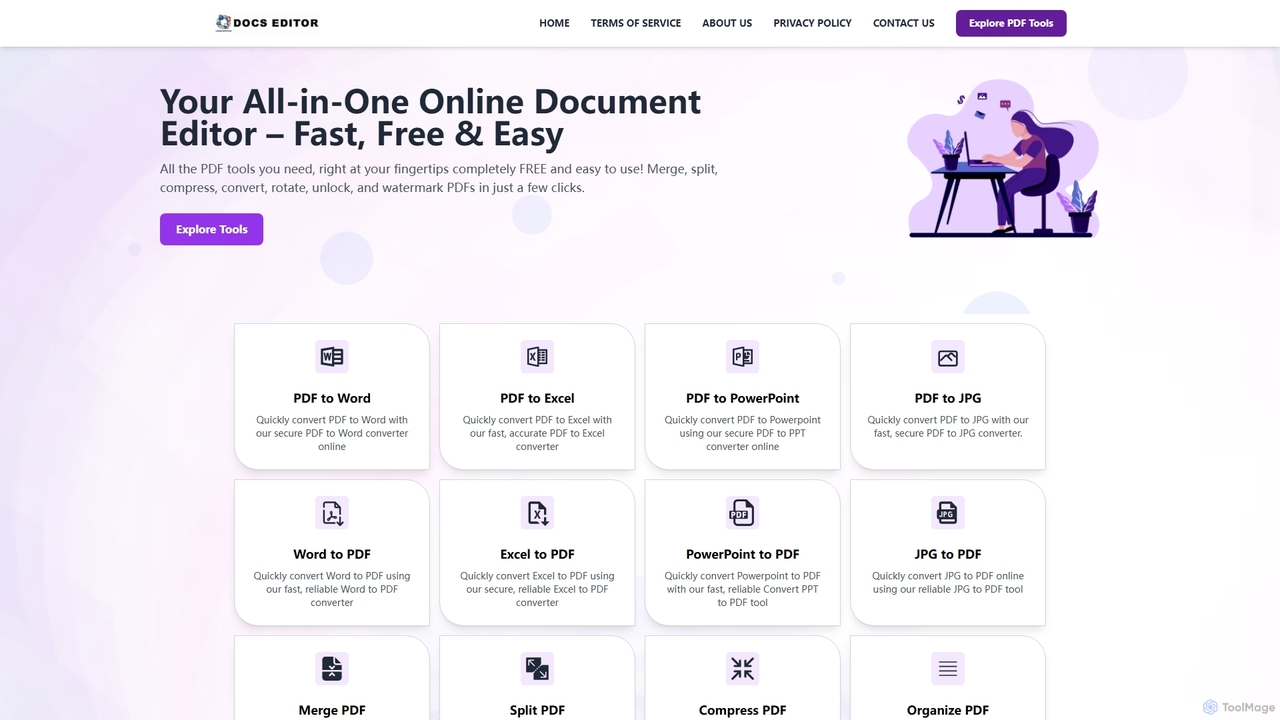
Docseditor est une boîte à outils de documents en ligne complète et gratuite pour tous vos besoins en matière de PDF. Il permet aux utilisateurs d'éditer, de convertir, de fusionner, de diviser, de compresser, de signer et de gérer des fichiers PDF sans effort, directement dans leur navigateur, sans aucune installation.
VS
PDF Candy
Conversion de fichiers · 2.5M visites mensuelles

PDF Candy est une boîte à outils complète tout-en-un, en ligne et de bureau, offrant plus de 90 outils gratuits pour gérer les fichiers PDF. Les utilisateurs peuvent facilement éditer, convertir depuis et vers divers formats, fusionner, compresser, signer, déverrouiller et effectuer une reconnaissance optique de caractères (OCR) sur les documents. Il offre une interface conviviale pour un usage occasionnel et professionnel, garantissant des résultats de haute qualité pour tous vos besoins PDF.

Docseditor vs PDF Candy : prix, fonctions et trafic

Comparez Docseditor et PDF Candy selon leur positionnement, prix, fonctions, trafic et avis.

Mis à jour 5 août 2026

Aperçu du produit

Docseditor Aperçu du produit

Docseditor est une boîte à outils de documents en ligne complète et gratuite pour tous vos besoins en matière de PDF. Il permet aux utilisateurs d'éditer, de convertir, de fusionner, de diviser, de compresser, de signer et de gérer des fichiers PDF sans effort, directement dans leur navigateur, sans aucune installation.
Preview

PDF Candy Aperçu du produit

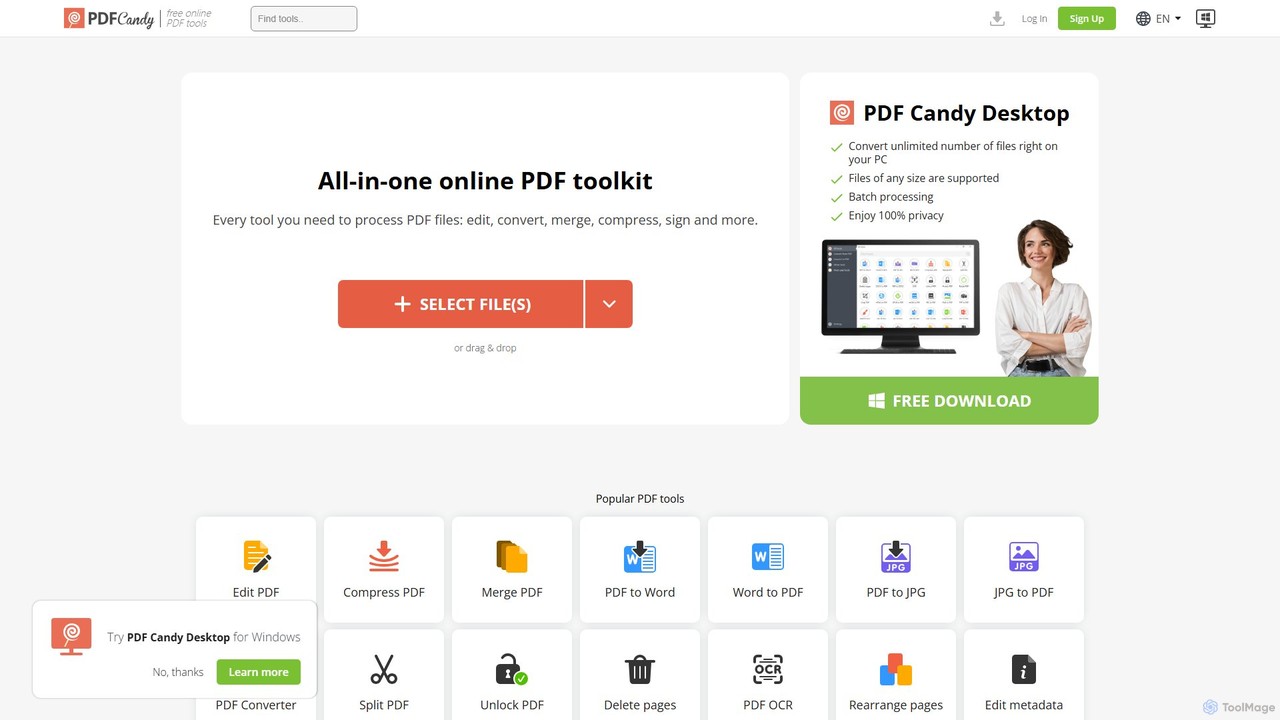
PDF Candy est une boîte à outils complète tout-en-un, en ligne et de bureau, offrant plus de 90 outils gratuits pour gérer les fichiers PDF. Les utilisateurs peuvent facilement éditer, convertir depuis et vers divers formats, fusionner, compresser, signer, déverrouiller et effectuer une reconnaissance optique de caractères (OCR) sur les documents. Il offre une interface conviviale pour un usage occasionnel et professionnel, garantissant des résultats de haute qualité pour tous vos besoins PDF.

Preview

Detailed feature comparison

FeatureDocseditorPDF Candy
Catégorie principaleGestion de DocumentsConversion de fichiers
Ajouté2025-11-042025-08-02
TarificationGratuitFreemium
Site officielwww.docseditor.compdfcandy.com
Type de produitSite webSite web
Performance data
Note utilisateurNon vérifiéNon vérifié
Commentaires00
Visites mensuelles3.5K2.5M
Croissance mensuelleNon vérifié2.7%
Favoris94133
DetailsVoir les détailsVoir les détails

Docseditor vs PDF Candy monthly traffic

Compare Docseditor and PDF Candy by monthly reach, traffic trend, visit depth, top regions, and acquisition sources.

How to interpret the traffic data

In the Docseditor vs PDF Candy monthly traffic comparison, Docseditor currently shows 3.5K visits and PDF Candy shows 2.5M; PDF Candy has about 701.5 times the visible traffic of Docseditor, an absolute difference of about 2.5M visits. This reflects visible reach, not feature quality or paid users.

Only PDF Candy has complete third-party traffic details; Docseditor uses visits recorded inside ToolMage. These scopes cannot estimate market share directly, and on-site views should not be treated as the product’s total website traffic.

Docseditor monthly traffic:

Latest traffic

Visites mensuelles
3.5K

PDF Candy monthly traffic:

Latest traffic

Visites mensuelles
2.5M
Durée moyenne
2:19
Pages par visite
2.86
Taux de rebond
34.84%
Data updated 2026-06-15

Monthly traffic trend

  • 2025/9: 2.6M Visites mensuelles
  • 2026/1: 2.5M Visites mensuelles
  • 2026/2: 2.3M Visites mensuelles
  • 2026/3: 2.5M Visites mensuelles
  • 2026/4: 2.4M Visites mensuelles
  • 2026/5: 2.5M Visites mensuelles

Principales régions

Top 5 countries/regions
Country/regionPercentageTraffic
🇷🇺Russia59.21%1.5M
🇮🇳India17.84%439.1K
🇺🇸United States8.83%217.3K
🇹🇭Thailand7.84%193K
🇯🇵Japan6.28%154.6K

Sources de trafic

Source typePercentageTraffic
Direct85.13%2.1M
Référence12.98%319.5K
E-mail1.89%46.5K

Mots-clés

pdf candyzip to pdfобъединить пдфпдф в вордредактировать пдф онлайн бесплатно
Traffic-based selection guidance: The current traffic scope is not sufficient for a reliable product ranking. Treat monthly visits as a market-interest signal, then decide using taxonomy, use cases, pricing, and a like-for-like trial rather than reading exposure as product capability.

Usage comparison

Compare the core capabilities of Docseditor and PDF Candy

Docseditor Core features

Gestion de Documents
Convertisseur de Fichiers

PDF Candy Core features

Gestion de Documents
Conversion de fichiers
Outils PDF

Use cases

Docseditor Use cases

Compresser un PDF
gestion de documents
Fusionner PDF
OCR
Convertisseur PDF
Éditeur de PDF
PDF vers Word
Signer un PDF
Word en PDF
Outil PDF gratuit
Biffer un PDF
Diviser PDF

PDF Candy Use cases

Compresser un PDF
gestion de documents
Fusionner PDF
OCR
Convertisseur PDF
Éditeur de PDF
PDF vers Word
Signer un PDF
Word en PDF
Conversion de fichiers
Outils PDF
Déverrouiller PDF

Best suited roles

Docseditor Best suited roles

Administrateur d'entreprise
Créateur de contenu
Analyste Financier
Responsable des Ressources Humaines
Responsable Marketing
Chercheur
Représentant Commercial
étudiant

PDF Candy Best suited roles

Aucune donnée vérifiée

Docseditor vs PDF Candy:In-depth comparison and selection guidance

First decide whether the products solve the same kind of need

This in-depth Docseditor vs PDF Candy comparison uses only the product records, taxonomy, audience, traffic, and community signals available on this page. Docseditor is primarily listed under “Gestion de Documents”, while PDF Candy is primarily listed under “Conversion de fichiers”, so the first decision is whether your actual task matches their recorded scope.

The structured fields currently show these decision-relevant differences: Primary category (Docseditor: Gestion de Documents; PDF Candy: Conversion de fichiers); Pricing (Docseditor: Free; PDF Candy: Freemium); Monthly visits (Docseditor: 3.5K; PDF Candy: 2.5M); Favorites (Docseditor: 94; PDF Candy: 133); Website (Docseditor: www.docseditor.com; PDF Candy: pdfcandy.com). These facts are more useful for selection than brand visibility alone.

What market visibility and monthly traffic mean

In the Docseditor vs PDF Candy monthly traffic comparison, Docseditor currently shows 3.5K visits and PDF Candy shows 2.5M; PDF Candy has about 701.5 times the visible traffic of Docseditor, an absolute difference of about 2.5M visits. This reflects visible reach, not feature quality or paid users.

Only PDF Candy has complete third-party traffic details; Docseditor uses visits recorded inside ToolMage. These scopes cannot estimate market share directly, and on-site views should not be treated as the product’s total website traffic.

The current traffic scope is not sufficient for a reliable product ranking. Treat monthly visits as a market-interest signal, then decide using taxonomy, use cases, pricing, and a like-for-like trial rather than reading exposure as product capability.

Product positioning, use cases, and roles

Docseditor and PDF Candy currently overlap in shared categories: Gestion de Documents; shared tags: Compresser un PDF, gestion de documents, Fusionner PDF, OCR, Convertisseur PDF, Éditeur de PDF, PDF vers Word, Signer un PDF et Word en PDF. This can place both on the same shortlist, but it does not prove equal implementation, depth, or cost.

Docseditor's unique categories/tags are Convertisseur de Fichiers, Outil PDF gratuit, Biffer un PDF et Diviser PDF; PDF Candy's are Conversion de fichiers, Outils PDF et Déverrouiller PDF. These unique fields are the strongest differentiators: validate the product whose recorded scope matches the task instead of following traffic alone.

What ratings, comments, and favorites can tell you

Docseditor has no verified rating, 0 comments, 94 favorites, and 95 likes;PDF Candy has no verified rating, 0 comments, 133 favorites, and 106 likes。

Neither product has enough rating or comment samples for a credible reputation ranking.

Selection guidance by actual need

When to evaluate Docseditor first

Put Docseditor on the priority trial list when the task aligns with “Gestion de Documents” and especially Convertisseur de Fichiers, Outil PDF gratuit, Biffer un PDF et Diviser PDF, or the users include Administrateur d'entreprise, Créateur de contenu, Analyste Financier et Responsable des Ressources Humaines. This follows recorded positioning and does not imply unlisted capabilities are absent.

Docseditor also currently records: pricing is free, product type is website, 3.5K on-site monthly views, no verified user rating. Verify any hard requirement around price, platform, or reach before trial, and do not let sparse review data substitute for testing.

When to evaluate PDF Candy first

Put PDF Candy on the priority trial list when the task aligns with “Conversion de fichiers” and especially Conversion de fichiers, Outils PDF et Déverrouiller PDF. This follows recorded positioning and does not imply unlisted capabilities are absent.

PDF Candy also currently records: pricing is freemium, product type is website, 2.5M verified monthly visits, no verified user rating. Verify any hard requirement around price, platform, or reach before trial, and do not let sparse review data substitute for testing.

How to validate the recommendation before deciding

The available data describes positioning, public visibility, and community signals, but it cannot prove output quality, speed, integration effort, privacy, or long-term cost in your workflow. Before deciding, run the same representative tasks in Docseditor and PDF Candy, then record completion time, accuracy, manual corrections, and the real paid threshold. A like-for-like trial turns this comparison into a defensible adoption decision.

FAQ comparative

How should I choose between Docseditor and PDF Candy?
Compare positioning, pricing, taxonomy, and traffic maturity, then verify the latest details on each official website.
Where does this comparison data come from?
The factual baseline is derived from product, taxonomy, traffic, and community data. Reviewed editorial conclusions show their source and verification date.
What do unknown fields mean?
Unknown means there is not enough reliable evidence; the page does not fill gaps with assumptions.