Aperty
グラフィック · 41.3K 月間訪問数
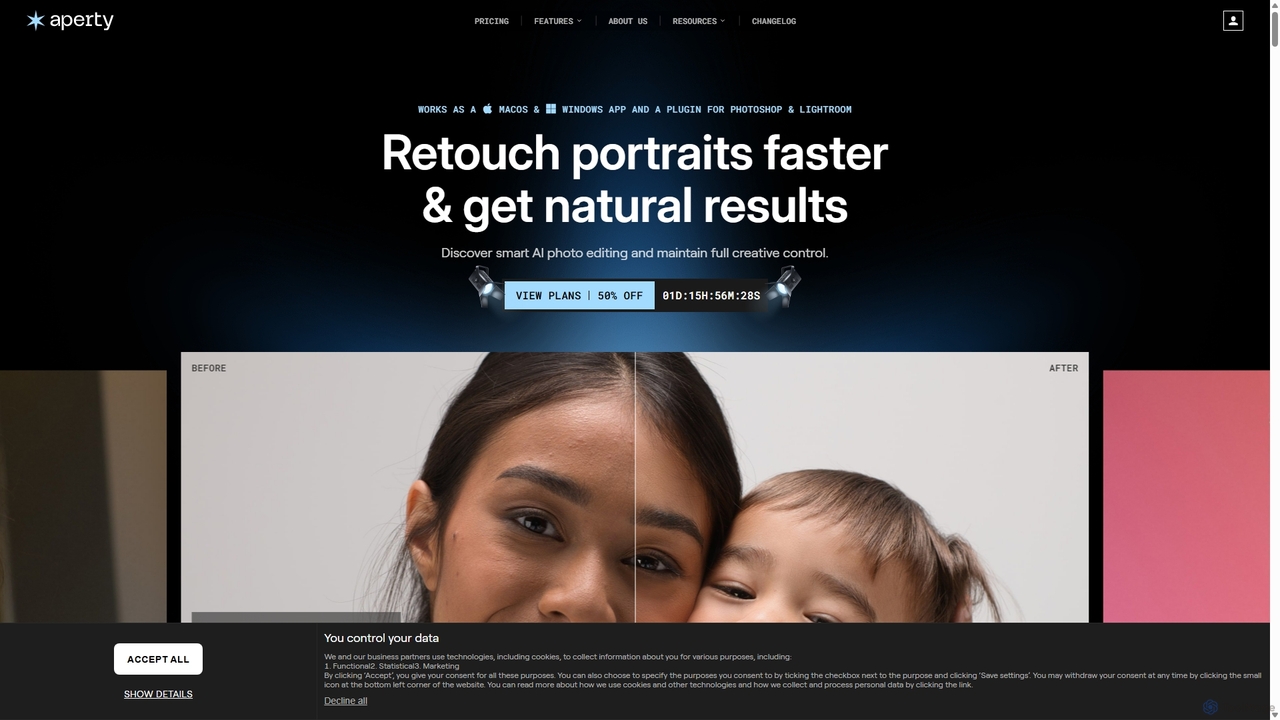
Apertyは、写真家向けに設計されたAI搭載のポートレート写真編集ソフトで、レタッチのワークフローを加速させます。肌、目、メイクに対するスマートで自然な補正機能を提供し、macOS/Windows用のスタンドアロンアプリまたはPhotoshopとLightroomのプラグインとして機能し、完全なクリエイティブコントロールと効率性を保証します。
Apertyは、写真家向けに設計されたAI搭載のポートレート写真編集ソフトで、レタッチのワークフローを加速させます。肌、目、メイクに対するスマートで自然な補正機能を提供し、macOS/Windows用のスタンドアロンアプリまたはPhotoshopとLightroomのプラグインとして機能し、完全なクリエイティブコントロールと効率性を保証します。
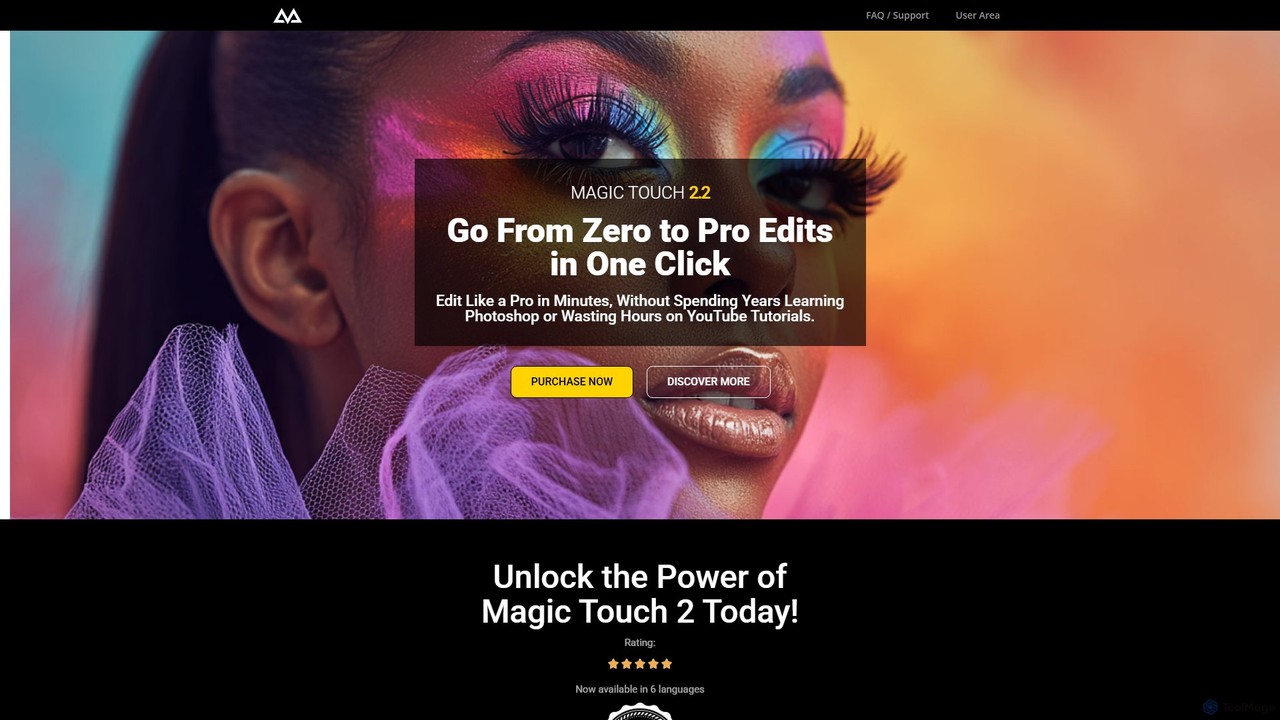
CreativeMagicPanelは、Adobe Photoshop向けのAI搭載レタッチパネルで、写真編集のワークフローを劇的に高速化するために設計されています。289以上の機能を備え、写真家やクリエイターが、完璧な肌のレタッチから高度なカラーグレーディングまで、プロフェッショナルで高品質な結果をワンクリックで実現できるようにします。定期的な料金は一切かかりません。
Apertyは、写真家向けに設計されたAI搭載のポートレート写真編集ソフトで、レタッチのワークフローを加速させます。肌、目、メイクに対するスマートで自然な補正機能を提供し、macOS/Windows用のスタンドアロンアプリまたはPhotoshopとLightroomのプラグインとして機能し、完全なクリエイティブコントロールと効率性を保証します。
CreativeMagicPanelは、Adobe Photoshop向けのAI搭載レタッチパネルで、写真編集のワークフローを劇的に高速化するために設計されています。289以上の機能を備え、写真家やクリエイターが、完璧な肌のレタッチから高度なカラーグレーディングまで、プロフェッショナルで高品質な結果をワンクリックで実現できるようにします。定期的な料金は一切かかりません。
Compare Aperty and CreativeMagicPanel by monthly reach, traffic trend, visit depth, top regions, and acquisition sources.
In the Aperty vs CreativeMagicPanel monthly traffic comparison, Aperty currently shows 41.3K visits and CreativeMagicPanel shows 11K; Aperty has about 3.7 times the visible traffic of CreativeMagicPanel, an absolute difference of about 30.3K visits. This reflects visible reach, not feature quality or paid users.
Both tools provide verified traffic details, so monthly trends, visit depth, regions, and acquisition sources can be compared on the same basis.
| Country/region | Percentage | Traffic |
|---|---|---|
| 🇺🇸United States | 33.2% | 13.7K |
| 🇻🇳Vietnam | 31.24% | 12.9K |
| 🇲🇽Mexico | 17.42% | 7.2K |
| 🇩🇪Germany | 10% | 4.1K |
| 🇮🇹Italy | 8.14% | 3.4K |
| Source type | Percentage | Traffic |
|---|---|---|
| 参照元 | 57.24% | 23.7K |
| ダイレクト | 41.38% | 17.1K |
| Eメール | 1.38% | 571 |
| Country/region | Percentage | Traffic |
|---|---|---|
| 🇯🇲Jamaica | 84.47% | 9.3K |
| 🇺🇸United States | 10.63% | 1.2K |
| 🇲🇽Mexico | 4.36% | 482 |
| 🇮🇳India | 0.54% | 60 |
This in-depth Aperty vs CreativeMagicPanel comparison uses only the product records, taxonomy, audience, traffic, and community signals available on this page. Aperty is primarily listed under “グラフィック”, while CreativeMagicPanel is primarily listed under “プラグイン”, so the first decision is whether your actual task matches their recorded scope.
The structured fields currently show these decision-relevant differences: Primary category (Aperty: グラフィック; CreativeMagicPanel: プラグイン); Product type (Aperty: App; CreativeMagicPanel: Browser extension); Pricing (Aperty: Freemium; CreativeMagicPanel: Paid); Monthly visits (Aperty: 41.3K; CreativeMagicPanel: 11K); Monthly growth (Aperty: -5.1%; CreativeMagicPanel: -30.5%). These facts are more useful for selection than brand visibility alone.
In the Aperty vs CreativeMagicPanel monthly traffic comparison, Aperty currently shows 41.3K visits and CreativeMagicPanel shows 11K; Aperty has about 3.7 times the visible traffic of CreativeMagicPanel, an absolute difference of about 30.3K visits. This reflects visible reach, not feature quality or paid users.
Both tools provide verified traffic details, so monthly trends, visit depth, regions, and acquisition sources can be compared on the same basis.
If public market visibility is an important first-pass criterion, investigate Aperty first. The final choice should still follow taxonomy, use case, and a real trial because higher traffic does not prove broader capabilities or better workflow fit.
Aperty and CreativeMagicPanel currently overlap in shared categories: 自動化; shared tags: 写真編集、Photoshop プラグイン. This can place both on the same shortlist, but it does not prove equal implementation, depth, or cost.
Aperty's unique categories/tags are グラフィック、写真編集、AI写真編集、バッチ処理、しみ除去、ファッション写真、Lightroom プラグイン、メイクアップ補正; CreativeMagicPanel's are プラグイン、レタッチ、AIレタッチ、カラーグレーディング、顔認識、画像強調、ワンクリック編集、ポートレート編集. These unique fields are the strongest differentiators: validate the product whose recorded scope matches the task instead of following traffic alone.
Aperty has no verified rating, 0 comments, 98 favorites, and 108 likes;CreativeMagicPanel has no verified rating, 0 comments, 109 favorites, and 90 likes。
Neither product has enough rating or comment samples for a credible reputation ranking.
Put Aperty on the priority trial list when the task aligns with “グラフィック” and especially グラフィック、写真編集、AI写真編集、バッチ処理、しみ除去、ファッション写真, or the users include コンテンツクリエイター、グラフィックデザイナー、マーケティングマネージャー、写真家. This follows recorded positioning and does not imply unlisted capabilities are absent.
Aperty also currently records: pricing is freemium, product type is app, 41.3K verified monthly visits, no verified user rating. Verify any hard requirement around price, platform, or reach before trial, and do not let sparse review data substitute for testing.
Put CreativeMagicPanel on the priority trial list when the task aligns with “プラグイン” and especially プラグイン、レタッチ、AIレタッチ、カラーグレーディング、顔認識、画像強調. This follows recorded positioning and does not imply unlisted capabilities are absent.
CreativeMagicPanel also currently records: pricing is paid, product type is browser extension, 11K verified monthly visits, no verified user rating. Verify any hard requirement around price, platform, or reach before trial, and do not let sparse review data substitute for testing.
The available data describes positioning, public visibility, and community signals, but it cannot prove output quality, speed, integration effort, privacy, or long-term cost in your workflow. Before deciding, run the same representative tasks in Aperty and CreativeMagicPanel, then record completion time, accuracy, manual corrections, and the real paid threshold. A like-for-like trial turns this comparison into a defensible adoption decision.
InstantEditAIは、AIを搭載した写真編集ツールで、プロ級の仕上がりを数分で実現します。ワンクリックでの色補正、肌の補正、トリミングに特化しており、結婚式やイベント、家族写真に最適です。トップフォトグラファーが作成した30以上のスタイルから選び、複雑なソフトウェアなしで画像を変換できます。
画像編集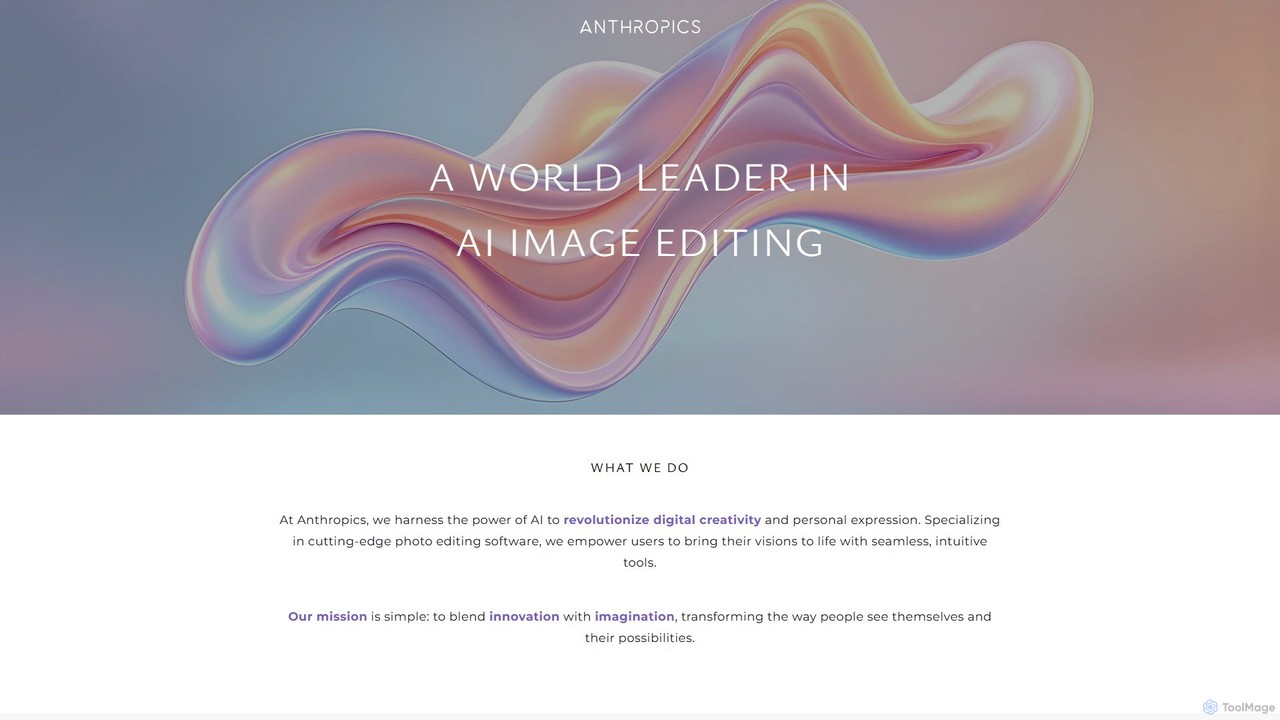
Anthropics Technologyは、PortraitPro、LandscapePro、PortraitPro Bodyを含む、世界をリードするAI搭載の写真編集ソフトウェアスイートを開発しています。これらのツールは、高度なAIと生成AIを使用して複雑なレタッチや補正作業を自動化し、プロとアマチュアの両方が驚くほどの速さと簡単さで、自然で見事な結果を得ることを可能にします。
レタッチ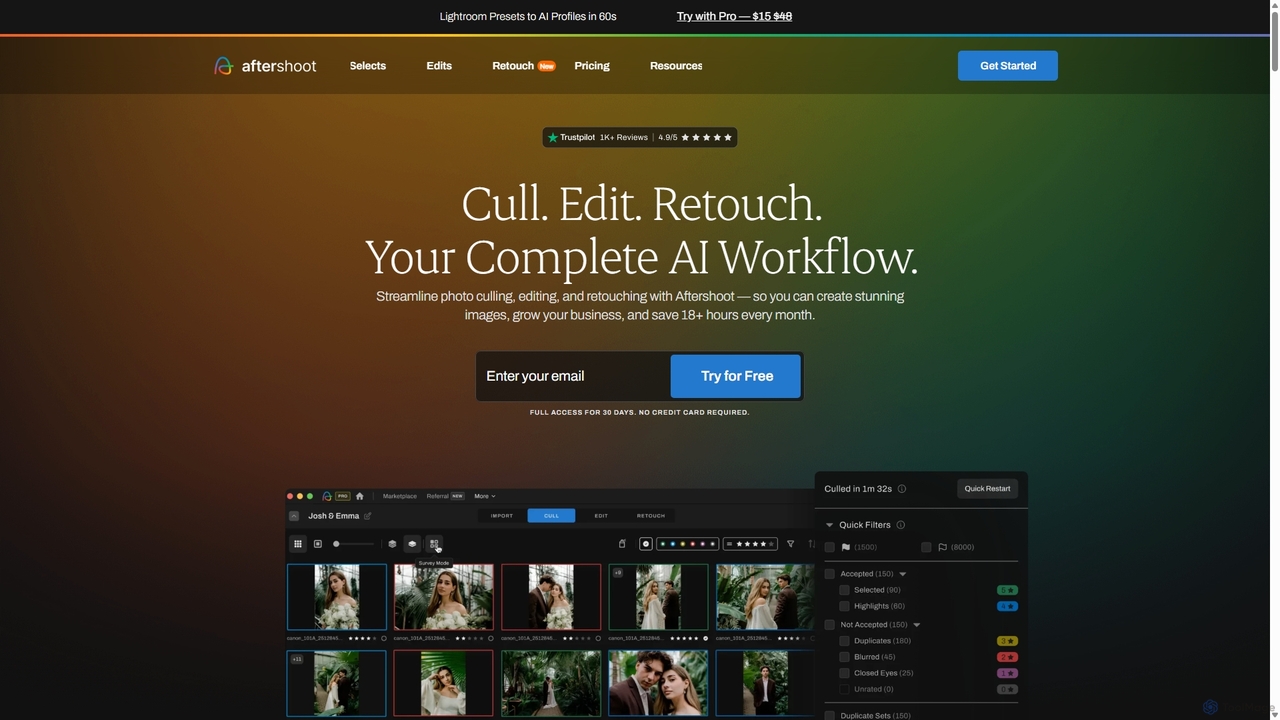
Aftershootは、写真家向けのオールインワンAIソフトウェアで、ポストプロダクションのワークフローを自動化・効率化するために設計されています。最高の写真を選択するインテリジェントな選別(カリング)、あなたのスタイルを学習するパーソナライズされたAI編集、ポートレート向けの高度なAIレタッチ機能を提供します。面倒な作業を処理することで、Aftershootは写真家の時間を月間18時間以上節約し、一貫した結果を保証し、創造性とビジネスの成長に集中できるようにします。
写真
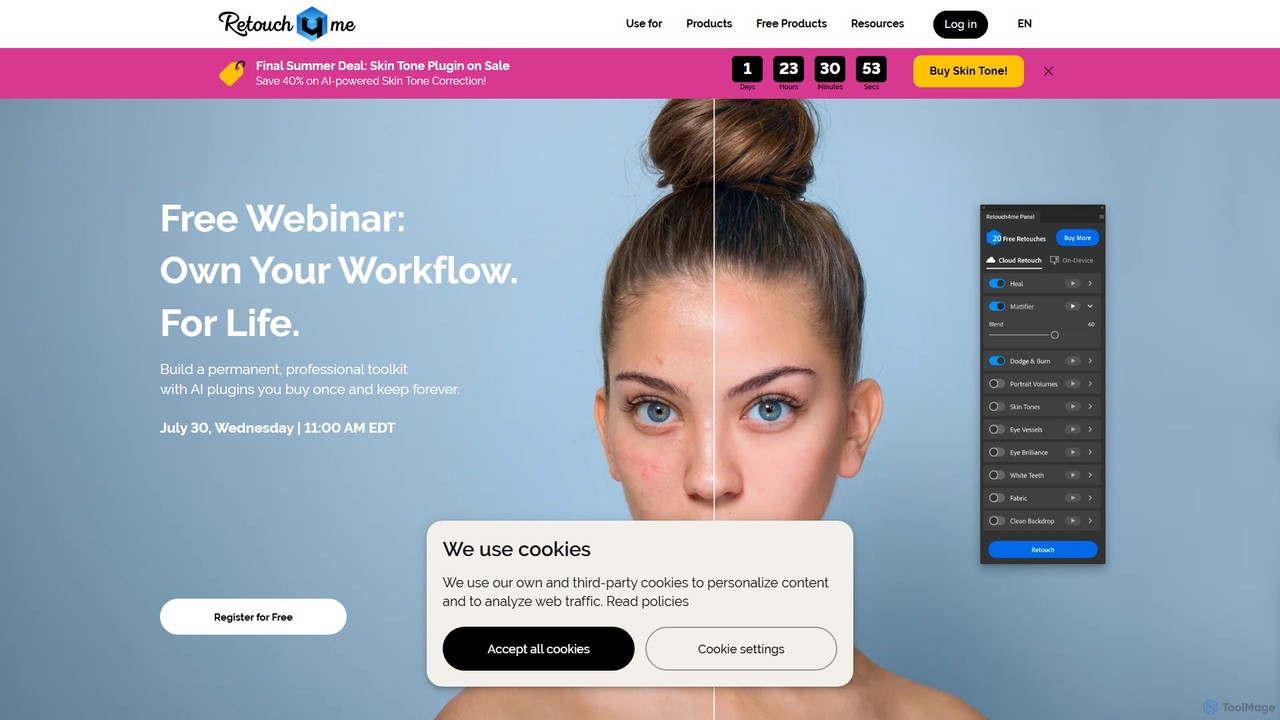
Retouch4meは、プロの写真家やビデオグラファー向けに設計されたAI搭載プラグインおよびスタンドアロンアプリのスイートです。肌の補正、背景のクリーンアップ、色補正などの複雑なレタッチ作業を自動化し、PhotoshopやLightroomなどとシームレスに連携して、自然な仕上がりを維持しながらワークフローを劇的に高速化します。
3D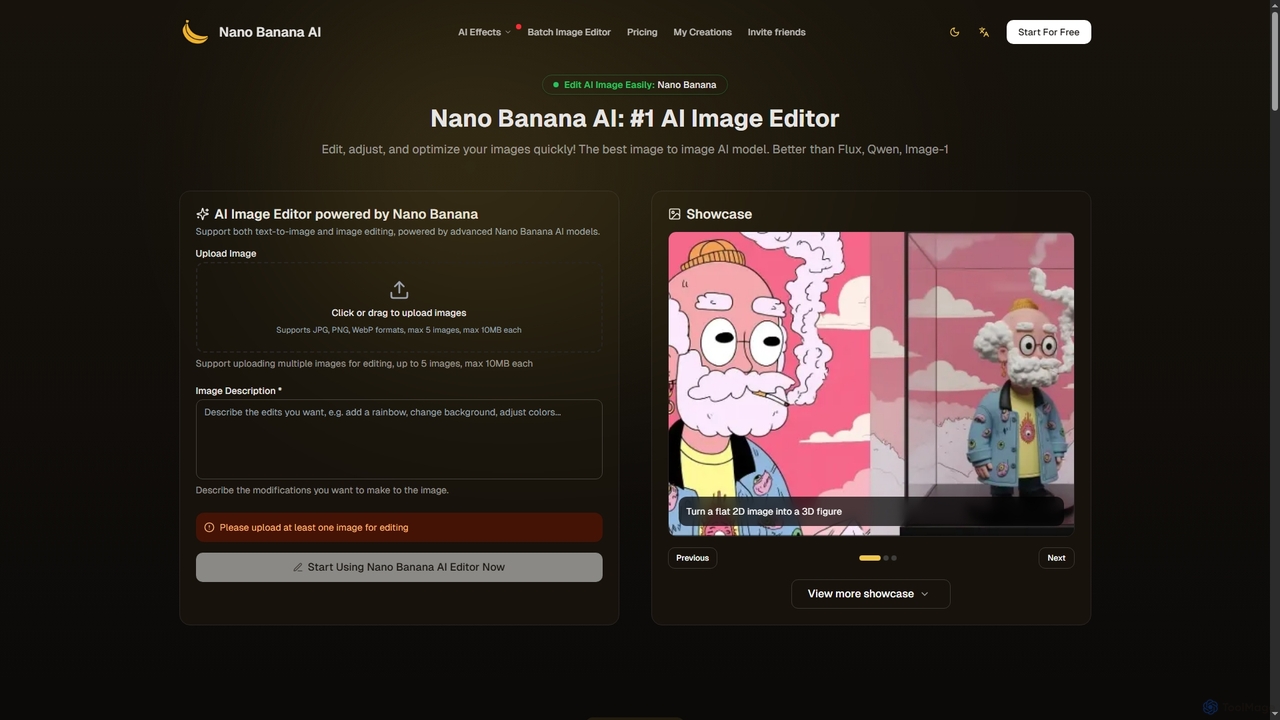
Nano Bananaは、ユーザーが写真を簡単に変換し、魅力的なビジュアルを作成できる高度なAI画像エディターおよびジェネレーターです。テキストから画像への生成、包括的な画像編集、さらにはAIアクションフィギュア作成のような専門機能もサポートしています。超高速処理とプロ品質の出力により、Nano Bananaは個人および商業用途の複雑な編集タスクを簡素化します。
デジタルアート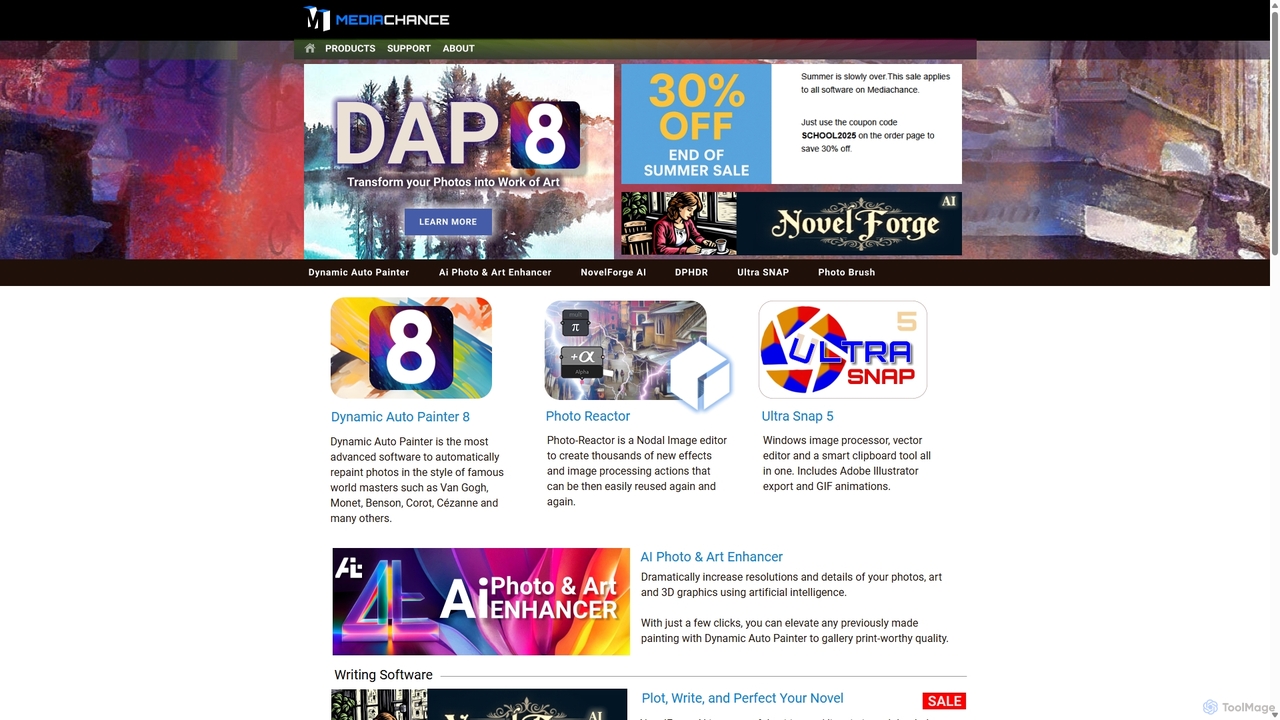
Mediachanceは、Windows向けの革新的なグラフィック、ビデオ、マルチメディアソフトウェアの包括的なスイートを提供しています。1998年以来、デジタルアーティスト、写真家、作家向けに強力なツールを開発しており、芸術的な写真変換のためのDynamic Auto Painter、アップスケーリングのためのAI Photo & Art Enhancer、創造的な執筆支援のためのNovelForge AIなどのAI搭載アプリケーションが含まれています。
3D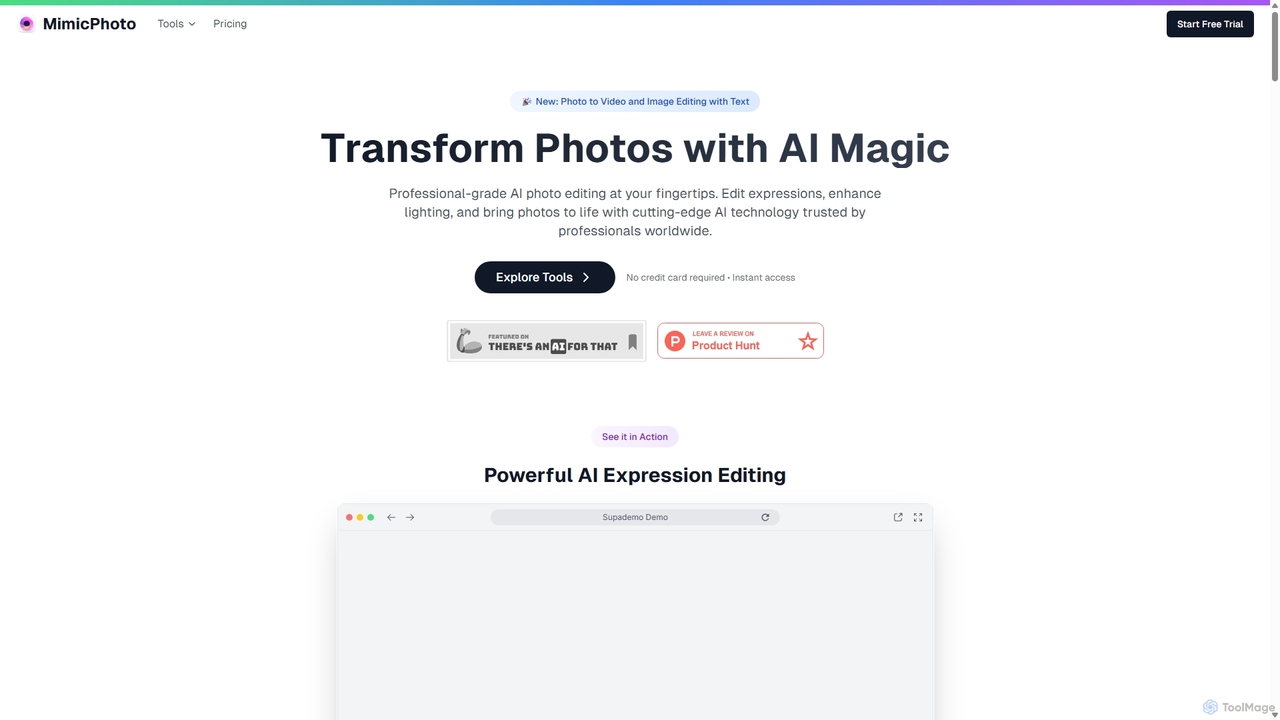
MimicPhotoは、プロ級のAI写真・動画編集スイートです。顔の表情操作、写真の再照明、静止画の動的な動画へのアニメーション化に優れています。テキストベースの画像編集、AIエフェクト、顔交換、オブジェクト除去などの機能を備え、写真家、コンテンツ制作者、マーケターが時間を節約し、見事で自然な仕上がりの作品を制作できるよう設計されています。
アバター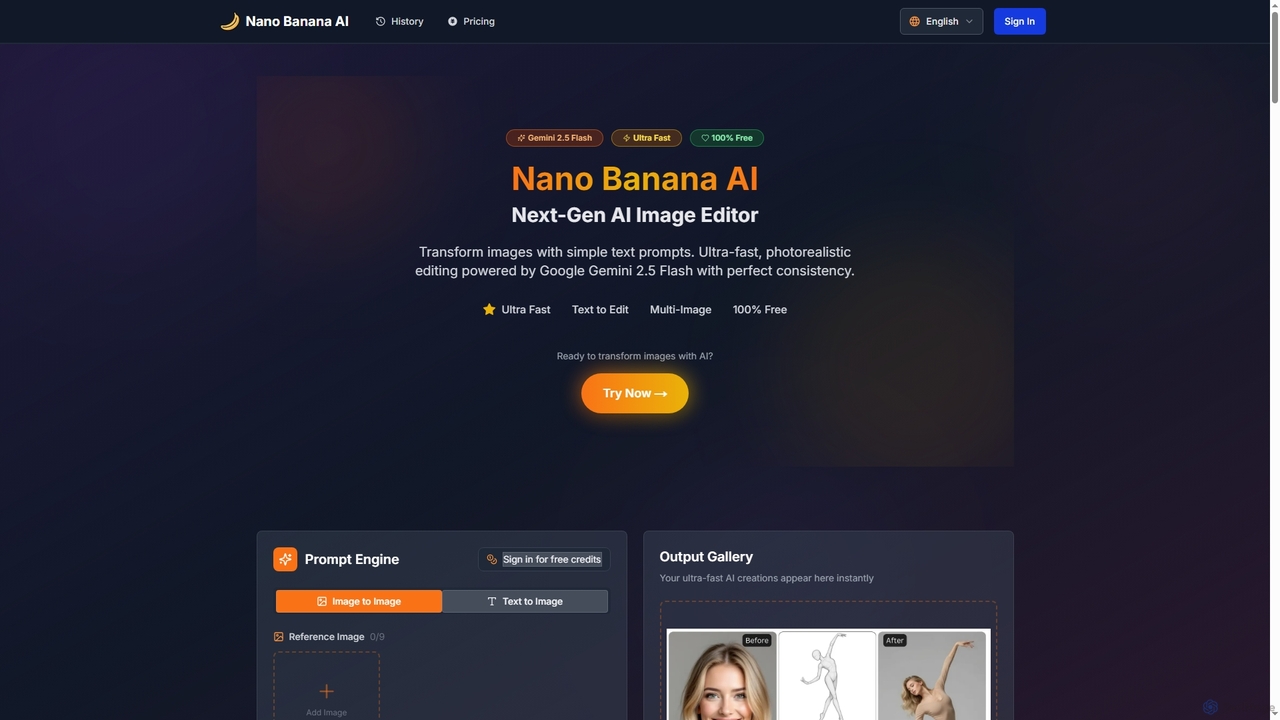
Nano Banana AIは、Google Gemini 2.5 Flashを搭載した高度なAI画像エディターで、シンプルなテキストプロンプトで写真を変換できます。超高速でフォトリアリスティックな編集を、完璧なキャラクターとシーンの一貫性で提供し、顔交換、背景変更、ヘアスタイル変更、ユニークなポラロイドヴィンテージ写真ジェネレーターなどの機能を備えています。個人用およびプロのクリエイティブワークフローの両方に対応しています。
クリエイティブツール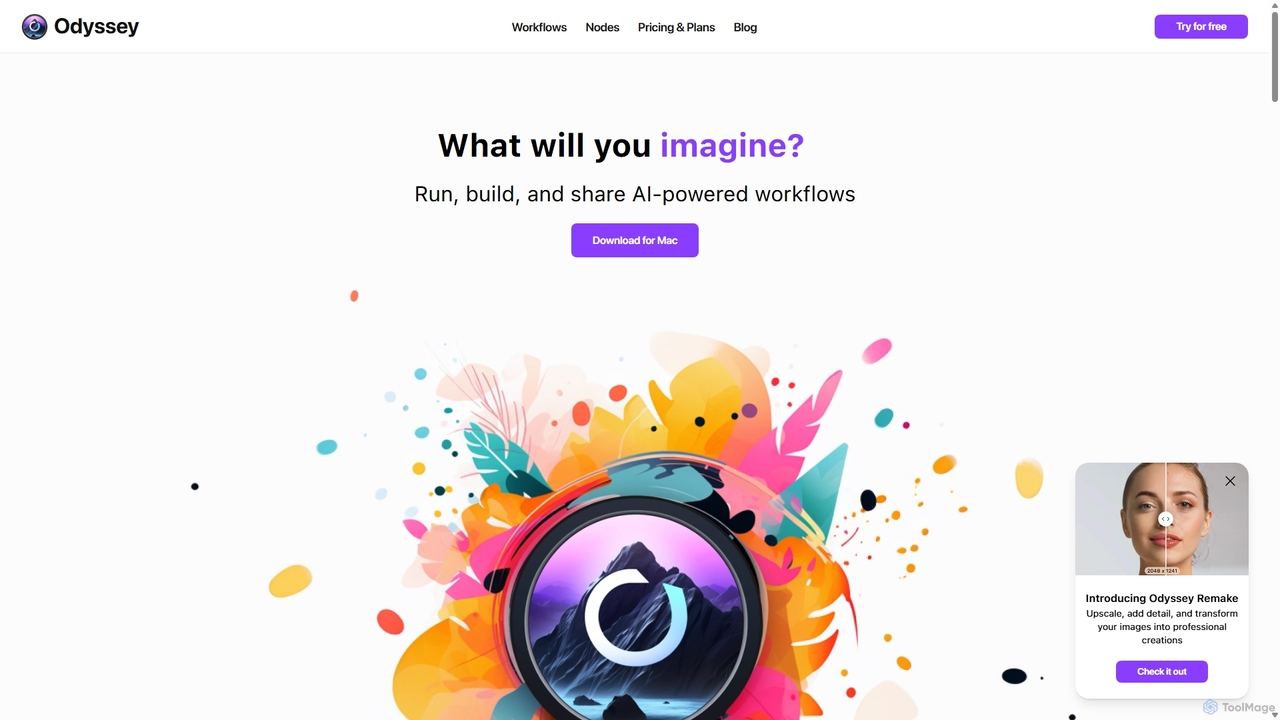
Odysseyは、ユーザーが複雑なAIパワードワークフローを構築、実行、共有できるmacOS向けのオールインワンデスクトップアプリケーションです。ビジュアルなノードベースのエディタで、画像生成、テキスト処理、強力な自動化機能を組み合わせています。プライバシーを重視し、Stable DiffusionやLlama2などの主要なAIモデルをマシン上でローカルに実行し、データの安全性を確保します。クリエイター、マーケター、開発者向けに設計された、一度の購入で永久ライセンスが手に入ります。
クリエイティブアシスタント
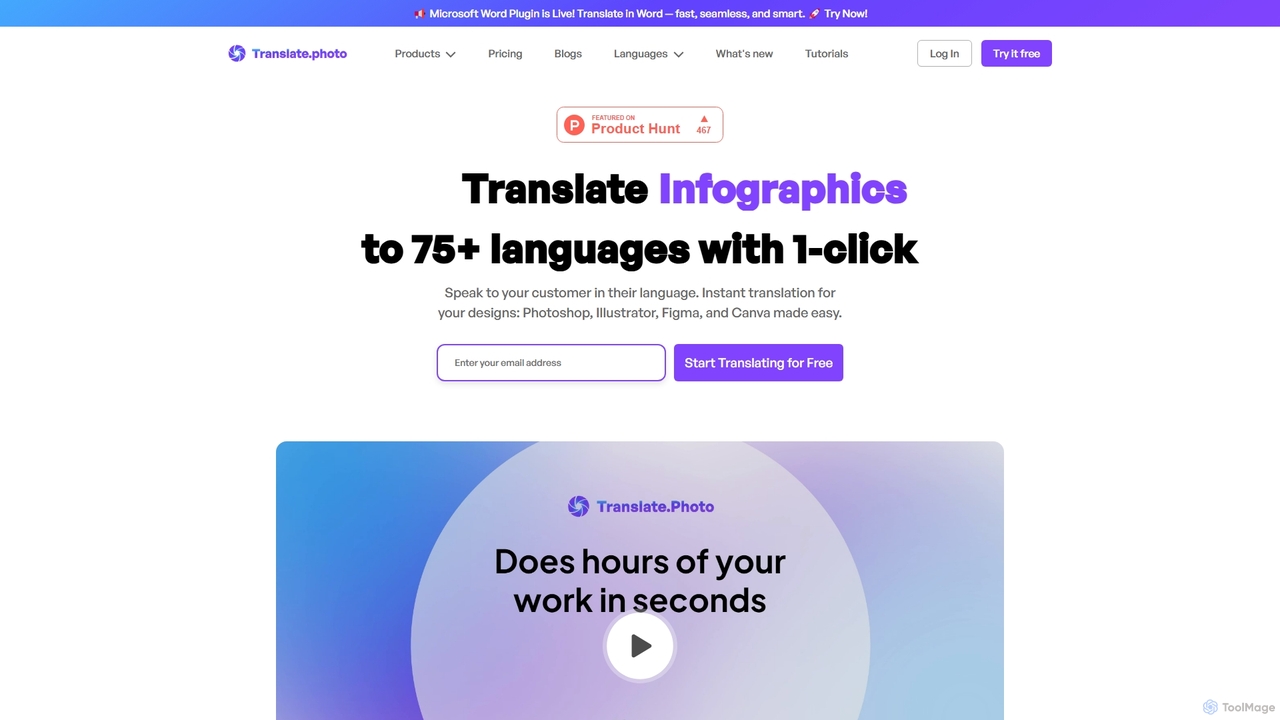
Translate.Photoは、画像やデザインファイル内のテキストをワンクリックで75以上の言語に翻訳するAI搭載ツールです。Photoshop、Illustrator、Figma、InDesignなどの主要なデザインソフトウェアとシームレスに連携し、元のレイアウトとデザインの整合性を維持します。ビジュアルコンテンツを効率的にローカライズしたいデザイナー、マーケター、企業に最適です。
ローカリゼーション
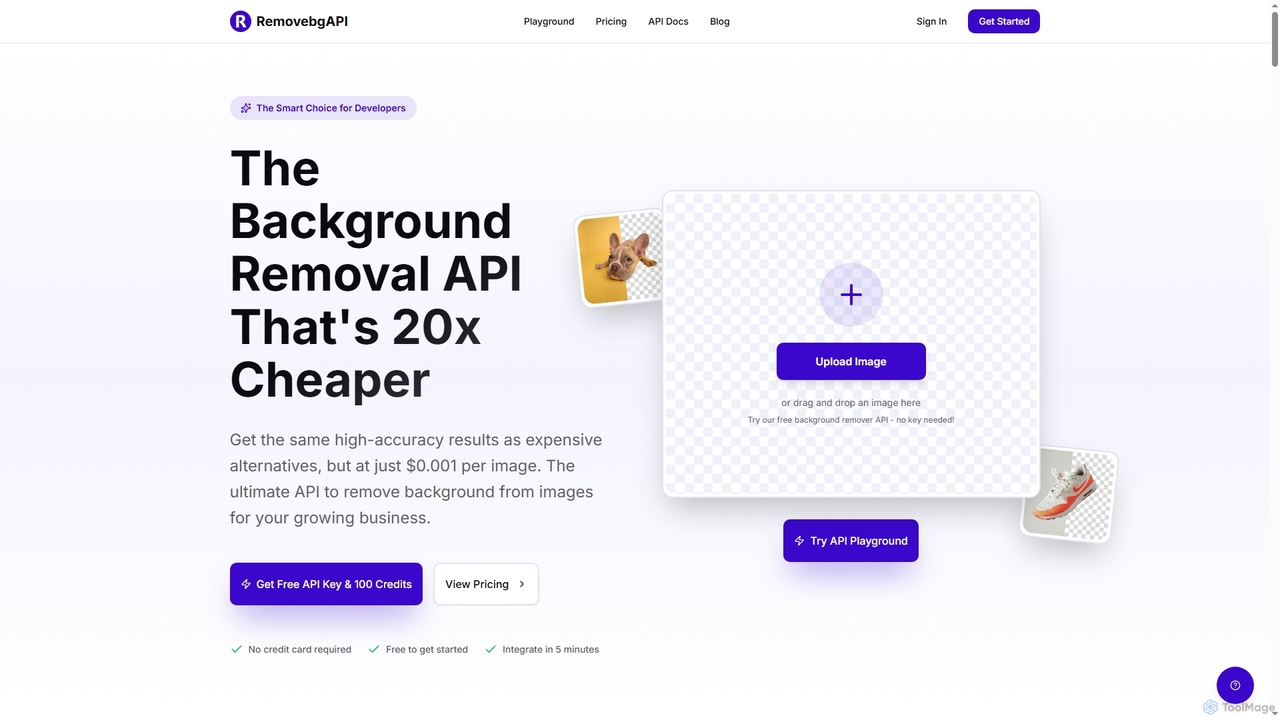
RemovebgAPIは、開発者向けの背景除去APIであり、非常に低コストで高精度の結果を提供します。AIを活用した高精度、超高速処理、シームレスな統合により、Eコマース、不動産、コンテンツ作成などのさまざまなアプリケーションで画像背景除去を自動化できます。
API