Arc
検索アシスタント · 750K 月間訪問数
ArcはThe Browser Companyによる革新的なブラウザで、スマートで整理され、プライバシーを重視したChromeの代替となるよう設計されています。生産性を向上させるAI機能を統合し、SpacesやSplit Viewといった独自の整理ツールを提供し、デスクトップとモバイルでシームレスかつ広告なしの体験を実現します。
ArcはThe Browser Companyによる革新的なブラウザで、スマートで整理され、プライバシーを重視したChromeの代替となるよう設計されています。生産性を向上させるAI機能を統合し、SpacesやSplit Viewといった独自の整理ツールを提供し、デスクトップとモバイルでシームレスかつ広告なしの体験を実現します。
Google Chromeは、Googleが開発した高速で安全、かつカスタマイズ可能なウェブブラウザです。シームレスなデバイス間同期、豊富な拡張機能ライブラリ、内蔵のパスワードマネージャーや安全確認などの堅牢なセキュリティツールを備えています。統合されたGoogleサービスと新しいAI搭載機能により、Chromeはすべての主要プラットフォームでパーソナライズされた、インテリジェントで効率的なブラウジング体験を提供します。
ArcはThe Browser Companyによる革新的なブラウザで、スマートで整理され、プライバシーを重視したChromeの代替となるよう設計されています。生産性を向上させるAI機能を統合し、SpacesやSplit Viewといった独自の整理ツールを提供し、デスクトップとモバイルでシームレスかつ広告なしの体験を実現します。
Google Chromeは、Googleが開発した高速で安全、かつカスタマイズ可能なウェブブラウザです。シームレスなデバイス間同期、豊富な拡張機能ライブラリ、内蔵のパスワードマネージャーや安全確認などの堅牢なセキュリティツールを備えています。統合されたGoogleサービスと新しいAI搭載機能により、Chromeはすべての主要プラットフォームでパーソナライズされた、インテリジェントで効率的なブラウジング体験を提供します。
Compare Arc and Google Chrome by monthly reach, traffic trend, visit depth, top regions, and acquisition sources.
In the Arc vs Google Chrome monthly traffic comparison, Arc currently shows 750K visits and Google Chrome shows 56K; Arc has about 13.4 times the visible traffic of Google Chrome, an absolute difference of about 694K visits. This reflects visible reach, not feature quality or paid users.
Only Arc has complete third-party traffic details; Google Chrome uses visits recorded inside ToolMage. These scopes cannot estimate market share directly, and on-site views should not be treated as the product’s total website traffic.
Google Chrome is registered at the www.google.com/chrome subpage. Because the current data does not state whether other host pages are excluded, treat this as domain-level context rather than independent traffic for one product or project.
| Country/region | Percentage | Traffic |
|---|---|---|
| 🇺🇸United States | 54.67% | 410K |
| 🇨🇳China | 12.28% | 92.1K |
| 🇩🇪Germany | 11.42% | 85.7K |
| 🇮🇳India | 10.96% | 82.2K |
| 🇬🇧United Kingdom | 10.67% | 80K |
| Source type | Percentage | Traffic |
|---|---|---|
| ダイレクト | 82.22% | 616.7K |
| 参照元 | 12.47% | 93.5K |
| Eメール | 5.31% | 39.8K |
This in-depth Arc vs Google Chrome comparison uses only the product records, taxonomy, audience, traffic, and community signals available on this page. Arc is primarily listed under “検索アシスタント”, while Google Chrome is primarily listed under “ウェブ開発”, so the first decision is whether your actual task matches their recorded scope.
The structured fields currently show these decision-relevant differences: Primary category (Arc: 検索アシスタント; Google Chrome: ウェブ開発); Monthly visits (Arc: 750K; Google Chrome: 56K); Favorites (Arc: 137; Google Chrome: 119); Website (Arc: arc.net; Google Chrome: www.google.com); Added (Arc: 2025-08-12; Google Chrome: 2025-08-09). These facts are more useful for selection than brand visibility alone.
In the Arc vs Google Chrome monthly traffic comparison, Arc currently shows 750K visits and Google Chrome shows 56K; Arc has about 13.4 times the visible traffic of Google Chrome, an absolute difference of about 694K visits. This reflects visible reach, not feature quality or paid users.
Only Arc has complete third-party traffic details; Google Chrome uses visits recorded inside ToolMage. These scopes cannot estimate market share directly, and on-site views should not be treated as the product’s total website traffic.
Google Chrome is registered at the www.google.com/chrome subpage. Because the current data does not state whether other host pages are excluded, treat this as domain-level context rather than independent traffic for one product or project.
The current traffic scope is not sufficient for a reliable product ranking. Treat monthly visits as a market-interest signal, then decide using taxonomy, use cases, pricing, and a like-for-like trial rather than reading exposure as product capability.
Arc and Google Chrome currently overlap in shared categories: ブラウザ; shared tags: 生産性、ウェブブラウザ. This can place both on the same shortlist, but it does not prove equal implementation, depth, or cost.
Arc's unique categories/tags are 検索アシスタント、ウェブ、AI、Android、ブラウザ、Chrome代替、カスタマイズ、iOS; Google Chrome's are ウェブ開発、検索、AIブラウザ、クロスプラットフォーム、開発者ツール、拡張機能、グーグル、インターネットブラウザ. These unique fields are the strongest differentiators: validate the product whose recorded scope matches the task instead of following traffic alone.
Arc has no verified rating, 0 comments, 137 favorites, and 121 likes;Google Chrome has no verified rating, 0 comments, 119 favorites, and 107 likes。
Neither product has enough rating or comment samples for a credible reputation ranking.
Put Arc on the priority trial list when the task aligns with “検索アシスタント” and especially 検索アシスタント、ウェブ、AI、Android、ブラウザ、Chrome代替. This follows recorded positioning and does not imply unlisted capabilities are absent.
Arc also currently records: pricing is free, product type is app, 750K verified monthly visits, no verified user rating. Verify any hard requirement around price, platform, or reach before trial, and do not let sparse review data substitute for testing.
Put Google Chrome on the priority trial list when the task aligns with “ウェブ開発” and especially ウェブ開発、検索、AIブラウザ、クロスプラットフォーム、開発者ツール、拡張機能. This follows recorded positioning and does not imply unlisted capabilities are absent.
Google Chrome also currently records: pricing is free, product type is app, 56K on-site monthly views, no verified user rating. Verify any hard requirement around price, platform, or reach before trial, and do not let sparse review data substitute for testing.
The available data describes positioning, public visibility, and community signals, but it cannot prove output quality, speed, integration effort, privacy, or long-term cost in your workflow. Before deciding, run the same representative tasks in Arc and Google Chrome, then record completion time, accuracy, manual corrections, and the real paid threshold. A like-for-like trial turns this comparison into a defensible adoption decision.
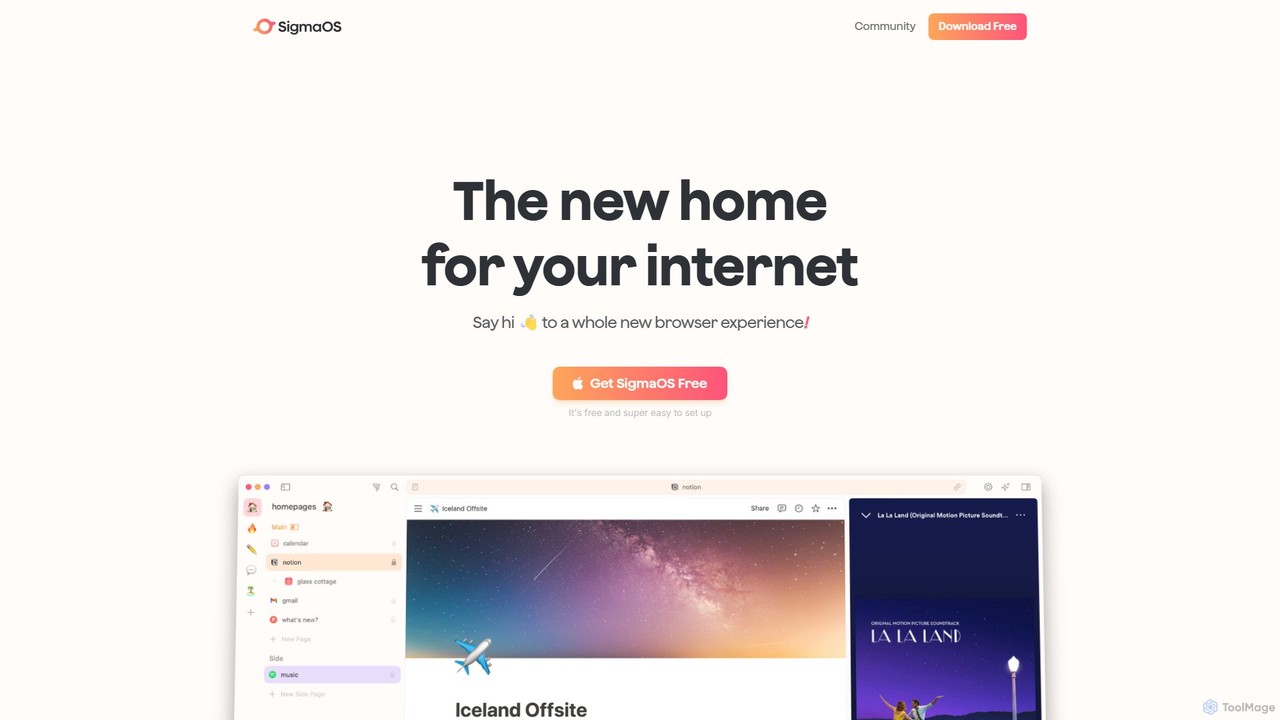
Zohoが開発したUlaa Browserは、個人および企業向けに設計されたプライバシー重視のChromiumベースのWebブラウザです。内蔵の広告ブロッカー、フィッシング対策、そして仕事とプライベートなどのコンテキストを分離する独自の「モード」機能でセキュリティを強化します。法人向けのUlaa Enterpriseは、高度なデータ損失防止、集中管理、Zia AIによるインテリジェンスを提供し、安全で生産的なブラウジング環境を構築します。
エンタープライズソフトウェア

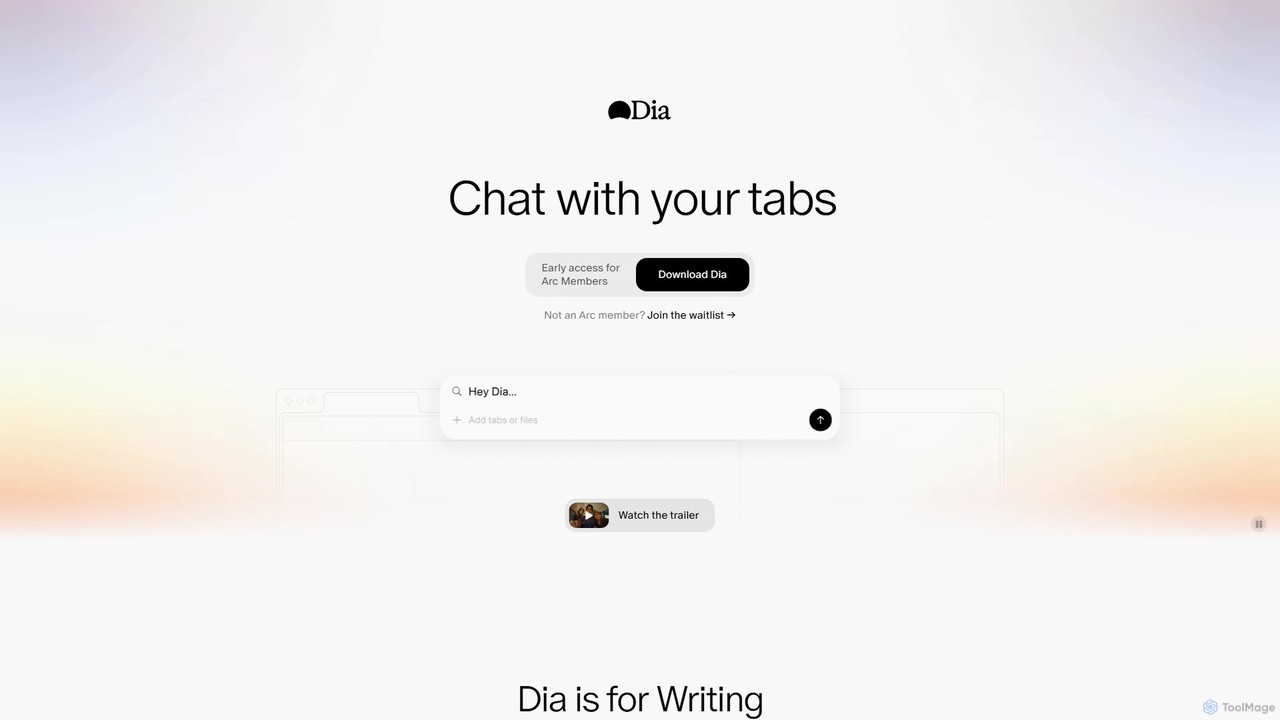
Diaは、開いているタブと直接チャットできる、macOS向けの革新的なAI搭載ブラウザです。執筆、リサーチ、学習、計画のためのコンテキスト対応アシスタントとして機能し、複数のページの情報を統合して、頻繁なコピー&ペーストなしで即座に関連性の高い回答やコンテンツを提供します。
学習

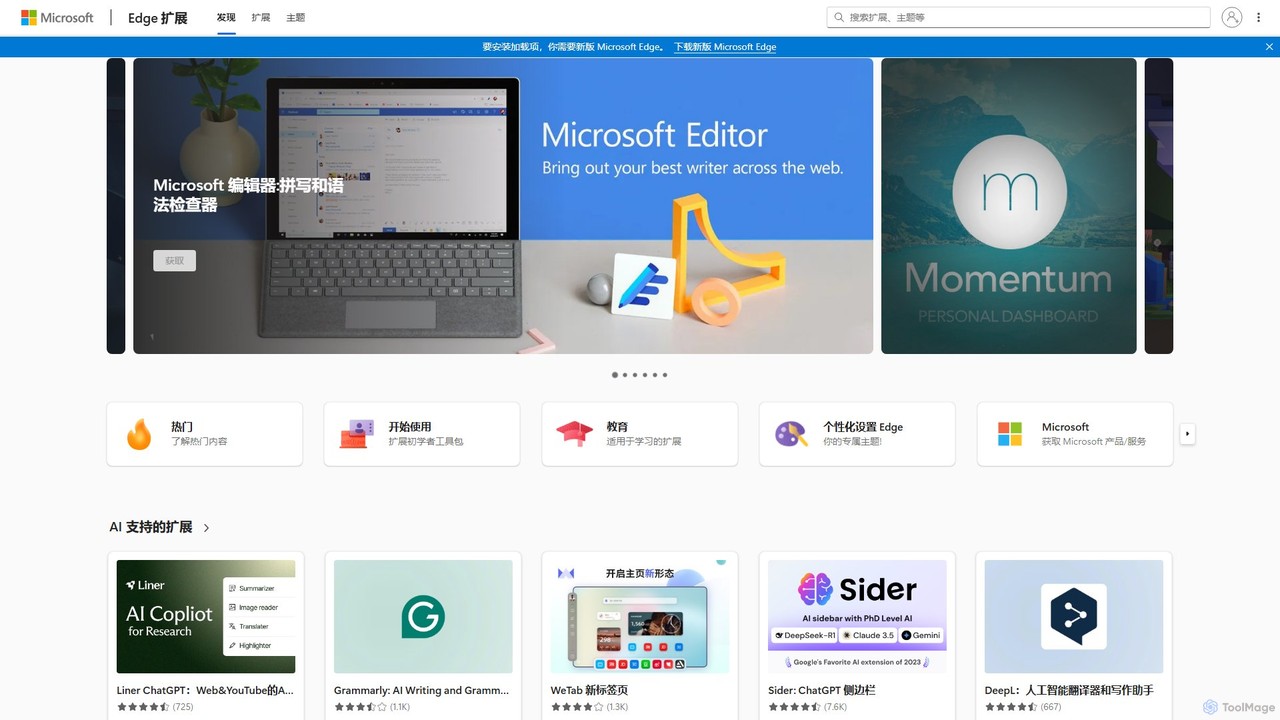
生産性、セキュリティ、パーソナライゼーションを強化するための膨大なアドオンライブラリを提供する、Microsoft Edge拡張機能の公式マーケットプレイスです。AI搭載ツール、広告ブロッカー、パスワードマネージャーなどを見つけて、ブラウジング体験をカスタマイズしましょう。
拡張機能ストア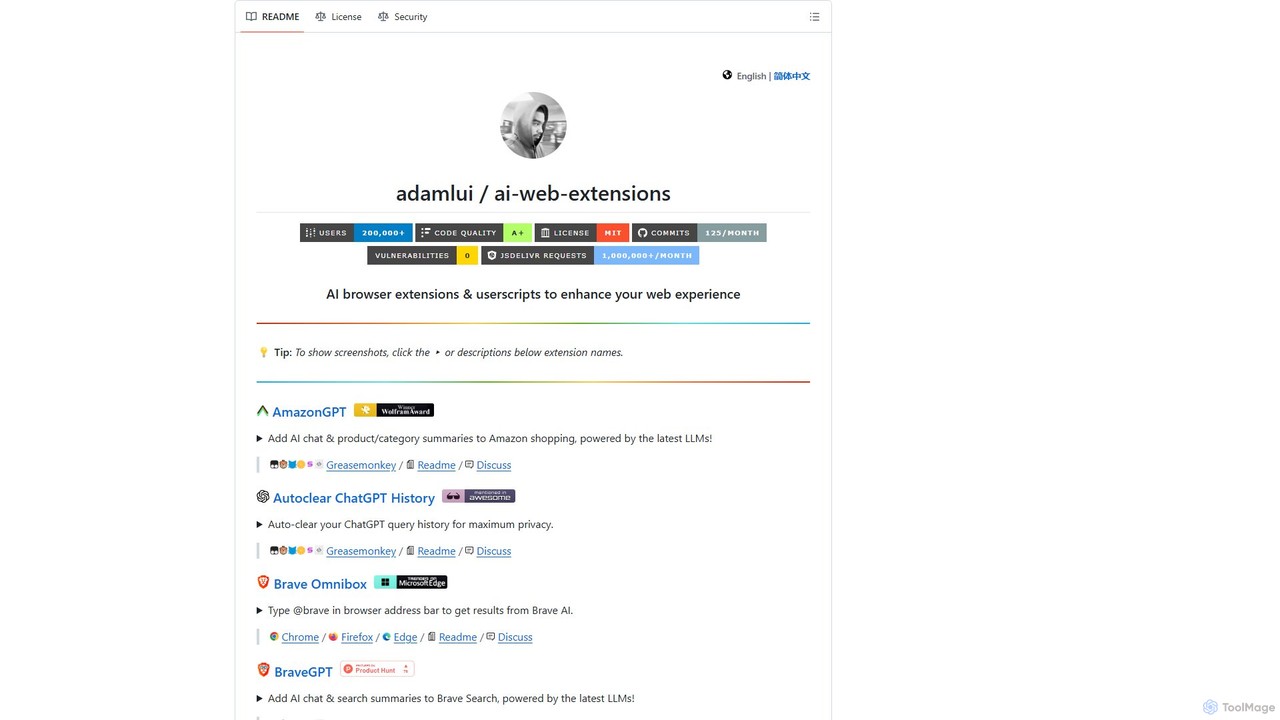
ChatGPT EVOは、ウェブ体験を強化するために設計された強力なオープンソースのブラウザ拡張機能およびユーザースクリプトのスイートです。ChatGPTのようなモデルのAI機能を、検索エンジン、Eコマースサイト、ブラウザのアドレスバーなど、日常のブラウジングにシームレスに統合し、生産性を向上させ、即座に情報を提供します。
コードアシスタント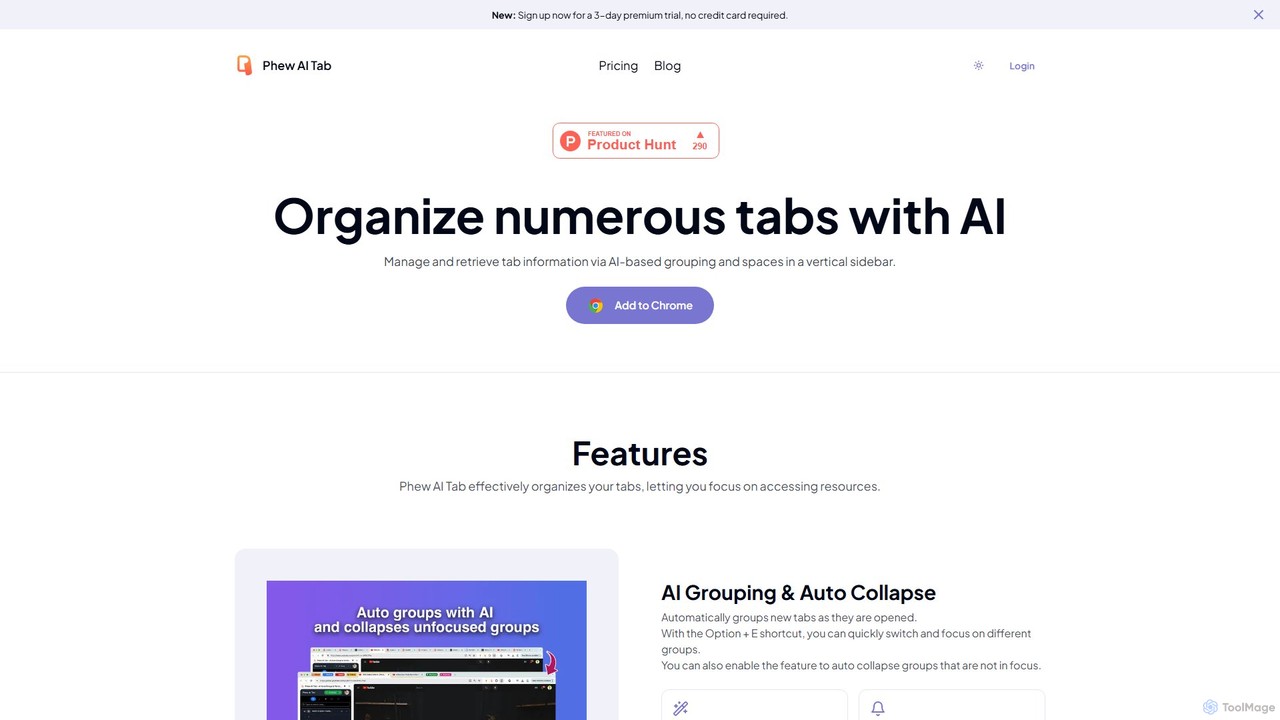
Phew AI Tabは、タブ管理を革新するインテリジェントなブラウザ拡張機能です。AIを使用してタブを自動的にグループ化、分析、要約し、検索可能なナレッジベースに変換します。クラウド同期される「スペース」、垂直タブ、ローカル暗号化や自己ホスティングオプションを含む堅牢なプライバシー保護により、Phew AI Tabはすべてのデバイスで集中力、整理、生産性を維持するのに役立ちます。
個人
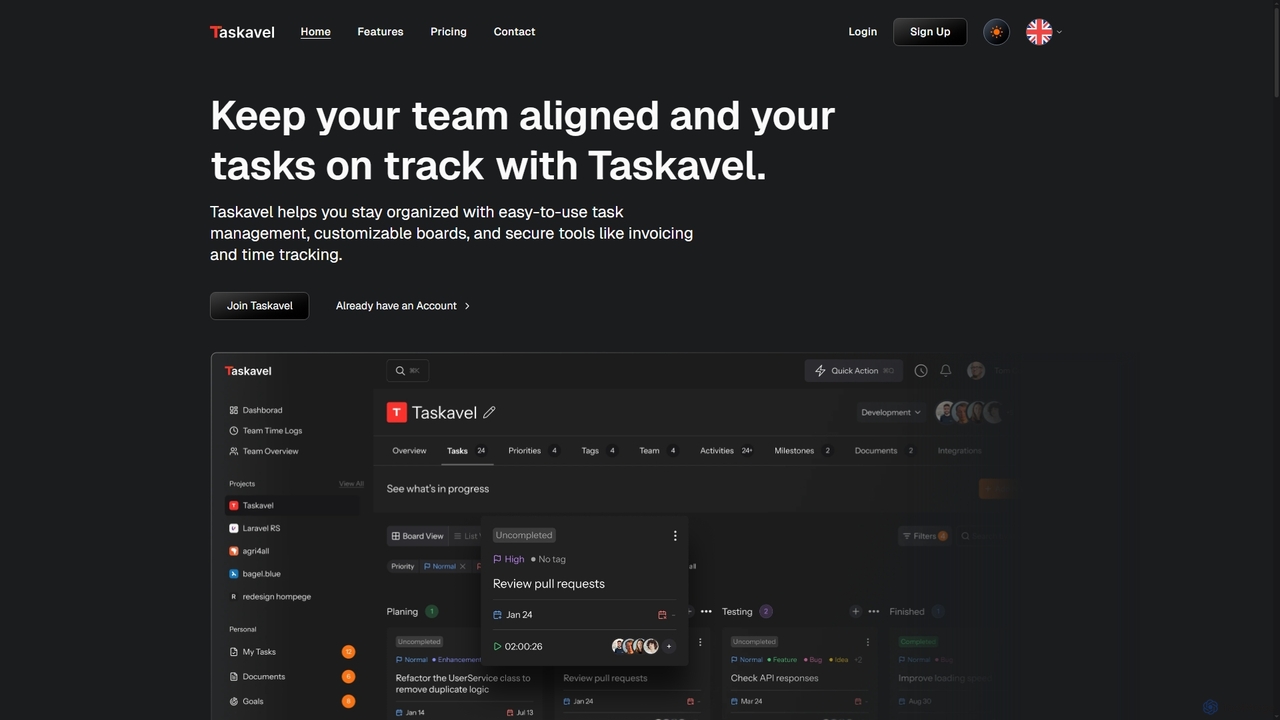
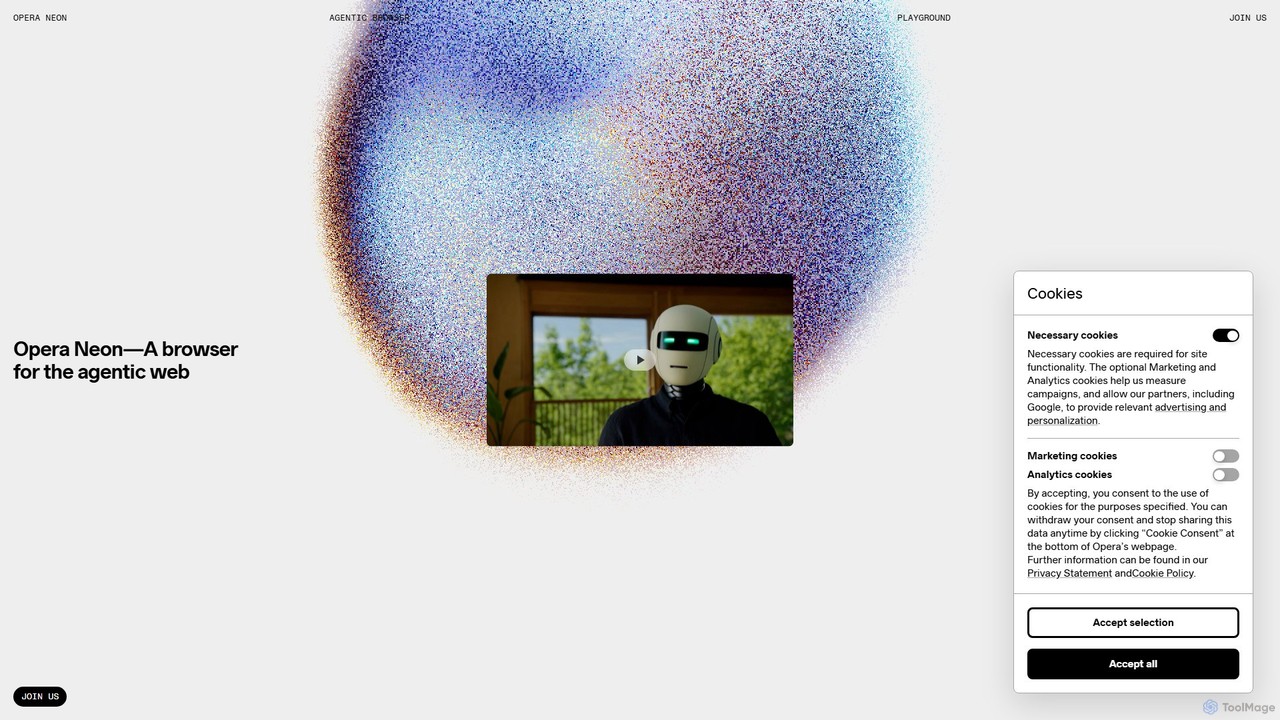
Opera Neonは、ユーザーの意図を理解し、複雑なタスクを自動化し、デジタルコンテンツを作成するために設計された次世代のエージェント型AIブラウザです。AIチャット、タスク自動化、創造的生成を単一のシームレスなブラウジング体験に統合し、能動的なデジタルアシスタントとして機能します。
ローコード・ノーコード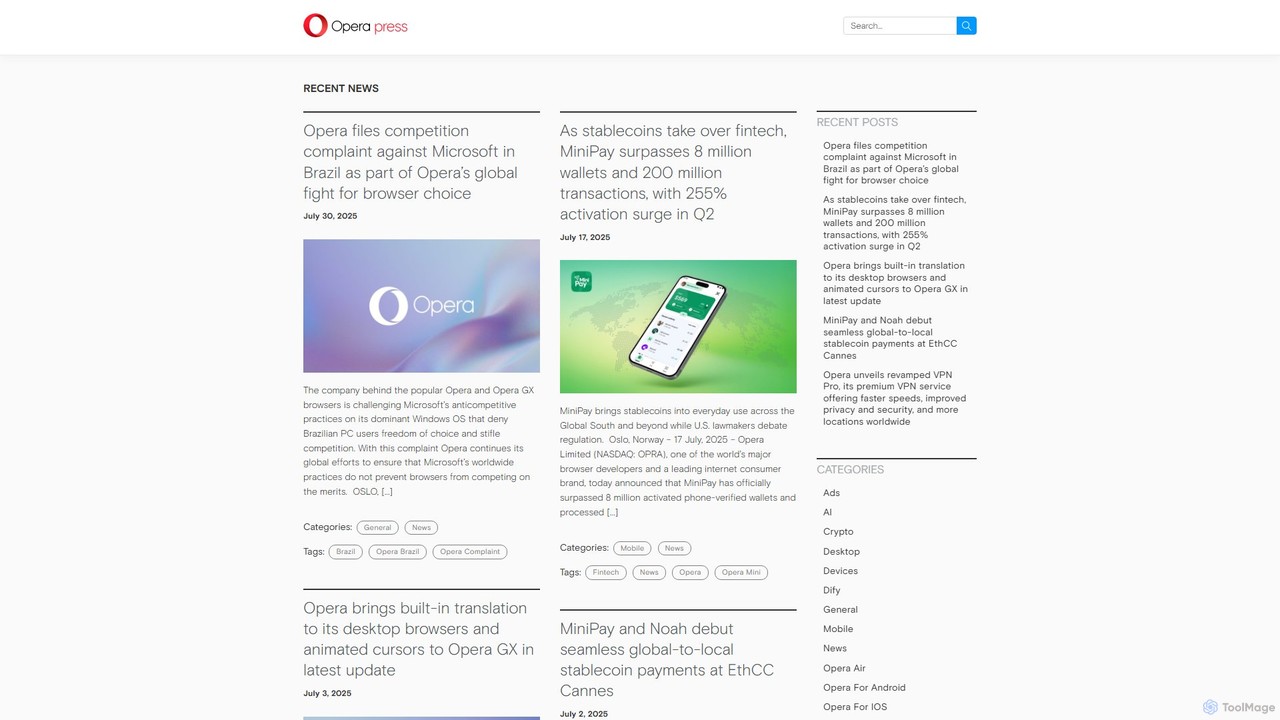
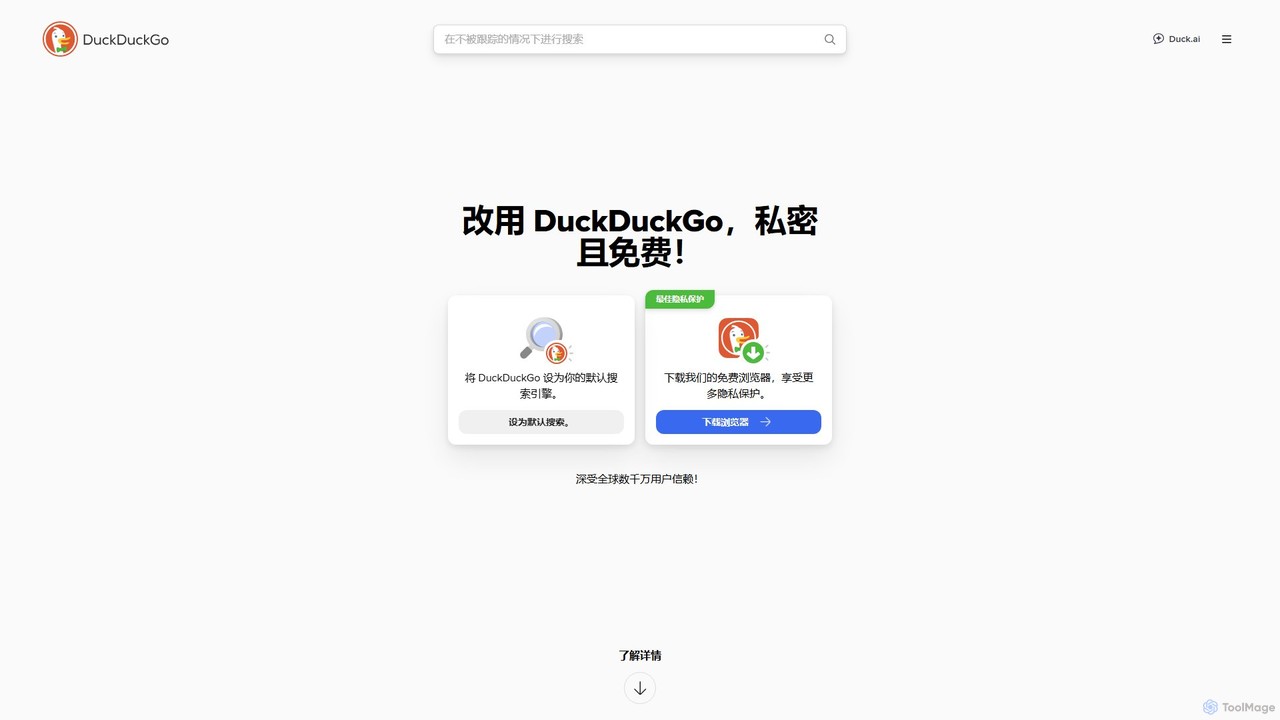
DuckDuckGoは、プライバシーを重視したオールインワンのインターネットスイートで、プライベート検索エンジン、安全なブラウザ、AI搭載のDuck.aiを特徴としています。トラッカーをブロックし、クッキーのポップアップを管理し、メール保護やVPNなどのツールを提供することで、個人データを収集することなくオンライン活動を保護します。
チャット