AutoCut
自動化 · 192.8K 月間訪問数
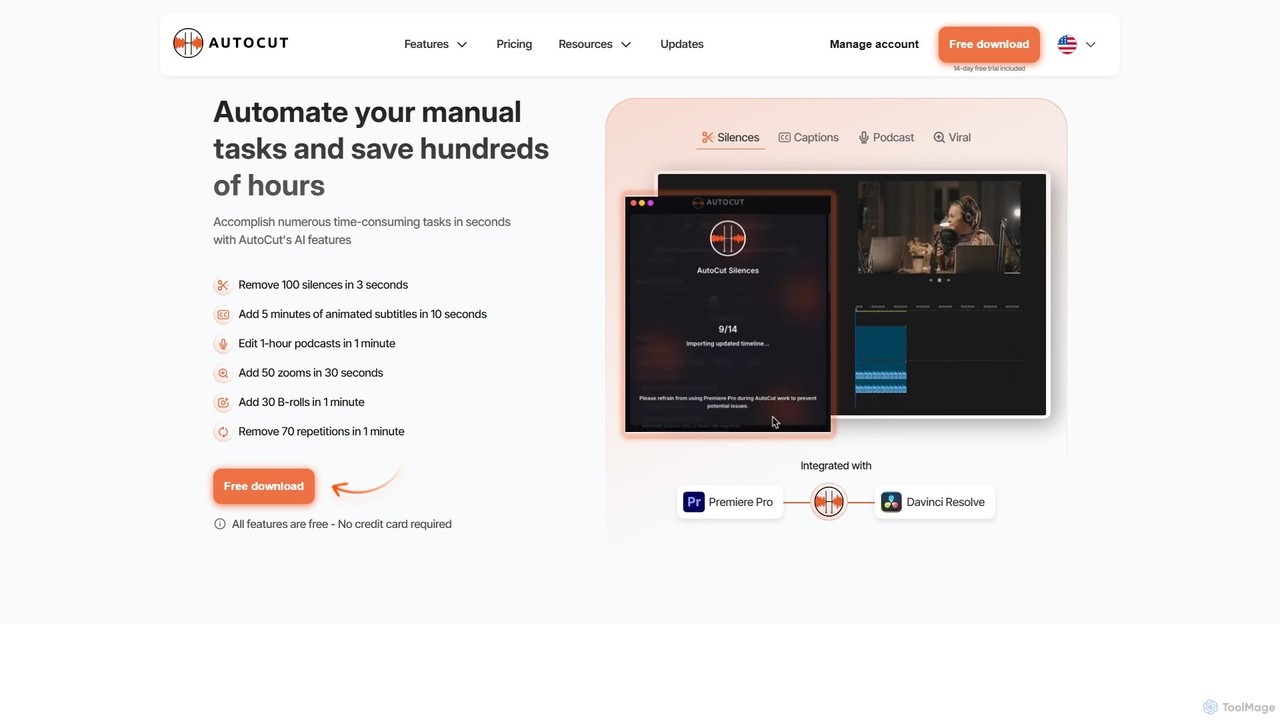
AutoCutは、Adobe Premiere ProおよびDaVinci Resolve向けのAI搭載プラグインで、面倒な動画編集作業を自動化します。無音部分の自動削除、アニメーションキャプションの生成、マルチカムポッドキャストの編集、ダイナミックズームの追加などにより、編集者の作業時間を大幅に節約し、ワークフロー全体を効率化します。
AutoCutは、Adobe Premiere ProおよびDaVinci Resolve向けのAI搭載プラグインで、面倒な動画編集作業を自動化します。無音部分の自動削除、アニメーションキャプションの生成、マルチカムポッドキャストの編集、ダイナミックズームの追加などにより、編集者の作業時間を大幅に節約し、ワークフロー全体を効率化します。
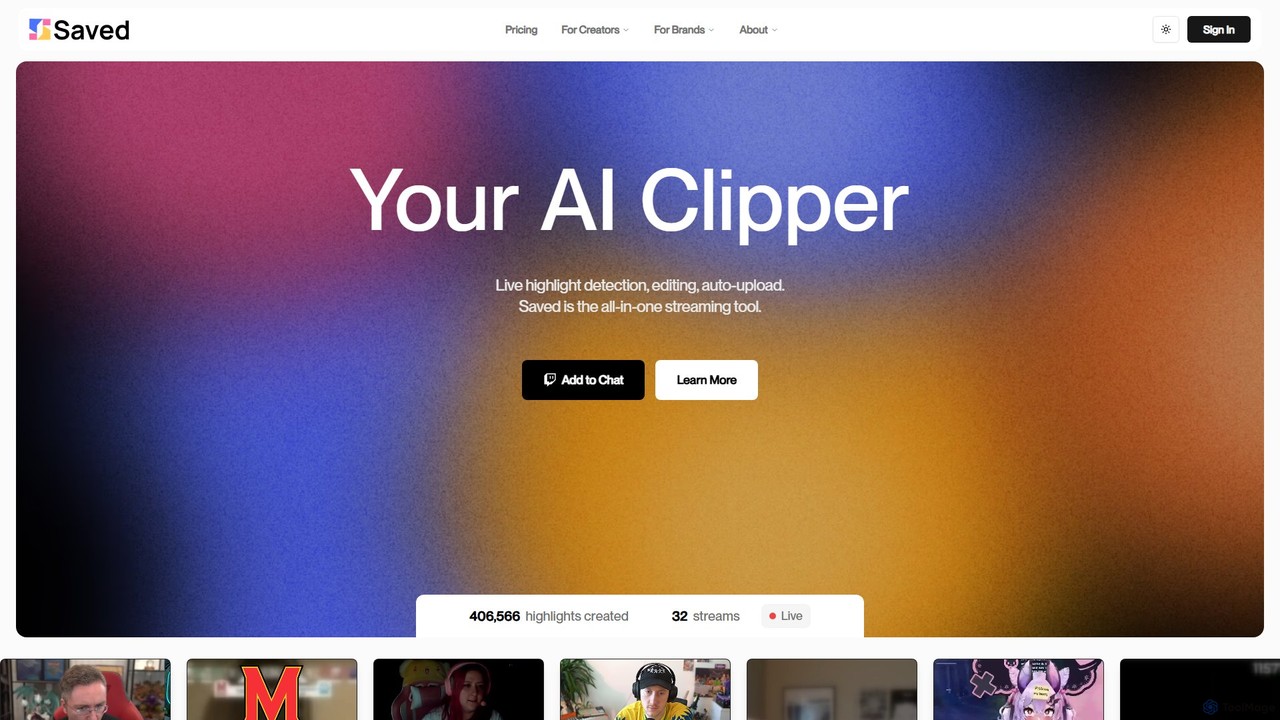
Savedは、ストリーマーやコンテンツクリエイター向けのAI搭載クリッパーです。Twitch、YouTube、KickなどのプラットフォームでのライブストリームやVODから面白い瞬間を自動的に検出し、編集、アップロードし、魅力的なショート動画に変換します。
AutoCutは、Adobe Premiere ProおよびDaVinci Resolve向けのAI搭載プラグインで、面倒な動画編集作業を自動化します。無音部分の自動削除、アニメーションキャプションの生成、マルチカムポッドキャストの編集、ダイナミックズームの追加などにより、編集者の作業時間を大幅に節約し、ワークフロー全体を効率化します。
Savedは、ストリーマーやコンテンツクリエイター向けのAI搭載クリッパーです。Twitch、YouTube、KickなどのプラットフォームでのライブストリームやVODから面白い瞬間を自動的に検出し、編集、アップロードし、魅力的なショート動画に変換します。
| Feature | AutoCut | Saved |
|---|---|---|
| 主要カテゴリー | 自動化 | ストリーミング |
| 追加日 | 2025-08-11 | 2025-08-01 |
| 価格 | フリーミアム | フリーミアム |
| 公式サイト | www.autocut.com | www.saved.gg |
| 製品タイプ | ブラウザ拡張 | ウェブサイト |
| Performance data | ||
| ユーザー評価 | 未確認 | 未確認 |
| コメント | 0 | 0 |
| 月間訪問数 | 192.8K | 3.8K |
| 月間成長率 | 7.5% | -22.6% |
| お気に入り | 132 | 139 |
| Details | 詳細を見る | 詳細を見る |
Compare AutoCut and Saved by monthly reach, traffic trend, visit depth, top regions, and acquisition sources.
In the AutoCut vs Saved monthly traffic comparison, AutoCut currently shows 192.8K visits and Saved shows 3.8K; AutoCut has about 50.3 times the visible traffic of Saved, an absolute difference of about 189K visits. This reflects visible reach, not feature quality or paid users.
Both tools provide verified traffic details, so monthly trends, visit depth, regions, and acquisition sources can be compared on the same basis.
AutoCut is registered at the www.autocut.com/en subpage. Because the current data does not state whether other host pages are excluded, treat this as domain-level context rather than independent traffic for one product or project.
| Country/region | Percentage | Traffic |
|---|---|---|
| 🇧🇷Brazil | 28.29% | 54.5K |
| 🇮🇳India | 25.81% | 49.8K |
| 🇺🇸United States | 21.69% | 41.8K |
| 🇫🇷France | 14.79% | 28.5K |
| 🇩🇪Germany | 9.42% | 18.2K |
| Source type | Percentage | Traffic |
|---|---|---|
| ダイレクト | 86.46% | 166.7K |
| 参照元 | 11.11% | 21.4K |
| Eメール | 2.43% | 4.7K |
| Country/region | Percentage | Traffic |
|---|---|---|
| 🇺🇸United States | 85.84% | 3.3K |
| 🇳🇱Netherlands | 9.37% | 359 |
| 🇩🇪Germany | 3.06% | 117 |
| 🇧🇷Brazil | 1.73% | 66 |
This in-depth AutoCut vs Saved comparison uses only the product records, taxonomy, audience, traffic, and community signals available on this page. AutoCut is primarily listed under “自動化”, while Saved is primarily listed under “ストリーミング”, so the first decision is whether your actual task matches their recorded scope.
The structured fields currently show these decision-relevant differences: Primary category (AutoCut: 自動化; Saved: ストリーミング); Product type (AutoCut: Browser extension; Saved: Website); Monthly visits (AutoCut: 192.8K; Saved: 3.8K); Monthly growth (AutoCut: 7.5%; Saved: -22.6%); Favorites (AutoCut: 132; Saved: 139). These facts are more useful for selection than brand visibility alone.
In the AutoCut vs Saved monthly traffic comparison, AutoCut currently shows 192.8K visits and Saved shows 3.8K; AutoCut has about 50.3 times the visible traffic of Saved, an absolute difference of about 189K visits. This reflects visible reach, not feature quality or paid users.
Both tools provide verified traffic details, so monthly trends, visit depth, regions, and acquisition sources can be compared on the same basis.
AutoCut is registered at the www.autocut.com/en subpage. Because the current data does not state whether other host pages are excluded, treat this as domain-level context rather than independent traffic for one product or project.
AutoCut is registered under a www.autocut.com subpath, so its large visible total may include the host platform. The current data does not justify choosing AutoCut for traffic alone; shortlist by unique taxonomy and use case, then validate with the same tasks.
AutoCut and Saved currently overlap in shared categories: 自動化、コンテンツ作成、編集; shared tags: 自動化、コンテンツ作成、映像編集. This can place both on the same shortlist, but it does not prove equal implementation, depth, or cost.
AutoCut's unique categories/tags are AI動画編集、自動字幕、DaVinci Resolve プラグイン、ポッドキャスト編集、Premiere Pro プラグイン、無音除去、ビデオワークフロー; Saved's are ストリーミング、クリッピング、ゲーム、ハイライト映像、短尺動画、Twitch、ビデオ・オン・デマンド、YouTube. These unique fields are the strongest differentiators: validate the product whose recorded scope matches the task instead of following traffic alone.
AutoCut has no verified rating, 0 comments, 132 favorites, and 124 likes;Saved has no verified rating, 0 comments, 139 favorites, and 140 likes。
Neither product has enough rating or comment samples for a credible reputation ranking.
Put AutoCut on the priority trial list when the task aligns with “自動化” and especially AI動画編集、自動字幕、DaVinci Resolve プラグイン、ポッドキャスト編集、Premiere Pro プラグイン、無音除去. This follows recorded positioning and does not imply unlisted capabilities are absent.
AutoCut also currently records: pricing is freemium, product type is browser extension, 192.8K monthly visits shown for the registered host (subpage scope unknown), no verified user rating. Verify any hard requirement around price, platform, or reach before trial, and do not let sparse review data substitute for testing.
Put Saved on the priority trial list when the task aligns with “ストリーミング” and especially ストリーミング、クリッピング、ゲーム、ハイライト映像、短尺動画、Twitch. This follows recorded positioning and does not imply unlisted capabilities are absent.
Saved also currently records: pricing is freemium, product type is website, 3.8K verified monthly visits, no verified user rating. Verify any hard requirement around price, platform, or reach before trial, and do not let sparse review data substitute for testing.
The available data describes positioning, public visibility, and community signals, but it cannot prove output quality, speed, integration effort, privacy, or long-term cost in your workflow. Before deciding, run the same representative tasks in AutoCut and Saved, then record completion time, accuracy, manual corrections, and the real paid threshold. A like-for-like trial turns this comparison into a defensible adoption decision.
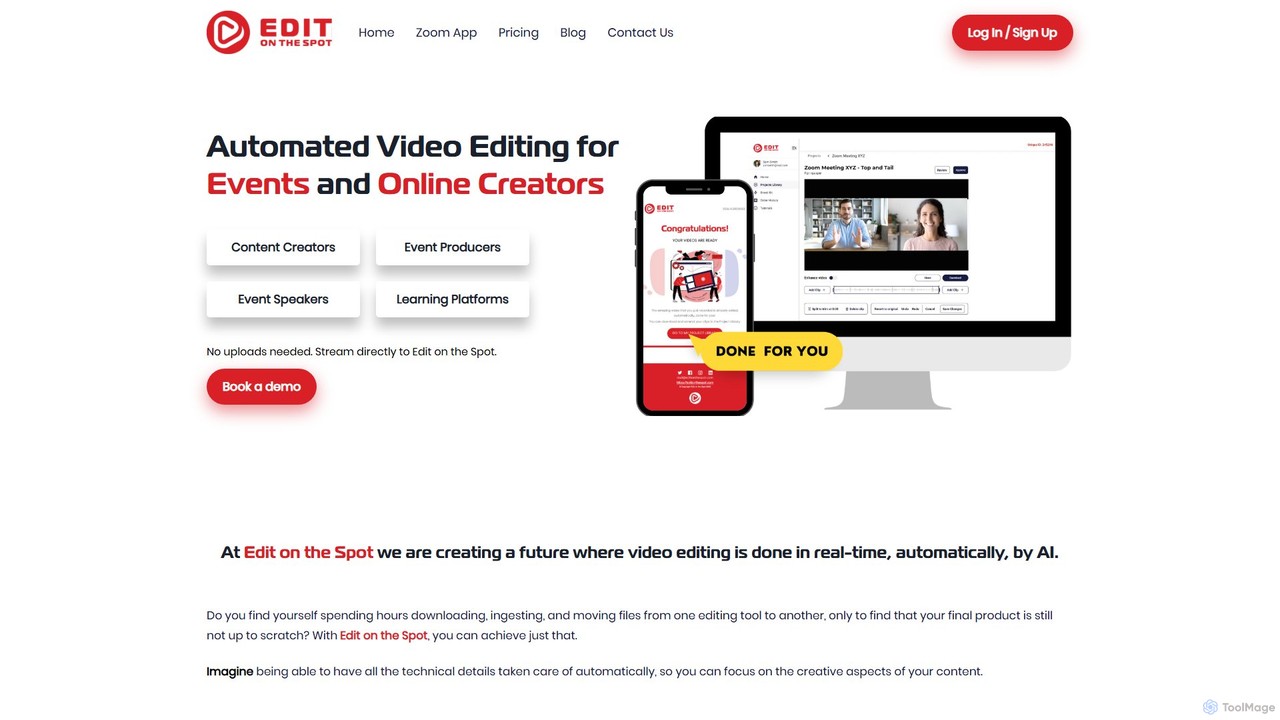
Edit on the Spotは、オンラインクリエイター向けに設計されたAI搭載の動画編集ツールです。Zoom、MS Teams、OBSなどのプラットフォームで録画した動画の冒頭と末尾の無音部分を自動的にトリミングします。ユーザーはカスタムのイントロとアウトロを即座に追加でき、セッション終了後数分でプロ品質に仕上げられたフルHD動画のダウンロードリンクを受け取れます。
コンテンツ作成
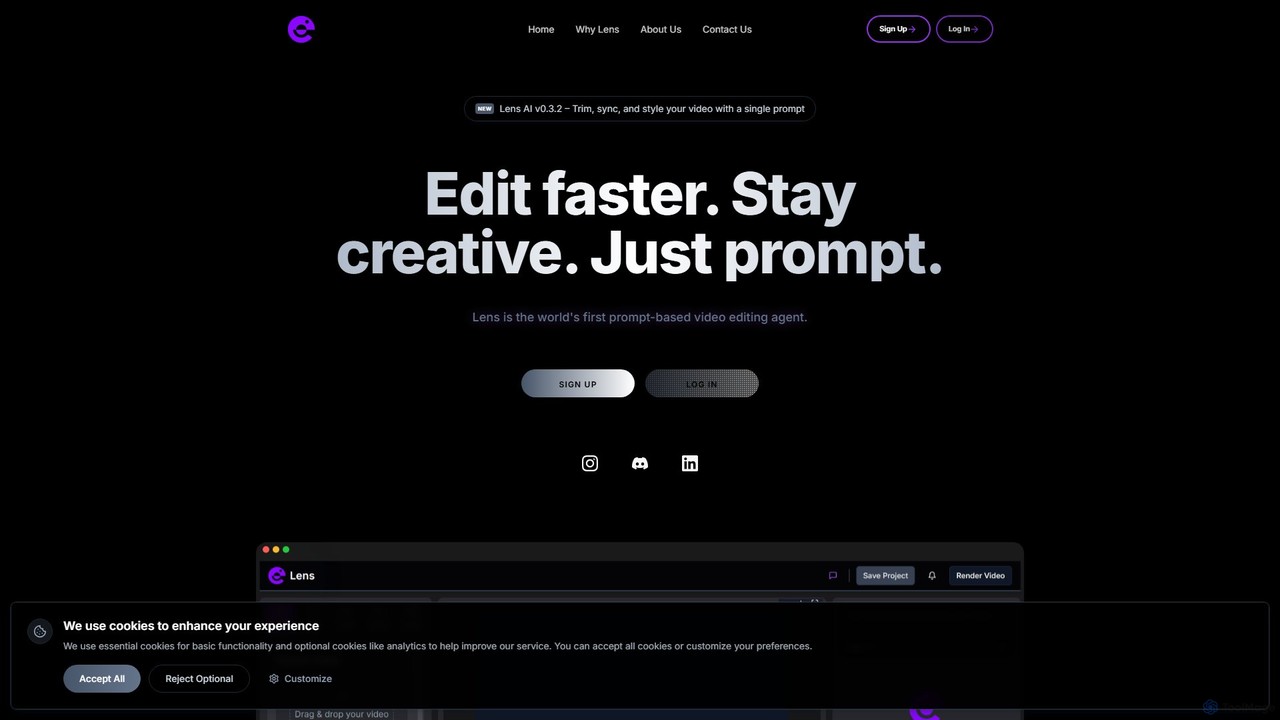



OneTake AIは、自律型の動画編集および翻訳エージェントで、生のトーキングビデオをワンクリックでプロフェッショナルなプレゼンテーションに変換します。自動的にトランスクリプション、フィラーワードの削除、背景ノイズの除去、カスタム音楽の追加を行い、魅力的なビジュアルを作成します。コンテンツクリエーター、教育者、ビジネスに最適で、音声クローン翻訳と吹き替え機能により、世界中の視聴者に簡単にアプローチできます。
Eラーニング
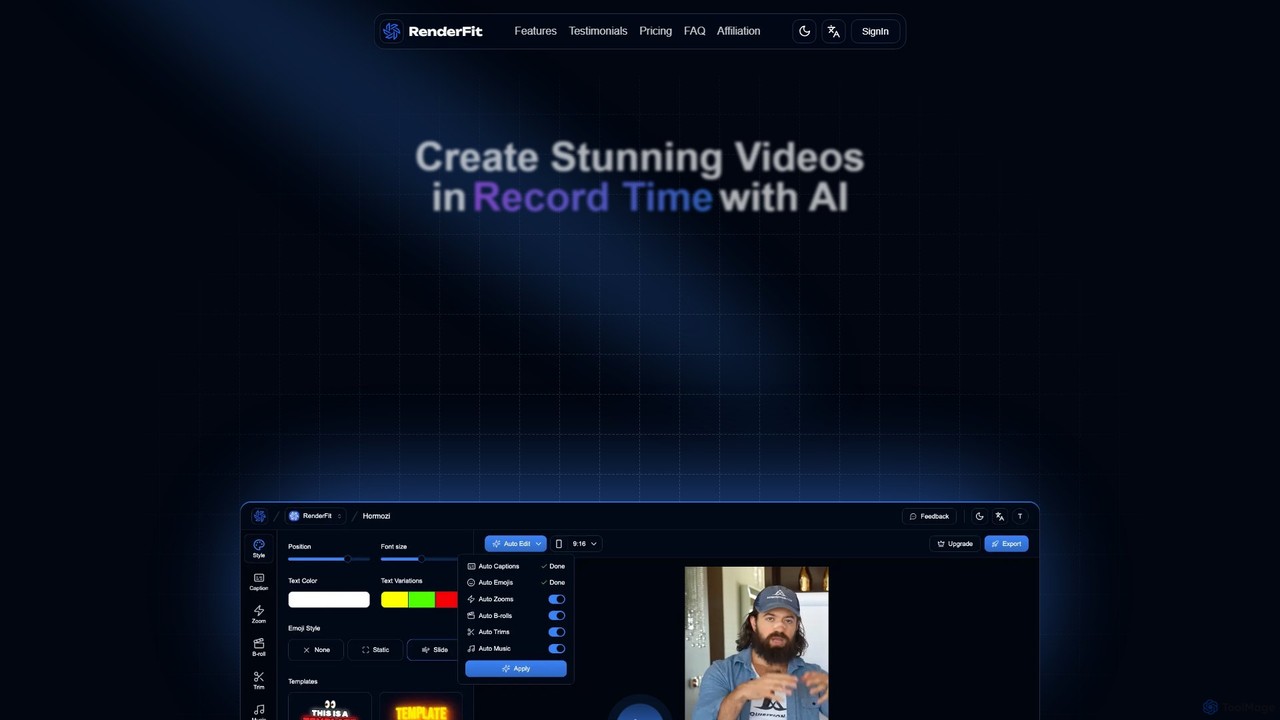
RenderFitは、AIを搭載した動画編集プラットフォームで、動画制作を自動化・高速化します。専門的な編集スキルがなくても、目を引く字幕の生成、無音部分の自動カット、ダイナミックなBロールや音楽の追加、魅力的なソーシャルメディアコンテンツを数分で作成できます。コンテンツクリエーター、マーケティングチーム、代理店に最適です。
ビデオマーケティング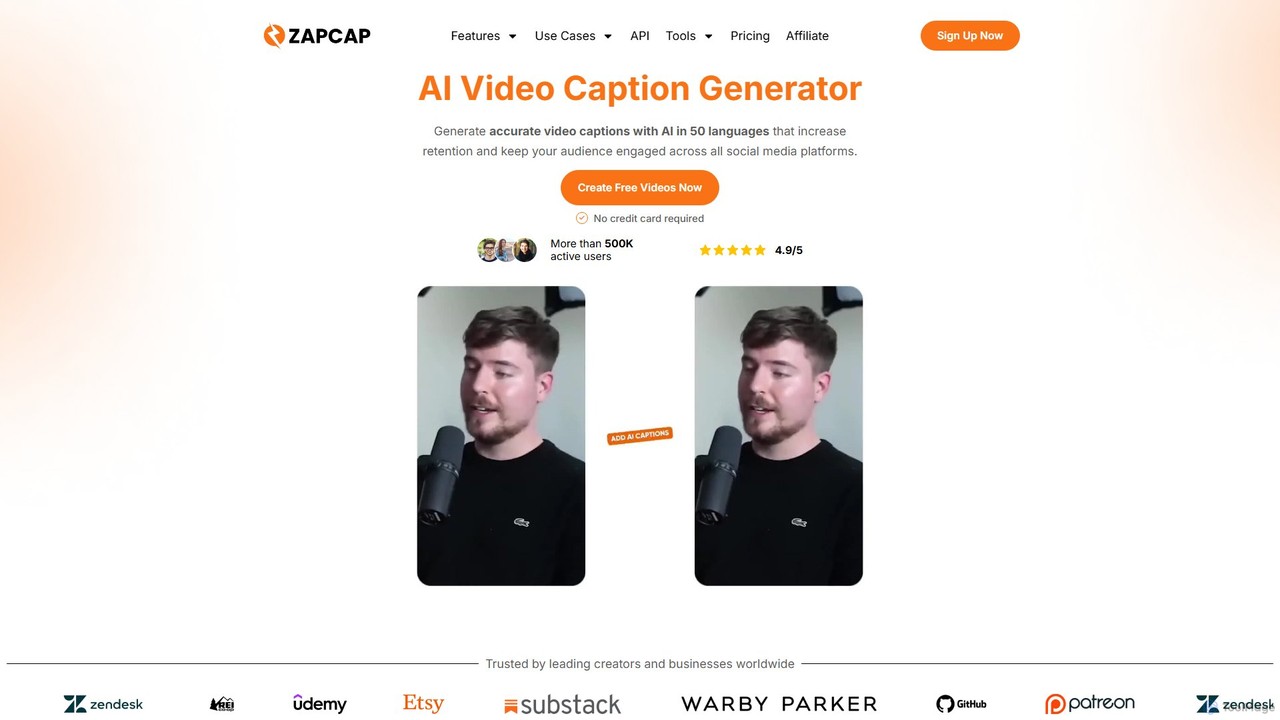
zapcapは、バイラルなショート動画を簡単に作成するために設計されたAI搭載の動画編集プラットフォームです。50以上の言語で正確なキャプションを自動生成し、無音部分を削除し、長い動画から短いクリップを作成し、Bロールや効果音を追加し、SEOに最適化された説明文を生成します。コンテンツクリエーター、マーケター、ビジネス向けに、エンゲージメントを高め、時間を節約するためのオールインワンツールです。
ビデオマーケティング