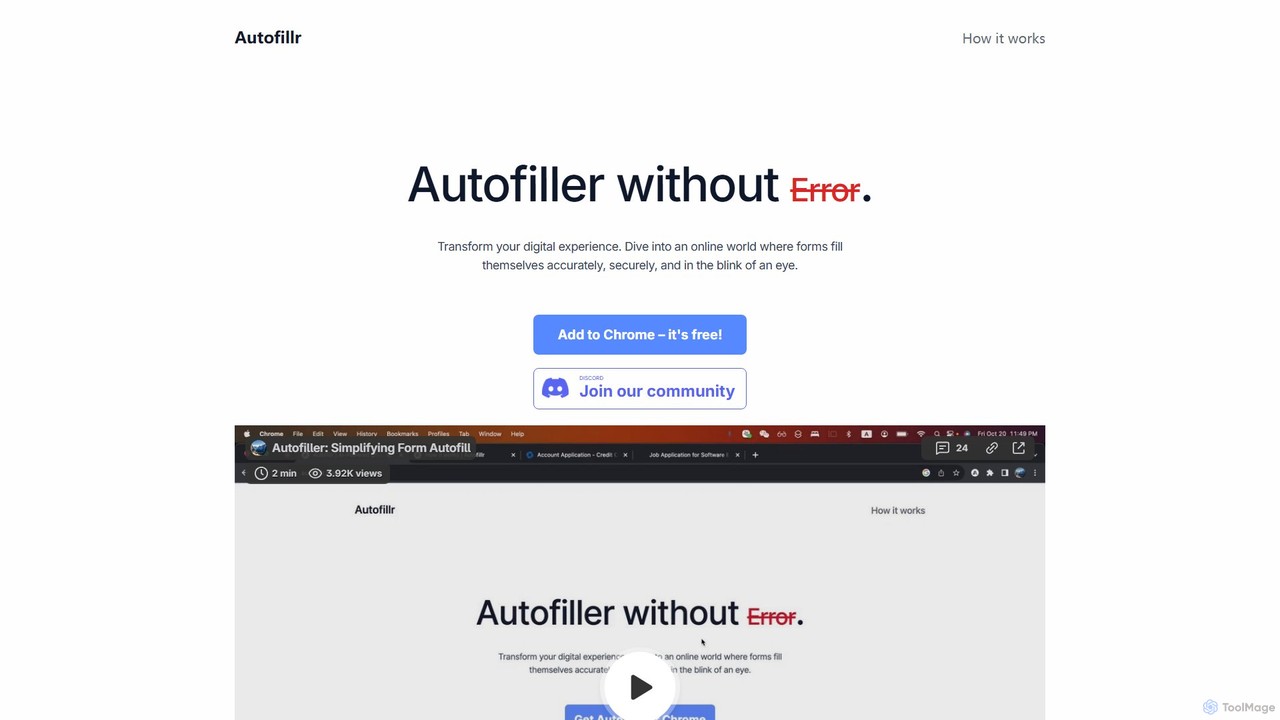
autofillrは、フォーム入力を革新する無料のAI搭載Chrome拡張機能です。あらゆるウェブフォームをインテリジェントに分析し、ワンクリックで高速、正確、かつ完璧な自動入力を提供します。ユーザーのプライバシーを最優先し、すべてのデータはサーバーに送信されることなく、ローカルデバイスに保存されます。このツールは、時間を節約し、反復的なデータ入力の面倒な作業をなくし、オンラインでの申し込み、チェックアウト、登録を簡単にするために設計されています。

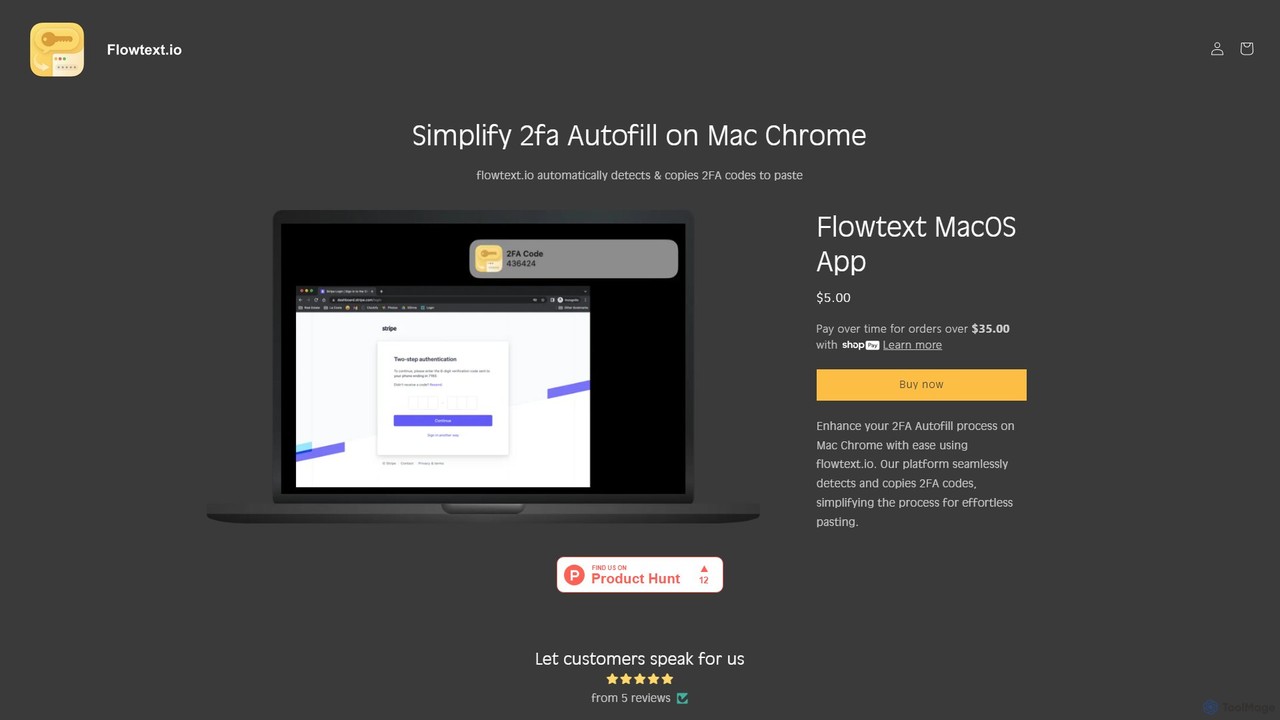
Flowtextは、macOS向けに設計されたアプリケーションで、二要素認証(2FA)のワークフローを効率化します。iMessageのSMSメッセージから2FAコードを自動的に検出し、即座にクリップボードにコピーするため、Google Chromeでサービスにログインする際にアプリを切り替えて手動でコードをコピー&ペーストする必要がなくなります。これにより、生産性とセキュリティの両方が向上します。
製品概要
autofillr 製品概要
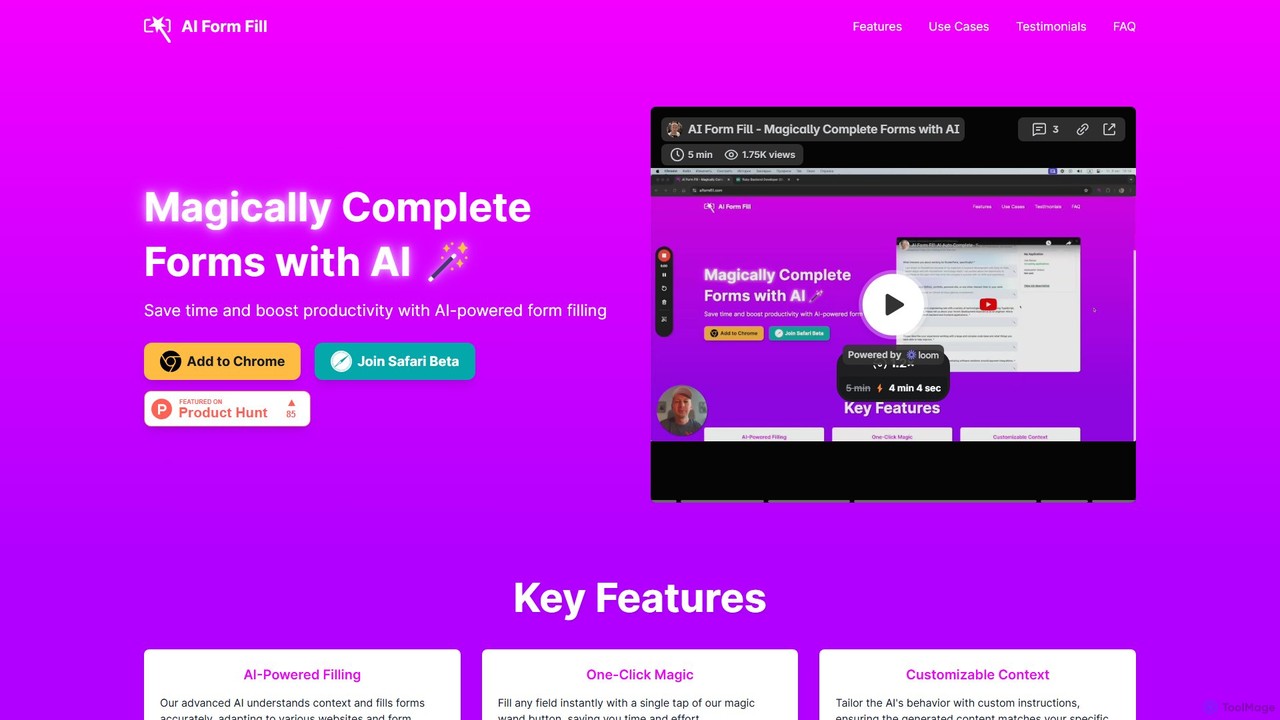
autofillrは、フォーム入力を革新する無料のAI搭載Chrome拡張機能です。あらゆるウェブフォームをインテリジェントに分析し、ワンクリックで高速、正確、かつ完璧な自動入力を提供します。ユーザーのプライバシーを最優先し、すべてのデータはサーバーに送信されることなく、ローカルデバイスに保存されます。このツールは、時間を節約し、反復的なデータ入力の面倒な作業をなくし、オンラインでの申し込み、チェックアウト、登録を簡単にするために設計されています。
Flowtext 製品概要
Flowtextは、macOS向けに設計されたアプリケーションで、二要素認証(2FA)のワークフローを効率化します。iMessageのSMSメッセージから2FAコードを自動的に検出し、即座にクリップボードにコピーするため、Google Chromeでサービスにログインする際にアプリを切り替えて手動でコードをコピー&ペーストする必要がなくなります。これにより、生産性とセキュリティの両方が向上します。
Detailed feature comparison
| Feature | autofillr | Flowtext |
|---|---|---|
| 主要カテゴリー | Chrome 拡張機能 | 自動化 |
| 追加日 | 2025-08-14 | 2025-08-11 |
| 価格 | 無料 | 有料 |
| 公式サイト | www.autofillr.com | flowtext.io |
| 製品タイプ | ブラウザ拡張 | アプリ |
| Performance data | ||
| ユーザー評価 | 未確認 | 未確認 |
| コメント | 0 | 0 |
| 月間訪問数 | 110 | 1.6K |
| 月間成長率 | -90.3% | 107.9% |
| お気に入り | 133 | 107 |
| Details | 詳細を見る | 詳細を見る |
autofillr vs Flowtext monthly traffic
Compare autofillr and Flowtext by monthly reach, traffic trend, visit depth, top regions, and acquisition sources.
How to interpret the traffic data
In the autofillr vs Flowtext monthly traffic comparison, autofillr currently shows 110 visits and Flowtext shows 1.6K; Flowtext has about 14.4 times the visible traffic of autofillr, an absolute difference of about 1.5K visits. This reflects visible reach, not feature quality or paid users.
Both tools provide verified traffic details, so monthly trends, visit depth, regions, and acquisition sources can be compared on the same basis.
autofillr monthly traffic:
Latest traffic
Monthly traffic trend
- 2025/9: 3.5K 月間訪問数
- 2026/1: 2.2K 月間訪問数
- 2026/2: 2.1K 月間訪問数
- 2026/3: 2.6K 月間訪問数
- 2026/4: 1.1K 月間訪問数
- 2026/5: 110 月間訪問数
主要地域
Top 5 countries/regions
| Country/region | Percentage | Traffic |
|---|---|---|
| 🇺🇸United States | 100% | 110 |
検索キーワード
Flowtext monthly traffic:
Latest traffic
Monthly traffic trend
- 2025/9: 314 月間訪問数
- 2026/1: 1.5K 月間訪問数
- 2026/2: 1.6K 月間訪問数
- 2026/3: 2.1K 月間訪問数
- 2026/4: 764 月間訪問数
- 2026/5: 1.6K 月間訪問数
主要地域
Top 5 countries/regions
| Country/region | Percentage | Traffic |
|---|---|---|
| 🇺🇸United States | 100% | 1.6K |
検索キーワード
Usage comparison
Compare the core capabilities of autofillr and Flowtext
autofillr Core features
Flowtext Core features
Use cases
autofillr Use cases
Flowtext Use cases
autofillr vs Flowtext:In-depth comparison and selection guidance
First decide whether the products solve the same kind of need
This in-depth autofillr vs Flowtext comparison uses only the product records, taxonomy, audience, traffic, and community signals available on this page. autofillr is primarily listed under “Chrome 拡張機能”, while Flowtext is primarily listed under “自動化”, so the first decision is whether your actual task matches their recorded scope.
The structured fields currently show these decision-relevant differences: Primary category (autofillr: Chrome 拡張機能; Flowtext: 自動化); Product type (autofillr: Browser extension; Flowtext: App); Pricing (autofillr: Free; Flowtext: Paid); Monthly visits (autofillr: 110; Flowtext: 1.6K); Monthly growth (autofillr: -90.3%; Flowtext: 107.9%). These facts are more useful for selection than brand visibility alone.
What market visibility and monthly traffic mean
In the autofillr vs Flowtext monthly traffic comparison, autofillr currently shows 110 visits and Flowtext shows 1.6K; Flowtext has about 14.4 times the visible traffic of autofillr, an absolute difference of about 1.5K visits. This reflects visible reach, not feature quality or paid users.
Both tools provide verified traffic details, so monthly trends, visit depth, regions, and acquisition sources can be compared on the same basis.
If public market visibility is an important first-pass criterion, investigate Flowtext first. The final choice should still follow taxonomy, use case, and a real trial because higher traffic does not prove broader capabilities or better workflow fit.
Product positioning, use cases, and roles
autofillr and Flowtext currently overlap in shared categories: 自動化; shared tags: 自動化、生産性、セキュリティ. This can place both on the same shortlist, but it does not prove equal implementation, depth, or cost.
autofillr's unique categories/tags are Chrome 拡張機能、データ管理、AIアシスタント、オートフィル、Chrome拡張機能、データ入力、フォーム入力、ワンクリック入力; Flowtext's are 認証、クリップボードマネージャー、2FA、Chrome、クリップボード、iMessage、macOS、SMS. These unique fields are the strongest differentiators: validate the product whose recorded scope matches the task instead of following traffic alone.
What ratings, comments, and favorites can tell you
autofillr has no verified rating, 0 comments, 133 favorites, and 121 likes;Flowtext has no verified rating, 0 comments, 107 favorites, and 97 likes。
Neither product has enough rating or comment samples for a credible reputation ranking.
Selection guidance by actual need
When to evaluate autofillr first
Put autofillr on the priority trial list when the task aligns with “Chrome 拡張機能” and especially Chrome 拡張機能、データ管理、AIアシスタント、オートフィル、Chrome拡張機能、データ入力. This follows recorded positioning and does not imply unlisted capabilities are absent.
autofillr also currently records: pricing is free, product type is browser extension, 110 verified monthly visits, no verified user rating. Verify any hard requirement around price, platform, or reach before trial, and do not let sparse review data substitute for testing.
When to evaluate Flowtext first
Put Flowtext on the priority trial list when the task aligns with “自動化” and especially 認証、クリップボードマネージャー、2FA、Chrome、クリップボード、iMessage. This follows recorded positioning and does not imply unlisted capabilities are absent.
Flowtext also currently records: pricing is paid, product type is app, 1.6K verified monthly visits, no verified user rating. Verify any hard requirement around price, platform, or reach before trial, and do not let sparse review data substitute for testing.
How to validate the recommendation before deciding
The available data describes positioning, public visibility, and community signals, but it cannot prove output quality, speed, integration effort, privacy, or long-term cost in your workflow. Before deciding, run the same representative tasks in autofillr and Flowtext, then record completion time, accuracy, manual corrections, and the real paid threshold. A like-for-like trial turns this comparison into a defensible adoption decision.
比較 FAQ
How should I choose between autofillr and Flowtext?
Where does this comparison data come from?
What do unknown fields mean?
Related AI tools

FillGenius
FillGeniusは、オンラインフォームへの記入という面倒なプロセスを自動化するAI搭載のChrome拡張機能です。情報を一度保存するだけで、Upworkの求人応募からEコマースの商品リストまで、さまざまなウェブサイトのフィールドをインテリジェントに検出して入力します。時間を節約し、手作業によるミスを減らし、生産性を向上させることで、より重要なタスクに集中できます。
Chrome 拡張機能
Ai Form Filler
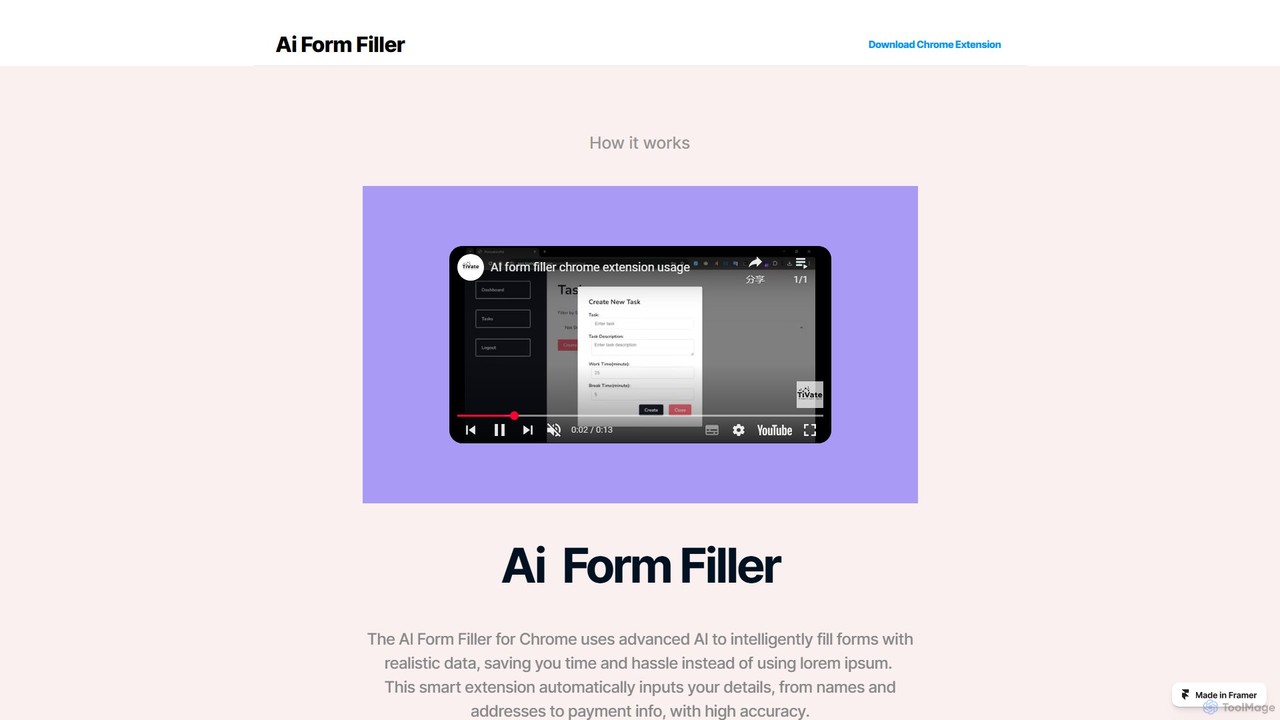
Ai Form Fillerは、面倒なオンラインフォームへの入力を自動化するインテリジェントなChrome拡張機能です。AIを活用し、名前、住所、支払い情報などのフィールドをワンクリックで正確に認識・入力します。複数のプロファイルを安全に管理し、オンラインでのチェックアウト、登録、応募にかかる時間を節約し、エラーを削減します。
Chrome 拡張機能
fillaform.ai
fillaform.aiは、ワンクリックでフォーム入力を自動化するAI搭載のChrome拡張機能です。過去の入力内容やデータライブラリからインテリジェントに学習し、ウェブフォームを正確に記入することで、時間を節約し、面倒なデータ入力をなくします。オンラインショッパー、ビジネスプロフェッショナル、人事担当者に最適で、ワークフローを合理化し、オンラインフォームを楽に処理することで生産性を向上させます。
フォーム入力


Smartpaste
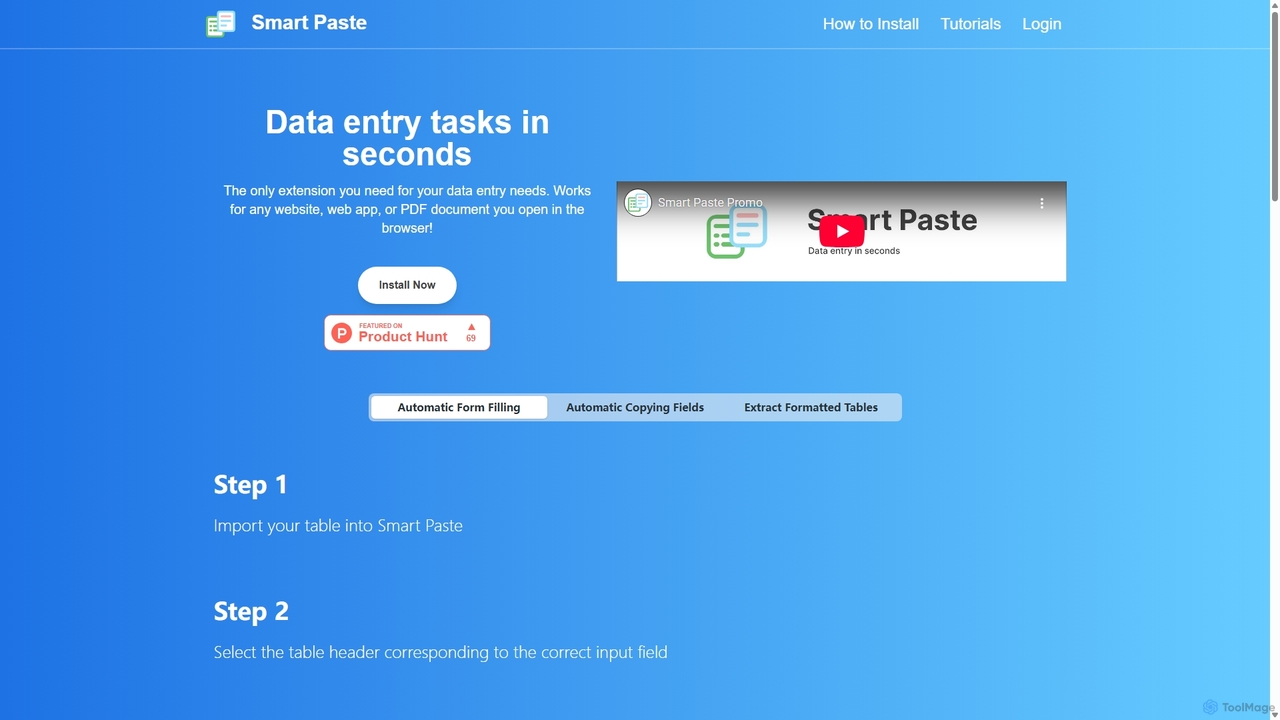
smartpasteは、データ入力作業を自動化するために設計された強力なブラウザ拡張機能です。あらゆるウェブサイトやPDFから表や特定のデータフィールドを簡単に抽出し、即座にスプレッドシートに貼り付けることができます。また、データに基づいてフォームを自動入力し、手作業の時間を節約し、エラーを削減しながら、データの安全性をコンピュータ上で確保します。
Chrome 拡張機能


DeckAssistant
DeckAssistantは、お使いのElgato Stream Deckと直接統合される強力なAIアシスタントです。macOS上のあらゆるアプリケーション内で、ボタンを1つ押すだけで選択したテキストの処理、コンテンツの生成、AIとのチャットが可能です。これにより、コンテキストの切り替えが不要になり、執筆、コーディング、コンテンツ作成などのタスクのワークフローが効率化されます。
ワークフロー

aiformfill
aiformfillは、AIを搭載したブラウザ拡張機能で、オンラインフォームを自動的に入力します。求人応募、アンケート、コンテンツ作成などの時間を節約します。カスタマイズ可能な指示とGPT-4oのようなモデルのサポートにより、関連性の高い文脈に沿った情報でフィールドをインテリジェントに埋め、反復的なデータ入力作業をワンクリックで効率化します。
フォーム入力

Starizon
Starizonは、インテリジェントなブラウザアシスタントとして機能するAI搭載のChrome拡張機能です。簡単な対話型コマンドを通じて、ユーザーがデータの抽出と監視、自動化ワークフローの作成、ウェブページとの対話を行えるようにし、ウェブタスクを簡素化します。反復的なオンライン活動を自動化することで、生産性を向上させることを目的としています。
Chrome 拡張機能

Raycast
Raycastは、生産性を飛躍的に向上させるmacOS向けの超高速で拡張可能なランチャーです。中央コマンドバーとして機能し、AI、豊富な拡張機能ストア、ウィンドウ管理やクリップボード履歴などの強力な組み込み機能を統合して、ツールを制御します。コンテキストスイッチを減らし、フロー状態を維持できるように設計されています。
パーソナルアシスタント