ToolMage
ログイン
Autoppt
学生ツール · 404.3K 月間訪問数

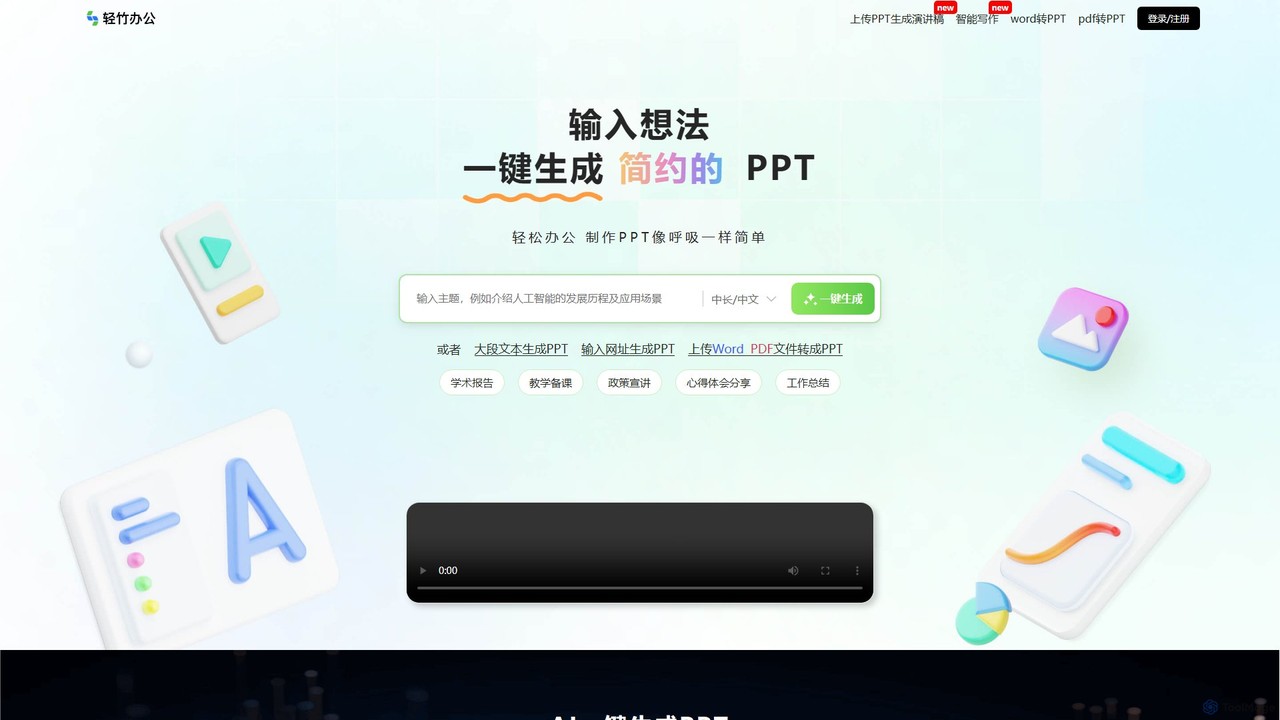
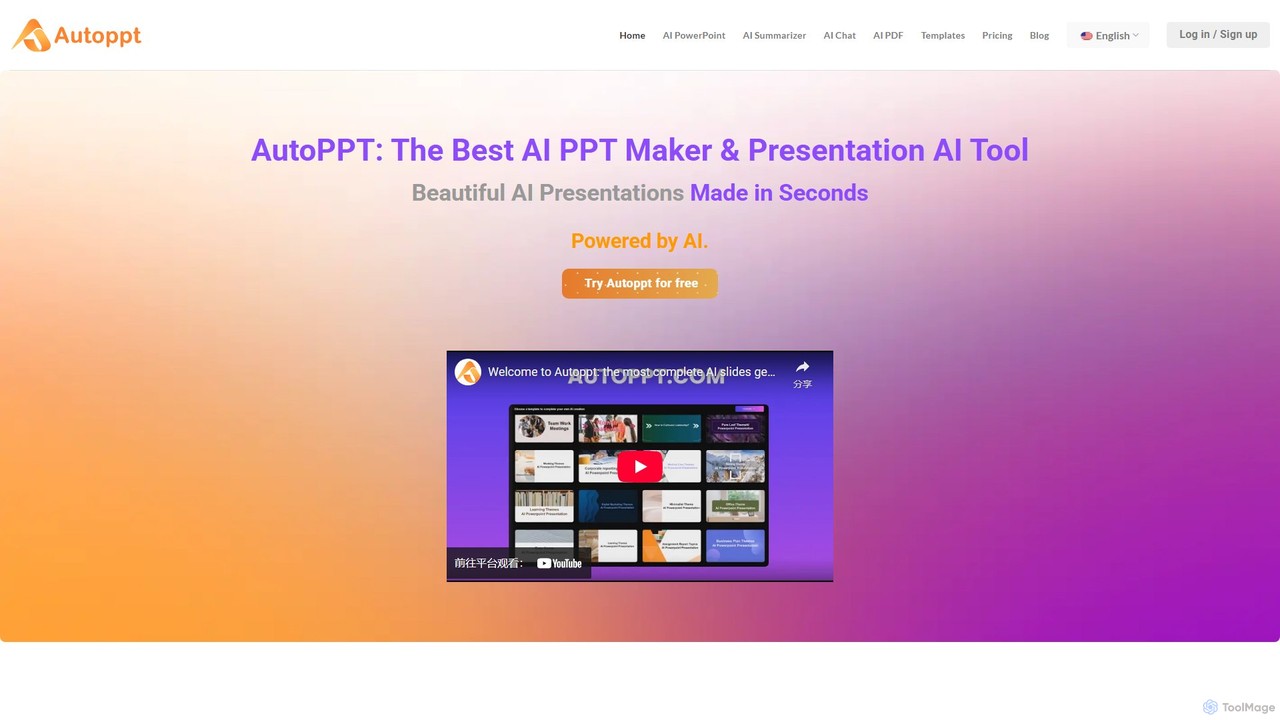
Autopptは、AIを搭載したプレゼンテーションジェネレーターで、数秒で見事なPowerPointスライドを作成します。トピックを提供するか、ドキュメント(PDF、Wordなど)をアップロードするだけで、Autopptが豊富なテンプレートライブラリを使用して、プロフェッショナルで完全に編集可能なプレゼンテーションを即座に生成します。あらゆるスキルレベルのユーザーが、視覚的に魅力的なスライドショーを作成する時間と労力を節約できるように設計されています。

VS
ChatPPT
レポート · 18.5K 月間訪問数

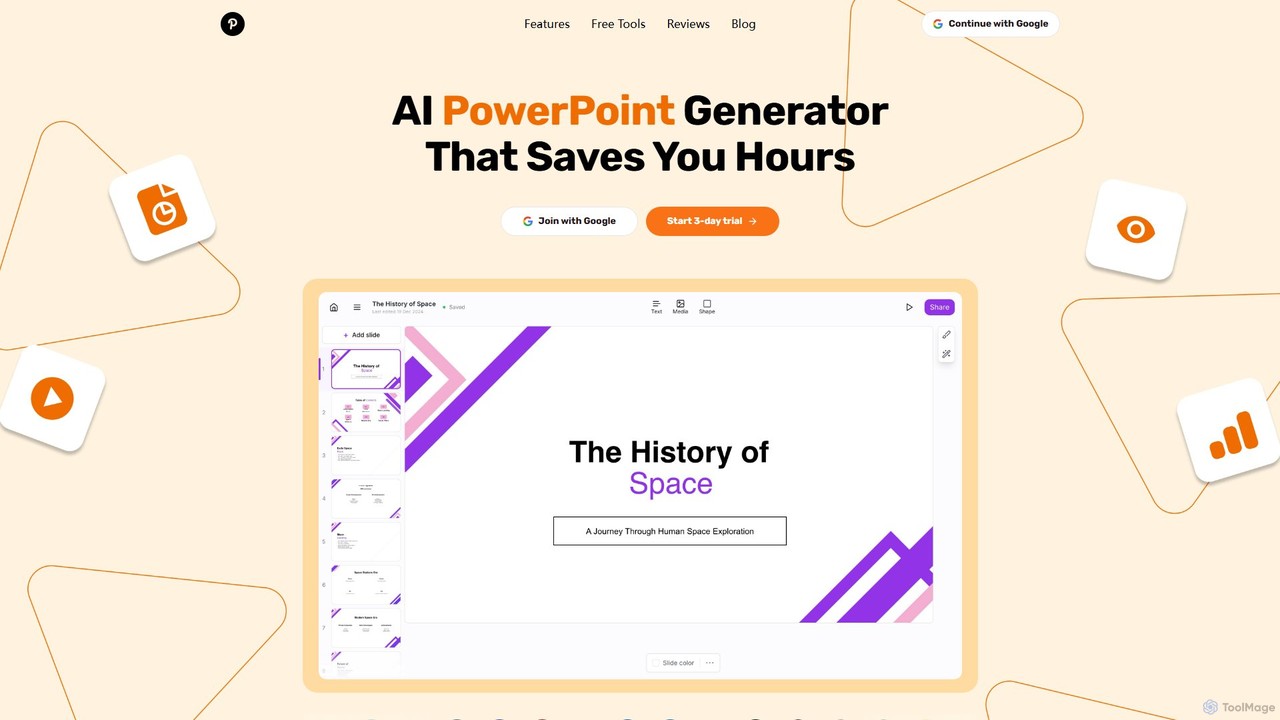
ChatPPTは、簡単なテキストプロンプト、ドキュメント、ウェブページ、さらには画像からプロフェッショナルなスライドを作成する強力なAIプレゼンテーションジェネレーターです。ライブウェブ検索によるコンテンツ生成から、インテリジェントなレイアウトとデザインまで、作成プロセス全体を合理化し、ユーザーが数分で素晴らしいプレゼンテーションを作成できるようにします。

Autoppt vs ChatPPT:価格・機能・トラフィック比較

製品情報、分類、トラフィック、ユーザー反応に基づいて Autoppt と ChatPPT を比較します。

更新 2026/08/20

製品概要

Autoppt 製品概要

Autopptは、AIを搭載したプレゼンテーションジェネレーターで、数秒で見事なPowerPointスライドを作成します。トピックを提供するか、ドキュメント(PDF、Wordなど)をアップロードするだけで、Autopptが豊富なテンプレートライブラリを使用して、プロフェッショナルで完全に編集可能なプレゼンテーションを即座に生成します。あらゆるスキルレベルのユーザーが、視覚的に魅力的なスライドショーを作成する時間と労力を節約できるように設計されています。

Preview

ChatPPT 製品概要

ChatPPTは、簡単なテキストプロンプト、ドキュメント、ウェブページ、さらには画像からプロフェッショナルなスライドを作成する強力なAIプレゼンテーションジェネレーターです。ライブウェブ検索によるコンテンツ生成から、インテリジェントなレイアウトとデザインまで、作成プロセス全体を合理化し、ユーザーが数分で素晴らしいプレゼンテーションを作成できるようにします。

Preview

Detailed feature comparison

FeatureAutopptChatPPT
主要カテゴリー学生ツールレポート
追加日2025-08-142025-08-10
価格フリーミアムフリーミアム
公式サイトautoppt.comchatppt.cn
製品タイプウェブサイトウェブサイト
Performance data
ユーザー評価未確認未確認
コメント00
月間訪問数404.3K18.5K
月間成長率8.6%-5.6%
お気に入り117118
Details詳細を見る詳細を見る

Autoppt vs ChatPPT monthly traffic

Compare Autoppt and ChatPPT by monthly reach, traffic trend, visit depth, top regions, and acquisition sources.

How to interpret the traffic data

In the Autoppt vs ChatPPT monthly traffic comparison, Autoppt currently shows 404.3K visits and ChatPPT shows 18.5K; Autoppt has about 21.9 times the visible traffic of ChatPPT, an absolute difference of about 385.8K visits. This reflects visible reach, not feature quality or paid users.

Both tools provide verified traffic details, so monthly trends, visit depth, regions, and acquisition sources can be compared on the same basis.

Autoppt monthly traffic:

Latest traffic

月間訪問数
404.3K
平均滞在時間
0:58
訪問あたりページ数
3.09
直帰率
44.61%
Data updated 2026-06-15

Monthly traffic trend

  • 2025/9: 595.2K 月間訪問数
  • 2026/1: 459.5K 月間訪問数
  • 2026/2: 371K 月間訪問数
  • 2026/3: 351K 月間訪問数
  • 2026/4: 372.3K 月間訪問数
  • 2026/5: 404.3K 月間訪問数

主要地域

Top 5 countries/regions
Country/regionPercentageTraffic
🇰🇷Korea, Republic of26.07%105.4K
🇯🇵Japan23.69%95.8K
🇹🇼Taiwan20.2%81.7K
🇺🇸United States17.37%70.2K
🇵🇪Peru12.67%51.2K

流入元

Source typePercentageTraffic
ダイレクト82.08%331.9K
参照元16.81%68K
Eメール1.11%4.5K

検索キーワード

autopptautoppt comautoppt.comdiapositivas con iagamma

ChatPPT monthly traffic:

Latest traffic

月間訪問数
18.5K
平均滞在時間
2:31
訪問あたりページ数
2.38
直帰率
43.1%
Data updated 2026-06-15

Monthly traffic trend

  • 2025/9: 67.3K 月間訪問数
  • 2026/1: 56.9K 月間訪問数
  • 2026/2: 27.7K 月間訪問数
  • 2026/3: 29.7K 月間訪問数
  • 2026/4: 19.6K 月間訪問数
  • 2026/5: 18.5K 月間訪問数

主要地域

Top 5 countries/regions
Country/regionPercentageTraffic
🇨🇳China75.7%14K
🇺🇸United States7.9%1.5K
🇭🇰Hong Kong7.87%1.5K
🇹🇼Taiwan6.77%1.3K
🇨🇦Canada1.76%326

流入元

Source typePercentageTraffic
ダイレクト50.01%9.3K
参照元49.99%9.2K

検索キーワード

aipptchatpptppt的ai插件一键生成必优ppt
Traffic-based selection guidance: If public market visibility is an important first-pass criterion, investigate Autoppt first. The final choice should still follow taxonomy, use case, and a real trial because higher traffic does not prove broader capabilities or better workflow fit.

Usage comparison

Compare the core capabilities of Autoppt and ChatPPT

Autoppt Core features

学生ツール
コンテンツ作成
プレゼンテーション

ChatPPT Core features

学生ツール
コンテンツ作成
プレゼンテーション
レポート

Use cases

Autoppt Use cases

AIプレゼンテーション
PPTジェネレーター
プレゼンテーション作成
生産性
AIスライド
ドキュメントからプレゼンテーション
パワーポイント生成ツール
スライドショー作成ツール

ChatPPT Use cases

AIプレゼンテーション
PPTジェネレーター
プレゼンテーション作成
生産性
AIオフィス
ドキュメントをスライドに
ピッチデック
パワーポイント
レポート生成
スライド

Autoppt vs ChatPPT:In-depth comparison and selection guidance

First decide whether the products solve the same kind of need

This in-depth Autoppt vs ChatPPT comparison uses only the product records, taxonomy, audience, traffic, and community signals available on this page. Autoppt is primarily listed under “学生ツール”, while ChatPPT is primarily listed under “レポート”, so the first decision is whether your actual task matches their recorded scope.

The structured fields currently show these decision-relevant differences: Primary category (Autoppt: 学生ツール; ChatPPT: レポート); Monthly visits (Autoppt: 404.3K; ChatPPT: 18.5K); Monthly growth (Autoppt: 8.6%; ChatPPT: -5.6%); Favorites (Autoppt: 117; ChatPPT: 118); Website (Autoppt: autoppt.com; ChatPPT: chatppt.cn). These facts are more useful for selection than brand visibility alone.

What market visibility and monthly traffic mean

In the Autoppt vs ChatPPT monthly traffic comparison, Autoppt currently shows 404.3K visits and ChatPPT shows 18.5K; Autoppt has about 21.9 times the visible traffic of ChatPPT, an absolute difference of about 385.8K visits. This reflects visible reach, not feature quality or paid users.

Both tools provide verified traffic details, so monthly trends, visit depth, regions, and acquisition sources can be compared on the same basis.

If public market visibility is an important first-pass criterion, investigate Autoppt first. The final choice should still follow taxonomy, use case, and a real trial because higher traffic does not prove broader capabilities or better workflow fit.

Product positioning, use cases, and roles

Autoppt and ChatPPT currently overlap in shared categories: 学生ツール、コンテンツ作成、プレゼンテーション; shared tags: AIプレゼンテーション、PPTジェネレーター、プレゼンテーション作成、生産性. This can place both on the same shortlist, but it does not prove equal implementation, depth, or cost.

Autoppt's unique categories/tags are AIスライド、ドキュメントからプレゼンテーション、パワーポイント生成ツール、スライドショー作成ツール; ChatPPT's are レポート、AIオフィス、ドキュメントをスライドに、ピッチデック、パワーポイント、レポート生成、スライド. These unique fields are the strongest differentiators: validate the product whose recorded scope matches the task instead of following traffic alone.

What ratings, comments, and favorites can tell you

Autoppt has no verified rating, 0 comments, 117 favorites, and 126 likes;ChatPPT has no verified rating, 0 comments, 118 favorites, and 117 likes。

Neither product has enough rating or comment samples for a credible reputation ranking.

Selection guidance by actual need

When to evaluate Autoppt first

Put Autoppt on the priority trial list when the task aligns with “学生ツール” and especially AIスライド、ドキュメントからプレゼンテーション、パワーポイント生成ツール、スライドショー作成ツール. This follows recorded positioning and does not imply unlisted capabilities are absent.

Autoppt also currently records: pricing is freemium, product type is website, 404.3K verified monthly visits, no verified user rating. Verify any hard requirement around price, platform, or reach before trial, and do not let sparse review data substitute for testing.

When to evaluate ChatPPT first

Put ChatPPT on the priority trial list when the task aligns with “レポート” and especially レポート、AIオフィス、ドキュメントをスライドに、ピッチデック、パワーポイント、レポート生成. This follows recorded positioning and does not imply unlisted capabilities are absent.

ChatPPT also currently records: pricing is freemium, product type is website, 18.5K verified monthly visits, no verified user rating. Verify any hard requirement around price, platform, or reach before trial, and do not let sparse review data substitute for testing.

How to validate the recommendation before deciding

The available data describes positioning, public visibility, and community signals, but it cannot prove output quality, speed, integration effort, privacy, or long-term cost in your workflow. Before deciding, run the same representative tasks in Autoppt and ChatPPT, then record completion time, accuracy, manual corrections, and the real paid threshold. A like-for-like trial turns this comparison into a defensible adoption decision.

比較 FAQ

How should I choose between Autoppt and ChatPPT?
Compare positioning, pricing, taxonomy, and traffic maturity, then verify the latest details on each official website.
Where does this comparison data come from?
The factual baseline is derived from product, taxonomy, traffic, and community data. Reviewed editorial conclusions show their source and verification date.
What do unknown fields mean?
Unknown means there is not enough reliable evidence; the page does not fill gaps with assumptions.

Related AI tools

qzoffice
Freemium

qzoffice

qzofficeは、ワンクリックでプロフェッショナルなスライドを作成するAI搭載のプレゼンテーションジェネレーターです。テキスト、ドキュメント(Word/PDF)、URLを見事なプレゼンテーションに変換し、アウトライン、コンテンツ、スピーカーノートを自動生成します。ビジネス、教育、個人利用に最適です。

マーケティング
Visits 5KFavorites 160Likes 173
GenPPT
Freemium

GenPPT

GenPPTは、簡単なテキストプロンプトから数分でプロフェッショナルなPowerPointスライドを作成するAI搭載のプレゼンテーションジェネレーターです。専門家、マーケター、学生がスライド作成時間を節約し、デザインスキルなしで論理的な構造、説得力のあるコンテンツ、洗練されたデザインに集中できるように設計されています。

営業
Visits 55.3KFavorites 100Likes 101
Revent
Freemium

Revent

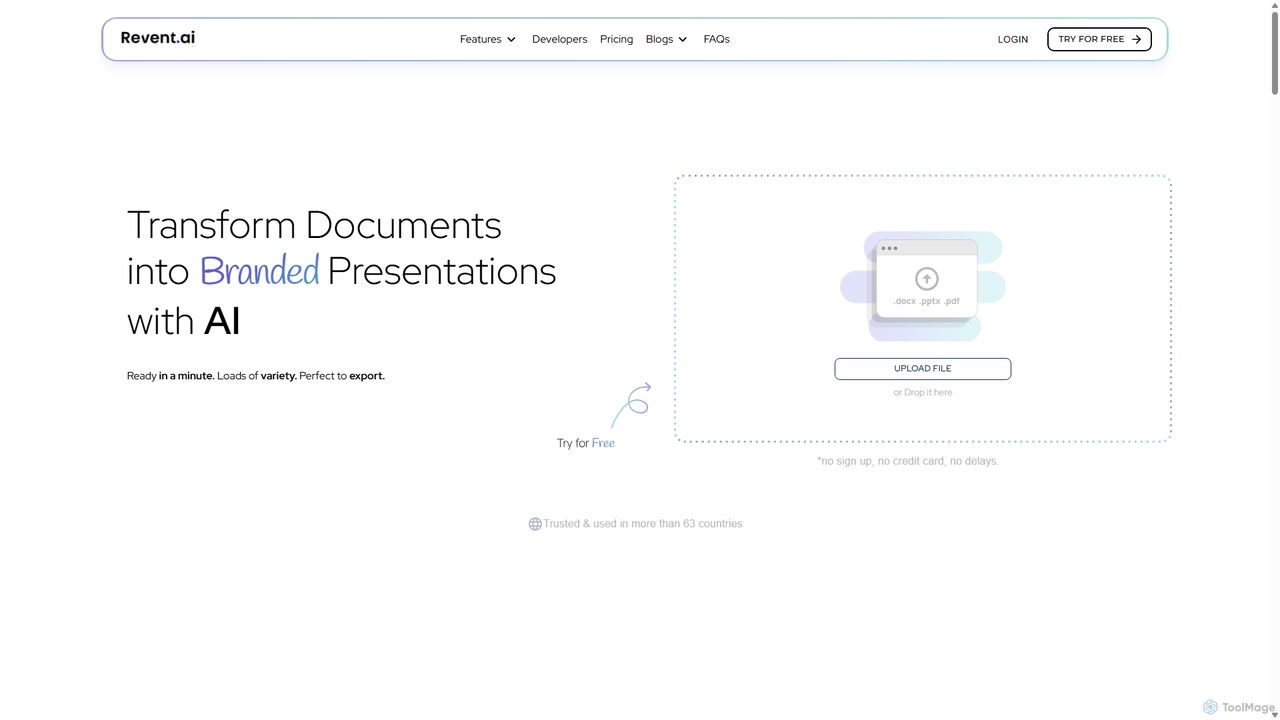
Reventは、PDF、Wordファイル、プレーンテキストなどのドキュメントを、プロがデザインしたブランドプレゼンテーションに即座に変換するAI搭載のプレゼンテーションデザインツールです。スライド作成を自動化し、ウェブサイトのデザインを反映させることでブランドの一貫性を確保し、豊富なスマートテンプレートライブラリを提供して、ワークフローを合理化し、数分で魅力的な資料を作成します。

文書管理
Visits 8.6KFavorites 136Likes 129
ChatBA
Freemium

ChatBA

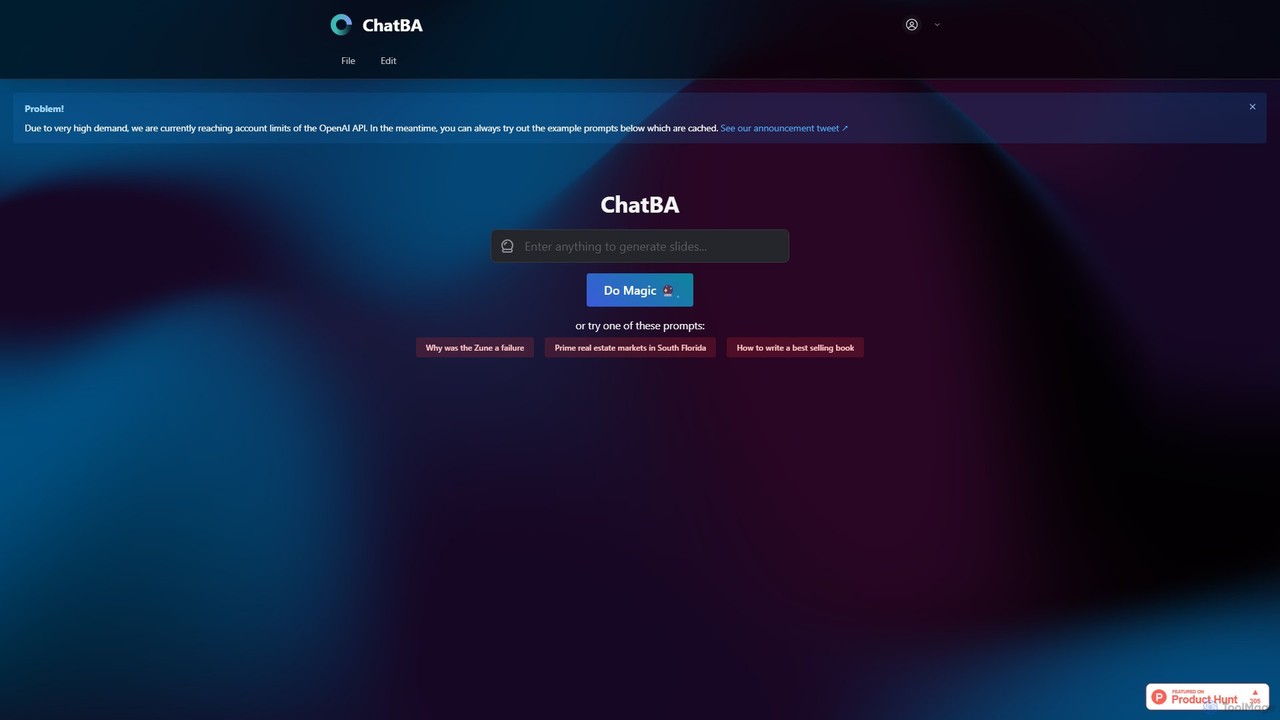
ChatBAは、簡単なテキストプロンプトを完全でプロフェッショナルなプレゼンテーションに変換する生成AIツールです。トピックを説明するだけで、ビジネス、教育、マーケティング用のスライドデッキを即座に作成できます。コンテンツ作成、構成、デザインを自動化し、手作業の時間を大幅に節約します。

学生ツール
Visits 10.6KFavorites 112Likes 122
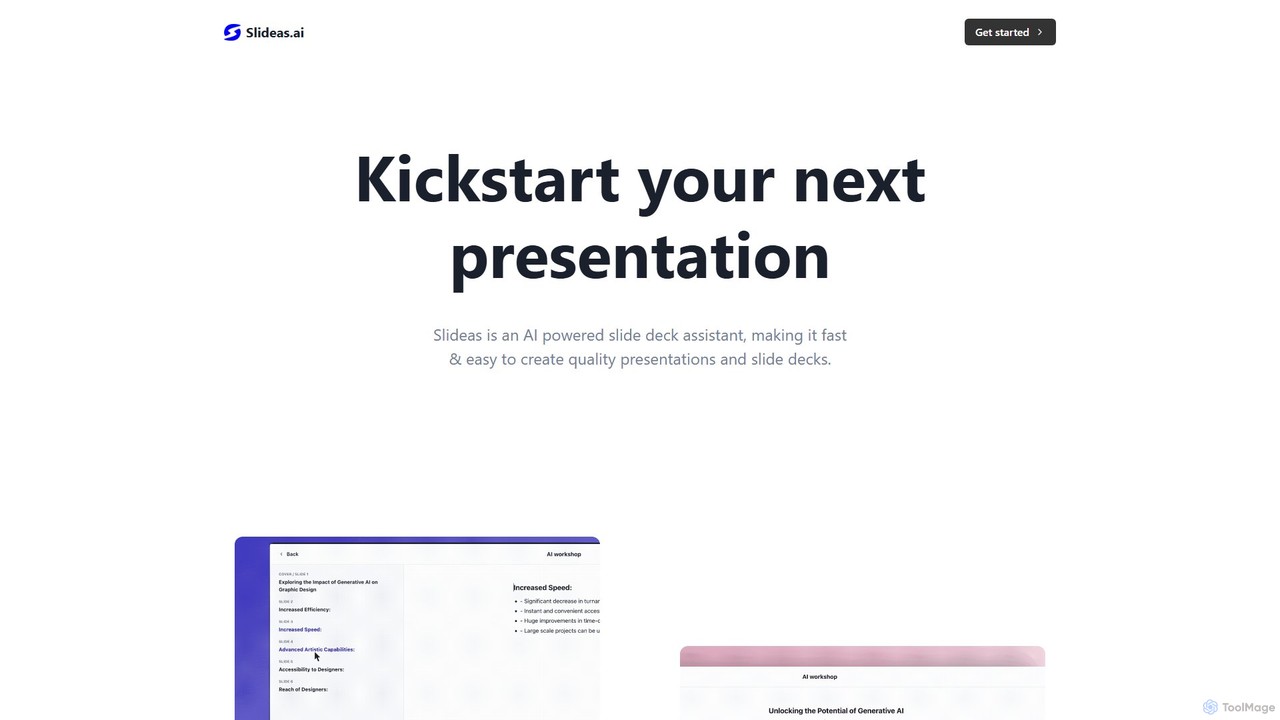
slideas.ai
Freemium

slideas.ai

slideas.aiは、AIを搭載したプレゼンテーションアシスタントで、プロフェッショナルなスライドデッキを迅速に作成します。トピックを提供するだけで、AIが見出しや要点を生成。直感的なNotion風エディタで編集し、チームとリアルタイムで共同作業を行い、直接プレゼンするか、GoogleスライドやPowerPointにエクスポートできます。

学生ツール
Visits 4.3KFavorites 117Likes 116
SlidesAI
Freemium

SlidesAI

SlidesAIは、GoogleスライドとPowerPointに直接統合されるAI搭載のプレゼンテーション作成ツールです。テキスト、ドキュメント、アイデアを、プロがデザインしたすぐに発表できるスライドに即座に変換します。アウトライン、コンテンツ、ビジュアルを自動生成することで、手作業の時間を大幅に節約します。100以上の言語に対応し、魅力的で効果的なプレゼンテーションを迅速に作成する必要がある教育者、専門家、学生に最適です。

自動化
Visits 312.7KFavorites 124Likes 147
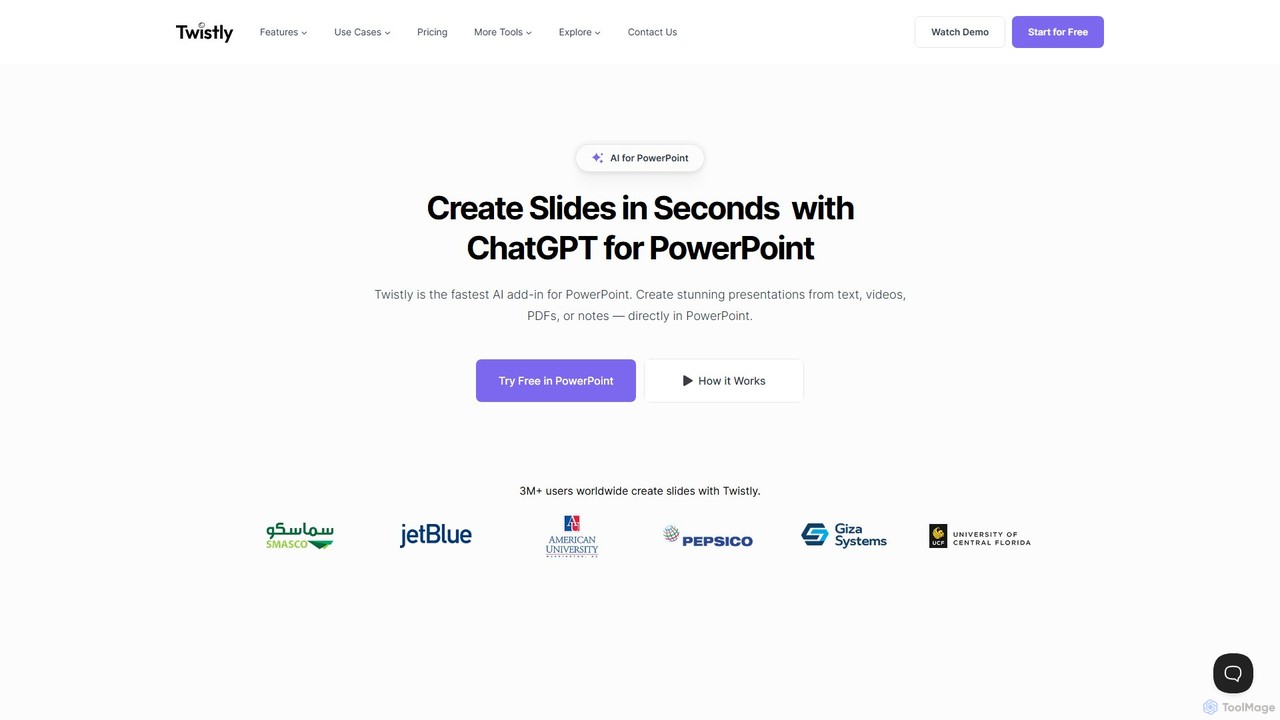
Twistly
Freemium

Twistly

Twistlyは、ChatGPTを統合してプレゼンテーション作成を革新する、Microsoft PowerPoint向けの強力なAIアドインです。ユーザーはPowerPointインターフェース内で直接、テキスト、ドキュメント、PDF、さらにはYouTube動画から、完全で見事なプレゼンテーションを数秒で生成できます。これにより、コンテキストの切り替えが不要になり、専門家、教育者、学生のワークフローが効率化されます。

教育ツール
Visits 94KFavorites 144Likes 159
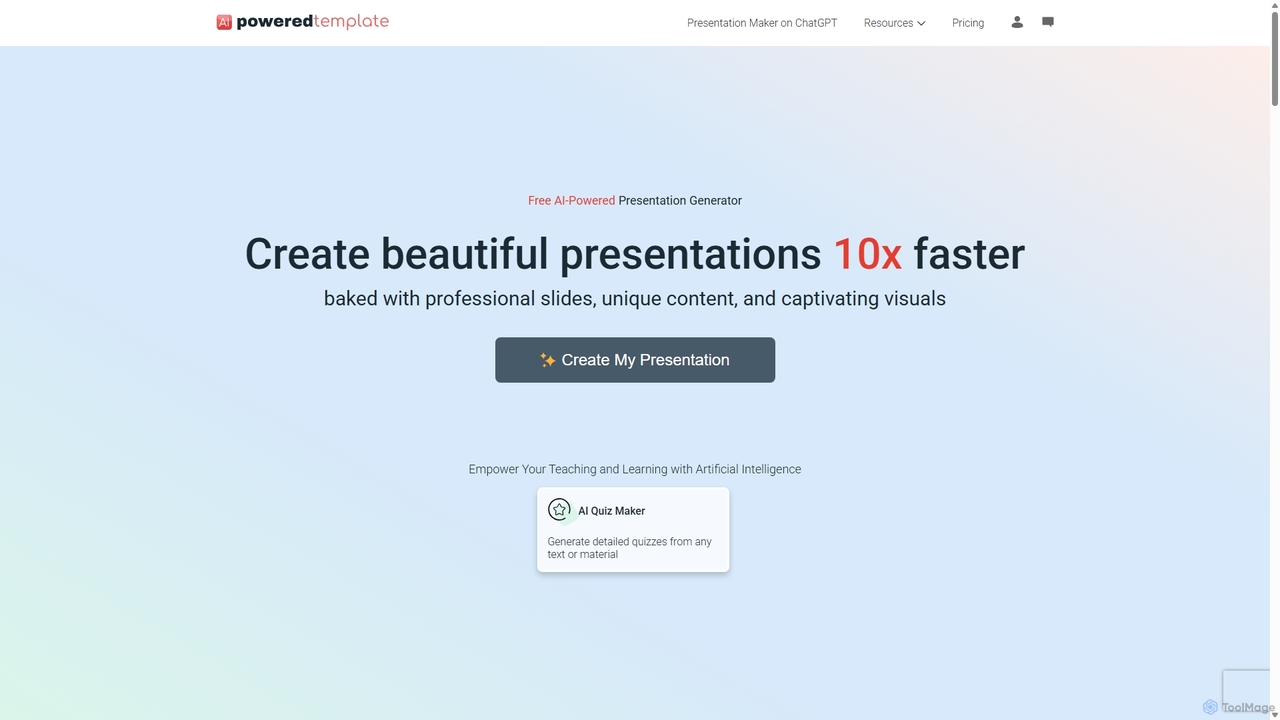
PoweredTemplate AI Presentation Maker
Freemium

PoweredTemplate AI Presentation Maker

PoweredTemplate AI Presentation Makerは、あなたのアイデアやテキストを10倍速く、見事でプロフェッショナルなプレゼンテーションに変換する無料のAI搭載ツールです。ビジネス、教育、マーケティング向けに、ユニークなコンテンツと魅力的なビジュアルを備えた高品質なスライドを即座に生成します。PowerPoint、Google Slides、PDFへのエクスポートをサポートし、豊富なテンプレートとストックメディアのライブラリを通じて広範なカスタマイズを提供します。

提案
Visits 12.8KFavorites 108Likes 116
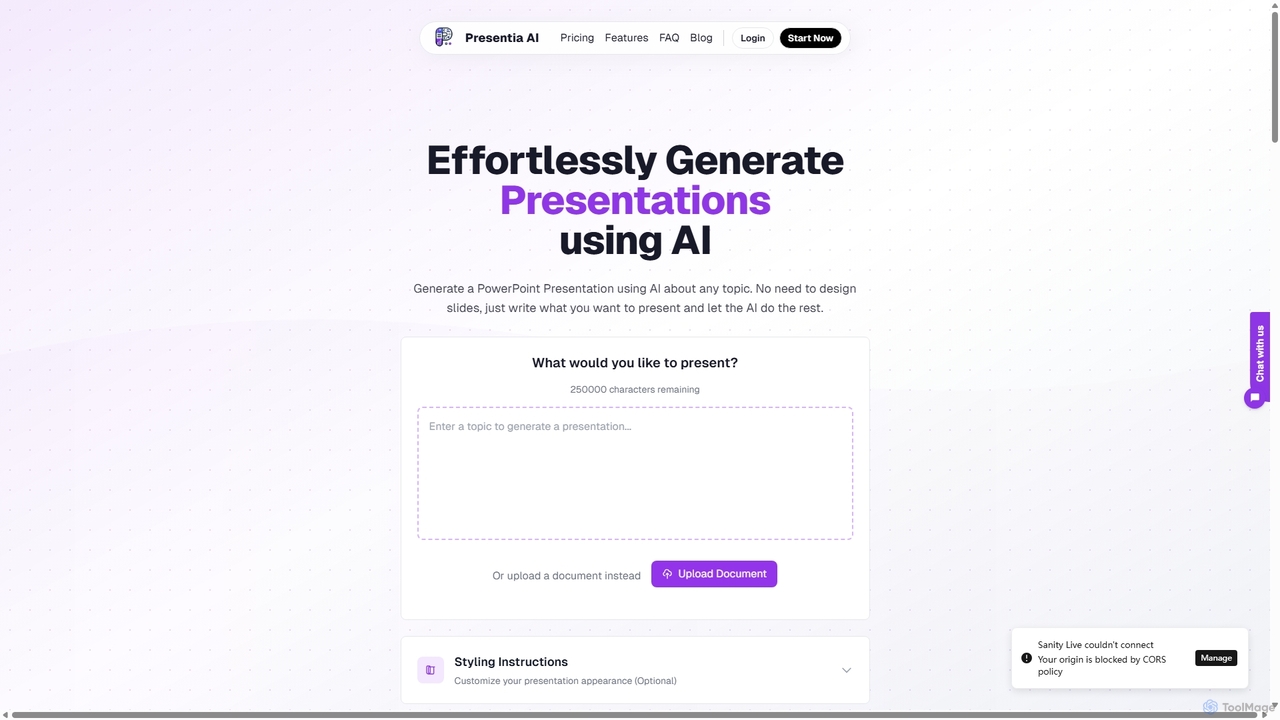
Presentia AI
Paid

Presentia AI

Presentia AIは、テキストプロンプトやドキュメントからプロフェッショナルなPowerPointスライドを自動生成する高度なAIプレゼンテーションメーカーです。トピックを入力するか、PDF/Wordファイルをアップロードするだけで、AIが数秒でテキストと画像を含む視覚的に魅力的な完全なプレゼンテーションを作成し、多言語とカスタムスタイリングをサポートします。

学生ツール
Visits 5.4KFavorites 110Likes 111
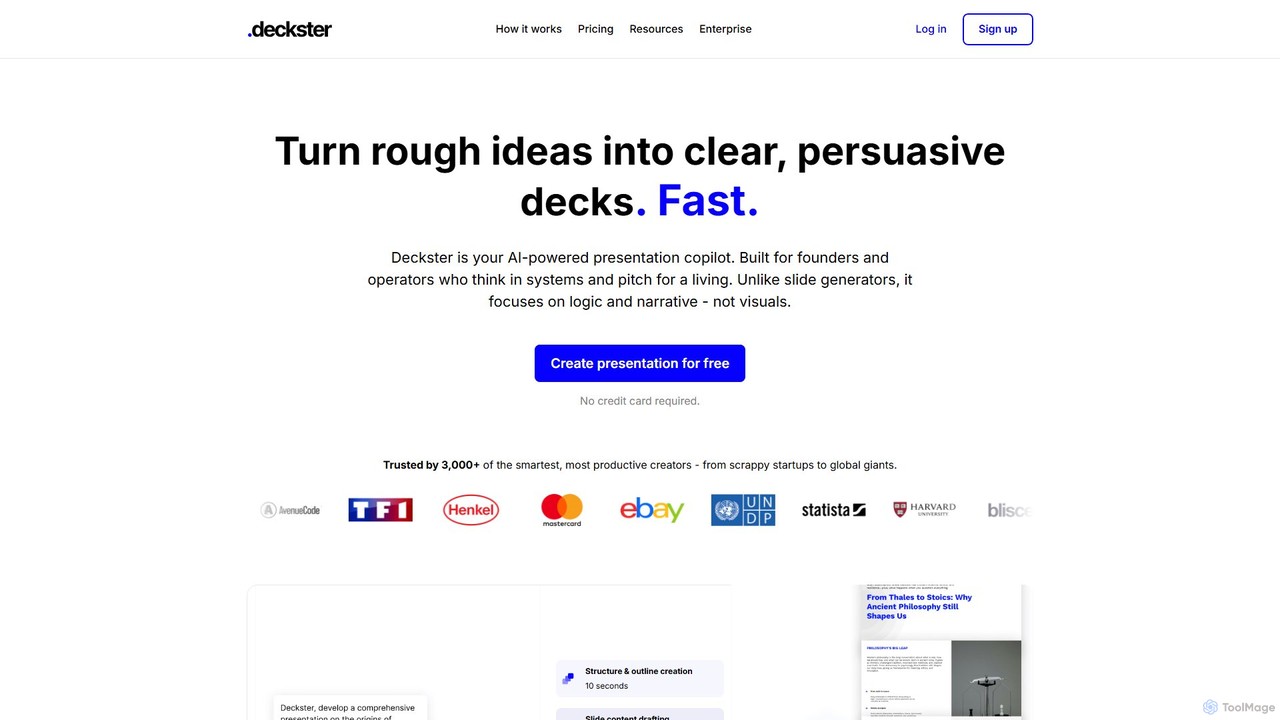
Deckster
Freemium

Deckster

Decksterは、創業者やプロフェッショナル向けに設計されたAI搭載のプレゼンテーションアシスタントです。単なるビジュアルではなく、ロジック、ナラティブ、構造に焦点を当て、ラフなアイデアを明確で説得力のあるプレゼンテーションに変換します。スマートなコンテンツ、自動生成されるグラフ、デリバリーチップを備えた95%完成したドラフトを数分で生成し、GoogleスライドやPowerPointに直接エクスポートできます。

コミュニケーション
Visits 5.3KFavorites 96Likes 90
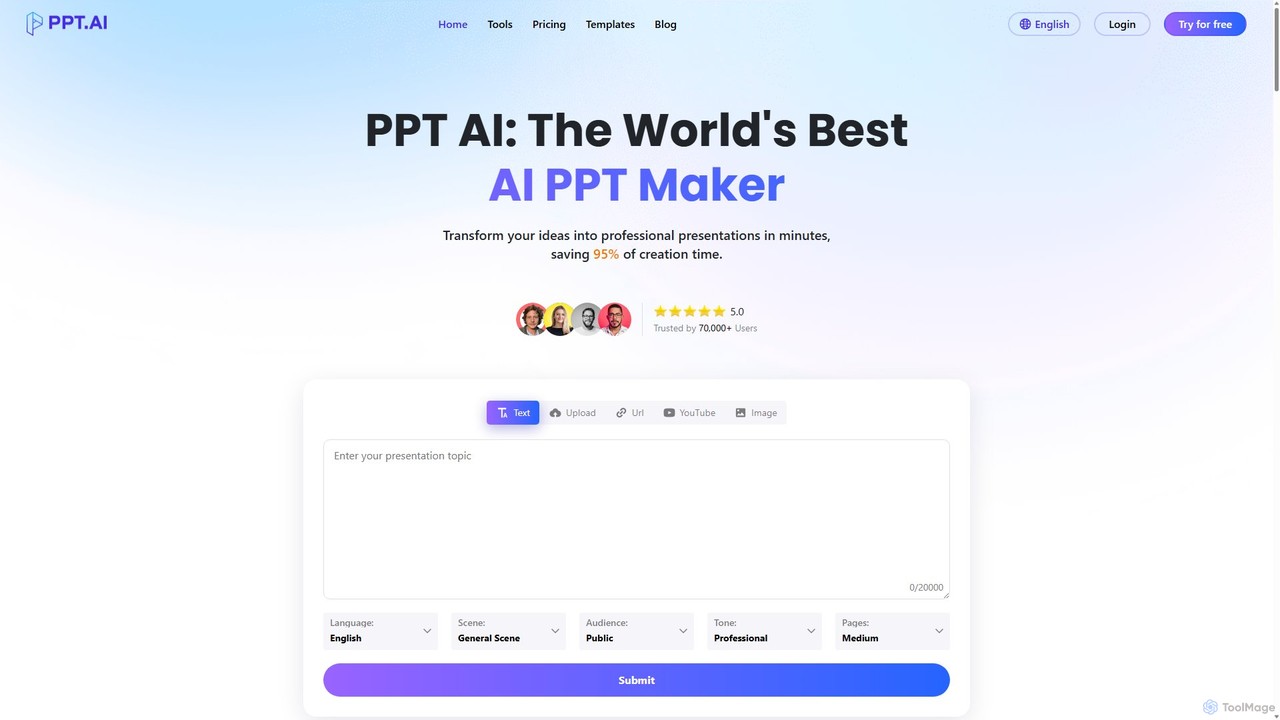
PPT.AI
Freemium

PPT.AI

PPT.AIは、テキスト、アイデア、またはドキュメントを数分でプロフェッショナルなプレゼンテーションスライドに変換するAI搭載のプレゼンテーションメーカーです。デザインプロセスを自動化し、インテリジェントなレイアウト、カスタマイズ可能なテンプレート、一貫したブランディングを提供し、デザインの専門知識なしで迅速にインパクトのあるプレゼンテーションを作成する必要がある専門家や学生に最適です。

自動化
Visits 742.9KFavorites 101Likes 89
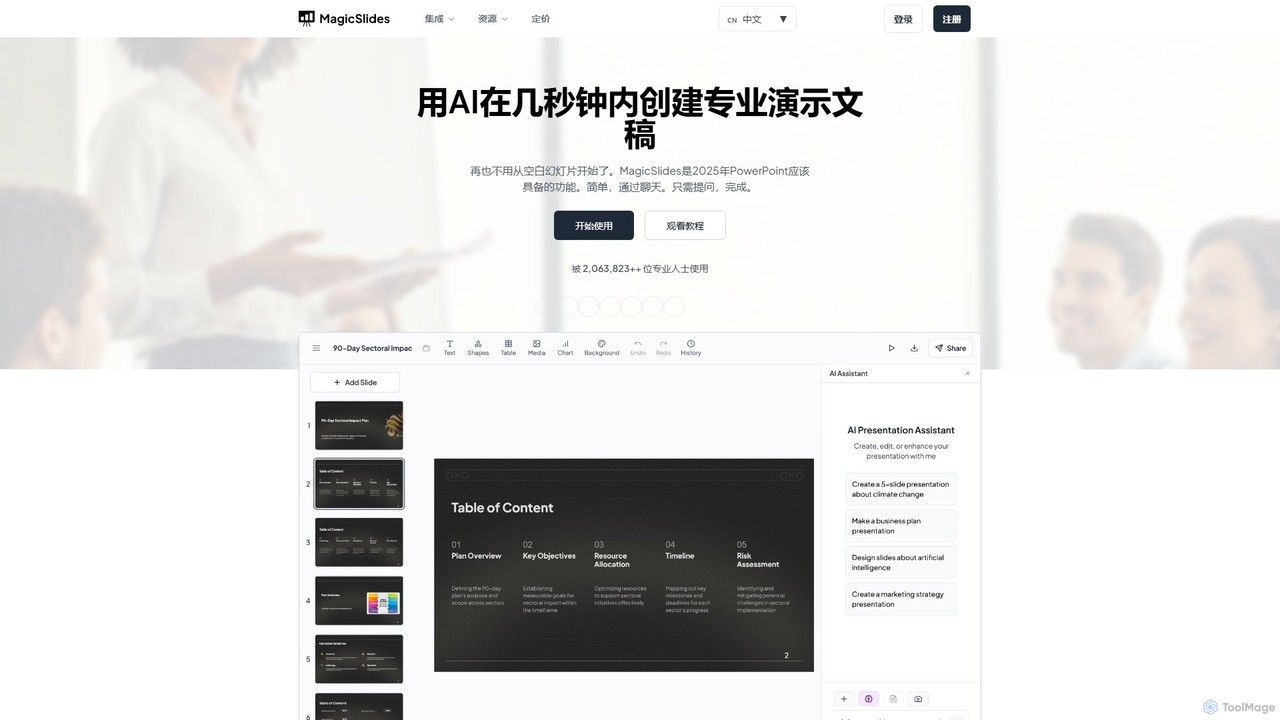
MagicSlides
Freemium

MagicSlides

MagicSlidesは、テキスト、トピック、PDF、YouTube動画、URLなど、さまざまなソースからプロフェッショナルなスライドを即座に作成するAI搭載のプレゼンテーションメーカーです。Googleスライド、PowerPoint、Figmaなどとシームレスに連携し、136以上の言語をサポートして、ワークフローを合理化し、デザイン時間を大幅に節約します。

自動化
Visits 219.8KFavorites 140Likes 135
deckify
Freemium

deckify

deckifyは、AIを搭載したプラットフォームで、ユーザーが数分で見事でプロフェッショナルなビジネスプレゼンテーションを作成できるようにします。直感的でガイド付きのプロセスにより、あなたのアイデアを美しくデザインされたピッチデック、市場調査レポート、マーケティングプランに変換します。デザインに何時間も費やすことなく、聴衆に感銘を与えたいプロフェッショナルに最適です。

ピッチデック
Visits 4.6KFavorites 108Likes 110
displayease
Freemium

displayease

displayeaseは、AIを搭載したプラットフォームで、ユーザーがプロフェッショナルなプレゼンテーションやデジタルディスプレイを簡単に作成できるようにします。トピックやテキストを提供するだけで、AIが数分でコンテンツとビジュアルを備えた、デザイン性の高い完全なスライドを生成します。ビジネス、マーケティング、教育に最適で、時間を節約しながら高品質でブランドに沿った成果を保証します。

グラフィック
Visits 4.2KFavorites 104Likes 123
aipowerpointmaker
Freemium

aipowerpointmaker

aipowerpointmakerは、テキスト、ドキュメント、またはラフなメモを、プロフェッショナルで完全に編集可能なPowerPointプレゼンテーションに即座に変換するAI搭載ツールです。デザイン、コンテンツ構成、画像調達を自動化し、ユーザーがクライアント向けのプレゼン資料を数分で作成できるようにします。PowerPointとシームレスに連携するウェブベースのツールで、ビジネスプロフェッショナル、マーケター、学生に最適です。

営業
Visits 4.1KFavorites 120Likes 132