ClipSheet
動画テキスト変換 · 4.8K 月間訪問数
ClipSheetは、動画、音声、PDF、テキストなどの多様なコンテンツ形式を、数秒で簡潔かつ視覚的で構造化されたチートシートに変換するAI搭載ツールです。学生、専門家、クリエイターが重要な情報を迅速に抽出し、講義や会議を要約し、コンテンツを効率的に再利用するのに役立ちます。
ClipSheetは、動画、音声、PDF、テキストなどの多様なコンテンツ形式を、数秒で簡潔かつ視覚的で構造化されたチートシートに変換するAI搭載ツールです。学生、専門家、クリエイターが重要な情報を迅速に抽出し、講義や会議を要約し、コンテンツを効率的に再利用するのに役立ちます。
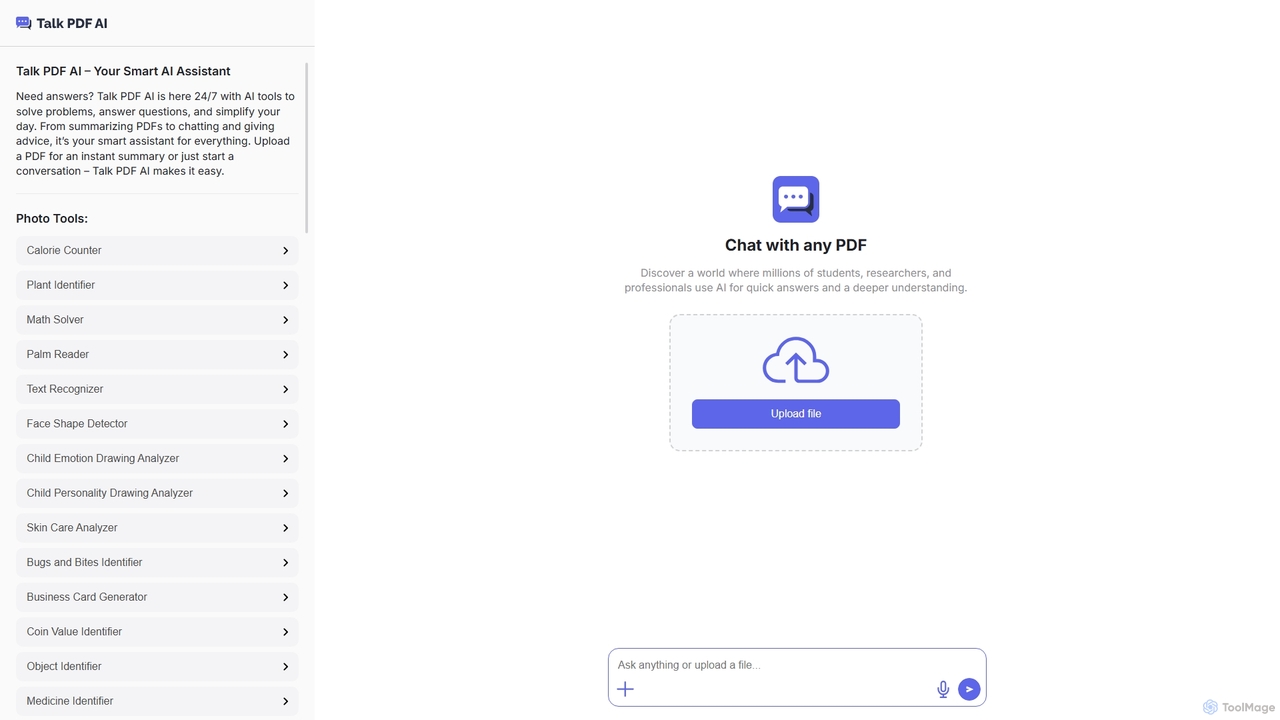
TalkPDFは、幅広いツールを提供することで日常業務を簡素化するために設計されたインテリジェントなAIアシスタントです。PDFとの対話に優れており、即座の要約、質問への回答、会話の促進を行います。PDF機能に加えて、多様なニーズに対応する多数のAI搭載写真、テキスト、オーディオツールを統合しています。
ClipSheetは、動画、音声、PDF、テキストなどの多様なコンテンツ形式を、数秒で簡潔かつ視覚的で構造化されたチートシートに変換するAI搭載ツールです。学生、専門家、クリエイターが重要な情報を迅速に抽出し、講義や会議を要約し、コンテンツを効率的に再利用するのに役立ちます。
TalkPDFは、幅広いツールを提供することで日常業務を簡素化するために設計されたインテリジェントなAIアシスタントです。PDFとの対話に優れており、即座の要約、質問への回答、会話の促進を行います。PDF機能に加えて、多様なニーズに対応する多数のAI搭載写真、テキスト、オーディオツールを統合しています。
| Feature | ClipSheet | TalkPDF |
|---|---|---|
| 主要カテゴリー | 動画テキスト変換 | ライティングアシスタント |
| 追加日 | 2025-12-09 | 2025-10-26 |
| 価格 | フリーミアム | 未確認 |
| 公式サイト | clipsheet.app | talkpdf.ai |
| 製品タイプ | ウェブサイト | ウェブサイト |
| Performance data | ||
| ユーザー評価 | 未確認 | 未確認 |
| コメント | 0 | 0 |
| 月間訪問数 | 4.8K | 5.1K |
| 月間成長率 | 33.9% | 未確認 |
| お気に入り | 97 | 98 |
| Details | 詳細を見る | 詳細を見る |
Compare ClipSheet and TalkPDF by monthly reach, traffic trend, visit depth, top regions, and acquisition sources.
In the ClipSheet vs TalkPDF monthly traffic comparison, ClipSheet currently shows 4.8K visits and TalkPDF shows 5.1K; the two products have similar visible traffic, an absolute difference of about 314 visits. This reflects visible reach, not feature quality or paid users.
Only ClipSheet has complete third-party traffic details; TalkPDF uses visits recorded inside ToolMage. These scopes cannot estimate market share directly, and on-site views should not be treated as the product’s total website traffic.
| Country/region | Percentage | Traffic |
|---|---|---|
| 🇺🇸United States | 70.14% | 3.4K |
| 🇮🇳India | 21.47% | 1K |
| 🇨🇦Canada | 8.39% | 405 |
This in-depth ClipSheet vs TalkPDF comparison uses only the product records, taxonomy, audience, traffic, and community signals available on this page. ClipSheet is primarily listed under “動画テキスト変換”, while TalkPDF is primarily listed under “ライティングアシスタント”, so the first decision is whether your actual task matches their recorded scope.
The structured fields currently show these decision-relevant differences: Primary category (ClipSheet: 動画テキスト変換; TalkPDF: ライティングアシスタント); Pricing (ClipSheet: Freemium; TalkPDF: Not disclosed); Monthly visits (ClipSheet: 4.8K; TalkPDF: 5.1K); Favorites (ClipSheet: 97; TalkPDF: 98); Website (ClipSheet: clipsheet.app; TalkPDF: talkpdf.ai). These facts are more useful for selection than brand visibility alone.
In the ClipSheet vs TalkPDF monthly traffic comparison, ClipSheet currently shows 4.8K visits and TalkPDF shows 5.1K; the two products have similar visible traffic, an absolute difference of about 314 visits. This reflects visible reach, not feature quality or paid users.
Only ClipSheet has complete third-party traffic details; TalkPDF uses visits recorded inside ToolMage. These scopes cannot estimate market share directly, and on-site views should not be treated as the product’s total website traffic.
The current traffic scope is not sufficient for a reliable product ranking. Treat monthly visits as a market-interest signal, then decide using taxonomy, use cases, pricing, and a like-for-like trial rather than reading exposure as product capability.
ClipSheet and TalkPDF currently overlap in shared categories: 学習ツール; shared tags: 音声テキスト変換、生産性ツール; shared roles: ビジネスアナリスト、コンテンツクリエイター、教育者、研究者、学生. This can place both on the same shortlist, but it does not prove equal implementation, depth, or cost.
ClipSheet's unique categories/tags are 動画テキスト変換、Note Taking、要約、AIノートテイカー、AI要約ツール、cheat sheet generator、コンテンツ再利用、知識抽出; TalkPDF's are ライティングアシスタント、パーソナルアシスタント、生成芸術、翻訳、文書管理、AIアシスタント、AIツール、PDFとチャット. These unique fields are the strongest differentiators: validate the product whose recorded scope matches the task instead of following traffic alone.
ClipSheet has no verified rating, 0 comments, 97 favorites, and 88 likes;TalkPDF has no verified rating, 0 comments, 98 favorites, and 99 likes。
Neither product has enough rating or comment samples for a credible reputation ranking.
Put ClipSheet on the priority trial list when the task aligns with “動画テキスト変換” and especially 動画テキスト変換、Note Taking、要約、AIノートテイカー、AI要約ツール、cheat sheet generator, or the users include マーケティングスペシャリスト、プロ、トレーナー. This follows recorded positioning and does not imply unlisted capabilities are absent.
ClipSheet also currently records: pricing is freemium, product type is website, 4.8K verified monthly visits, no verified user rating. Verify any hard requirement around price, platform, or reach before trial, and do not let sparse review data substitute for testing.
Put TalkPDF on the priority trial list when the task aligns with “ライティングアシスタント” and especially ライティングアシスタント、パーソナルアシスタント、生成芸術、翻訳、文書管理、AIアシスタント, or the users include データアナリスト、編集者、グラフィックデザイナー、マーケティングマネージャー. This follows recorded positioning and does not imply unlisted capabilities are absent.
TalkPDF also currently records: pricing is not verified, product type is website, 5.1K on-site monthly views, no verified user rating. Verify any hard requirement around price, platform, or reach before trial, and do not let sparse review data substitute for testing.
The available data describes positioning, public visibility, and community signals, but it cannot prove output quality, speed, integration effort, privacy, or long-term cost in your workflow. Before deciding, run the same representative tasks in ClipSheet and TalkPDF, then record completion time, accuracy, manual corrections, and the real paid threshold. A like-for-like trial turns this comparison into a defensible adoption decision.
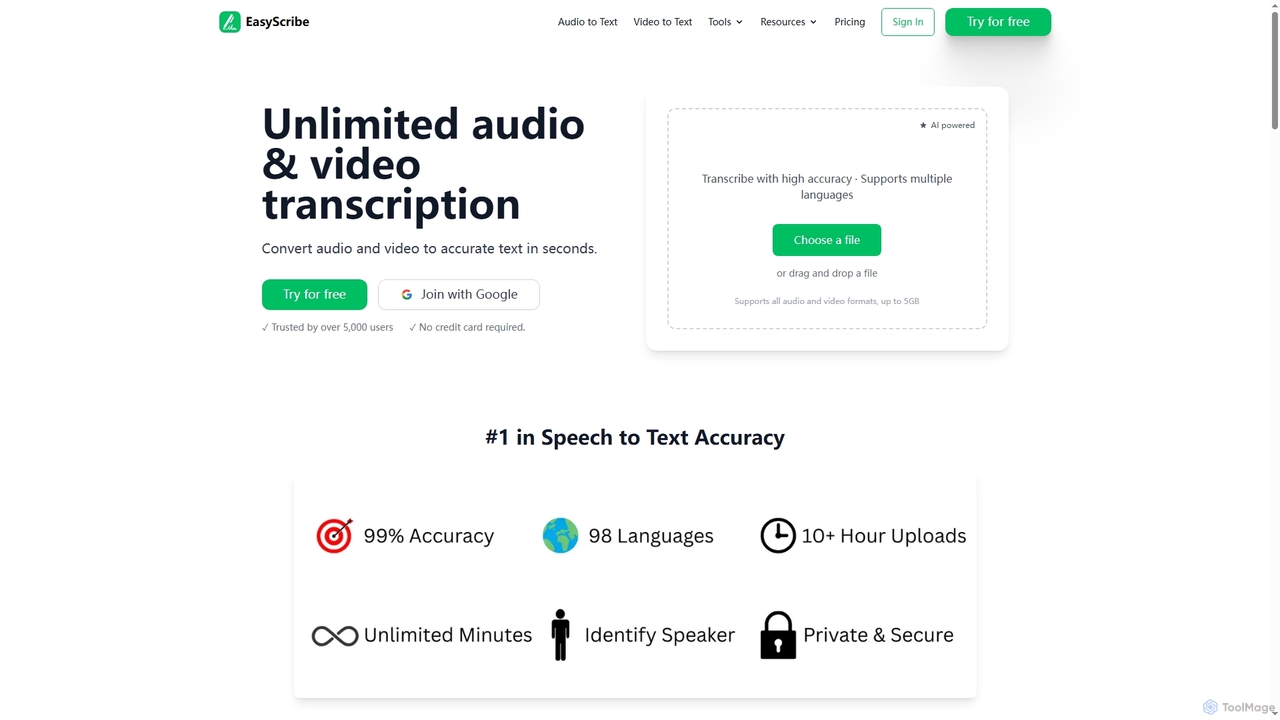
EasyScribeは、オーディオおよびビデオファイルを数秒で正確なテキストに変換するAI搭載の文字起こしツールです。98以上の言語をサポートし、話者識別機能を提供し、134以上の言語への翻訳が可能で、グローバルなコミュニケーションとコンテンツ作成に最適です。
会議管理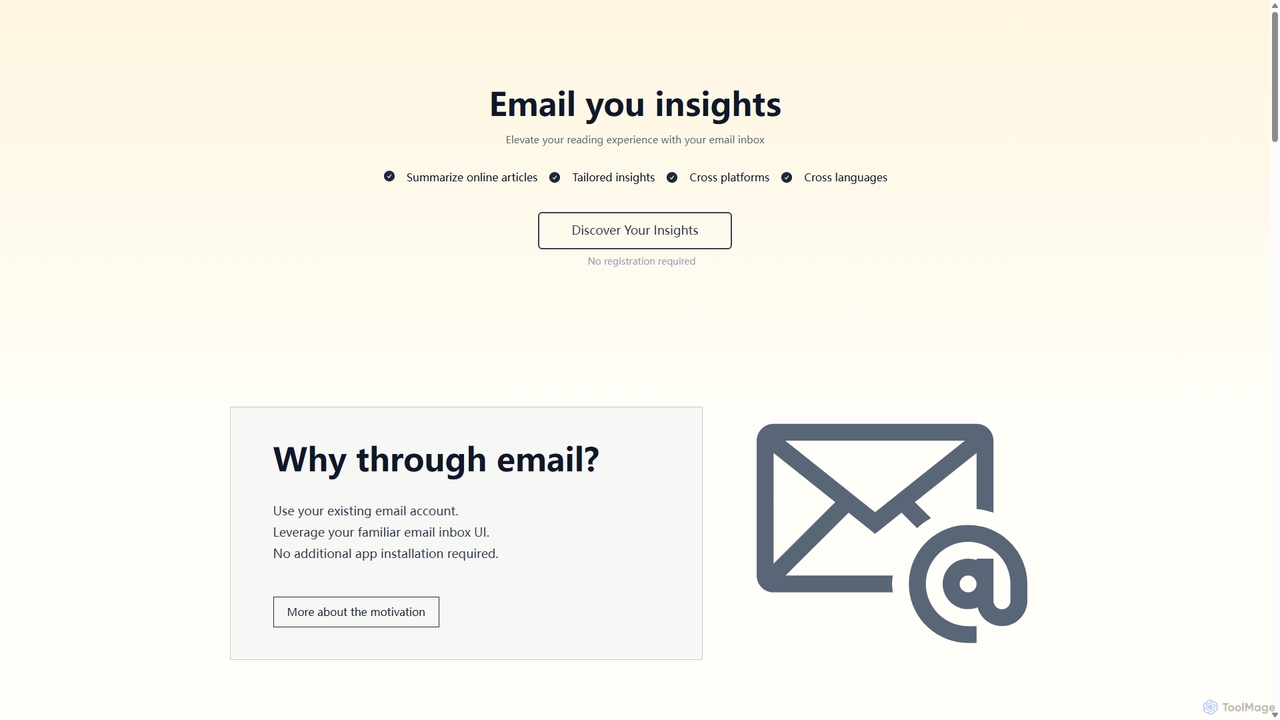
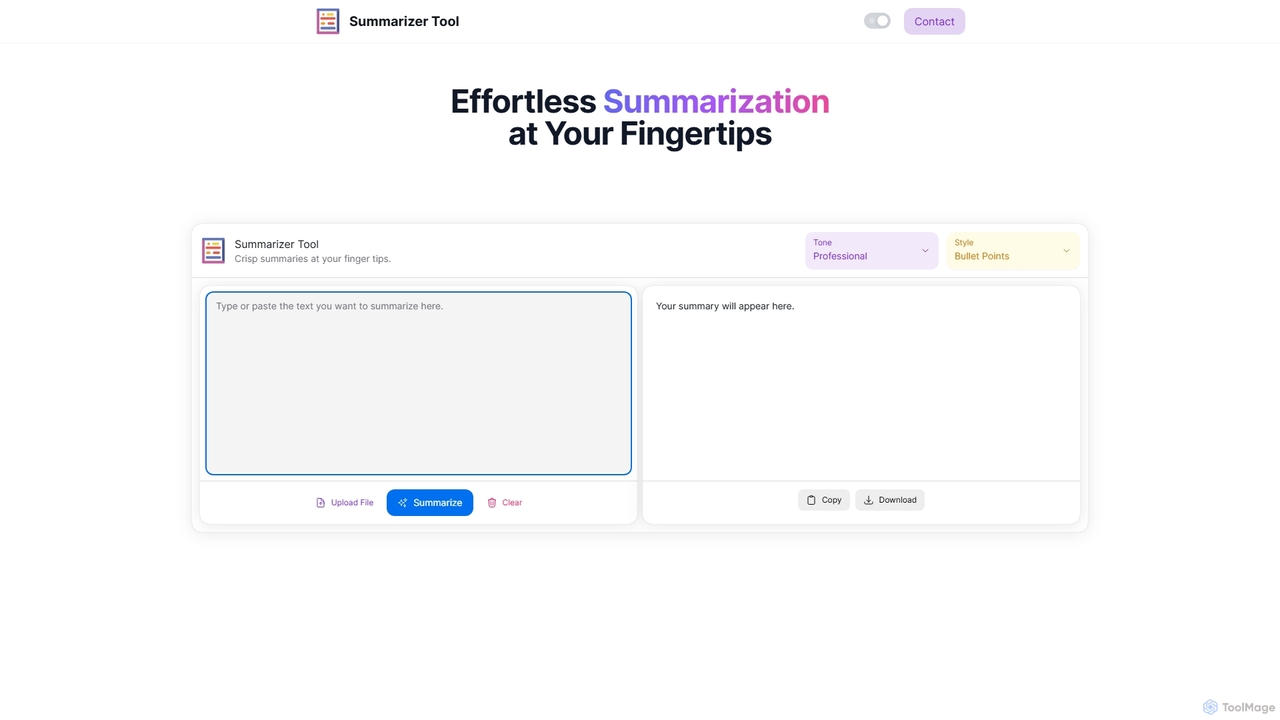
Summarizer Toolは、AIを搭載したオンラインプラットフォームで、長文のテキスト、記事、ドキュメントを簡潔で理解しやすい要約に即座に凝縮します。トーン(プロフェッショナル、フレンドリー、皮肉)とフォーマット(段落、箇条書き)のカスタマイズオプションを提供し、テキスト入力とファイルアップロードの両方をサポートして、学生、専門家、ライターの生産性を向上させます。
研究
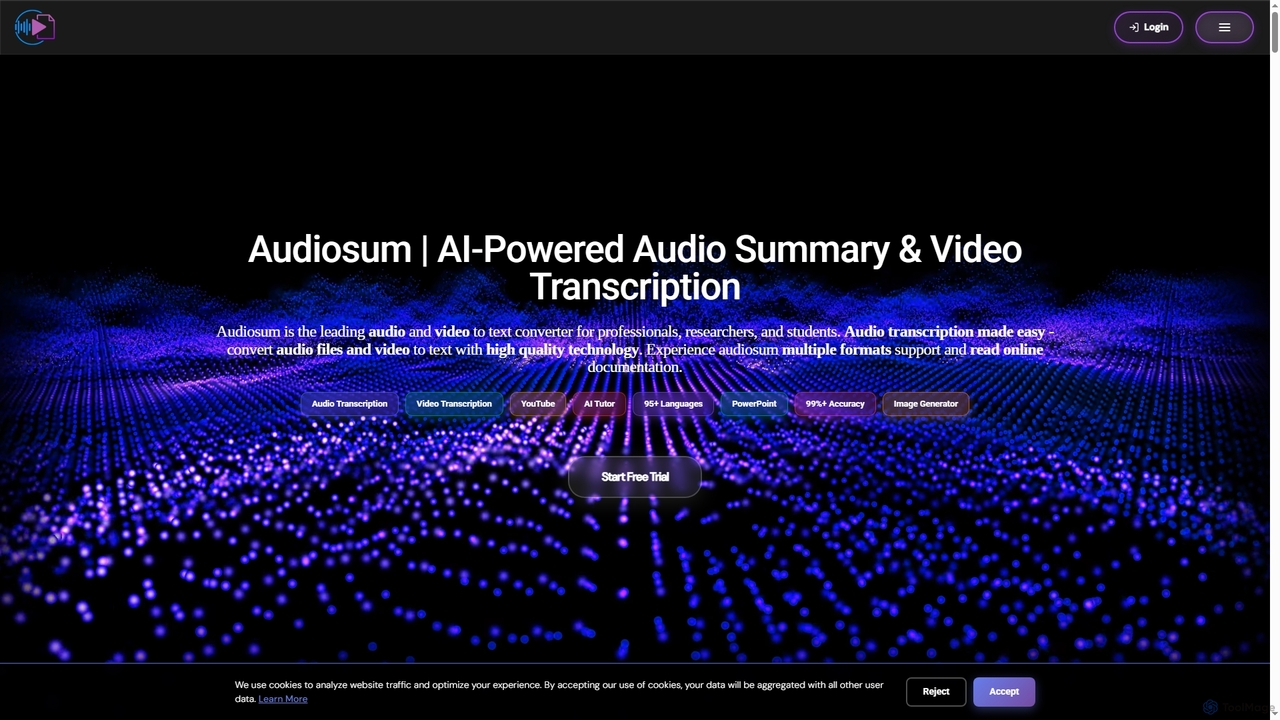

PDF Summarizerは、AIを搭載したツールで、あらゆるPDFドキュメントを即座に簡潔な要約に凝縮します。90以上の言語をサポートし、学生、研究者、専門家が何時間もの読書時間を節約するのに役立ちます。アウトラインの生成、学習ガイドの作成、出典付きの引用を含むインタラクティブなQ&Aなどの機能により、生産性と理解力を向上させます。
学習ツール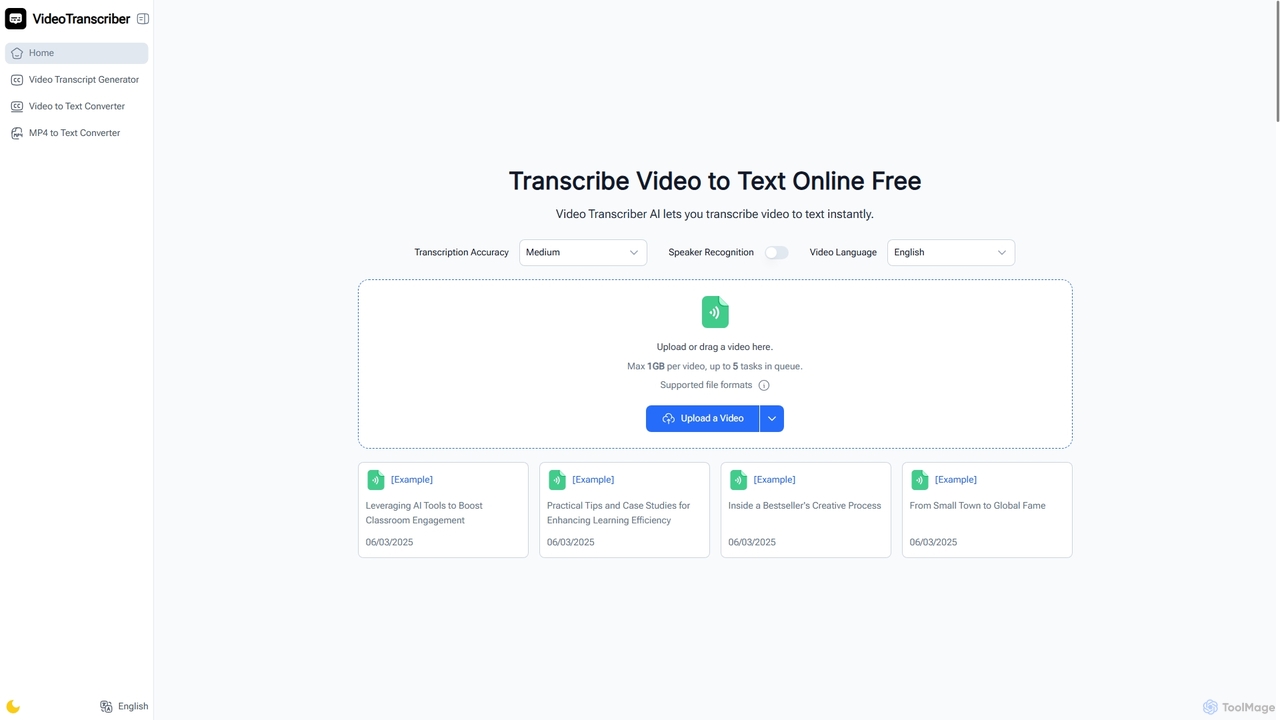
Video Transcriber AIは、動画コンテンツを正確で読みやすいテキストに瞬時に変換する無料のオンラインツールです。MP4、YouTubeリンク、Zoom録画など様々な形式に対応しており、学生、専門家、コンテンツクリエイターが登録なしで素早く文字起こしを取得するのに最適です。
会議ツール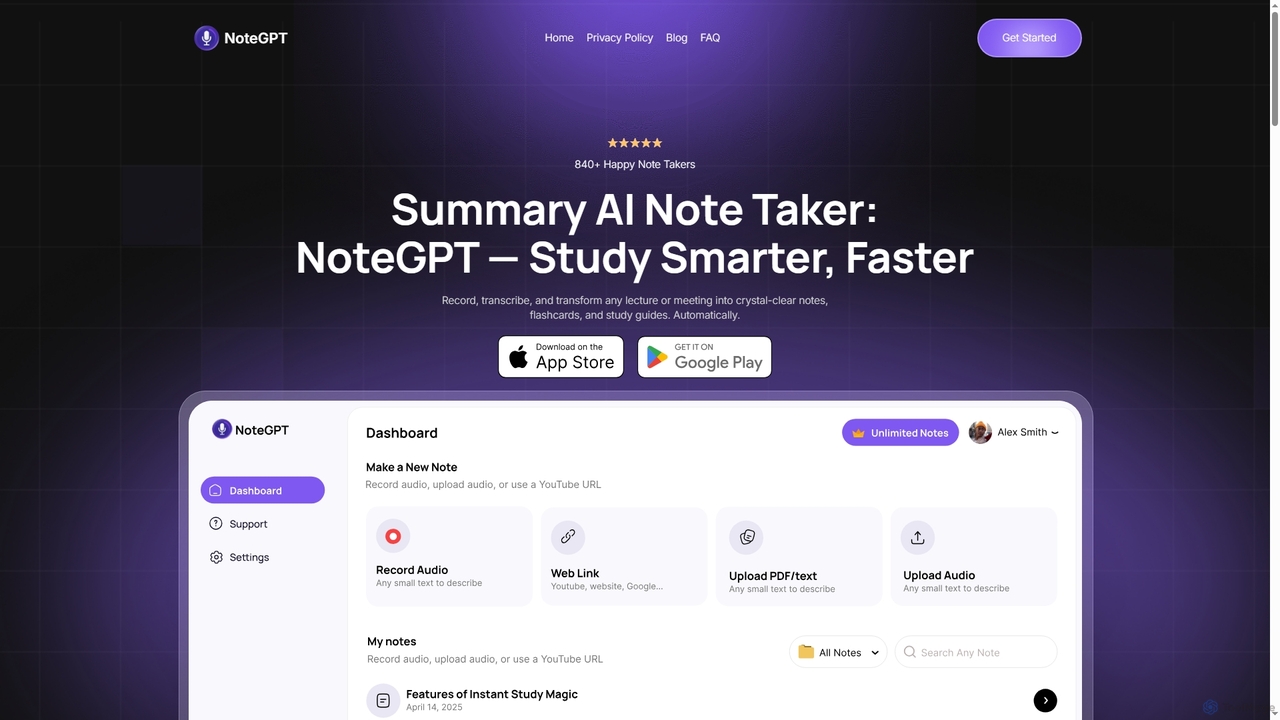
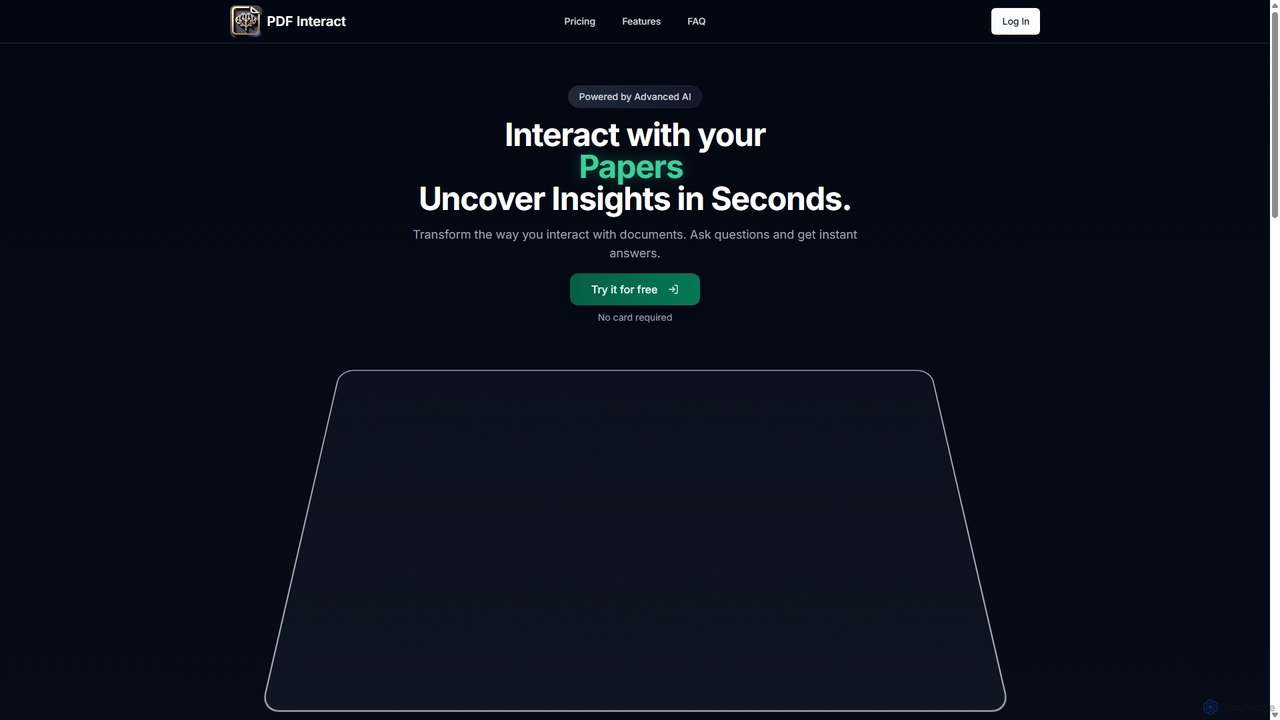
PDF Interactは、ドキュメントとの対話方法を変革するAI搭載チャットアシスタントです。PDFをアップロードし、自然言語で質問するだけで、即座に回答、要約、重要なインサイトを得ることができます。時間を節約し、複雑な情報を効率的に分析したい学生、研究者、専門家に最適です。
データ分析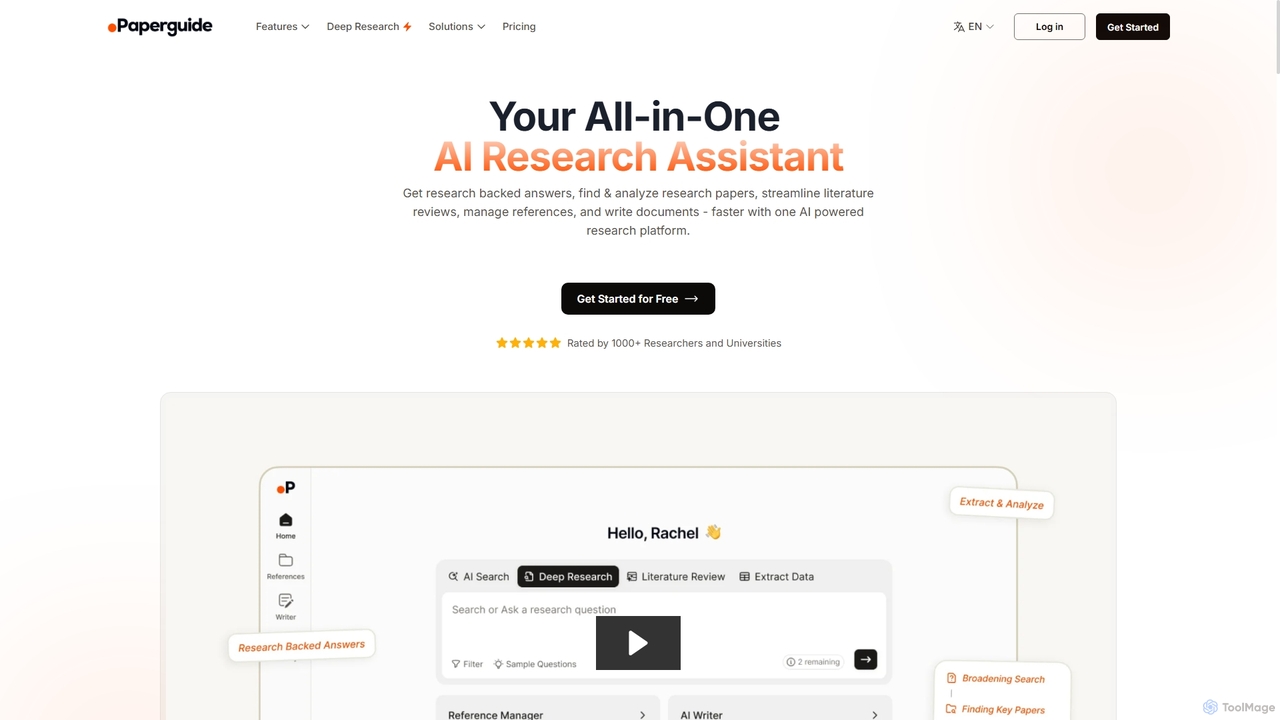
Chatwithpdfは、PDFドキュメントと対話形式でやり取りできるAI搭載ツールです。ファイルをアップロードして質問するだけで、要約や重要な情報を即座に抽出できます。学生、研究者、専門家が文書をより速く、より効率的に分析するために設計されています。
データ抽出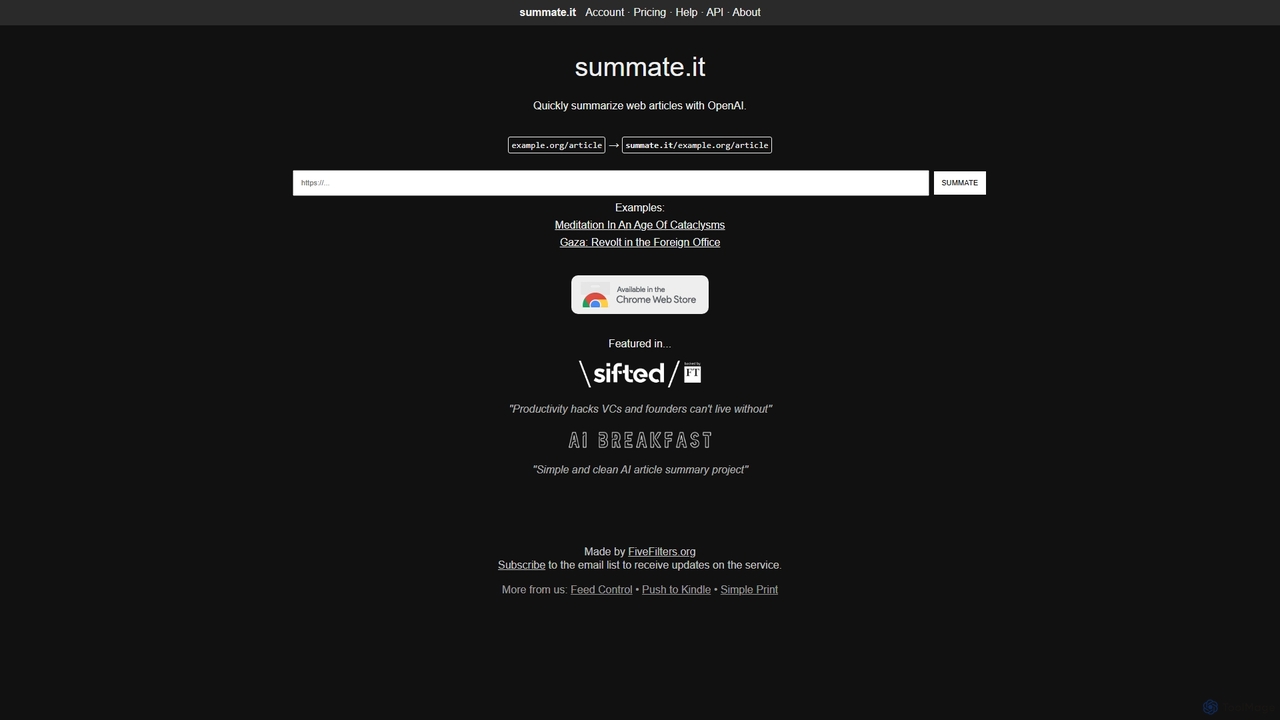
summate.itは、ウェブ記事を迅速に要約するAI搭載ツールです。URLを提供するだけで、OpenAIを使用して簡潔で理解しやすい要約を生成し、短時間で重要な情報を吸収するのに役立ちます。Chrome拡張機能、APIアクセス、要約の翻訳機能も提供しています。
研究
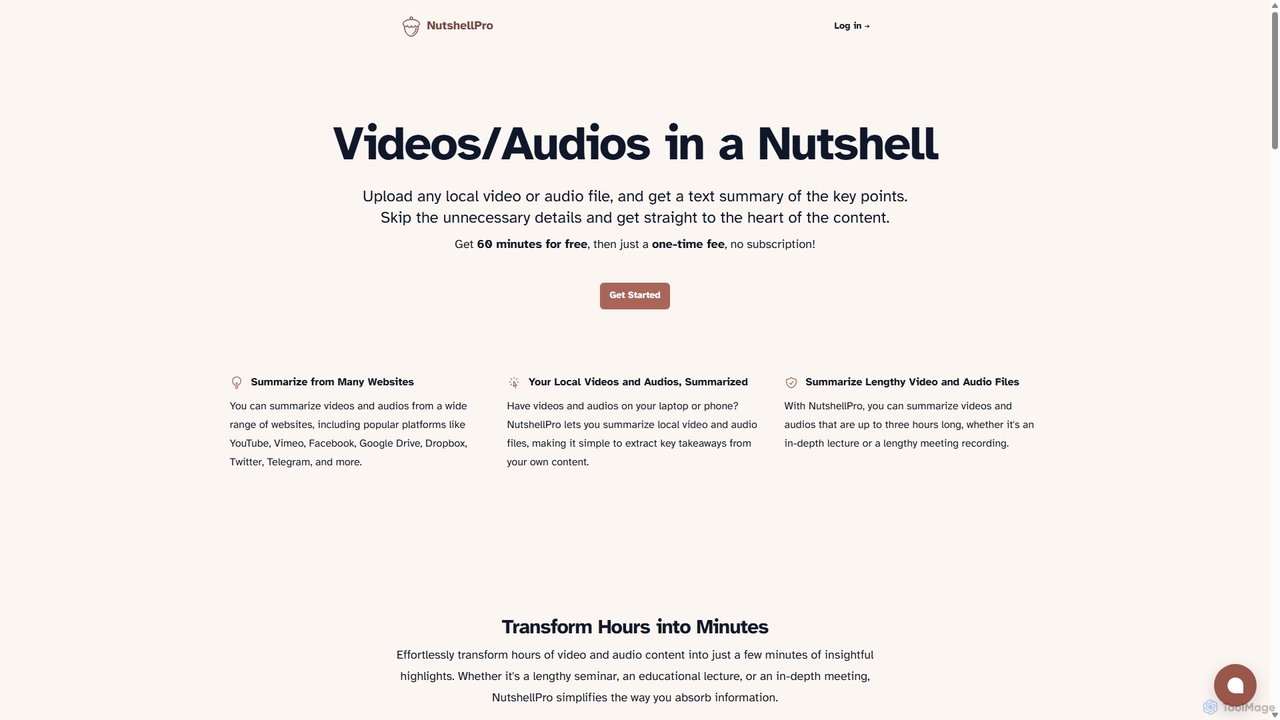
NutshellProは、あらゆるビデオやオーディオファイルを効率的に要約するAI搭載ツールです。ローカルファイルと、YouTube、Vimeo、Google Driveなどの様々なウェブサイトからのコンテンツの両方をサポートしています。キーポイントを抽出することで、数時間のコンテンツを簡潔なテキスト要約に変換し、時間と労力を大幅に節約します。無料トライアルと、サブスクリプション不要の柔軟な一括払いプランを提供しています。
ノート作成
ChatDocumentsは、対話型のチャットインターフェースを通じてドキュメントと対話できるAI搭載プラットフォームです。PDFやWordファイルなどをアップロードして質問し、即座に要約を取得し、重要な情報を抽出し、手作業でページを読むことなく洞察を得ることができます。学生、研究者、専門家の生産性を向上させるために設計されています。
データ分析