cmd_c
校正 · 379 月間訪問数
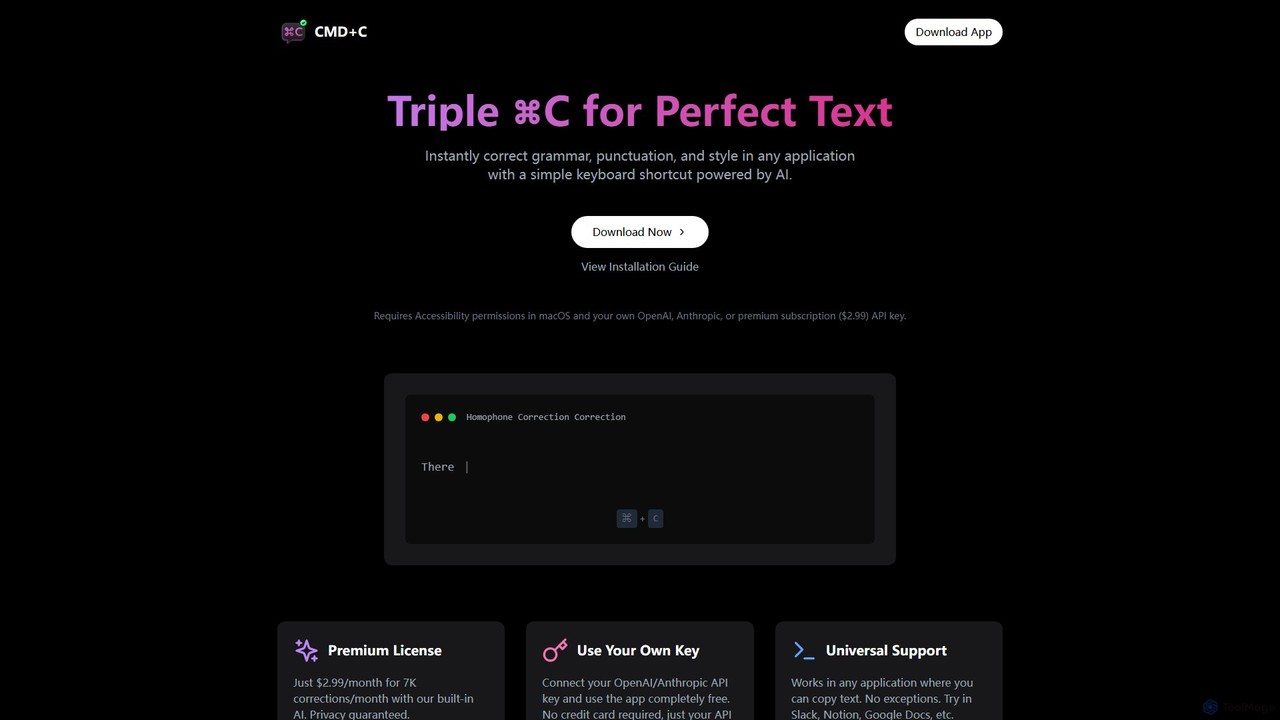
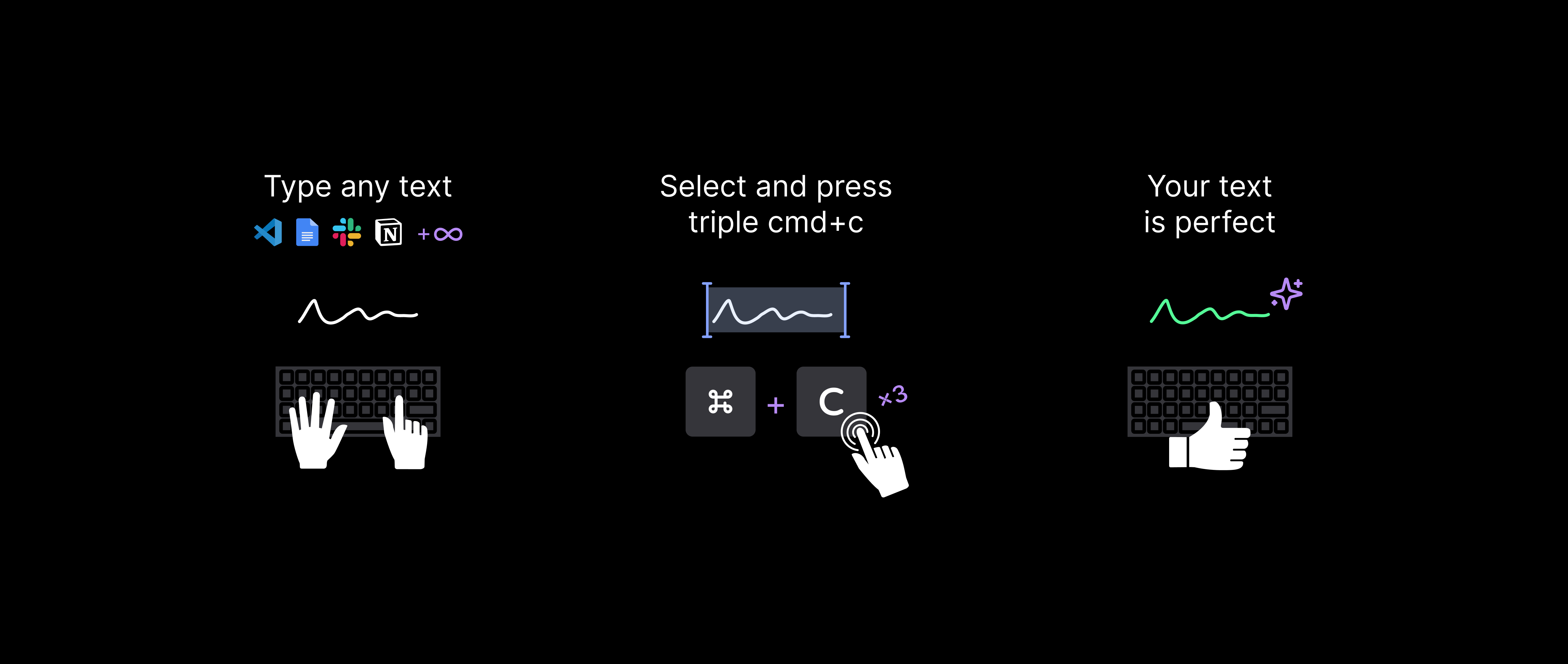
あらゆるアプリケーションで文法、句読点、スタイルを即座に修正するネイティブmacOSアプリです。テキストを選択してCommand+Cを3回押すだけで、AIによる文章の校正が完了します。ユニバーサルに動作し、自身のAPIキーを使った無料プランまたはプレミアムサブスクリプションを提供します。
あらゆるアプリケーションで文法、句読点、スタイルを即座に修正するネイティブmacOSアプリです。テキストを選択してCommand+Cを3回押すだけで、AIによる文章の校正が完了します。ユニバーサルに動作し、自身のAPIキーを使った無料プランまたはプレミアムサブスクリプションを提供します。
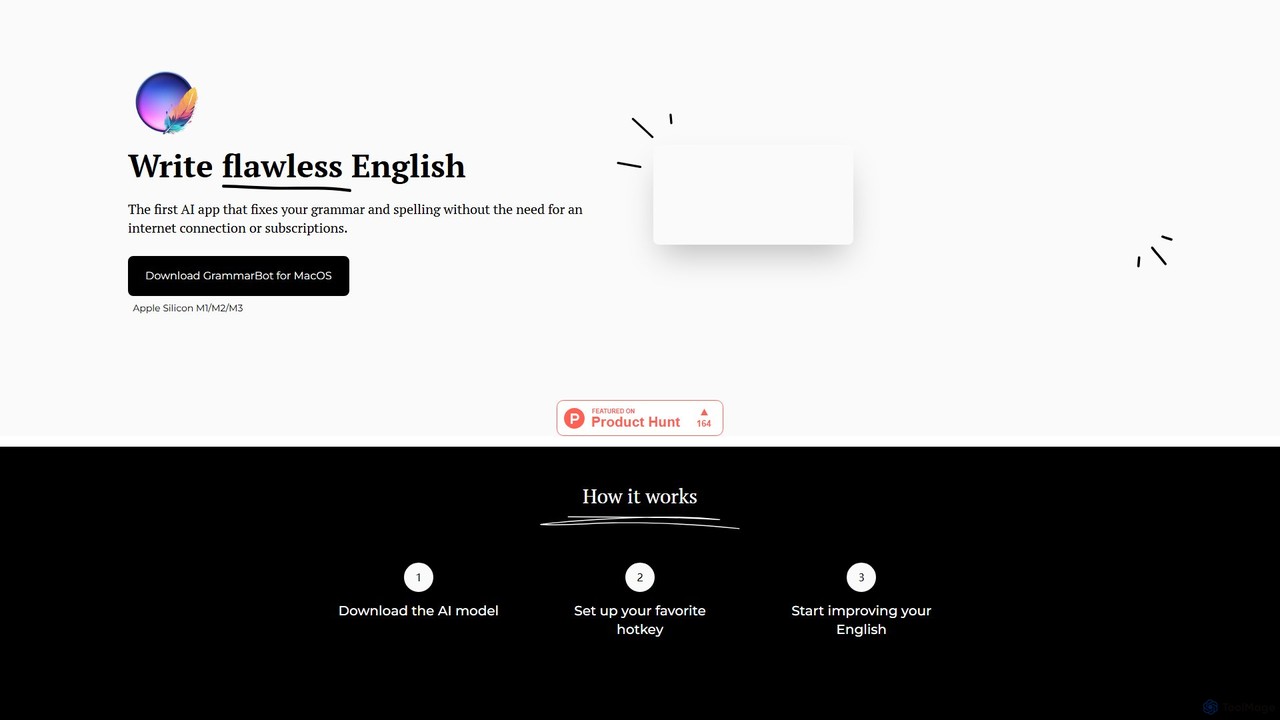
GrammarBotは、プライバシーを重視したmacOS向けのAI文法・スペルチェッカーです。ローカルの大規模言語モデル(LLM)を使用し、完全にオフラインで動作するため、あなたのテキストがコンピュータから外部に送信されることはありません。シンプルなホットキー統合により、すべてのアプリケーションで利用可能です。一度の購入で永久ライセンスが手に入り、サブスクリプションは不要です。
あらゆるアプリケーションで文法、句読点、スタイルを即座に修正するネイティブmacOSアプリです。テキストを選択してCommand+Cを3回押すだけで、AIによる文章の校正が完了します。ユニバーサルに動作し、自身のAPIキーを使った無料プランまたはプレミアムサブスクリプションを提供します。
GrammarBotは、プライバシーを重視したmacOS向けのAI文法・スペルチェッカーです。ローカルの大規模言語モデル(LLM)を使用し、完全にオフラインで動作するため、あなたのテキストがコンピュータから外部に送信されることはありません。シンプルなホットキー統合により、すべてのアプリケーションで利用可能です。一度の購入で永久ライセンスが手に入り、サブスクリプションは不要です。
Compare cmd_c and GrammarBot by monthly reach, traffic trend, visit depth, top regions, and acquisition sources.
In the cmd_c vs GrammarBot monthly traffic comparison, cmd_c currently shows 379 visits and GrammarBot shows 117; cmd_c has about 3.2 times the visible traffic of GrammarBot, an absolute difference of about 262 visits. This reflects visible reach, not feature quality or paid users.
Both tools provide verified traffic details, so monthly trends, visit depth, regions, and acquisition sources can be compared on the same basis.
| Country/region | Percentage | Traffic |
|---|---|---|
| 🇩🇪Germany | 100% | 379 |
| Country/region | Percentage | Traffic |
|---|---|---|
| 🇦🇷Argentina | 100% | 117 |
This in-depth cmd_c vs GrammarBot comparison uses only the product records, taxonomy, audience, traffic, and community signals available on this page. cmd_c is primarily listed under “校正”, while GrammarBot is primarily listed under “語学学習”, so the first decision is whether your actual task matches their recorded scope.
The structured fields currently show these decision-relevant differences: Primary category (cmd_c: 校正; GrammarBot: 語学学習); Pricing (cmd_c: Freemium; GrammarBot: Paid); Monthly visits (cmd_c: 379; GrammarBot: 117); Monthly growth (cmd_c: -60.9%; GrammarBot: -96.5%); Favorites (cmd_c: 98; GrammarBot: 129). These facts are more useful for selection than brand visibility alone.
In the cmd_c vs GrammarBot monthly traffic comparison, cmd_c currently shows 379 visits and GrammarBot shows 117; cmd_c has about 3.2 times the visible traffic of GrammarBot, an absolute difference of about 262 visits. This reflects visible reach, not feature quality or paid users.
Both tools provide verified traffic details, so monthly trends, visit depth, regions, and acquisition sources can be compared on the same basis.
If public market visibility is an important first-pass criterion, investigate cmd_c first. The final choice should still follow taxonomy, use case, and a real trial because higher traffic does not prove broader capabilities or better workflow fit.
cmd_c and GrammarBot currently overlap in shared categories: ライティング、テキスト編集; shared tags: 文法チェッカー、校正、ライティングアシスタント. This can place both on the same shortlist, but it does not prove equal implementation, depth, or cost.
cmd_c's unique categories/tags are 校正、AIライティング、アンスロピック、ショートカットキー、macOS、オープンAI、生産性、テキスト修正; GrammarBot's are 語学学習、Appleシリコン、英語学習、ローカルLLM、macOSアプリ、オフラインAI、プライバシー、スペルチェッカー. These unique fields are the strongest differentiators: validate the product whose recorded scope matches the task instead of following traffic alone.
cmd_c has no verified rating, 0 comments, 98 favorites, and 111 likes;GrammarBot has no verified rating, 0 comments, 129 favorites, and 150 likes。
Neither product has enough rating or comment samples for a credible reputation ranking.
Put cmd_c on the priority trial list when the task aligns with “校正” and especially 校正、AIライティング、アンスロピック、ショートカットキー、macOS、オープンAI. This follows recorded positioning and does not imply unlisted capabilities are absent.
cmd_c also currently records: pricing is freemium, product type is app, 379 verified monthly visits, no verified user rating. Verify any hard requirement around price, platform, or reach before trial, and do not let sparse review data substitute for testing.
Put GrammarBot on the priority trial list when the task aligns with “語学学習” and especially 語学学習、Appleシリコン、英語学習、ローカルLLM、macOSアプリ、オフラインAI. This follows recorded positioning and does not imply unlisted capabilities are absent.
GrammarBot also currently records: pricing is paid, product type is app, 117 verified monthly visits, no verified user rating. Verify any hard requirement around price, platform, or reach before trial, and do not let sparse review data substitute for testing.
The available data describes positioning, public visibility, and community signals, but it cannot prove output quality, speed, integration effort, privacy, or long-term cost in your workflow. Before deciding, run the same representative tasks in cmd_c and GrammarBot, then record completion time, accuracy, manual corrections, and the real paid threshold. A like-for-like trial turns this comparison into a defensible adoption decision.
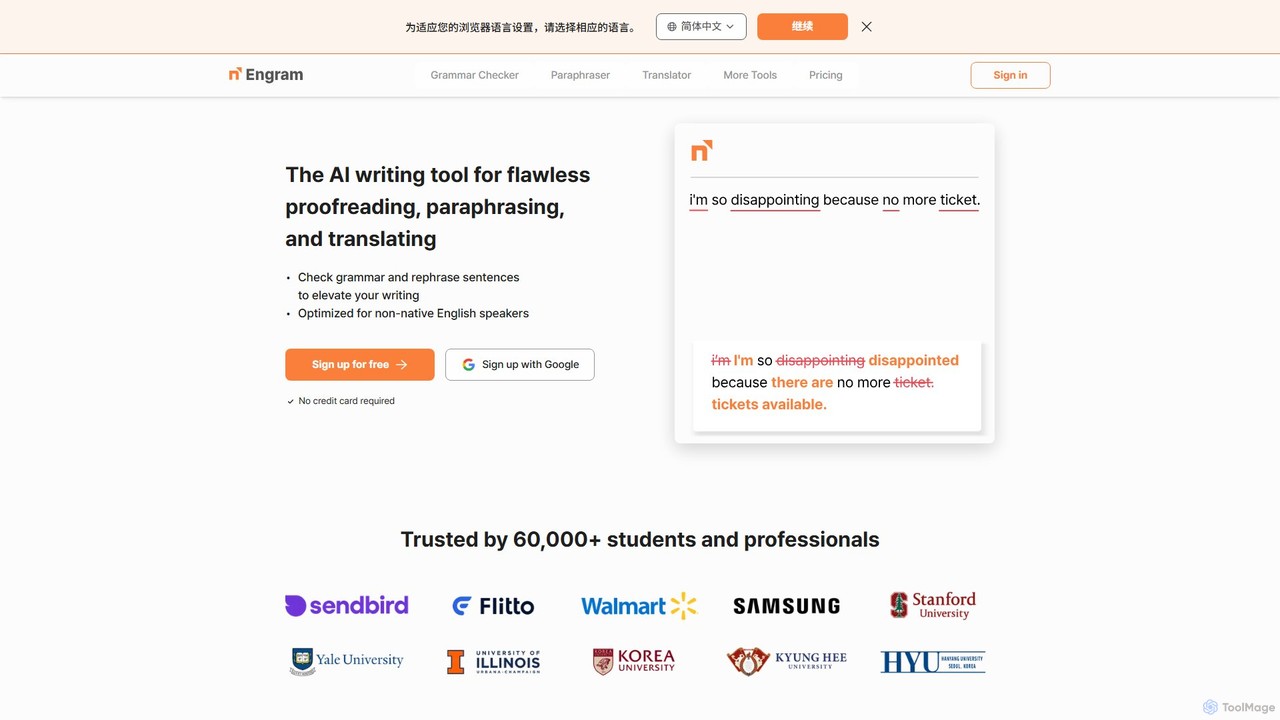


LanguageToolは、AIを搭載した多言語対応のライティングアシスタントで、文法、スペル、スタイルのエラーをチェックします。高度な提案や言い換えツールを提供し、ブラウザ、オフィススイート、デスクトップアプリとシームレスに連携し、あらゆる場所での文章作成を向上させます。
コミュニケーション
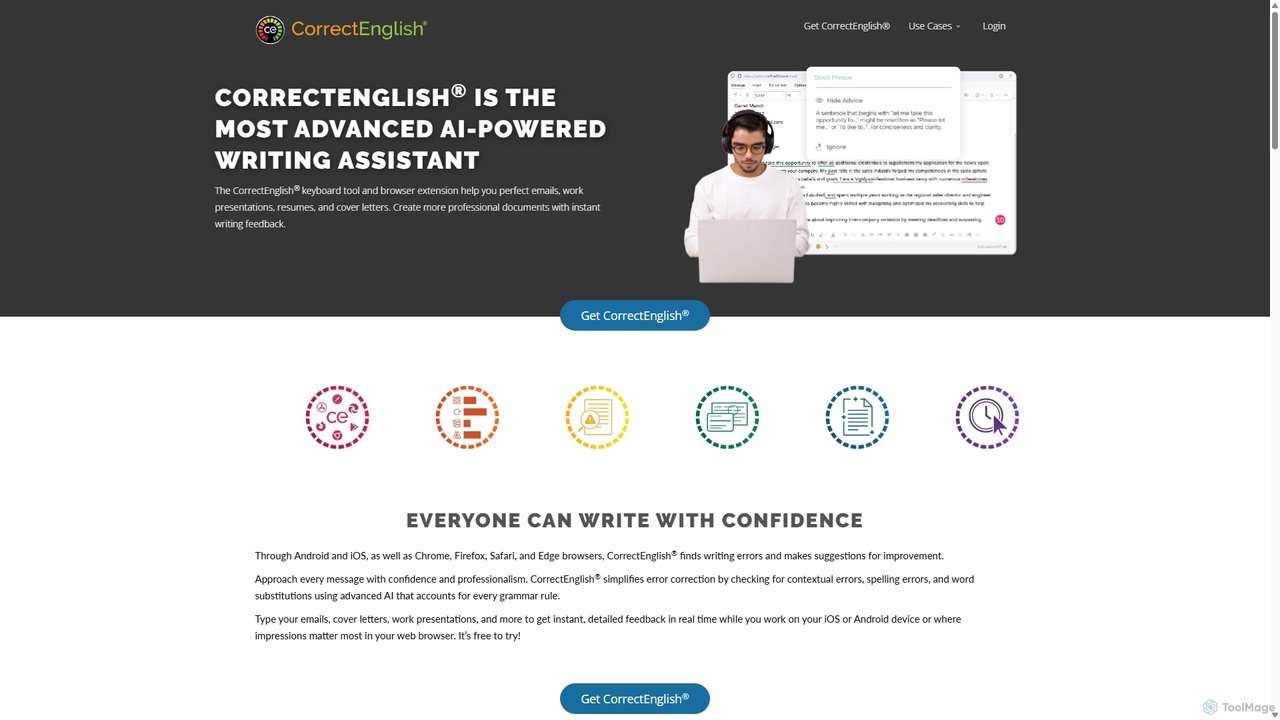
CorrectEnglishは、ライティングスキルを向上させるために設計された高度なAI搭載ライティングアシスタントです。リアルタイムの文法、スペル、句読点のチェックに加え、盗用検出や語彙力強化機能を提供します。ブラウザ拡張機能やモバイルキーボードとして利用でき、専門家、学生、求職者がどこでも自信を持って明確に文章を書くのを支援します。
履歴書作成ツール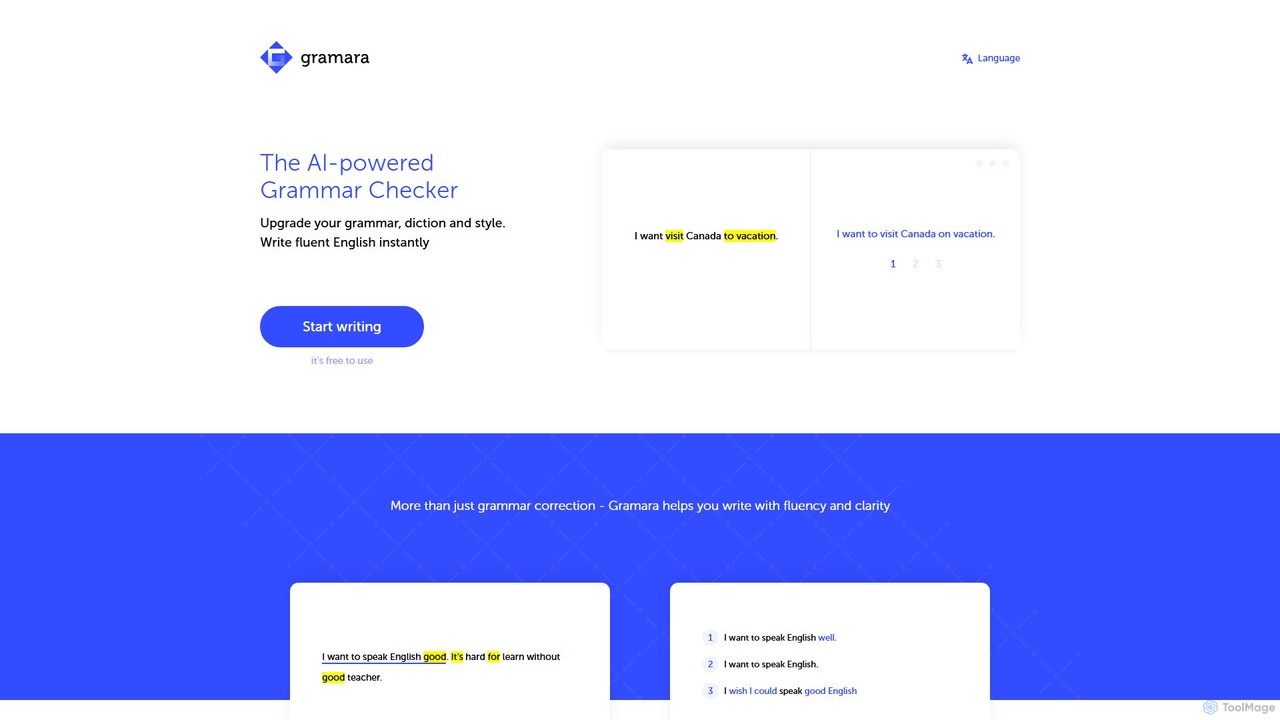
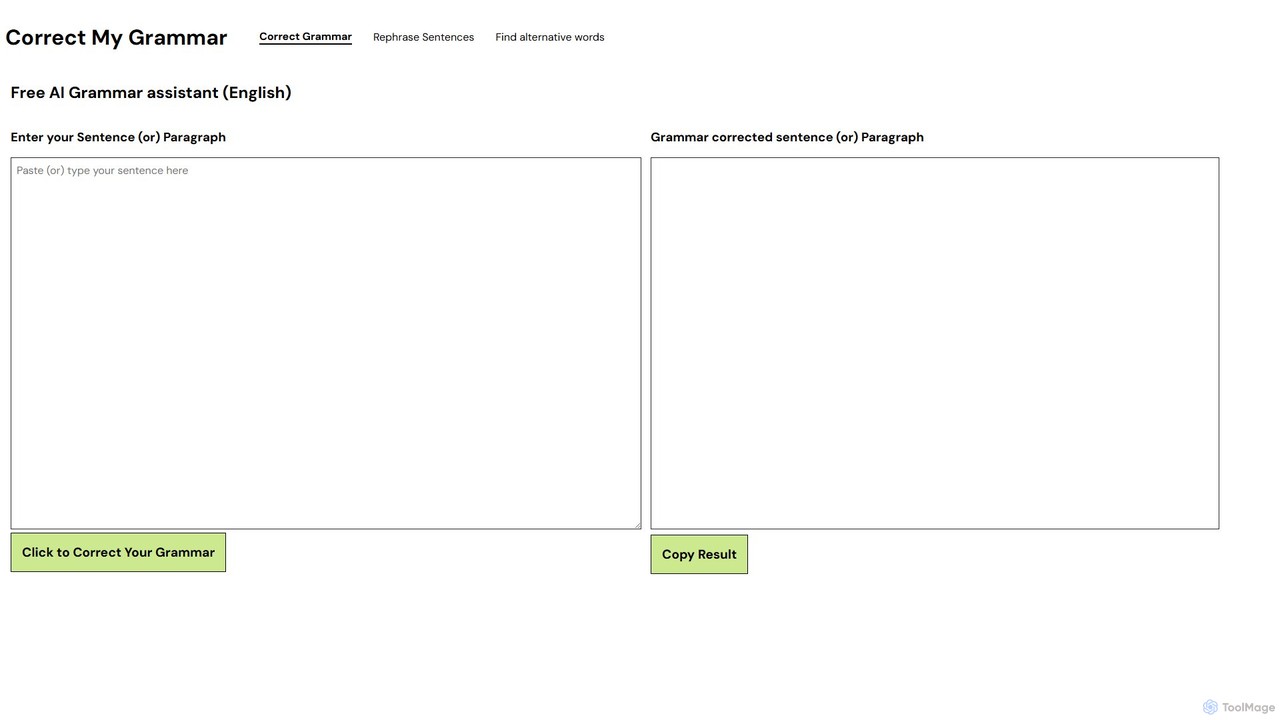
文法修正、スペルチェック、文章の言い換えを無料で行うAI搭載のオンラインツールです。登録や費用は一切不要で、英語のライティングの明瞭さ、スタイル、正確性を即座に向上させます。Grammarlyの優れた無料代替品です。
語学学習
Hemingway Appは、あなたの文章を大胆かつ明確にするためのライティング・編集ツールです。よくある間違い、複雑な文章、弱い表現をハイライト表示します。AI搭載の「Editor Plus」バージョンは、高度な文法チェック、トーン調整、自動リライト機能を提供し、明瞭さとインパクトを高めます。
学習
AIを活用した多言語のスペル、文法修正、テキストリライトツールスイートです。API、WYSIWYGエディタ用SDK、ブラウザ拡張機能、セキュリティ強化のためのオンプレミス展開を通じて、開発者、企業、個人にソリューションを提供します。
文書管理
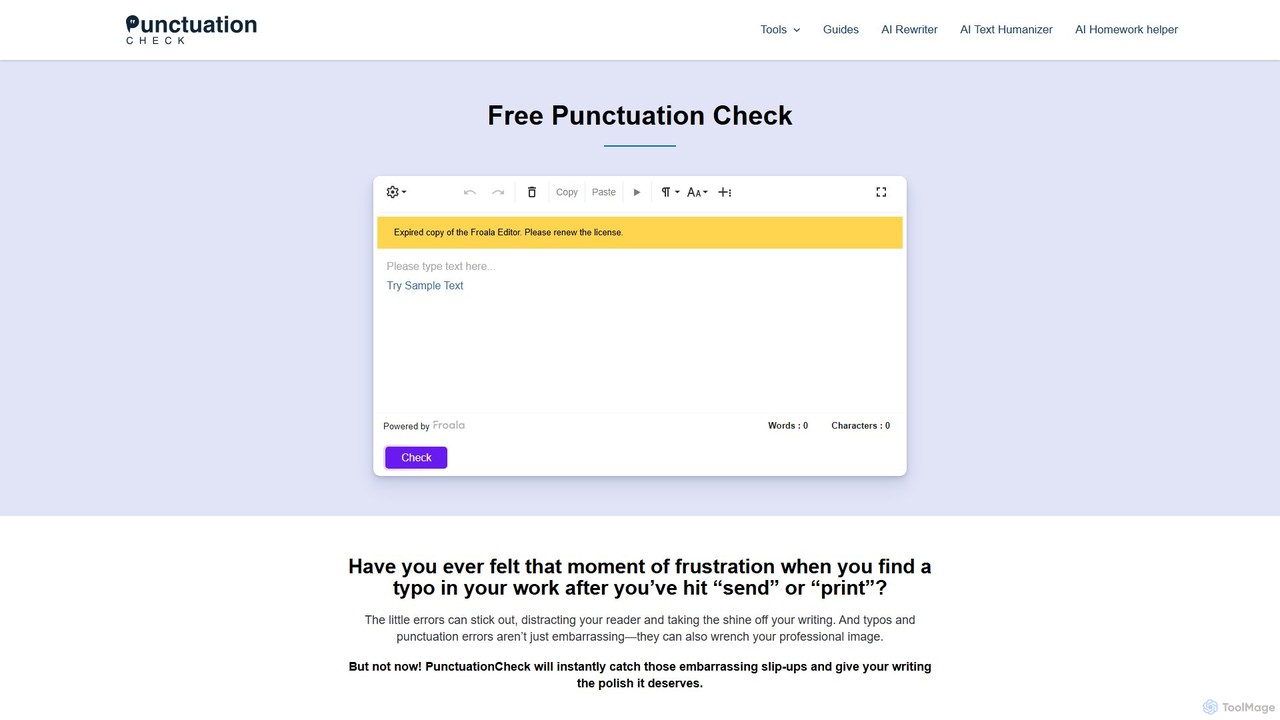
PunctuationCheckは、英文の句読点、スペル、文法の誤りを即座に修正するために設計された無料のオンラインツールです。複数の英語方言に対応し、ワンクリック修正機能と使いやすいエディタを提供します。学生、専門家、ライターが文章を洗練させ、明瞭さを高め、専門的なイメージを維持するのに最適で、費用や登録は一切不要です。
校正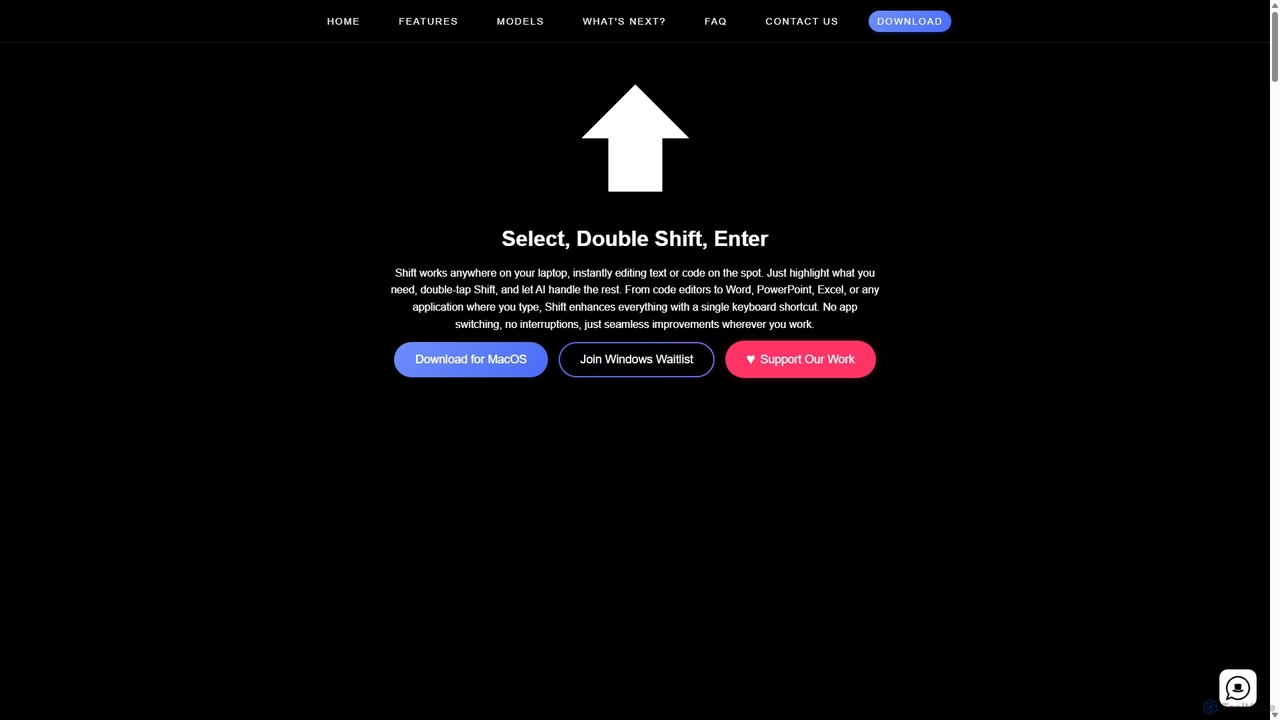
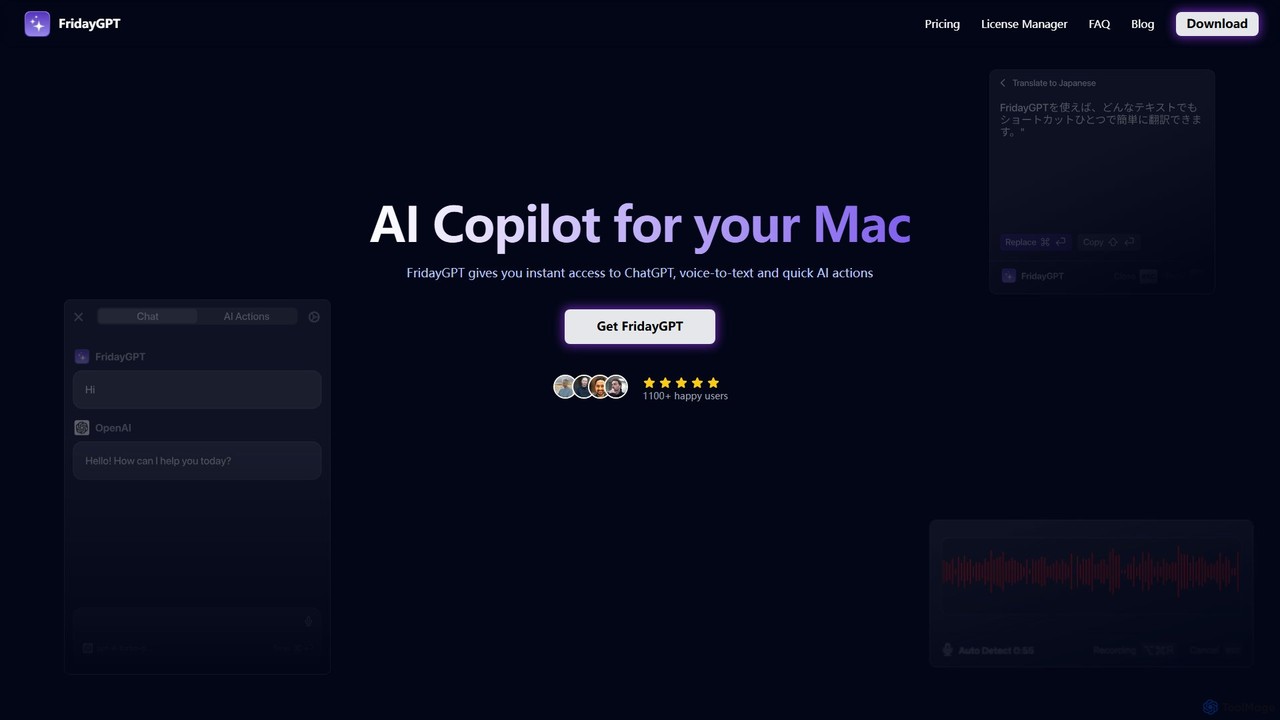
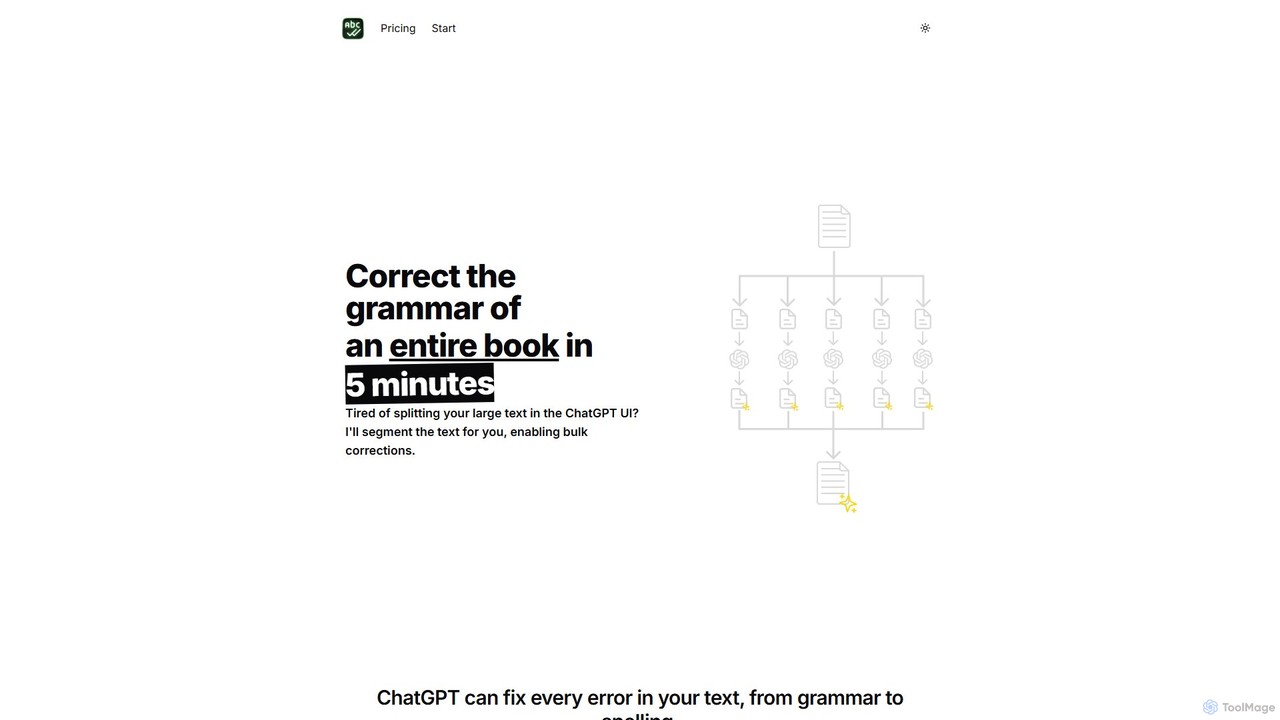
BulkCorrectorは、ChatGPTのようなモデルの入力制限を克服するために設計されたAIツールです。書籍や長文記事などの大量のドキュメント全体の文法修正、スペルチェック、翻訳を一度の操作で行うことができます。テキストを自動的に分割してチャンクで処理することにより、ライターの時間と労力を大幅に節約します。
自動化