Conductor
コードアシスタント · 3.4K 月間訪問数
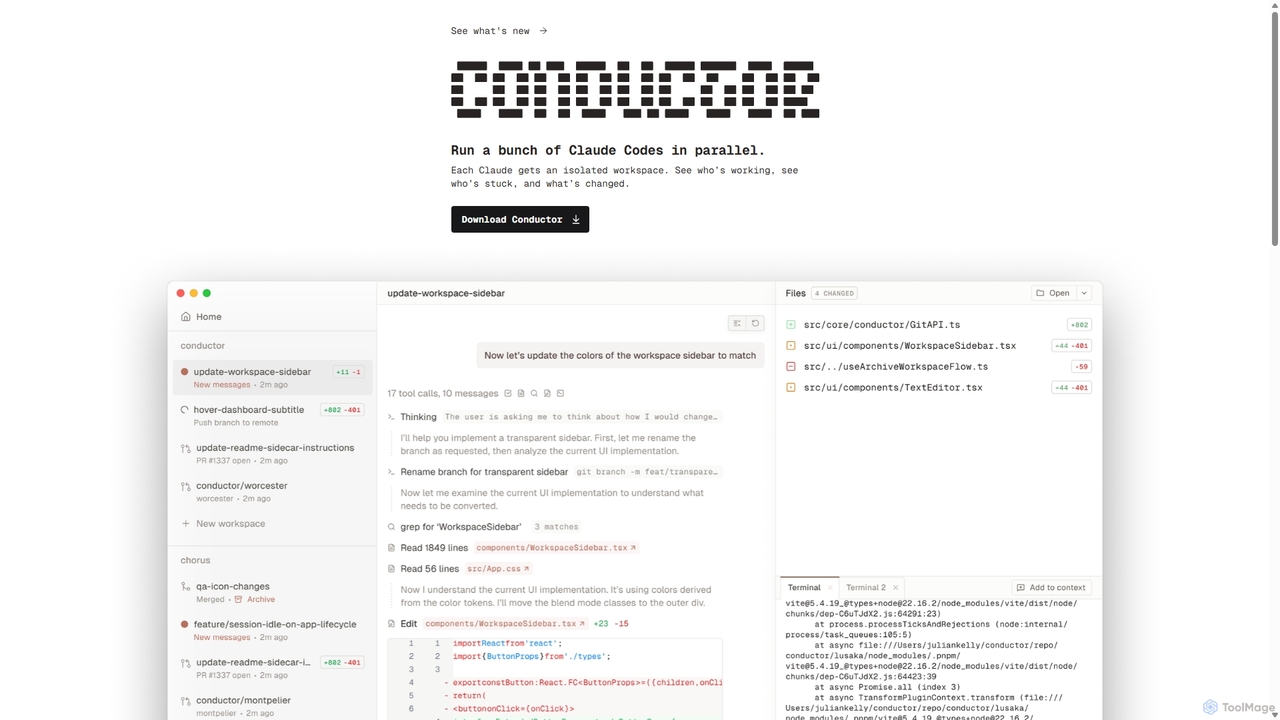
複数のAIコーディングエージェントを統括するための強力なMacアプリケーション。分離されたワークスペースでClaude Codeインスタンスを並行して実行し、美しく直感的なUIを通じてソフトウェア開発を加速し、進捗を監視し、コードをレビューします。
複数のAIコーディングエージェントを統括するための強力なMacアプリケーション。分離されたワークスペースでClaude Codeインスタンスを並行して実行し、美しく直感的なUIを通じてソフトウェア開発を加速し、進捗を監視し、コードをレビューします。
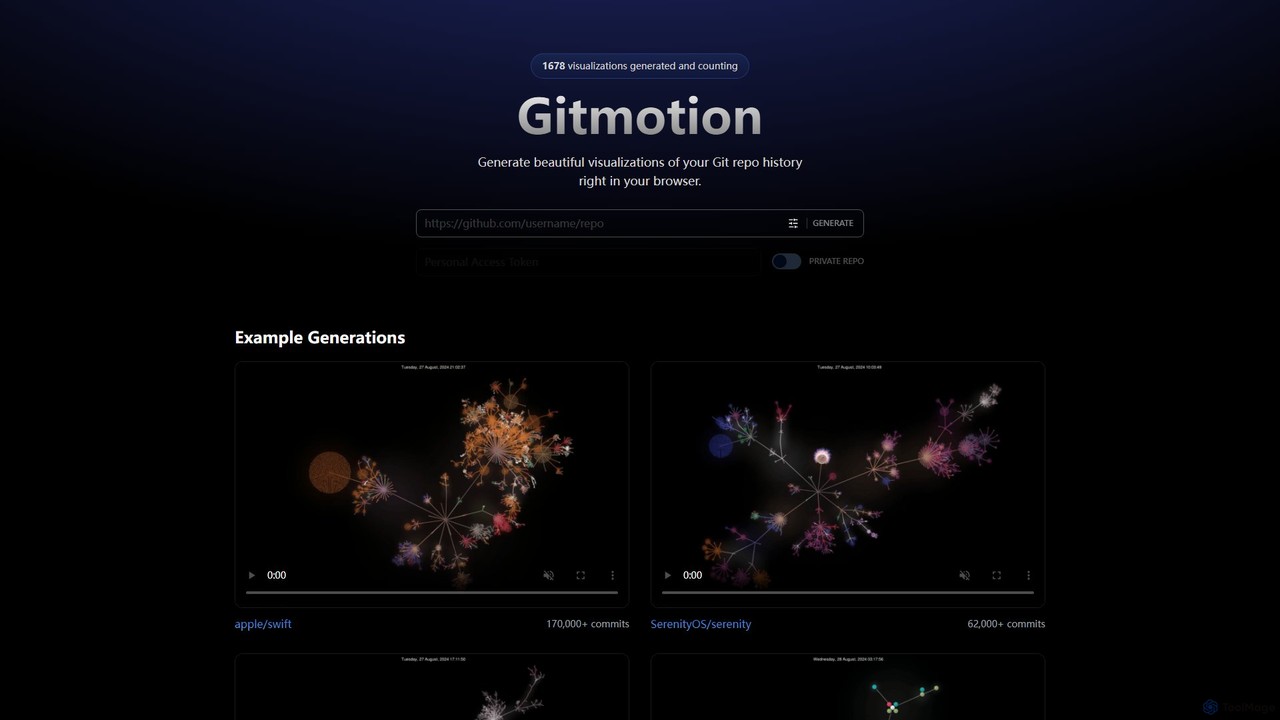
Gitmotionは、Gitリポジトリの履歴を美しいアニメーションで視覚化するウェブベースのツールです。複雑なコミットログを動的で理解しやすいビデオや画像に変換し、プロジェクト分析、プレゼンテーション、チームのオンボーディングに最適です。公開リポジトリとプライベートリポジトリの両方をサポートし、コードの進化を簡単に確認できます。
複数のAIコーディングエージェントを統括するための強力なMacアプリケーション。分離されたワークスペースでClaude Codeインスタンスを並行して実行し、美しく直感的なUIを通じてソフトウェア開発を加速し、進捗を監視し、コードをレビューします。
Gitmotionは、Gitリポジトリの履歴を美しいアニメーションで視覚化するウェブベースのツールです。複雑なコミットログを動的で理解しやすいビデオや画像に変換し、プロジェクト分析、プレゼンテーション、チームのオンボーディングに最適です。公開リポジトリとプライベートリポジトリの両方をサポートし、コードの進化を簡単に確認できます。
Compare Conductor and Gitmotion by monthly reach, traffic trend, visit depth, top regions, and acquisition sources.
In the Conductor vs Gitmotion monthly traffic comparison, Conductor currently shows 3.4K visits and Gitmotion shows 3.5K; the two products have similar visible traffic, an absolute difference of about 53 visits. This reflects visible reach, not feature quality or paid users.
Both values come from visits recorded inside ToolMage. They can indicate relative interest on this site, but not total website traffic or global market share.
This in-depth Conductor vs Gitmotion comparison uses only the product records, taxonomy, audience, traffic, and community signals available on this page. Conductor is primarily listed under “コードアシスタント”, while Gitmotion is primarily listed under “データ視覚化”, so the first decision is whether your actual task matches their recorded scope.
The structured fields currently show these decision-relevant differences: Primary category (Conductor: コードアシスタント; Gitmotion: データ視覚化); Product type (Conductor: App; Gitmotion: Website); Monthly visits (Conductor: 3.4K; Gitmotion: 3.5K); Website (Conductor: melty.sh; Gitmotion: gitmotion.app); Added (Conductor: 2025-09-25; Gitmotion: 2025-08-09). These facts are more useful for selection than brand visibility alone.
In the Conductor vs Gitmotion monthly traffic comparison, Conductor currently shows 3.4K visits and Gitmotion shows 3.5K; the two products have similar visible traffic, an absolute difference of about 53 visits. This reflects visible reach, not feature quality or paid users.
Both values come from visits recorded inside ToolMage. They can indicate relative interest on this site, but not total website traffic or global market share.
The current traffic scope is not sufficient for a reliable product ranking. Treat monthly visits as a market-interest signal, then decide using taxonomy, use cases, pricing, and a like-for-like trial rather than reading exposure as product capability.
Conductor and Gitmotion currently overlap in shared categories: バージョン管理; shared tags: Git、ソフトウェア開発、バージョン管理. This can place both on the same shortlist, but it does not prove equal implementation, depth, or cost.
Conductor's unique categories/tags are コードアシスタント、自動化、エージェントオーケストレーション、AIエージェント、Claude、コード生成、開発者生産性、Macアプリ; Gitmotion's are データ視覚化、視覚化、アニメーション、コード、開発者、GitHub、GitLab、プロジェクト管理. These unique fields are the strongest differentiators: validate the product whose recorded scope matches the task instead of following traffic alone.
Conductor has no verified rating, 0 comments, 107 favorites, and 93 likes;Gitmotion has no verified rating, 0 comments, 107 favorites, and 102 likes。
Neither product has enough rating or comment samples for a credible reputation ranking.
Put Conductor on the priority trial list when the task aligns with “コードアシスタント” and especially コードアシスタント、自動化、エージェントオーケストレーション、AIエージェント、Claude、コード生成, or the users include AIエンジニア、DevOpsエンジニア、エンジニアリングマネージャー、プロダクトマネージャー. This follows recorded positioning and does not imply unlisted capabilities are absent.
Conductor also currently records: pricing is freemium, product type is app, 3.4K on-site monthly views, no verified user rating. Verify any hard requirement around price, platform, or reach before trial, and do not let sparse review data substitute for testing.
Put Gitmotion on the priority trial list when the task aligns with “データ視覚化” and especially データ視覚化、視覚化、アニメーション、コード、開発者、GitHub. This follows recorded positioning and does not imply unlisted capabilities are absent.
Gitmotion also currently records: pricing is freemium, product type is website, 3.5K on-site monthly views, no verified user rating. Verify any hard requirement around price, platform, or reach before trial, and do not let sparse review data substitute for testing.
The available data describes positioning, public visibility, and community signals, but it cannot prove output quality, speed, integration effort, privacy, or long-term cost in your workflow. Before deciding, run the same representative tasks in Conductor and Gitmotion, then record completion time, accuracy, manual corrections, and the real paid threshold. A like-for-like trial turns this comparison into a defensible adoption decision.


Jiraと統合し、一貫性のある記述的なGitブランチ名を自動生成するAI搭載ツールです。Jiraのタスクデータを分析して開発者のワークフローを合理化し、命名規則を徹底させ、リポジトリの明確性を向上させます。
バージョン管理
SnapCommitは、開発者が平易な英語コマンドでGit操作を管理できるAI搭載のターミナルGitアシスタントです。コミット、競合解決、プルリクエスト作成などの複雑なワークフローを自動化し、ドライランプレビューと詳細な監査証跡により生産性を向上させ、コードの整合性を確保します。
コードアシスタント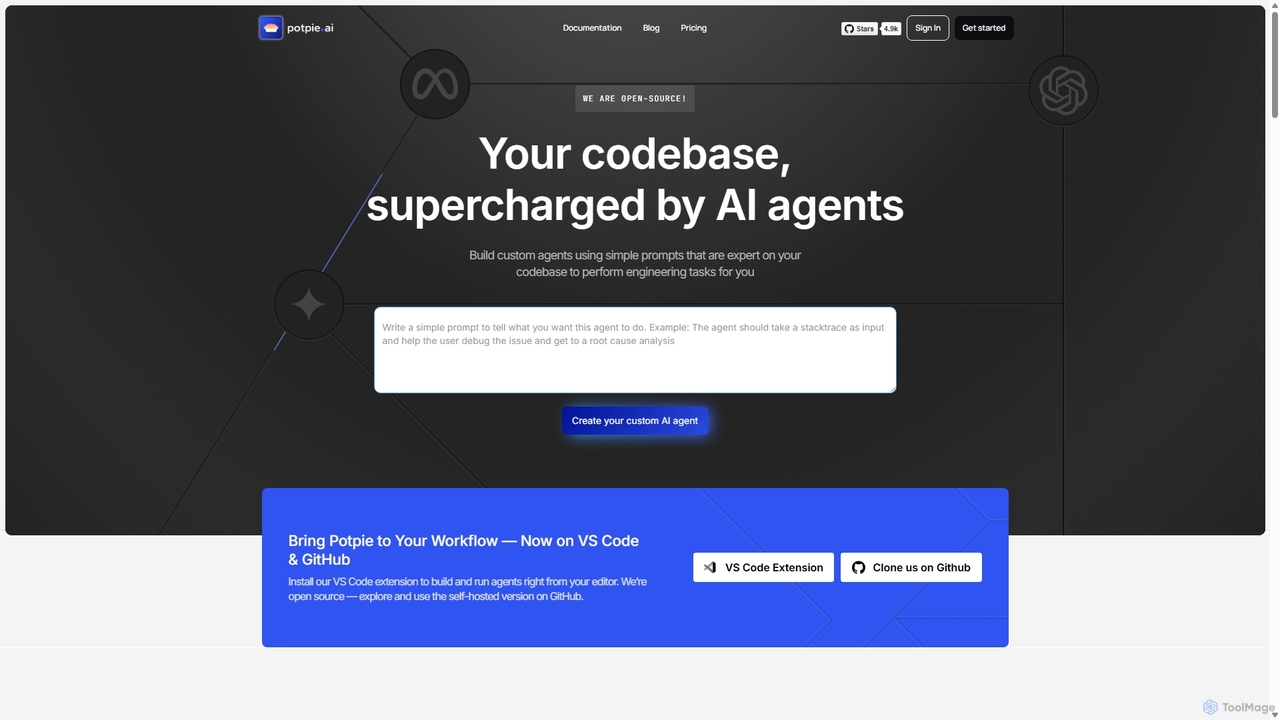
potpieは、開発者が自身のコードベースに精通したカスタムAIエージェントを構築できるようにするオープンソースプラットフォームです。これらのエージェントは、デバッグやテストからシステム設計まで、複雑なエンジニアリングタスクを自動化し、VS CodeやGitHubを介してワークフローにシームレスに統合されます。
カスタムエージェントビルダー
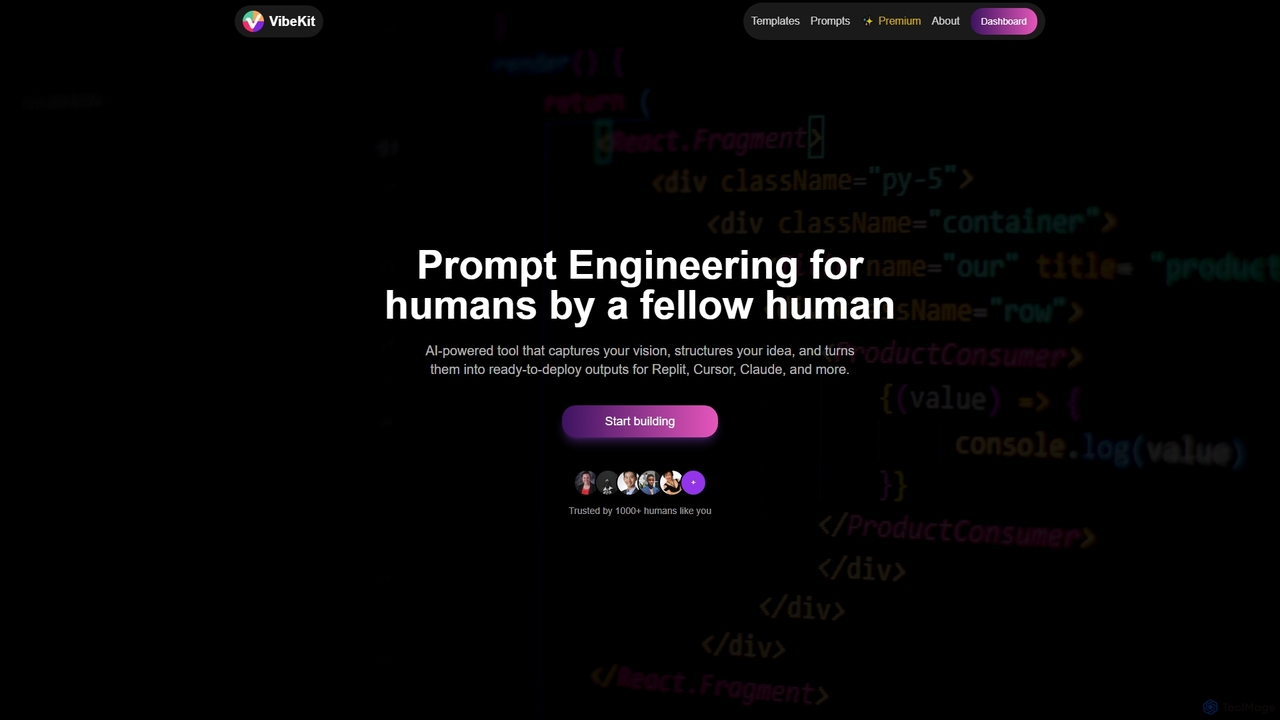
VibeKitは、アイデアをすぐにデプロイ可能な成果物に変換するために設計されたAIパワードのコンテキストエンジニアリングツールです。ユーザーがビジョンを捉え、思考を構造化し、Replit、Cursor、Claudeなどのプラットフォーム向けに最適化されたプロンプトとスキャフォールドを生成することで、プロジェクト開発を加速します。
スタートアップツール
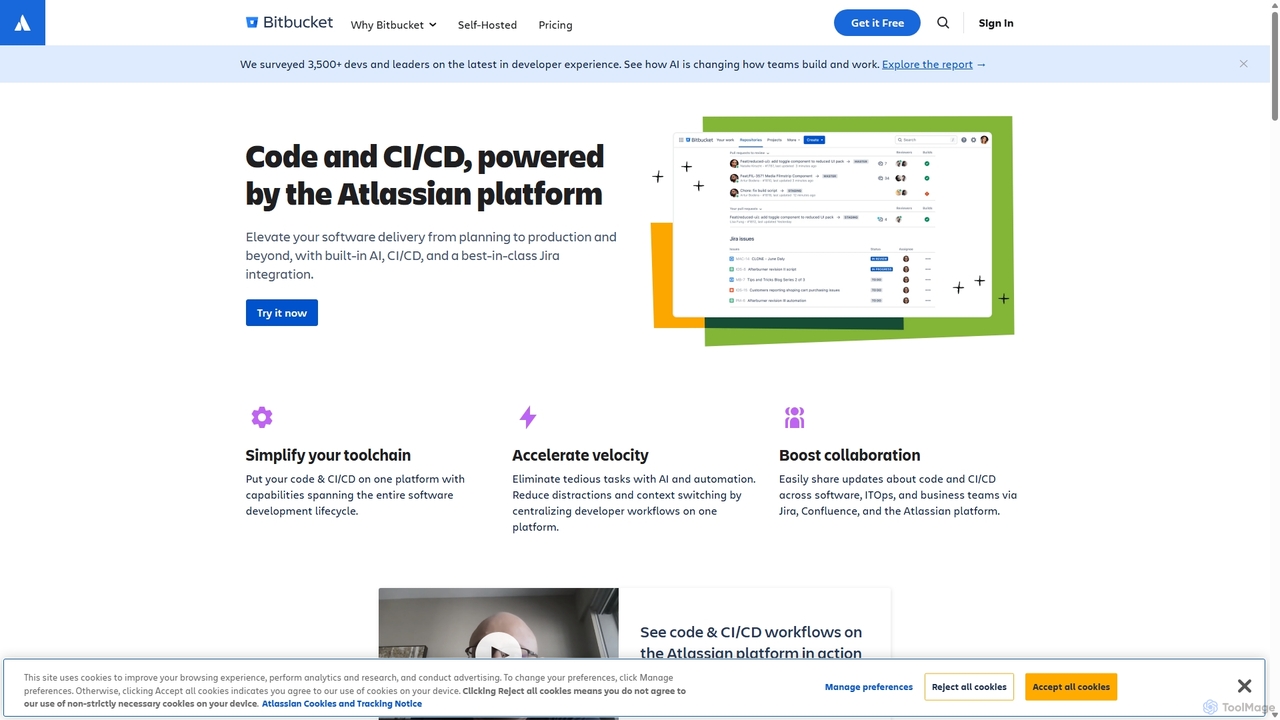

Enso は、開発者が単一プロジェクト内で複数の AI エージェント間でインテリジェンスを並列化できるように設計された AI 駆動型開発環境です。高度な Git 制御、堅牢なコードエディター、AI 駆動型コードレビューを統合し、各ブランチに永続的な AI セッションを提供することで、シームレスなワークフローを実現します。
Development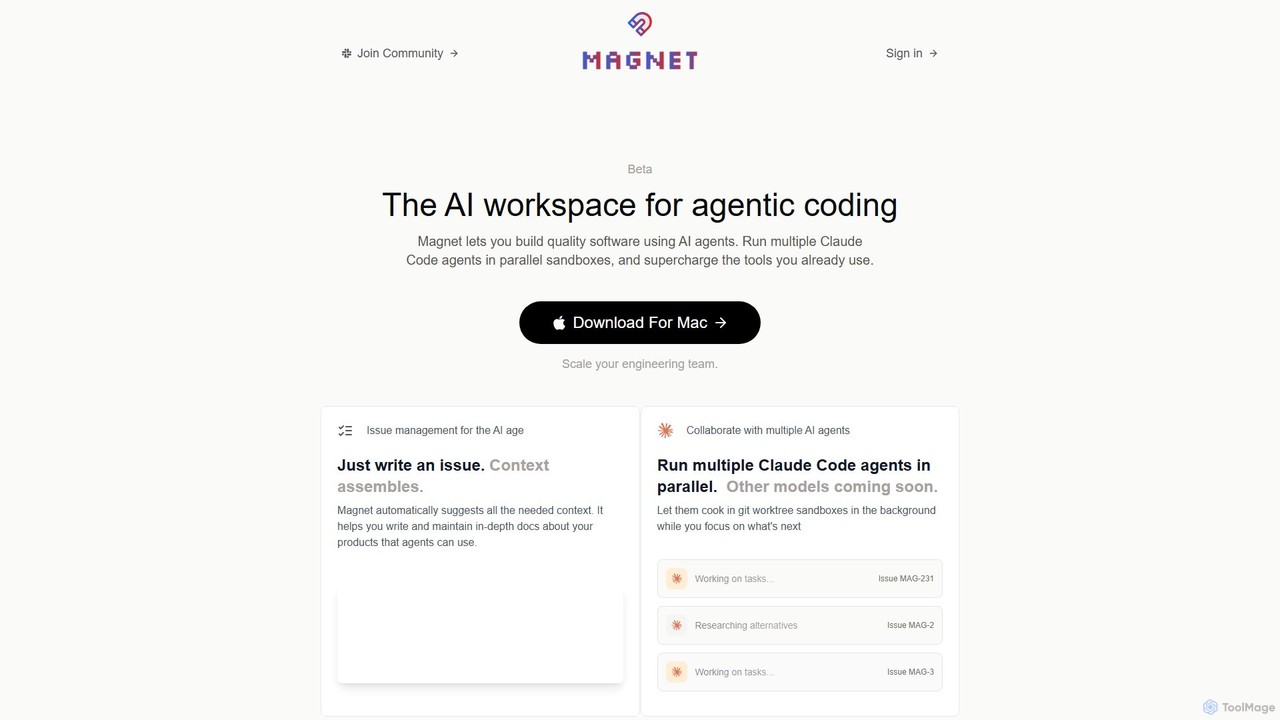
Magnetは、「エージェントコーディング」のためのAI搭載ワークスペースで、開発者が複数のAIエージェントを連携させてソフトウェアを構築できるようにします。Claude Codeエージェントを並列サンドボックスで実行し、コンテキストエンジンとして機能させることで、開発をより速く、安く、信頼性の高いものにします。既存のエンジニアリングワークフローを強化するために設計されたネイティブmacOSアプリケーションです。
エージェントオーケストレーション
Swe Studioは、エンジニアリングチームの正式なメンバーとして機能する自律型AIエージェントを提供します。Jiraチケットからプルリクエストまでの開発タスクを独立して処理し、SlackとGitHubを介して協力し、本番環境に対応した機能を出荷します。
コードアシスタント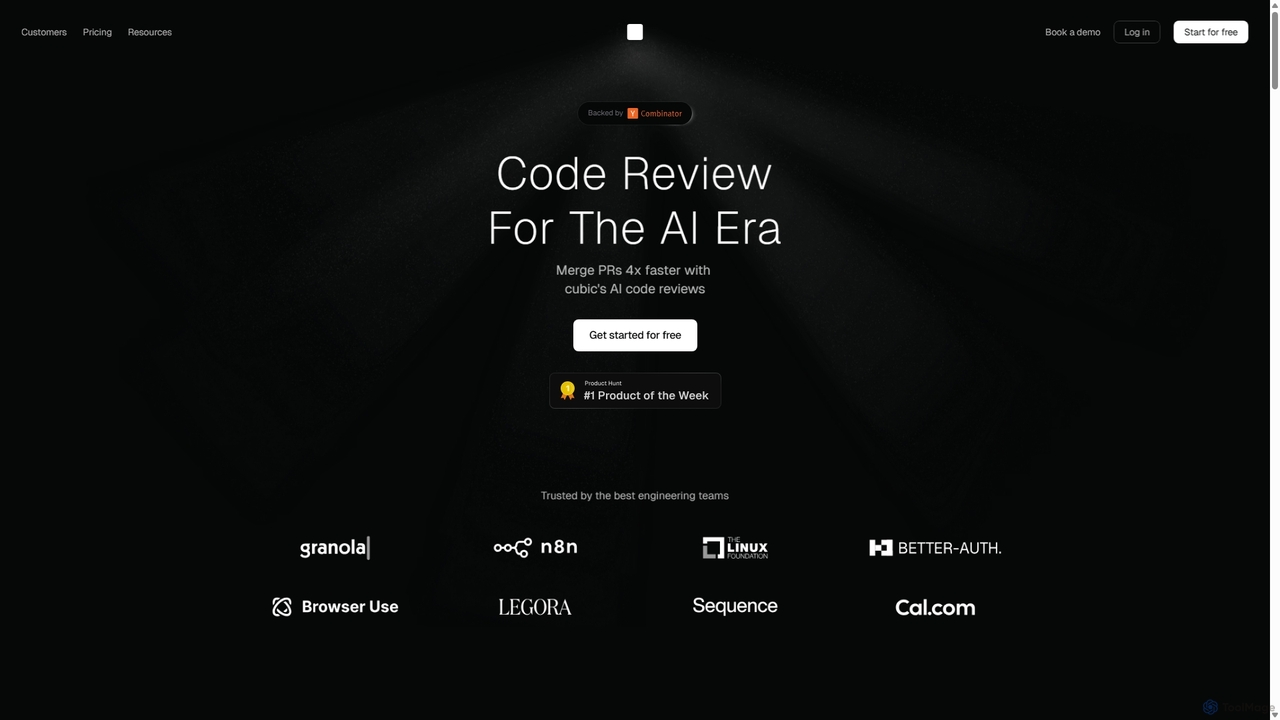

GitHub Copilotは、エディタ内で直接インテリジェントなコード補完と提案を提供するAIペアプログラマーです。自然言語のプロンプトを数十の言語のコーディング提案に変換することで、より速くコードを書き、新しい言語を学び、フローを維持するのに役立ちます。
コード生成