Content Assistant
Chrome 拡張機能 · 4K 月間訪問数
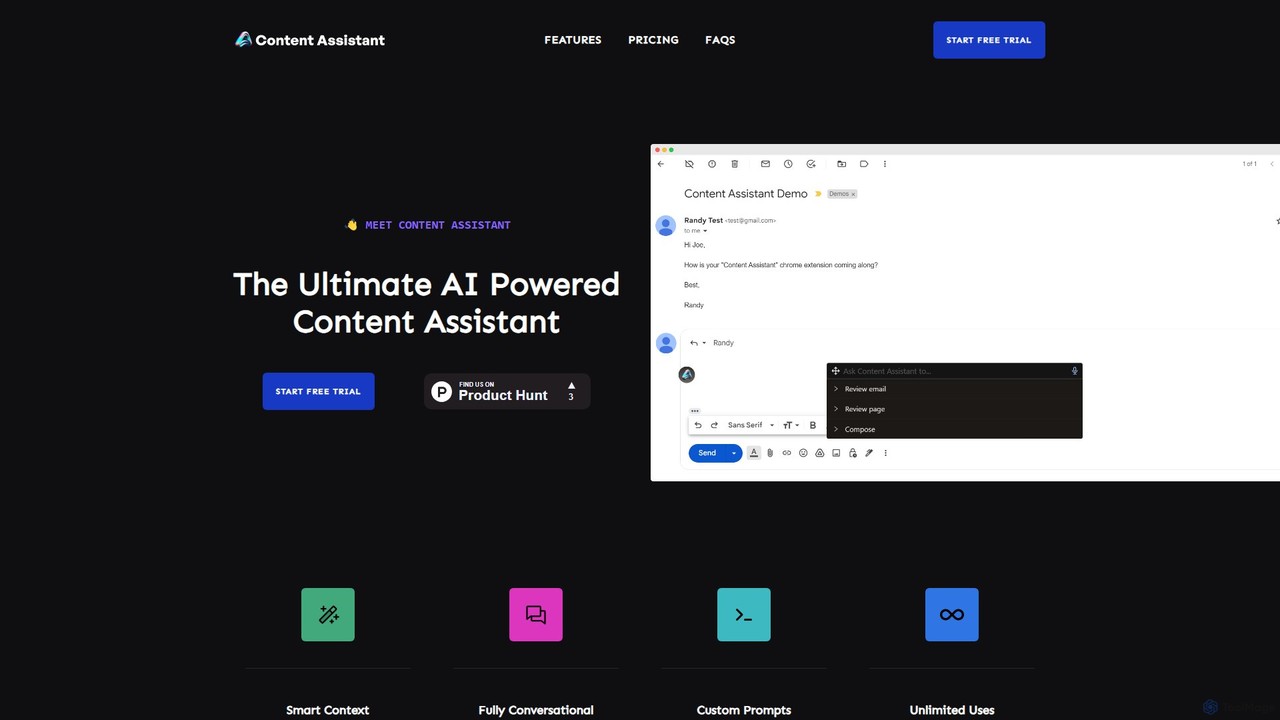
あらゆるコンテンツタスクの副操縦士として機能する、強力なAIブラウザ拡張機能です。ページの文脈を賢く利用し、ブラウザ内で直接、執筆、編集、要約、翻訳、メール返信を支援し、生産性を向上させ、ワークフローを強化します。
あらゆるコンテンツタスクの副操縦士として機能する、強力なAIブラウザ拡張機能です。ページの文脈を賢く利用し、ブラウザ内で直接、執筆、編集、要約、翻訳、メール返信を支援し、生産性を向上させ、ワークフローを強化します。
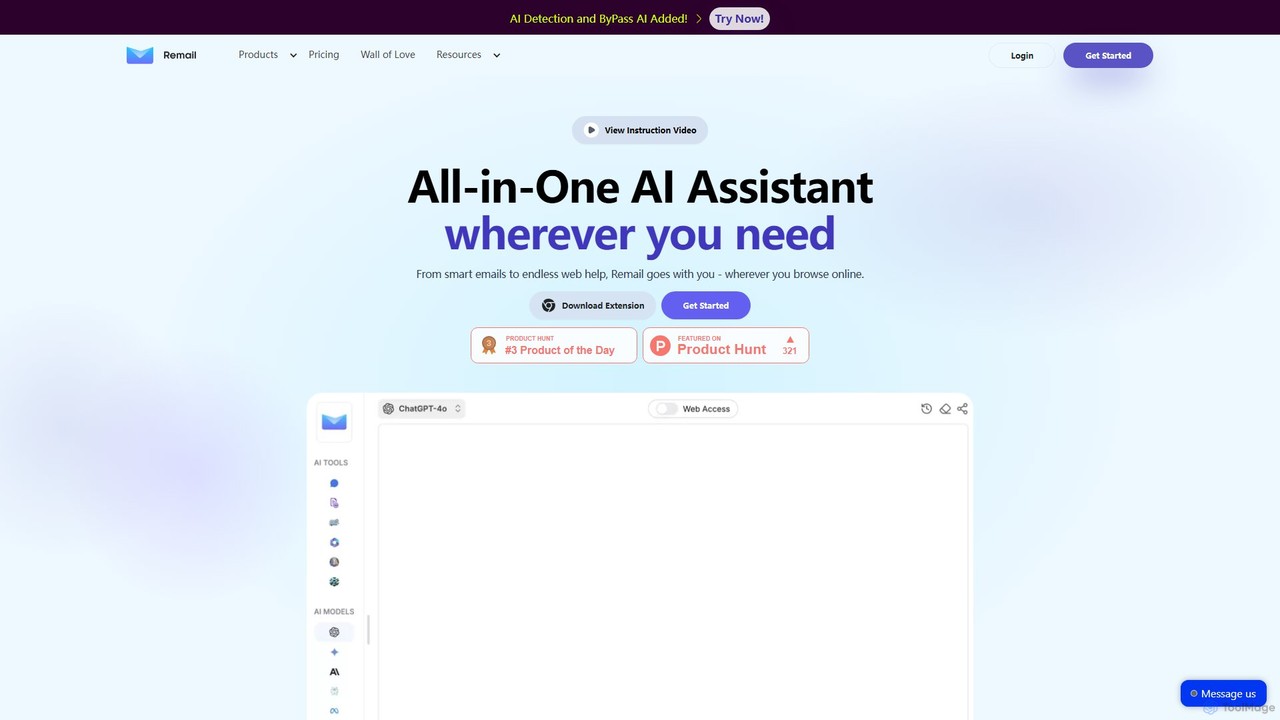
Remailは、生産性向上を目的としたオールインワンのAIアシスタント兼Chrome拡張機能です。メールの作成・返信を10倍速くし、ウェブページを要約し、ドキュメントやYouTube動画とチャットし、コンテンツを生成するなど、ブラウザ内で直接多くのことを支援します。
あらゆるコンテンツタスクの副操縦士として機能する、強力なAIブラウザ拡張機能です。ページの文脈を賢く利用し、ブラウザ内で直接、執筆、編集、要約、翻訳、メール返信を支援し、生産性を向上させ、ワークフローを強化します。
Remailは、生産性向上を目的としたオールインワンのAIアシスタント兼Chrome拡張機能です。メールの作成・返信を10倍速くし、ウェブページを要約し、ドキュメントやYouTube動画とチャットし、コンテンツを生成するなど、ブラウザ内で直接多くのことを支援します。
| Feature | Content Assistant | Remail |
|---|---|---|
| 主要カテゴリー | Chrome 拡張機能 | Chrome 拡張機能 |
| 追加日 | 2025-08-06 | 2025-08-15 |
| 価格 | フリーミアム | フリーミアム |
| 公式サイト | contentassistant.app | www.remail.ai |
| 製品タイプ | ブラウザ拡張 | ブラウザ拡張 |
| Performance data | ||
| ユーザー評価 | 未確認 | 未確認 |
| コメント | 0 | 0 |
| 月間訪問数 | 4K | 1.9K |
| 月間成長率 | 未確認 | -5.1% |
| お気に入り | 110 | 116 |
| Details | 詳細を見る | 詳細を見る |
Compare Content Assistant and Remail by monthly reach, traffic trend, visit depth, top regions, and acquisition sources.
In the Content Assistant vs Remail monthly traffic comparison, Content Assistant currently shows 4K visits and Remail shows 1.9K; Content Assistant has about 2.1 times the visible traffic of Remail, an absolute difference of about 2.1K visits. This reflects visible reach, not feature quality or paid users.
Only Remail has complete third-party traffic details; Content Assistant uses visits recorded inside ToolMage. These scopes cannot estimate market share directly, and on-site views should not be treated as the product’s total website traffic.
| Country/region | Percentage | Traffic |
|---|---|---|
| 🇺🇸United States | 52.25% | 982 |
| 🇮🇳India | 47.75% | 897 |
This in-depth Content Assistant vs Remail comparison uses only the product records, taxonomy, audience, traffic, and community signals available on this page. Content Assistant is primarily listed under “Chrome 拡張機能”, while Remail is primarily listed under “Chrome 拡張機能”, so the first decision is whether your actual task matches their recorded scope.
The structured fields currently show these decision-relevant differences: Monthly visits (Content Assistant: 4K; Remail: 1.9K); Favorites (Content Assistant: 110; Remail: 116); Website (Content Assistant: contentassistant.app; Remail: www.remail.ai); Added (Content Assistant: 2025-08-06; Remail: 2025-08-15). These facts are more useful for selection than brand visibility alone.
In the Content Assistant vs Remail monthly traffic comparison, Content Assistant currently shows 4K visits and Remail shows 1.9K; Content Assistant has about 2.1 times the visible traffic of Remail, an absolute difference of about 2.1K visits. This reflects visible reach, not feature quality or paid users.
Only Remail has complete third-party traffic details; Content Assistant uses visits recorded inside ToolMage. These scopes cannot estimate market share directly, and on-site views should not be treated as the product’s total website traffic.
The current traffic scope is not sufficient for a reliable product ranking. Treat monthly visits as a market-interest signal, then decide using taxonomy, use cases, pricing, and a like-for-like trial rather than reading exposure as product capability.
Content Assistant and Remail currently overlap in shared categories: Chrome 拡張機能、ライティング; shared tags: メールアシスタント、生産性、要約ツール、翻訳、ライティングアシスタント. This can place both on the same shortlist, but it does not prove equal implementation, depth, or cost.
Content Assistant's unique categories/tags are 要約ツール、コンテンツ作成、AIチャットボット、ブラウザ拡張機能、状況認識AI、文法チェッカー; Remail's are メールアシスタント、AIチャット、AIライター、PDFとチャット、Chrome拡張機能、コンテンツ生成. These unique fields are the strongest differentiators: validate the product whose recorded scope matches the task instead of following traffic alone.
Content Assistant has no verified rating, 0 comments, 110 favorites, and 115 likes;Remail has no verified rating, 0 comments, 116 favorites, and 114 likes。
Neither product has enough rating or comment samples for a credible reputation ranking.
Put Content Assistant on the priority trial list when the task aligns with “Chrome 拡張機能” and especially 要約ツール、コンテンツ作成、AIチャットボット、ブラウザ拡張機能、状況認識AI、文法チェッカー. This follows recorded positioning and does not imply unlisted capabilities are absent.
Content Assistant also currently records: pricing is freemium, product type is browser extension, 4K on-site monthly views, no verified user rating. Verify any hard requirement around price, platform, or reach before trial, and do not let sparse review data substitute for testing.
Put Remail on the priority trial list when the task aligns with “Chrome 拡張機能” and especially メールアシスタント、AIチャット、AIライター、PDFとチャット、Chrome拡張機能、コンテンツ生成. This follows recorded positioning and does not imply unlisted capabilities are absent.
Remail also currently records: pricing is freemium, product type is browser extension, 1.9K verified monthly visits, no verified user rating. Verify any hard requirement around price, platform, or reach before trial, and do not let sparse review data substitute for testing.
The available data describes positioning, public visibility, and community signals, but it cannot prove output quality, speed, integration effort, privacy, or long-term cost in your workflow. Before deciding, run the same representative tasks in Content Assistant and Remail, then record completion time, accuracy, manual corrections, and the real paid threshold. A like-for-like trial turns this comparison into a defensible adoption decision.
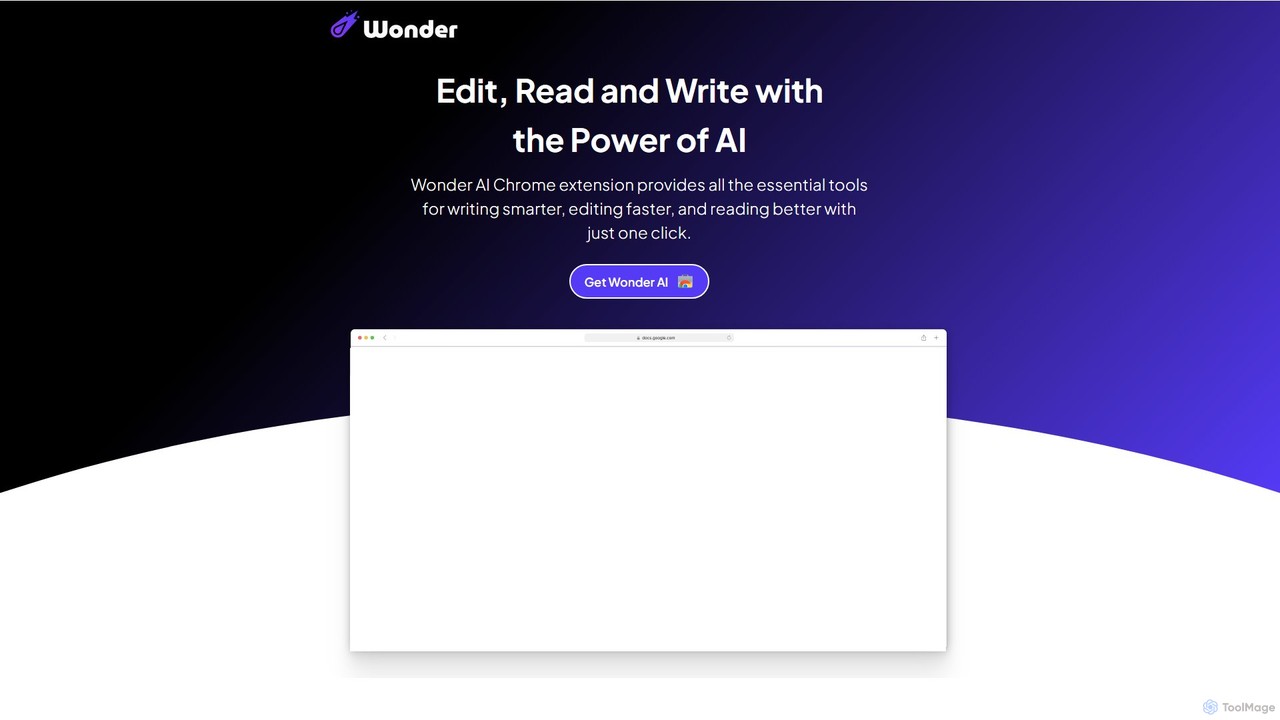
Wonder AIは、ライティング、編集、読書を強化する強力なChrome拡張機能です。ブラウザに直接統合され、テキストの書き換え、文法チェック、記事の要約、複雑な概念の説明、コンテンツの翻訳をワンクリックで行うツールを提供し、日々の生産性とコミュニケーションスキルを向上させます。
Chrome 拡張機能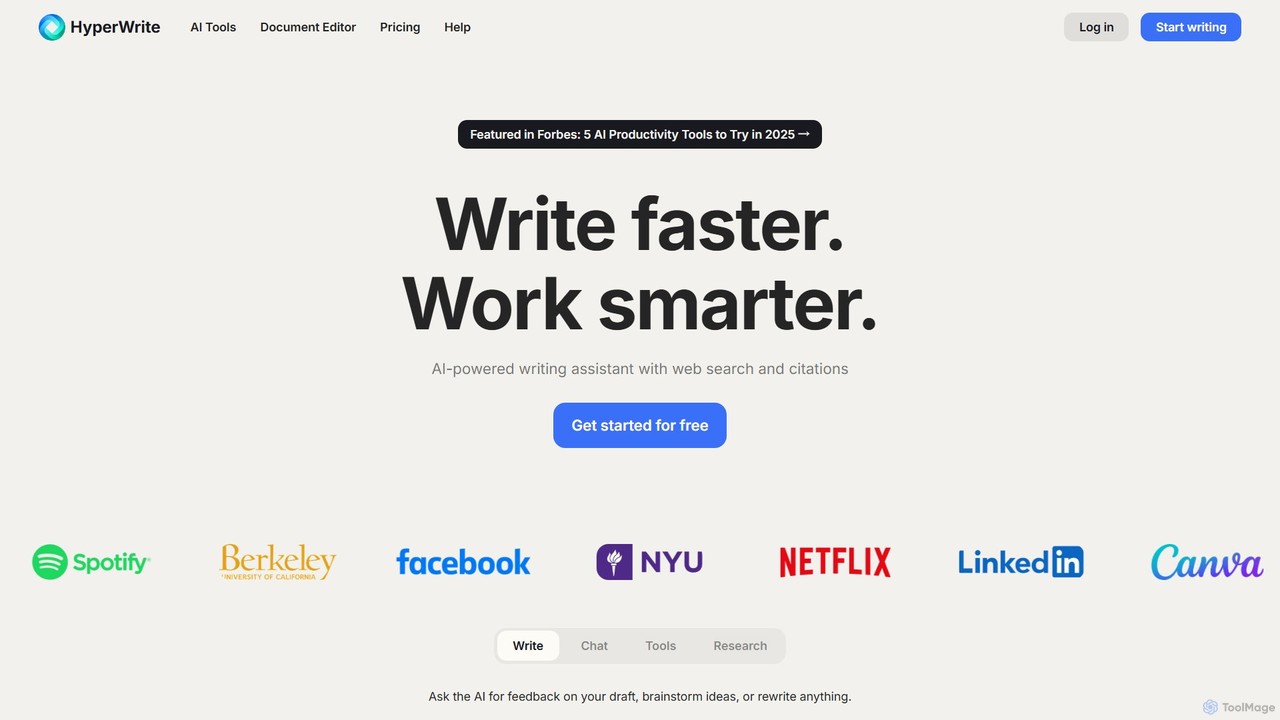
HyperWriteは、学生、マーケター、プロフェッショナルの生産性を向上させるために設計された高度なAIライティングアシスタントです。ライティング、リサーチ、要約、コンテンツ作成のための数百のツールを提供します。主な機能には、引用付きのリアルタイム学術リサーチ、あなたの文体に合わせたカスタマイズ可能な「ペルソナ」、ワークフロー統合のためのシームレスなChrome拡張機能などがあります。
研究
InsertChatGPTは、OpenAIのChatGPTを日常のワークフローにシームレスに統合する強力なブラウザ拡張機能です。タブを切り替えることなく、あらゆるウェブサイトでメール作成、テキスト要約、コンテンツ作成のAIアシスタンスを即座に利用でき、生産性と創造性を向上させます。
チャット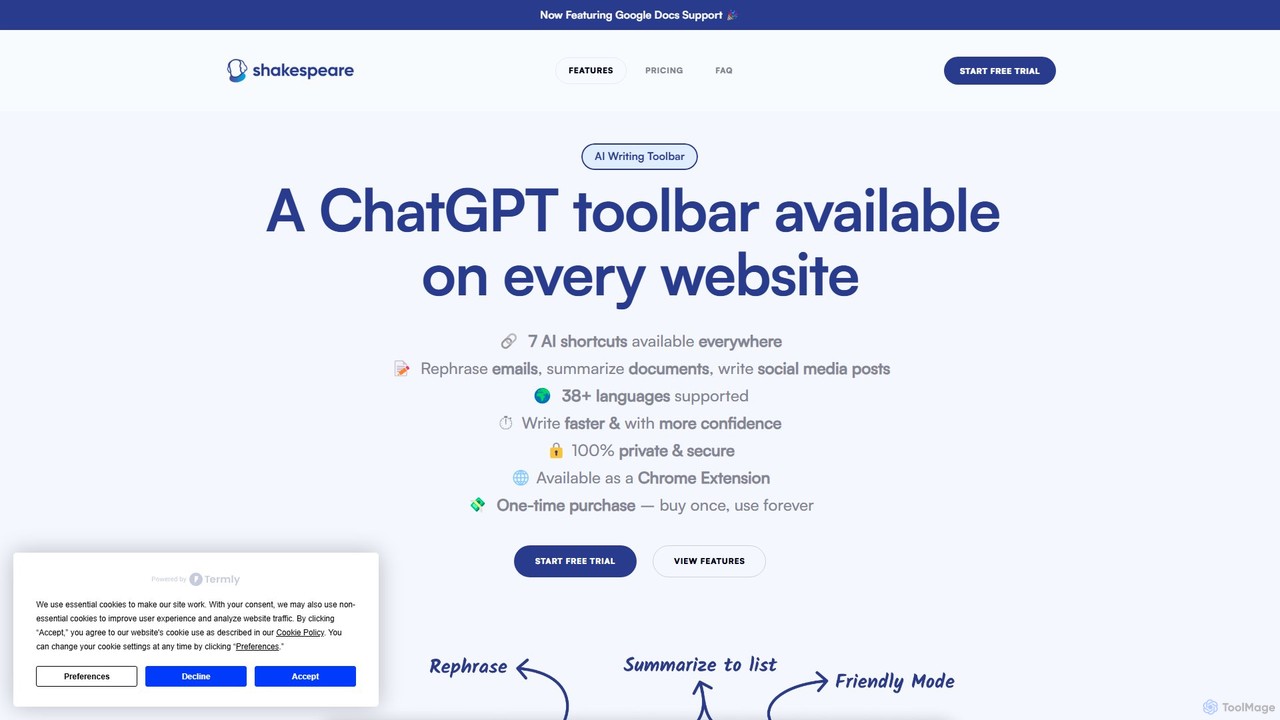
Shakespeare Toolbarは、ChatGPTを搭載したChrome拡張機能で、AIライティングアシスタントをブラウザに直接統合します。Googleドキュメントを含むあらゆるウェブサイトでシームレスに作業し、タブを切り替えることなくテキストの言い換え、要約、簡略化、コンテンツ生成が可能です。ライター、マーケター、プロフェッショナルの生産性とコミュニケーションを向上させるために設計されています。
Chrome 拡張機能
Compose AIは、AIを搭載したライティングアシスタント兼Chrome拡張機能で、執筆プロセスを加速させます。メールからドキュメントまで、お気に入りのすべてのサイトでインテリジェントなオートコンプリート、テキスト生成、リフレーズ機能を提供します。あなたの個人的なライティングスタイルを学習し、より速く、より効果的に書く手助けをし、最大40%の時間を節約します。
Chrome 拡張機能
ChatGPT Writerは、あらゆるウェブサイトにシームレスに統合される強力なAIブラウザ拡張機能です。GPT-4.1、Claude、Geminiなどのモデルを搭載し、タブを切り替えることなく、ワークフロー内で直接メール作成、文法修正、テキスト翻訳、コンテンツ要約などを支援します。
Chrome 拡張機能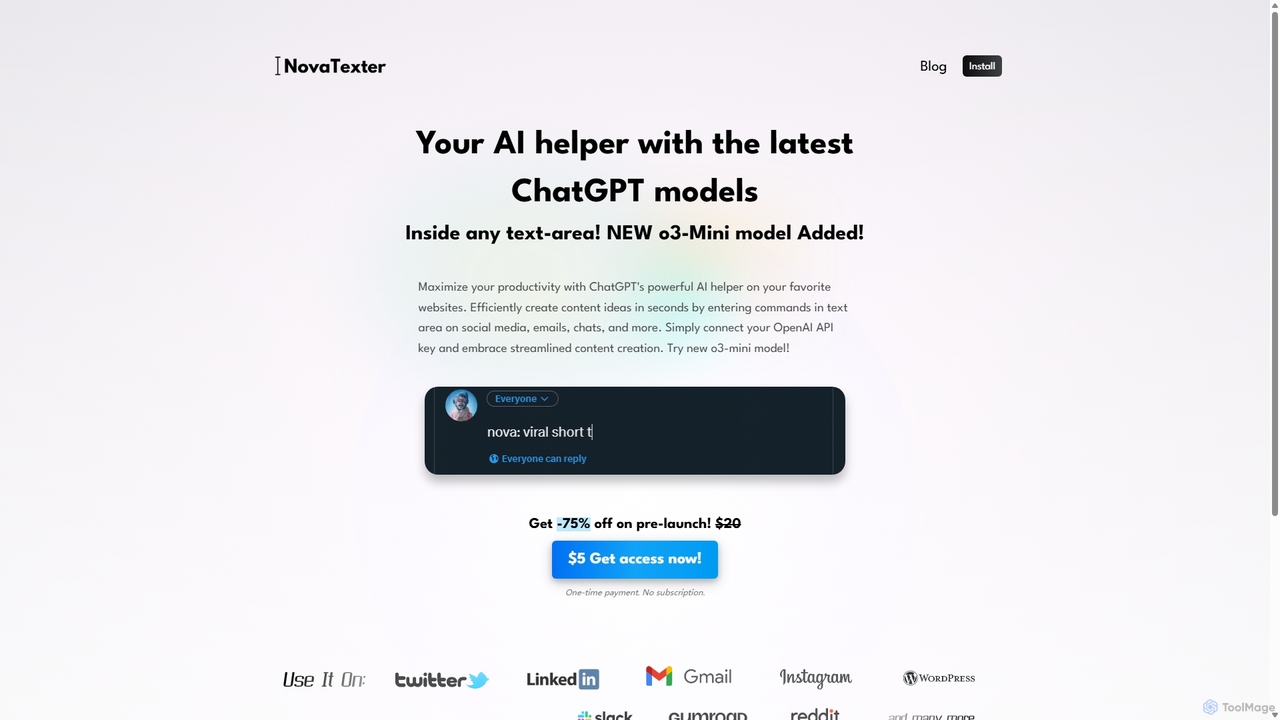
NovaTexterは、ChatGPTモデルをワークフローに直接統合するAI搭載のブラウザ拡張機能です。あらゆるウェブサイトのテキストエリアにコマンドを入力するだけで、コンテンツ、アイデア、返信を生成できます。OpenAI APIキーを接続し、一度の支払いでシームレスで生産的なコンテンツ作成体験をお楽しみください。
Chrome 拡張機能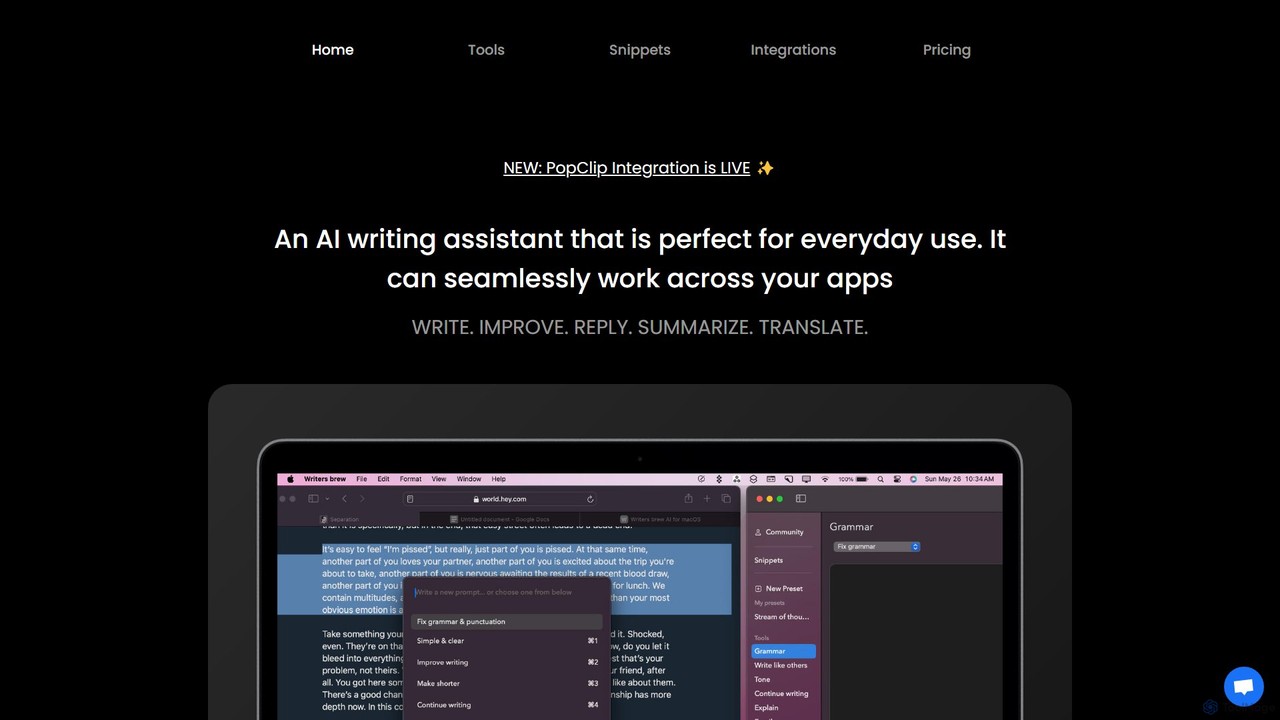
Writers brewは、すべてのアプリケーションにシームレスに統合されるmacOS向けのネイティブAIライティングアシスタントです。簡単なキーボードショートカットでどこでもテキストの作成、改善、要約、翻訳、返信を支援し、テキストスニペット、OCR、その他の生産性ユーティリティも備えています。
macOS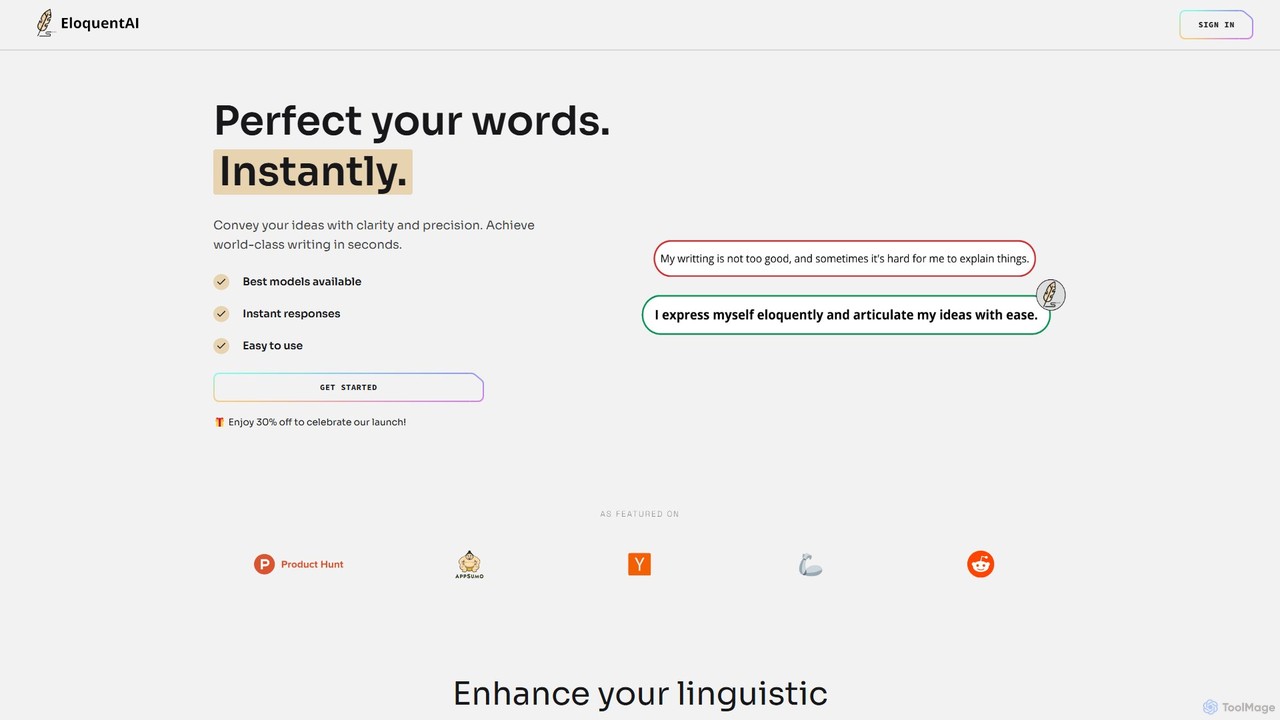
EloquentAIは、AIを搭載したChrome拡張機能で、あなたの文章を瞬時に向上させます。GPT-4oやLlama 3などの主要なモデルを活用し、テキストの強化、トーンと長さの調整、要約、翻訳、カスタムプロンプトなどの機能を提供し、アイデアを明確かつ正確に伝える手助けをします。
Chrome 拡張機能
AI Toolbarは、パーソナルバーチャルアシスタントとして機能する強力なChrome拡張機能です。AIをブラウザに直接統合し、ワンクリックであらゆるウェブページ上でメール返信、テキストの要約・翻訳、コンテンツ生成、音声コマンドの使用を可能にします。7万人以上のプロフェッショナルに信頼されており、生産性を劇的に向上させ、ワークフローを合理化するために設計されています。
言い換えツール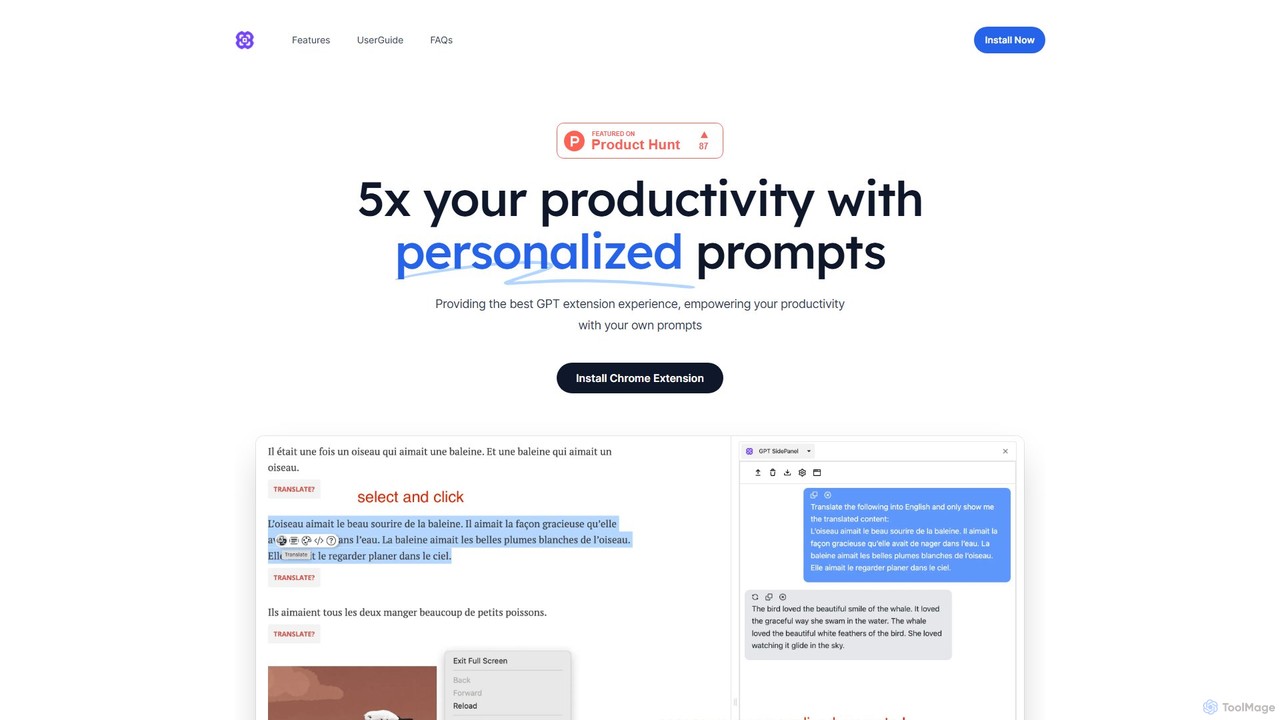
GPTSidePanelは、GPT搭載のサイドバーをブラウジング体験に統合する強力なAIブラウザ拡張機能です。あらゆるウェブページで直接、記事の要約、テキストの翻訳、文章の推敲、カスタムプロンプトの使用を行い、生産性を向上させます。この直感的なAIアシスタントで、タブの切り替えをなくし、シームレスなワークフローを維持しましょう。
ブラウザ拡張機能
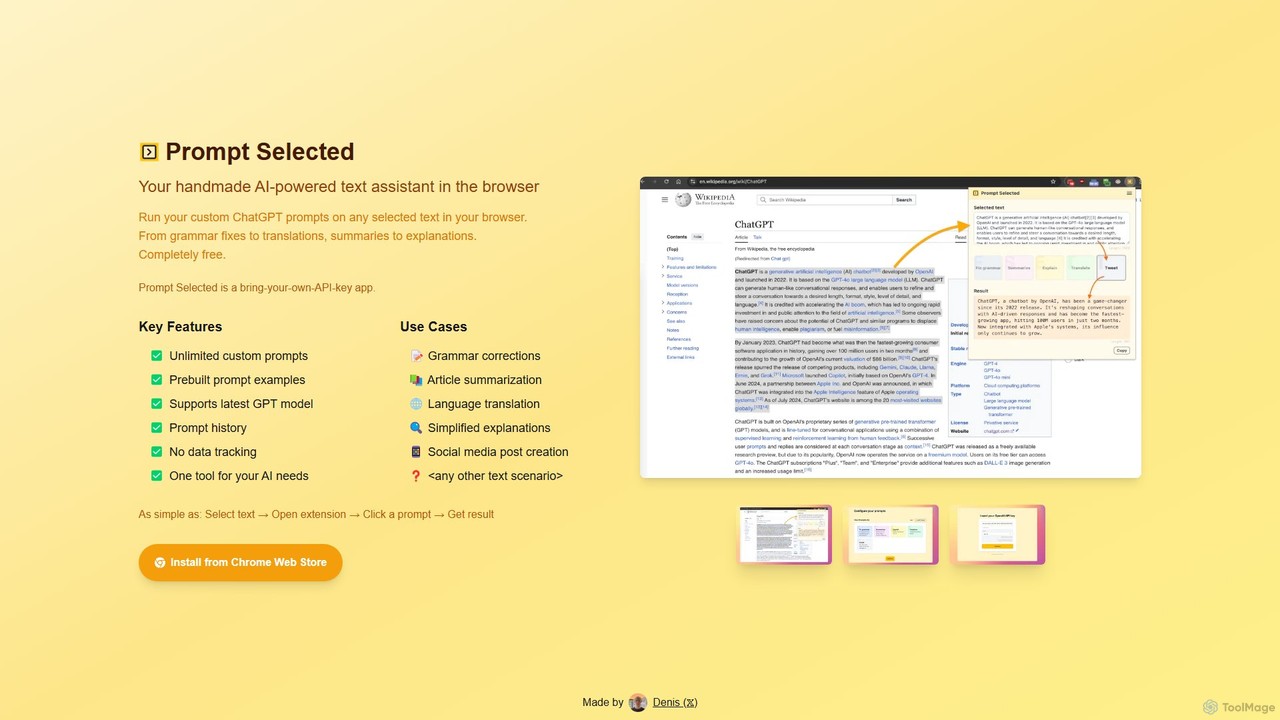
個人のAIテキストアシスタントとして機能する、プライバシー重視の無料Chrome拡張機能です。ブラウザで選択したテキストに対し、無制限のカスタムChatGPTプロンプトを実行し、要約、翻訳、文法修正などのタスクを自身のAPIキーで行えます。
プロンプトエンジニアリング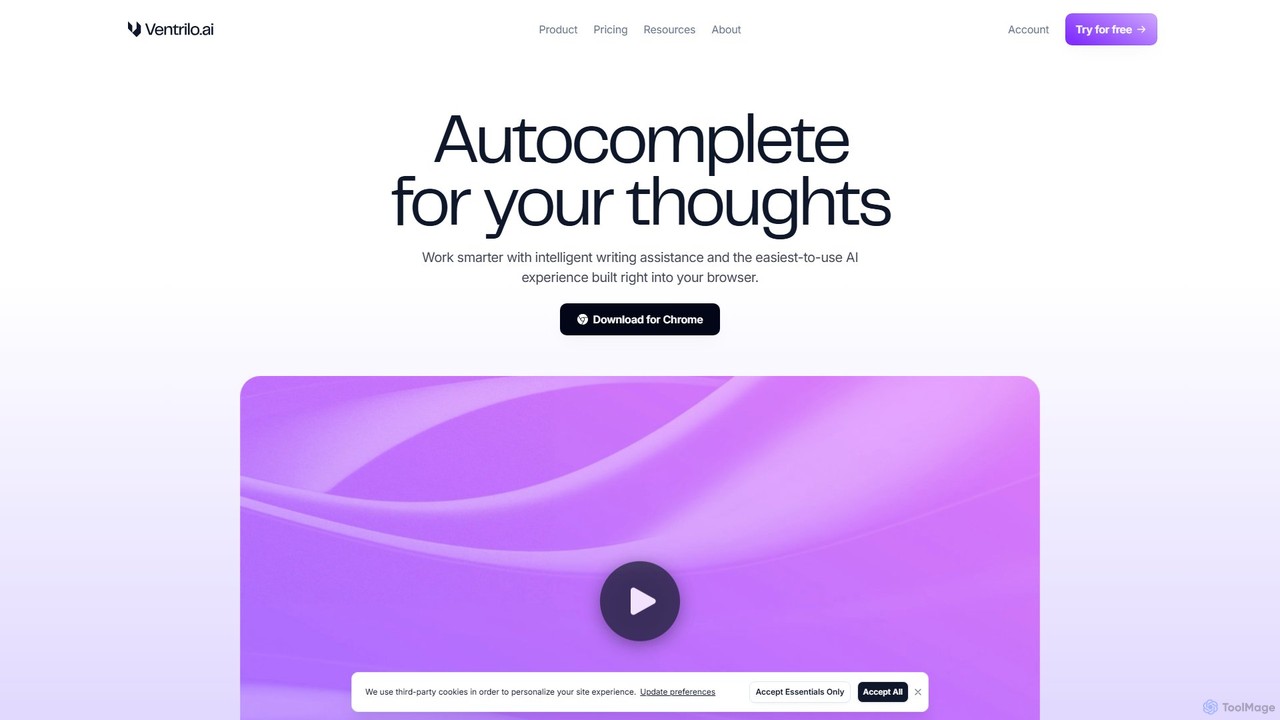
Ventriloは、ブラウザに直接統合されるコンテキスト認識型のAIライティングアシスタントです。インテリジェントなオートコンプリート、文章の書き換え、開いているタブやドキュメントを理解するチャットサイドバーを提供します。GPT-4、Claude、GeminiなどのトップAIモデルにアクセスし、あらゆるウェブサイトやウェブアプリでライティング、リサーチ、全体的な生産性を向上させます。
Chrome 拡張機能