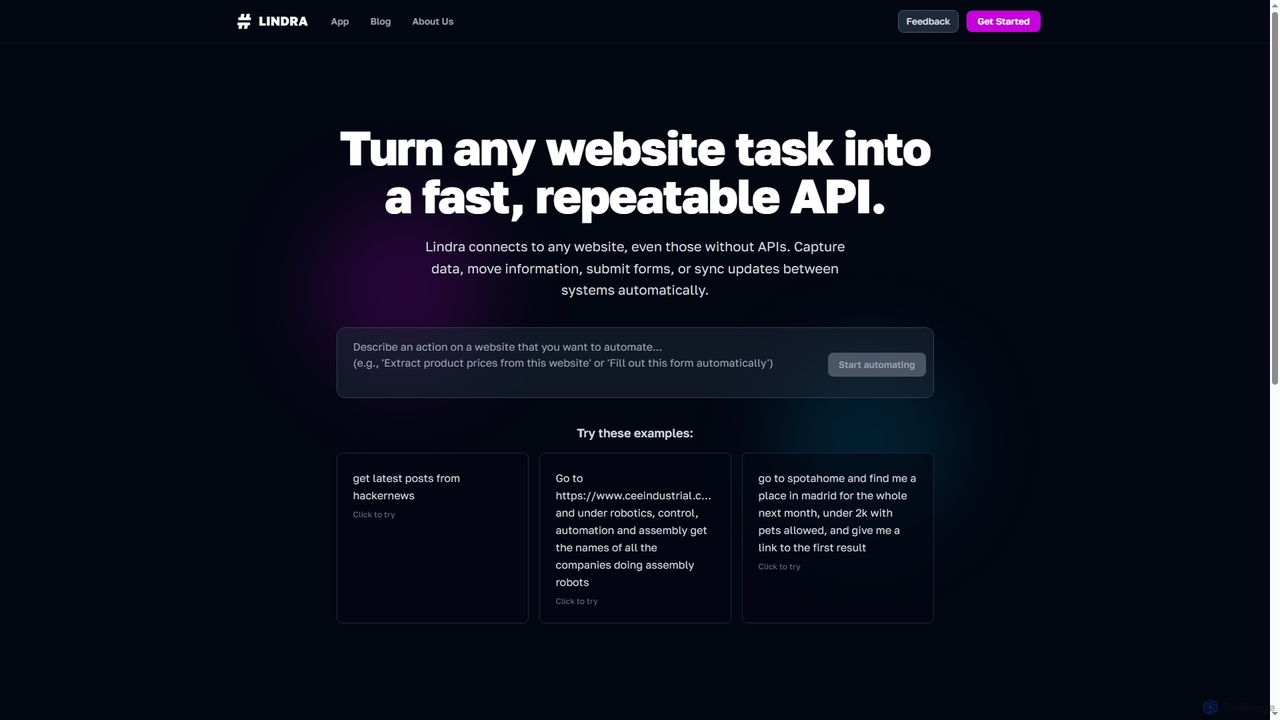
Dashpane
App Launcher · 4.2K 月間訪問数
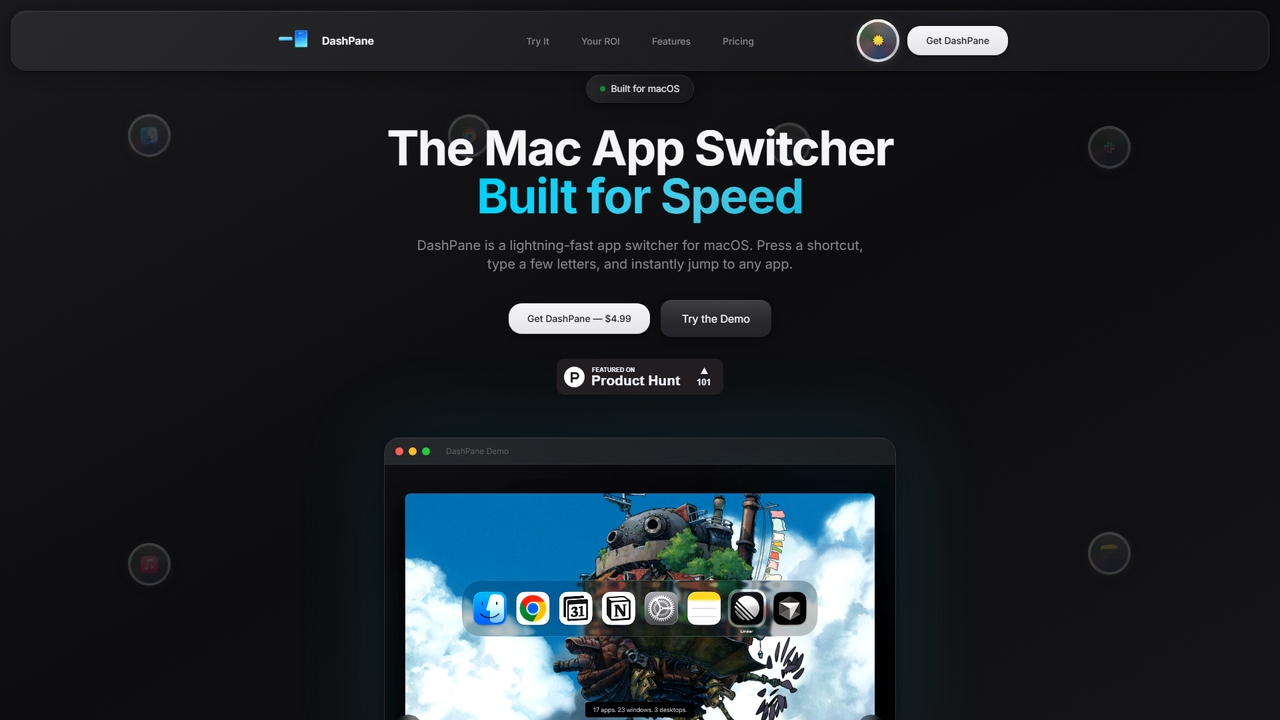
Dashpaneは、macOS向けの高速、キーボードファーストのアプリケーションおよびウィンドウ切り替えツールです。デフォルトのCmd+Tab動作を視覚的に強化したインターフェースで置き換え、アプリごとにウィンドウをグループ化し、インスタントなあいまい検索を提供することで、パワーユーザーのワークフローを効率化し、大幅な時間を節約します。
Dashpaneは、macOS向けの高速、キーボードファーストのアプリケーションおよびウィンドウ切り替えツールです。デフォルトのCmd+Tab動作を視覚的に強化したインターフェースで置き換え、アプリごとにウィンドウをグループ化し、インスタントなあいまい検索を提供することで、パワーユーザーのワークフローを効率化し、大幅な時間を節約します。
Happycapyは、AIエージェントがあなたのワークフローを学習し適応させるエージェントネイティブなコンピュータプラットフォームです。ブラウザ内でデザイン、執筆、自動化タスクを実行し、結果をメールボックスに配信するビジュアルデスクトップインターフェースを提供し、プロセス全体に対して完全な制御と可視性を維持できます。
Dashpaneは、macOS向けの高速、キーボードファーストのアプリケーションおよびウィンドウ切り替えツールです。デフォルトのCmd+Tab動作を視覚的に強化したインターフェースで置き換え、アプリごとにウィンドウをグループ化し、インスタントなあいまい検索を提供することで、パワーユーザーのワークフローを効率化し、大幅な時間を節約します。
Happycapyは、AIエージェントがあなたのワークフローを学習し適応させるエージェントネイティブなコンピュータプラットフォームです。ブラウザ内でデザイン、執筆、自動化タスクを実行し、結果をメールボックスに配信するビジュアルデスクトップインターフェースを提供し、プロセス全体に対して完全な制御と可視性を維持できます。
| Feature | Dashpane | Happycapy |
|---|---|---|
| 主要カテゴリー | App Launcher | Workflow |
| 追加日 | 2026-03-28 | 2026-03-18 |
| 価格 | 有料 | フリーミアム |
| 公式サイト | www.dashpane.pro | happycapy.ai |
| 製品タイプ | アプリ | ウェブサイト |
| Performance data | ||
| ユーザー評価 | 未確認 | 未確認 |
| コメント | 0 | 0 |
| 月間訪問数 | 4.2K | 65.6K |
| 月間成長率 | 未確認 | -34.2% |
| お気に入り | 28 | 16 |
| Details | 詳細を見る | 詳細を見る |
Compare Dashpane and Happycapy by monthly reach, traffic trend, visit depth, top regions, and acquisition sources.
In the Dashpane vs Happycapy monthly traffic comparison, Dashpane currently shows 4.2K visits and Happycapy shows 65.6K; Happycapy has about 15.6 times the visible traffic of Dashpane, an absolute difference of about 61.4K visits. This reflects visible reach, not feature quality or paid users.
Only Happycapy has complete third-party traffic details; Dashpane uses visits recorded inside ToolMage. These scopes cannot estimate market share directly, and on-site views should not be treated as the product’s total website traffic.
| Country/region | Percentage | Traffic |
|---|---|---|
| 🇺🇸United States | 44.51% | 29.2K |
| 🇨🇳China | 35.29% | 23.2K |
| 🇭🇰Hong Kong | 8.24% | 5.4K |
| 🇬🇧United Kingdom | 7.18% | 4.7K |
| 🇻🇳Vietnam | 4.78% | 3.1K |
| Source type | Percentage | Traffic |
|---|---|---|
| ダイレクト | 80.85% | 53K |
| 参照元 | 19.1% | 12.5K |
| Eメール | 0.05% | 33 |
This in-depth Dashpane vs Happycapy comparison uses only the product records, taxonomy, audience, traffic, and community signals available on this page. Dashpane is primarily listed under “App Launcher”, while Happycapy is primarily listed under “Workflow”, so the first decision is whether your actual task matches their recorded scope.
The structured fields currently show these decision-relevant differences: Primary category (Dashpane: App Launcher; Happycapy: Workflow); Product type (Dashpane: App; Happycapy: Website); Pricing (Dashpane: Paid; Happycapy: Freemium); Monthly visits (Dashpane: 4.2K; Happycapy: 65.6K); Favorites (Dashpane: 28; Happycapy: 16). These facts are more useful for selection than brand visibility alone.
In the Dashpane vs Happycapy monthly traffic comparison, Dashpane currently shows 4.2K visits and Happycapy shows 65.6K; Happycapy has about 15.6 times the visible traffic of Dashpane, an absolute difference of about 61.4K visits. This reflects visible reach, not feature quality or paid users.
Only Happycapy has complete third-party traffic details; Dashpane uses visits recorded inside ToolMage. These scopes cannot estimate market share directly, and on-site views should not be treated as the product’s total website traffic.
The current traffic scope is not sufficient for a reliable product ranking. Treat monthly visits as a market-interest signal, then decide using taxonomy, use cases, pricing, and a like-for-like trial rather than reading exposure as product capability.
Dashpane and Happycapy currently overlap in shared roles: コンテンツクリエイター、データアナリスト、デザイナー、プロダクトマネージャー、プロジェクトマネージャー、研究者、ソフトウェア開発者、作家. This can place both on the same shortlist, but it does not prove equal implementation, depth, or cost.
Dashpane's unique categories/tags are App Launcher、Mac Utilities、Window Management、ã¢ããªã¹ã¤ããã£ã¼、ファジー検索、キーボードショートカット、macOS productivity、Mac ユーティリティ; Happycapy's are Workflow、プロトタイピング、コードアシスタント、自動化、AIエージェント、AIスキル、ブラウザベース、クロード-コード. These unique fields are the strongest differentiators: validate the product whose recorded scope matches the task instead of following traffic alone.
Dashpane has no verified rating, 0 comments, 28 favorites, and 31 likes;Happycapy has no verified rating, 0 comments, 16 favorites, and 18 likes。
Neither product has enough rating or comment samples for a credible reputation ranking.
Put Dashpane on the priority trial list when the task aligns with “App Launcher” and especially App Launcher、Mac Utilities、Window Management、ã¢ããªã¹ã¤ããã£ã¼、ファジー検索、キーボードショートカット, or the users include カスタマーサポート、学生. This follows recorded positioning and does not imply unlisted capabilities are absent.
Dashpane also currently records: pricing is paid, product type is app, 4.2K on-site monthly views, no verified user rating. Verify any hard requirement around price, platform, or reach before trial, and do not let sparse review data substitute for testing.
Put Happycapy on the priority trial list when the task aligns with “Workflow” and especially Workflow、プロトタイピング、コードアシスタント、自動化、AIエージェント、AIスキル, or the users include 起業家、マーケティングマネージャー. This follows recorded positioning and does not imply unlisted capabilities are absent.
Happycapy also currently records: pricing is freemium, product type is website, 65.6K verified monthly visits, no verified user rating. Verify any hard requirement around price, platform, or reach before trial, and do not let sparse review data substitute for testing.
The available data describes positioning, public visibility, and community signals, but it cannot prove output quality, speed, integration effort, privacy, or long-term cost in your workflow. Before deciding, run the same representative tasks in Dashpane and Happycapy, then record completion time, accuracy, manual corrections, and the real paid threshold. A like-for-like trial turns this comparison into a defensible adoption decision.
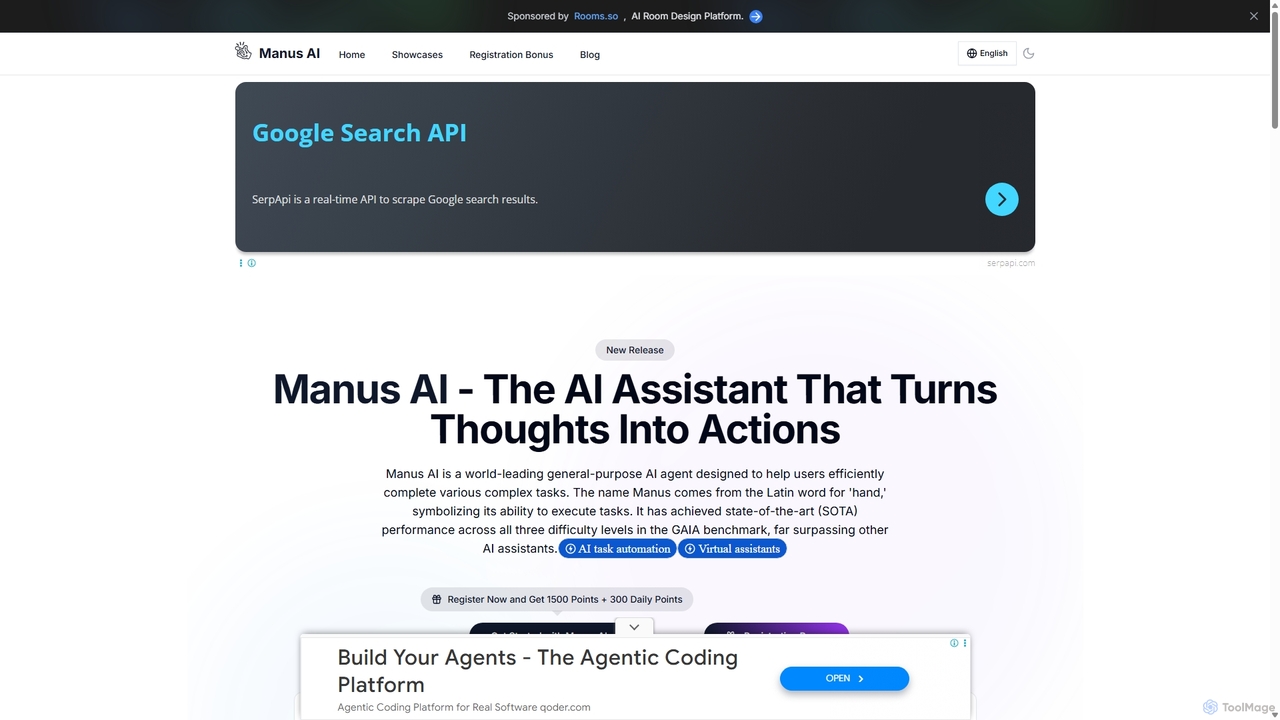

Sparksは、オールインワンのAIワークスペースおよびエージェントプラットフォームです。ユーザーはカスタムAIエージェントを構築またはダウンロードし、共有ワークスペースで共同作業し、さまざまなツールを統合し、作成物をエージェントストアに公開できます。
カスタムチャットボット
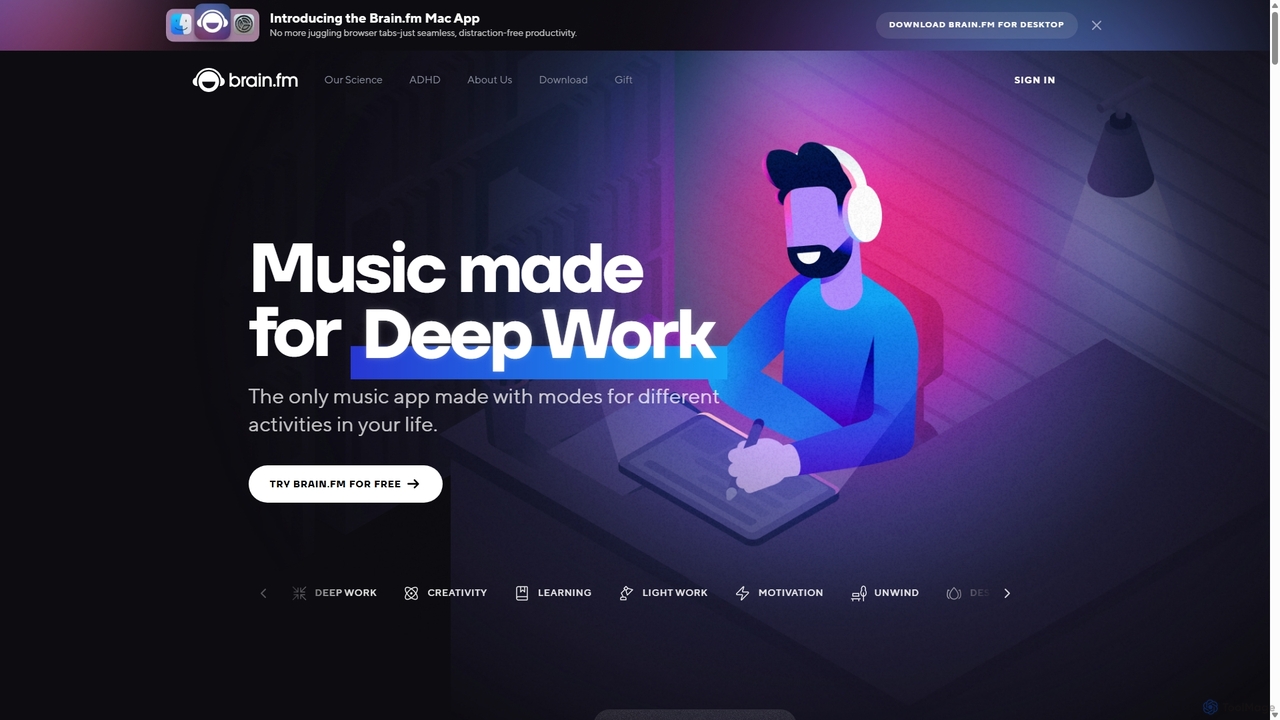



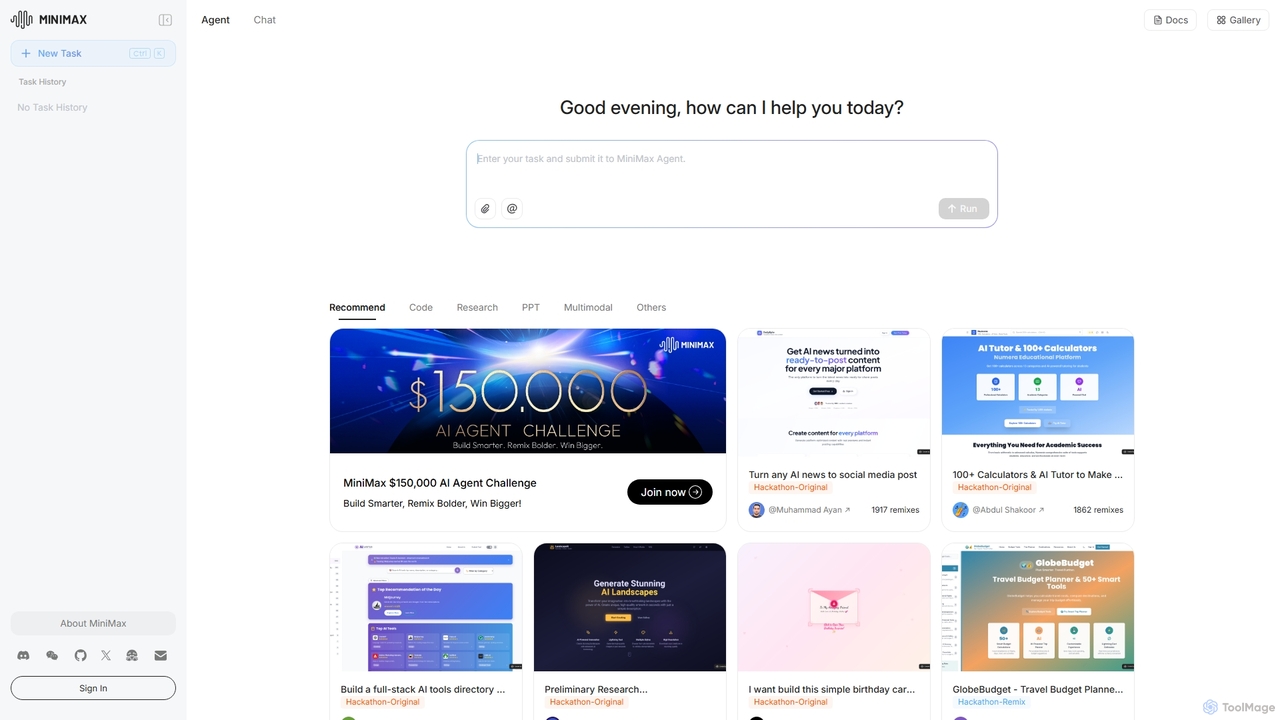
MiniMax Agentは、フルスタックのウェブサイト構築やプレゼンテーション作成から、詳細なリサーチまで、複雑なタスクを自動化するために設計された強力なAIエージェントプラットフォームです。自然言語のプロンプトを活用することで、ユーザーは労力を最小限に抑え、知能を最大限に引き出し、これまでにないスピードと効率で高度なデジタル製品やコンテンツを作成できます。このプラットフォームは、プロジェクトを共有しリミックスするための共同ギャラリーを備えています。
ローコード・ノーコード
MindWhisperは、ChatGPTのための強力で直感的なインターフェースであり、AIとの対話を構造化された個人的な知識ベースに変換するように設計されています。あなたのAIセカンドブレインとして機能し、チャットをフォルダに整理し、プロンプトを管理し、より文脈に応じた生産的な会話のための永続的な記憶を構築できます。
個人知識ベース
Side Spaceは、デスクトップのワークフローにシームレスに統合される強力なAIアシスタントです。便利なサイドバーから操作し、現在のアプリケーションを離れることなく、ライティング、コーディング、一般的な生産性向上のためのAI搭載ツールに即座にアクセスできます。選択したテキストに対するコンテキストに応じたアクションやカスタマイズ可能なコマンドで、効率を向上させましょう。
コードアシスタント
Thinkbuddyは、複数のAIモデルと迅速、安全、かつ整理された形で対話するために設計されたネイティブデスクトップAIクライアントです。統一されたワークスペースとして機能し、GPT-4o、Claude 3、Llama 3などのモデルを切り替え、プロジェクトで会話を管理し、プロンプトをライブラリに保存してワークフローを効率化します。
コードアシスタント


Irisは、macOS向けのシームレスなAIアシスタントで、ワークフローに統合されるように設計されています。GPT-4oやClaude 3.5などのトップAIモデルに即座にアクセスし、現在のアプリケーションを離れることなくチャットしたり、コンテキストのために画面をキャプチャしたり、回答を得ることができます。直感的なジェスチャーと強力なショートカットにより、Irisは必要な時に現れ、不要な時には見えなくなります。
コーディングアシスタント