Edit in PPT
自動化 · 1.8K 月間訪問数
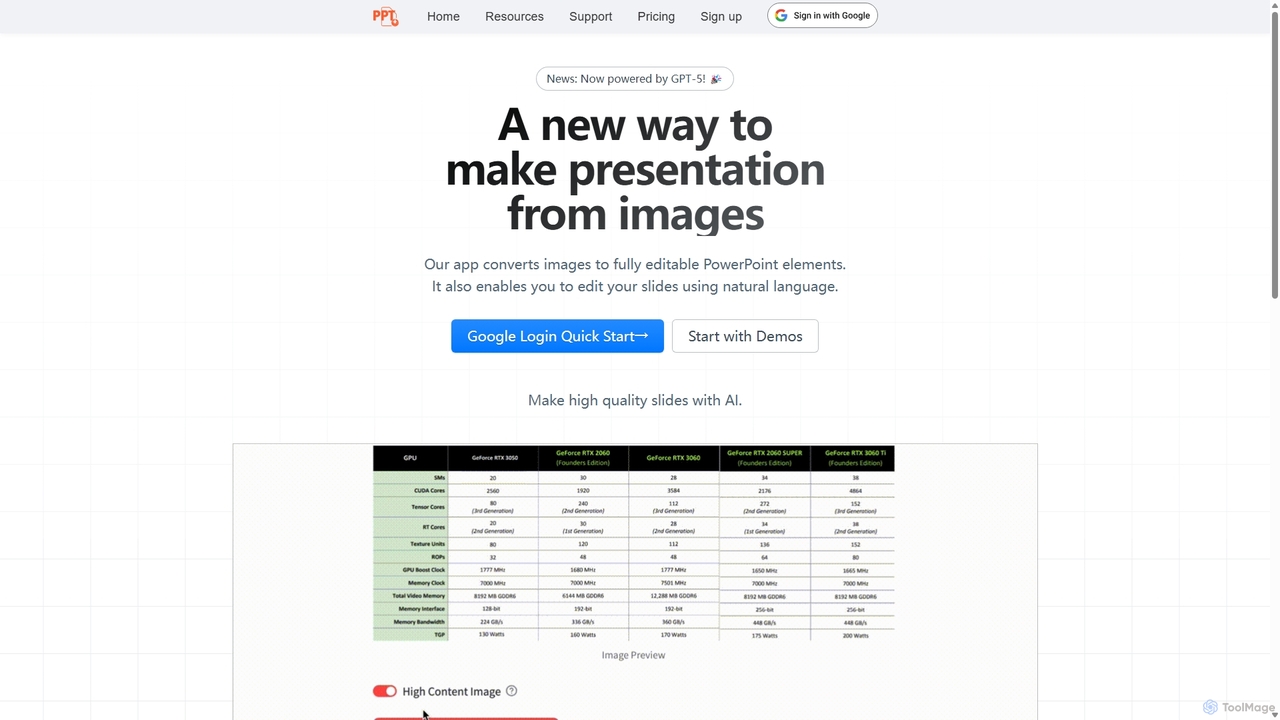
Edit in PPTは、画像、スクリーンショット、静的なスライドを完全に編集可能なPowerPointプレゼンテーションに変換するAI搭載ツールです。高度なビジョンモデルを使用してテキスト、グラフ、図形を認識し、ユーザーの手作業による再作成時間を数時間節約します。また、自然言語コマンドによるスライド編集機能も備えており、プレゼンテーション作成プロセス全体を効率化します。
Edit in PPTは、画像、スクリーンショット、静的なスライドを完全に編集可能なPowerPointプレゼンテーションに変換するAI搭載ツールです。高度なビジョンモデルを使用してテキスト、グラフ、図形を認識し、ユーザーの手作業による再作成時間を数時間節約します。また、自然言語コマンドによるスライド編集機能も備えており、プレゼンテーション作成プロセス全体を効率化します。
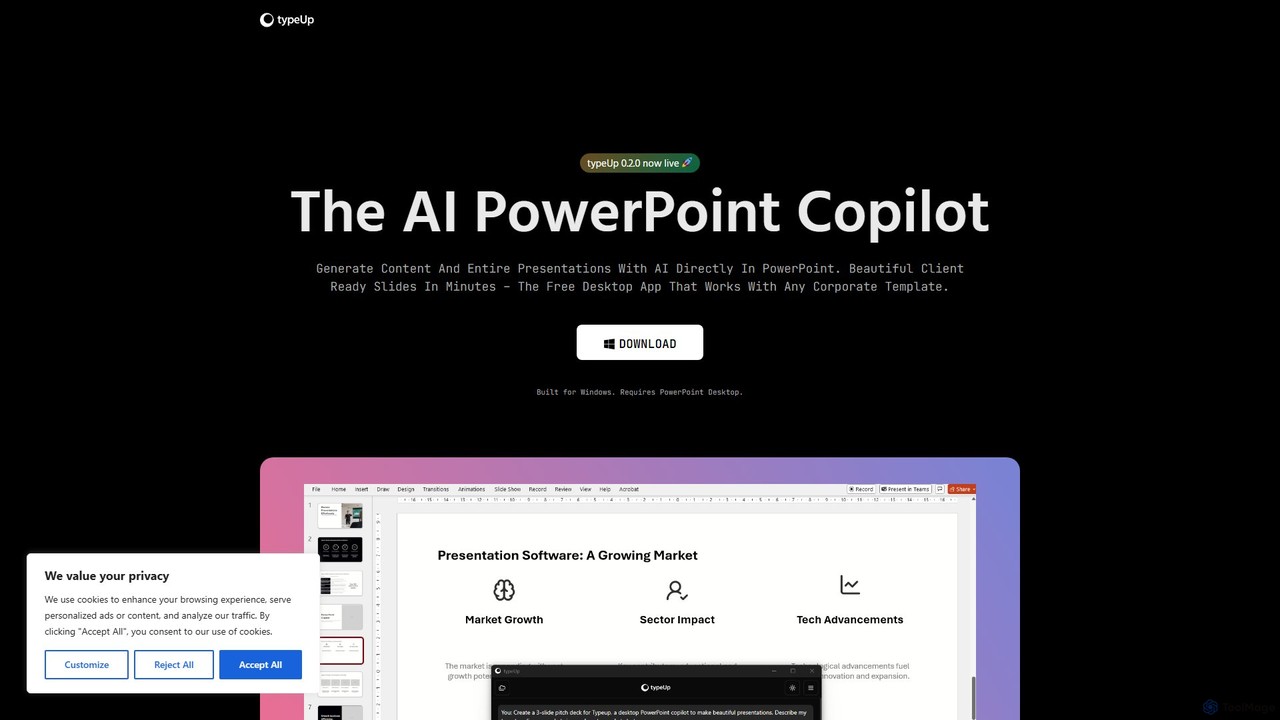
プレゼンテーションの作成と書式設定を10倍高速化する、PowerPoint向けのAI搭載コパイロットです。PowerPointと直接統合された無料のWindowsデスクトップアプリで、プロンプトからスライド全体を生成したり、豊富な画像、ロゴ、アイコンのライブラリにアクセスしたり、ブランドに準拠したレイアウトを即座に適用したりできます。
Edit in PPTは、画像、スクリーンショット、静的なスライドを完全に編集可能なPowerPointプレゼンテーションに変換するAI搭載ツールです。高度なビジョンモデルを使用してテキスト、グラフ、図形を認識し、ユーザーの手作業による再作成時間を数時間節約します。また、自然言語コマンドによるスライド編集機能も備えており、プレゼンテーション作成プロセス全体を効率化します。
プレゼンテーションの作成と書式設定を10倍高速化する、PowerPoint向けのAI搭載コパイロットです。PowerPointと直接統合された無料のWindowsデスクトップアプリで、プロンプトからスライド全体を生成したり、豊富な画像、ロゴ、アイコンのライブラリにアクセスしたり、ブランドに準拠したレイアウトを即座に適用したりできます。
Compare Edit in PPT and typeUp by monthly reach, traffic trend, visit depth, top regions, and acquisition sources.
In the Edit in PPT vs typeUp monthly traffic comparison, Edit in PPT currently shows 1.8K visits and typeUp shows 4.1K; typeUp has about 2.3 times the visible traffic of Edit in PPT, an absolute difference of about 2.3K visits. This reflects visible reach, not feature quality or paid users.
Only Edit in PPT has complete third-party traffic details; typeUp uses visits recorded inside ToolMage. These scopes cannot estimate market share directly, and on-site views should not be treated as the product’s total website traffic.
| Country/region | Percentage | Traffic |
|---|---|---|
| 🇺🇸United States | 33.62% | 604 |
| 🇮🇳India | 33.18% | 596 |
| 🇫🇷France | 20.18% | 362 |
| 🇮🇹Italy | 7% | 126 |
| 🇲🇦Morocco | 6.02% | 108 |
This in-depth Edit in PPT vs typeUp comparison uses only the product records, taxonomy, audience, traffic, and community signals available on this page. Edit in PPT is primarily listed under “自動化”, while typeUp is primarily listed under “生産性ツール”, so the first decision is whether your actual task matches their recorded scope.
The structured fields currently show these decision-relevant differences: Primary category (Edit in PPT: 自動化; typeUp: 生産性ツール); Product type (Edit in PPT: Website; typeUp: App); Pricing (Edit in PPT: Freemium; typeUp: Free); Monthly visits (Edit in PPT: 1.8K; typeUp: 4.1K); Favorites (Edit in PPT: 149; typeUp: 154). These facts are more useful for selection than brand visibility alone.
In the Edit in PPT vs typeUp monthly traffic comparison, Edit in PPT currently shows 1.8K visits and typeUp shows 4.1K; typeUp has about 2.3 times the visible traffic of Edit in PPT, an absolute difference of about 2.3K visits. This reflects visible reach, not feature quality or paid users.
Only Edit in PPT has complete third-party traffic details; typeUp uses visits recorded inside ToolMage. These scopes cannot estimate market share directly, and on-site views should not be treated as the product’s total website traffic.
The current traffic scope is not sufficient for a reliable product ranking. Treat monthly visits as a market-interest signal, then decide using taxonomy, use cases, pricing, and a like-for-like trial rather than reading exposure as product capability.
Edit in PPT and typeUp currently overlap in shared categories: グラフィック、プレゼンテーション; shared tags: パワーポイント、プレゼンテーション、生産性. This can place both on the same shortlist, but it does not prove equal implementation, depth, or cost.
Edit in PPT's unique categories/tags are 自動化、アシスタント、AIプレゼンテーション、データ視覚化、画像からPPT、スクリーンショットをスライドへ、スライドデザイン、スライドジェネレーター; typeUp's are 生産性ツール、AIアシスタント、ビジネス、デザイン自動化、スライド生成、Windowsアプリ. These unique fields are the strongest differentiators: validate the product whose recorded scope matches the task instead of following traffic alone.
Edit in PPT has no verified rating, 0 comments, 149 favorites, and 152 likes;typeUp has no verified rating, 0 comments, 154 favorites, and 169 likes。
Neither product has enough rating or comment samples for a credible reputation ranking.
Put Edit in PPT on the priority trial list when the task aligns with “自動化” and especially 自動化、アシスタント、AIプレゼンテーション、データ視覚化、画像からPPT、スクリーンショットをスライドへ, or the users include ビジネスコンサルタント、コンテンツクリエイター、データアナリスト、教育者. This follows recorded positioning and does not imply unlisted capabilities are absent.
Edit in PPT also currently records: pricing is freemium, product type is website, 1.8K verified monthly visits, no verified user rating. Verify any hard requirement around price, platform, or reach before trial, and do not let sparse review data substitute for testing.
Put typeUp on the priority trial list when the task aligns with “生産性ツール” and especially 生産性ツール、AIアシスタント、ビジネス、デザイン自動化、スライド生成、Windowsアプリ. This follows recorded positioning and does not imply unlisted capabilities are absent.
typeUp also currently records: pricing is free, product type is app, 4.1K on-site monthly views, no verified user rating. Verify any hard requirement around price, platform, or reach before trial, and do not let sparse review data substitute for testing.
The available data describes positioning, public visibility, and community signals, but it cannot prove output quality, speed, integration effort, privacy, or long-term cost in your workflow. Before deciding, run the same representative tasks in Edit in PPT and typeUp, then record completion time, accuracy, manual corrections, and the real paid threshold. A like-for-like trial turns this comparison into a defensible adoption decision.
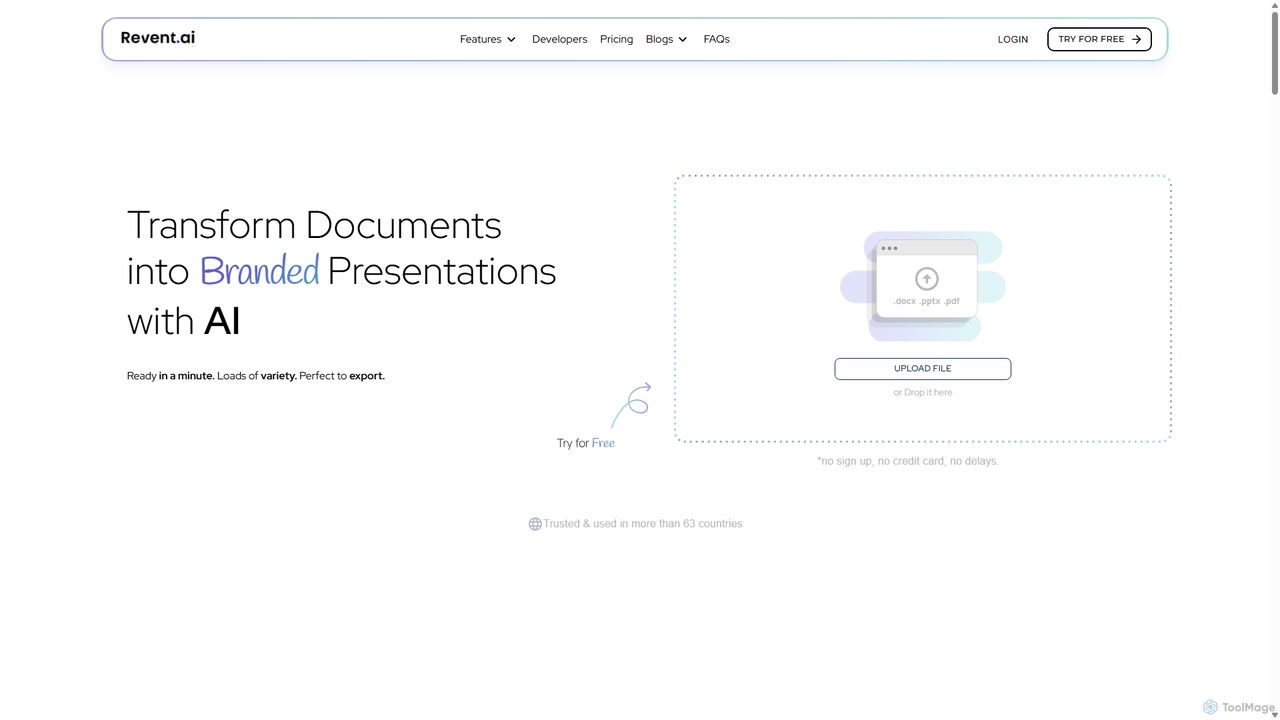
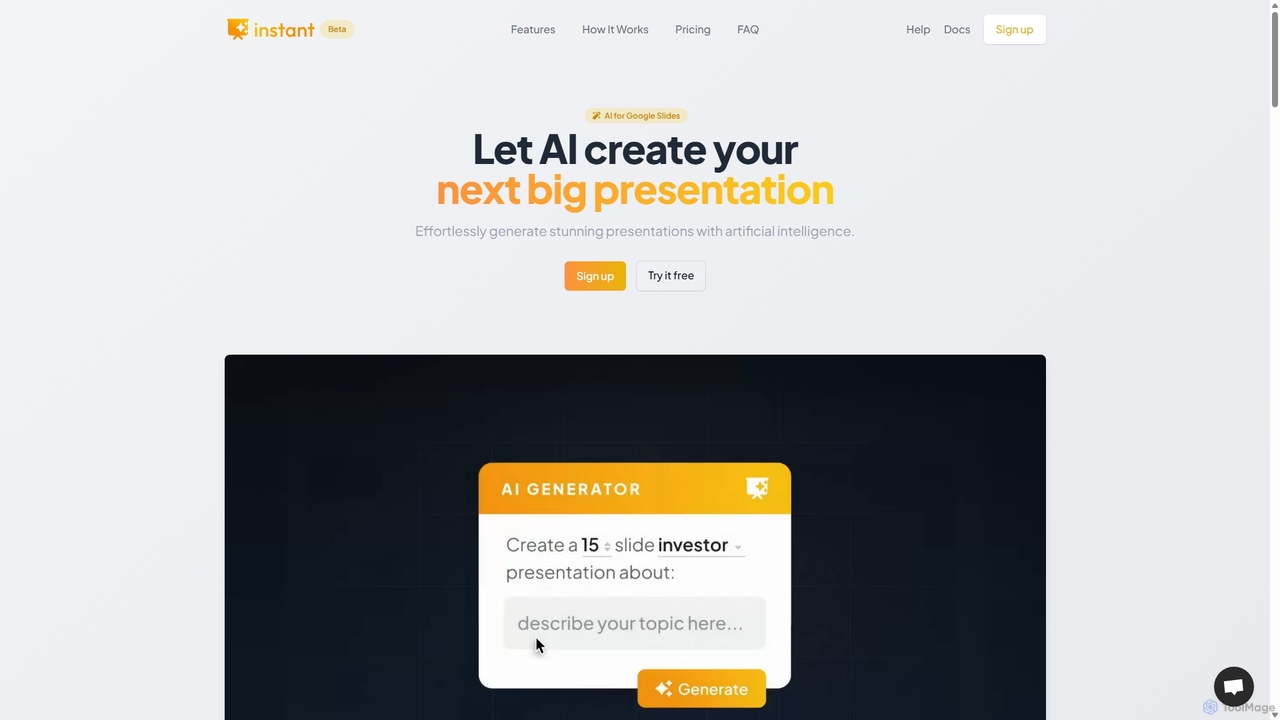
Instantは、Googleスライド拡張機能として設計されたAI搭載のプレゼンテーションジェネレーターです。使い慣れたワークフロー内で、視覚的に美しく、完全に編集可能なプレゼンテーションを直接作成できます。高度なAIと100以上の専門家がデザインしたテンプレートライブラリを組み合わせることで、Instantは単なるテキストや箇条書きを超え、インフォグラフィック、図、フローチャートを含む魅力的なスライドの生成に優れています。コンテンツ作成、アウトライン生成、レイアウトデザインを自動化し、時間と労力を節約しながらプロ級の成果を生み出します。
学習
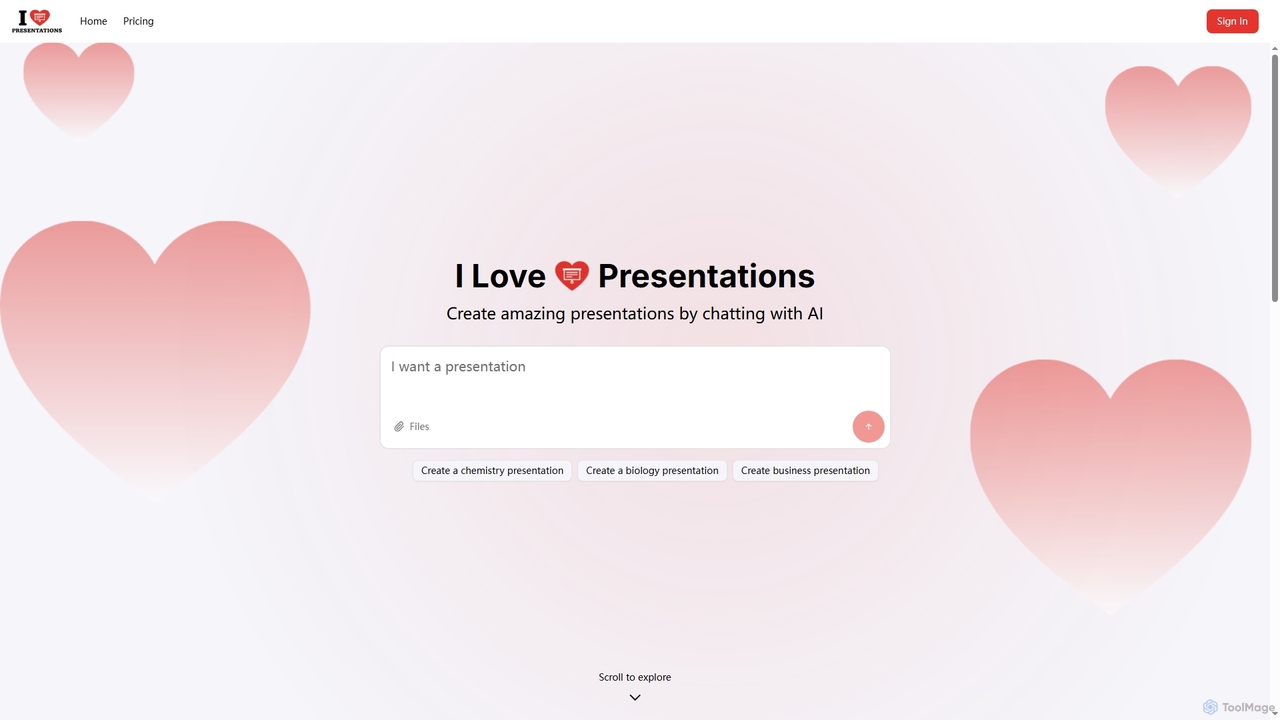
iLovePresentationsは、プレゼンテーション作成を簡素化するために設計された革新的なAI搭載ツールです。ユーザーはAIとチャットするだけで、希望するコンテンツを説明し、プロフェッショナルなスライドを生成できます。化学や生物学のような学術的なテーマからビジネスレポートまで、さまざまな目的で魅力的なプレゼンテーションを迅速かつ効率的に作成する方法を提供します。
マーケティング

Baidu Wenku AIは、BaiduのERNIE LLMを搭載したオールインワンのインテリジェントなドキュメント生産性プラットフォームです。従来のドキュメントライブラリをダイナミックな作成スイートに変え、ユーザーは即座にPPTを作成し、記事を書き、複雑なドキュメントを要約し、AIによるウェブ検索を行い、ファイルとチャットして迅速な洞察を得ることができます。学生、専門家、研究者のワークフローを効率化するために設計されています。
プレゼンテーション
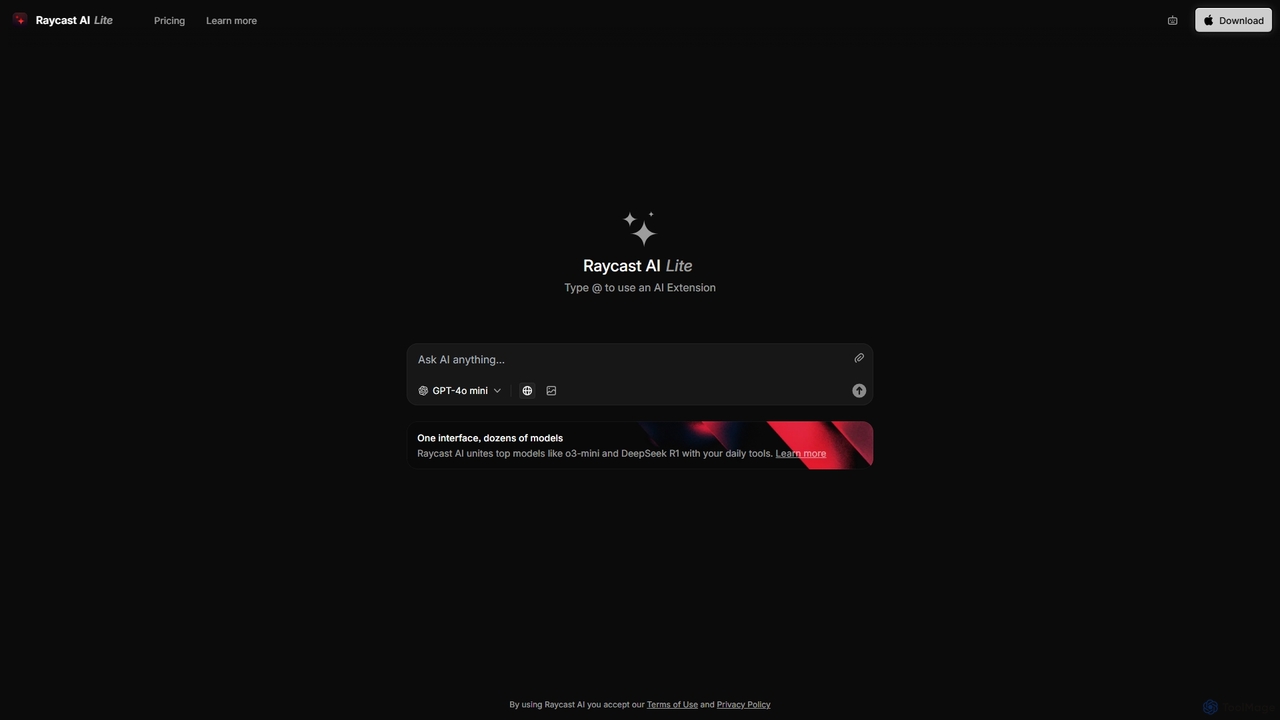
Raycastは、生産性を飛躍的に向上させるmacOS向けの超高速で拡張可能なランチャーです。中央コマンドバーとして機能し、AI、豊富な拡張機能ストア、ウィンドウ管理やクリップボード履歴などの強力な組み込み機能を統合して、ツールを制御します。コンテキストスイッチを減らし、フロー状態を維持できるように設計されています。
パーソナルアシスタント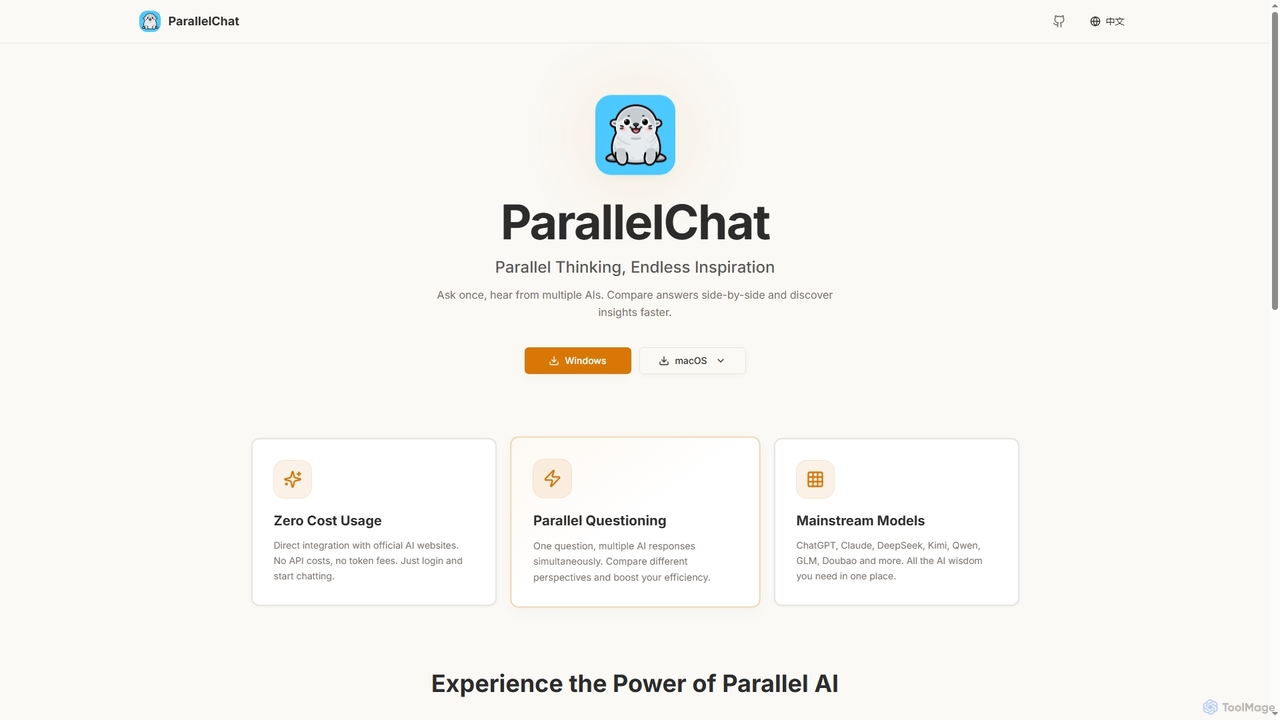
ParallelChatは、WindowsおよびmacOS向けのデスクトップアプリケーションで、複数のAIモデルに同時に質問し、その回答を並べて比較できます。ChatGPT、Claude、DeepSeekなどの主要AIを統合し、多様な視点を提供することで、効率を高め、より良い答えを迅速に見つけることができます。
ライティングアシスタント
GPT Workspaceは、Docs、Sheets、Slides、GmailなどのGoogle WorkspaceアプリケーションにAI搭載機能を直接統合します。コンテンツ作成、データ分析、メールの下書き、ドキュメント編集を自動化して生産性を向上させ、ユーザーが既存のワークフロー内でGPT-4oのようなモデルのパワーをシームレスに活用できるようにします。
文書管理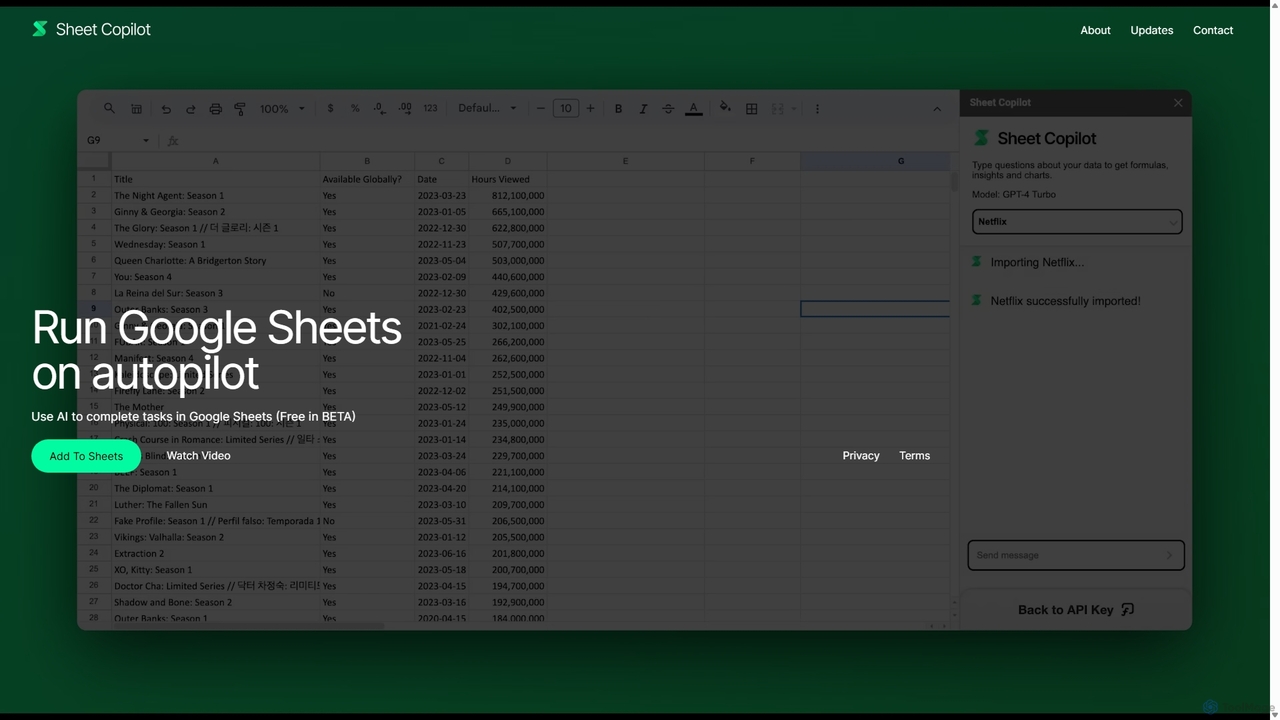
Sheet Copilotは、Google Sheets内で直接タスクを自動化し、質問に答えるAI搭載アシスタントです。自然言語コマンドを使用することで、複雑な関数を書くことなく、データのクリーンアップ、数式の生成、要約の作成、情報の分析が可能です。現在ベータ版として無料で提供されており、プライバシーとセキュリティを強化するために独自のOpenAI APIキーを使用して動作します。
自動化
Side Spaceは、デスクトップのワークフローにシームレスに統合される強力なAIアシスタントです。便利なサイドバーから操作し、現在のアプリケーションを離れることなく、ライティング、コーディング、一般的な生産性向上のためのAI搭載ツールに即座にアクセスできます。選択したテキストに対するコンテキストに応じたアクションやカスタマイズ可能なコマンドで、効率を向上させましょう。
コードアシスタント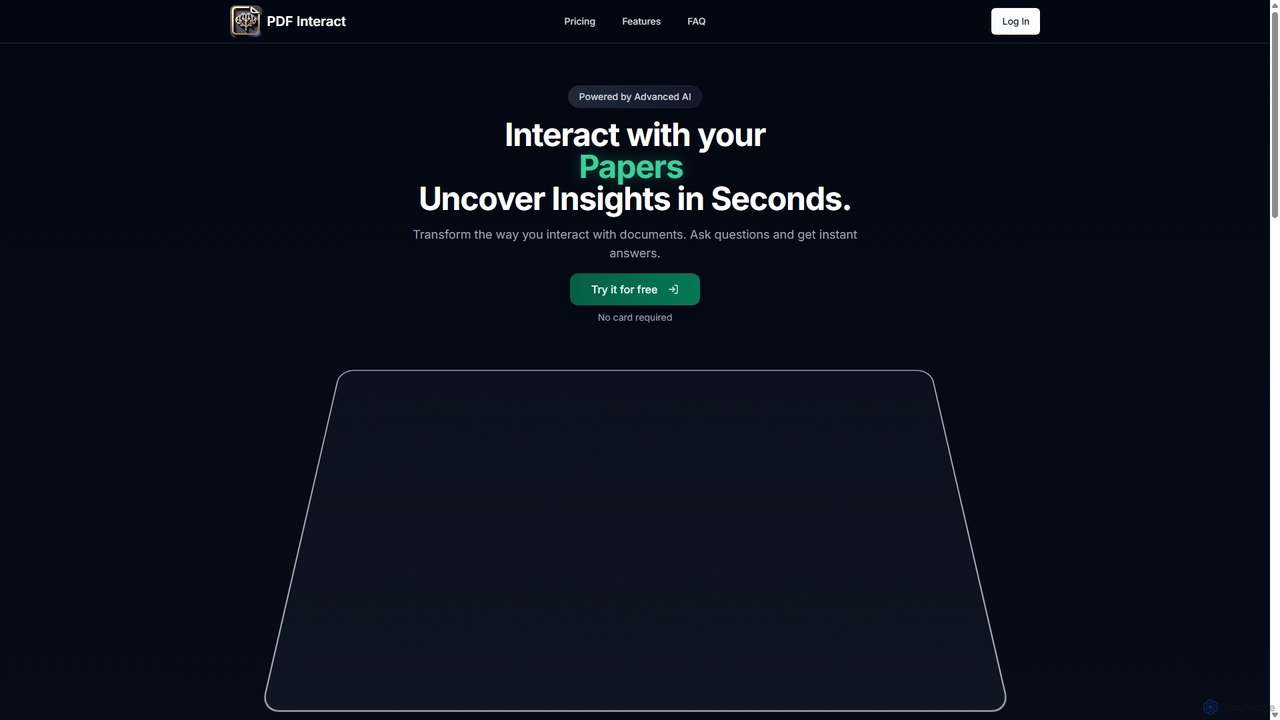
PDF Interactは、ドキュメントとの対話方法を変革するAI搭載チャットアシスタントです。PDFをアップロードし、自然言語で質問するだけで、即座に回答、要約、重要なインサイトを得ることができます。時間を節約し、複雑な情報を効率的に分析したい学生、研究者、専門家に最適です。
データ分析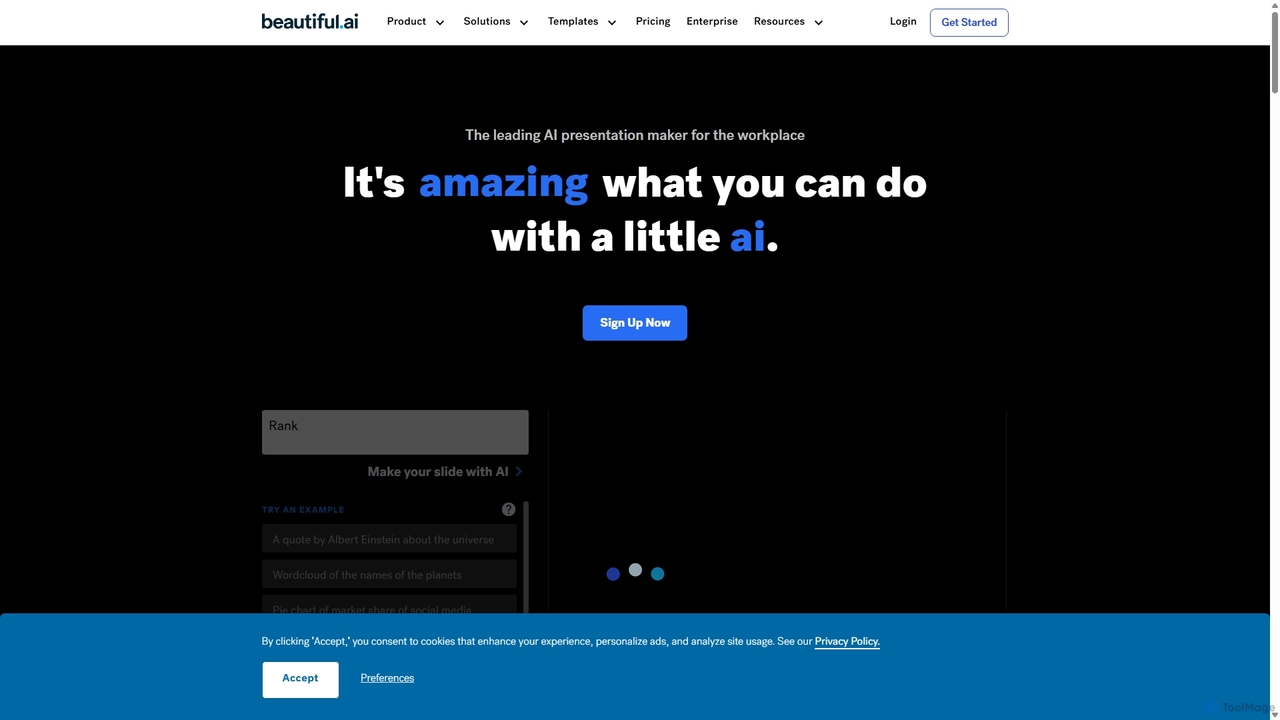
Beautiful.aiは、デザインを自動化し、ユーザーが見事でプロフェッショナルなプレゼンテーションを10倍速く作成できるようにするAI搭載のプレゼンテーションメーカーです。スマートテンプレート、リアルタイムのスライド適応、堅牢なチームコラボレーション機能を提供し、ブランドの一貫性を確保し、企業や個人の生産性を向上させます。
グラフィック