
Excelly
数式生成 · 3.5K 月間訪問数
Excellyは、ExcelとGoogleシートのためのAIコパイロットで、平易な英語の記述を瞬時に複雑な数式に変換します。また、段階的な説明も提供し、あらゆるスキルレベルのユーザーの生産性を高め、スプレッドシート作業を簡素化します。
Excellyは、ExcelとGoogleシートのためのAIコパイロットで、平易な英語の記述を瞬時に複雑な数式に変換します。また、段階的な説明も提供し、あらゆるスキルレベルのユーザーの生産性を高め、スプレッドシート作業を簡素化します。
Sheetplusは、Google SheetsとExcelでのスプレッドシート体験を強化するために設計されたAI搭載ツールキットです。自然言語を活用し、ユーザーがコードを書かずに複雑な数式の生成、データのクレンジングと分析、タスクの自動化、インサイトの抽出を可能にします。インテリジェントなアシスタントとして機能し、データ管理をより速く、より直感的にし、技術的な専門知識に関係なく誰もがアクセスできるようにします。
Excellyは、ExcelとGoogleシートのためのAIコパイロットで、平易な英語の記述を瞬時に複雑な数式に変換します。また、段階的な説明も提供し、あらゆるスキルレベルのユーザーの生産性を高め、スプレッドシート作業を簡素化します。
Sheetplusは、Google SheetsとExcelでのスプレッドシート体験を強化するために設計されたAI搭載ツールキットです。自然言語を活用し、ユーザーがコードを書かずに複雑な数式の生成、データのクレンジングと分析、タスクの自動化、インサイトの抽出を可能にします。インテリジェントなアシスタントとして機能し、データ管理をより速く、より直感的にし、技術的な専門知識に関係なく誰もがアクセスできるようにします。
| Feature | Excelly | Sheetplus |
|---|---|---|
| 主要カテゴリー | 数式生成 | 自動化 |
| 追加日 | 2025-11-17 | 2025-09-12 |
| 価格 | フリーミアム | フリーミアム |
| 公式サイト | excelly.app | sheetplus.ai |
| 製品タイプ | ウェブサイト | ウェブサイト |
| Performance data | ||
| ユーザー評価 | 未確認 | 未確認 |
| コメント | 0 | 0 |
| 月間訪問数 | 3.5K | 958 |
| 月間成長率 | 未確認 | 13.6% |
| お気に入り | 122 | 109 |
| Details | 詳細を見る | 詳細を見る |
Compare Excelly and Sheetplus by monthly reach, traffic trend, visit depth, top regions, and acquisition sources.
In the Excelly vs Sheetplus monthly traffic comparison, Excelly currently shows 3.5K visits and Sheetplus shows 958; Excelly has about 3.7 times the visible traffic of Sheetplus, an absolute difference of about 2.5K visits. This reflects visible reach, not feature quality or paid users.
Only Sheetplus has complete third-party traffic details; Excelly uses visits recorded inside ToolMage. These scopes cannot estimate market share directly, and on-site views should not be treated as the product’s total website traffic.
This in-depth Excelly vs Sheetplus comparison uses only the product records, taxonomy, audience, traffic, and community signals available on this page. Excelly is primarily listed under “数式生成”, while Sheetplus is primarily listed under “自動化”, so the first decision is whether your actual task matches their recorded scope.
The structured fields currently show these decision-relevant differences: Primary category (Excelly: 数式生成; Sheetplus: 自動化); Monthly visits (Excelly: 3.5K; Sheetplus: 958); Favorites (Excelly: 122; Sheetplus: 109); Website (Excelly: excelly.app; Sheetplus: sheetplus.ai); Added (Excelly: 2025-11-17; Sheetplus: 2025-09-12). These facts are more useful for selection than brand visibility alone.
In the Excelly vs Sheetplus monthly traffic comparison, Excelly currently shows 3.5K visits and Sheetplus shows 958; Excelly has about 3.7 times the visible traffic of Sheetplus, an absolute difference of about 2.5K visits. This reflects visible reach, not feature quality or paid users.
Only Sheetplus has complete third-party traffic details; Excelly uses visits recorded inside ToolMage. These scopes cannot estimate market share directly, and on-site views should not be treated as the product’s total website traffic.
The current traffic scope is not sufficient for a reliable product ranking. Treat monthly visits as a market-interest signal, then decide using taxonomy, use cases, pricing, and a like-for-like trial rather than reading exposure as product capability.
Excelly and Sheetplus currently overlap in shared tags: 自動化、データ分析、Excel、Google スプレッドシート、生産性、スプレッドシート; shared roles: 会計士、データアナリスト、金融アナリスト、プロジェクトマネージャー、学生. This can place both on the same shortlist, but it does not prove equal implementation, depth, or cost.
Excelly's unique categories/tags are 数式生成、学習ツール、スプレッドシート自動化、AI、ビジネス、データ管理、説明、金融; Sheetplus's are 自動化、ノーコード、スプレッドシート、ビジネスインテリジェンス、データクレンジング、数式ジェネレーター、テキスト分析. These unique fields are the strongest differentiators: validate the product whose recorded scope matches the task instead of following traffic alone.
Excelly has no verified rating, 0 comments, 122 favorites, and 119 likes;Sheetplus has no verified rating, 0 comments, 109 favorites, and 117 likes。
Neither product has enough rating or comment samples for a credible reputation ranking.
Put Excelly on the priority trial list when the task aligns with “数式生成” and especially 数式生成、学習ツール、スプレッドシート自動化、AI、ビジネス、データ管理, or the users include ビジネスアナリスト、教育者、マーケティングアナリスト、オフィス管理者. This follows recorded positioning and does not imply unlisted capabilities are absent.
Excelly also currently records: pricing is freemium, product type is website, 3.5K on-site monthly views, no verified user rating. Verify any hard requirement around price, platform, or reach before trial, and do not let sparse review data substitute for testing.
Put Sheetplus on the priority trial list when the task aligns with “自動化” and especially 自動化、ノーコード、スプレッドシート、ビジネスインテリジェンス、データクレンジング、数式ジェネレーター, or the users include 事業主、マーケティングマネージャー、業務マネージャー、研究者. This follows recorded positioning and does not imply unlisted capabilities are absent.
Sheetplus also currently records: pricing is freemium, product type is website, 958 verified monthly visits, no verified user rating. Verify any hard requirement around price, platform, or reach before trial, and do not let sparse review data substitute for testing.
The available data describes positioning, public visibility, and community signals, but it cannot prove output quality, speed, integration effort, privacy, or long-term cost in your workflow. Before deciding, run the same representative tasks in Excelly and Sheetplus, then record completion time, accuracy, manual corrections, and the real paid threshold. A like-for-like trial turns this comparison into a defensible adoption decision.
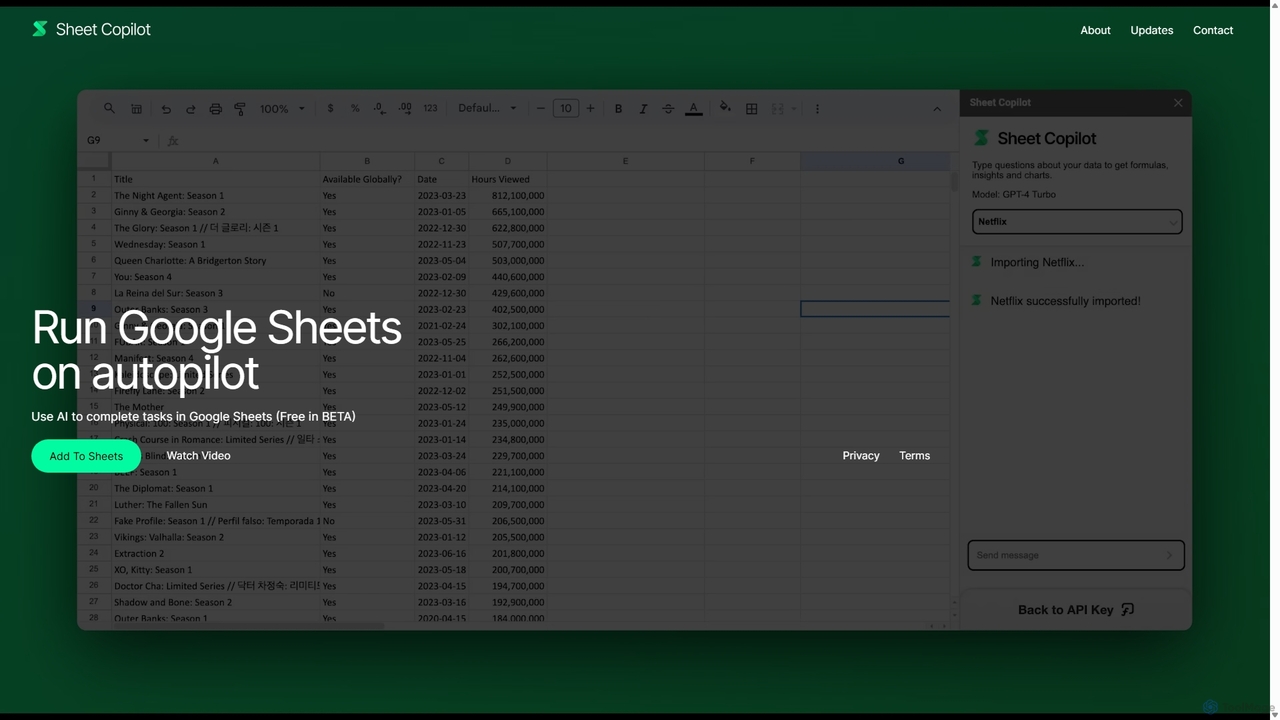
Sheet Copilotは、Google Sheets内で直接タスクを自動化し、質問に答えるAI搭載アシスタントです。自然言語コマンドを使用することで、複雑な関数を書くことなく、データのクリーンアップ、数式の生成、要約の作成、情報の分析が可能です。現在ベータ版として無料で提供されており、プライバシーとセキュリティを強化するために独自のOpenAI APIキーを使用して動作します。
自動化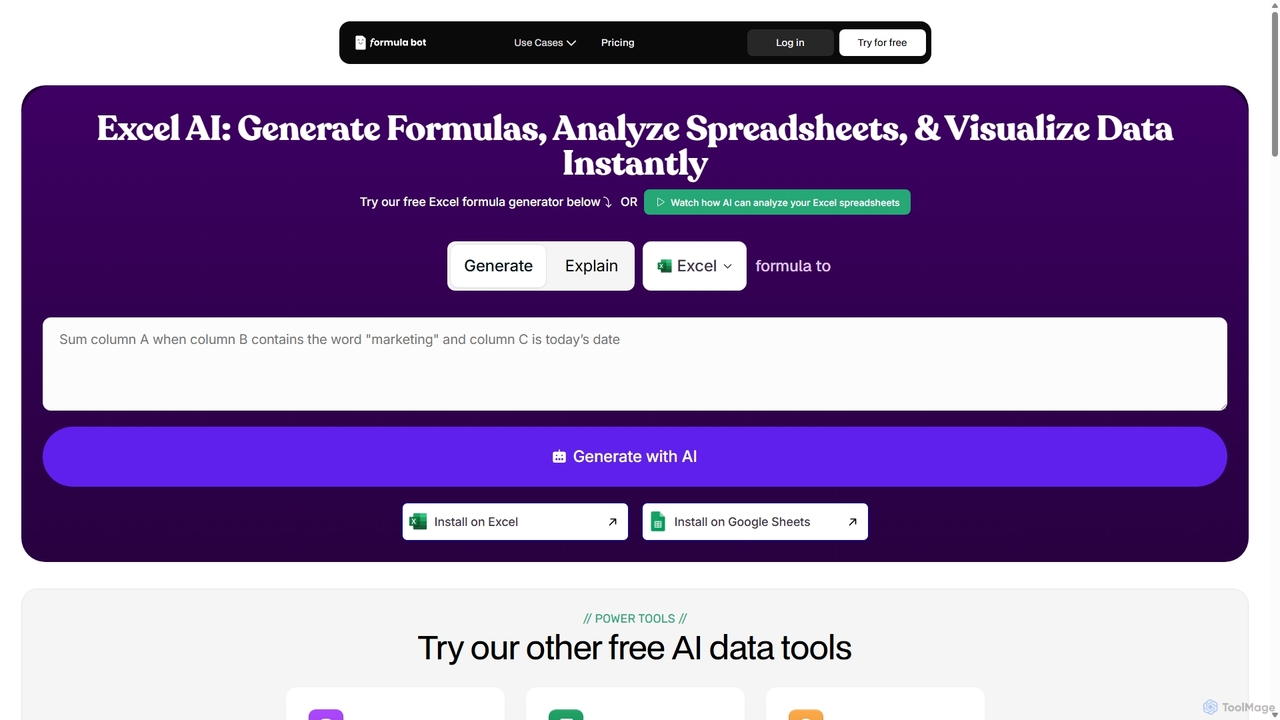
ExcelFormulaBotは、テキスト指示から複雑なExcelやGoogle Sheetsの数式を数秒で生成するAI搭載ツールです。また、データを分析し、グラフを作成し、VBA/SQLコードを生成し、数式を解説することで、初心者から専門家まで誰もがスプレッドシート作業をより速く、より簡単にこなせるようにします。
データ分析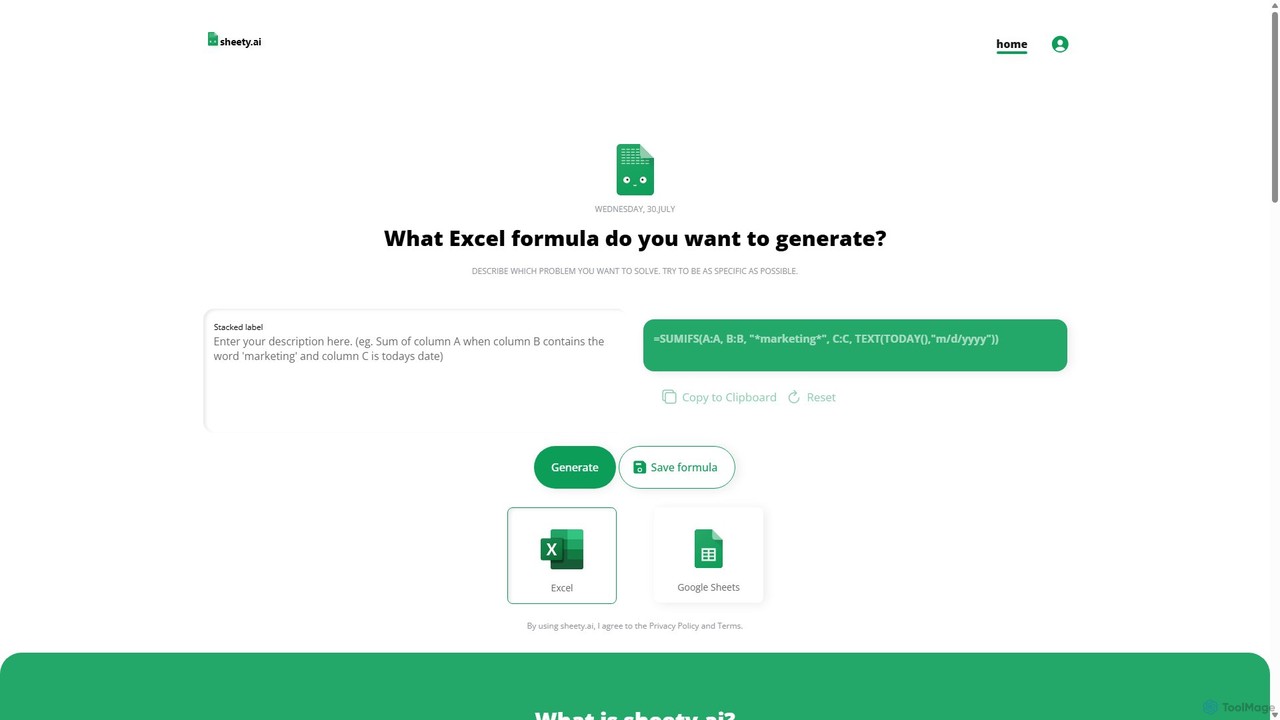
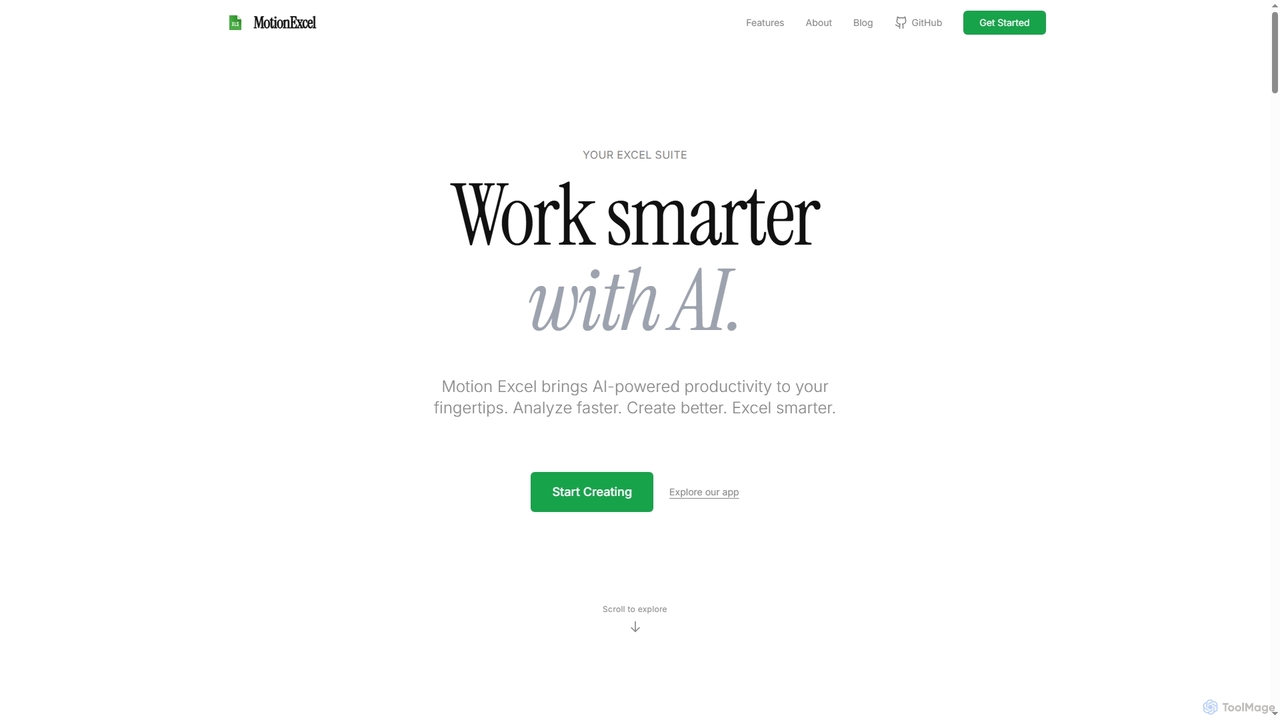
MotionExcelは、AI、Python、SQLを統合し、データ分析と自動化を革新するAI搭載スプレッドシートエディタです。インテリジェントなエージェントと高度な機能により、ユーザーはデータをより迅速に分析し、より良い洞察を生成し、よりスマートに作業できるようになります。
スプレッドシート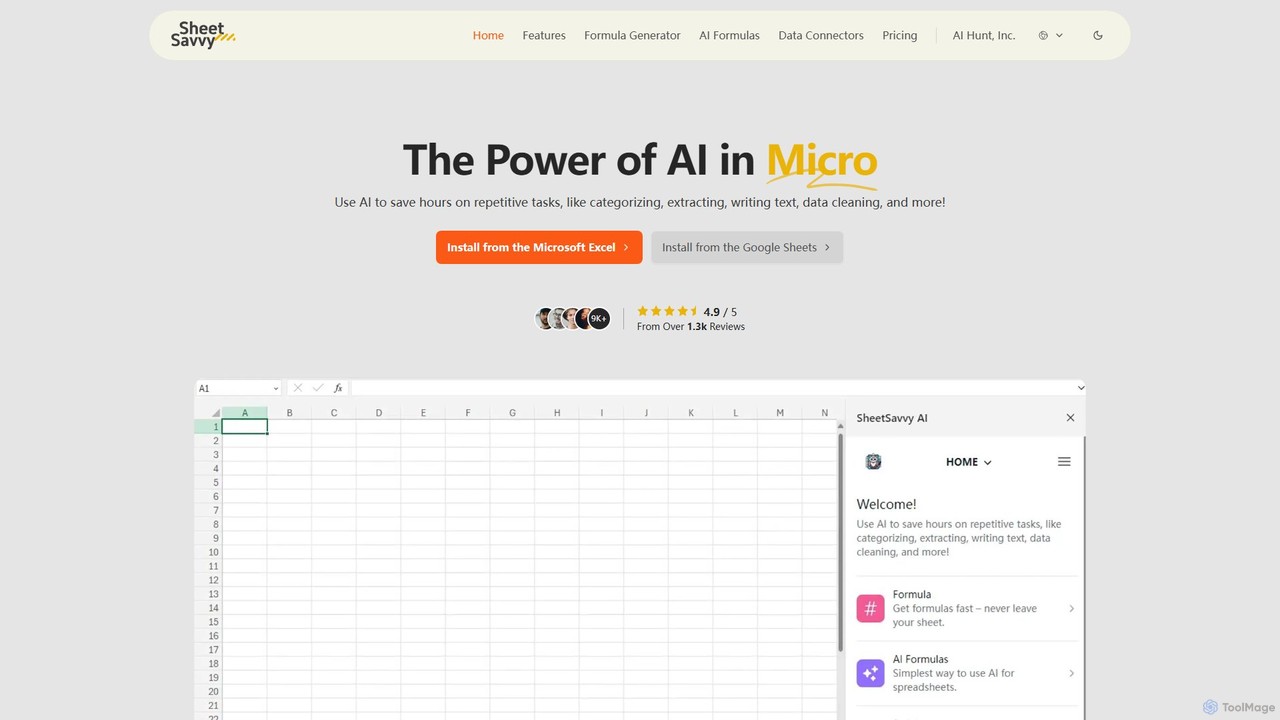
SheetSavvy AIは、Google SheetsおよびMicrosoft Excel向けのAI搭載アシスタントで、反復作業を自動化するために設計されています。数式ジェネレーター、データクレンジングと分析のためのAI駆動の数式、ライブデータをインポートするためのシームレスなデータコネクターを備え、スプレッドシートの生産性を大幅に向上させます。
金融
excelformulagptは、自然言語の記述を複雑なExcelやGoogle Sheetsの数式に即座に変換するAI搭載ツールです。ユーザーが複雑な構文を覚えることなく、時間を節約し、エラーを減らし、生産性を向上させるのに役立ちます。機能には、数式生成、アップロードされたファイルからの文脈を認識した提案、数式解説などがあります。
自動化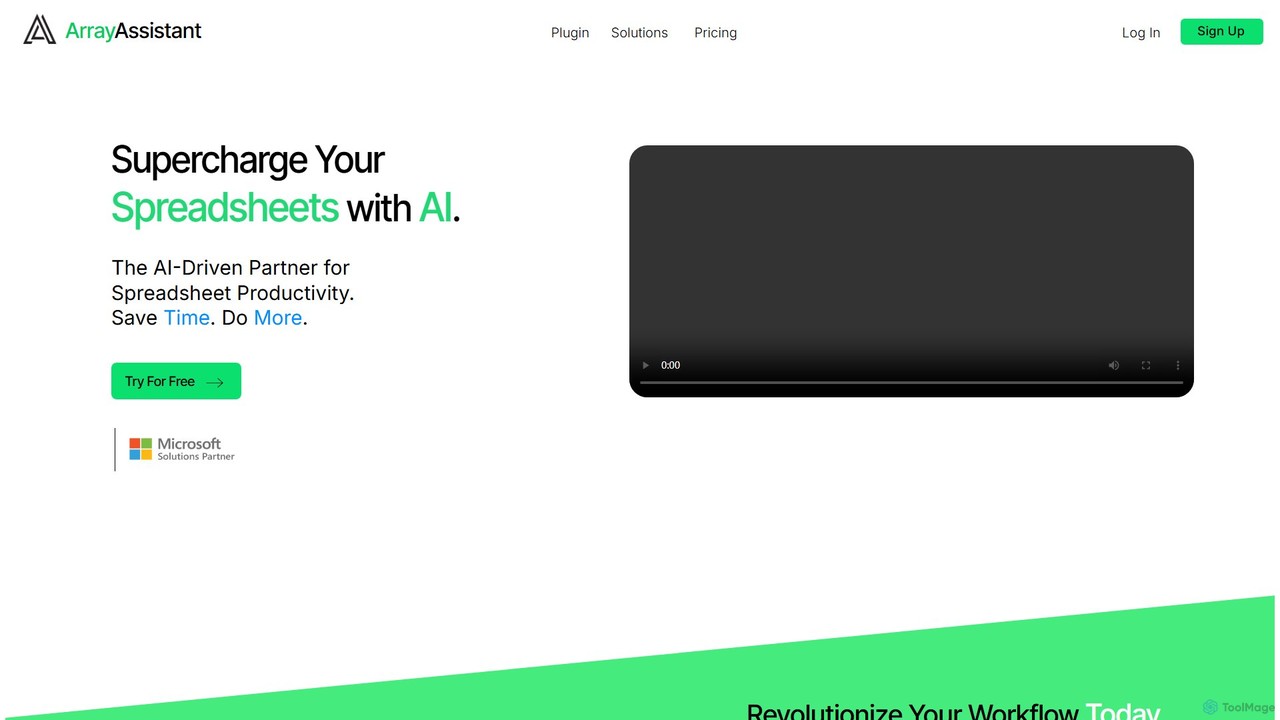
Array Assistantは、AIを搭載したスプレッドシートプラグインで、生産性を飛躍的に向上させます。複雑な数式の生成、データのクリーンアップと整理、テキストの要約、問題の説明、自動化の設計を、既存のワークフロー内で支援します。専門家、学生、そしてスプレッドシートを使用するすべての人に最適です。
金融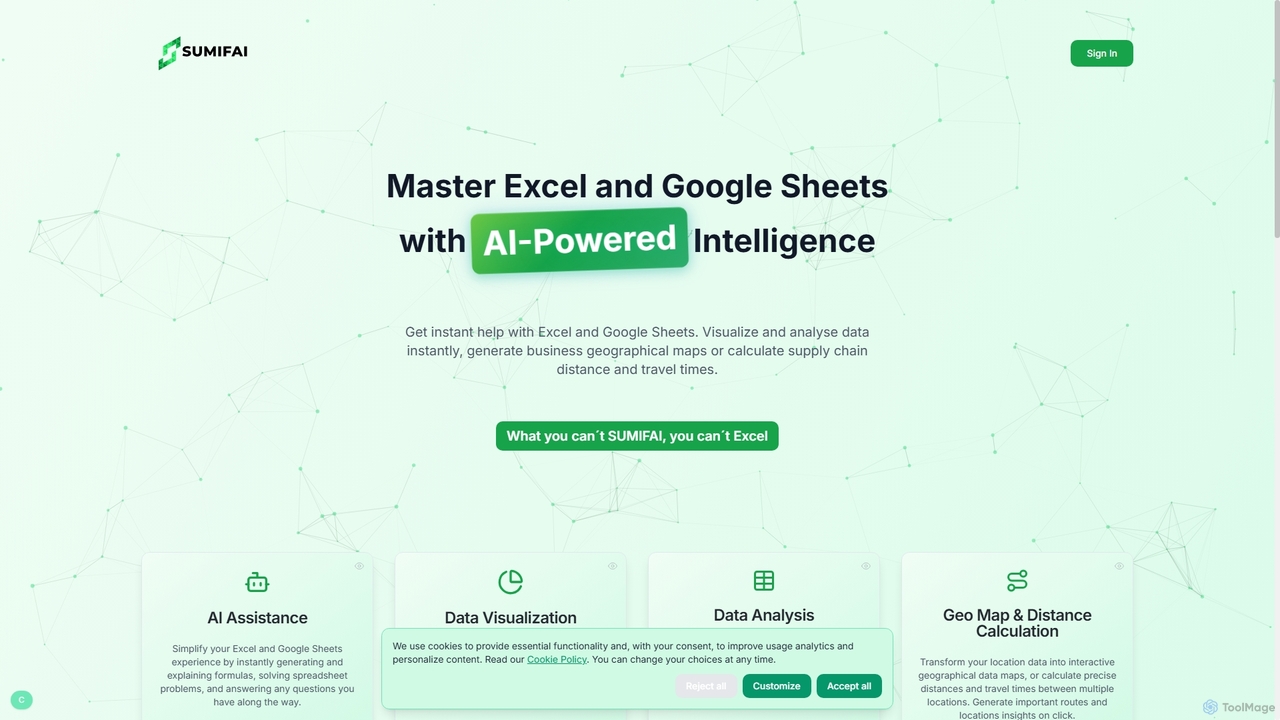
Sumifaiは、ExcelとGoogle SheetsのためのAI搭載アシスタントで、スプレッドシート作業を簡素化します。数式の即時生成と解説、データ分析、視覚化の作成、さらには位置データからのインタラクティブな地理マップの構築まで行います。あらゆるスキルレベルのユーザー向けに設計されており、専門知識がなくてもインサイトを発見し、ワークフローを効率化するのに役立ちます。
ビジネスインテリジェンス
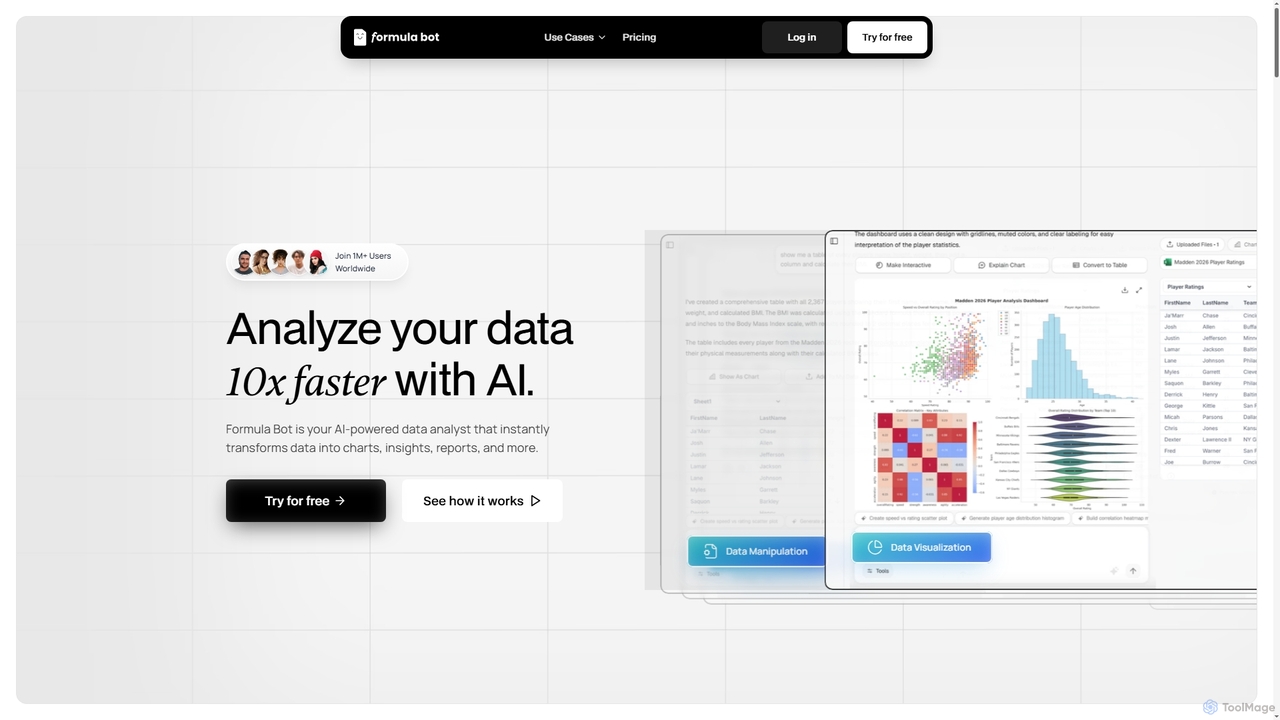
Formula Botは、AIを活用したデータアナリストであり、生データを実用的な洞察、見事なグラフ、包括的なレポートに瞬時に変換します。また、Excel数式の生成、PDFからExcelへの変換、さまざまな科目の段階的な宿題支援のための専門的なAIツールも提供し、世界中のユーザーのデータ処理と学習プロセスを効率化します。
視覚化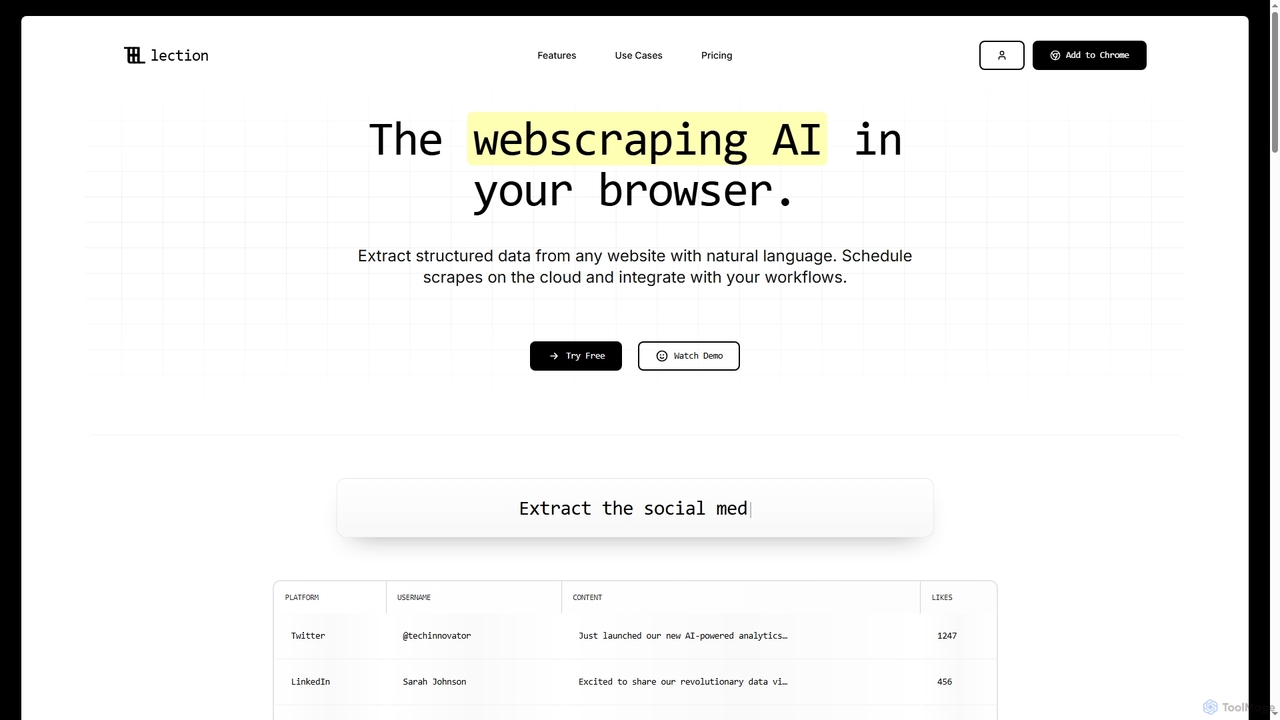
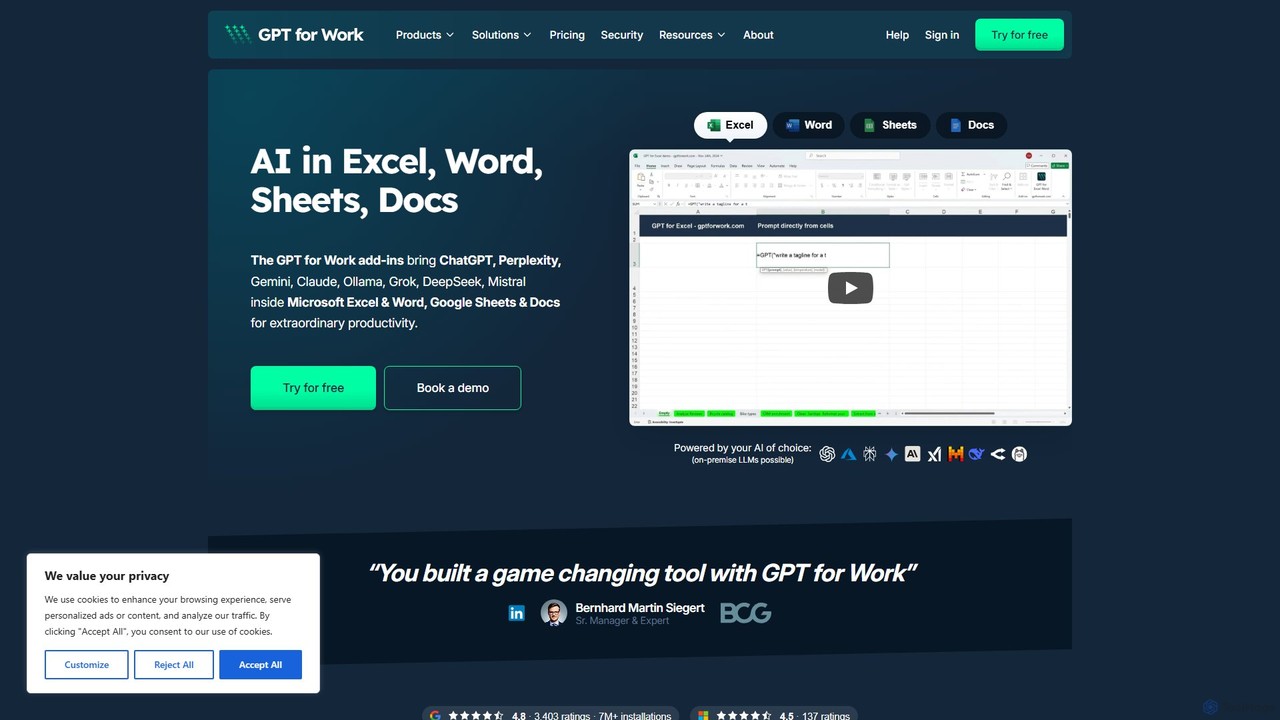
GPTの機能をGoogleスプレッドシート、ドキュメント、Microsoft Excel、Wordに直接統合する強力なAIアドオンです。ドキュメントを離れることなく、タスクの自動化、テキスト生成、データ分析、数式作成を行い、生産性を向上させます。
ドキュメントアシスタント
Ajelixは、ExcelおよびGoogle Sheetsユーザーの生産性を向上させるために設計されたAI搭載のツールスイートです。AIデータアナリストとして機能し、簡単なチャットインターフェースを通じてタスクを自動化し、数式やVBAスクリプトを生成し、洞察に満ちたレポートを作成し、高度なデータ分析を提供します。
ビジネスインテリジェンス
GPT Workspaceは、Docs、Sheets、Slides、GmailなどのGoogle WorkspaceアプリケーションにAI搭載機能を直接統合します。コンテンツ作成、データ分析、メールの下書き、ドキュメント編集を自動化して生産性を向上させ、ユーザーが既存のワークフロー内でGPT-4oのようなモデルのパワーをシームレスに活用できるようにします。
文書管理