ffmpeg_online
ファイル変換 · 3.5K 月間訪問数
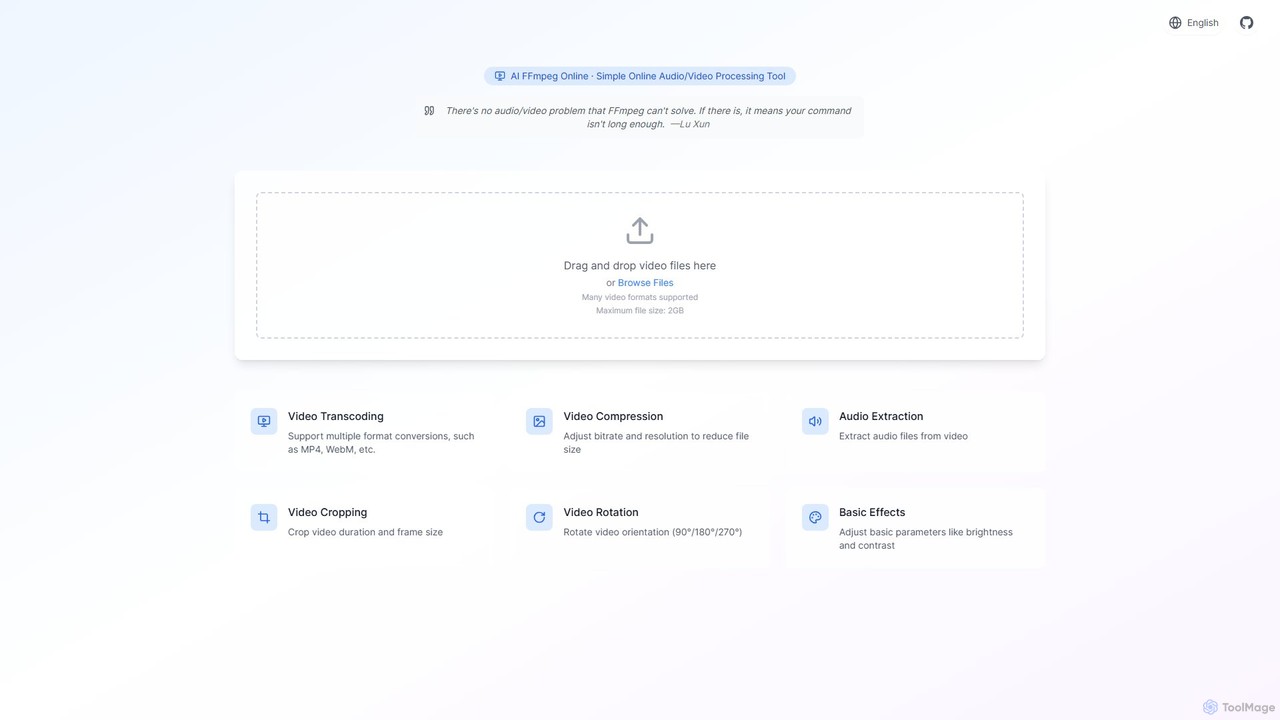
FFmpegエンジン用の使いやすいインターフェースを提供する、強力で無料のオンライン動画処理ツールです。AIによって強化され、動画変換、圧縮、トリミング、音声抽出などの複雑なタスクを簡素化します。ソフトウェアのインストールなしで迅速な動画編集が必要なコンテンツ制作者やマーケターに最適です。
FFmpegエンジン用の使いやすいインターフェースを提供する、強力で無料のオンライン動画処理ツールです。AIによって強化され、動画変換、圧縮、トリミング、音声抽出などの複雑なタスクを簡素化します。ソフトウェアのインストールなしで迅速な動画編集が必要なコンテンツ制作者やマーケターに最適です。
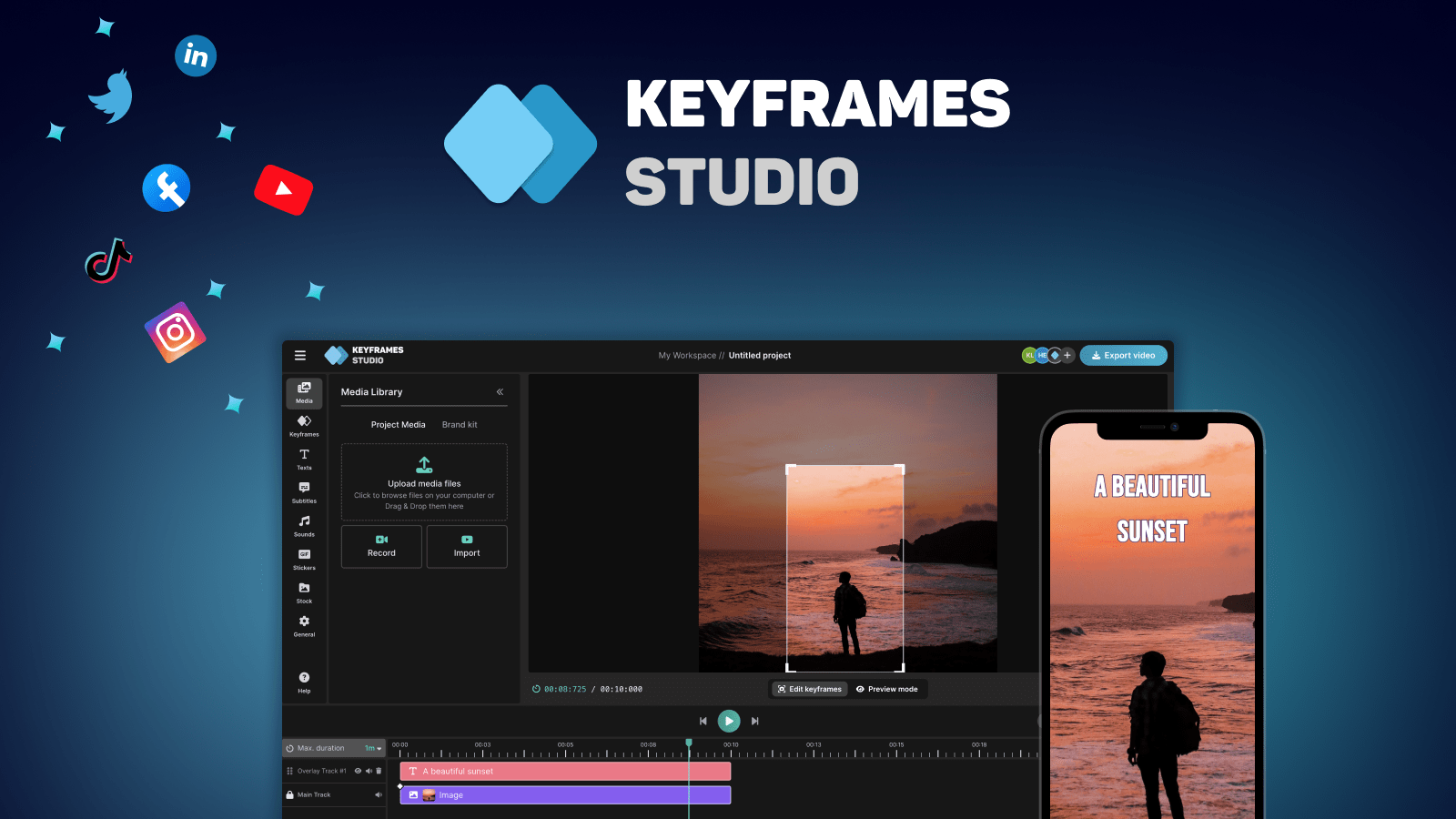
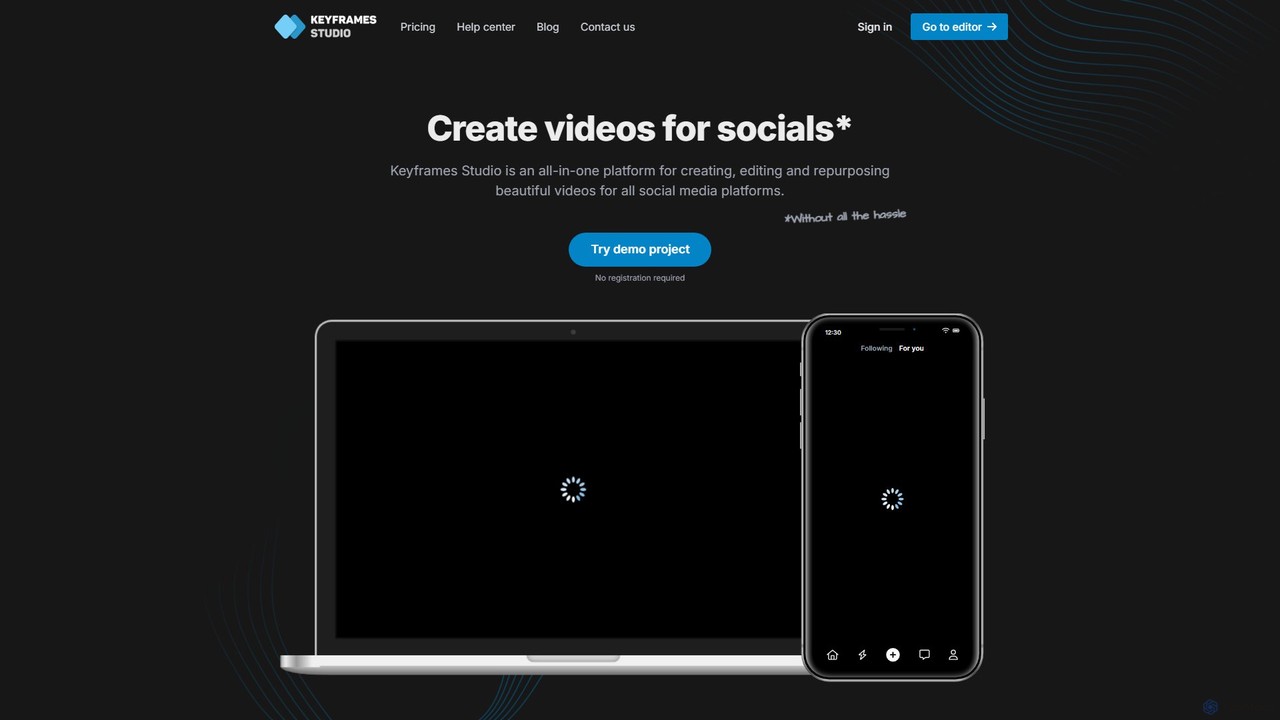
Keyframes Studioは、ソーシャルメディア向けの動画の作成、編集、再利用を簡素化するために設計された、AI搭載のオールインワンオンライン動画編集ツールです。AIを使用してキーフレームと字幕を自動生成し、経験に関係なく誰でもプロフェッショナルな動画制作を可能にします。
FFmpegエンジン用の使いやすいインターフェースを提供する、強力で無料のオンライン動画処理ツールです。AIによって強化され、動画変換、圧縮、トリミング、音声抽出などの複雑なタスクを簡素化します。ソフトウェアのインストールなしで迅速な動画編集が必要なコンテンツ制作者やマーケターに最適です。
Keyframes Studioは、ソーシャルメディア向けの動画の作成、編集、再利用を簡素化するために設計された、AI搭載のオールインワンオンライン動画編集ツールです。AIを使用してキーフレームと字幕を自動生成し、経験に関係なく誰でもプロフェッショナルな動画制作を可能にします。
| Feature | ffmpeg_online | Keyframes Studio |
|---|---|---|
| 主要カテゴリー | ファイル変換 | マーケティング |
| 追加日 | 2025-08-11 | 2025-08-14 |
| 価格 | フリーミアム | フリーミアム |
| 公式サイト | ffmpeg-online.top | keyframes.studio |
| 製品タイプ | ウェブサイト | ウェブサイト |
| Performance data | ||
| ユーザー評価 | 未確認 | 未確認 |
| コメント | 0 | 0 |
| 月間訪問数 | 3.5K | 5.1K |
| 月間成長率 | 未確認 | 39.5% |
| お気に入り | 145 | 125 |
| Details | 詳細を見る | 詳細を見る |
Compare ffmpeg_online and Keyframes Studio by monthly reach, traffic trend, visit depth, top regions, and acquisition sources.
In the ffmpeg_online vs Keyframes Studio monthly traffic comparison, ffmpeg_online currently shows 3.5K visits and Keyframes Studio shows 5.1K; Keyframes Studio has about 1.5 times the visible traffic of ffmpeg_online, an absolute difference of about 1.6K visits. This reflects visible reach, not feature quality or paid users.
Only Keyframes Studio has complete third-party traffic details; ffmpeg_online uses visits recorded inside ToolMage. These scopes cannot estimate market share directly, and on-site views should not be treated as the product’s total website traffic.
| Country/region | Percentage | Traffic |
|---|---|---|
| 🇺🇸United States | 41.97% | 2.2K |
| 🇮🇳India | 25.41% | 1.3K |
| 🇫🇷France | 21.14% | 1.1K |
| 🇮🇩Indonesia | 10.02% | 515 |
| 🇬🇧United Kingdom | 1.46% | 75 |
This in-depth ffmpeg_online vs Keyframes Studio comparison uses only the product records, taxonomy, audience, traffic, and community signals available on this page. ffmpeg_online is primarily listed under “ファイル変換”, while Keyframes Studio is primarily listed under “マーケティング”, so the first decision is whether your actual task matches their recorded scope.
The structured fields currently show these decision-relevant differences: Primary category (ffmpeg_online: ファイル変換; Keyframes Studio: マーケティング); Monthly visits (ffmpeg_online: 3.5K; Keyframes Studio: 5.1K); Favorites (ffmpeg_online: 145; Keyframes Studio: 125); Website (ffmpeg_online: ffmpeg-online.top; Keyframes Studio: keyframes.studio); Added (ffmpeg_online: 2025-08-11; Keyframes Studio: 2025-08-14). These facts are more useful for selection than brand visibility alone.
In the ffmpeg_online vs Keyframes Studio monthly traffic comparison, ffmpeg_online currently shows 3.5K visits and Keyframes Studio shows 5.1K; Keyframes Studio has about 1.5 times the visible traffic of ffmpeg_online, an absolute difference of about 1.6K visits. This reflects visible reach, not feature quality or paid users.
Only Keyframes Studio has complete third-party traffic details; ffmpeg_online uses visits recorded inside ToolMage. These scopes cannot estimate market share directly, and on-site views should not be treated as the product’s total website traffic.
The current traffic scope is not sufficient for a reliable product ranking. Treat monthly visits as a market-interest signal, then decide using taxonomy, use cases, pricing, and a like-for-like trial rather than reading exposure as product capability.
ffmpeg_online and Keyframes Studio currently overlap in shared categories: 編集; shared tags: AIビデオ、オンライン動画編集. This can place both on the same shortlist, but it does not prove equal implementation, depth, or cost.
ffmpeg_online's unique categories/tags are ファイル変換、オーディオ抽出ツール、FFmpeg GUI、メディア処理、ビデオコンプレッサー、ビデオ変換、ビデオトリミング、ビデオ回転; Keyframes Studio's are マーケティング、コンテンツ作成、自動字幕、コンテンツ再利用、キーフレームアニメーション、マーケティングビデオ、ソーシャルメディア動画、縦型動画. These unique fields are the strongest differentiators: validate the product whose recorded scope matches the task instead of following traffic alone.
ffmpeg_online has no verified rating, 0 comments, 145 favorites, and 140 likes;Keyframes Studio has no verified rating, 0 comments, 125 favorites, and 110 likes。
Neither product has enough rating or comment samples for a credible reputation ranking.
Put ffmpeg_online on the priority trial list when the task aligns with “ファイル変換” and especially ファイル変換、オーディオ抽出ツール、FFmpeg GUI、メディア処理、ビデオコンプレッサー、ビデオ変換. This follows recorded positioning and does not imply unlisted capabilities are absent.
ffmpeg_online also currently records: pricing is freemium, product type is website, 3.5K on-site monthly views, no verified user rating. Verify any hard requirement around price, platform, or reach before trial, and do not let sparse review data substitute for testing.
Put Keyframes Studio on the priority trial list when the task aligns with “マーケティング” and especially マーケティング、コンテンツ作成、自動字幕、コンテンツ再利用、キーフレームアニメーション、マーケティングビデオ. This follows recorded positioning and does not imply unlisted capabilities are absent.
Keyframes Studio also currently records: pricing is freemium, product type is website, 5.1K verified monthly visits, no verified user rating. Verify any hard requirement around price, platform, or reach before trial, and do not let sparse review data substitute for testing.
The available data describes positioning, public visibility, and community signals, but it cannot prove output quality, speed, integration effort, privacy, or long-term cost in your workflow. Before deciding, run the same representative tasks in ffmpeg_online and Keyframes Studio, then record completion time, accuracy, manual corrections, and the real paid threshold. A like-for-like trial turns this comparison into a defensible adoption decision.
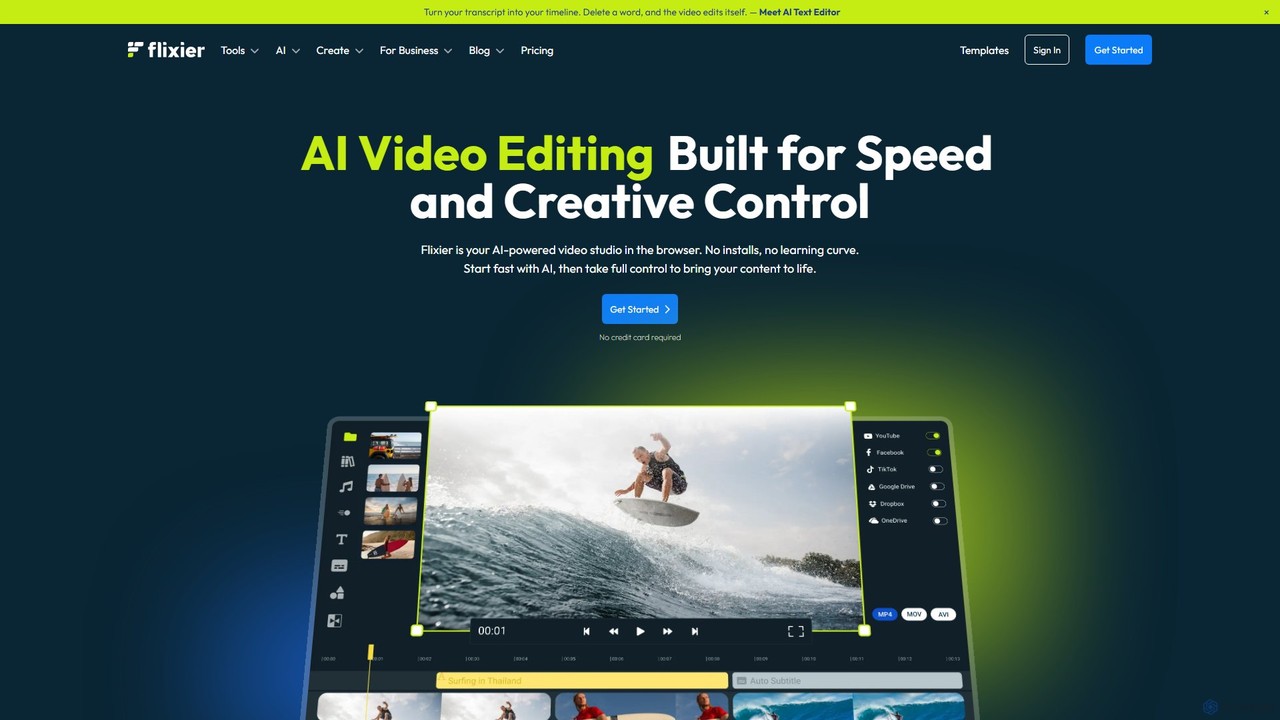
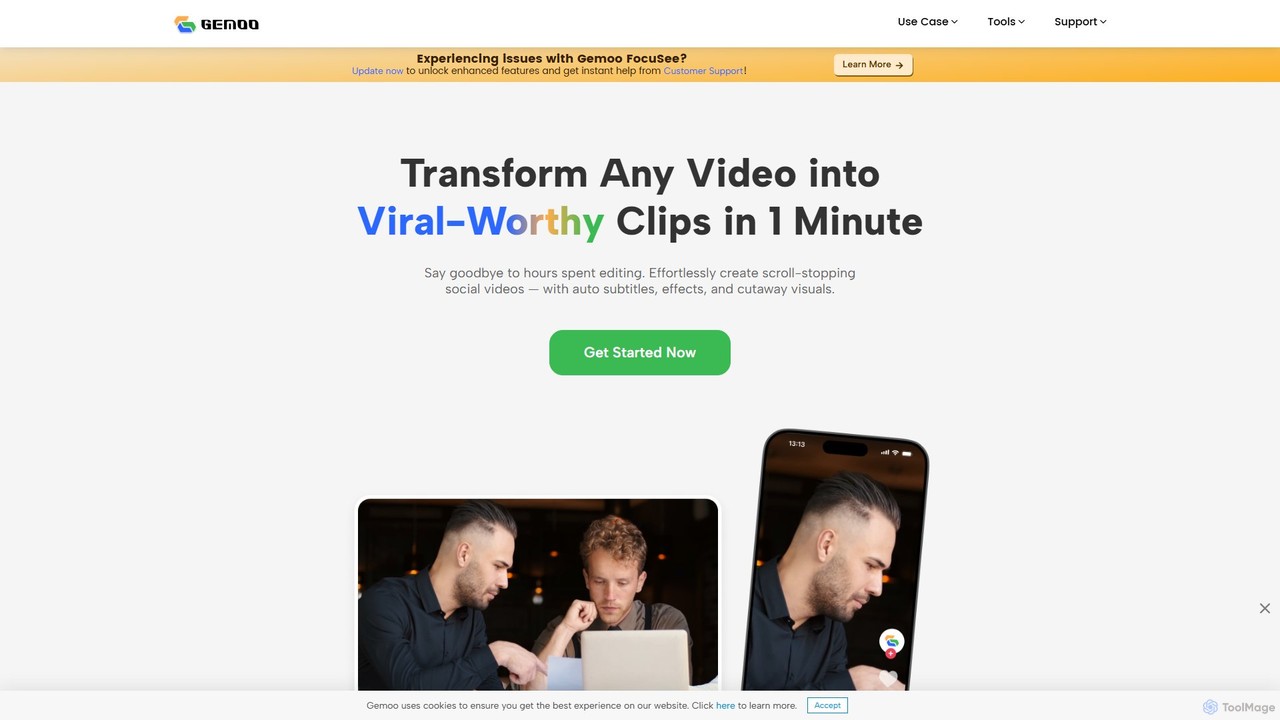
GemooはAI搭載の動画編集ツールで、あらゆる動画を数分でバイラルヒットする可能性のあるショートクリップに変換します。字幕追加、関連するBロール映像の挿入、エフェクト適用、SNS向けに最適化されたタイトルや説明文の生成といった面倒な作業を自動化します。高品質で魅力的なコンテンツを効率的に制作したいクリエイター、マーケター、教育者に最適です。
ビデオマーケティング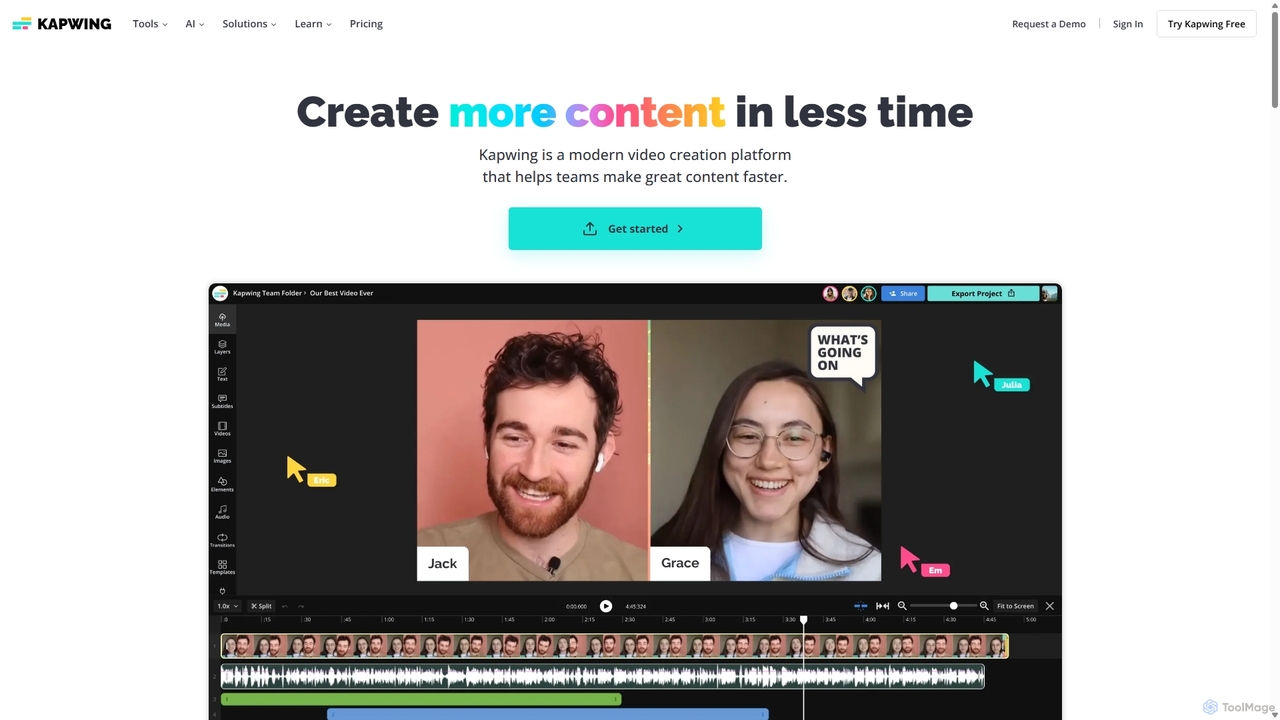
Kapwingは、チームやクリエイターが高品質なコンテンツをより速く制作するために設計された、AI搭載のオンライン動画編集ツールです。ブラウザベースの共同作業プラットフォームで、テキストからの動画生成、自動字幕、背景除去などのインテリジェントなAI機能と編集ツール一式を組み合わせ、誰でも動画制作を身近に感じられるようにします。
ビデオマーケティング
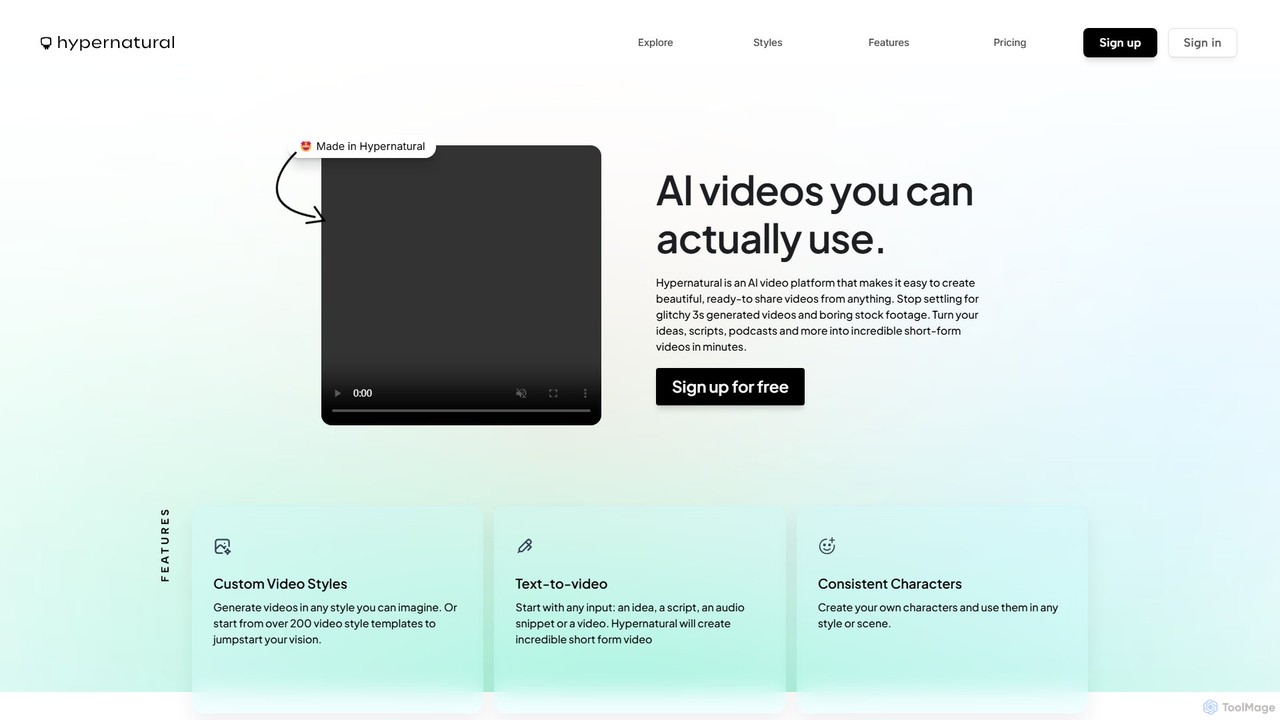
Hypernaturalは、テキスト、スクリプト、オーディオを高品質で共有可能なショートフォームビデオに変換するAIビデオプラットフォームです。一貫したキャラクターとカスタムスタイルで、不具合のない実用的なコンテンツを作成することに重点を置いており、マーケターからコンテンツクリエーターまで、誰もがプロフェッショナルなビデオ制作を行えるようにします。
広告
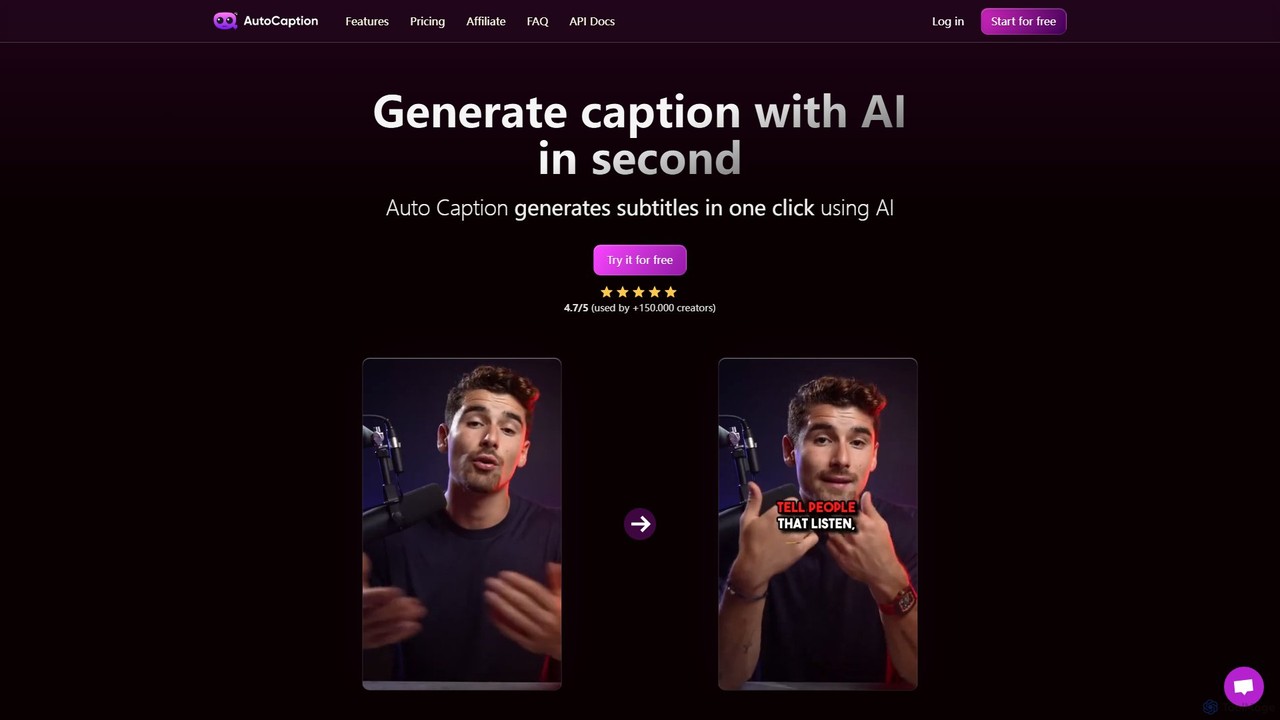
autocaptionは、99以上の言語でビデオキャプションを自動的に生成、文字起こし、アニメーション化するAI搭載ツールです。コンテンツクリエーター向けに設計されており、カスタマイズ可能なテンプレート、アニメーション絵文字、B-Roll AIなどの機能で編集時間を大幅に削減します。高速で完全に編集可能な高解像度字幕で、ビデオのエンゲージメントとアクセシビリティを向上させ、ソーシャルメディア向けに最適化します。
自動化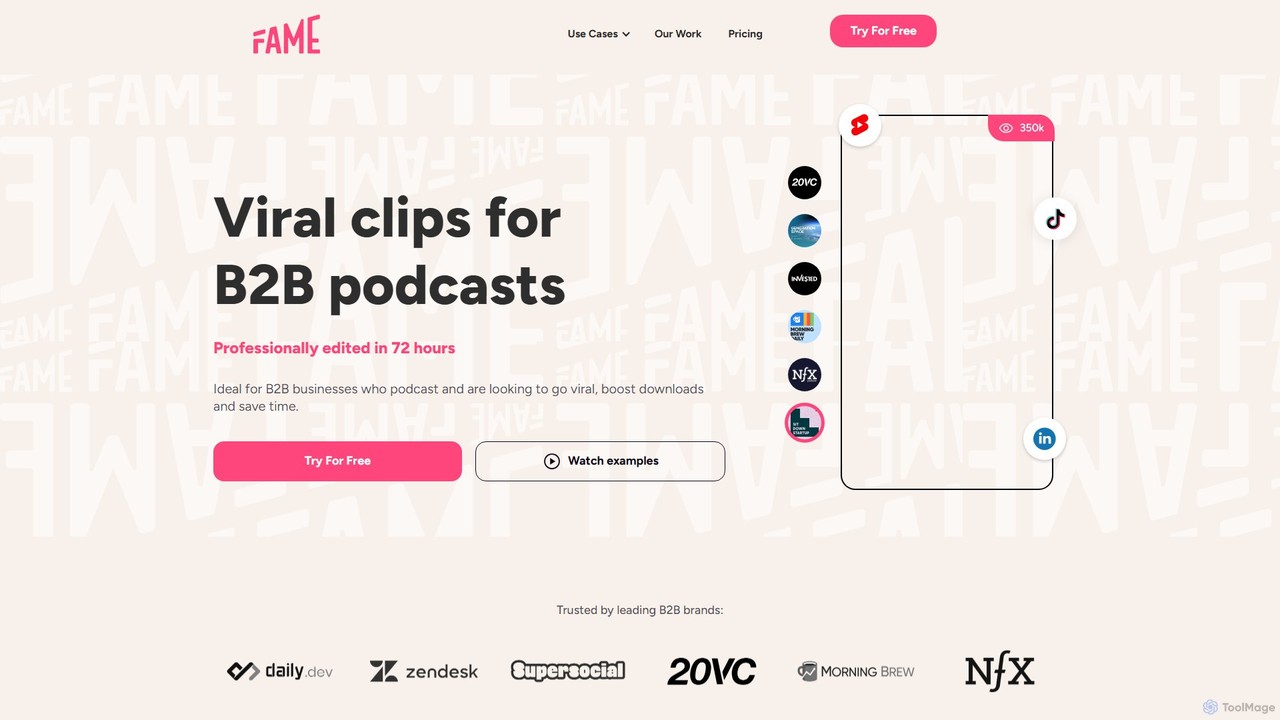
Fame Clipsは、AIとプロの人間の編集者を組み合わせて、ポッドキャストやX Spacesから高性能でバイラルになりやすいビデオクリップを作成する代行サービスです。B2Bビジネス向けに設計されており、72時間以内にプロが編集したクリップを提供し、ダウンロード数を増やし、大幅な時間節約を支援します。
ポッドキャストマーケティング
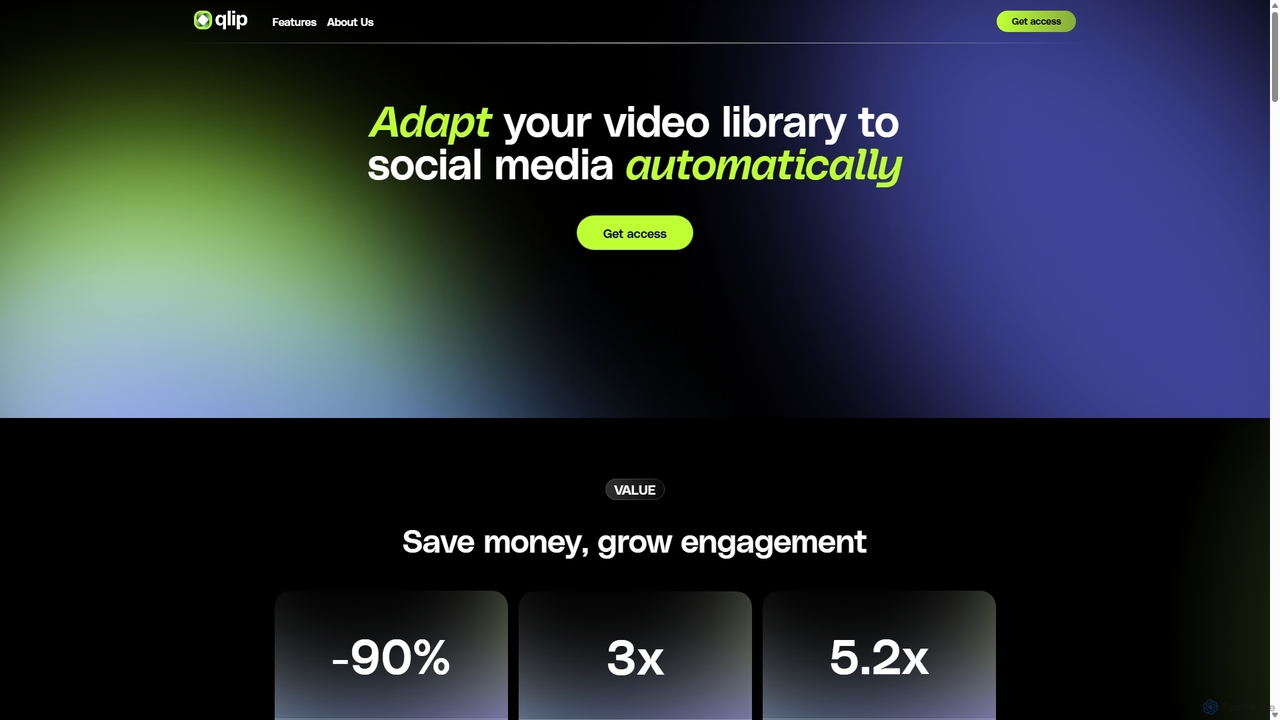
qlipは、AIを活用して長尺ビデオからインパクトのあるショートクリップを自動的に抽出するプラットフォームです。マーケターやコンテンツクリエーター向けに設計されており、自動リフレーミング、ブランド字幕、文字起こしなどの機能でソーシャルメディア向けのコンテンツ再利用を簡素化し、コスト削減とエンゲージメント向上を支援します。
ビデオマーケティング