Figr
UI/UX · 89.8K 月間訪問数
Figrは、製品デザインのワークフローを加速させるAI搭載のデザインスイートです。Figma内で直接、本番環境レベルのデザインシステムを作成し、デザイントークン、コンポーネント、ドキュメントの生成を自動化することに特化しています。プロダクト思想家、デザイナー、チームが、リサーチとコンテキストを驚異的なスピードで明確で一貫性のあるスケーラブルなユーザーインターフェースに変換するために構築されました。
Figrは、製品デザインのワークフローを加速させるAI搭載のデザインスイートです。Figma内で直接、本番環境レベルのデザインシステムを作成し、デザイントークン、コンポーネント、ドキュメントの生成を自動化することに特化しています。プロダクト思想家、デザイナー、チームが、リサーチとコンテキストを驚異的なスピードで明確で一貫性のあるスケーラブルなユーザーインターフェースに変換するために構築されました。
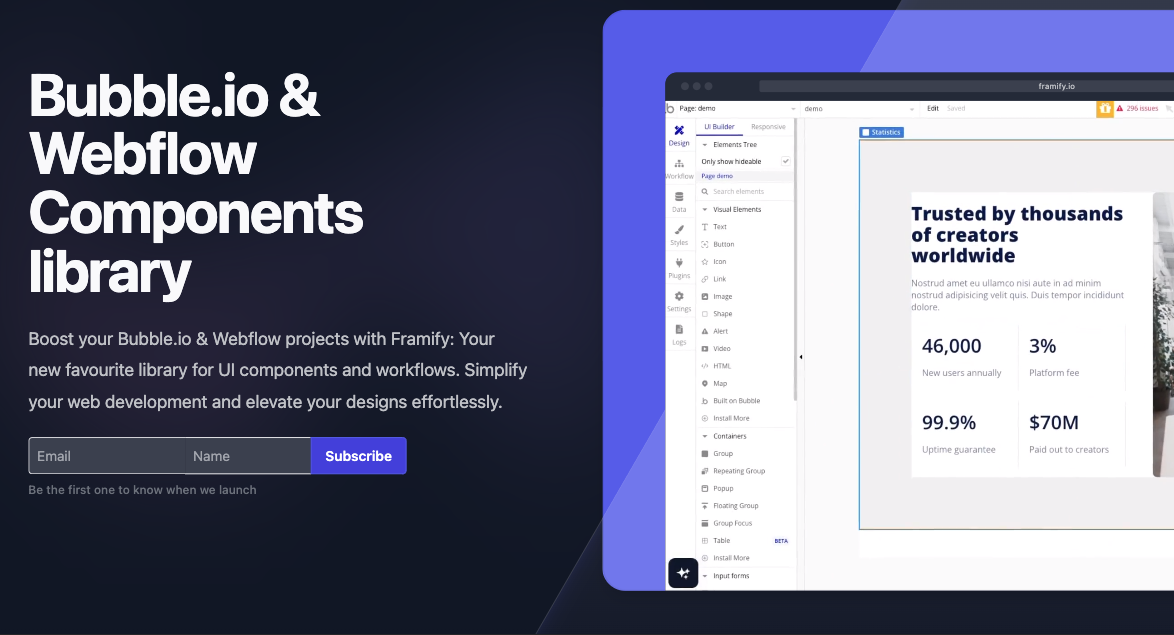
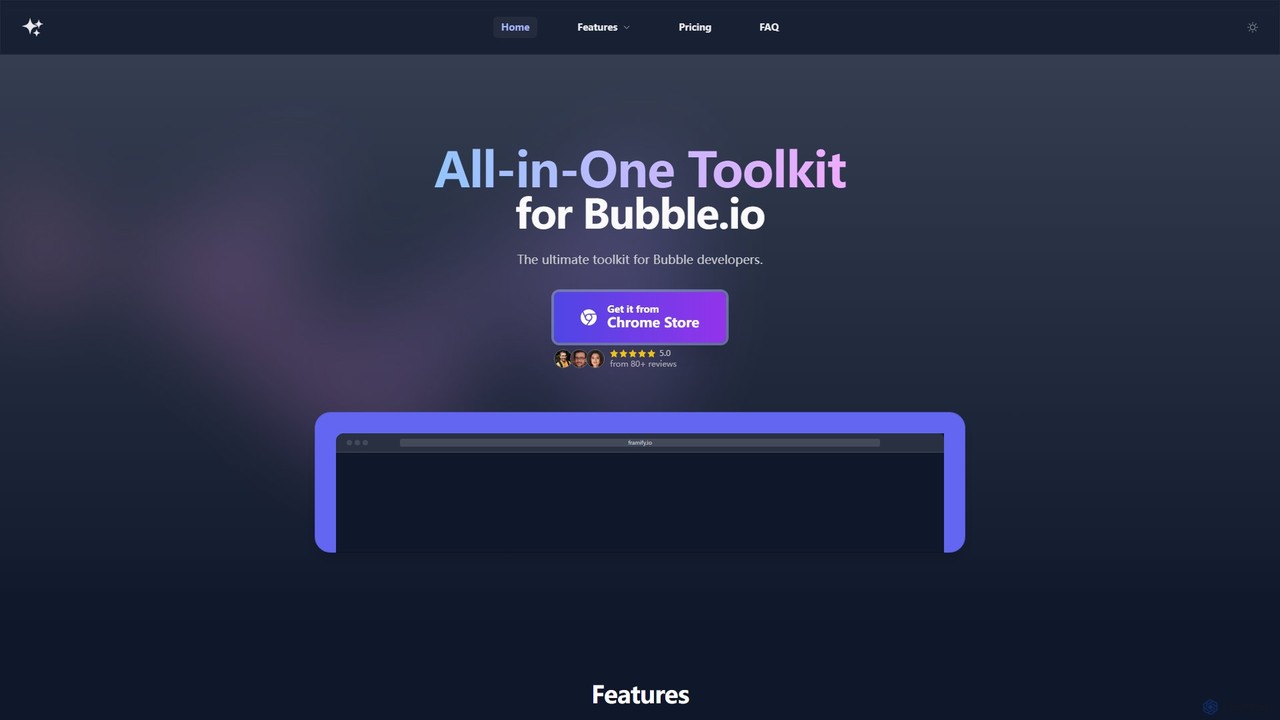
Framifyは、Bubble.ioおよびWebflow開発者向けのオールインワンAIパワードツールキットおよびコンポーネントライブラリです。広範なUIコンポーネントライブラリ、FigmaからBubbleへのコンバーター、AIサイトビルダー、および様々な生産性向上ツールにより、Web開発を加速します。ワークフローを合理化し、デザインを強化し、開発時間を大幅に短縮するように設計されています。
Figrは、製品デザインのワークフローを加速させるAI搭載のデザインスイートです。Figma内で直接、本番環境レベルのデザインシステムを作成し、デザイントークン、コンポーネント、ドキュメントの生成を自動化することに特化しています。プロダクト思想家、デザイナー、チームが、リサーチとコンテキストを驚異的なスピードで明確で一貫性のあるスケーラブルなユーザーインターフェースに変換するために構築されました。
Framifyは、Bubble.ioおよびWebflow開発者向けのオールインワンAIパワードツールキットおよびコンポーネントライブラリです。広範なUIコンポーネントライブラリ、FigmaからBubbleへのコンバーター、AIサイトビルダー、および様々な生産性向上ツールにより、Web開発を加速します。ワークフローを合理化し、デザインを強化し、開発時間を大幅に短縮するように設計されています。
| Feature | Figr | framify |
|---|---|---|
| 主要カテゴリー | UI/UX | ウェブサイトビルダー |
| 追加日 | 2025-08-14 | 2025-08-17 |
| 価格 | フリーミアム | フリーミアム |
| 公式サイト | figr.design | framify.io |
| 製品タイプ | ブラウザ拡張 | ブラウザ拡張 |
| Performance data | ||
| ユーザー評価 | 未確認 | 未確認 |
| コメント | 0 | 0 |
| 月間訪問数 | 89.8K | 5.8K |
| 月間成長率 | -1.1% | 48.8% |
| お気に入り | 124 | 119 |
| Details | 詳細を見る | 詳細を見る |
Compare Figr and framify by monthly reach, traffic trend, visit depth, top regions, and acquisition sources.
In the Figr vs framify monthly traffic comparison, Figr currently shows 89.8K visits and framify shows 5.8K; Figr has about 15.5 times the visible traffic of framify, an absolute difference of about 84K visits. This reflects visible reach, not feature quality or paid users.
Both tools provide verified traffic details, so monthly trends, visit depth, regions, and acquisition sources can be compared on the same basis.
| Country/region | Percentage | Traffic |
|---|---|---|
| 🇮🇳India | 45.57% | 40.9K |
| 🇺🇸United States | 19.48% | 17.5K |
| 🇬🇧United Kingdom | 15.8% | 14.2K |
| 🇮🇩Indonesia | 9.71% | 8.7K |
| 🇫🇷France | 9.44% | 8.5K |
| Source type | Percentage | Traffic |
|---|---|---|
| ダイレクト | 89.11% | 80.1K |
| 参照元 | 9.85% | 8.8K |
| Eメール | 1.04% | 934 |
| Country/region | Percentage | Traffic |
|---|---|---|
| 🇺🇸United States | 35.82% | 2.1K |
| 🇮🇳India | 25.34% | 1.5K |
| 🇩🇪Germany | 14% | 814 |
| 🇲🇽Mexico | 13.75% | 799 |
| 🇬🇧United Kingdom | 11.09% | 644 |
This in-depth Figr vs framify comparison uses only the product records, taxonomy, audience, traffic, and community signals available on this page. Figr is primarily listed under “UI/UX”, while framify is primarily listed under “ウェブサイトビルダー”, so the first decision is whether your actual task matches their recorded scope.
The structured fields currently show these decision-relevant differences: Primary category (Figr: UI/UX; framify: ウェブサイトビルダー); Monthly visits (Figr: 89.8K; framify: 5.8K); Monthly growth (Figr: -1.1%; framify: 48.8%); Favorites (Figr: 124; framify: 119); Website (Figr: figr.design; framify: framify.io). These facts are more useful for selection than brand visibility alone.
In the Figr vs framify monthly traffic comparison, Figr currently shows 89.8K visits and framify shows 5.8K; Figr has about 15.5 times the visible traffic of framify, an absolute difference of about 84K visits. This reflects visible reach, not feature quality or paid users.
Both tools provide verified traffic details, so monthly trends, visit depth, regions, and acquisition sources can be compared on the same basis.
If public market visibility is an important first-pass criterion, investigate Figr first. The final choice should still follow taxonomy, use case, and a real trial because higher traffic does not prove broader capabilities or better workflow fit.
Figr and framify currently overlap in shared categories: UI/UX、ワークフロー自動化; shared tags: コンポーネントライブラリ. This can place both on the same shortlist, but it does not prove equal implementation, depth, or cost.
Figr's unique categories/tags are フロントエンド開発、デザイン自動化、デザインシステム、デザイン・トークン、Figma プラグイン、プロダクトデザイン、プロトタイピング、UIデザイン; framify's are ウェブサイトビルダー、ノーコード、AIコピーライティング、bubble.io、Chrome拡張機能、開発者ツール、フィグマ、UIキット. These unique fields are the strongest differentiators: validate the product whose recorded scope matches the task instead of following traffic alone.
Figr has no verified rating, 0 comments, 124 favorites, and 127 likes;framify has no verified rating, 0 comments, 119 favorites, and 121 likes。
Neither product has enough rating or comment samples for a credible reputation ranking.
Put Figr on the priority trial list when the task aligns with “UI/UX” and especially フロントエンド開発、デザイン自動化、デザインシステム、デザイン・トークン、Figma プラグイン、プロダクトデザイン. This follows recorded positioning and does not imply unlisted capabilities are absent.
Figr also currently records: pricing is freemium, product type is browser extension, 89.8K verified monthly visits, no verified user rating. Verify any hard requirement around price, platform, or reach before trial, and do not let sparse review data substitute for testing.
Put framify on the priority trial list when the task aligns with “ウェブサイトビルダー” and especially ウェブサイトビルダー、ノーコード、AIコピーライティング、bubble.io、Chrome拡張機能、開発者ツール. This follows recorded positioning and does not imply unlisted capabilities are absent.
framify also currently records: pricing is freemium, product type is browser extension, 5.8K verified monthly visits, no verified user rating. Verify any hard requirement around price, platform, or reach before trial, and do not let sparse review data substitute for testing.
The available data describes positioning, public visibility, and community signals, but it cannot prove output quality, speed, integration effort, privacy, or long-term cost in your workflow. Before deciding, run the same representative tasks in Figr and framify, then record completion time, accuracy, manual corrections, and the real paid threshold. A like-for-like trial turns this comparison into a defensible adoption decision.
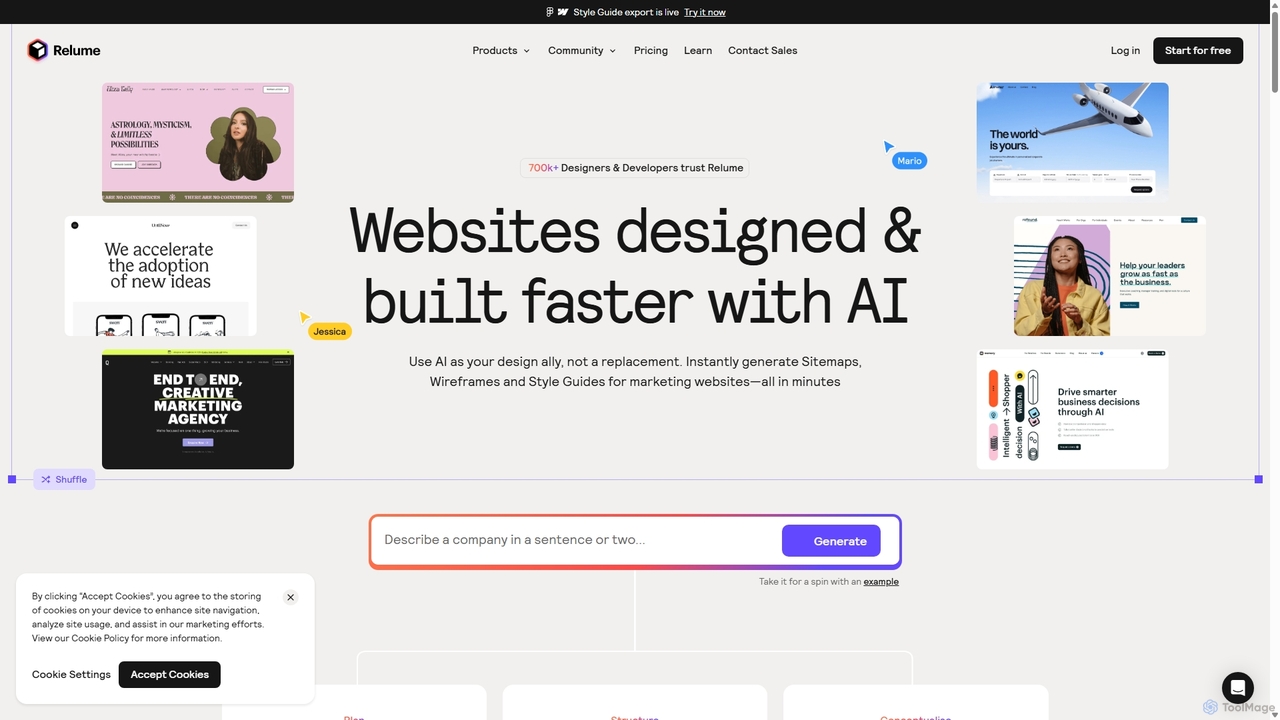
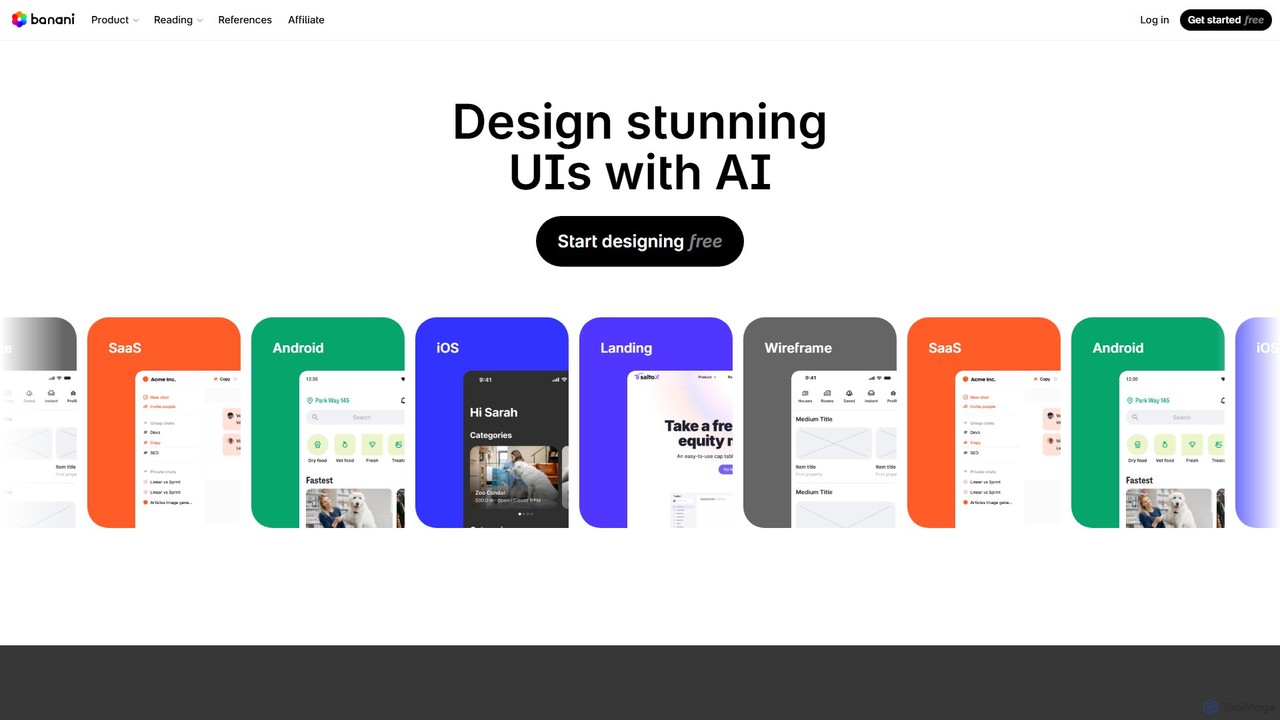
Relumeは、デザインと開発プロセスを加速するAI搭載のウェブサイトビルダーです。簡単なテキストプロンプトからサイトマップやワイヤーフレームを生成し、包括的なスタイルガイドを作成し、Figma、Webflow、React用の1000以上のコンポーネントからなる広大なライブラリを活用できます。デザイナー、開発者、代理店のワークフローを効率化し、アイデアを短時間で本番環境に対応したウェブサイトに変換するために設計されています。
ウェブサイトビルダー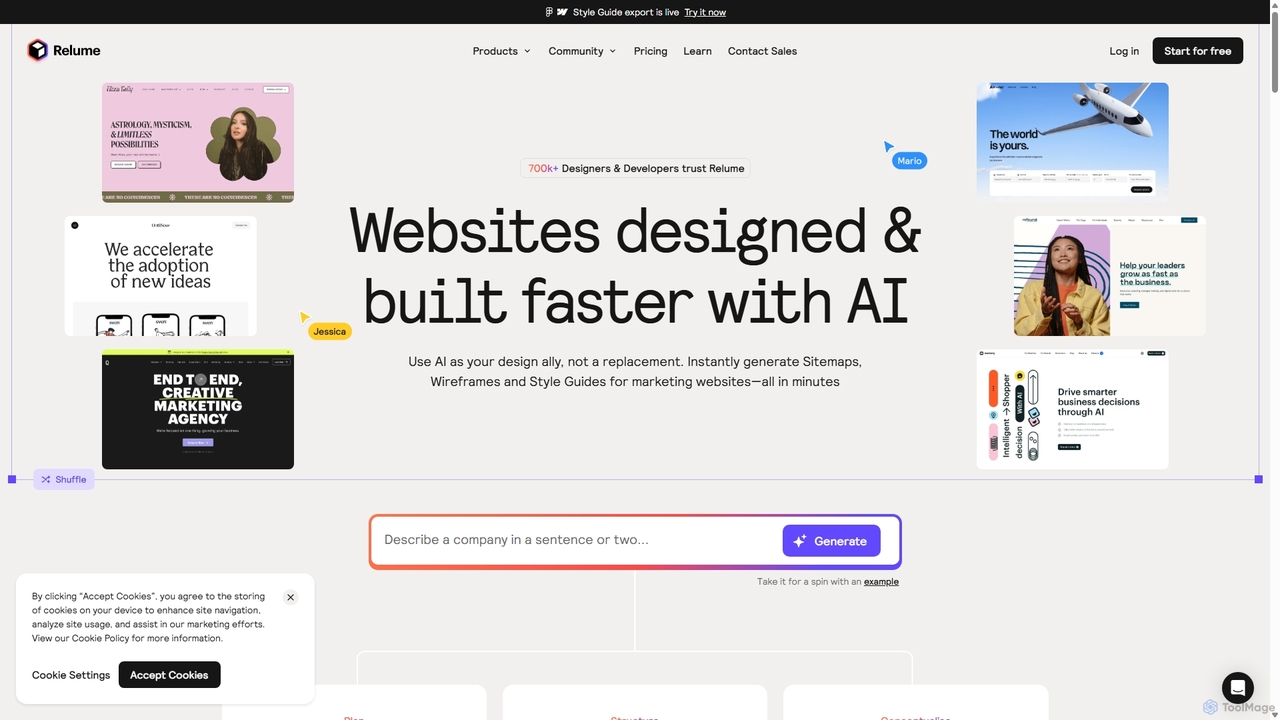

Relumeは、ウェブサイトの設計と構築プロセスを加速するAI搭載プラットフォームです。簡単なプロンプトからサイトマップやワイヤーフレームを生成し、包括的なスタイルガイドを作成し、1000以上のコンポーネントからなる広範なライブラリにアクセスできます。Figma、Webflow、Reactへのシームレスなエクスポートにより、Relumeはデザイナー、開発者、代理店のワークフロー全体を合理化し、アイデアを数分で忠実度の高いデザインに変換します。
ウェブサイトビルダー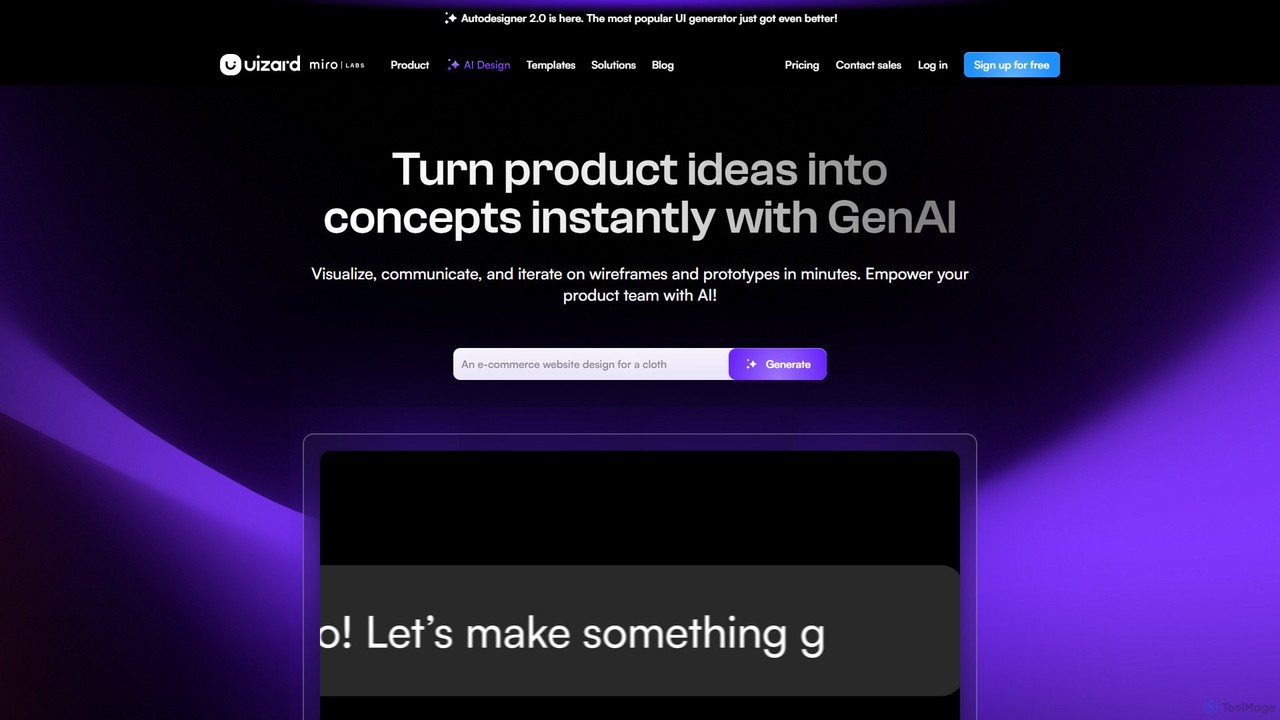
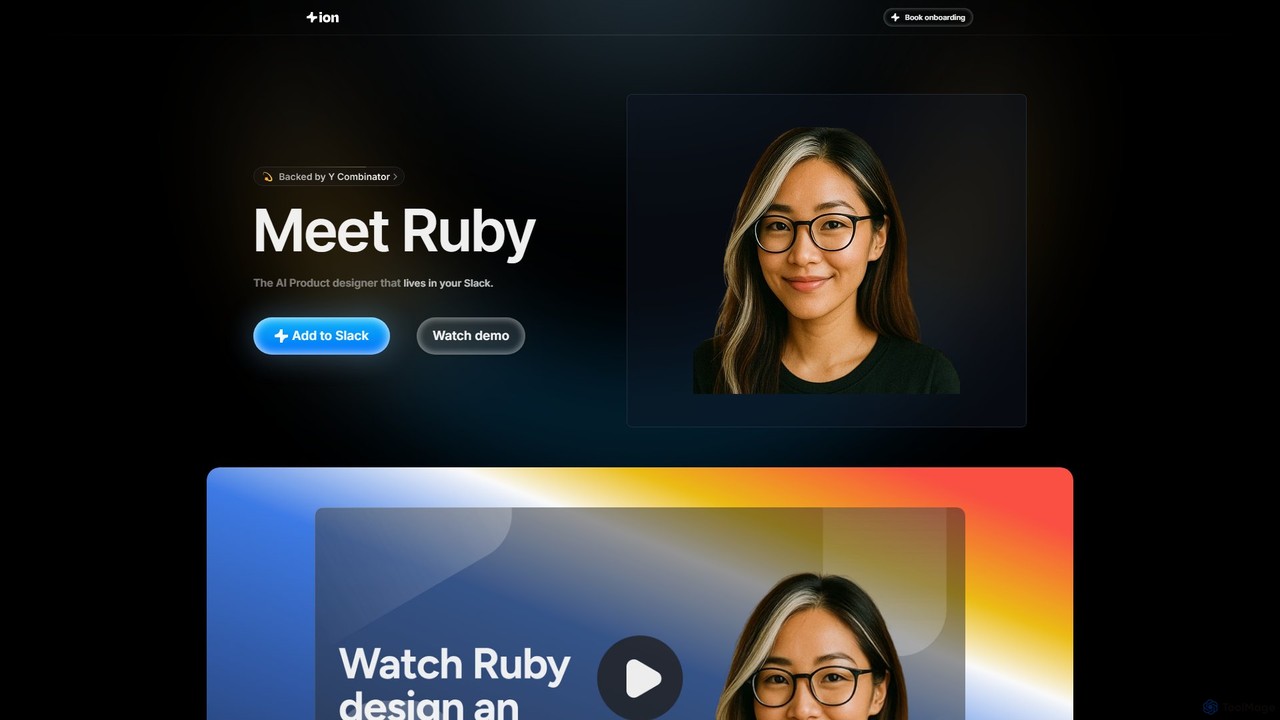
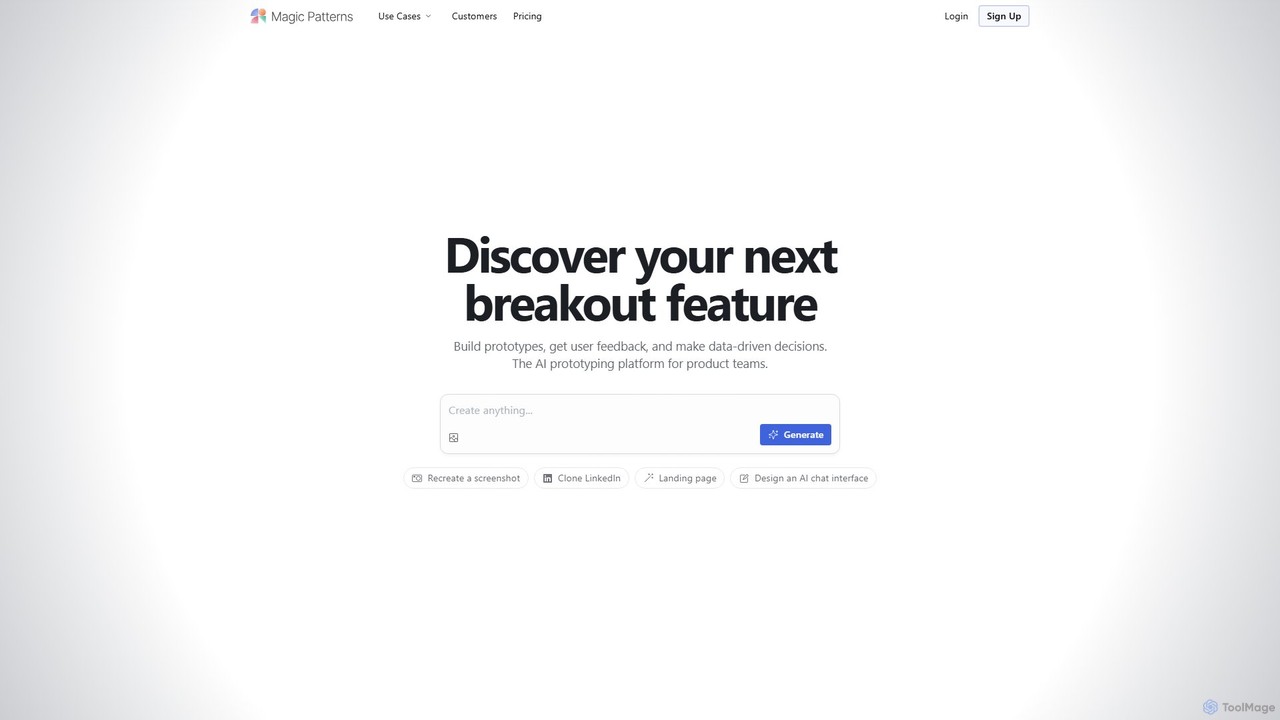
Magic Patternsは、プロダクトチーム、デザイナー、開発者向けのAI搭載プロトタイピングプラットフォームです。テキストプロンプト、スクリーンショット、または既存のウェブサイトから、インタラクティブなプロトタイプと本番用のコード(React、Tailwind CSS)を生成し、UI作成を加速します。チームの迅速なイテレーション、ユーザーフィードバックの収集、データに基づいた意思決定を支援します。
プロトタイピング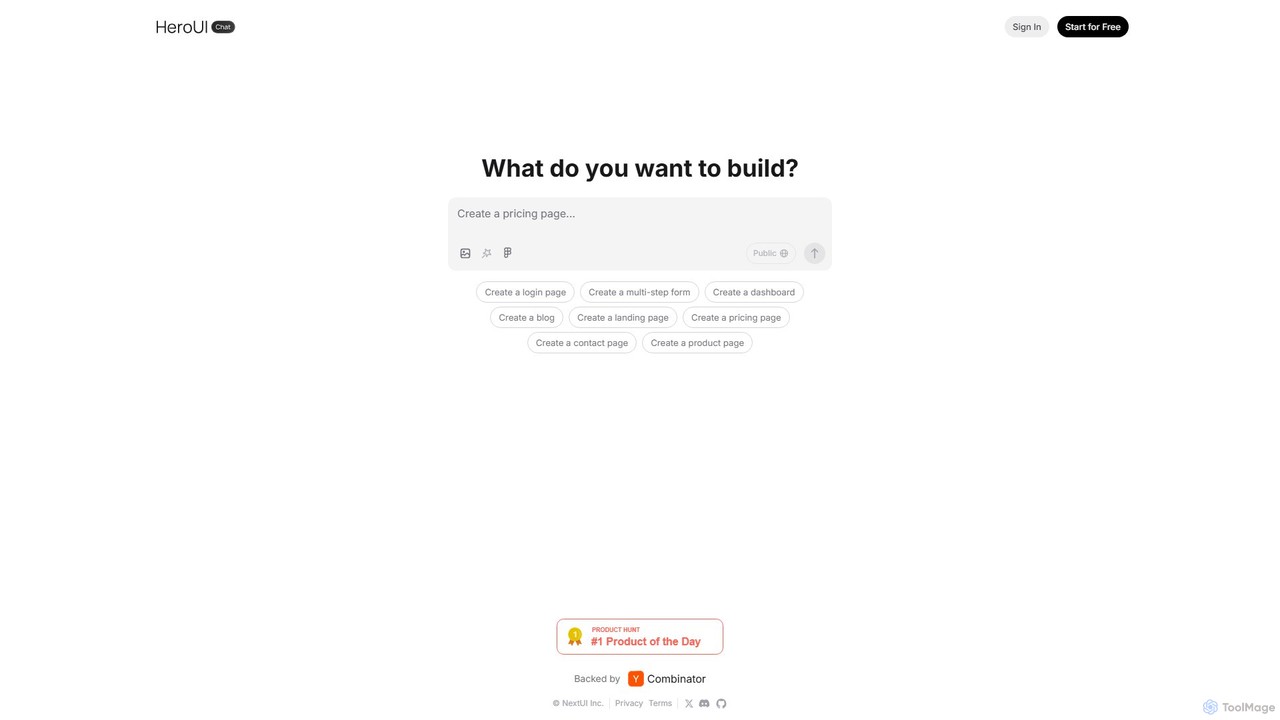
HeroUI Proは、React開発者向けのプレミアムコンポーネントライブラリで、220以上の専門的に設計されたレスポンシブで本番利用可能なコンポーネントを提供します。AIダッシュボード、Eコマースサイト、マーケティングページなど、さまざまなアプリケーション向けの構築済み要素を提供することで、ウェブ開発を加速させます。これらすべてが一度の支払いで利用可能です。
コンポーネント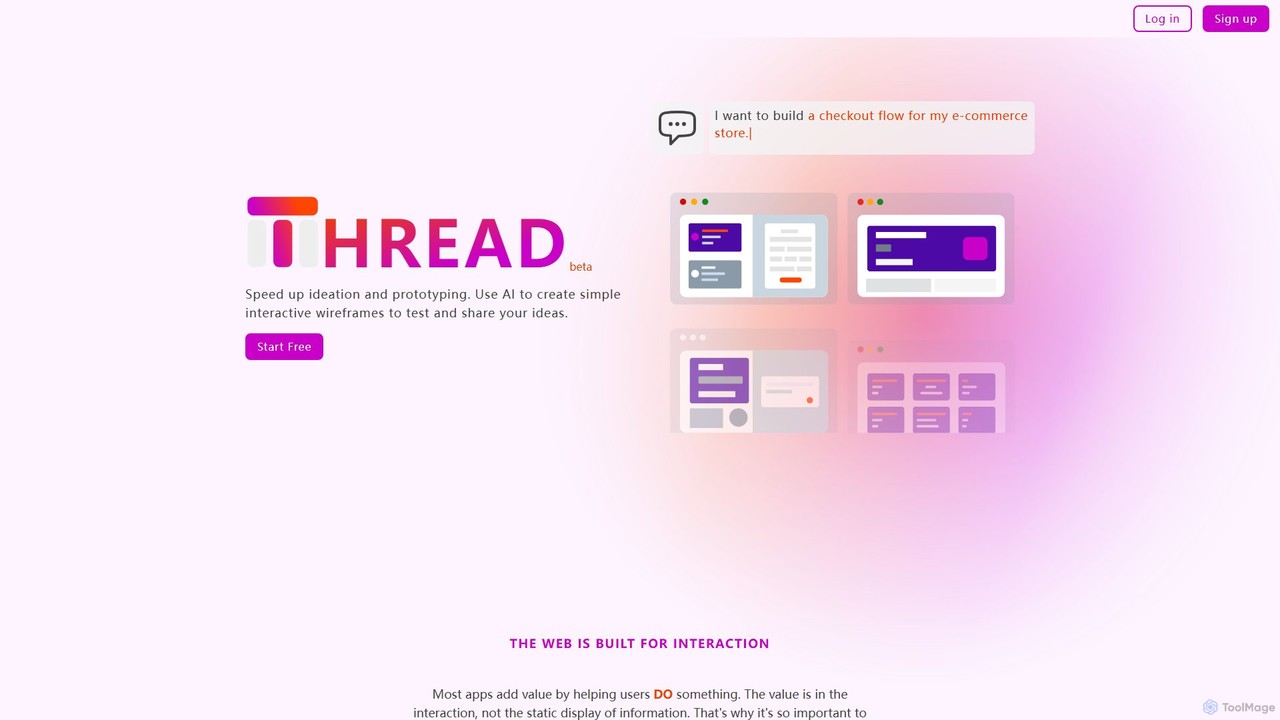
Thread Appは、テキスト記述からシンプルでインタラクティブなワイヤーフレームを即座に作成するAI搭載ツールです。デザイナー、開発者、プロダクトマネージャーのアイデア出しとプロトタイピングを加速させ、複雑なデザインソフトウェアなしでアプリのアイデアを迅速にテスト・共有できるように設計されています。
プロトタイピング