FixBlur
画像強調 · 1.4K 月間訪問数
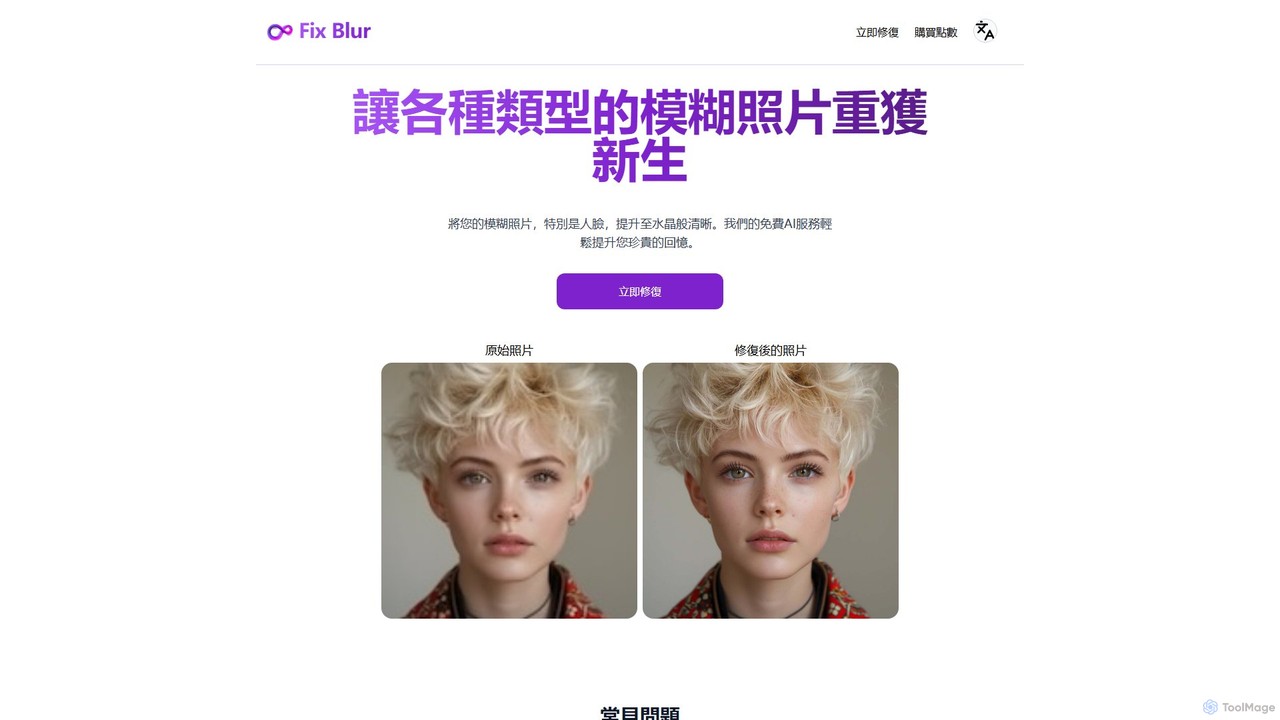
FixBlurは、ぼやけた写真、特に顔を数秒で鮮明にするAI搭載ツールです。高度なアルゴリズムを使用して画像のぼかしを除去し、ディテールを復元し、大切な思い出を鮮明に蘇らせます。手ブレ、ピンボケ、古い写真の修正に最適です。
FixBlurは、ぼやけた写真、特に顔を数秒で鮮明にするAI搭載ツールです。高度なアルゴリズムを使用して画像のぼかしを除去し、ディテールを復元し、大切な思い出を鮮明に蘇らせます。手ブレ、ピンボケ、古い写真の修正に最適です。
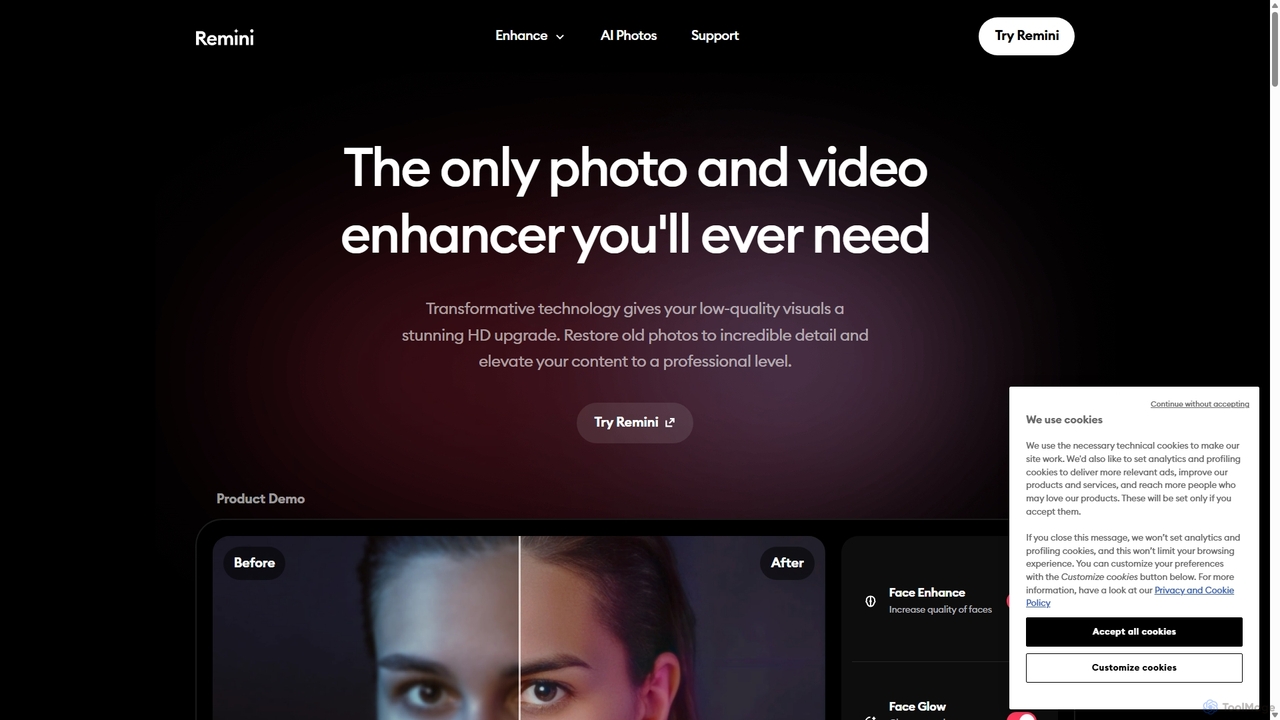
Reminiは、低品質、ぼやけ、または古い写真や動画を、驚くほど高画質なビジュアルに変換するAI搭載の写真・動画エンハンサーです。高度なAIを使用してディテールを復元し、ピントを鮮明にし、ノイズを低減し、プロ品質のAI写真を生成することもできます。
Compare FixBlur and Remini by monthly reach, traffic trend, visit depth, top regions, and acquisition sources.
In the FixBlur vs Remini monthly traffic comparison, FixBlur currently shows 1.4K visits and Remini shows 1.2M; Remini has about 814.3 times the visible traffic of FixBlur, an absolute difference of about 1.2M visits. This reflects visible reach, not feature quality or paid users.
Both tools provide verified traffic details, so monthly trends, visit depth, regions, and acquisition sources can be compared on the same basis.
FixBlur is registered at the fixblur.com/zh subpage. Because the current data does not state whether other host pages are excluded, treat this as domain-level context rather than independent traffic for one product or project.
| Country/region | Percentage | Traffic |
|---|---|---|
| 🇺🇸United States | 100% | 1.4K |
| Country/region | Percentage | Traffic |
|---|---|---|
| 🇮🇳India | 33.49% | 391K |
| 🇵🇭Philippines | 25.58% | 298.7K |
| 🇺🇸United States | 19.29% | 225.2K |
| 🇷🇺Russia | 11.24% | 131.2K |
| 🇹🇷Turkey | 10.4% | 121.4K |
| Source type | Percentage | Traffic |
|---|---|---|
| ダイレクト | 94.54% | 1.1M |
| 参照元 | 4.24% | 49.5K |
| Eメール | 1.22% | 14.2K |
This in-depth FixBlur vs Remini comparison uses only the product records, taxonomy, audience, traffic, and community signals available on this page. FixBlur is primarily listed under “画像強調”, while Remini is primarily listed under “3D”, so the first decision is whether your actual task matches their recorded scope.
The structured fields currently show these decision-relevant differences: Primary category (FixBlur: 画像強調; Remini: 3D); Monthly visits (FixBlur: 1.4K; Remini: 1.2M); Monthly growth (FixBlur: 819.2%; Remini: -4.3%); Favorites (FixBlur: 112; Remini: 121); Website (FixBlur: fixblur.com; Remini: remini.ai). These facts are more useful for selection than brand visibility alone.
In the FixBlur vs Remini monthly traffic comparison, FixBlur currently shows 1.4K visits and Remini shows 1.2M; Remini has about 814.3 times the visible traffic of FixBlur, an absolute difference of about 1.2M visits. This reflects visible reach, not feature quality or paid users.
Both tools provide verified traffic details, so monthly trends, visit depth, regions, and acquisition sources can be compared on the same basis.
FixBlur is registered at the fixblur.com/zh subpage. Because the current data does not state whether other host pages are excluded, treat this as domain-level context rather than independent traffic for one product or project.
If public market visibility is an important first-pass criterion, investigate Remini first. The final choice should still follow taxonomy, use case, and a real trial because higher traffic does not prove broader capabilities or better workflow fit.
FixBlur and Remini currently overlap in shared categories: 画像強調; shared tags: AI写真編集、画像鮮明化、写真補正、写真修復、ぼかし解除. This can place both on the same shortlist, but it does not prove equal implementation, depth, or cost.
FixBlur's unique categories/tags are 写真修復、ツール、ぼかし除去、顔の強化、ぼやけた写真を修正、画像鮮明度; Remini's are 3D、復元、ビデオ強化、AI顔写真ジェネレーター、ノイズ除去、画像アップスケーラー、古い写真の復元、ビデオエンハンサー. These unique fields are the strongest differentiators: validate the product whose recorded scope matches the task instead of following traffic alone.
FixBlur has no verified rating, 0 comments, 112 favorites, and 104 likes;Remini has no verified rating, 0 comments, 121 favorites, and 134 likes。
Neither product has enough rating or comment samples for a credible reputation ranking.
Put FixBlur on the priority trial list when the task aligns with “画像強調” and especially 写真修復、ツール、ぼかし除去、顔の強化、ぼやけた写真を修正、画像鮮明度. This follows recorded positioning and does not imply unlisted capabilities are absent.
FixBlur also currently records: pricing is freemium, product type is website, 1.4K monthly visits shown for the registered host (subpage scope unknown), no verified user rating. Verify any hard requirement around price, platform, or reach before trial, and do not let sparse review data substitute for testing.
Put Remini on the priority trial list when the task aligns with “3D” and especially 3D、復元、ビデオ強化、AI顔写真ジェネレーター、ノイズ除去、画像アップスケーラー, or the users include コンテンツクリエイター、ECサイト運営者、系譜学者、グラフィックデザイナー. This follows recorded positioning and does not imply unlisted capabilities are absent.
Remini also currently records: pricing is freemium, product type is website, 1.2M verified monthly visits, no verified user rating. Verify any hard requirement around price, platform, or reach before trial, and do not let sparse review data substitute for testing.
The available data describes positioning, public visibility, and community signals, but it cannot prove output quality, speed, integration effort, privacy, or long-term cost in your workflow. Before deciding, run the same representative tasks in FixBlur and Remini, then record completion time, accuracy, manual corrections, and the real paid threshold. A like-for-like trial turns this comparison into a defensible adoption decision.
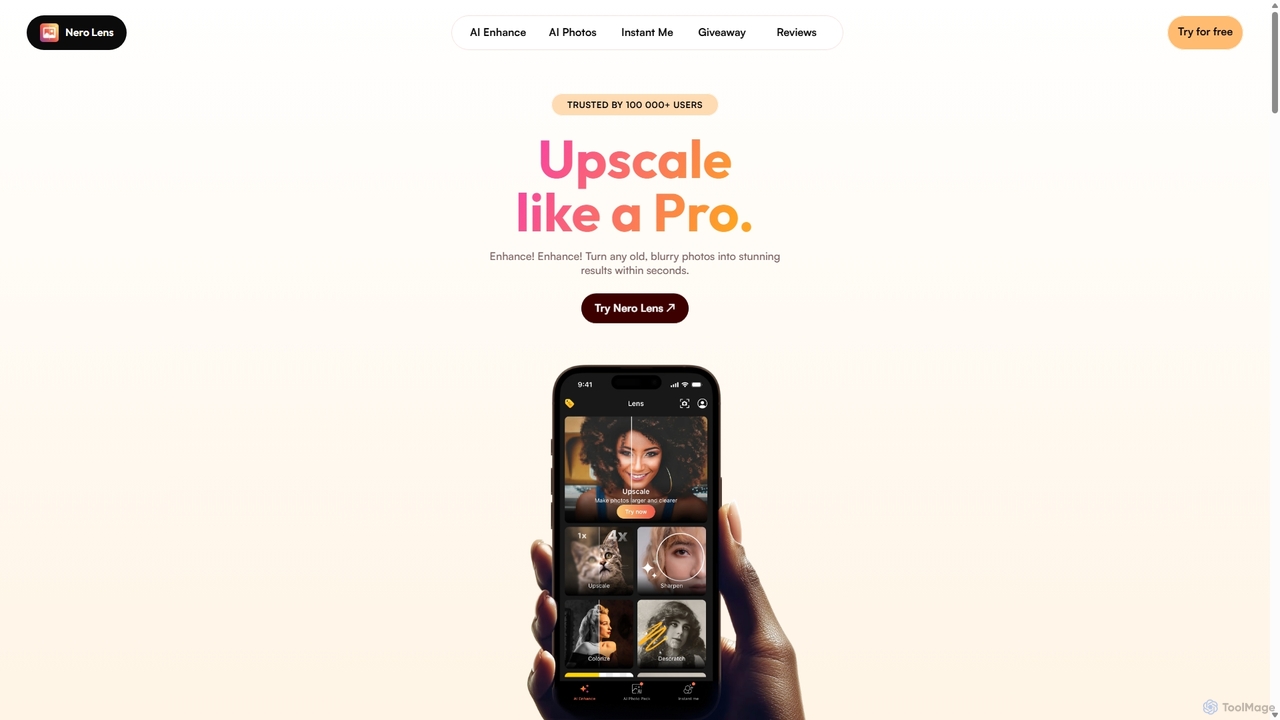
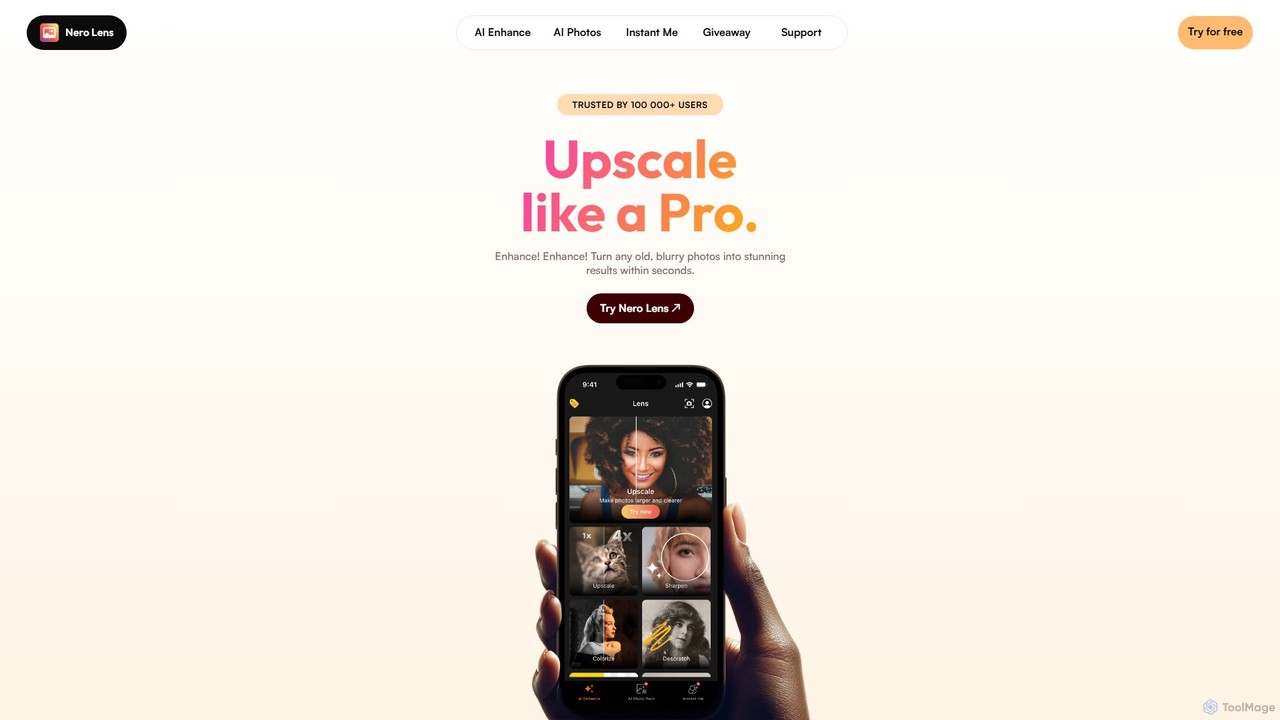
Nero Lensは、画像を即座にアップスケール、復元、カラー化、ノイズ除去するオールインワンのAI搭載写真補正アプリです。また、AIアバターやプロフィール写真生成機能も備えており、自撮り写真をソーシャルメディア、マッチングアプリ、またはプロフェッショナルな用途向けの魅力的なスタイル写真に変換します。
AIアバター生成ツール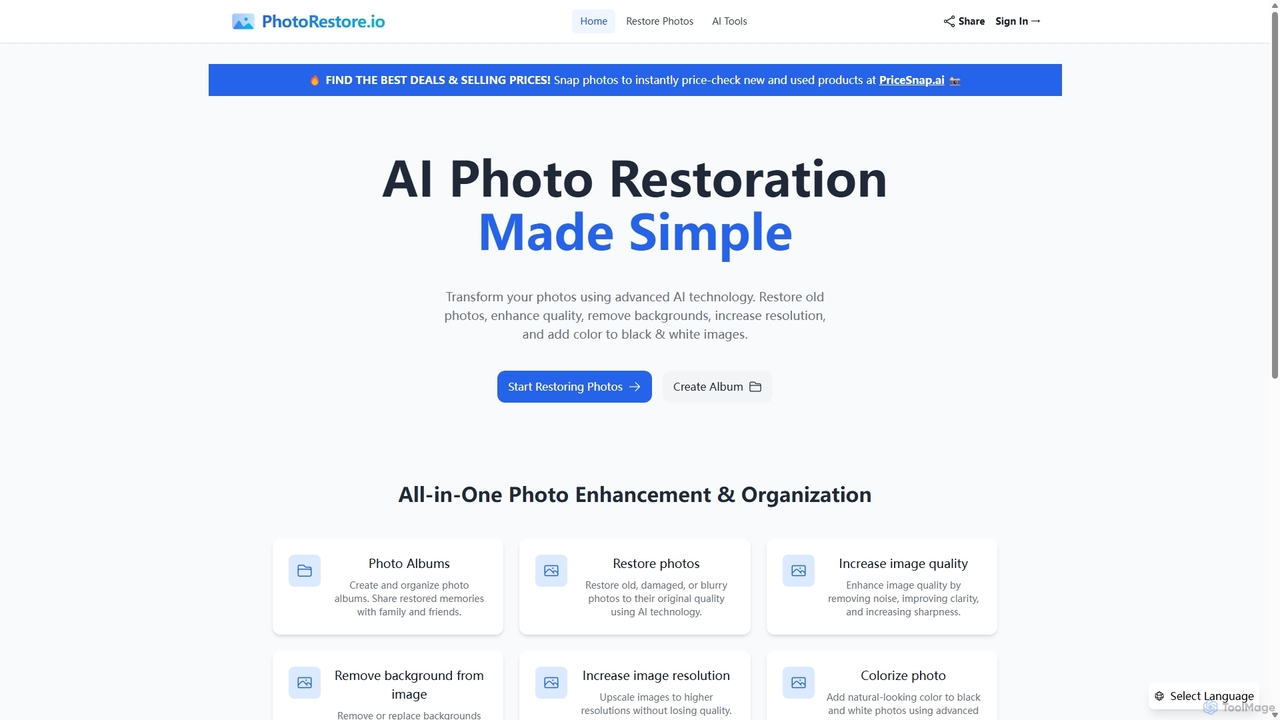
PhotoRestoreは、写真の修復と管理を一つにしたAI搭載プラットフォームです。古い、破損した、またはぼやけた写真を簡単に復元し、画質を向上させ、背景を削除し、解像度を上げ、白黒画像に色を付けます。また、簡単な整理と共有のためのアルバム作成機能も備えています。
画像編集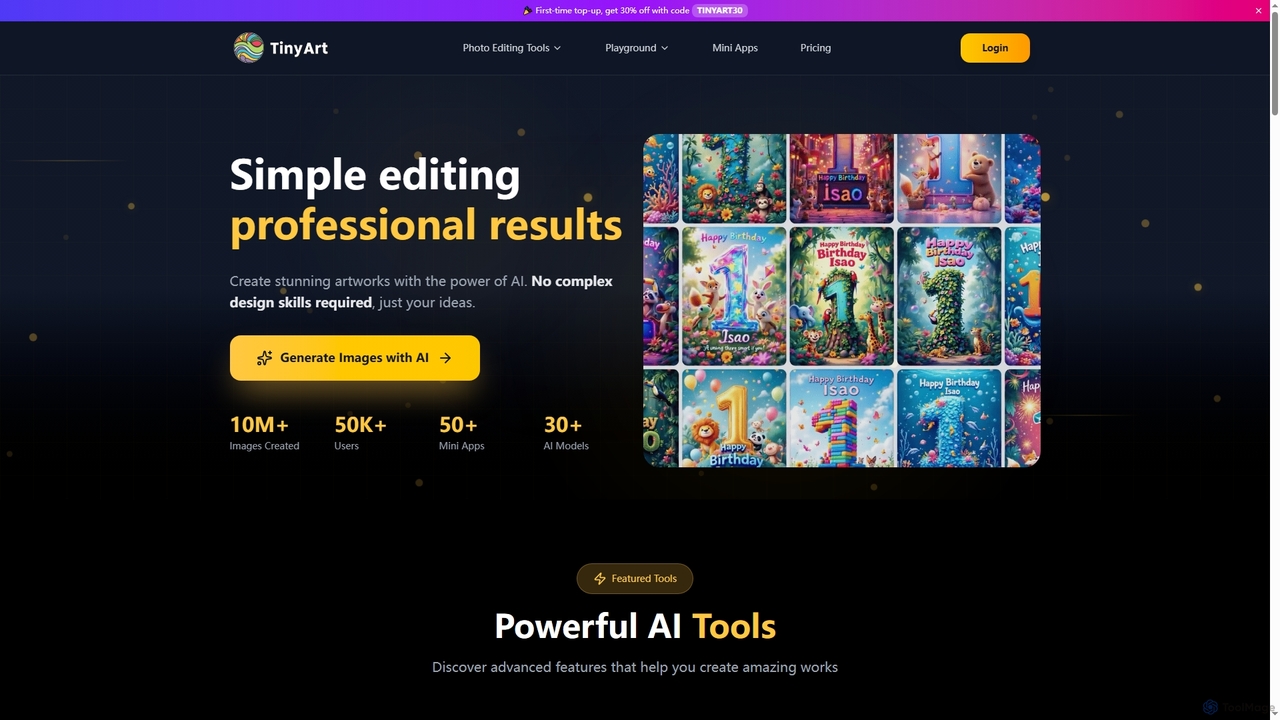
TinyArtは、複雑なデザインスキルなしでプロフェッショナルな結果を生み出すAI搭載の画像編集および画像生成プラットフォームです。背景除去、画像アップスケール、透かし除去、オブジェクトクリーンアップ、テキストから画像への生成などのツールに加え、ID写真、顔交換、写真修復のための専門的なミニアプリも提供しています。
クリエイティブツール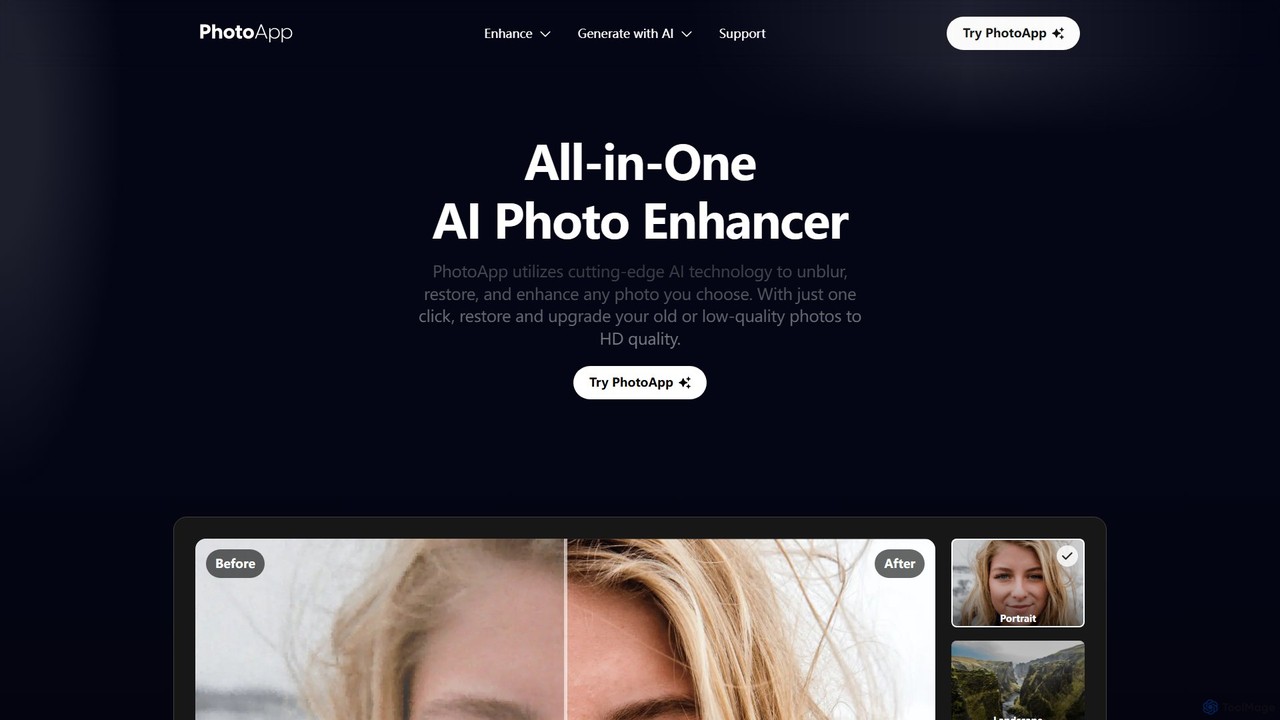
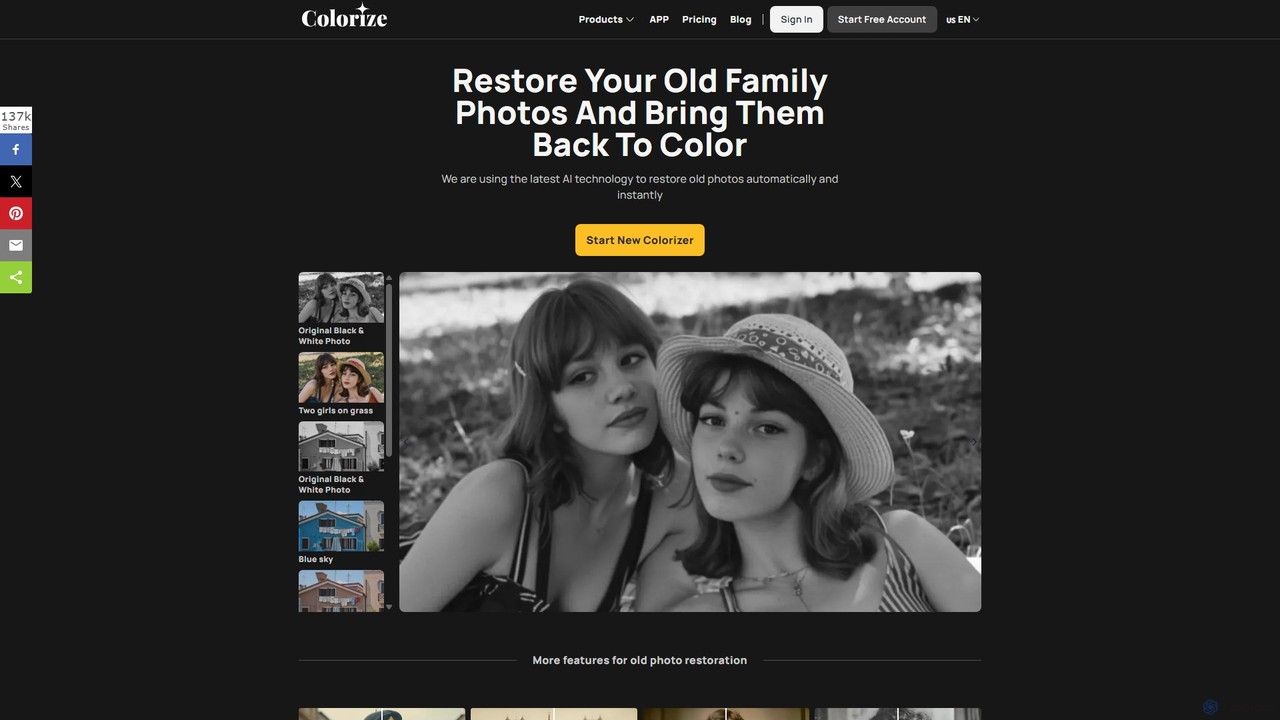
ImageColorizerは、古い写真に新たな命を吹き込むために設計された、包括的なAI搭載ツールキットです。白黒画像を自動的にカラー化し、傷や破れを除去して損傷した写真を復元し、ピクセル化やぼやけを修正して品質を向上させ、ディテールを損なうことなく画像をアップスケールします。大切な思い出をプロ級の仕上がりで保存するための、編集スキル不要の使いやすいオンラインツールです。
3D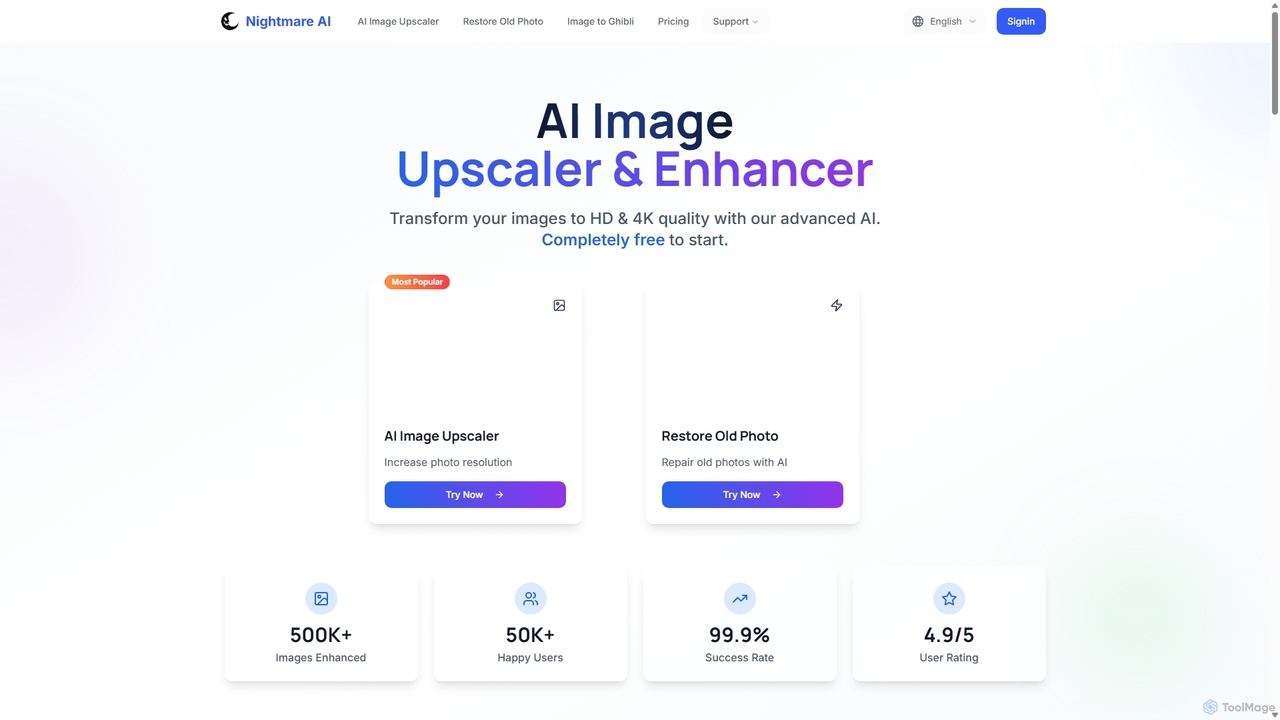
Nightmare AIは、Real-ESRGANなどの高度なAIアルゴリズムを使用して画像を4Kにアップスケールし、写真の品質を向上させ、古くて損傷した写真を復元する強力なオンラインツールです。写真、アニメ、漫画のディテールを失うことなく改善することに特化しています。ユーザーフレンドリーなインターフェースを提供し、写真家、アーティスト、コンテンツクリエーター向けに無料プランとプレミアムプランの両方を提供しています。
画像強調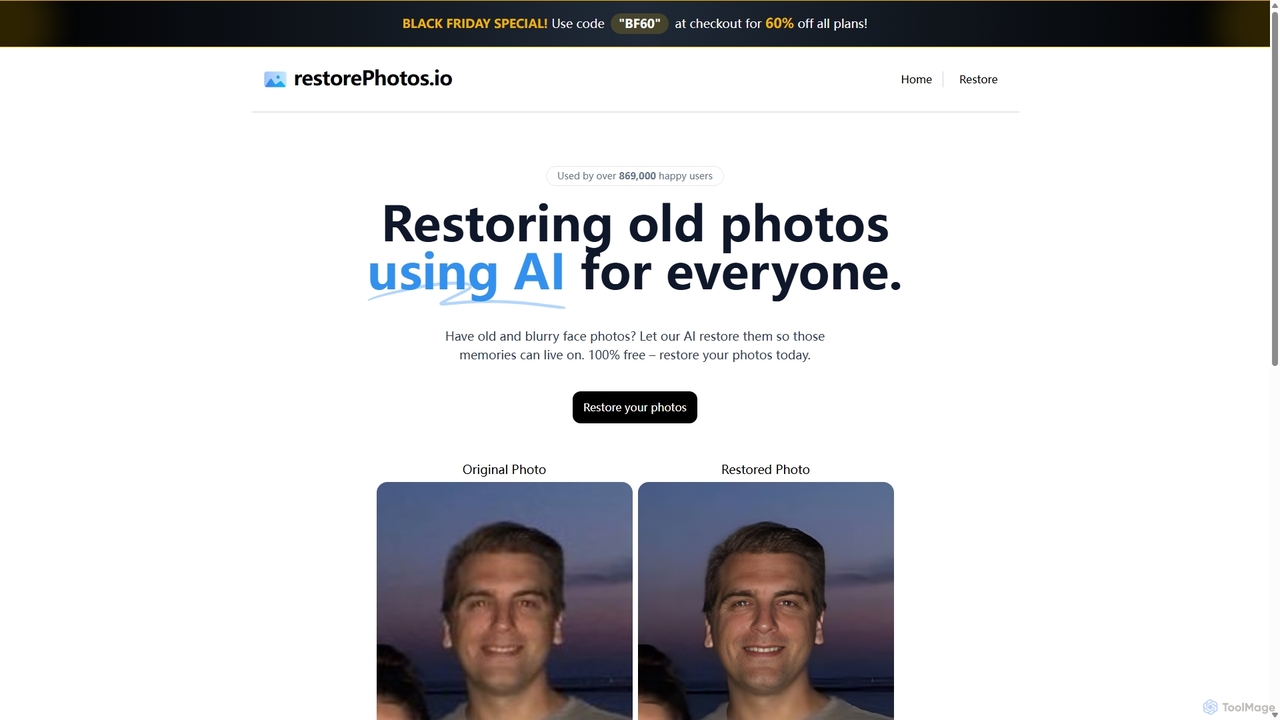
古く、ぼやけて損傷した顔写真を復元するために設計されたAI搭載ツール。高度なアルゴリズムを使用して鮮明度を高め、ノイズを低減し、大切な思い出を驚くほどのディテールで蘇らせます。古い写真コレクションをデジタル化し、改善したい方に最適です。
写真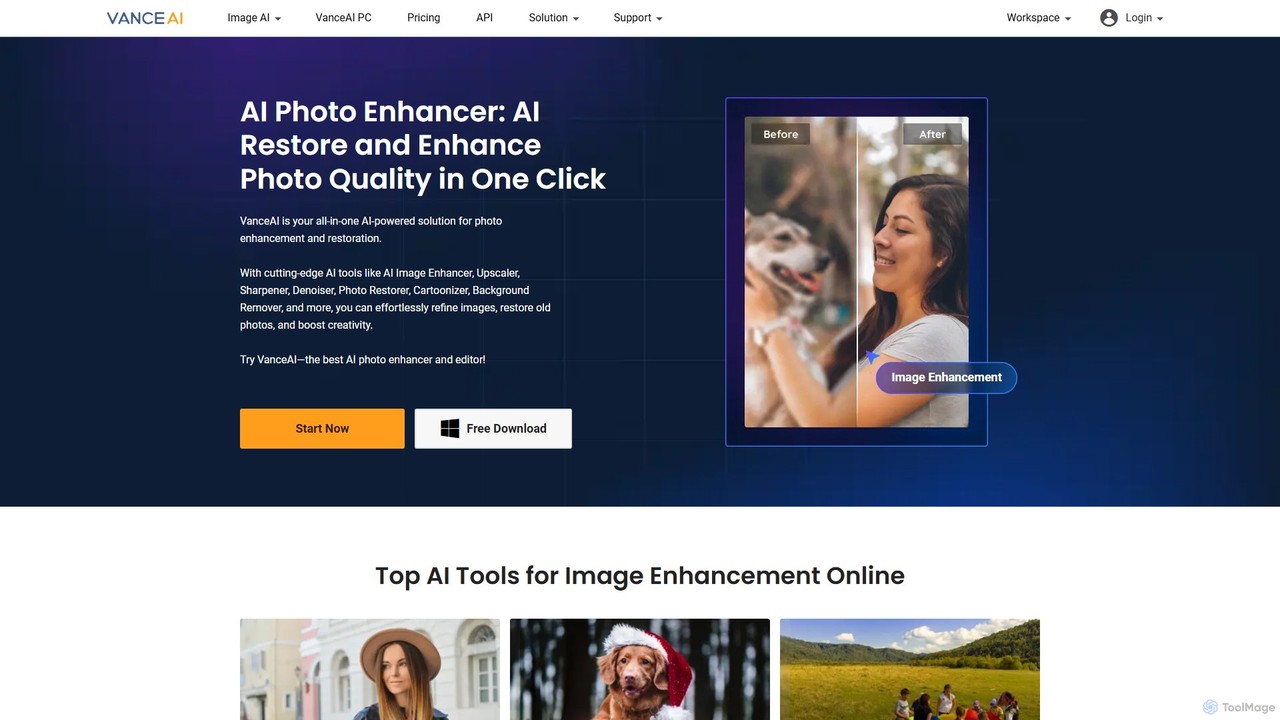

AIを搭載したオンラインツールで、ぼやけた写真を瞬時にシャープにし、ディテールを強調し、全体的な画質を向上させます。ピントが合っていないポートレートを効果的に修正し、暗い場所で撮影した画像のノイズを除去し、ピクセル化した写真の鮮明さをワンクリックで復元します。編集スキルは不要です。
画像強調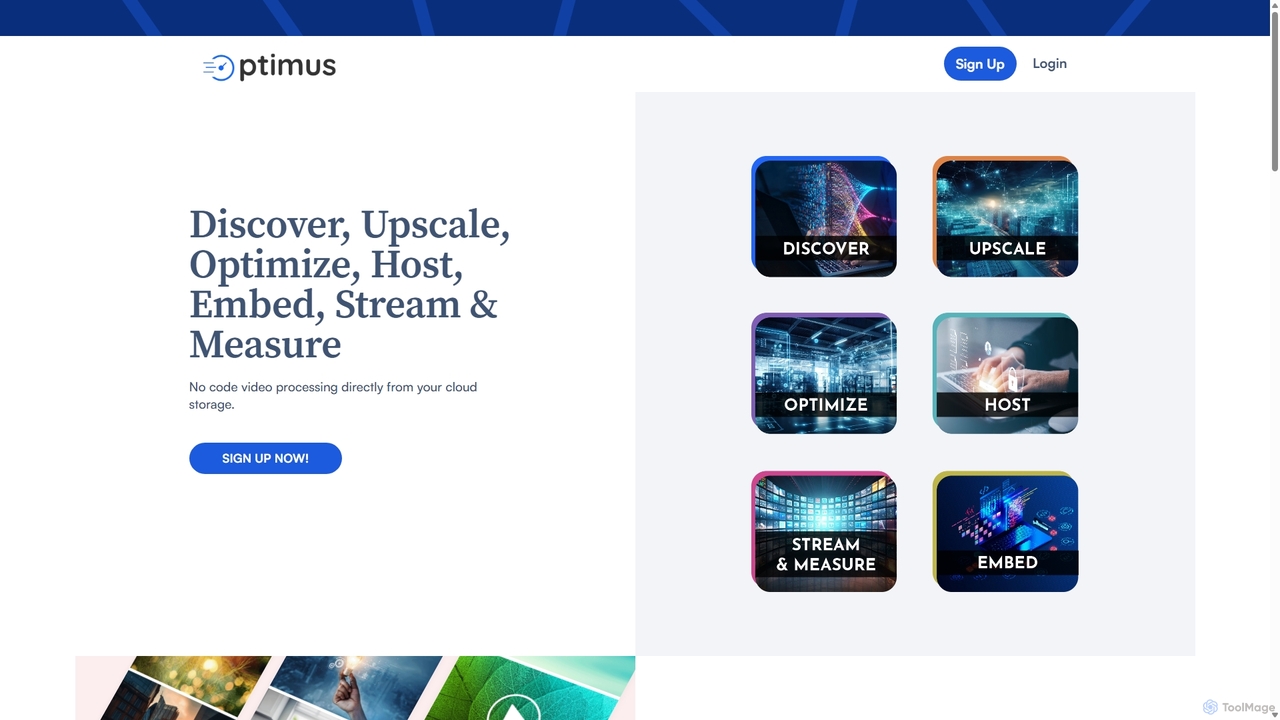
AIを活用したメディア処理プラットフォームで、ビデオと画像の最適化ツールスイートを提供します。高品質な圧縮、4Kへの解像度アップスケーリング、高度な顔補正に特化し、ウェブやストリーミング用のメディアアセットを変革します。
画像強調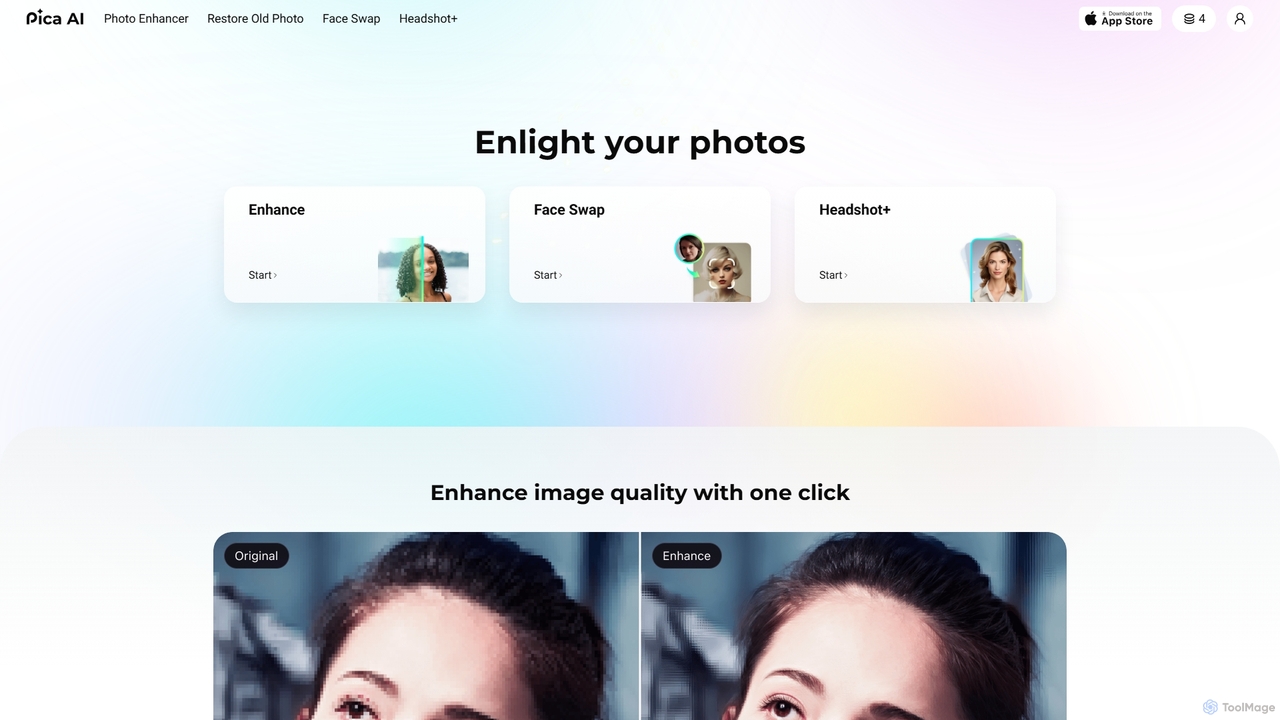

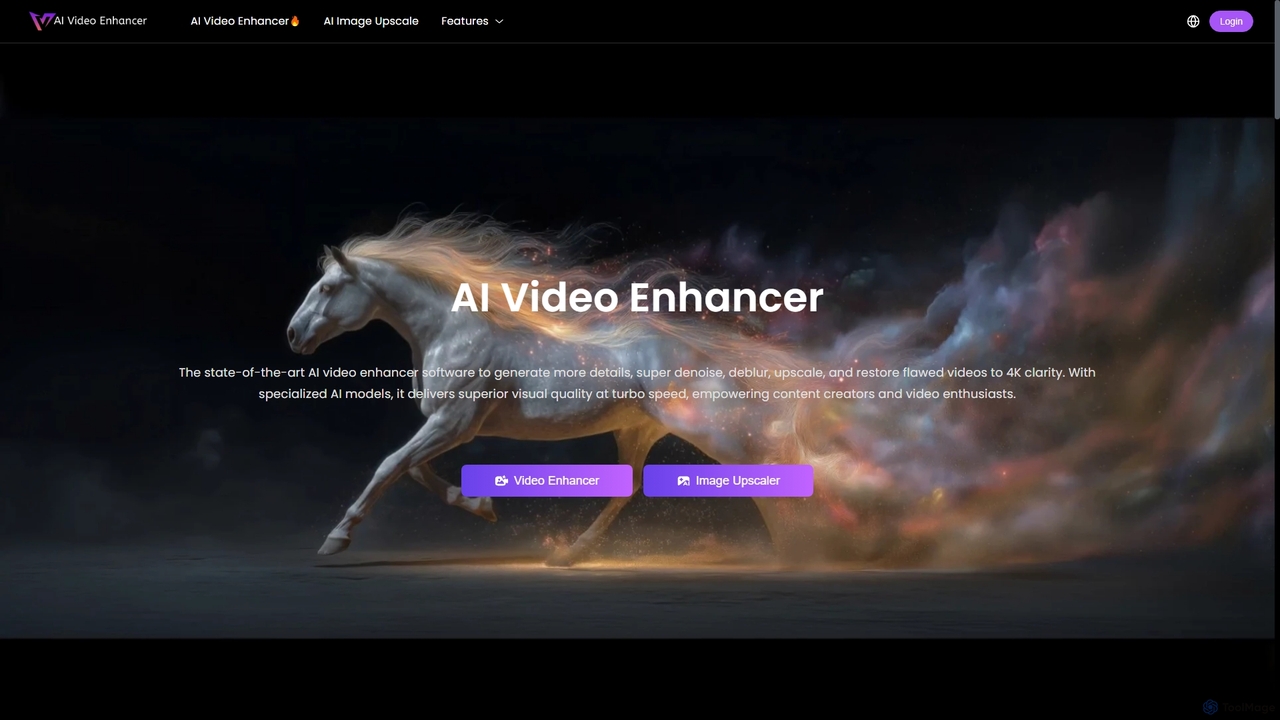
AIVideoEnhancerは、低品質のビデオを4K解像度に向上させ、アップスケールするために設計されたAI搭載のオンラインツールです。また、写真の解像度を最大800%向上させる画像アップスケーラーとしても機能します。このツールは、ワンクリックでノイズ除去、ぼかし除去、ディテールの復元を自動的に行い、リアルな結果と高速なGPUアクセラレーション処理に重点を置いています。
クリエイティブ