Flashvsr
コンテンツ作成 · 2.3K 月間訪問数
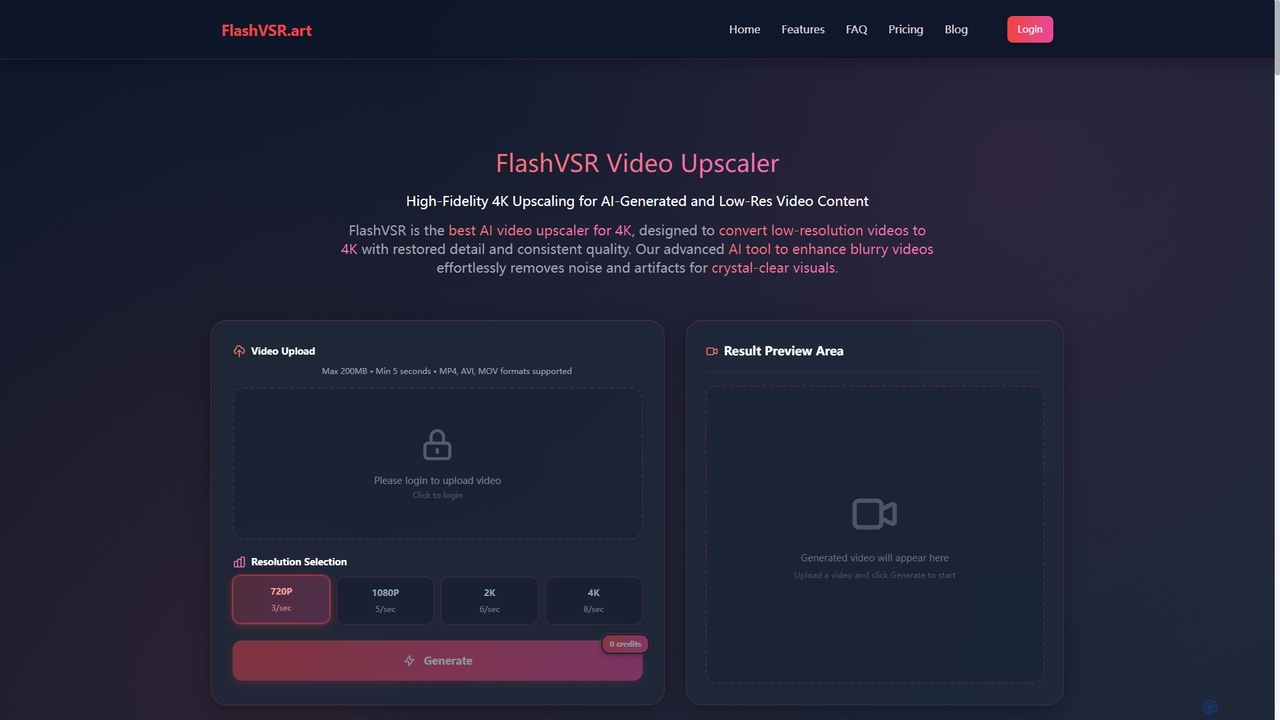
Flashvsrは、低解像度の動画を4K品質に向上させ、復元するAI搭載の動画アップスケーラーです。高度な拡散モデルを使用して詳細を復元し、ノイズを除去し、時間的な一貫性を確保するため、コンテンツクリエーター、動画編集者、マーケターに最適です。
Flashvsrは、低解像度の動画を4K品質に向上させ、復元するAI搭載の動画アップスケーラーです。高度な拡散モデルを使用して詳細を復元し、ノイズを除去し、時間的な一貫性を確保するため、コンテンツクリエーター、動画編集者、マーケターに最適です。
Pixopは、放送局やコンテンツ所有者向けに設計されたAI搭載のビデオエンハンスメントプラットフォームです。リアルタイムのライブストリーム変換、アーカイブ映像の復元、オンデマンドビデオの4K/UHDへのアップスケーリングソリューションを提供します。独自の機械学習モデルを活用し、高価なインフラのアップグレードなしにビデオ品質を向上させます。
Flashvsrは、低解像度の動画を4K品質に向上させ、復元するAI搭載の動画アップスケーラーです。高度な拡散モデルを使用して詳細を復元し、ノイズを除去し、時間的な一貫性を確保するため、コンテンツクリエーター、動画編集者、マーケターに最適です。
Pixopは、放送局やコンテンツ所有者向けに設計されたAI搭載のビデオエンハンスメントプラットフォームです。リアルタイムのライブストリーム変換、アーカイブ映像の復元、オンデマンドビデオの4K/UHDへのアップスケーリングソリューションを提供します。独自の機械学習モデルを活用し、高価なインフラのアップグレードなしにビデオ品質を向上させます。
| Feature | Flashvsr | Pixop |
|---|---|---|
| 主要カテゴリー | コンテンツ作成 | 放送 |
| 追加日 | 2025-11-08 | 2025-08-03 |
| 価格 | 有料 | 有料 |
| 公式サイト | www.flashvsr.art | www.pixop.com |
| 製品タイプ | ウェブサイト | ウェブサイト |
| Performance data | ||
| ユーザー評価 | 未確認 | 未確認 |
| コメント | 0 | 0 |
| 月間訪問数 | 2.3K | 10.5K |
| 月間成長率 | -19.9% | -5.7% |
| お気に入り | 119 | 120 |
| Details | 詳細を見る | 詳細を見る |
Compare Flashvsr and Pixop by monthly reach, traffic trend, visit depth, top regions, and acquisition sources.
In the Flashvsr vs Pixop monthly traffic comparison, Flashvsr currently shows 2.3K visits and Pixop shows 10.5K; Pixop has about 4.6 times the visible traffic of Flashvsr, an absolute difference of about 8.2K visits. This reflects visible reach, not feature quality or paid users.
Both tools provide verified traffic details, so monthly trends, visit depth, regions, and acquisition sources can be compared on the same basis.
| Country/region | Percentage | Traffic |
|---|---|---|
| 🇺🇸United States | 100% | 2.3K |
| Country/region | Percentage | Traffic |
|---|---|---|
| 🇺🇸United States | 73.09% | 7.6K |
| 🇩🇪Germany | 11.85% | 1.2K |
| 🇮🇳India | 6.39% | 669 |
| 🇻🇳Vietnam | 5.06% | 529 |
| 🇸🇪Sweden | 3.61% | 378 |
This in-depth Flashvsr vs Pixop comparison uses only the product records, taxonomy, audience, traffic, and community signals available on this page. Flashvsr is primarily listed under “コンテンツ作成”, while Pixop is primarily listed under “放送”, so the first decision is whether your actual task matches their recorded scope.
The structured fields currently show these decision-relevant differences: Primary category (Flashvsr: コンテンツ作成; Pixop: 放送); Monthly visits (Flashvsr: 2.3K; Pixop: 10.5K); Monthly growth (Flashvsr: -19.9%; Pixop: -5.7%); Favorites (Flashvsr: 119; Pixop: 120); Website (Flashvsr: www.flashvsr.art; Pixop: www.pixop.com). These facts are more useful for selection than brand visibility alone.
In the Flashvsr vs Pixop monthly traffic comparison, Flashvsr currently shows 2.3K visits and Pixop shows 10.5K; Pixop has about 4.6 times the visible traffic of Flashvsr, an absolute difference of about 8.2K visits. This reflects visible reach, not feature quality or paid users.
Both tools provide verified traffic details, so monthly trends, visit depth, regions, and acquisition sources can be compared on the same basis.
If public market visibility is an important first-pass criterion, investigate Pixop first. The final choice should still follow taxonomy, use case, and a real trial because higher traffic does not prove broader capabilities or better workflow fit.
Flashvsr and Pixop currently overlap in shared categories: 強化、アップスケーリング; shared tags: ビデオ復元. This can place both on the same shortlist, but it does not prove equal implementation, depth, or cost.
Flashvsr's unique categories/tags are コンテンツ作成、4Kビデオ、AI動画高画質化、拡散モデル、ぼやけたビデオの画質向上、ビデオ解像度を上げる、ビデオノイズ除去、ビデオ画質エンハンサー; Pixop's are 放送、4Kアップスケーリング、AI動画アップスケーリング、アーカイブのリマスター、デインターレース、HDR変換、ライブ配信、映像ノイズ除去. These unique fields are the strongest differentiators: validate the product whose recorded scope matches the task instead of following traffic alone.
Flashvsr has no verified rating, 0 comments, 119 favorites, and 120 likes;Pixop has no verified rating, 0 comments, 120 favorites, and 133 likes。
Neither product has enough rating or comment samples for a credible reputation ranking.
Put Flashvsr on the priority trial list when the task aligns with “コンテンツ作成” and especially コンテンツ作成、4Kビデオ、AI動画高画質化、拡散モデル、ぼやけたビデオの画質向上、ビデオ解像度を上げる, or the users include アーキビスト、コンテンツクリエイター、映画製作者、ゲームストリーマー. This follows recorded positioning and does not imply unlisted capabilities are absent.
Flashvsr also currently records: pricing is paid, product type is website, 2.3K verified monthly visits, no verified user rating. Verify any hard requirement around price, platform, or reach before trial, and do not let sparse review data substitute for testing.
Put Pixop on the priority trial list when the task aligns with “放送” and especially 放送、4Kアップスケーリング、AI動画アップスケーリング、アーカイブのリマスター、デインターレース、HDR変換. This follows recorded positioning and does not imply unlisted capabilities are absent.
Pixop also currently records: pricing is paid, product type is website, 10.5K verified monthly visits, no verified user rating. Verify any hard requirement around price, platform, or reach before trial, and do not let sparse review data substitute for testing.
The available data describes positioning, public visibility, and community signals, but it cannot prove output quality, speed, integration effort, privacy, or long-term cost in your workflow. Before deciding, run the same representative tasks in Flashvsr and Pixop, then record completion time, accuracy, manual corrections, and the real paid threshold. A like-for-like trial turns this comparison into a defensible adoption decision.

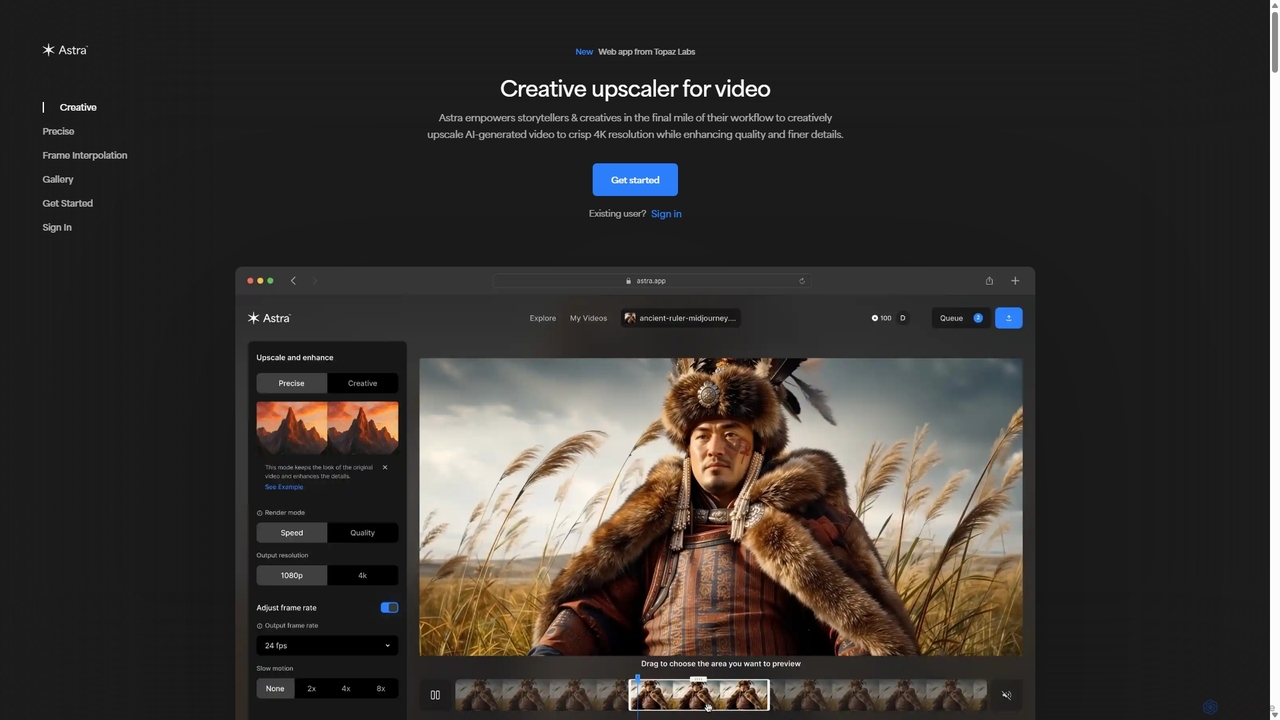
Topaz Labsが開発した、クリエイターやストーリーテラー向けの強力なAIビデオアップスケーリングツールです。Astraは、特にAI生成コンテンツなどのビデオを鮮明な4K解像度に変換します。ディテールを再創造する「クリエイティブ」モードと、元の映像を忠実に強化する「精密」モードの両方を提供し、プロのワークフローのために品質と明瞭度を向上させます。
モーショングラフィックス
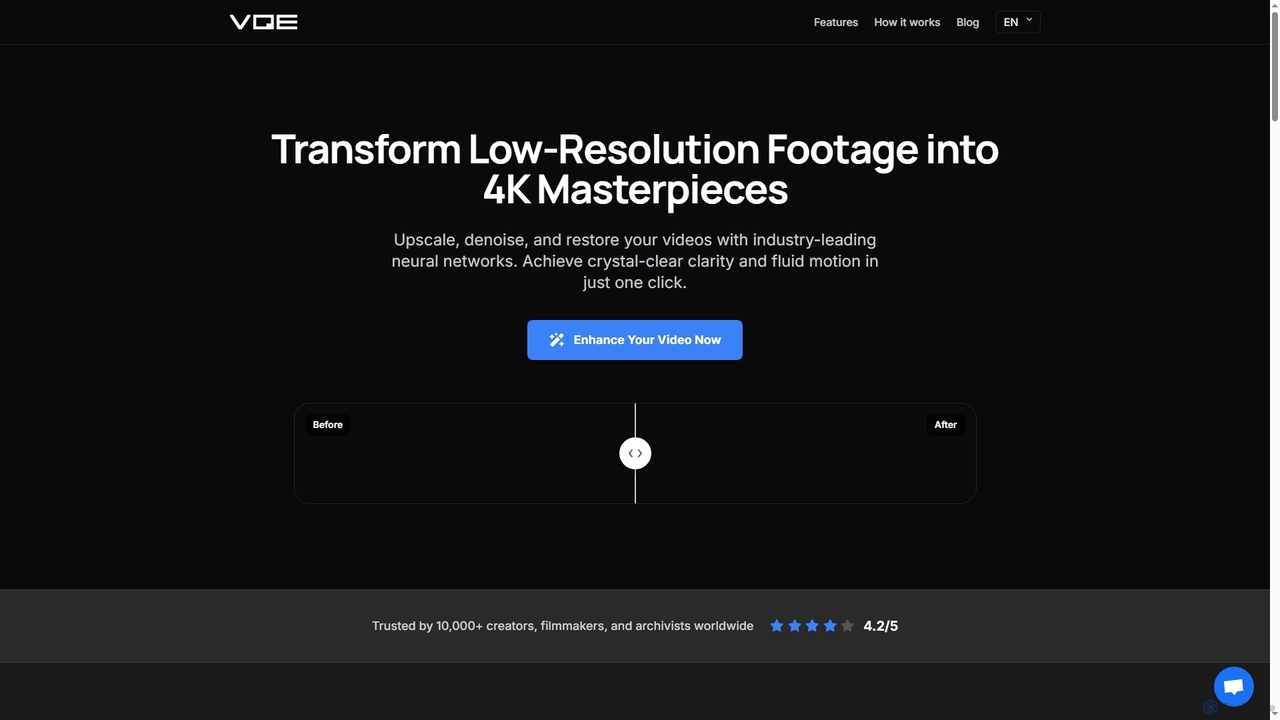
Video Quality Enhancerは、低解像度の動画を息をのむような4K/8Kの傑作に変えるAI搭載のオンラインツールです。ブラウザ内で、インテリジェントなアップスケール、ノイズ除去、古い映像の復元、顔などの詳細なレタッチをすべて行います。
3D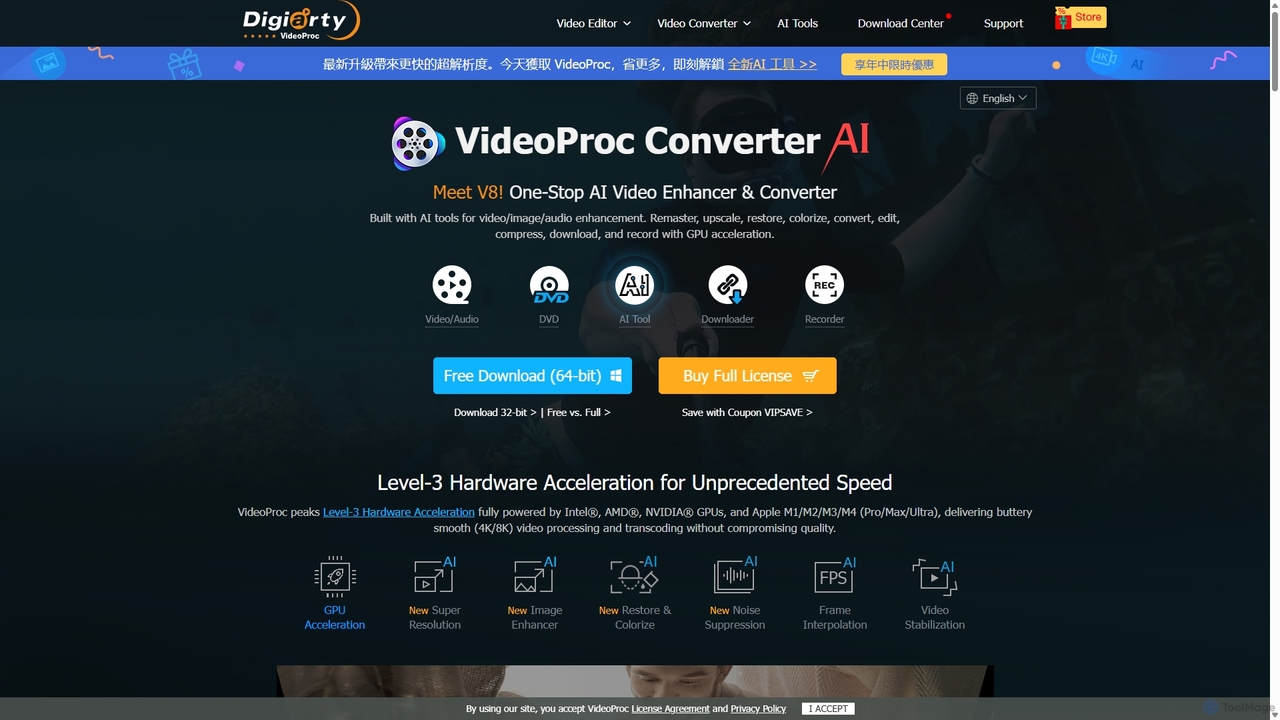
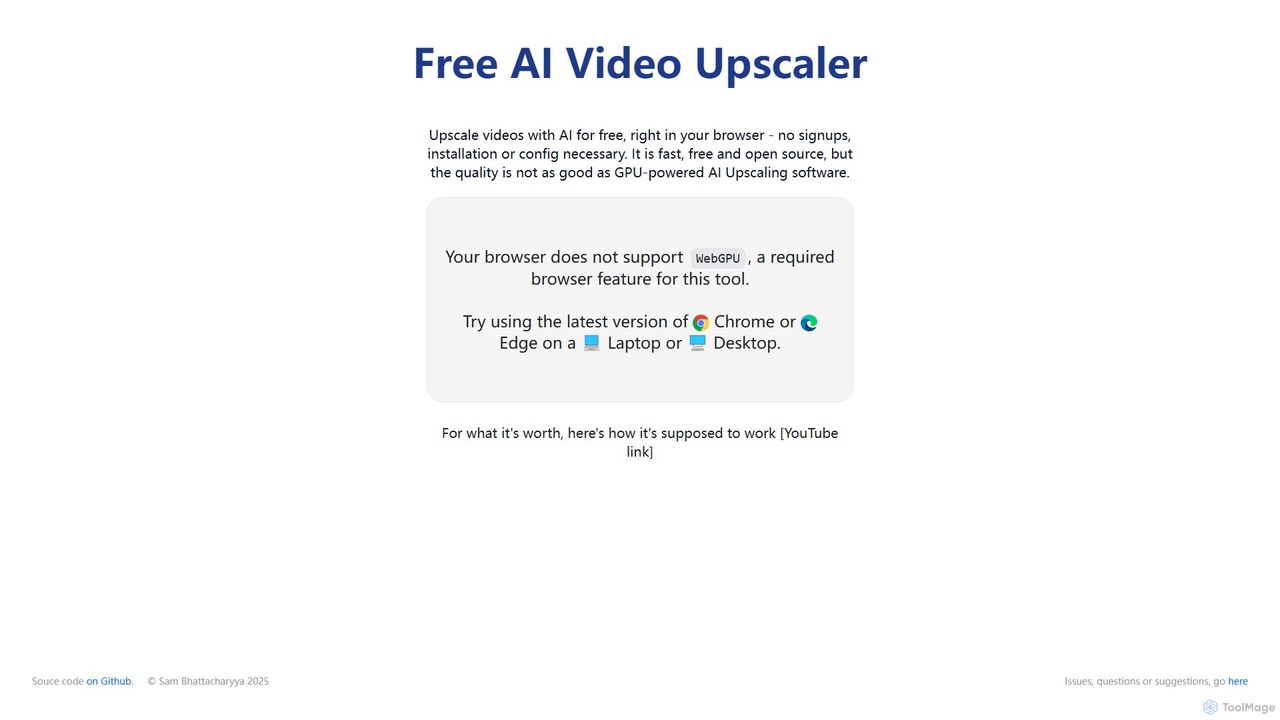
サインアップやソフトウェアのインストール不要で、ビデオの解像度を向上・アップスケールする無料のブラウザベースAIツールです。アニメ、実写、3Dなど様々なコンテンツタイプに対応し、最適な結果を得るための異なるAIモデルを提供します。
編集

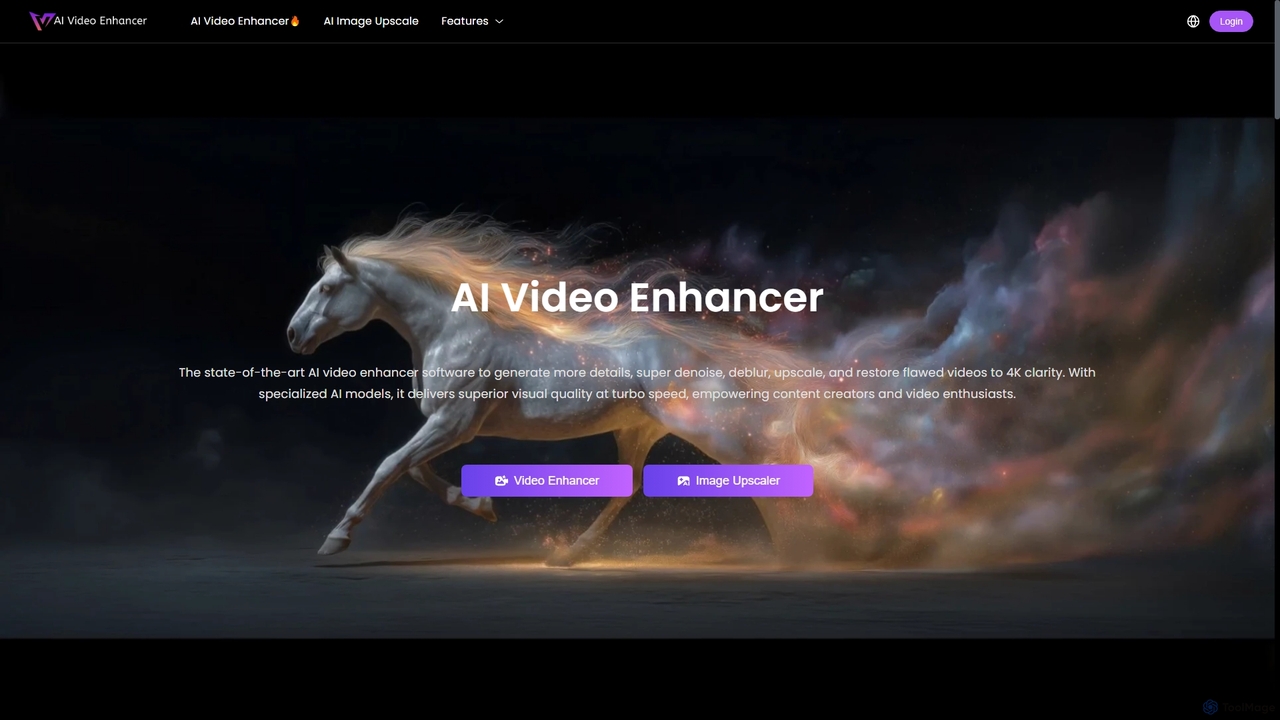
AIVideoEnhancerは、低品質のビデオを4K解像度に向上させ、アップスケールするために設計されたAI搭載のオンラインツールです。また、写真の解像度を最大800%向上させる画像アップスケーラーとしても機能します。このツールは、ワンクリックでノイズ除去、ぼかし除去、ディテールの復元を自動的に行い、リアルな結果と高速なGPUアクセラレーション処理に重点を置いています。
クリエイティブ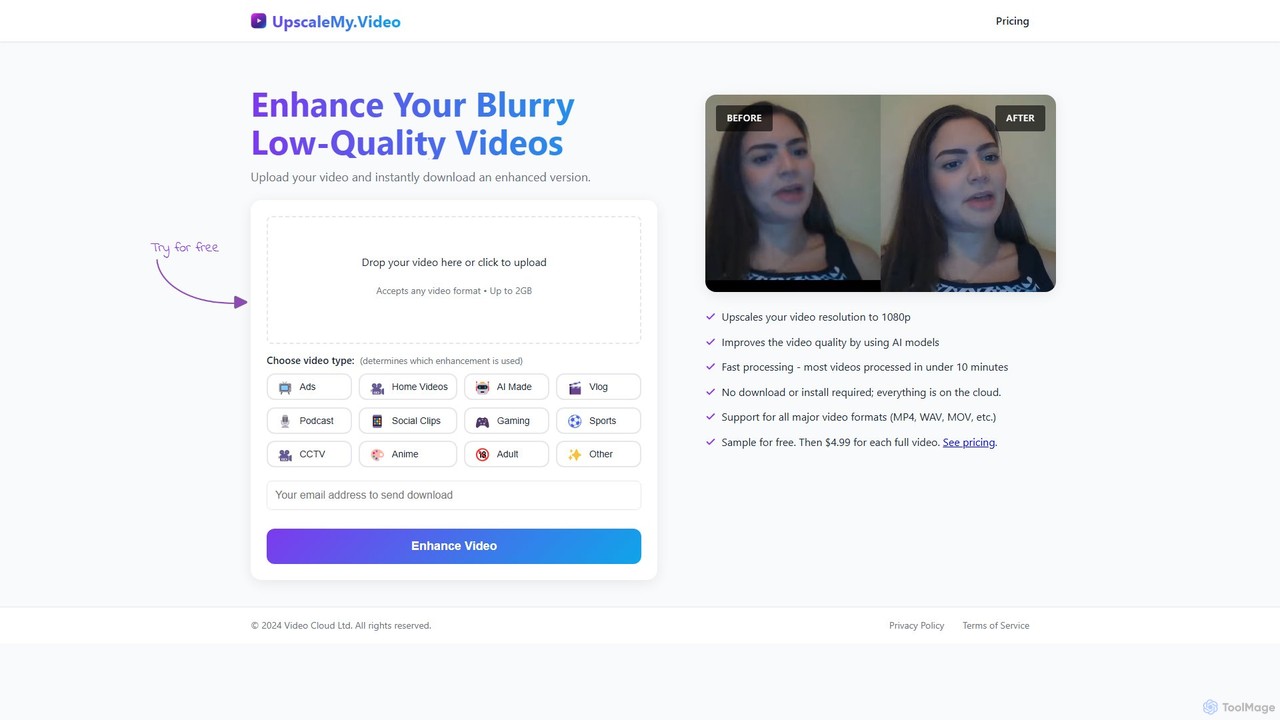
UpscaleMy.Videoは、AIを搭載したオンラインツールで、ぼやけて低品質な動画を鮮明な1080p解像度に向上・アップスケールします。様々な動画タイプに特化したAIモデルを使用し、ソフトウェアのインストール不要で高速なクラウドベースの処理を提供します。ユーザーは無料で強化結果をプレビューし、動画ごとに料金を支払ってフルバージョンをダウンロードできます。
編集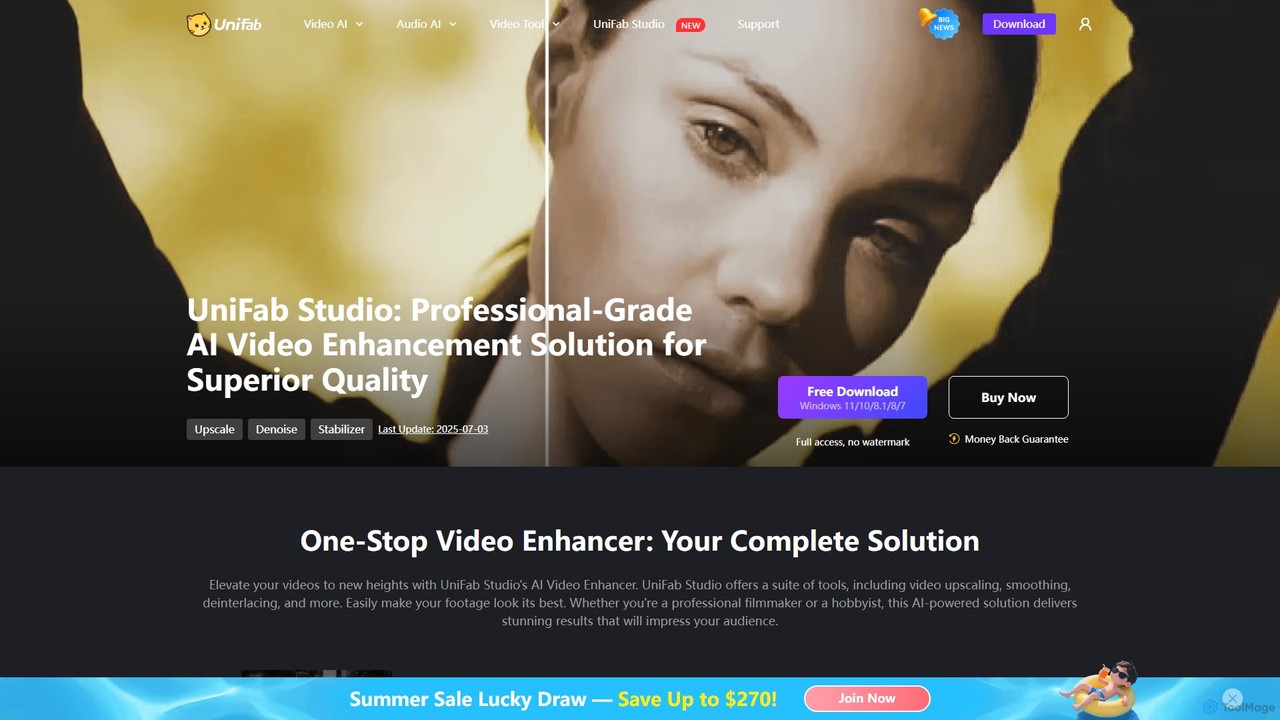
UniFab Studioは、プロフェッショナルや愛好家向けに設計された、オールインワンのAI搭載ビデオエンハンスメントスイートです。ビデオを4K/8Kにアップスケールし、SDRをHDRに変換し、手ぶれ映像を安定させ、ノイズを除去し、フレームレートを最大120FPSまで向上させることで、ビデオ品質を向上させます。GPUアクセラレーションと使いやすいインターフェースにより、プロ級の結果を効率的に提供します。
クリエイティブツール
Novaimgは、ビジュアルコンテンツの変換と強化のための多機能なオンラインAIツールスイートです。テキストプロンプトによるAI画像編集、4K画像アップスケーリング、写真、ビデオ、GIFのリアルな顔交換、インテリジェントな透かし除去など、幅広い機能を提供します。使いやすさを追求したNovaimgは、ソーシャルメディア、Eコマース、クリエイティブプロジェクト向けにプロ品質の画像やビデオを、多くの場合無料で、または十分なデイリー制限付きで作成するのに役立ちます。
グラフィックデザイン