GetSearchablePDF
自動化 · 2.8K 月間訪問数
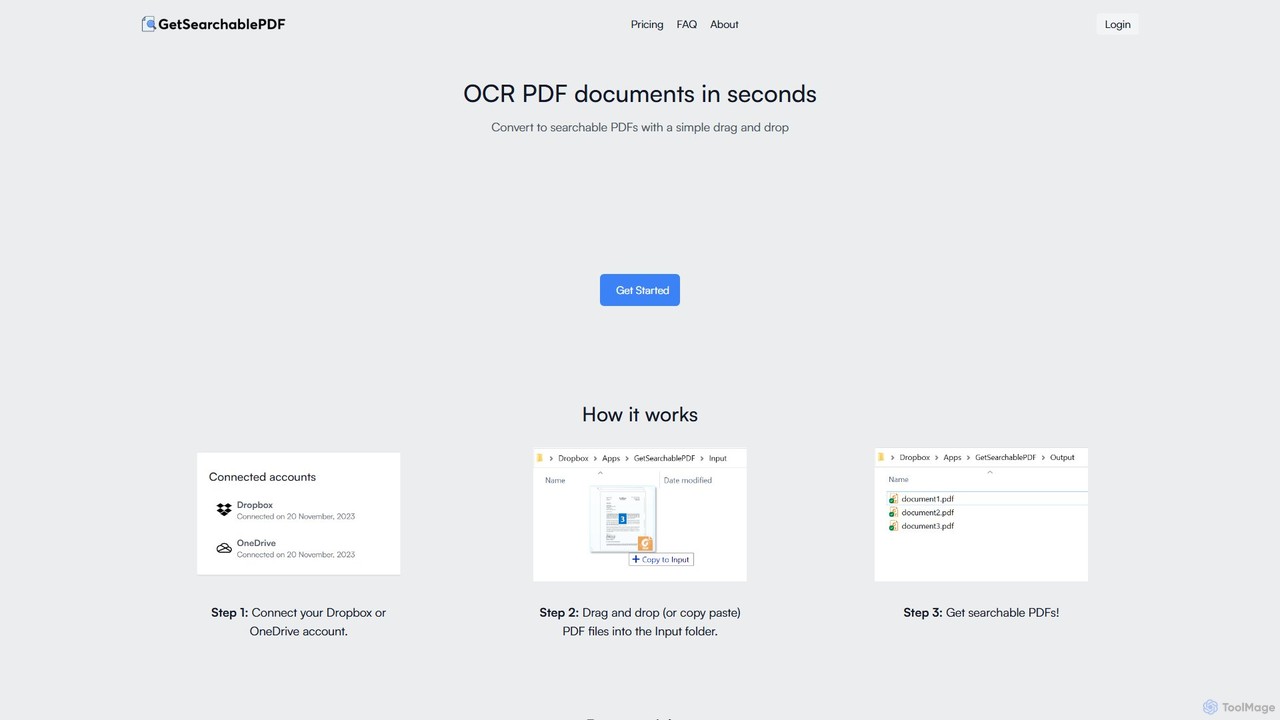
GetSearchablePDFは、スキャンした文書、画像、さらには手書きのメモまで、完全に検索可能で索引付け可能なPDFに簡単に変換するAI搭載のOCRツールです。DropboxやOneDriveと統合し、簡単なドラッグ&ドロップのワークフローで変換プロセスを自動化し、すべてのファイルに対して高い精度と最高レベルのセキュリティを保証します。
GetSearchablePDFは、スキャンした文書、画像、さらには手書きのメモまで、完全に検索可能で索引付け可能なPDFに簡単に変換するAI搭載のOCRツールです。DropboxやOneDriveと統合し、簡単なドラッグ&ドロップのワークフローで変換プロセスを自動化し、すべてのファイルに対して高い精度と最高レベルのセキュリティを保証します。
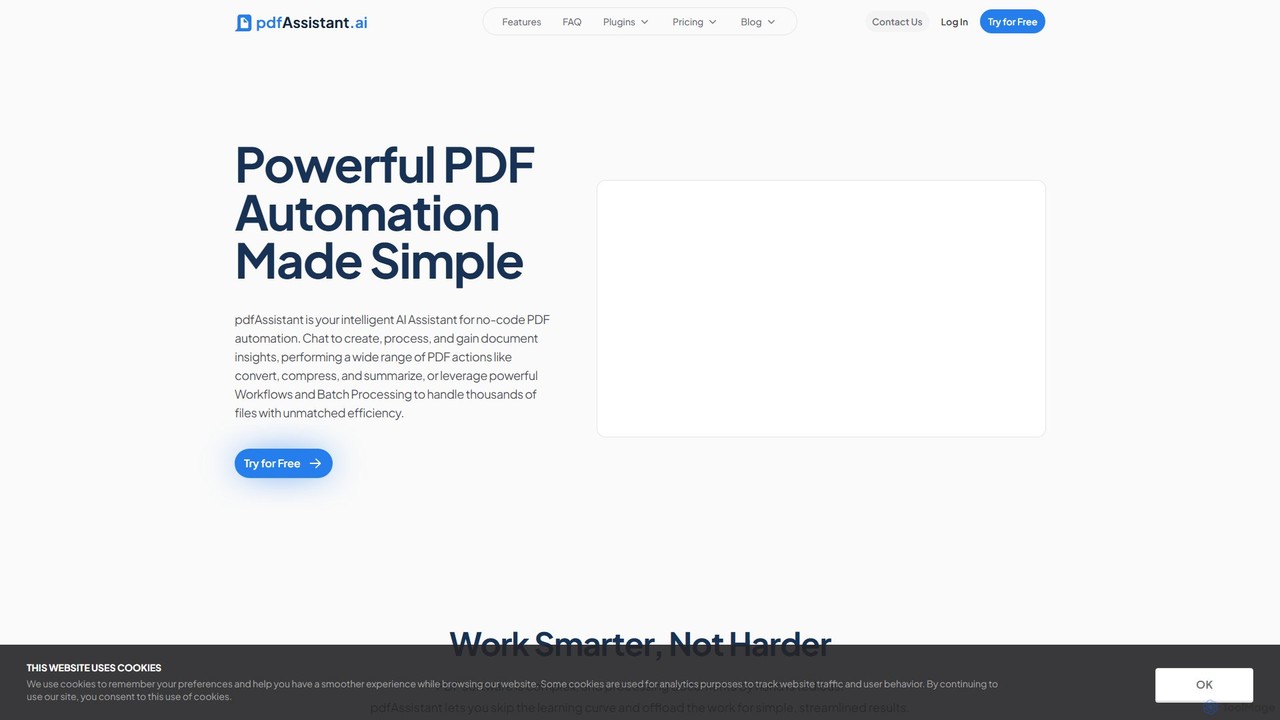
pdfAssistant.aiは、インテリジェントなノーコードPDF自動化プラットフォームです。直感的なチャットインターフェースを使い、簡単な自然言語コマンドでPDFの作成、変換、圧縮、要約、管理ができます。複雑な複数ステップのタスクを「ワークフロー」で自動化し、「バッチ処理」で何千ものファイルを効率的に処理します。
GetSearchablePDFは、スキャンした文書、画像、さらには手書きのメモまで、完全に検索可能で索引付け可能なPDFに簡単に変換するAI搭載のOCRツールです。DropboxやOneDriveと統合し、簡単なドラッグ&ドロップのワークフローで変換プロセスを自動化し、すべてのファイルに対して高い精度と最高レベルのセキュリティを保証します。
pdfAssistant.aiは、インテリジェントなノーコードPDF自動化プラットフォームです。直感的なチャットインターフェースを使い、簡単な自然言語コマンドでPDFの作成、変換、圧縮、要約、管理ができます。複雑な複数ステップのタスクを「ワークフロー」で自動化し、「バッチ処理」で何千ものファイルを効率的に処理します。
| Feature | GetSearchablePDF | pdfAssistant.ai |
|---|---|---|
| 主要カテゴリー | 自動化 | 自動化 |
| 追加日 | 2025-08-12 | 2025-08-16 |
| 価格 | フリーミアム | フリーミアム |
| 公式サイト | getsearchablepdf.com | pdfassistant.ai |
| 製品タイプ | ウェブサイト | ウェブサイト |
| Performance data | ||
| ユーザー評価 | 未確認 | 未確認 |
| コメント | 0 | 0 |
| 月間訪問数 | 2.8K | 52.7K |
| 月間成長率 | 23.8% | -16.4% |
| お気に入り | 131 | 86 |
| Details | 詳細を見る | 詳細を見る |
Compare GetSearchablePDF and pdfAssistant.ai by monthly reach, traffic trend, visit depth, top regions, and acquisition sources.
In the GetSearchablePDF vs pdfAssistant.ai monthly traffic comparison, GetSearchablePDF currently shows 2.8K visits and pdfAssistant.ai shows 52.7K; pdfAssistant.ai has about 18.5 times the visible traffic of GetSearchablePDF, an absolute difference of about 49.8K visits. This reflects visible reach, not feature quality or paid users.
Both tools provide verified traffic details, so monthly trends, visit depth, regions, and acquisition sources can be compared on the same basis.
| Country/region | Percentage | Traffic |
|---|---|---|
| 🇻🇳Vietnam | 57.02% | 1.6K |
| 🇺🇸United States | 40.85% | 1.2K |
| 🇮🇹Italy | 2.13% | 61 |
| Country/region | Percentage | Traffic |
|---|---|---|
| 🇮🇳India | 26.24% | 13.8K |
| 🇻🇳Vietnam | 22.11% | 11.6K |
| 🇺🇸United States | 20.04% | 10.6K |
| 🇬🇧United Kingdom | 18.03% | 9.5K |
| 🇧🇷Brazil | 13.58% | 7.2K |
| Source type | Percentage | Traffic |
|---|---|---|
| ダイレクト | 100% | 52.7K |
This in-depth GetSearchablePDF vs pdfAssistant.ai comparison uses only the product records, taxonomy, audience, traffic, and community signals available on this page. GetSearchablePDF is primarily listed under “自動化”, while pdfAssistant.ai is primarily listed under “自動化”, so the first decision is whether your actual task matches their recorded scope.
The structured fields currently show these decision-relevant differences: Monthly visits (GetSearchablePDF: 2.8K; pdfAssistant.ai: 52.7K); Monthly growth (GetSearchablePDF: 23.8%; pdfAssistant.ai: -16.4%); Favorites (GetSearchablePDF: 131; pdfAssistant.ai: 86); Website (GetSearchablePDF: getsearchablepdf.com; pdfAssistant.ai: pdfassistant.ai); Added (GetSearchablePDF: 2025-08-12; pdfAssistant.ai: 2025-08-16). These facts are more useful for selection than brand visibility alone.
In the GetSearchablePDF vs pdfAssistant.ai monthly traffic comparison, GetSearchablePDF currently shows 2.8K visits and pdfAssistant.ai shows 52.7K; pdfAssistant.ai has about 18.5 times the visible traffic of GetSearchablePDF, an absolute difference of about 49.8K visits. This reflects visible reach, not feature quality or paid users.
Both tools provide verified traffic details, so monthly trends, visit depth, regions, and acquisition sources can be compared on the same basis.
If public market visibility is an important first-pass criterion, investigate pdfAssistant.ai first. The final choice should still follow taxonomy, use case, and a real trial because higher traffic does not prove broader capabilities or better workflow fit.
GetSearchablePDF and pdfAssistant.ai currently overlap in shared categories: 自動化、文書管理; shared tags: ドキュメント管理、OCR、PDF変換. This can place both on the same shortlist, but it does not prove equal implementation, depth, or cost.
GetSearchablePDF's unique categories/tags are 光学文字認識、自動化、クラウドストレージ、データ抽出、Dropbox、手書き認識、OneDrive、検索可能なPDF; pdfAssistant.ai's are 編集、AIアシスタント、バッチ処理、PDFとチャット、ドキュメント自動化、ノーコード、PDFエディター、セキュアPDF. These unique fields are the strongest differentiators: validate the product whose recorded scope matches the task instead of following traffic alone.
GetSearchablePDF has no verified rating, 0 comments, 131 favorites, and 147 likes;pdfAssistant.ai has no verified rating, 0 comments, 86 favorites, and 89 likes。
Neither product has enough rating or comment samples for a credible reputation ranking.
Put GetSearchablePDF on the priority trial list when the task aligns with “自動化” and especially 光学文字認識、自動化、クラウドストレージ、データ抽出、Dropbox、手書き認識. This follows recorded positioning and does not imply unlisted capabilities are absent.
GetSearchablePDF also currently records: pricing is freemium, product type is website, 2.8K verified monthly visits, no verified user rating. Verify any hard requirement around price, platform, or reach before trial, and do not let sparse review data substitute for testing.
Put pdfAssistant.ai on the priority trial list when the task aligns with “自動化” and especially 編集、AIアシスタント、バッチ処理、PDFとチャット、ドキュメント自動化、ノーコード. This follows recorded positioning and does not imply unlisted capabilities are absent.
pdfAssistant.ai also currently records: pricing is freemium, product type is website, 52.7K verified monthly visits, no verified user rating. Verify any hard requirement around price, platform, or reach before trial, and do not let sparse review data substitute for testing.
The available data describes positioning, public visibility, and community signals, but it cannot prove output quality, speed, integration effort, privacy, or long-term cost in your workflow. Before deciding, run the same representative tasks in GetSearchablePDF and pdfAssistant.ai, then record completion time, accuracy, manual corrections, and the real paid threshold. A like-for-like trial turns this comparison into a defensible adoption decision.
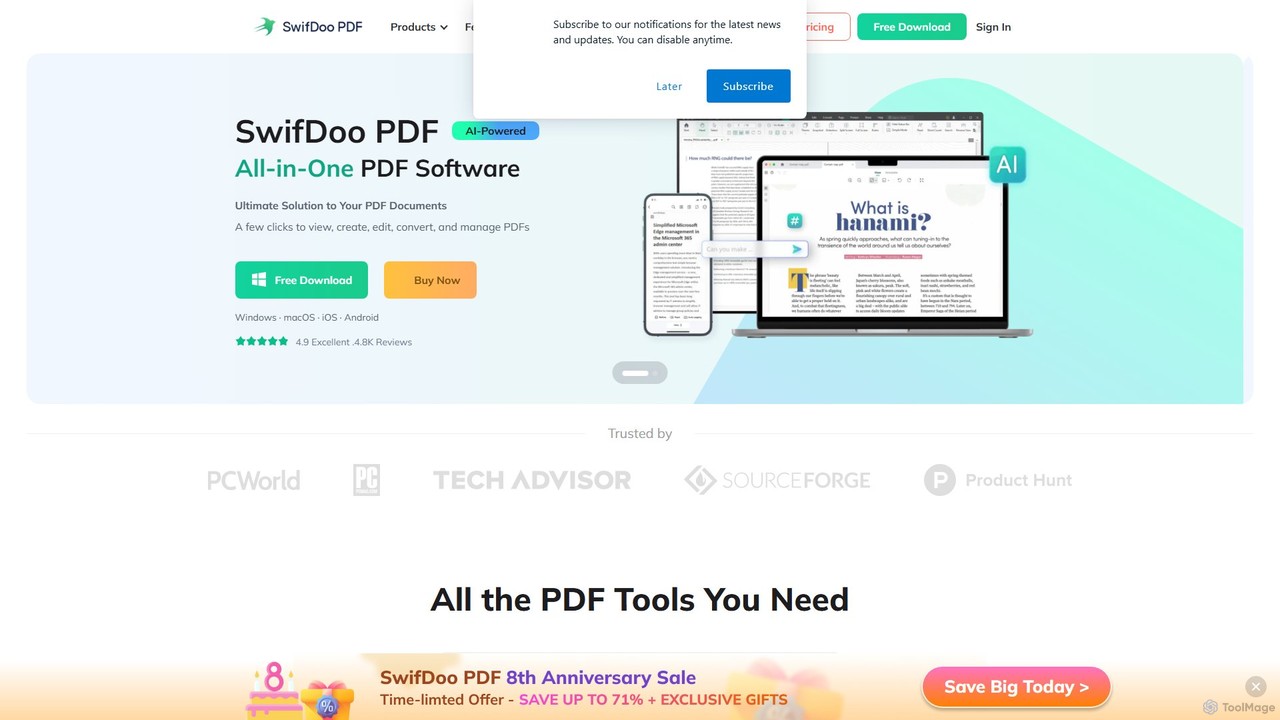
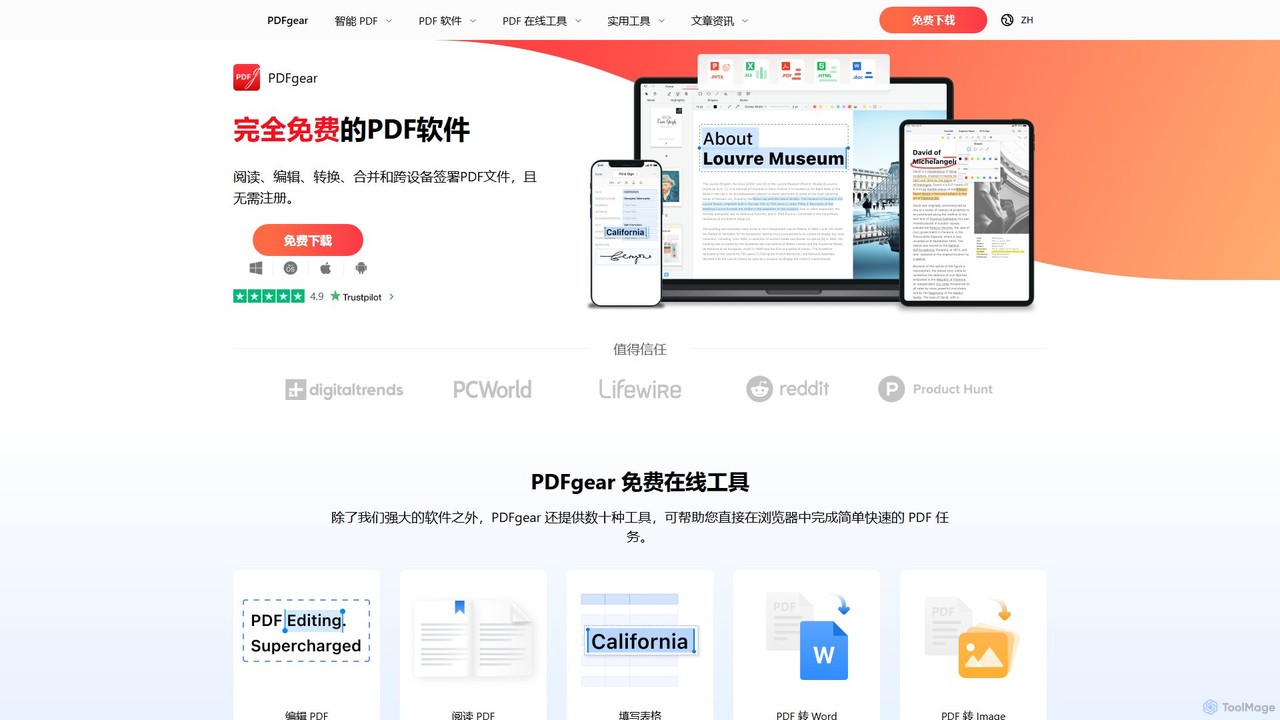
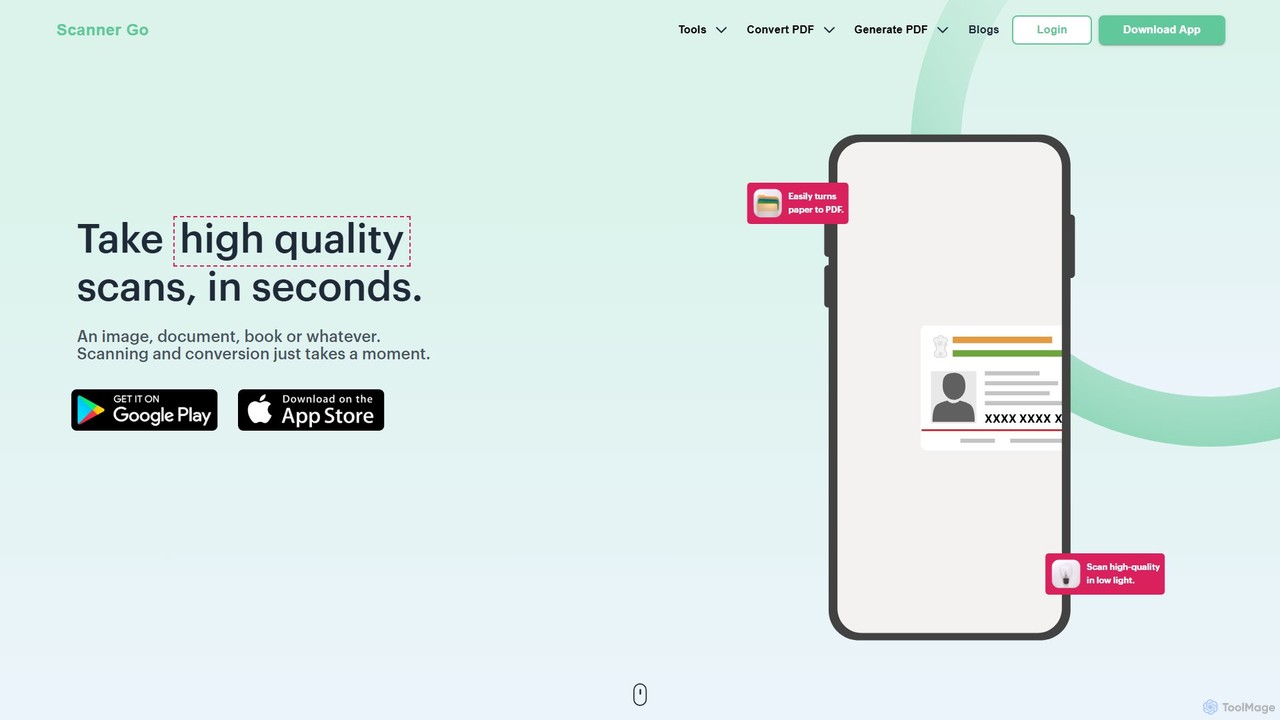
SwifDoo PDFは、AIを搭載したオールインワンのPDFソフトウェアで、簡単な文書管理を実現します。ユーザーはPDFファイルの作成、編集、変換、結合、圧縮、署名が可能です。統合されたAI機能により、文書の要約、翻訳、校正、チャットができます。Windows、macOS、iOS、Androidで利用でき、個人およびビジネスユーザーに軽量でありながら強力なソリューションを提供します。
文書署名
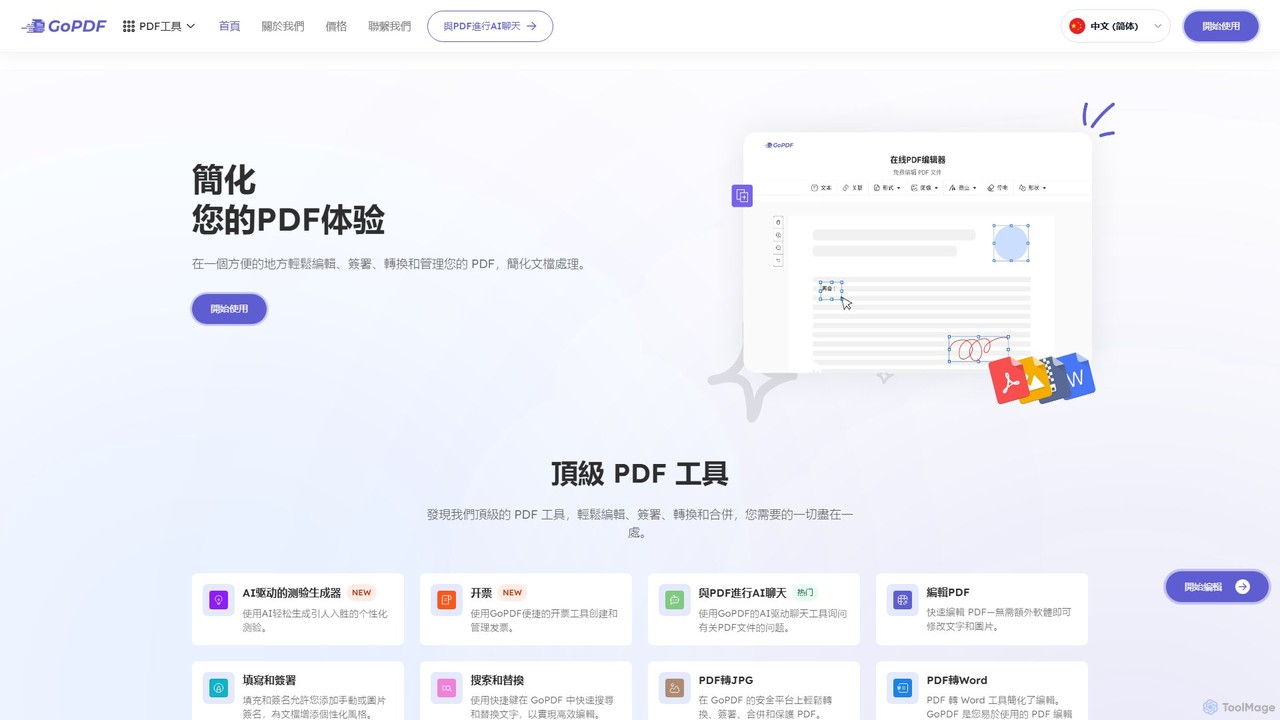
GoPDFは、AIを搭載したオールインワンのオンラインPDFソリューションです。直感的なウェブインターフェースとモバイルアプリを通じて、ユーザーはPDF文書の編集、変換、署名、結合、圧縮、対話を簡単に行うことができます。AI機能により、文書とチャットして簡単な要約や回答を得ることが可能です。
ドキュメントとチャット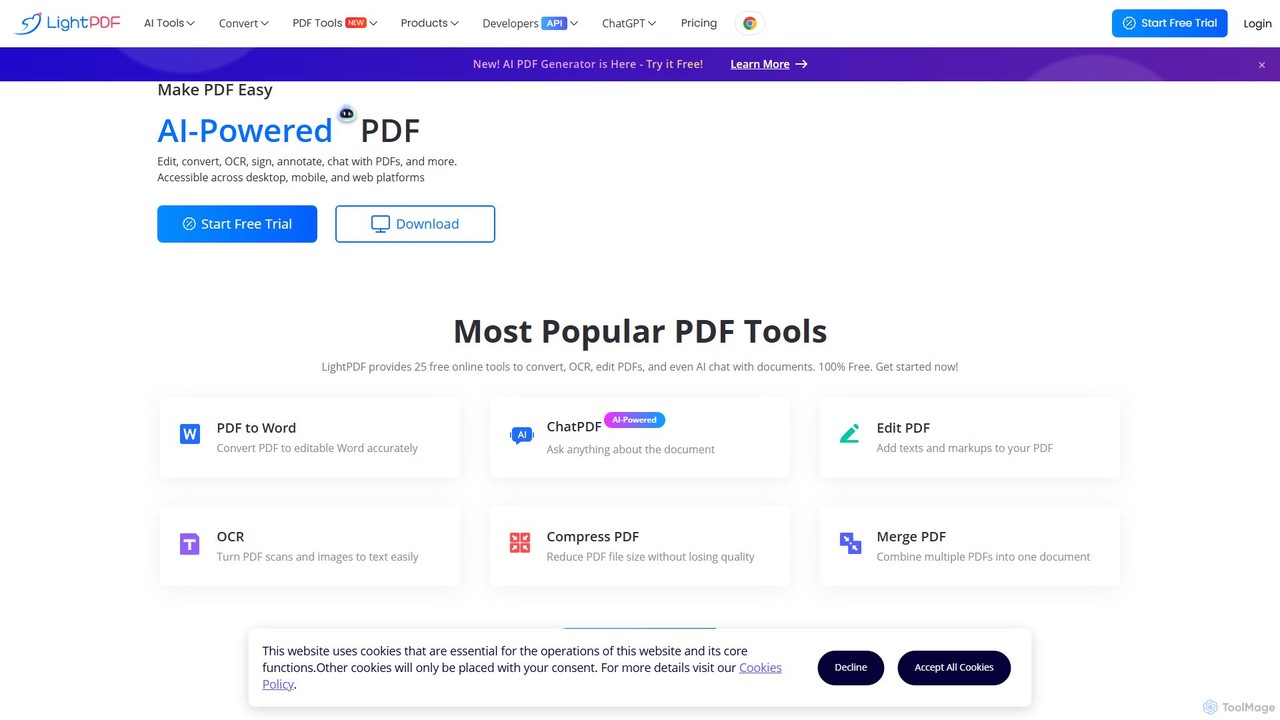
LightPDFは、ドキュメントのワークフローを簡素化するために設計された、AI搭載のオールインワンPDFソリューションです。ユーザーはドキュメントとチャットし、即座に要約を取得し、質問することができます。AI機能に加えて、PDFファイルの編集、変換、結合、署名、OCR実行のための一連の包括的なツールを提供します。ウェブ、デスクトップ、モバイルで利用可能で、学生、専門家、企業が効率的かつ直感的にドキュメントを管理できるようにします。
ドキュメントとチャット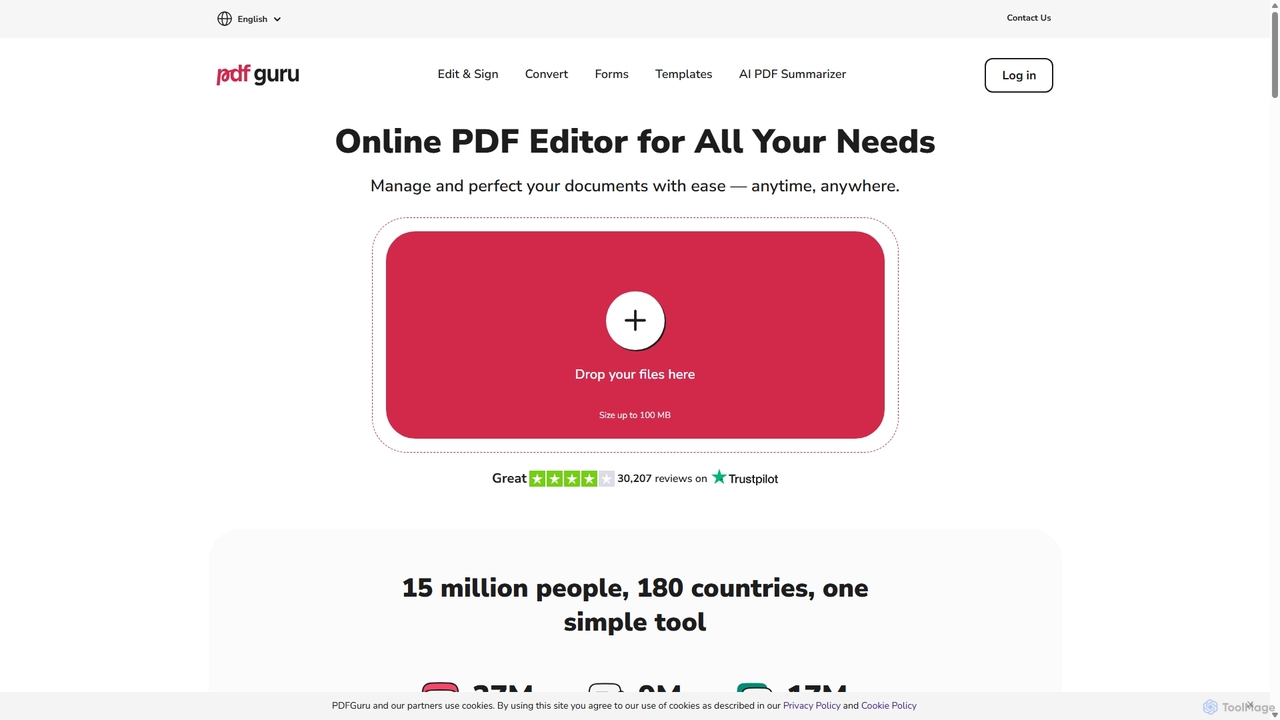
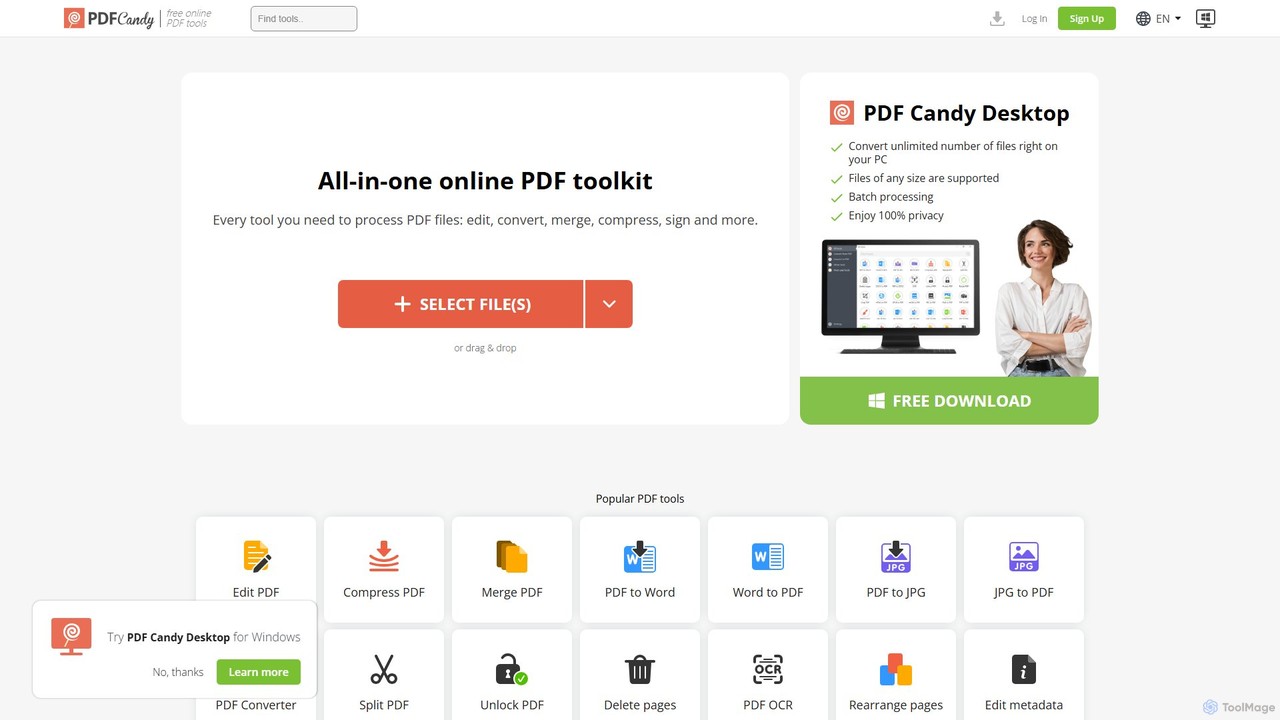
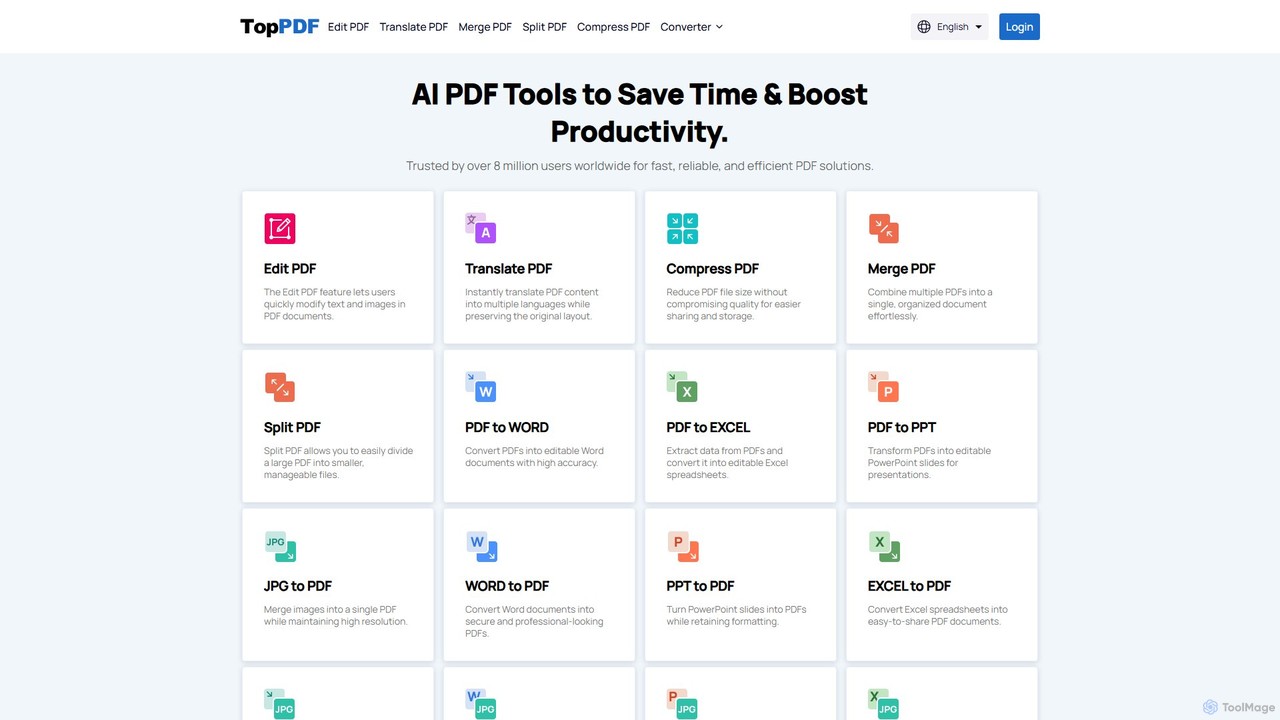
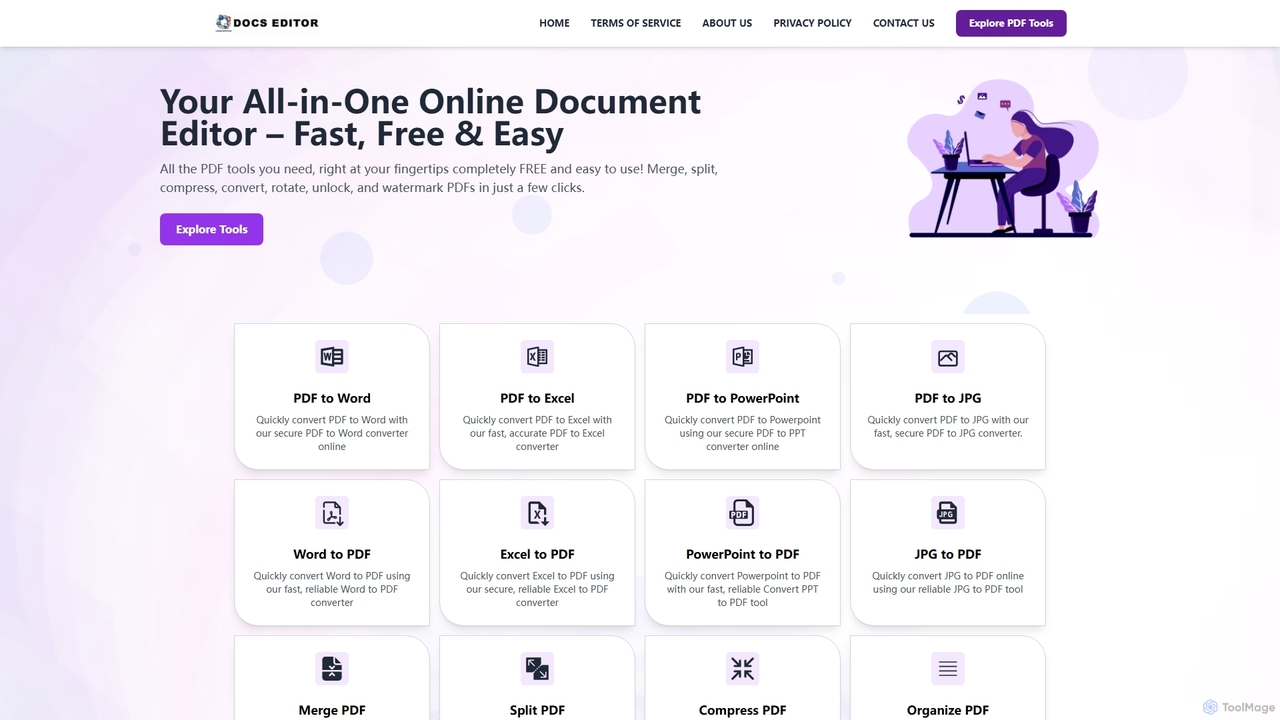
Docseditorは、PDFに関するあらゆるニーズに応える、包括的で無料のオンラインドキュメントツールキットです。インストール不要で、ブラウザから直接PDFファイルの編集、変換、結合、分割、圧縮、署名、管理が簡単に行えます。
文書管理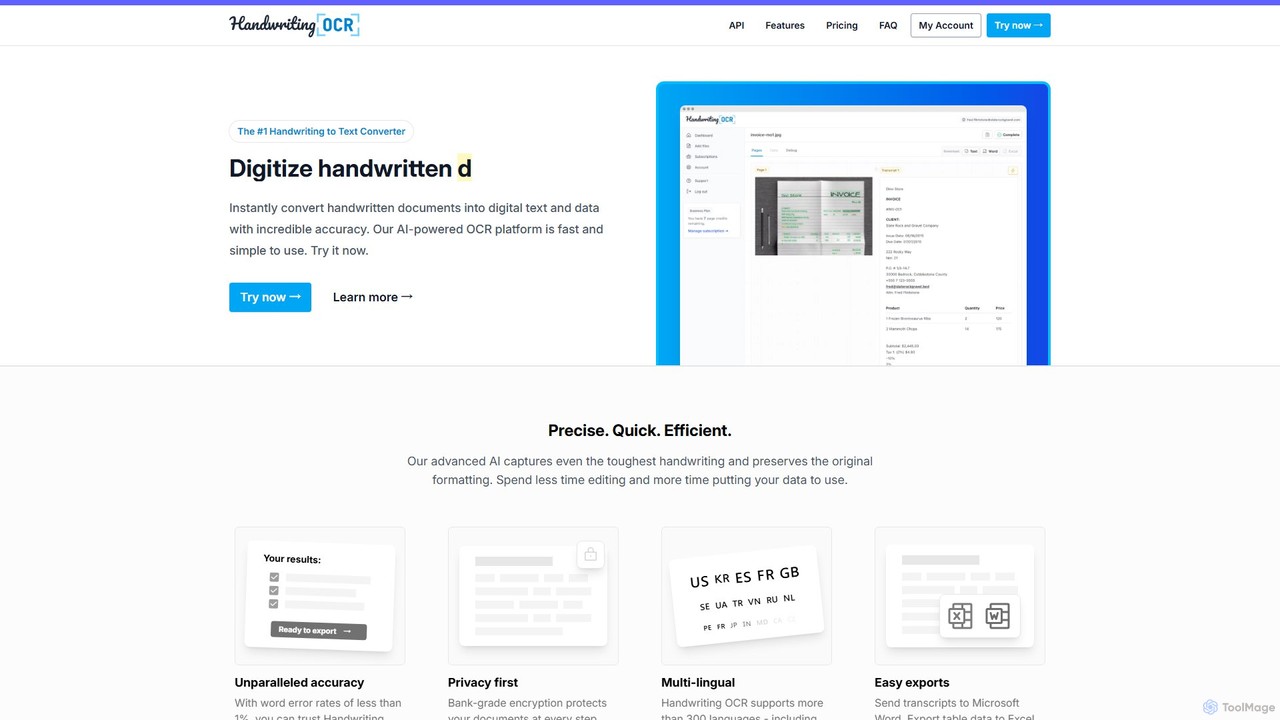
Handwriting OCRは、手書きや印刷された文書を驚異的な精度で即座に編集可能なデジタルテキストに変換するAI搭載プラットフォームです。300以上の言語、様々なファイル形式(PDF、JPG、PNG)をサポートし、Word、Excel、プレーンテキストへのエクスポートが可能です。企業、研究者、個人向けに設計されており、銀行レベルの暗号化と厳格なデータ非学習ポリシーでセキュリティを最優先しています。
データ入力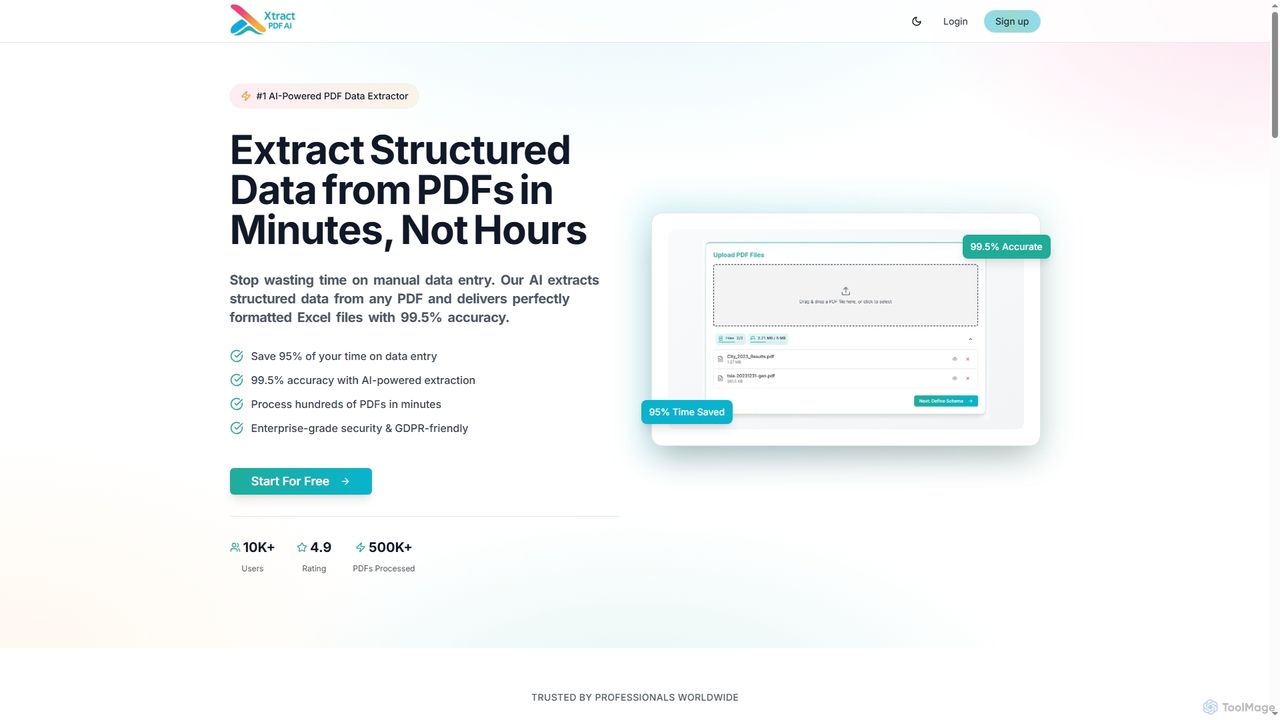
Xtractpdfaiは、PDFドキュメントから構造化データを抽出し、完全にフォーマットされたExcel、CSV、またはJSONファイルに変換するAI搭載ツールです。99.5%の精度を誇り、手動データ入力の時間を大幅に削減し、プロフェッショナル向けのドキュメント処理を効率的かつ安全にします。
データ自動化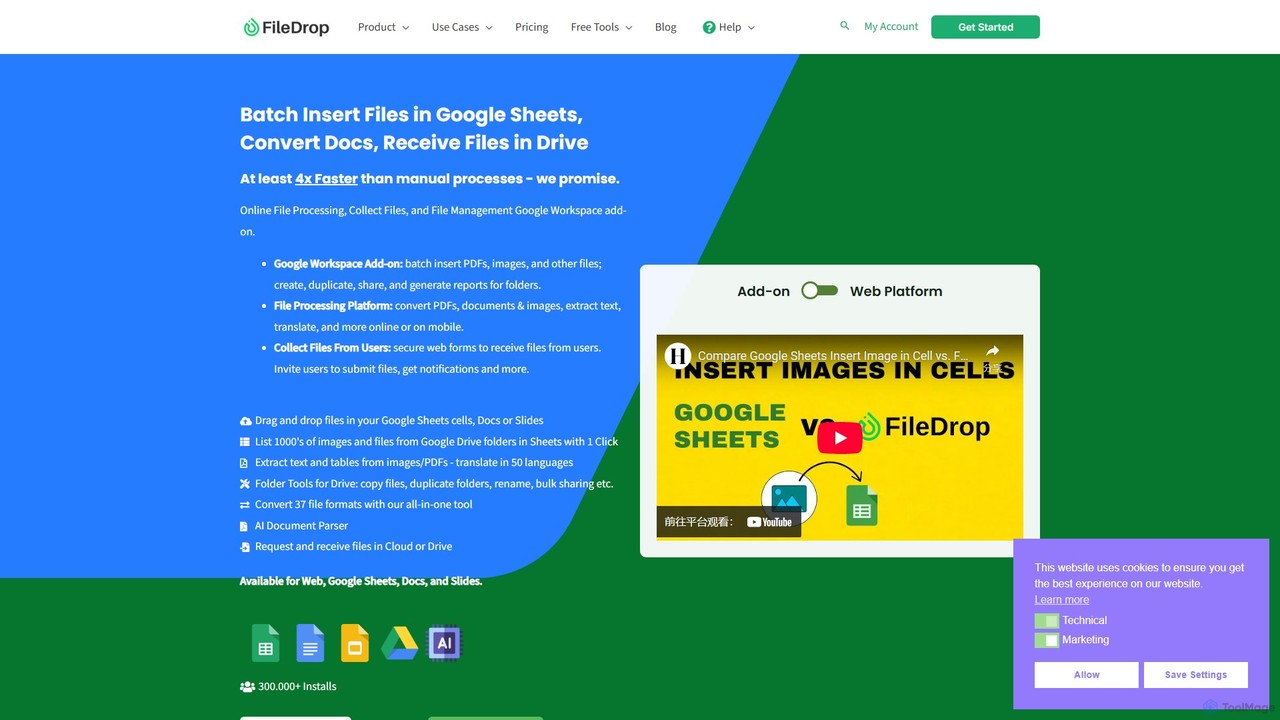
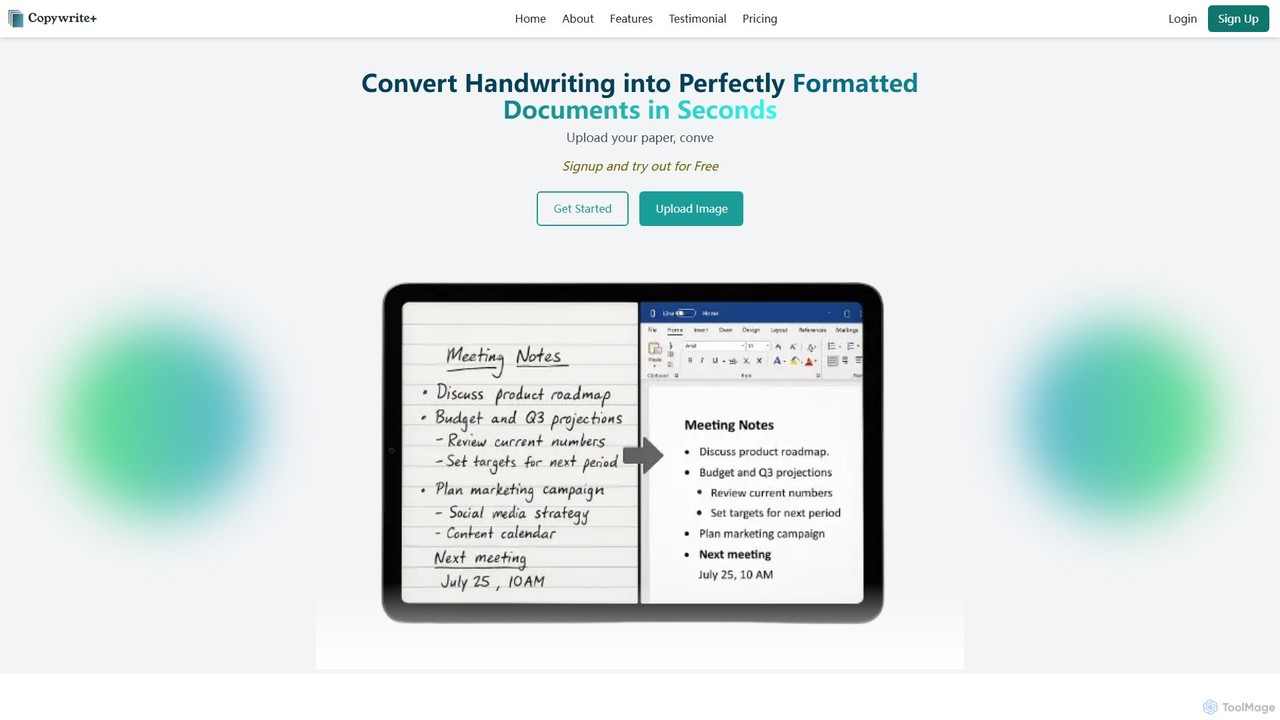
Copywriteeは、手書きのメモ、表、文書を99%の精度で完璧にフォーマットされた編集可能なデジタルテキストに変換するAI搭載プラットフォームです。単なる変換ツールではなく、直感的なエディタ、スプレッドシート対応、シームレスな共同作業機能を備えた完全なクラウドベースの文書管理エコシステムです。
データ入力