Gio
画像生成 · 2.1K 月間訪問数
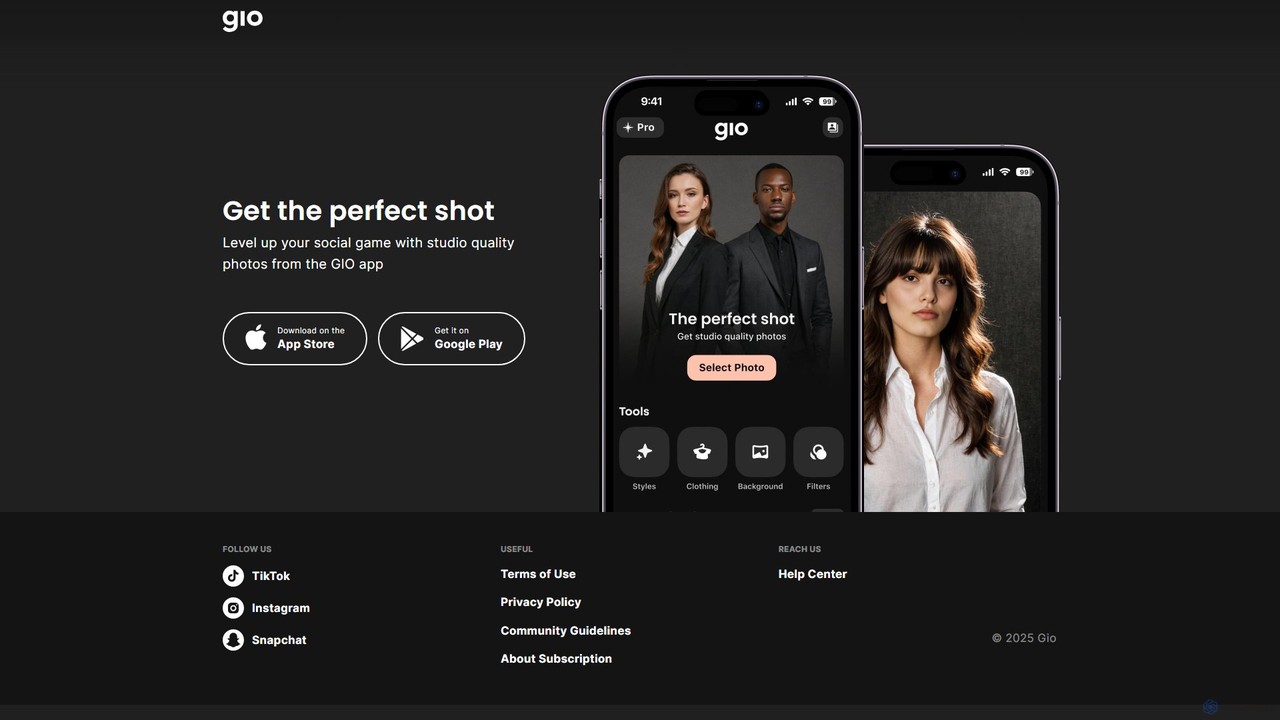
Gioは、ソーシャルメディアのコンテンツをレベルアップさせるために設計されたAI搭載のモバイル写真編集アプリです。通常の写真を数回のタップでスタジオ品質の画像に変換します。インフルエンサーやプロフェッショナル、そして魅力的なポートレートやヘッドショットを作成したいすべての人に最適で、スマートフォンから直接、簡単かつプロ級の仕上がりを実現する高度なAIツール群を提供します。
Gioは、ソーシャルメディアのコンテンツをレベルアップさせるために設計されたAI搭載のモバイル写真編集アプリです。通常の写真を数回のタップでスタジオ品質の画像に変換します。インフルエンサーやプロフェッショナル、そして魅力的なポートレートやヘッドショットを作成したいすべての人に最適で、スマートフォンから直接、簡単かつプロ級の仕上がりを実現する高度なAIツール群を提供します。
Instasizeは、ソーシャルメディアのコンテンツクリエイター向けに特別に設計された、写真・動画編集用のオールインワンクリエイティブツールキットです。直感的な画像リサイザー、AIによる背景除去や画像拡張機能、プロフェッショナルなフィルター、テキストスタイルなど、強力なツール群を提供し、ユーザーがInstagramやTikTokなどのプラットフォーム向けに魅力的なビジュアルを簡単に作成できるよう支援します。
Gioは、ソーシャルメディアのコンテンツをレベルアップさせるために設計されたAI搭載のモバイル写真編集アプリです。通常の写真を数回のタップでスタジオ品質の画像に変換します。インフルエンサーやプロフェッショナル、そして魅力的なポートレートやヘッドショットを作成したいすべての人に最適で、スマートフォンから直接、簡単かつプロ級の仕上がりを実現する高度なAIツール群を提供します。
Instasizeは、ソーシャルメディアのコンテンツクリエイター向けに特別に設計された、写真・動画編集用のオールインワンクリエイティブツールキットです。直感的な画像リサイザー、AIによる背景除去や画像拡張機能、プロフェッショナルなフィルター、テキストスタイルなど、強力なツール群を提供し、ユーザーがInstagramやTikTokなどのプラットフォーム向けに魅力的なビジュアルを簡単に作成できるよう支援します。
Compare Gio and Instasize by monthly reach, traffic trend, visit depth, top regions, and acquisition sources.
In the Gio vs Instasize monthly traffic comparison, Gio currently shows 2.1K visits and Instasize shows 223.9K; Instasize has about 108 times the visible traffic of Gio, an absolute difference of about 221.8K visits. This reflects visible reach, not feature quality or paid users.
Both tools provide verified traffic details, so monthly trends, visit depth, regions, and acquisition sources can be compared on the same basis.
Instasize is registered at the instasize.com/zh subpage. Because the current data does not state whether other host pages are excluded, treat this as domain-level context rather than independent traffic for one product or project.
| Country/region | Percentage | Traffic |
|---|---|---|
| 🇺🇸United States | 100% | 2.1K |
| Country/region | Percentage | Traffic |
|---|---|---|
| 🇺🇸United States | 42.54% | 95.2K |
| 🇳🇴Norway | 22.15% | 49.6K |
| 🇮🇳India | 13.79% | 30.9K |
| 🇷🇺Russia | 12.45% | 27.9K |
| 🇬🇧United Kingdom | 9.07% | 20.3K |
| Source type | Percentage | Traffic |
|---|---|---|
| ダイレクト | 88.41% | 197.9K |
| 参照元 | 11.21% | 25.1K |
| Eメール | 0.38% | 851 |
This in-depth Gio vs Instasize comparison uses only the product records, taxonomy, audience, traffic, and community signals available on this page. Gio is primarily listed under “画像生成”, while Instasize is primarily listed under “画像編集”, so the first decision is whether your actual task matches their recorded scope.
The structured fields currently show these decision-relevant differences: Primary category (Gio: 画像生成; Instasize: 画像編集); Product type (Gio: App; Instasize: Website); Monthly visits (Gio: 2.1K; Instasize: 223.9K); Monthly growth (Gio: -21.6%; Instasize: 9%); Favorites (Gio: 91; Instasize: 142). These facts are more useful for selection than brand visibility alone.
In the Gio vs Instasize monthly traffic comparison, Gio currently shows 2.1K visits and Instasize shows 223.9K; Instasize has about 108 times the visible traffic of Gio, an absolute difference of about 221.8K visits. This reflects visible reach, not feature quality or paid users.
Both tools provide verified traffic details, so monthly trends, visit depth, regions, and acquisition sources can be compared on the same basis.
Instasize is registered at the instasize.com/zh subpage. Because the current data does not state whether other host pages are excluded, treat this as domain-level context rather than independent traffic for one product or project.
Instasize is registered under a instasize.com subpath, so its large visible total may include the host platform. The current data does not justify choosing Instasize for traffic alone; shortlist by unique taxonomy and use case, then validate with the same tasks.
Gio and Instasize currently overlap in shared categories: 画像編集、コンテンツ作成; shared tags: 背景除去、写真編集、ソーシャルメディア. This can place both on the same shortlist, but it does not prove equal implementation, depth, or cost.
Gio's unique categories/tags are 画像生成、AI写真補正、Android、プロフィール写真生成、iOS、モバイルアプリ、ポートレートレタッチ、スタジオ品質; Instasize's are ビジュアル、AI画像拡張ツール、コンテンツ作成、画像コンバーター、画像リサイズ、画像アップスケーラー、インスタグラム、マジックフィル. These unique fields are the strongest differentiators: validate the product whose recorded scope matches the task instead of following traffic alone.
Gio has no verified rating, 0 comments, 91 favorites, and 101 likes;Instasize has no verified rating, 0 comments, 142 favorites, and 132 likes。
Neither product has enough rating or comment samples for a credible reputation ranking.
Put Gio on the priority trial list when the task aligns with “画像生成” and especially 画像生成、AI写真補正、Android、プロフィール写真生成、iOS、モバイルアプリ. This follows recorded positioning and does not imply unlisted capabilities are absent.
Gio also currently records: pricing is freemium, product type is app, 2.1K verified monthly visits, no verified user rating. Verify any hard requirement around price, platform, or reach before trial, and do not let sparse review data substitute for testing.
Put Instasize on the priority trial list when the task aligns with “画像編集” and especially ビジュアル、AI画像拡張ツール、コンテンツ作成、画像コンバーター、画像リサイズ、画像アップスケーラー. This follows recorded positioning and does not imply unlisted capabilities are absent.
Instasize also currently records: pricing is freemium, product type is website, 223.9K monthly visits shown for the registered host (subpage scope unknown), no verified user rating. Verify any hard requirement around price, platform, or reach before trial, and do not let sparse review data substitute for testing.
The available data describes positioning, public visibility, and community signals, but it cannot prove output quality, speed, integration effort, privacy, or long-term cost in your workflow. Before deciding, run the same representative tasks in Gio and Instasize, then record completion time, accuracy, manual corrections, and the real paid threshold. A like-for-like trial turns this comparison into a defensible adoption decision.
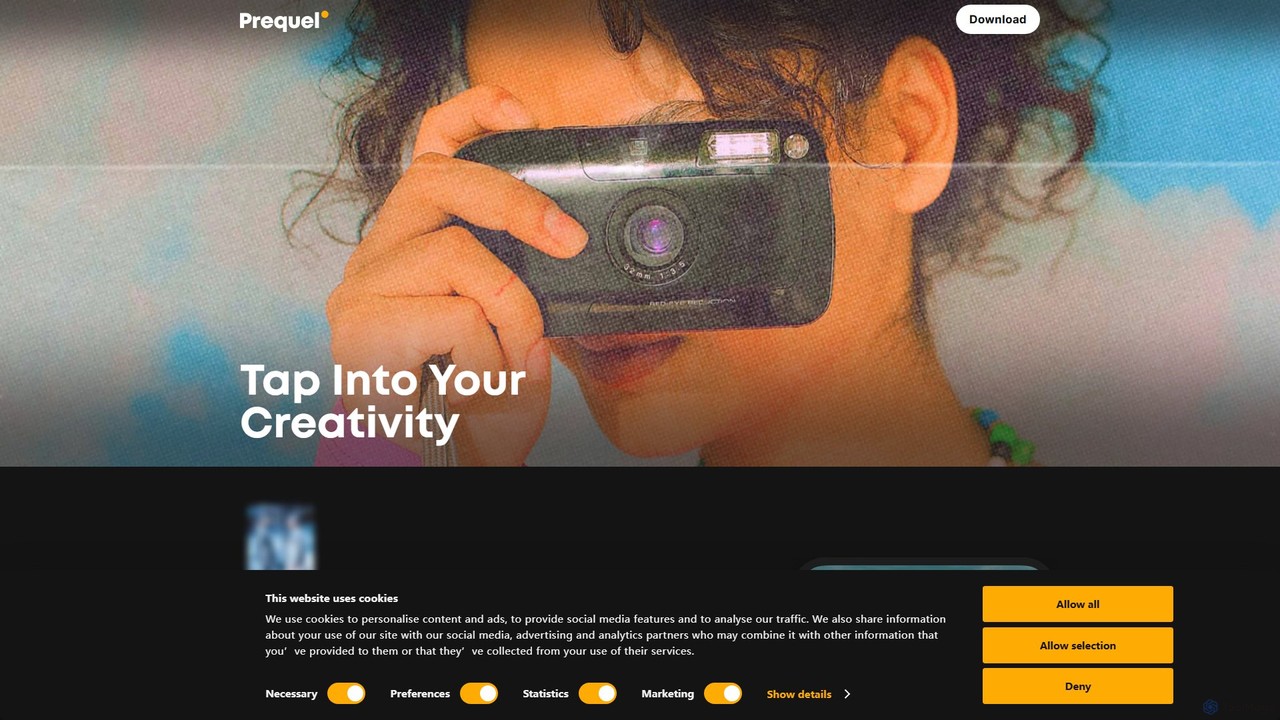


Novaimgは、ビジュアルコンテンツの変換と強化のための多機能なオンラインAIツールスイートです。テキストプロンプトによるAI画像編集、4K画像アップスケーリング、写真、ビデオ、GIFのリアルな顔交換、インテリジェントな透かし除去など、幅広い機能を提供します。使いやすさを追求したNovaimgは、ソーシャルメディア、Eコマース、クリエイティブプロジェクト向けにプロ品質の画像やビデオを、多くの場合無料で、または十分なデイリー制限付きで作成するのに役立ちます。
グラフィックデザイン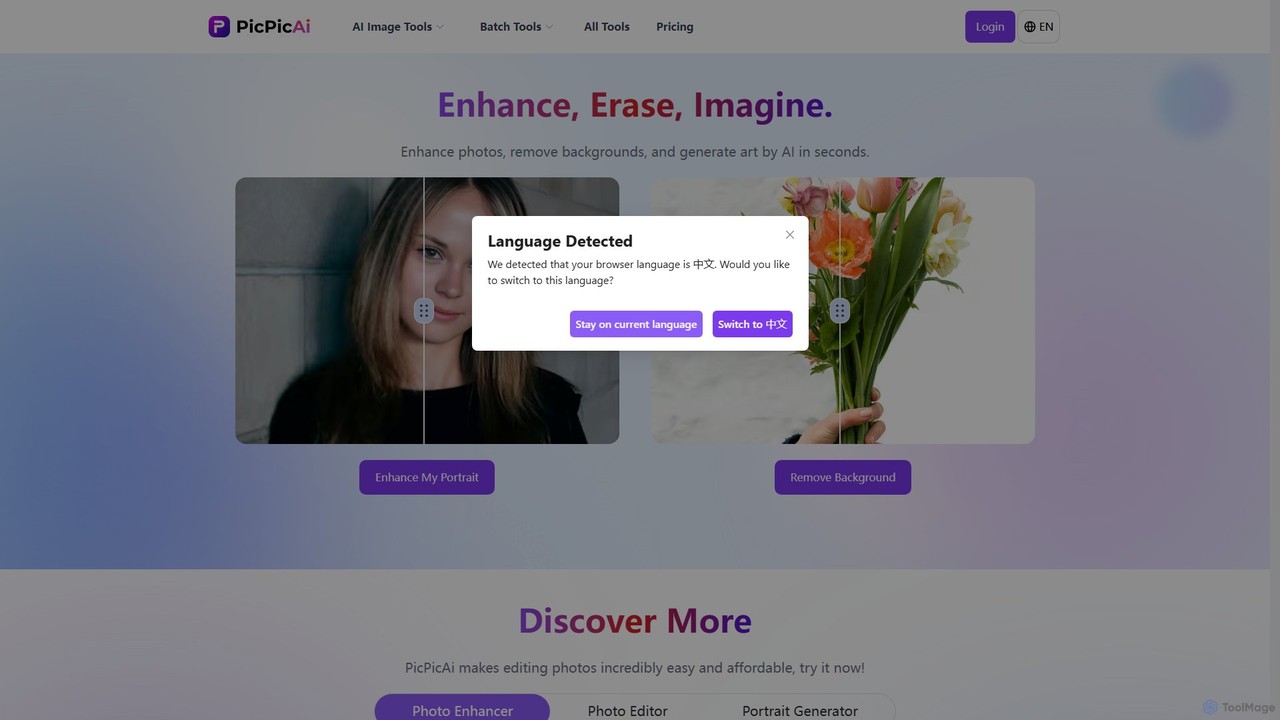
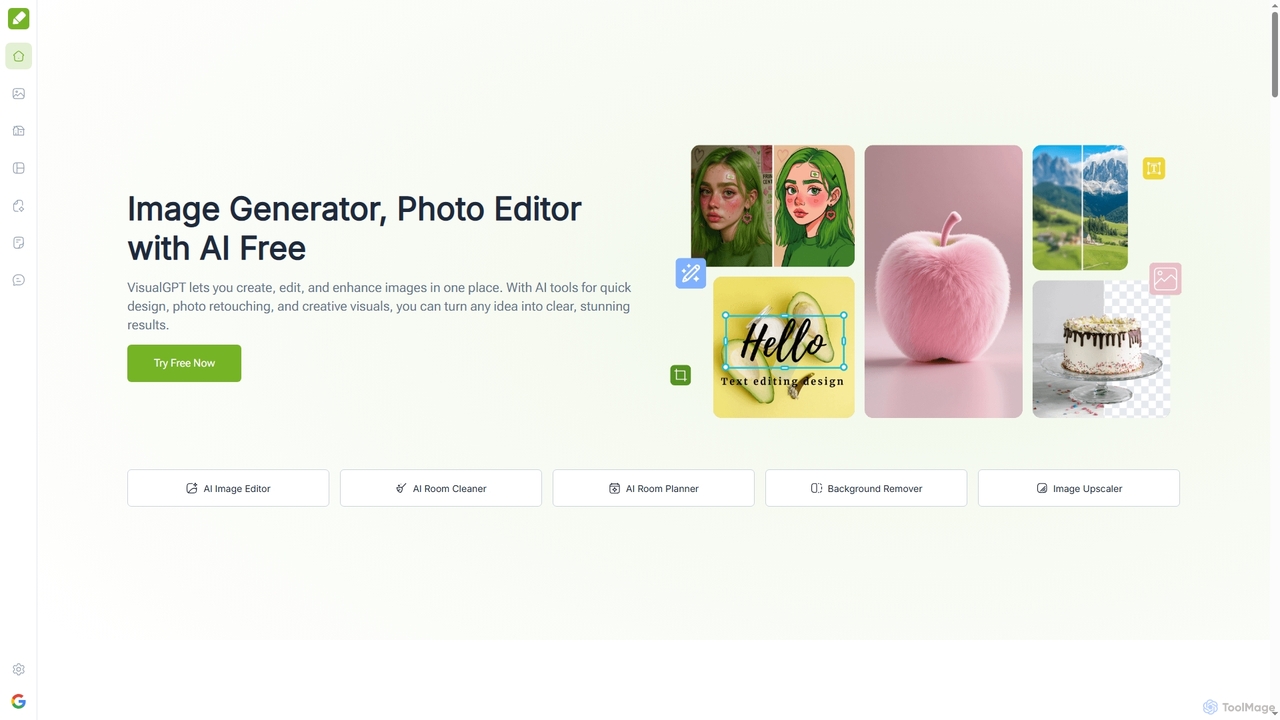
VisualGPTは、画像の生成、編集、強化のためのオールインワンオンラインAIプラットフォームです。Nano BananaやStable Diffusionなどの高度なモデルを搭載したAI画像編集、背景除去、部屋のプランニング、視覚化などのツールを提供します。使いやすさを重視して設計されており、複雑なソフトウェアやデザインスキルなしで、ユーザーが素晴らしいビジュアルを素早く作成するのに役立ちます。
グラフィックデザイン
Planoは、20種類以上の無料AI搭載ソーシャルメディアツールスイートを提供します。TikTok、Instagram、Facebookなどのプラットフォーム向けに、ユニークなユーザー名、魅力的な自己紹介、エンゲージングなキャプション、関連ハッシュタグを簡単に生成。サインアップ不要で、画像リサイザーや画像テキスト変換などの便利なユーティリティも含まれています。
ソーシャルメディアマーケティング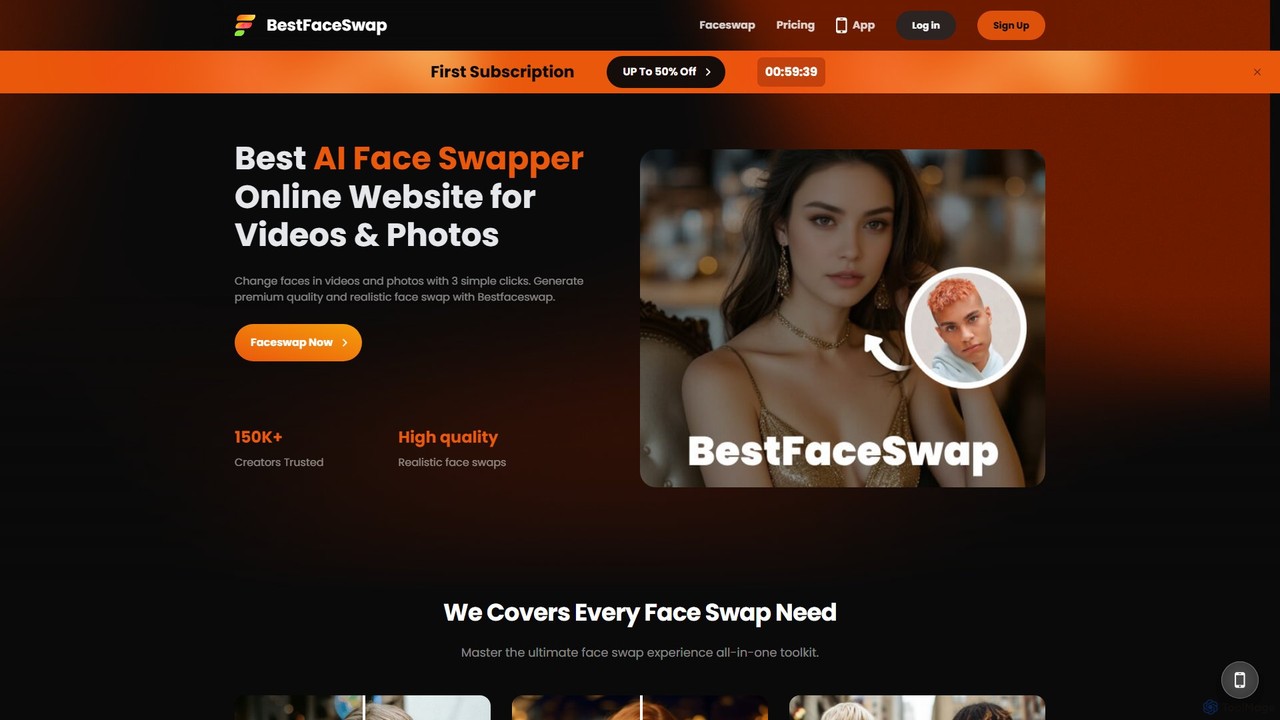
bestfaceswapは、ビデオと写真の両方で高品質でリアルな顔交換を作成するための高度なAI搭載オンラインツールです。簡単な3ステップのプロセスで、ユーザーは面白いコンテンツ、ミーム、またはプロフェッショナルなマーケティング資料を簡単に生成できます。高解像度出力をサポートし、ユーザーのプライバシーを確保し、ダウンロード不要でシームレスな体験を提供します。
ミームジェネレーター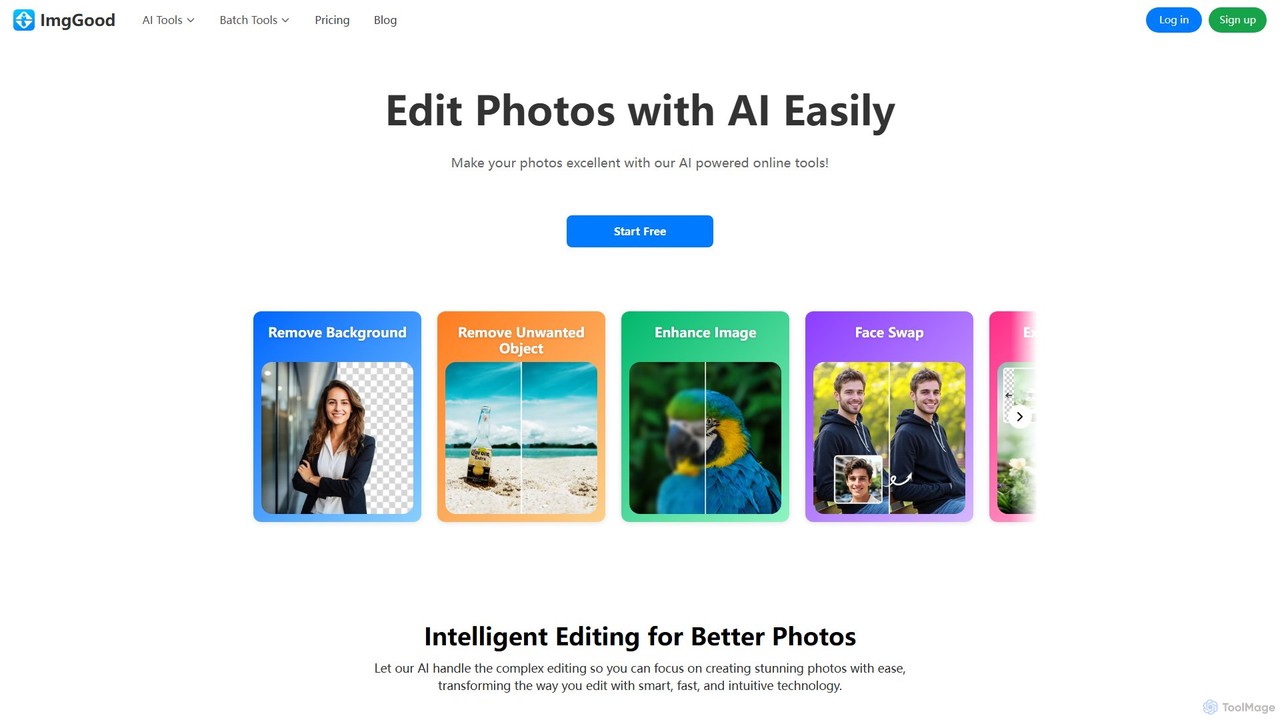
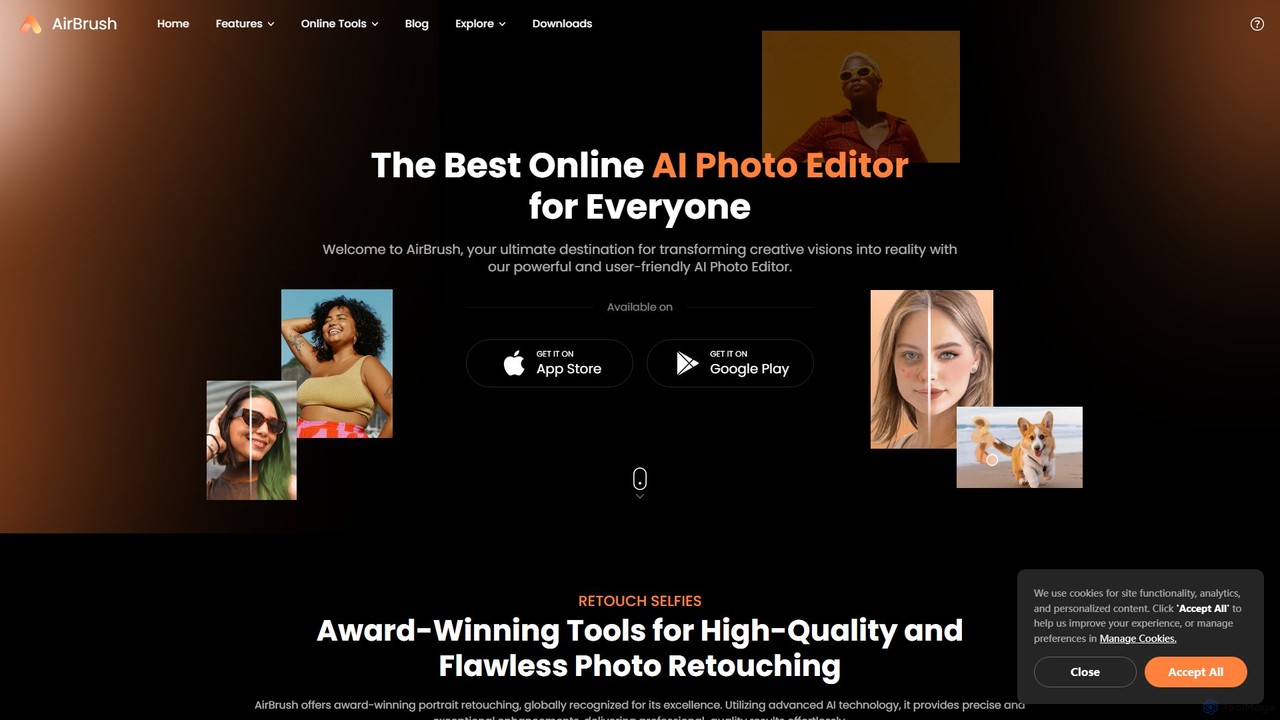
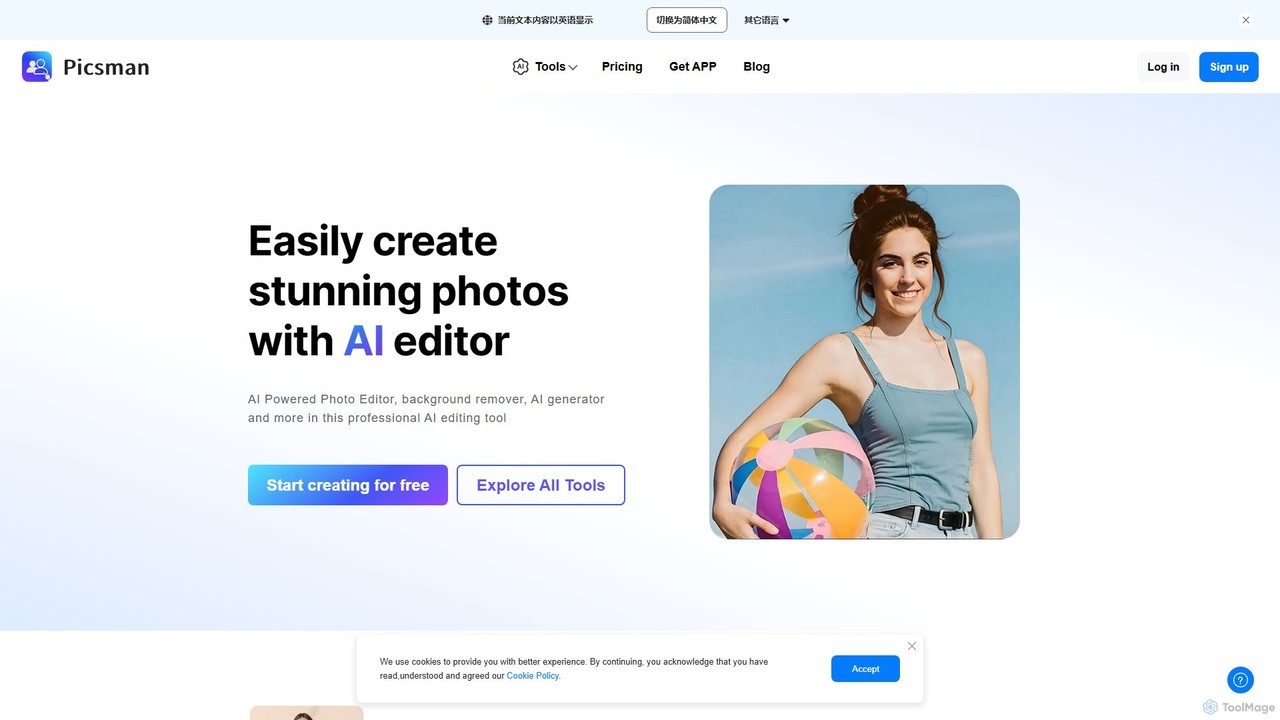
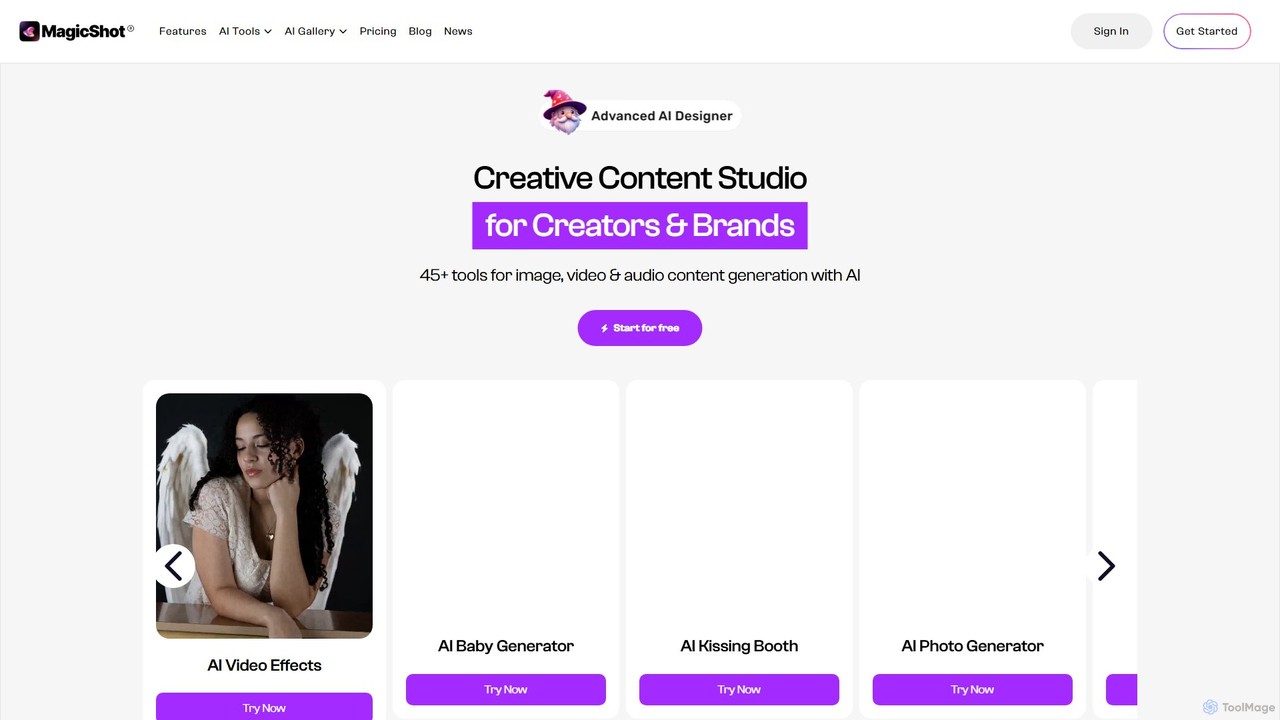
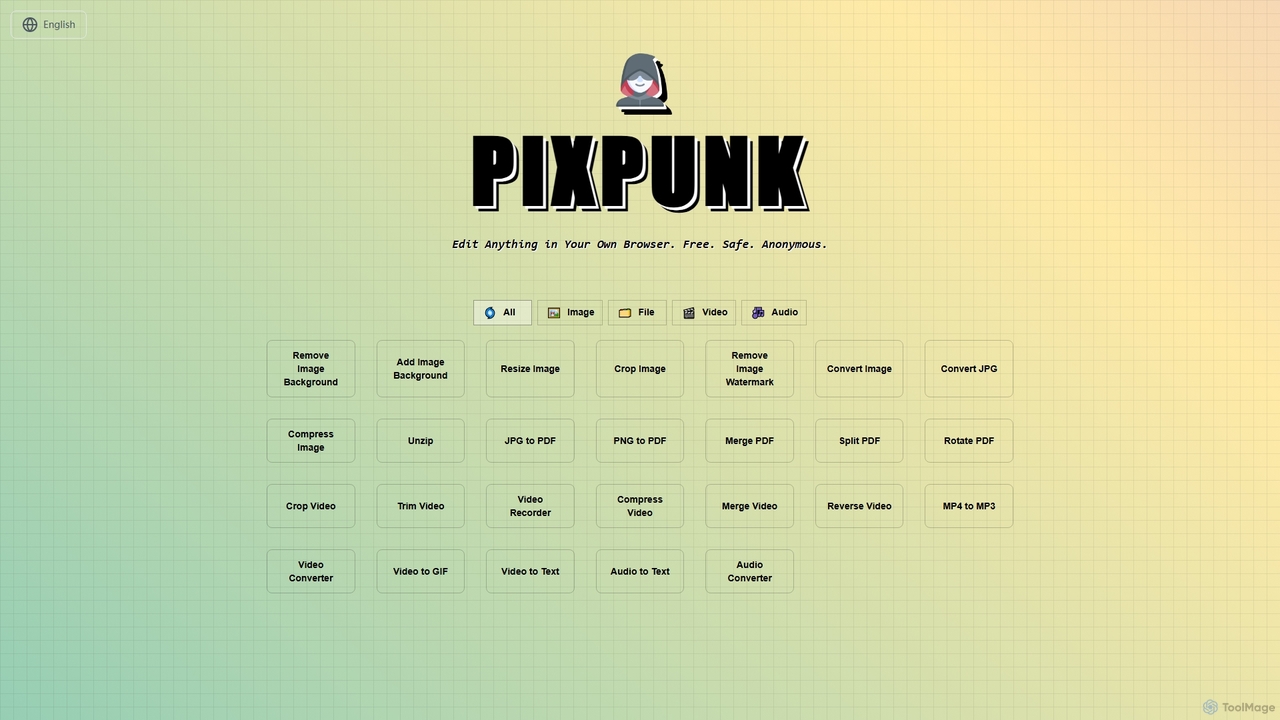
PixPunkは、無料で安全、匿名で、ブラウザ上で直接画像編集、ファイル変換、動画・音声処理ができるオンラインツールです。背景除去、画像サイズ変更、トリミング、形式変換など、アップロードやウォーターマークなしで一連の機能を提供し、最大限のプライバシーを保証します。
オーディオコンバーター