GitBrain
コードアシスタント · 3.4K 月間訪問数
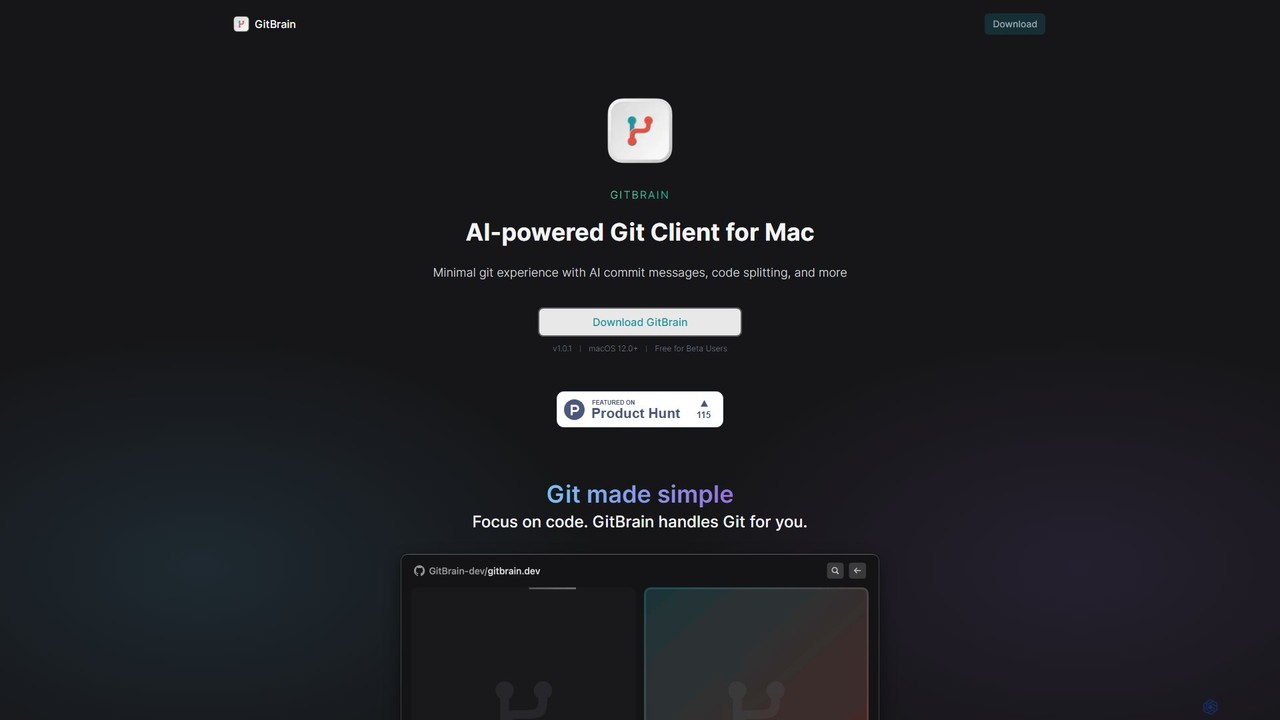
GitBrainは、ワークフローを効率化するために設計されたMac向けのAI搭載Gitクライアントです。コードの変更を論理的なコミットに自動的に分割し、明確なコミットメッセージを生成し、自己レビュー用のAIによるコード要約を提供します。ネイティブなmacOSインターフェース、IDE統合、キーボードファーストの設計により、GitBrainはGit管理を簡素化し、開発者がコーディングに集中できるようにします。
GitBrainは、ワークフローを効率化するために設計されたMac向けのAI搭載Gitクライアントです。コードの変更を論理的なコミットに自動的に分割し、明確なコミットメッセージを生成し、自己レビュー用のAIによるコード要約を提供します。ネイティブなmacOSインターフェース、IDE統合、キーボードファーストの設計により、GitBrainはGit管理を簡素化し、開発者がコーディングに集中できるようにします。
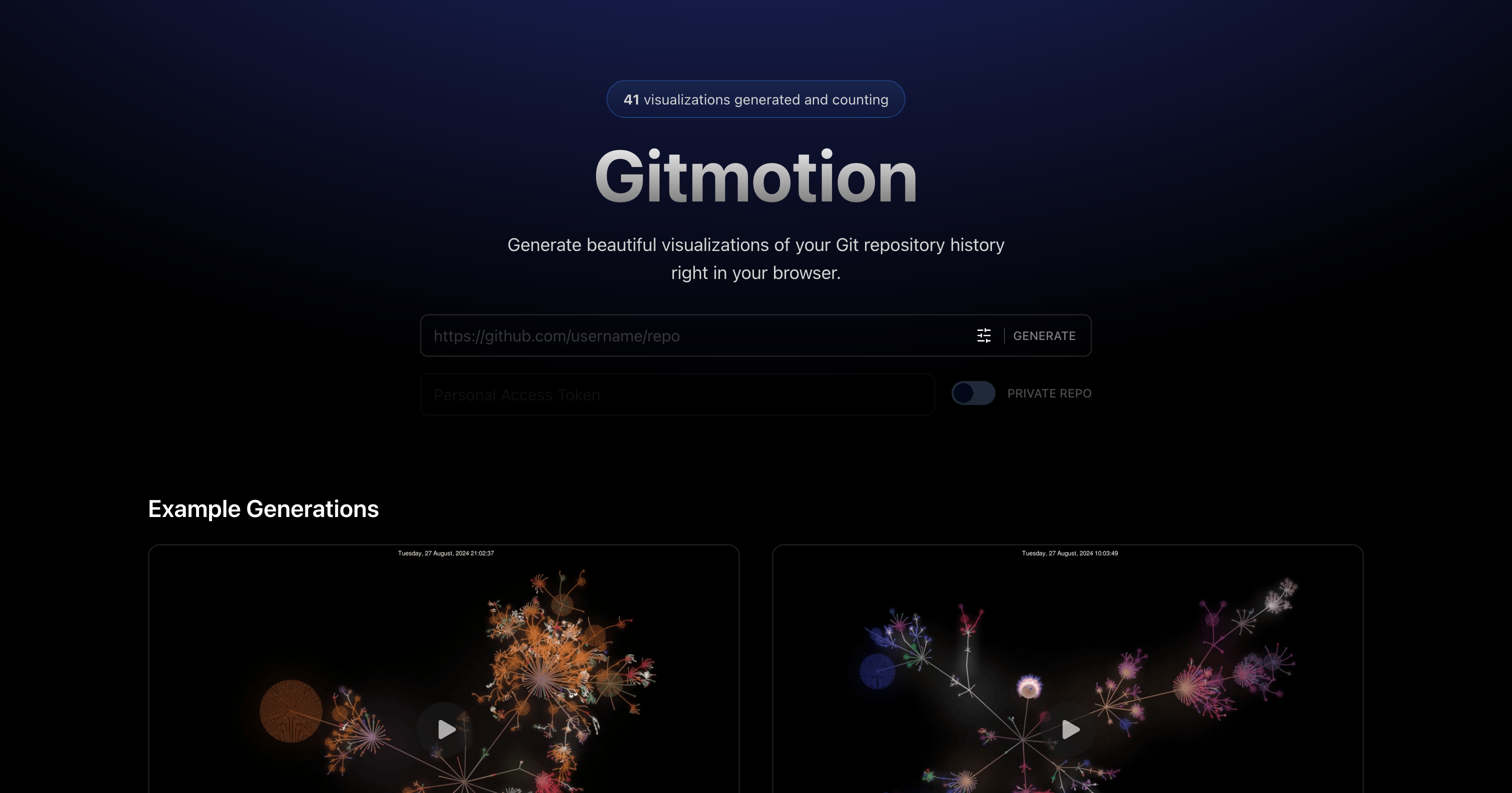
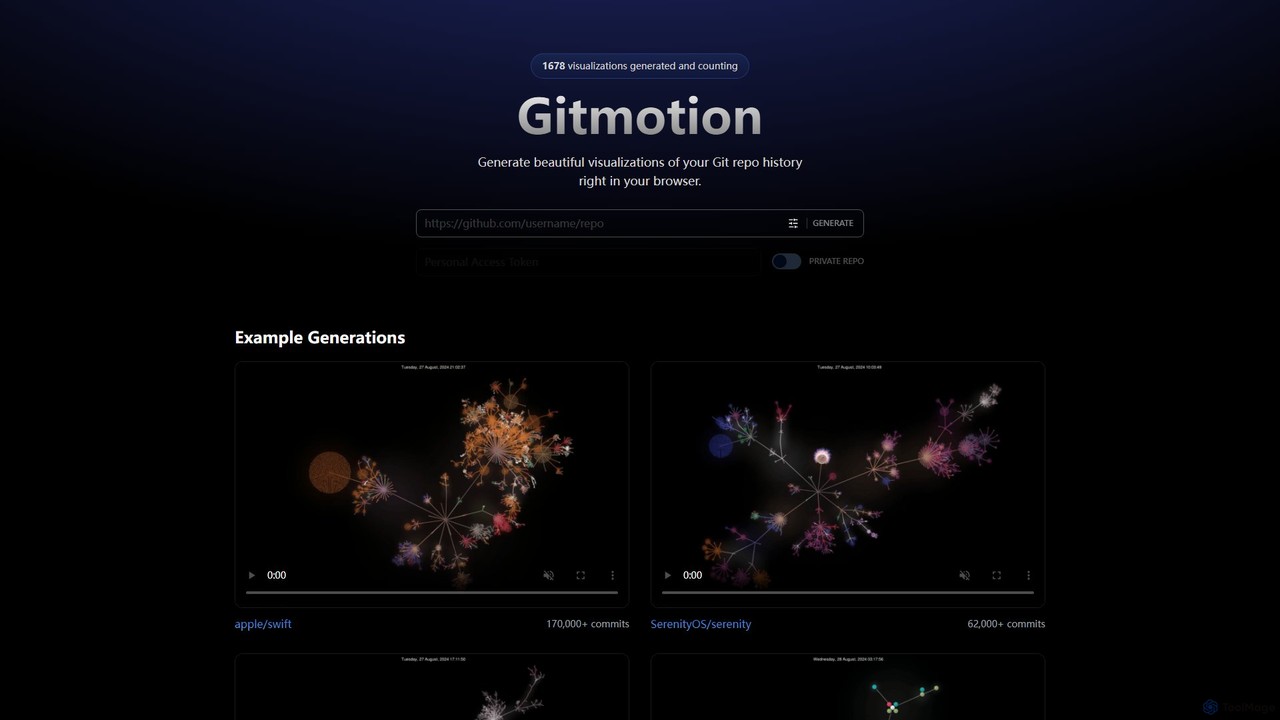
Gitmotionは、Gitリポジトリの履歴を美しいアニメーションで視覚化するウェブベースのツールです。複雑なコミットログを動的で理解しやすいビデオや画像に変換し、プロジェクト分析、プレゼンテーション、チームのオンボーディングに最適です。公開リポジトリとプライベートリポジトリの両方をサポートし、コードの進化を簡単に確認できます。
GitBrainは、ワークフローを効率化するために設計されたMac向けのAI搭載Gitクライアントです。コードの変更を論理的なコミットに自動的に分割し、明確なコミットメッセージを生成し、自己レビュー用のAIによるコード要約を提供します。ネイティブなmacOSインターフェース、IDE統合、キーボードファーストの設計により、GitBrainはGit管理を簡素化し、開発者がコーディングに集中できるようにします。
Gitmotionは、Gitリポジトリの履歴を美しいアニメーションで視覚化するウェブベースのツールです。複雑なコミットログを動的で理解しやすいビデオや画像に変換し、プロジェクト分析、プレゼンテーション、チームのオンボーディングに最適です。公開リポジトリとプライベートリポジトリの両方をサポートし、コードの進化を簡単に確認できます。
| Feature | GitBrain | Gitmotion |
|---|---|---|
| 主要カテゴリー | コードアシスタント | データ視覚化 |
| 追加日 | 2025-08-05 | 2025-08-09 |
| 価格 | フリーミアム | フリーミアム |
| 公式サイト | gitbrain.dev | gitmotion.app |
| 製品タイプ | アプリ | ウェブサイト |
| Performance data | ||
| ユーザー評価 | 未確認 | 未確認 |
| コメント | 0 | 0 |
| 月間訪問数 | 3.4K | 3.5K |
| 月間成長率 | 未確認 | 未確認 |
| お気に入り | 134 | 107 |
| Details | 詳細を見る | 詳細を見る |
Compare GitBrain and Gitmotion by monthly reach, traffic trend, visit depth, top regions, and acquisition sources.
In the GitBrain vs Gitmotion monthly traffic comparison, GitBrain currently shows 3.4K visits and Gitmotion shows 3.5K; the two products have similar visible traffic, an absolute difference of about 51 visits. This reflects visible reach, not feature quality or paid users.
Both values come from visits recorded inside ToolMage. They can indicate relative interest on this site, but not total website traffic or global market share.
This in-depth GitBrain vs Gitmotion comparison uses only the product records, taxonomy, audience, traffic, and community signals available on this page. GitBrain is primarily listed under “コードアシスタント”, while Gitmotion is primarily listed under “データ視覚化”, so the first decision is whether your actual task matches their recorded scope.
The structured fields currently show these decision-relevant differences: Primary category (GitBrain: コードアシスタント; Gitmotion: データ視覚化); Product type (GitBrain: App; Gitmotion: Website); Monthly visits (GitBrain: 3.4K; Gitmotion: 3.5K); Favorites (GitBrain: 134; Gitmotion: 107); Website (GitBrain: gitbrain.dev; Gitmotion: gitmotion.app). These facts are more useful for selection than brand visibility alone.
In the GitBrain vs Gitmotion monthly traffic comparison, GitBrain currently shows 3.4K visits and Gitmotion shows 3.5K; the two products have similar visible traffic, an absolute difference of about 51 visits. This reflects visible reach, not feature quality or paid users.
Both values come from visits recorded inside ToolMage. They can indicate relative interest on this site, but not total website traffic or global market share.
The current traffic scope is not sufficient for a reliable product ranking. Treat monthly visits as a market-interest signal, then decide using taxonomy, use cases, pricing, and a like-for-like trial rather than reading exposure as product capability.
GitBrain and Gitmotion currently overlap in shared categories: バージョン管理; shared tags: 開発者、Git、バージョン管理. This can place both on the same shortlist, but it does not prove equal implementation, depth, or cost.
GitBrain's unique categories/tags are コードアシスタント、自動化、AI、コードレビュー、コミットメッセージ、macOS、生産性; Gitmotion's are データ視覚化、視覚化、アニメーション、コード、GitHub、GitLab、プロジェクト管理、リポジトリ. These unique fields are the strongest differentiators: validate the product whose recorded scope matches the task instead of following traffic alone.
GitBrain has no verified rating, 0 comments, 134 favorites, and 149 likes;Gitmotion has no verified rating, 0 comments, 107 favorites, and 102 likes。
Neither product has enough rating or comment samples for a credible reputation ranking.
Put GitBrain on the priority trial list when the task aligns with “コードアシスタント” and especially コードアシスタント、自動化、AI、コードレビュー、コミットメッセージ、macOS. This follows recorded positioning and does not imply unlisted capabilities are absent.
GitBrain also currently records: pricing is freemium, product type is app, 3.4K on-site monthly views, no verified user rating. Verify any hard requirement around price, platform, or reach before trial, and do not let sparse review data substitute for testing.
Put Gitmotion on the priority trial list when the task aligns with “データ視覚化” and especially データ視覚化、視覚化、アニメーション、コード、GitHub、GitLab. This follows recorded positioning and does not imply unlisted capabilities are absent.
Gitmotion also currently records: pricing is freemium, product type is website, 3.5K on-site monthly views, no verified user rating. Verify any hard requirement around price, platform, or reach before trial, and do not let sparse review data substitute for testing.
The available data describes positioning, public visibility, and community signals, but it cannot prove output quality, speed, integration effort, privacy, or long-term cost in your workflow. Before deciding, run the same representative tasks in GitBrain and Gitmotion, then record completion time, accuracy, manual corrections, and the real paid threshold. A like-for-like trial turns this comparison into a defensible adoption decision.