Hoop
バーチャルアシスタント · 24.6K 月間訪問数
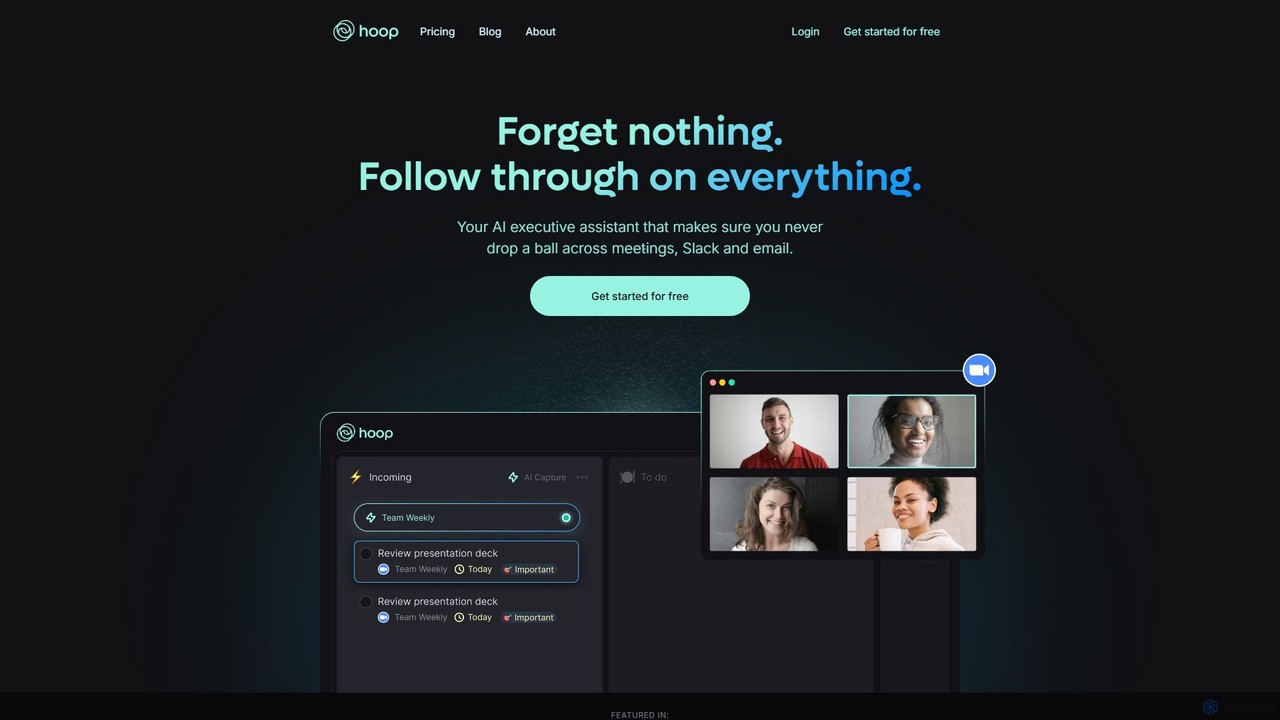
Hoopは、会議、Slack、メールからタスクを自動的にキャプチャするAIエグゼクティブアシスタントです。すべてのTo-Doを1か所に集約し、重要なアクションアイテムを見逃さないようにします。Zoom、Meet、Teamsなどのプラットフォームで、邪魔なボットなしでシームレスに動作します。
Hoopは、会議、Slack、メールからタスクを自動的にキャプチャするAIエグゼクティブアシスタントです。すべてのTo-Doを1か所に集約し、重要なアクションアイテムを見逃さないようにします。Zoom、Meet、Teamsなどのプラットフォームで、邪魔なボットなしでシームレスに動作します。
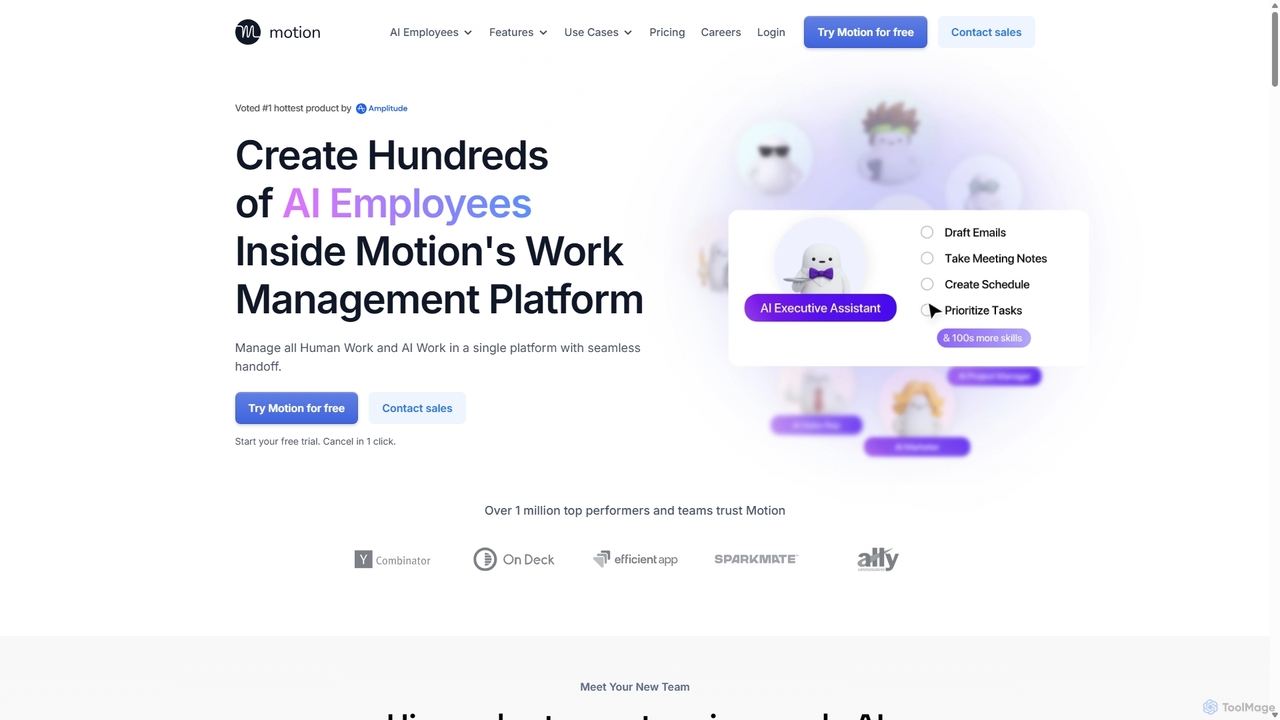
Motionは、タスクの自動化、プロジェクトの管理、スケジュールの整理を行うためのAI従業員と生産性ツールのスイートを提供する、AI搭載プラットフォームです。カレンダー管理やメール返信から、営業活動やカスタマーサポートまで、すべてを単一の統合ワークスペースで処理し、チームの生産性を10倍に向上させることを目指しています。
Hoopは、会議、Slack、メールからタスクを自動的にキャプチャするAIエグゼクティブアシスタントです。すべてのTo-Doを1か所に集約し、重要なアクションアイテムを見逃さないようにします。Zoom、Meet、Teamsなどのプラットフォームで、邪魔なボットなしでシームレスに動作します。
Motionは、タスクの自動化、プロジェクトの管理、スケジュールの整理を行うためのAI従業員と生産性ツールのスイートを提供する、AI搭載プラットフォームです。カレンダー管理やメール返信から、営業活動やカスタマーサポートまで、すべてを単一の統合ワークスペースで処理し、チームの生産性を10倍に向上させることを目指しています。
| Feature | Hoop | Motion |
|---|---|---|
| 主要カテゴリー | バーチャルアシスタント | バーチャルアシスタント |
| 追加日 | 2025-08-07 | 2025-09-07 |
| 価格 | フリーミアム | 有料 |
| 公式サイト | www.hoop.app | www.usemotion.com |
| 製品タイプ | ウェブサイト | ウェブサイト |
| Performance data | ||
| ユーザー評価 | 未確認 | 未確認 |
| コメント | 0 | 0 |
| 月間訪問数 | 24.6K | 719.8K |
| 月間成長率 | -24.5% | 4.4% |
| お気に入り | 129 | 102 |
| Details | 詳細を見る | 詳細を見る |
Compare Hoop and Motion by monthly reach, traffic trend, visit depth, top regions, and acquisition sources.
In the Hoop vs Motion monthly traffic comparison, Hoop currently shows 24.6K visits and Motion shows 719.8K; Motion has about 29.2 times the visible traffic of Hoop, an absolute difference of about 695.1K visits. This reflects visible reach, not feature quality or paid users.
Both tools provide verified traffic details, so monthly trends, visit depth, regions, and acquisition sources can be compared on the same basis.
| Country/region | Percentage | Traffic |
|---|---|---|
| 🇺🇸United States | 36.35% | 9K |
| 🇺🇿Uzbekistan | 31.03% | 7.6K |
| 🇮🇳India | 13.82% | 3.4K |
| 🇿🇦South Africa | 10.77% | 2.7K |
| 🇩🇪Germany | 8.03% | 2K |
| Source type | Percentage | Traffic |
|---|---|---|
| ダイレクト | 100% | 24.6K |
| Country/region | Percentage | Traffic |
|---|---|---|
| 🇺🇸United States | 66.89% | 481.4K |
| 🇬🇧United Kingdom | 17.96% | 129.3K |
| 🇦🇺Australia | 5.71% | 41.1K |
| 🇨🇦Canada | 5.04% | 36.3K |
| 🇮🇳India | 4.4% | 31.7K |
| Source type | Percentage | Traffic |
|---|---|---|
| ダイレクト | 93.02% | 669.5K |
| 参照元 | 3.67% | 26.4K |
| Eメール | 3.31% | 23.8K |
This in-depth Hoop vs Motion comparison uses only the product records, taxonomy, audience, traffic, and community signals available on this page. Hoop is primarily listed under “バーチャルアシスタント”, while Motion is primarily listed under “バーチャルアシスタント”, so the first decision is whether your actual task matches their recorded scope.
The structured fields currently show these decision-relevant differences: Pricing (Hoop: Freemium; Motion: Paid); Monthly visits (Hoop: 24.6K; Motion: 719.8K); Monthly growth (Hoop: -24.5%; Motion: 4.4%); Favorites (Hoop: 129; Motion: 102); Website (Hoop: www.hoop.app; Motion: www.usemotion.com). These facts are more useful for selection than brand visibility alone.
In the Hoop vs Motion monthly traffic comparison, Hoop currently shows 24.6K visits and Motion shows 719.8K; Motion has about 29.2 times the visible traffic of Hoop, an absolute difference of about 695.1K visits. This reflects visible reach, not feature quality or paid users.
Both tools provide verified traffic details, so monthly trends, visit depth, regions, and acquisition sources can be compared on the same basis.
If public market visibility is an important first-pass criterion, investigate Motion first. The final choice should still follow taxonomy, use case, and a real trial because higher traffic does not prove broader capabilities or better workflow fit.
Hoop and Motion currently overlap in shared categories: バーチャルアシスタント、タスク管理; shared tags: AIアシスタント、生産性、プロジェクト管理、タスク管理. This can place both on the same shortlist, but it does not prove equal implementation, depth, or cost.
Hoop's unique categories/tags are 会議アシスタント、自動化、メール管理、役員秘書、会議要約、Slack連携、やることリスト; Motion's are カレンダー管理、プロジェクト管理、AI従業員、カレンダー自動化、スケジューリング、チームコラボレーション、仮想アシスタント、ワークフロー自動化. These unique fields are the strongest differentiators: validate the product whose recorded scope matches the task instead of following traffic alone.
Hoop has no verified rating, 0 comments, 129 favorites, and 117 likes;Motion has no verified rating, 0 comments, 102 favorites, and 95 likes。
Neither product has enough rating or comment samples for a credible reputation ranking.
Put Hoop on the priority trial list when the task aligns with “バーチャルアシスタント” and especially 会議アシスタント、自動化、メール管理、役員秘書、会議要約、Slack連携. This follows recorded positioning and does not imply unlisted capabilities are absent.
Hoop also currently records: pricing is freemium, product type is website, 24.6K verified monthly visits, no verified user rating. Verify any hard requirement around price, platform, or reach before trial, and do not let sparse review data substitute for testing.
Put Motion on the priority trial list when the task aligns with “バーチャルアシスタント” and especially カレンダー管理、プロジェクト管理、AI従業員、カレンダー自動化、スケジューリング、チームコラボレーション, or the users include コンテンツクリエイター、カスタマーサポート、役員秘書、創業者. This follows recorded positioning and does not imply unlisted capabilities are absent.
Motion also currently records: pricing is paid, product type is website, 719.8K verified monthly visits, no verified user rating. Verify any hard requirement around price, platform, or reach before trial, and do not let sparse review data substitute for testing.
The available data describes positioning, public visibility, and community signals, but it cannot prove output quality, speed, integration effort, privacy, or long-term cost in your workflow. Before deciding, run the same representative tasks in Hoop and Motion, then record completion time, accuracy, manual corrections, and the real paid threshold. A like-for-like trial turns this comparison into a defensible adoption decision.
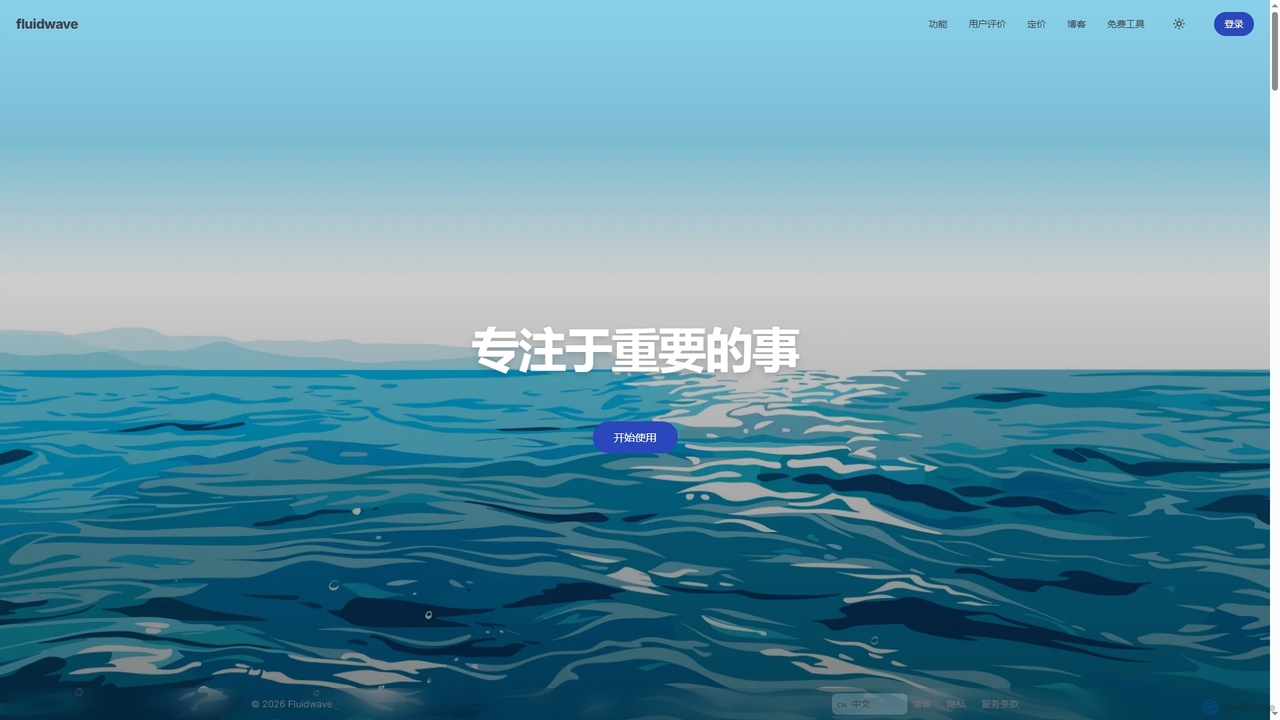
Fluidwaveは、AIを活用したタスク管理プラットフォームです。タスクをインテリジェントに整理し、自動で優先順位付けを行い、ユーザーと人間のバーチャルアシスタントを繋いでタスクの委任を可能にすることで、生産性向上を支援します。個人やチームが集中して効率的に作業するのに役立ちます。
バーチャルアシスタント


carlos_appは、ワークフローを合理化し、タスクを管理し、スケジュールを自動化し、コミュニケーションを強化するために設計されたインテリジェントなAIパーソナルアシスタントです。管理業務を処理することで、本当に重要なことに集中できるよう支援する、あなたの積極的なパートナーとして機能します。
タスク管理

Lulaは、チームの生産性を向上させるために設計されたAI搭載のワークフロー自動化プラットフォームです。既存のツールとシームレスに連携し、反復的なタスクを自動化し、会議やコミュニケーションを要約し、コンテンツを生成し、実用的なインサイトを提供することで、チームのインテリジェンスハブとして機能します。
チームコラボレーション
workstreams.aiは、強力なAI機能でチームの生産性を向上させる直感的なタスク・ワークフロー管理アプリです。SlackやMicrosoft Teamsとシームレスに連携し、カンバンボード、AIによるタスク生成、詳細な時間追跡を用いてタスクの作成、管理、自動化を可能にします。
チーム管理