ImageUpscaler
グラフィック · 758.9K 月間訪問数
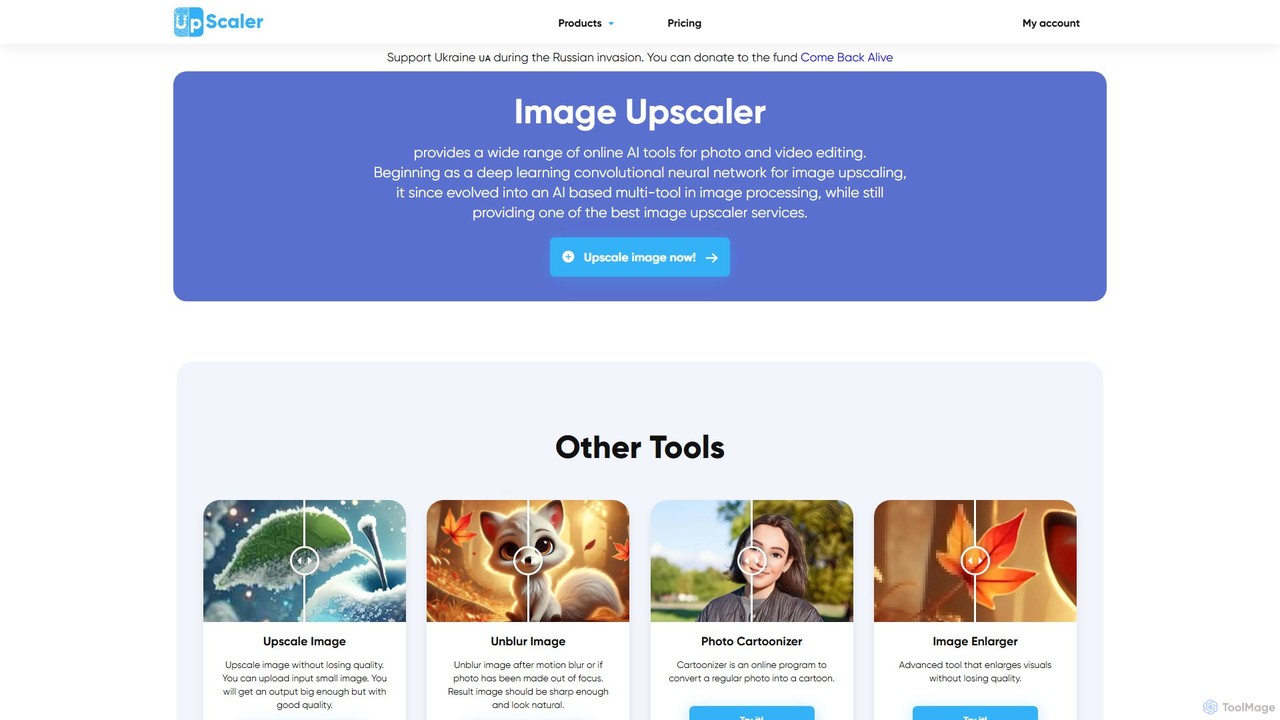
オールインワンのAI搭載画像補正プラットフォーム。品質を損なうことなく写真を最大4倍にアップスケールし、背景を削除、画像のぼかしを修正、テキストからアートを生成し、カートゥーン化、カラー化、オブジェクト除去など幅広いクリエイティブツールを活用できます。プロフェッショナルから趣味の方まで理想的です。
オールインワンのAI搭載画像補正プラットフォーム。品質を損なうことなく写真を最大4倍にアップスケールし、背景を削除、画像のぼかしを修正、テキストからアートを生成し、カートゥーン化、カラー化、オブジェクト除去など幅広いクリエイティブツールを活用できます。プロフェッショナルから趣味の方まで理想的です。
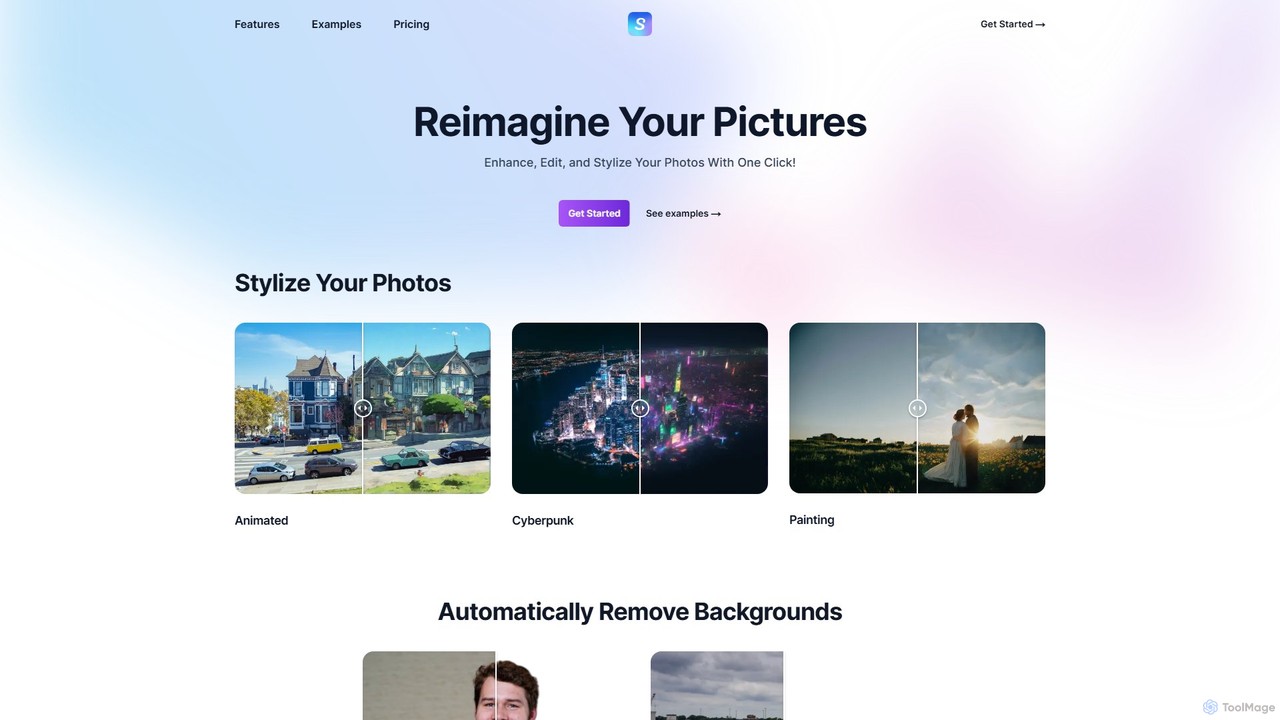
Stylizeは、ワンクリックで写真を強化、編集、変換できるAI搭載の画像編集スイートです。芸術的なスタイル化、テキストプロンプト編集、4倍の画像アップスケーリング、自動背景除去、古い写真のカラー化など、さまざまなツールを提供します。シンプルさ、スピード、高品質な結果を追求して設計されており、高度な写真編集を誰もが利用できるようにします。
オールインワンのAI搭載画像補正プラットフォーム。品質を損なうことなく写真を最大4倍にアップスケールし、背景を削除、画像のぼかしを修正、テキストからアートを生成し、カートゥーン化、カラー化、オブジェクト除去など幅広いクリエイティブツールを活用できます。プロフェッショナルから趣味の方まで理想的です。
Stylizeは、ワンクリックで写真を強化、編集、変換できるAI搭載の画像編集スイートです。芸術的なスタイル化、テキストプロンプト編集、4倍の画像アップスケーリング、自動背景除去、古い写真のカラー化など、さまざまなツールを提供します。シンプルさ、スピード、高品質な結果を追求して設計されており、高度な写真編集を誰もが利用できるようにします。
| Feature | ImageUpscaler | Stylize |
|---|---|---|
| 主要カテゴリー | グラフィック | 画像スタイル化 |
| 追加日 | 2025-08-10 | 2025-08-09 |
| 価格 | フリーミアム | フリーミアム |
| 公式サイト | imageupscaler.com | www.usestylize.com |
| 製品タイプ | ウェブサイト | ウェブサイト |
| Performance data | ||
| ユーザー評価 | 未確認 | 未確認 |
| コメント | 0 | 0 |
| 月間訪問数 | 758.9K | 2K |
| 月間成長率 | 36.5% | 156.4% |
| お気に入り | 135 | 133 |
| Details | 詳細を見る | 詳細を見る |
Compare ImageUpscaler and Stylize by monthly reach, traffic trend, visit depth, top regions, and acquisition sources.
In the ImageUpscaler vs Stylize monthly traffic comparison, ImageUpscaler currently shows 758.9K visits and Stylize shows 2K; ImageUpscaler has about 376.1 times the visible traffic of Stylize, an absolute difference of about 756.9K visits. This reflects visible reach, not feature quality or paid users.
Both tools provide verified traffic details, so monthly trends, visit depth, regions, and acquisition sources can be compared on the same basis.
| Country/region | Percentage | Traffic |
|---|---|---|
| 🇮🇳India | 29.16% | 221.3K |
| 🇺🇸United States | 28.45% | 215.9K |
| 🇩🇪Germany | 22.12% | 167.9K |
| 🇪🇸Spain | 10.8% | 82K |
| 🇵🇭Philippines | 9.47% | 71.9K |
| Source type | Percentage | Traffic |
|---|---|---|
| ダイレクト | 94.26% | 715.4K |
| 参照元 | 4.38% | 33.2K |
| Eメール | 1.36% | 10.3K |
| Country/region | Percentage | Traffic |
|---|---|---|
| 🇺🇸United States | 87.56% | 1.8K |
| 🇮🇳India | 8.89% | 179 |
| 🇮🇩Indonesia | 1.88% | 38 |
| 🇲🇽Mexico | 1.67% | 34 |
This in-depth ImageUpscaler vs Stylize comparison uses only the product records, taxonomy, audience, traffic, and community signals available on this page. ImageUpscaler is primarily listed under “グラフィック”, while Stylize is primarily listed under “画像スタイル化”, so the first decision is whether your actual task matches their recorded scope.
The structured fields currently show these decision-relevant differences: Primary category (ImageUpscaler: グラフィック; Stylize: 画像スタイル化); Monthly visits (ImageUpscaler: 758.9K; Stylize: 2K); Monthly growth (ImageUpscaler: 36.5%; Stylize: 156.4%); Favorites (ImageUpscaler: 135; Stylize: 133); Website (ImageUpscaler: imageupscaler.com; Stylize: www.usestylize.com). These facts are more useful for selection than brand visibility alone.
In the ImageUpscaler vs Stylize monthly traffic comparison, ImageUpscaler currently shows 758.9K visits and Stylize shows 2K; ImageUpscaler has about 376.1 times the visible traffic of Stylize, an absolute difference of about 756.9K visits. This reflects visible reach, not feature quality or paid users.
Both tools provide verified traffic details, so monthly trends, visit depth, regions, and acquisition sources can be compared on the same basis.
If public market visibility is an important first-pass criterion, investigate ImageUpscaler first. The final choice should still follow taxonomy, use case, and a real trial because higher traffic does not prove broader capabilities or better workflow fit.
ImageUpscaler and Stylize currently overlap in shared categories: 画像編集、画像強調; shared tags: 背景除去、画像アップスケーラー. This can place both on the same shortlist, but it does not prove equal implementation, depth, or cost.
ImageUpscaler's unique categories/tags are グラフィック、画像生成AI、AI画像生成、漫画化、ぼかし除去、画像編集、インペインティング、オブジェクト除去; Stylize's are 画像スタイル化、AIアート、生成AI、画像エディター、写真のカラー化、写真補正、フォトスタイラー、テキスト編集. These unique fields are the strongest differentiators: validate the product whose recorded scope matches the task instead of following traffic alone.
ImageUpscaler has no verified rating, 0 comments, 135 favorites, and 133 likes;Stylize has no verified rating, 0 comments, 133 favorites, and 127 likes。
Neither product has enough rating or comment samples for a credible reputation ranking.
Put ImageUpscaler on the priority trial list when the task aligns with “グラフィック” and especially グラフィック、画像生成AI、AI画像生成、漫画化、ぼかし除去、画像編集. This follows recorded positioning and does not imply unlisted capabilities are absent.
ImageUpscaler also currently records: pricing is freemium, product type is website, 758.9K verified monthly visits, no verified user rating. Verify any hard requirement around price, platform, or reach before trial, and do not let sparse review data substitute for testing.
Put Stylize on the priority trial list when the task aligns with “画像スタイル化” and especially 画像スタイル化、AIアート、生成AI、画像エディター、写真のカラー化、写真補正. This follows recorded positioning and does not imply unlisted capabilities are absent.
Stylize also currently records: pricing is freemium, product type is website, 2K verified monthly visits, no verified user rating. Verify any hard requirement around price, platform, or reach before trial, and do not let sparse review data substitute for testing.
The available data describes positioning, public visibility, and community signals, but it cannot prove output quality, speed, integration effort, privacy, or long-term cost in your workflow. Before deciding, run the same representative tasks in ImageUpscaler and Stylize, then record completion time, accuracy, manual corrections, and the real paid threshold. A like-for-like trial turns this comparison into a defensible adoption decision.

Kiraは、プロ級の画像生成と編集のための強力なAI搭載プラットフォームです。多機能なテキストから画像へのジェネレーターと、背景除去、インペインティング、アップスケーリング、スタイル化など包括的な編集ツール群を組み合わせています。複数の編集や生成にわたって一貫したスタイルやキャラクターを維持する能力が最大の特徴で、統一されたビジュアルアイデンティティを必要とするブランディング、マーケティング、クリエイティブプロジェクトに最適です。
グラフィックデザイン
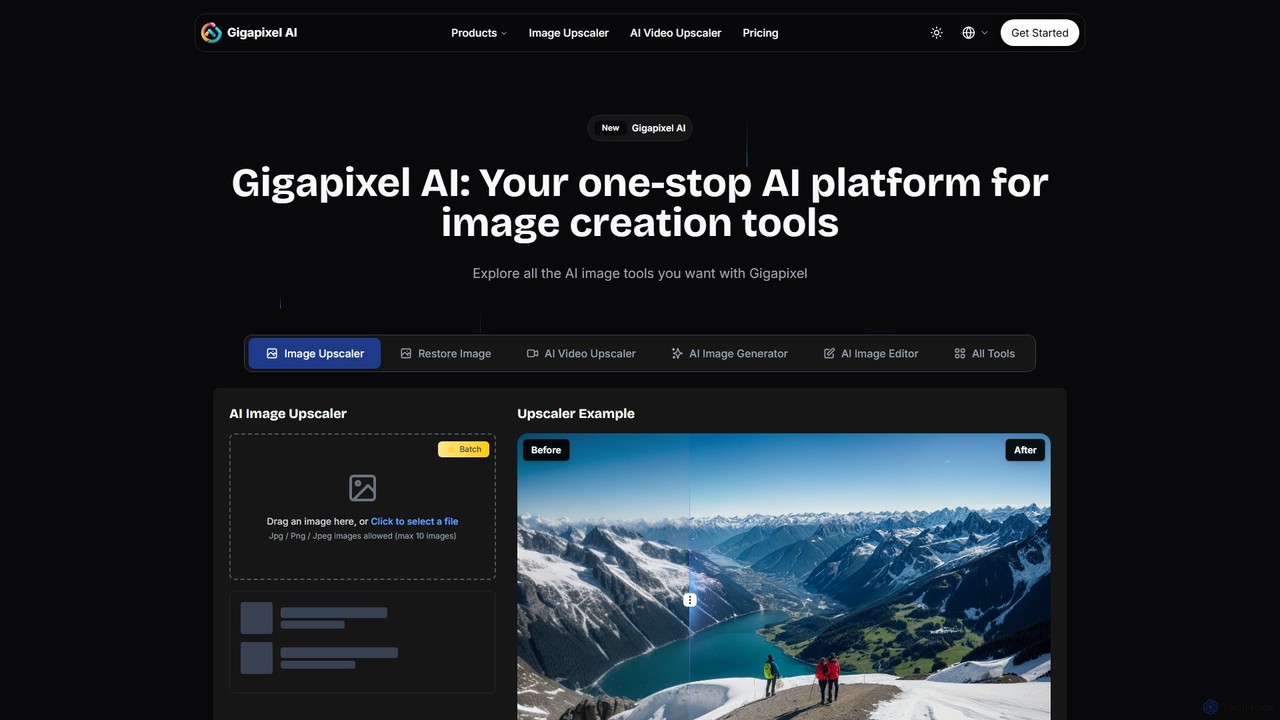
Gigapixel AIは、包括的なオールインワンAI画像・動画制作プラットフォームです。高度な画像・動画アップスケーラー、多機能な画像ジェネレーター、精密な画像エディター、背景リムーバーなど、強力なツール群を提供します。クリエイター、マーケター、開発者がプロ品質と効率でビジュアルコンテンツを強化、生成、編集するために設計されています。
画像編集
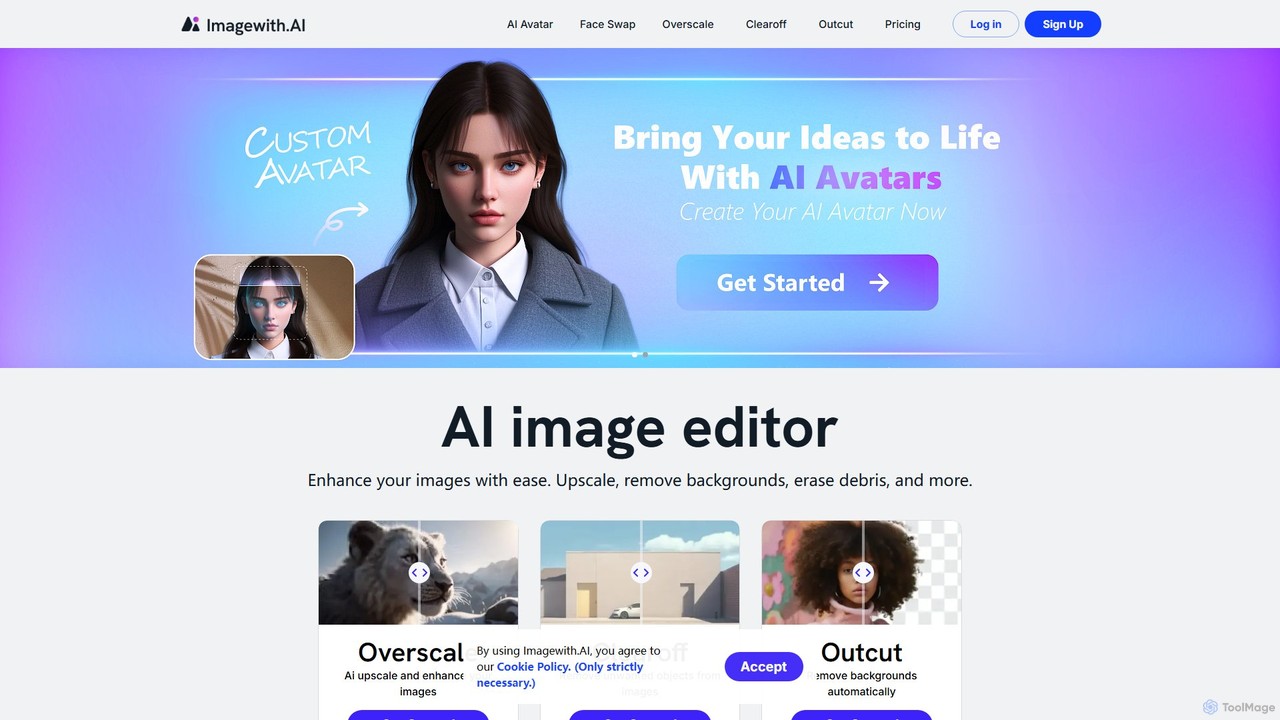
imagewith.aiは、複雑な写真編集タスクを簡素化するために設計されたAI搭載のオンライン画像編集スイートです。画像アップスケーラー(Overscale)、背景リムーバー(Outcut)、オブジェクトリムーバー(Clearoff)など、強力なツールセットを提供します。このプラットフォームにより、アマチュア写真家からeコマースの専門家まで、あらゆるスキルレベルのユーザーが数クリックで画像を強化、クリーンアップ、完成させることができ、複雑なソフトウェアなしで効率と創造性を向上させます。
商品写真
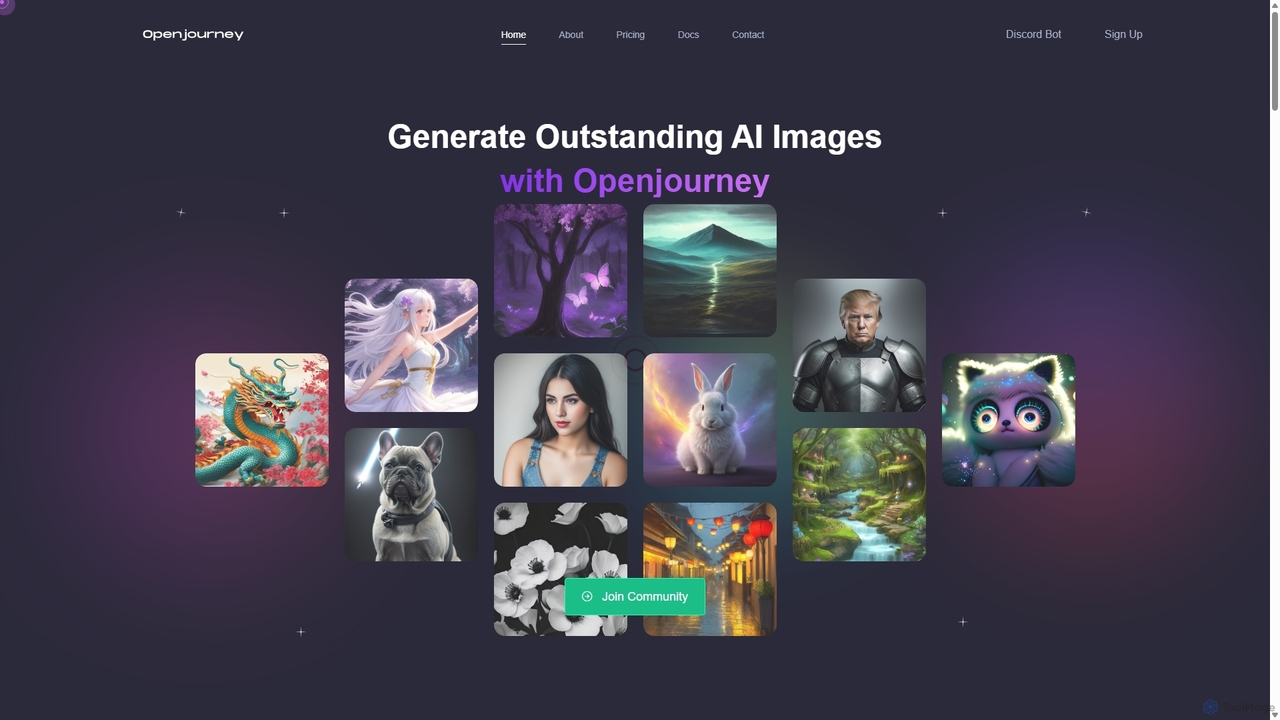
Openjourneyは、多様な生成AIツールを一つにまとめた包括的なAIクリエイティブスイートです。テキストプロンプトからの高品質な画像生成に優れているだけでなく、顔の復元、顔交換、背景除去、4Kへの画像アップスケーリング、無制限のAIチャットボット、Controlnetのような高度な制御機能も搭載しています。多機能で強力なAIツールキットを求めるクリエイター、マーケター、アーティスト向けに設計されています。
生成芸術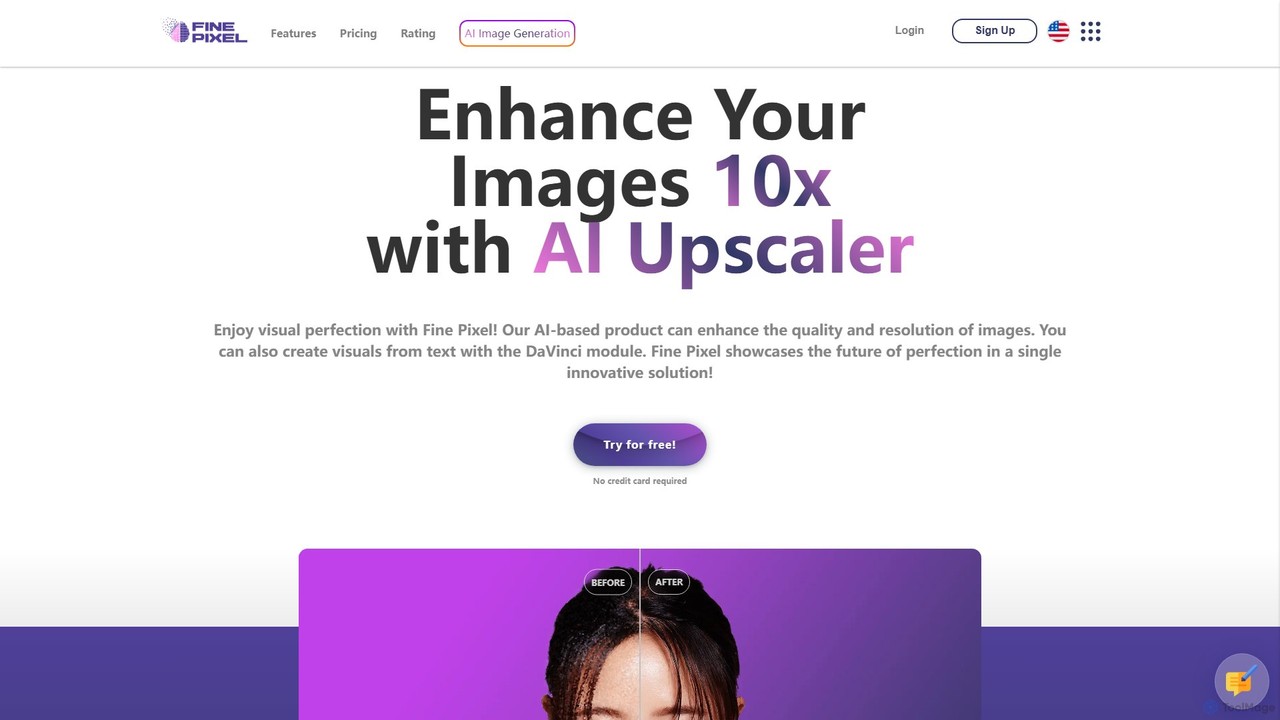
Fine Pixelは、ビジュアルを強化、生成、編集するオールインワンのAI搭載イメージスイートです。印刷品質(300+ DPI)を実現する高解像度画像アップスケーラー、即座の創造性を可能にするテキストから画像へのジェネレーター(DaVinci Diffusion XL)、写真からオブジェクトをシームレスに追加・削除するインペインティングツールを備えています。マーケターやデザイナーから個人ユーザーまで、あらゆるスキルレベルのユーザー向けに設計されており、プロ級の画像操作を数秒で実現します。
画像編集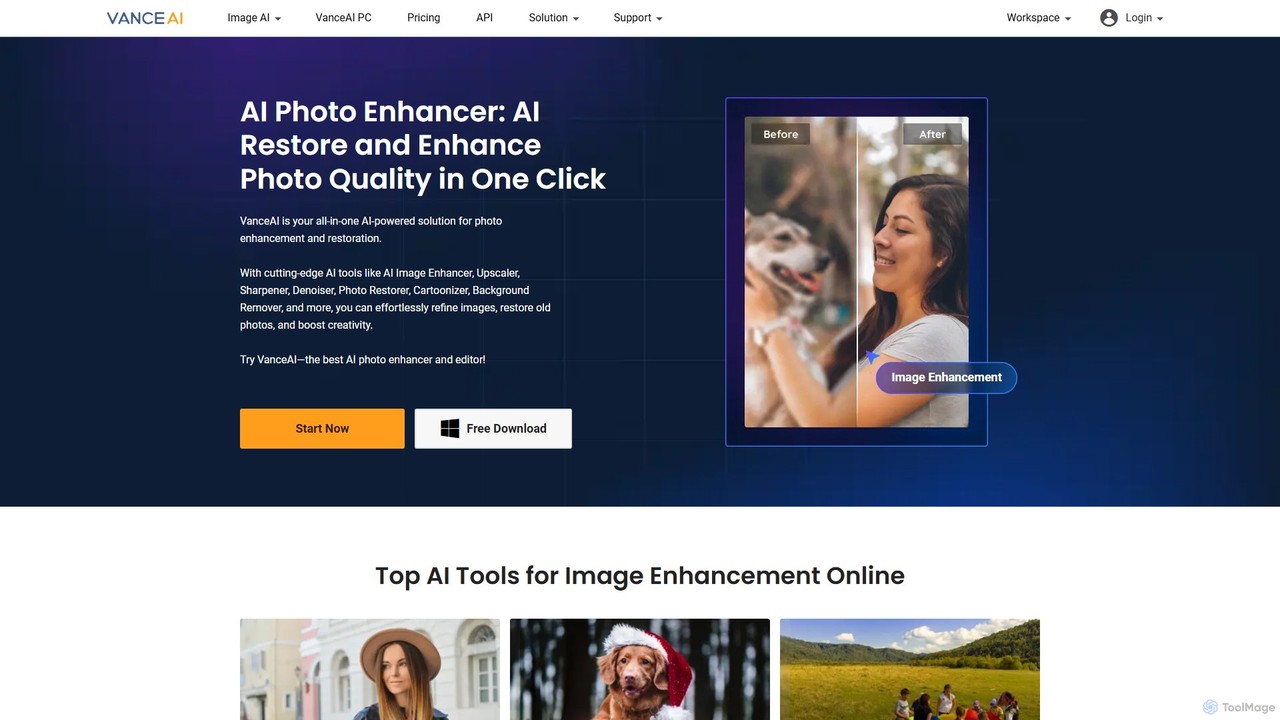
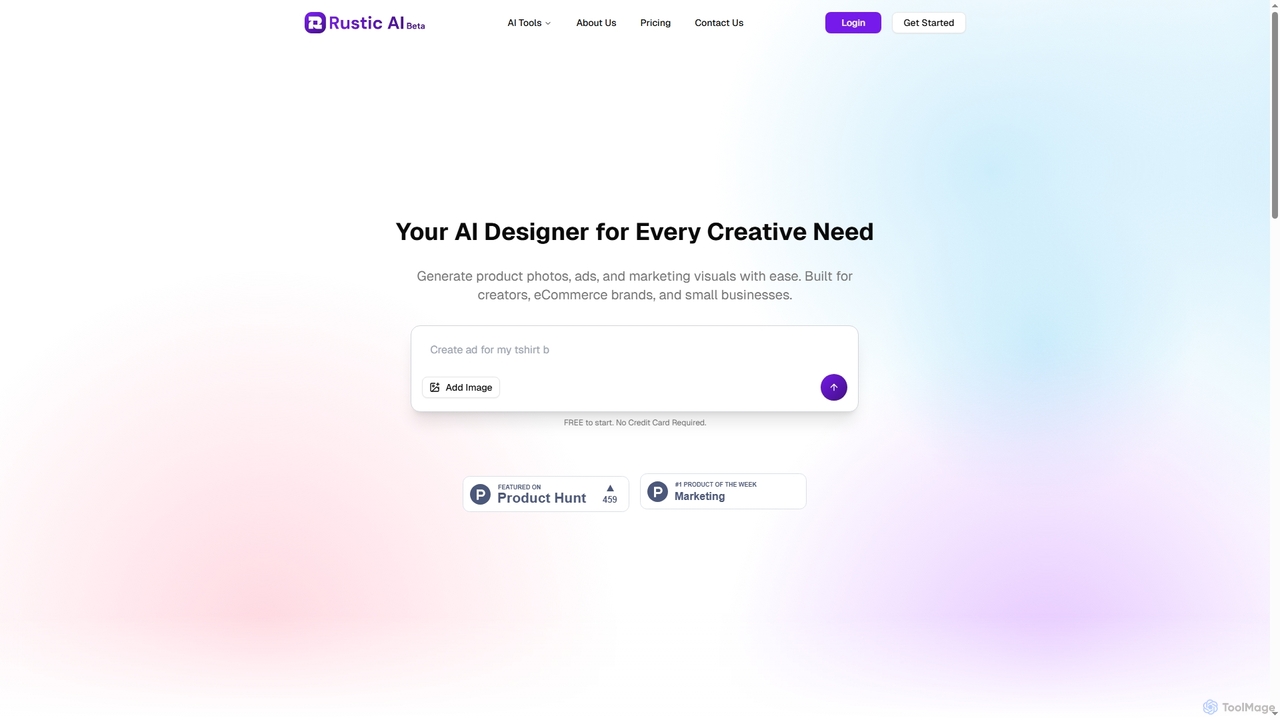
Rustic AIは、クリエイター、Eコマースブランド、中小企業向けに構築された直感的なAIデザインエディターです。高品質な商品写真、広告、マーケティングビジュアルの生成を簡素化し、アイデアを簡単に魅力的な画像に変換します。このプラットフォームは、ビジュアルコンテンツ作成を効率化するAI搭載ツールスイートを提供します。
グラフィックデザイン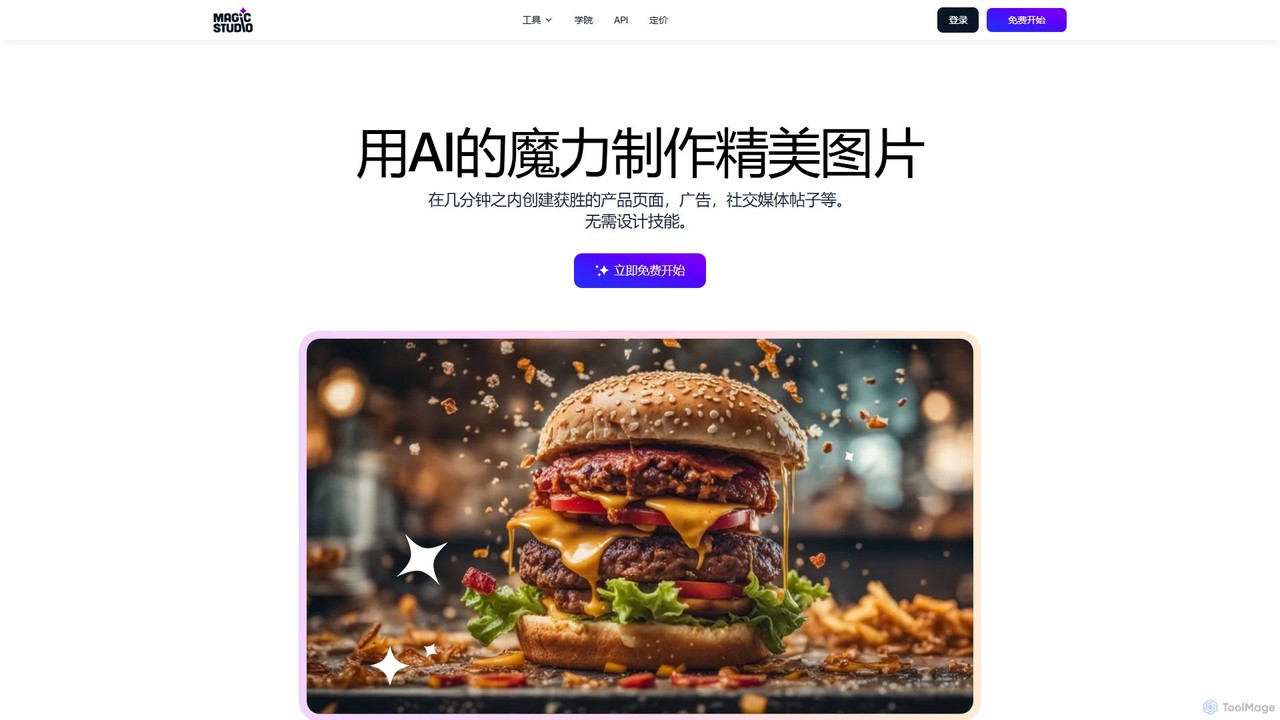
Magic Studioは、誰もが使えるオールインワンのAI搭載画像編集スイートです。デザインスキルがなくても、数秒で魅力的なビジュアルを簡単に作成し、不要なオブジェクトの削除、背景の変更、テキストからの画像生成、画質の向上を実現します。
商品写真