ImgTools
画像編集 · 1.5K 月間訪問数
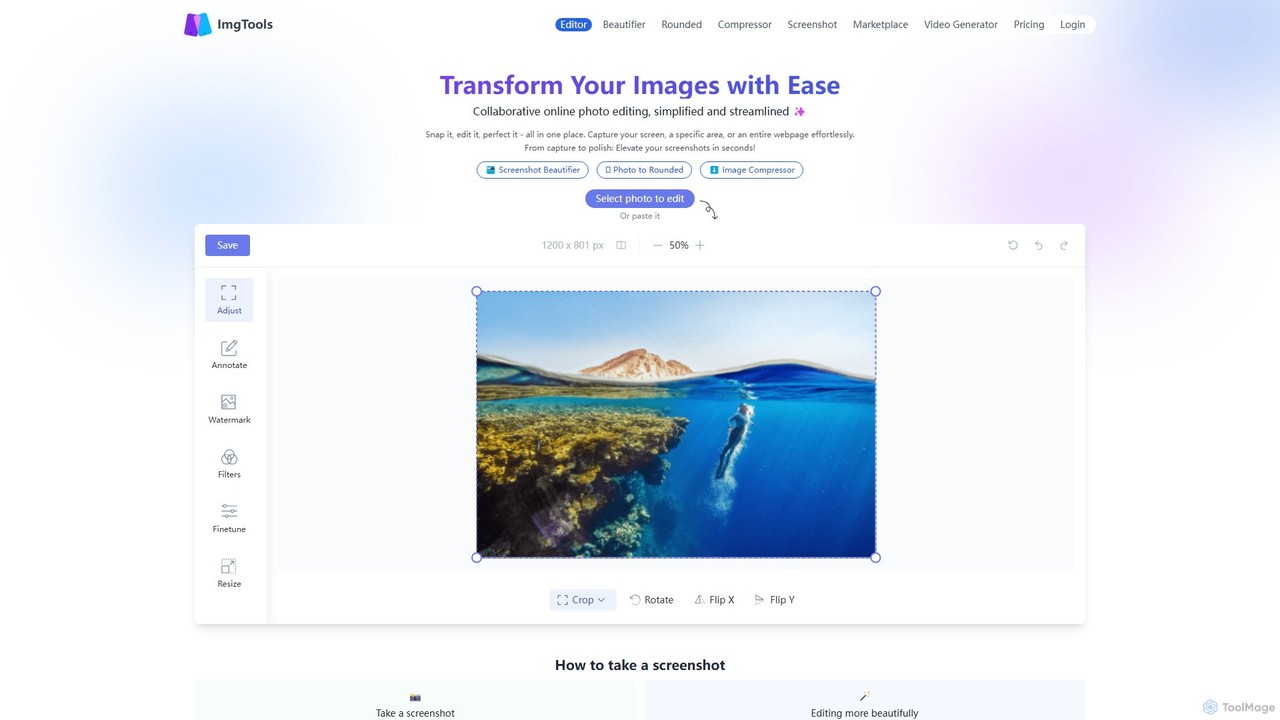
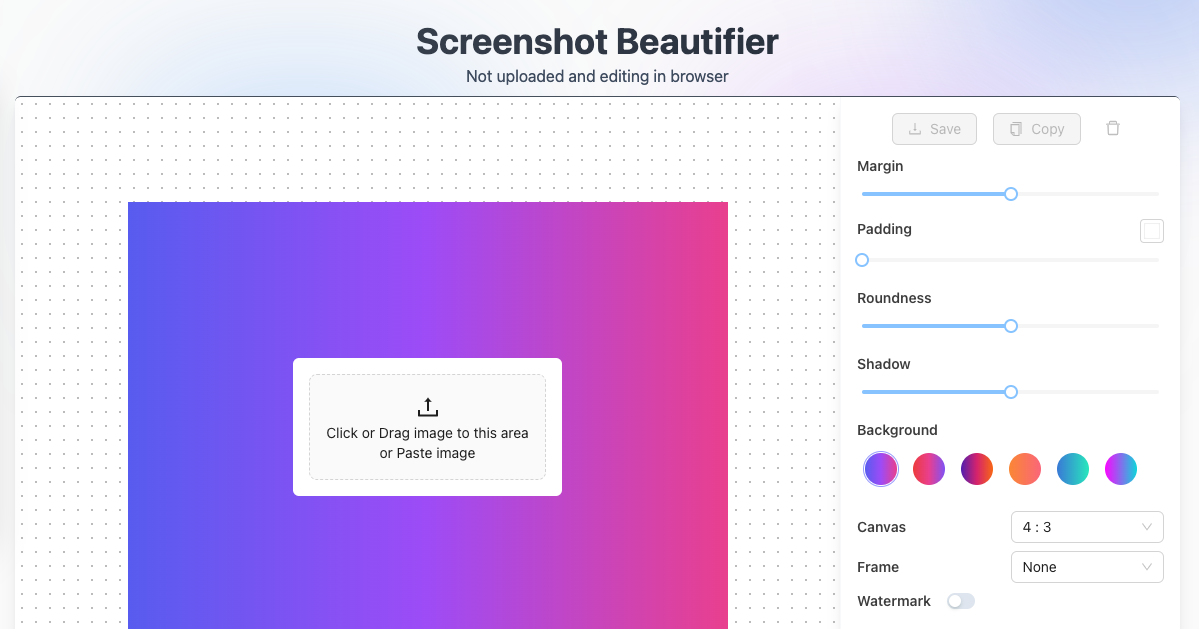
ImgToolsは、スクリーンショットや写真を簡単に変換するために設計された、多機能なブラウザベースの画像編集スイートです。強力なスクリーンショットユーティリティと直感的なエディタを組み合わせ、ユーザーのプライバシーを重視しながら、ブラウザ内で直接画像の美化、注釈付け、圧縮、透かし入れができます。
ImgToolsは、スクリーンショットや写真を簡単に変換するために設計された、多機能なブラウザベースの画像編集スイートです。強力なスクリーンショットユーティリティと直感的なエディタを組み合わせ、ユーザーのプライバシーを重視しながら、ブラウザ内で直接画像の美化、注釈付け、圧縮、透かし入れができます。
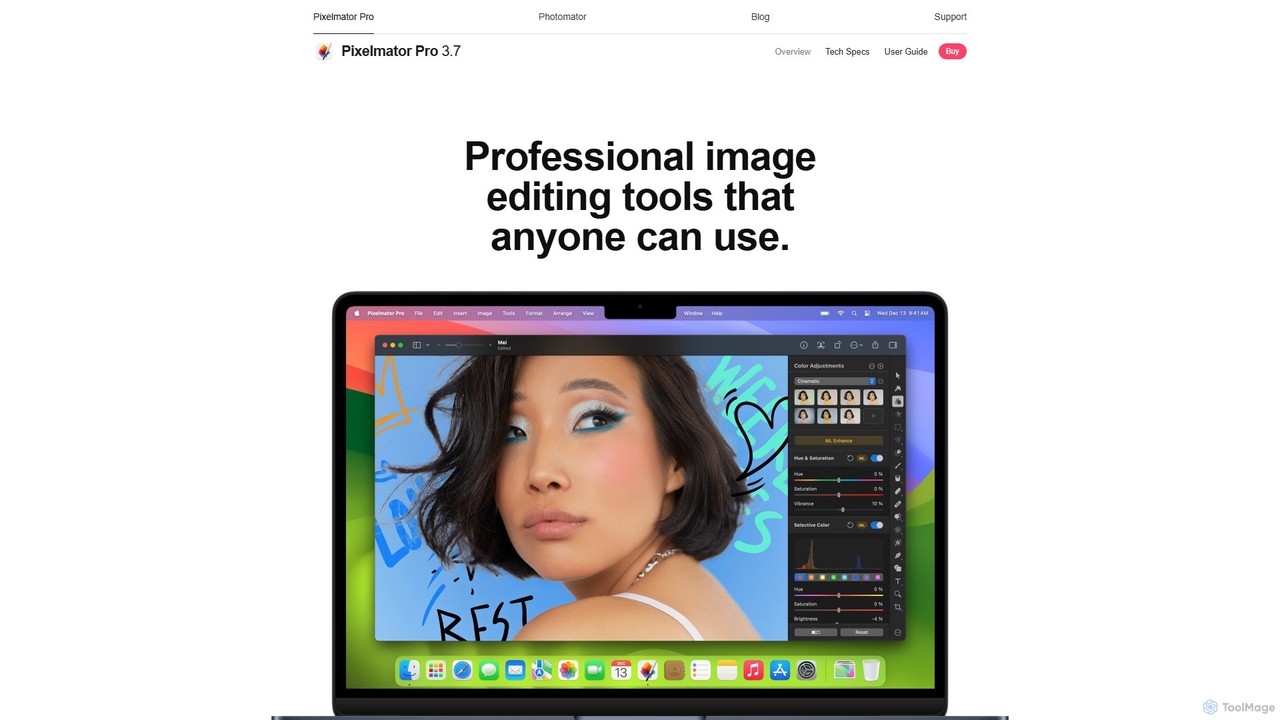
Pixelmator Proは、Mac専用に作られた、パワフルで美しく、使いやすい画像編集ソフトです。高度なAIと機械学習を活用し、プロ級の写真編集、グラフィックデザイン、ベクターツールを提供します。ワンクリックでの写真補正、自動背景除去、高度な色調整、RAW編集、ビデオレイヤー対応、豊富なテンプレートとモックアップのライブラリなどの機能を備え、初心者から熟練のプロまで理想的なツールです。
ImgToolsは、スクリーンショットや写真を簡単に変換するために設計された、多機能なブラウザベースの画像編集スイートです。強力なスクリーンショットユーティリティと直感的なエディタを組み合わせ、ユーザーのプライバシーを重視しながら、ブラウザ内で直接画像の美化、注釈付け、圧縮、透かし入れができます。
Pixelmator Proは、Mac専用に作られた、パワフルで美しく、使いやすい画像編集ソフトです。高度なAIと機械学習を活用し、プロ級の写真編集、グラフィックデザイン、ベクターツールを提供します。ワンクリックでの写真補正、自動背景除去、高度な色調整、RAW編集、ビデオレイヤー対応、豊富なテンプレートとモックアップのライブラリなどの機能を備え、初心者から熟練のプロまで理想的なツールです。
| Feature | ImgTools | Pixelmator Pro |
|---|---|---|
| 主要カテゴリー | 画像編集 | 画像編集 |
| 追加日 | 2025-08-07 | 2025-08-14 |
| 価格 | フリーミアム | 有料 |
| 公式サイト | www.img-tools.app | www.pixelmator.com |
| 製品タイプ | ウェブサイト | アプリ |
| Performance data | ||
| ユーザー評価 | 未確認 | 未確認 |
| コメント | 0 | 0 |
| 月間訪問数 | 1.5K | 67.8K |
| 月間成長率 | 729.3% | -11.5% |
| お気に入り | 140 | 87 |
| Details | 詳細を見る | 詳細を見る |
Compare ImgTools and Pixelmator Pro by monthly reach, traffic trend, visit depth, top regions, and acquisition sources.
In the ImgTools vs Pixelmator Pro monthly traffic comparison, ImgTools currently shows 1.5K visits and Pixelmator Pro shows 67.8K; Pixelmator Pro has about 45.2 times the visible traffic of ImgTools, an absolute difference of about 66.3K visits. This reflects visible reach, not feature quality or paid users.
Both tools provide verified traffic details, so monthly trends, visit depth, regions, and acquisition sources can be compared on the same basis.
Pixelmator Pro is registered at the www.pixelmator.com/pro subpage. Because the current data does not state whether other host pages are excluded, treat this as domain-level context rather than independent traffic for one product or project.
| Country/region | Percentage | Traffic |
|---|---|---|
| 🇯🇵Japan | 97.26% | 1.5K |
| 🇮🇳India | 2.74% | 41 |
| Country/region | Percentage | Traffic |
|---|---|---|
| 🇺🇸United States | 48.96% | 33.2K |
| 🇩🇪Germany | 18.54% | 12.6K |
| 🇬🇧United Kingdom | 15.79% | 10.7K |
| 🇧🇷Brazil | 8.41% | 5.7K |
| 🇮🇹Italy | 8.3% | 5.6K |
| Source type | Percentage | Traffic |
|---|---|---|
| ダイレクト | 89.51% | 60.7K |
| 参照元 | 10.49% | 7.1K |
This in-depth ImgTools vs Pixelmator Pro comparison uses only the product records, taxonomy, audience, traffic, and community signals available on this page. ImgTools is primarily listed under “画像編集”, while Pixelmator Pro is primarily listed under “画像編集”, so the first decision is whether your actual task matches their recorded scope.
The structured fields currently show these decision-relevant differences: Product type (ImgTools: Website; Pixelmator Pro: App); Pricing (ImgTools: Freemium; Pixelmator Pro: Paid); Monthly visits (ImgTools: 1.5K; Pixelmator Pro: 67.8K); Monthly growth (ImgTools: 729.3%; Pixelmator Pro: -11.5%); Favorites (ImgTools: 140; Pixelmator Pro: 87). These facts are more useful for selection than brand visibility alone.
In the ImgTools vs Pixelmator Pro monthly traffic comparison, ImgTools currently shows 1.5K visits and Pixelmator Pro shows 67.8K; Pixelmator Pro has about 45.2 times the visible traffic of ImgTools, an absolute difference of about 66.3K visits. This reflects visible reach, not feature quality or paid users.
Both tools provide verified traffic details, so monthly trends, visit depth, regions, and acquisition sources can be compared on the same basis.
Pixelmator Pro is registered at the www.pixelmator.com/pro subpage. Because the current data does not state whether other host pages are excluded, treat this as domain-level context rather than independent traffic for one product or project.
Pixelmator Pro is registered under a www.pixelmator.com subpath, so its large visible total may include the host platform. The current data does not justify choosing Pixelmator Pro for traffic alone; shortlist by unique taxonomy and use case, then validate with the same tasks.
ImgTools and Pixelmator Pro currently overlap in shared categories: 画像編集、ソーシャルメディア; shared tags: 背景除去、画像エディター. This can place both on the same shortlist, but it does not prove equal implementation, depth, or cost.
ImgTools's unique categories/tags are スクリーンショットユーティリティ、アノテーション、画像圧縮ツール、オンラインエディター、プライバシー重視、角丸、スクリーンショット美化ツール、スクリーンショットツール; Pixelmator Pro's are クリエイティブツール、AI写真編集、グラフィックデザイン、Macアプリ、写真編集、RAWエディター、ベクターグラフィックス、映像編集. These unique fields are the strongest differentiators: validate the product whose recorded scope matches the task instead of following traffic alone.
ImgTools has no verified rating, 0 comments, 140 favorites, and 146 likes;Pixelmator Pro has no verified rating, 0 comments, 87 favorites, and 97 likes。
Neither product has enough rating or comment samples for a credible reputation ranking.
Put ImgTools on the priority trial list when the task aligns with “画像編集” and especially スクリーンショットユーティリティ、アノテーション、画像圧縮ツール、オンラインエディター、プライバシー重視、角丸. This follows recorded positioning and does not imply unlisted capabilities are absent.
ImgTools also currently records: pricing is freemium, product type is website, 1.5K verified monthly visits, no verified user rating. Verify any hard requirement around price, platform, or reach before trial, and do not let sparse review data substitute for testing.
Put Pixelmator Pro on the priority trial list when the task aligns with “画像編集” and especially クリエイティブツール、AI写真編集、グラフィックデザイン、Macアプリ、写真編集、RAWエディター. This follows recorded positioning and does not imply unlisted capabilities are absent.
Pixelmator Pro also currently records: pricing is paid, product type is app, 67.8K monthly visits shown for the registered host (subpage scope unknown), no verified user rating. Verify any hard requirement around price, platform, or reach before trial, and do not let sparse review data substitute for testing.
The available data describes positioning, public visibility, and community signals, but it cannot prove output quality, speed, integration effort, privacy, or long-term cost in your workflow. Before deciding, run the same representative tasks in ImgTools and Pixelmator Pro, then record completion time, accuracy, manual corrections, and the real paid threshold. A like-for-like trial turns this comparison into a defensible adoption decision.
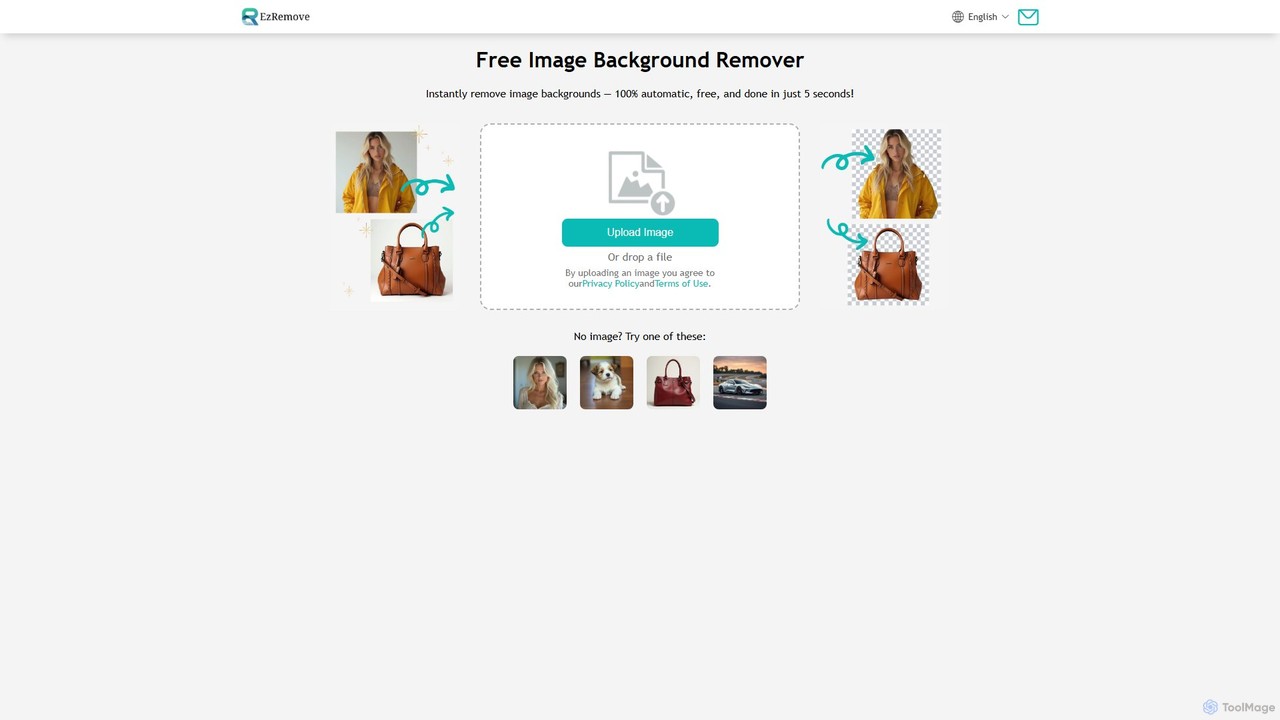
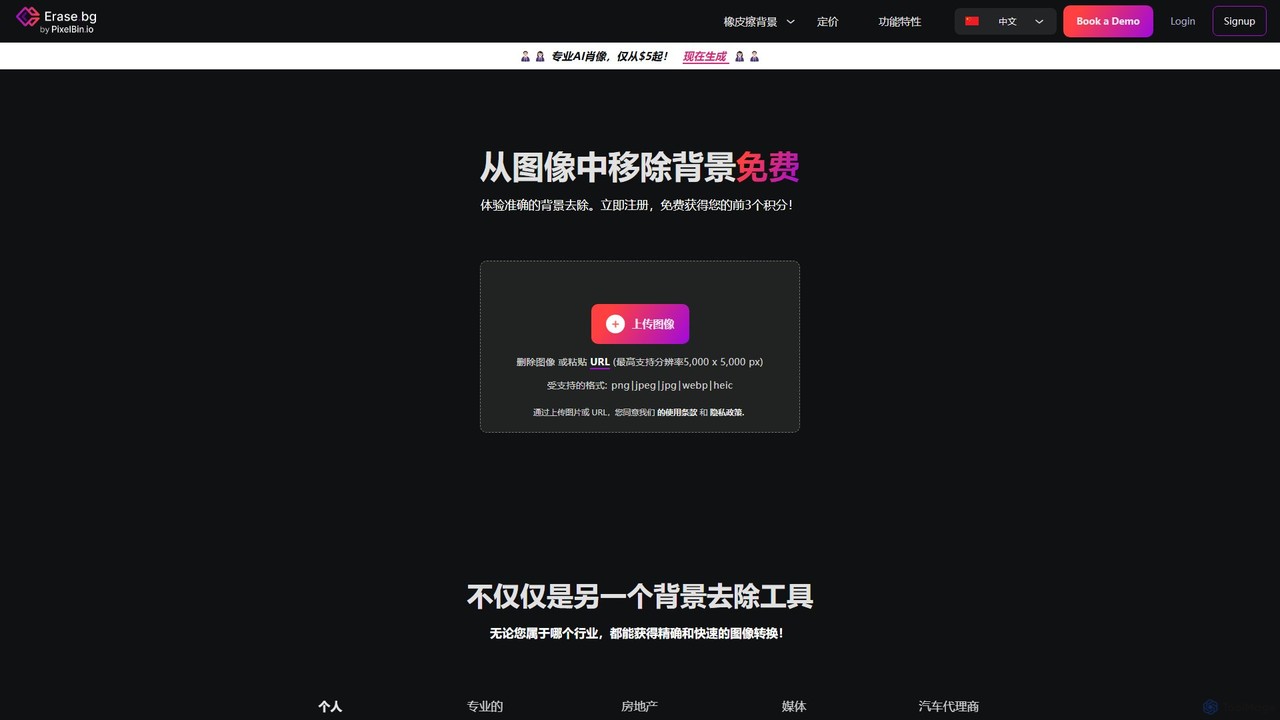
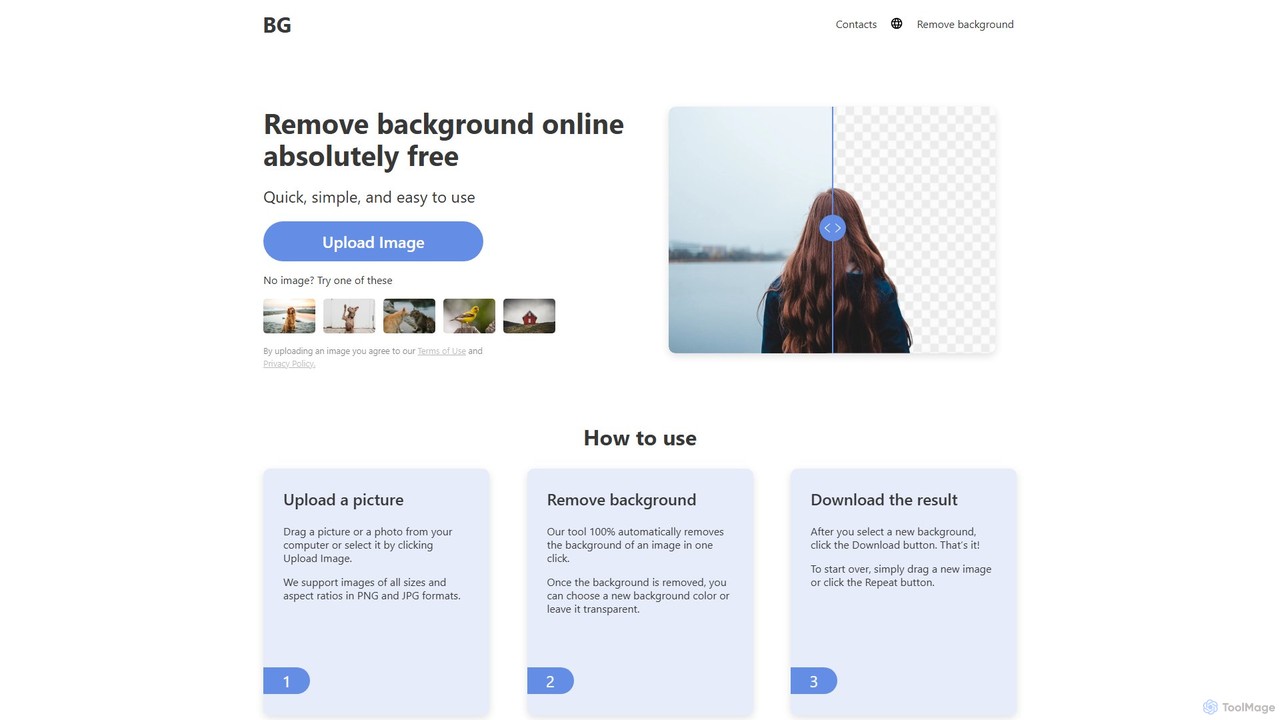
background_removerは、ワンクリックであらゆる画像の背景を自動的に除去する、無料のAI搭載オンラインツールです。登録やソフトウェアのインストールは不要です。JPGまたはPNG画像をアップロードするだけで、高品質で透明な背景を即座に取得できます。Eコマース、グラフィックデザイン、個人プロジェクトに最適で、高解像度画像に対応し、どのデバイスでも動作します。
3D
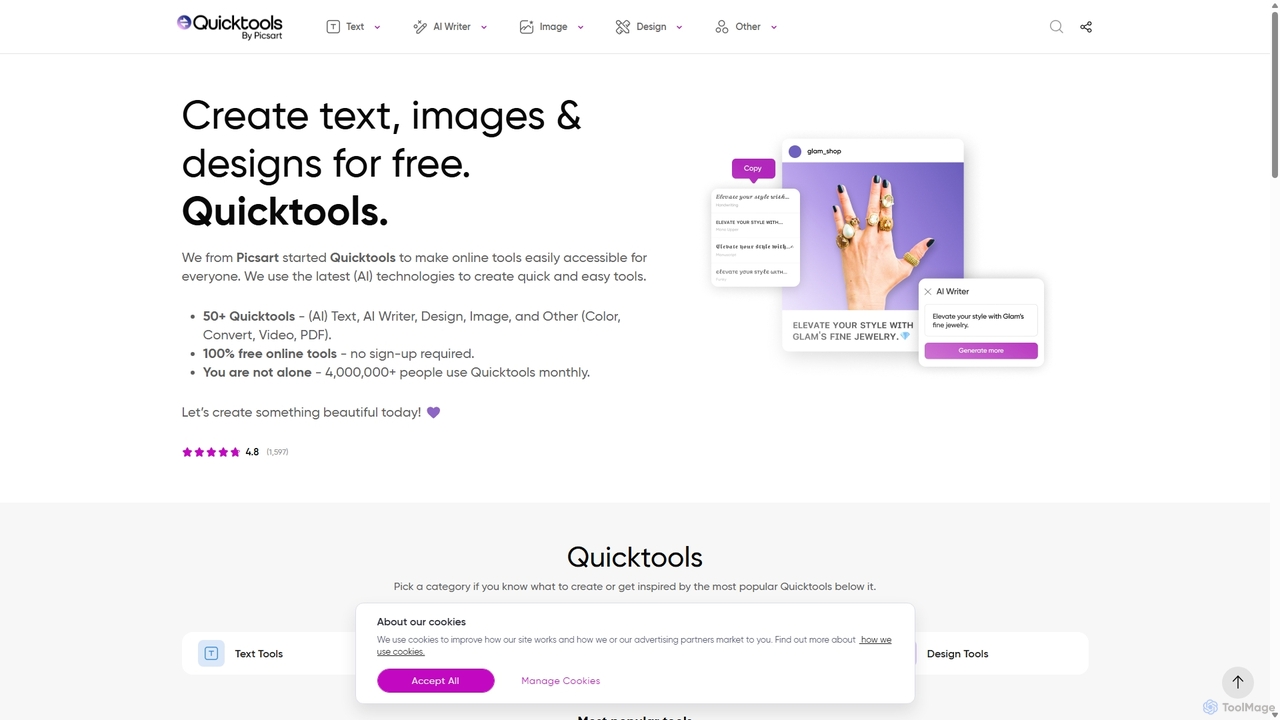
Quicktools by Picsartは、クリエイティブなタスクのための50以上の無料AI搭載オンラインツールを包括的に提供するスイートです。画像編集、テキスト生成、デザイン、ファイル変換のための幅広い単一目的ユーティリティを提供します。速度とシンプルさを追求して設計されており、ユーザーはサインアップや複雑なエディタを使用することなく、背景除去、画像アップスケーリング、フォント生成などの迅速な編集が可能です。
画像編集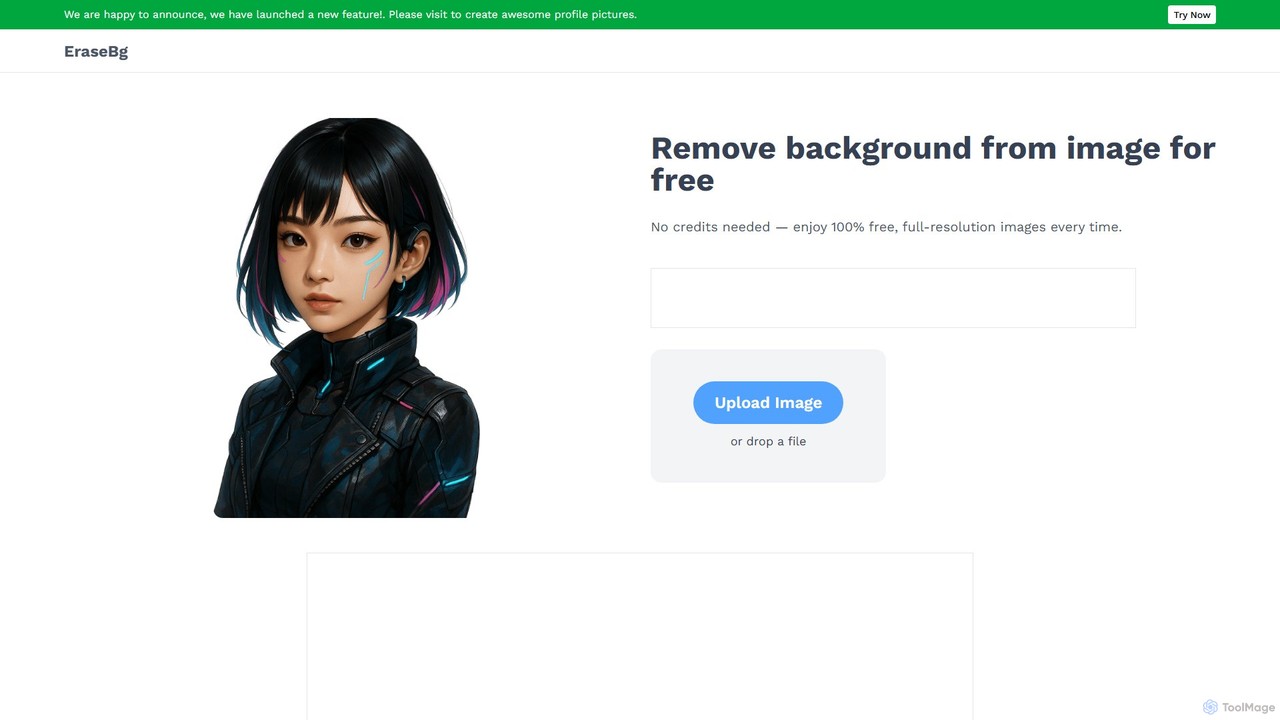
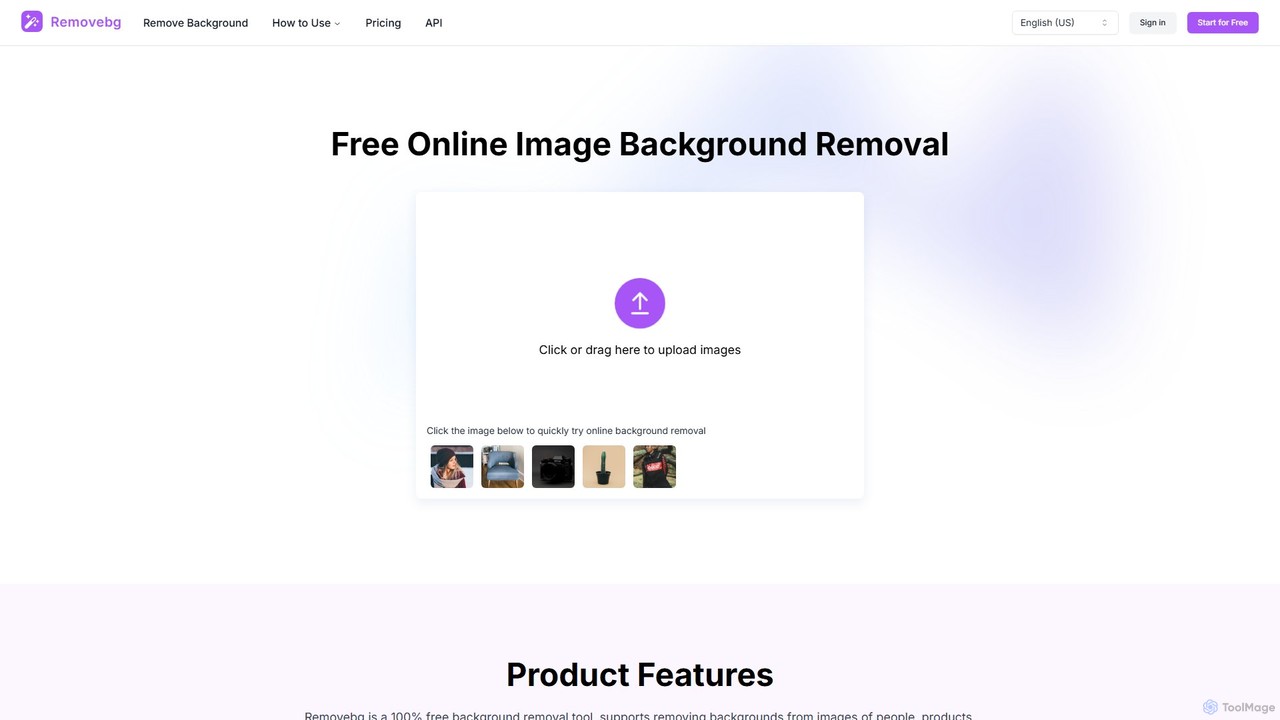
removebg.oneは、画像から即座に背景を削除するための無料のAI搭載オンラインツールです。人物、商品、動物、車、ロゴなど、さまざまな被写体をサポートしています。Eコマース、グラフィックデザイン、ソーシャルメディアに最適で、高解像度のダウンロードと開発者向けのオプションAPIを提供します。Webでの利用に登録は不要で、クリーンでプロフェッショナルな切り抜きを迅速かつ効率的に実現します。
画像編集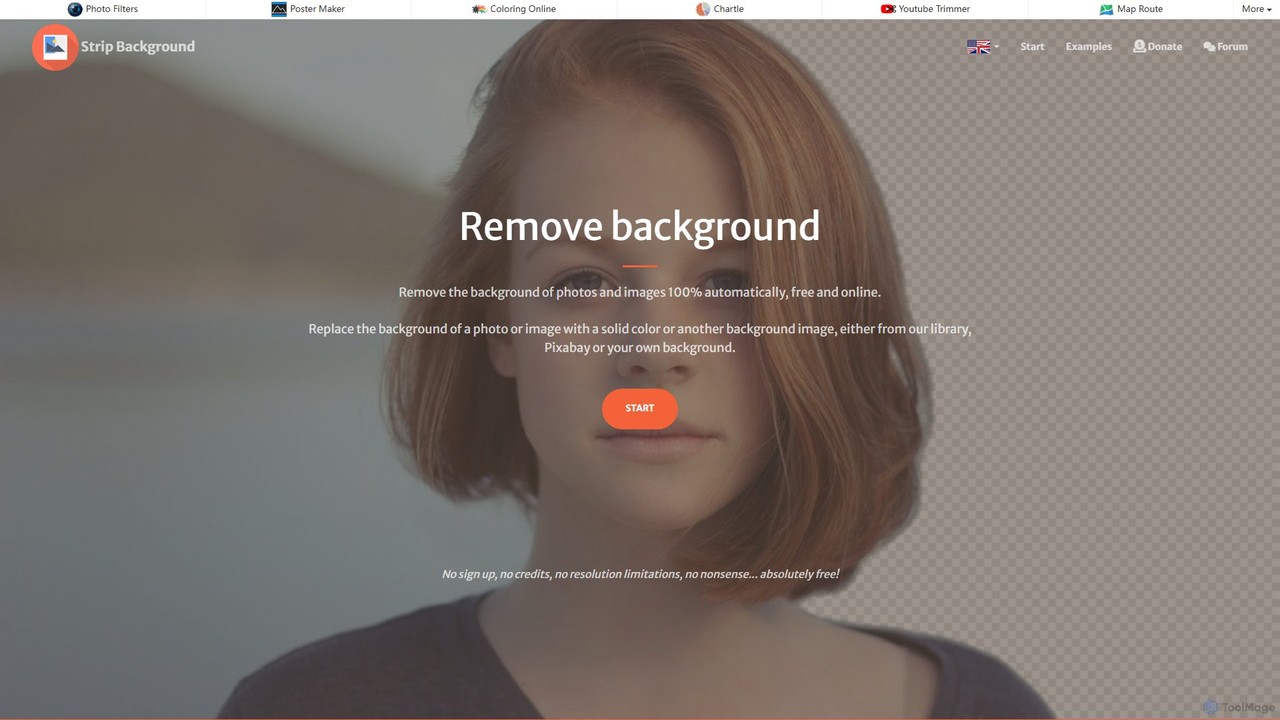
写真の背景を即座に除去する無料のAI搭載オンラインツール。様々な画像形式に対応し、背景を単色や新しい画像に置き換えることも可能です。プライバシーと使いやすさに重点を置いており、Eコマース、グラフィックデザイン、個人利用に最適です。
画像編集
数秒で画像の背景を自動的に除去する無料のAI搭載ツール。任意の写真をアップロードして、高品質で透明な背景を取得します。手動編集ツール、色やテンプレートによる背景のカスタマイズ、一般的な画像形式のサポートなどの機能が含まれています。アカウント不要で、eコマース、マーケティング、個人利用に最適です。
画像編集
AIを搭載したツールで、あらゆる画像から背景を無料で即座に自動除去します。Eコマース、グラフィックデザイン、マーケティング、個人利用に最適で、高精度の結果、一括処理、API連携を提供し、ワークフローを効率化します。数秒でクリーンでプロフェッショナルな透明背景画像を手に入れましょう。
画像編集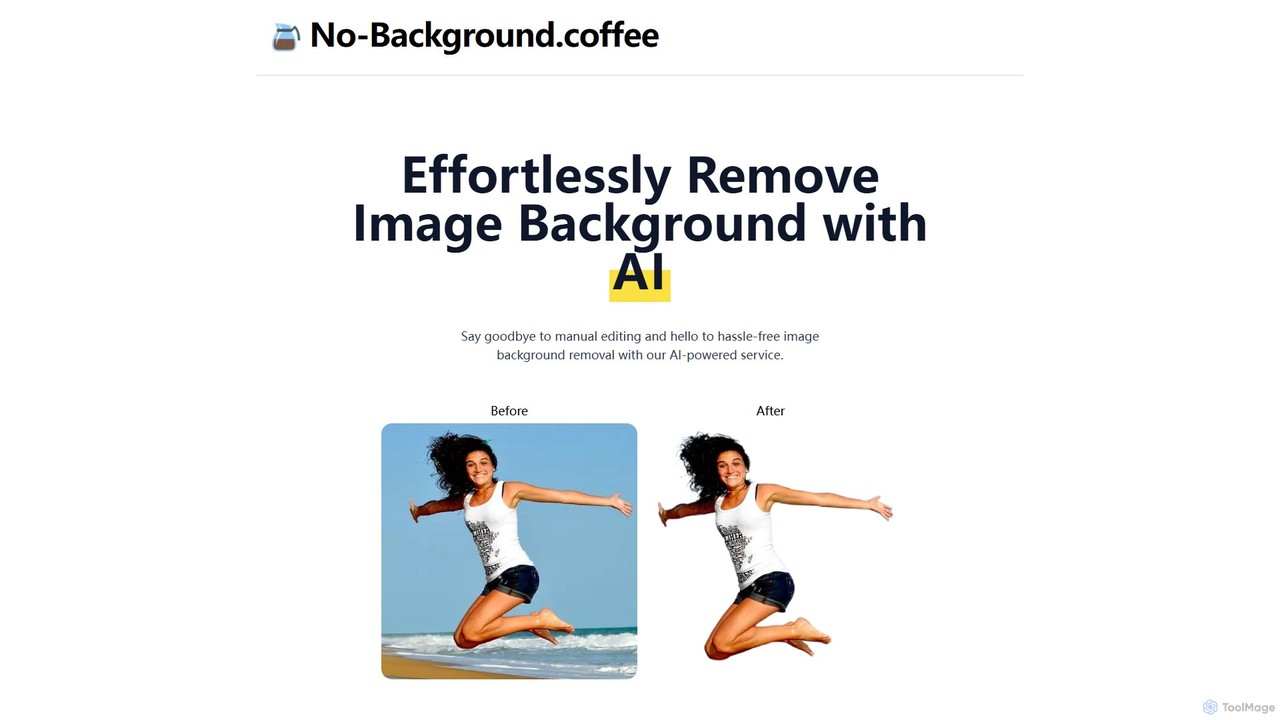
画像から背景を数秒で簡単に除去する、無料のAI搭載ウェブツールです。MODNetディープラーニングモデルに基づき、手作業なしで透明な背景を作成するための、高速でシンプル、かつプライバシーを重視したソリューションを提供します。
画像編集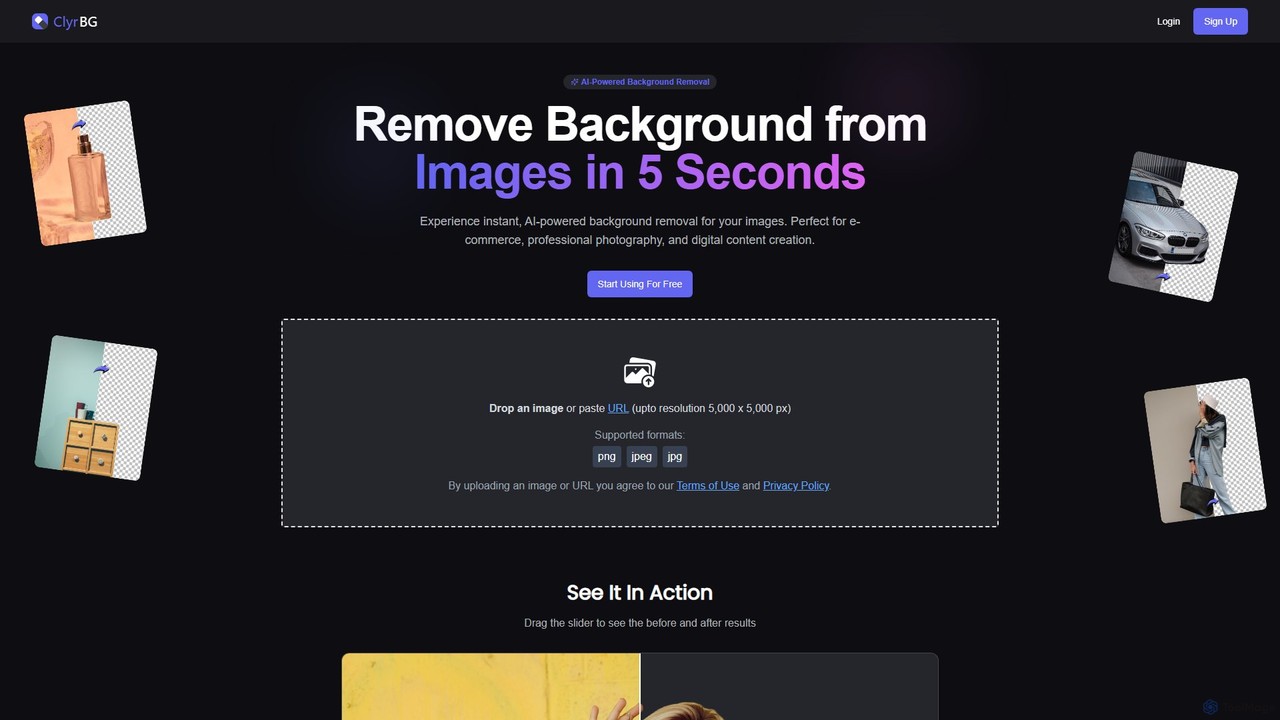
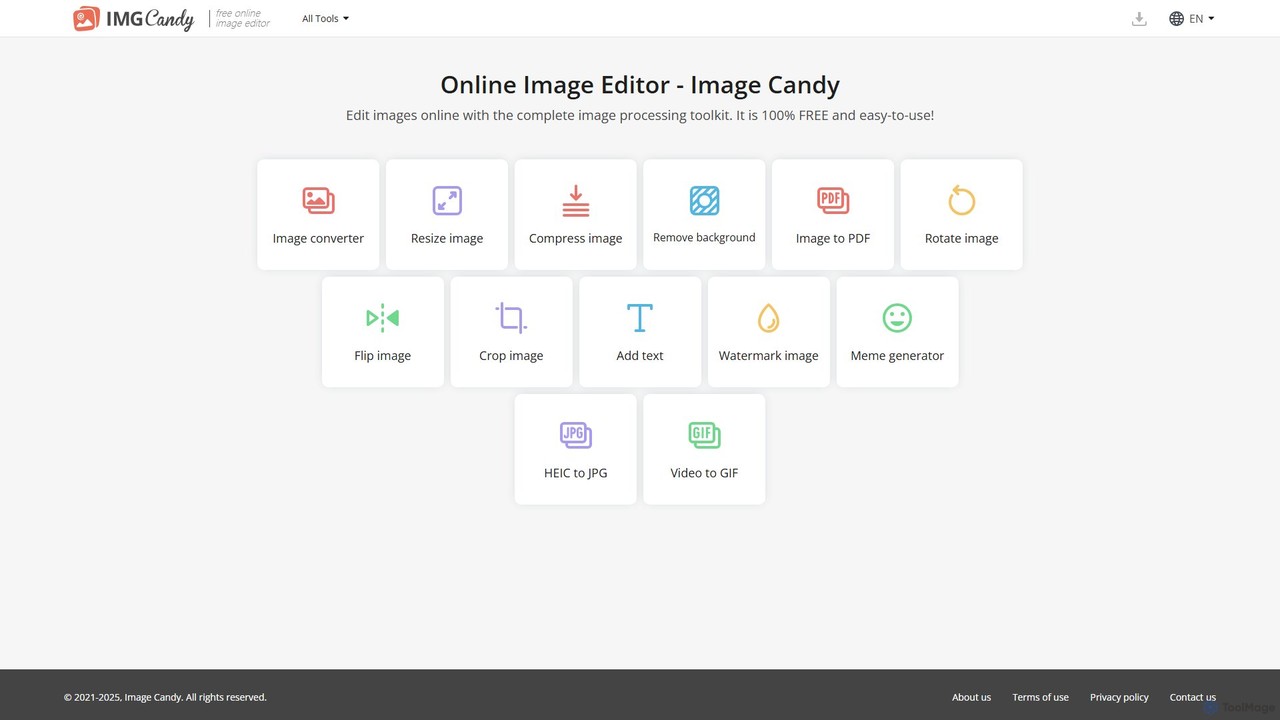
Image Candyは、包括的で100%無料のオンライン画像編集ツールキットです。ソフトウェアのインストール不要で、ブラウザ内で直接、画像の変換、リサイズ、圧縮、背景除去、その他のさまざまな画像修正を行うための使いやすいツールを幅広く提供します。
グラフィック