ImgTools
画像編集 · 1.5K 月間訪問数
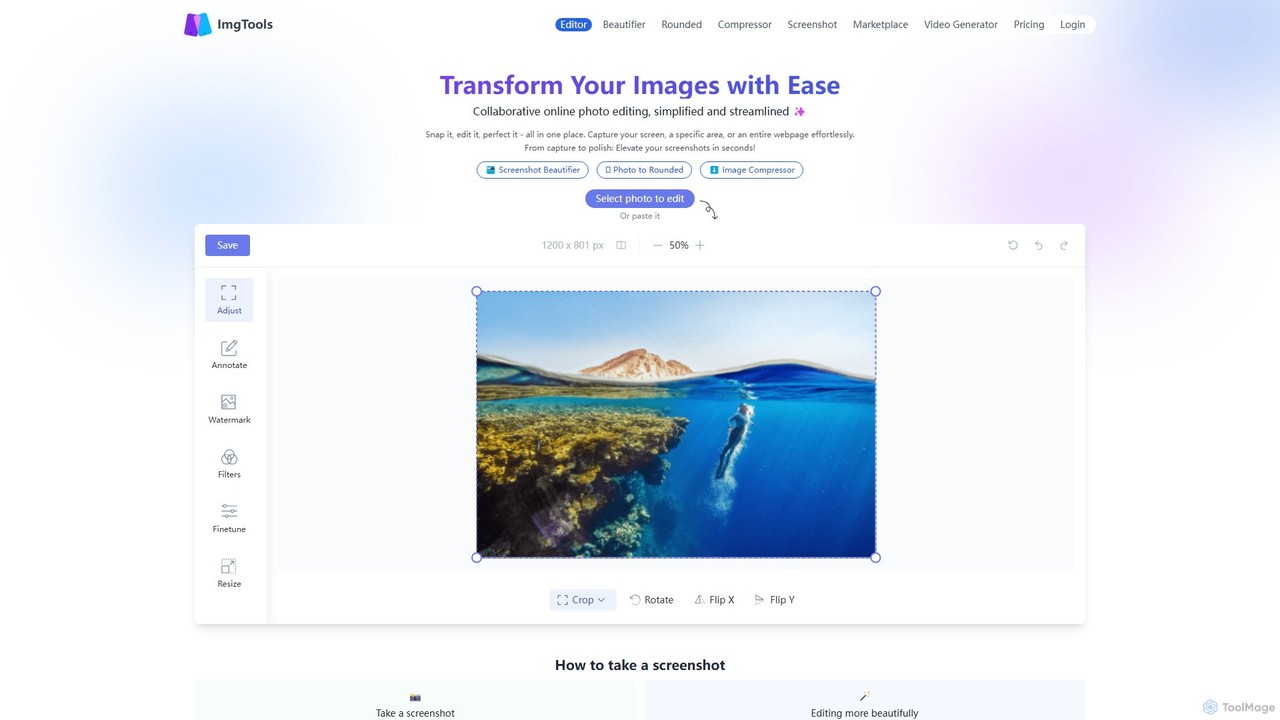
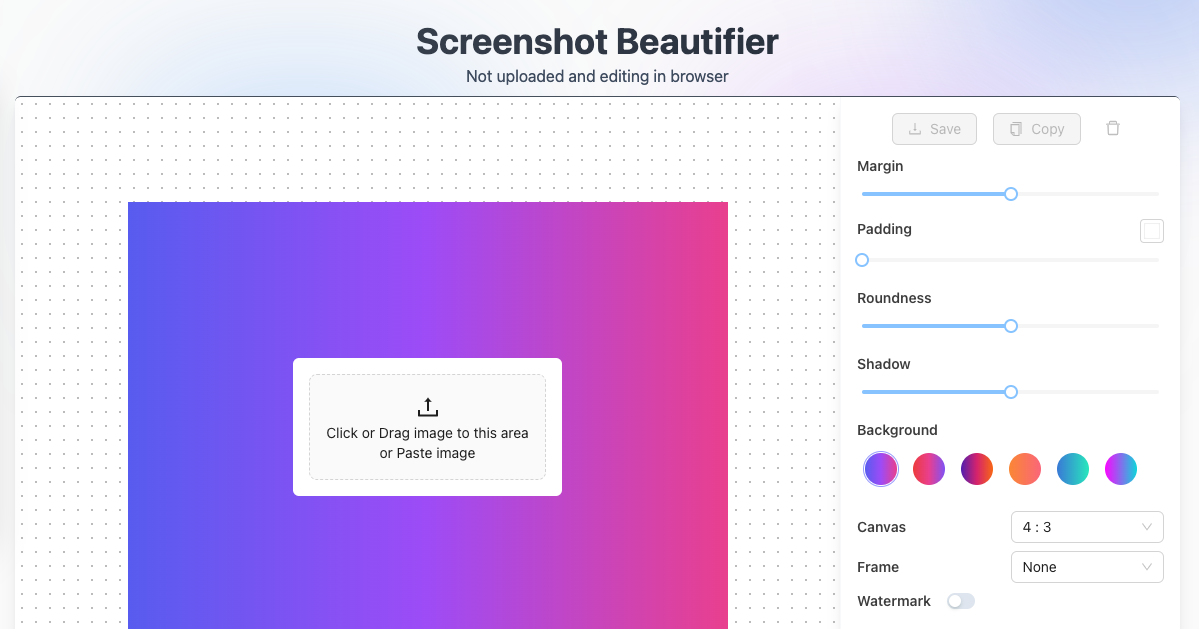
ImgToolsは、スクリーンショットや写真を簡単に変換するために設計された、多機能なブラウザベースの画像編集スイートです。強力なスクリーンショットユーティリティと直感的なエディタを組み合わせ、ユーザーのプライバシーを重視しながら、ブラウザ内で直接画像の美化、注釈付け、圧縮、透かし入れができます。
ImgToolsは、スクリーンショットや写真を簡単に変換するために設計された、多機能なブラウザベースの画像編集スイートです。強力なスクリーンショットユーティリティと直感的なエディタを組み合わせ、ユーザーのプライバシーを重視しながら、ブラウザ内で直接画像の美化、注釈付け、圧縮、透かし入れができます。
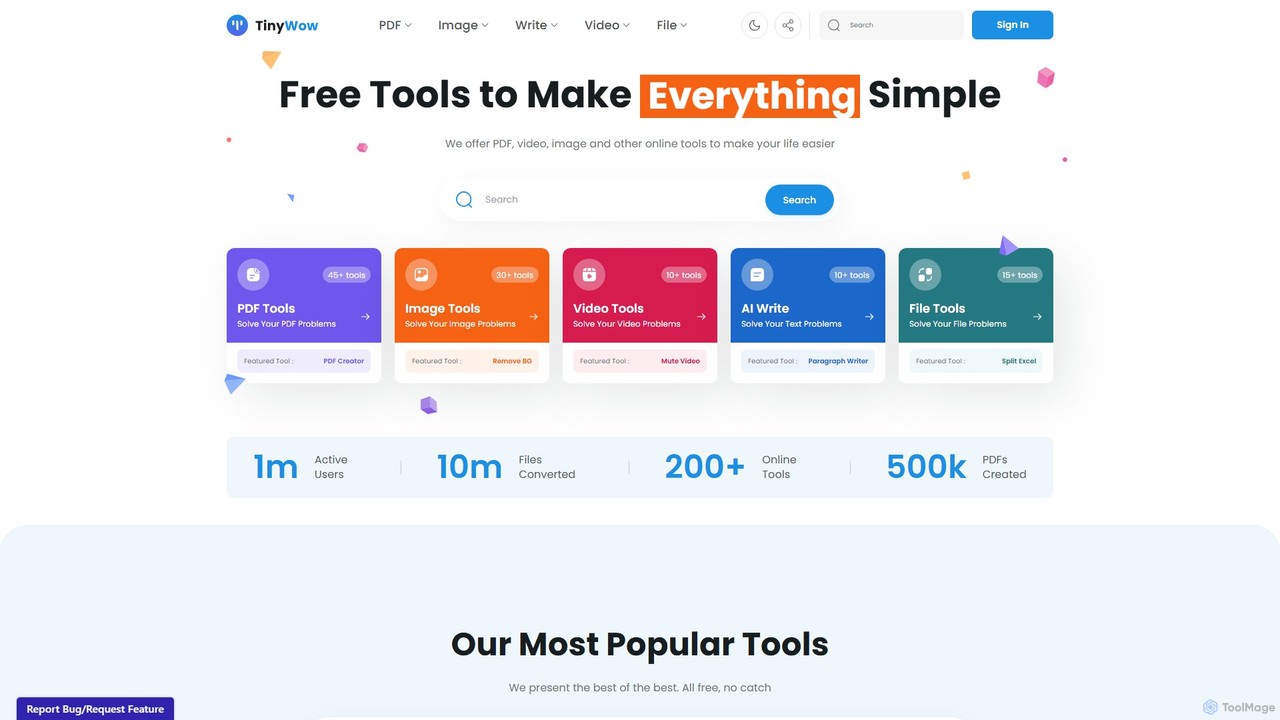
TinyWowは、ライティング、画像生成、編集のためのAI搭載機能を含む、250以上の無料オンラインツールを網羅した総合スイートです。PDF管理、ビデオ処理、ファイル変換のための膨大なユーティリティコレクションを提供し、誰にとってもデジタルタスクを簡素化するように設計されています。多くのツールはユーザー登録なしで無料で利用できます。
ImgToolsは、スクリーンショットや写真を簡単に変換するために設計された、多機能なブラウザベースの画像編集スイートです。強力なスクリーンショットユーティリティと直感的なエディタを組み合わせ、ユーザーのプライバシーを重視しながら、ブラウザ内で直接画像の美化、注釈付け、圧縮、透かし入れができます。
TinyWowは、ライティング、画像生成、編集のためのAI搭載機能を含む、250以上の無料オンラインツールを網羅した総合スイートです。PDF管理、ビデオ処理、ファイル変換のための膨大なユーティリティコレクションを提供し、誰にとってもデジタルタスクを簡素化するように設計されています。多くのツールはユーザー登録なしで無料で利用できます。
| Feature | ImgTools | TinyWow |
|---|---|---|
| 主要カテゴリー | 画像編集 | ライティング |
| 追加日 | 2025-08-07 | 2025-08-12 |
| 価格 | フリーミアム | フリーミアム |
| 公式サイト | www.img-tools.app | tinywow.com |
| 製品タイプ | ウェブサイト | ウェブサイト |
| Performance data | ||
| ユーザー評価 | 未確認 | 未確認 |
| コメント | 0 | 0 |
| 月間訪問数 | 1.5K | 2.4M |
| 月間成長率 | 729.3% | 0.6% |
| お気に入り | 135 | 164 |
| Details | 詳細を見る | 詳細を見る |
Compare ImgTools and TinyWow by monthly reach, traffic trend, visit depth, top regions, and acquisition sources.
In the ImgTools vs TinyWow monthly traffic comparison, ImgTools currently shows 1.5K visits and TinyWow shows 2.4M; TinyWow has about 1,616.8 times the visible traffic of ImgTools, an absolute difference of about 2.4M visits. This reflects visible reach, not feature quality or paid users.
Both tools provide verified traffic details, so monthly trends, visit depth, regions, and acquisition sources can be compared on the same basis.
| Country/region | Percentage | Traffic |
|---|---|---|
| 🇯🇵Japan | 97.26% | 1.5K |
| 🇮🇳India | 2.74% | 41 |
| Country/region | Percentage | Traffic |
|---|---|---|
| 🇺🇸United States | 53.09% | 1.3M |
| 🇮🇳India | 26.38% | 640.2K |
| 🇨🇳China | 8.15% | 197.8K |
| 🇬🇧United Kingdom | 6.91% | 167.7K |
| 🇵🇰Pakistan | 5.47% | 132.7K |
| Source type | Percentage | Traffic |
|---|---|---|
| ダイレクト | 87.45% | 2.1M |
| 参照元 | 6.99% | 169.6K |
| Eメール | 5.56% | 134.9K |
This in-depth ImgTools vs TinyWow comparison uses only the product records, taxonomy, audience, traffic, and community signals available on this page. ImgTools is primarily listed under “画像編集”, while TinyWow is primarily listed under “ライティング”, so the first decision is whether your actual task matches their recorded scope.
The structured fields currently show these decision-relevant differences: Primary category (ImgTools: 画像編集; TinyWow: ライティング); Monthly visits (ImgTools: 1.5K; TinyWow: 2.4M); Monthly growth (ImgTools: 729.3%; TinyWow: 0.6%); Favorites (ImgTools: 135; TinyWow: 164); Website (ImgTools: www.img-tools.app; TinyWow: tinywow.com). These facts are more useful for selection than brand visibility alone.
In the ImgTools vs TinyWow monthly traffic comparison, ImgTools currently shows 1.5K visits and TinyWow shows 2.4M; TinyWow has about 1,616.8 times the visible traffic of ImgTools, an absolute difference of about 2.4M visits. This reflects visible reach, not feature quality or paid users.
Both tools provide verified traffic details, so monthly trends, visit depth, regions, and acquisition sources can be compared on the same basis.
If public market visibility is an important first-pass criterion, investigate TinyWow first. The final choice should still follow taxonomy, use case, and a real trial because higher traffic does not prove broader capabilities or better workflow fit.
ImgTools and TinyWow currently overlap in shared categories: 画像編集、ソーシャルメディア; shared tags: 背景除去、画像エディター. This can place both on the same shortlist, but it does not prove equal implementation, depth, or cost.
ImgTools's unique categories/tags are スクリーンショットユーティリティ、アノテーション、画像圧縮ツール、オンラインエディター、プライバシー重視、角丸、スクリーンショット美化ツール、スクリーンショットツール; TinyWow's are ライティング、オールインワン、ファイル変換ツール、AIライター、コンテンツ作成、エッセイライター、ファイル変換、無料ツール. These unique fields are the strongest differentiators: validate the product whose recorded scope matches the task instead of following traffic alone.
ImgTools has no verified rating, 0 comments, 135 favorites, and 143 likes;TinyWow has no verified rating, 0 comments, 164 favorites, and 167 likes。
Neither product has enough rating or comment samples for a credible reputation ranking.
Put ImgTools on the priority trial list when the task aligns with “画像編集” and especially スクリーンショットユーティリティ、アノテーション、画像圧縮ツール、オンラインエディター、プライバシー重視、角丸. This follows recorded positioning and does not imply unlisted capabilities are absent.
ImgTools also currently records: pricing is freemium, product type is website, 1.5K verified monthly visits, no verified user rating. Verify any hard requirement around price, platform, or reach before trial, and do not let sparse review data substitute for testing.
Put TinyWow on the priority trial list when the task aligns with “ライティング” and especially ライティング、オールインワン、ファイル変換ツール、AIライター、コンテンツ作成、エッセイライター. This follows recorded positioning and does not imply unlisted capabilities are absent.
TinyWow also currently records: pricing is freemium, product type is website, 2.4M verified monthly visits, no verified user rating. Verify any hard requirement around price, platform, or reach before trial, and do not let sparse review data substitute for testing.
The available data describes positioning, public visibility, and community signals, but it cannot prove output quality, speed, integration effort, privacy, or long-term cost in your workflow. Before deciding, run the same representative tasks in ImgTools and TinyWow, then record completion time, accuracy, manual corrections, and the real paid threshold. A like-for-like trial turns this comparison into a defensible adoption decision.
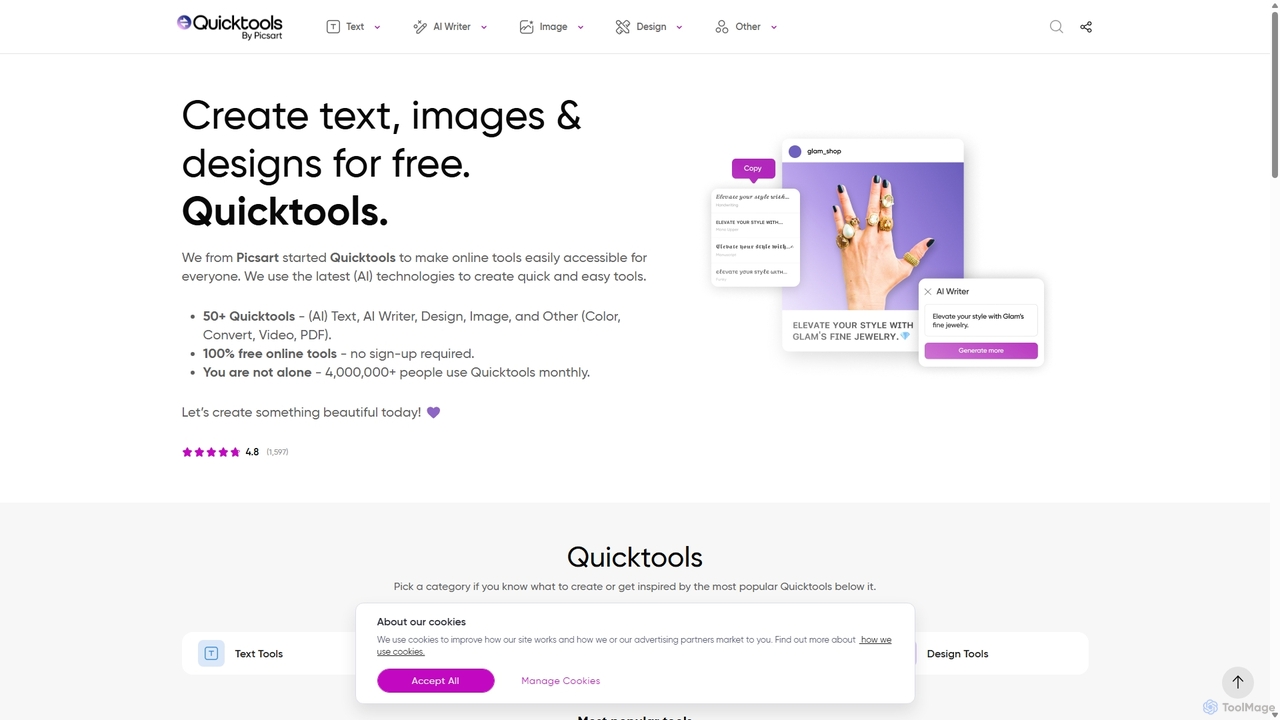
Quicktools by Picsartは、クリエイティブなタスクのための50以上の無料AI搭載オンラインツールを包括的に提供するスイートです。画像編集、テキスト生成、デザイン、ファイル変換のための幅広い単一目的ユーティリティを提供します。速度とシンプルさを追求して設計されており、ユーザーはサインアップや複雑なエディタを使用することなく、背景除去、画像アップスケーリング、フォント生成などの迅速な編集が可能です。
画像編集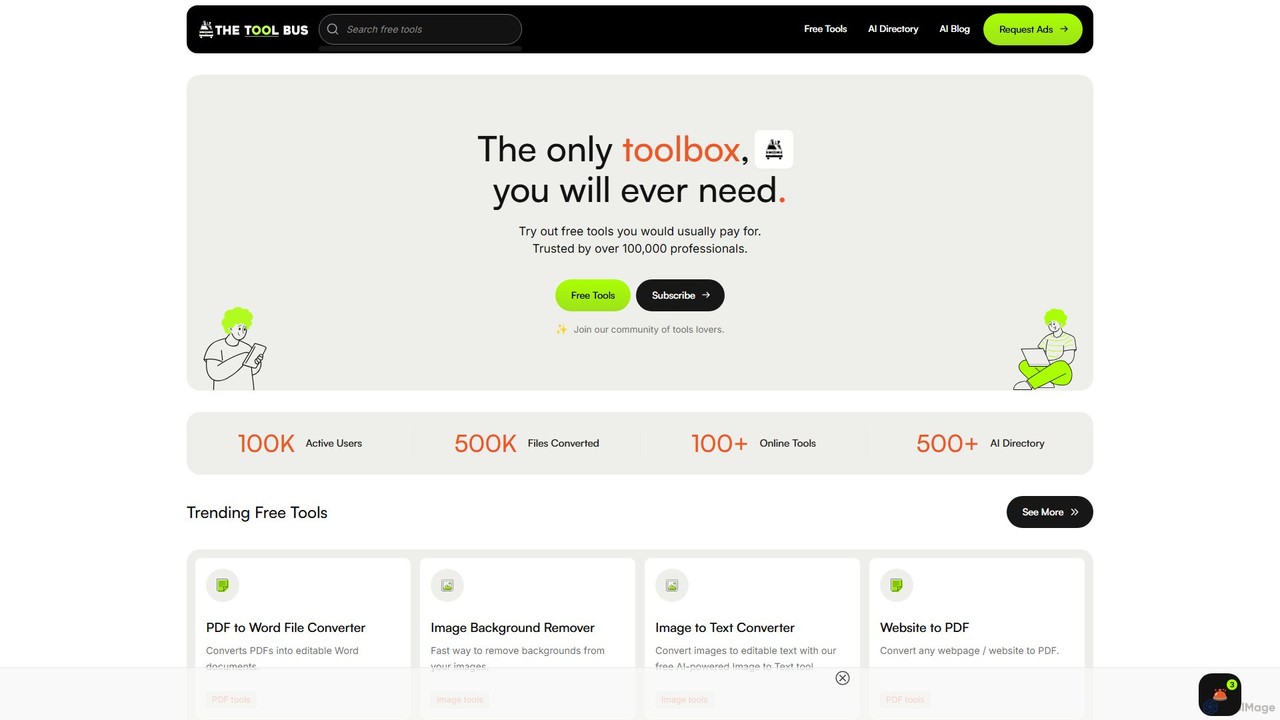
TheToolBus.aiは、AI搭載ツールスイートを提供する、包括的で無料のオンラインプラットフォームです。PDFおよび画像変換、AIカバーレター作成、QRコード生成などの機能を備えています。また、広範なAIツールディレクトリやAIトレンドに関する洞察に満ちたブログを持つリソースハブとしても機能します。
画像編集
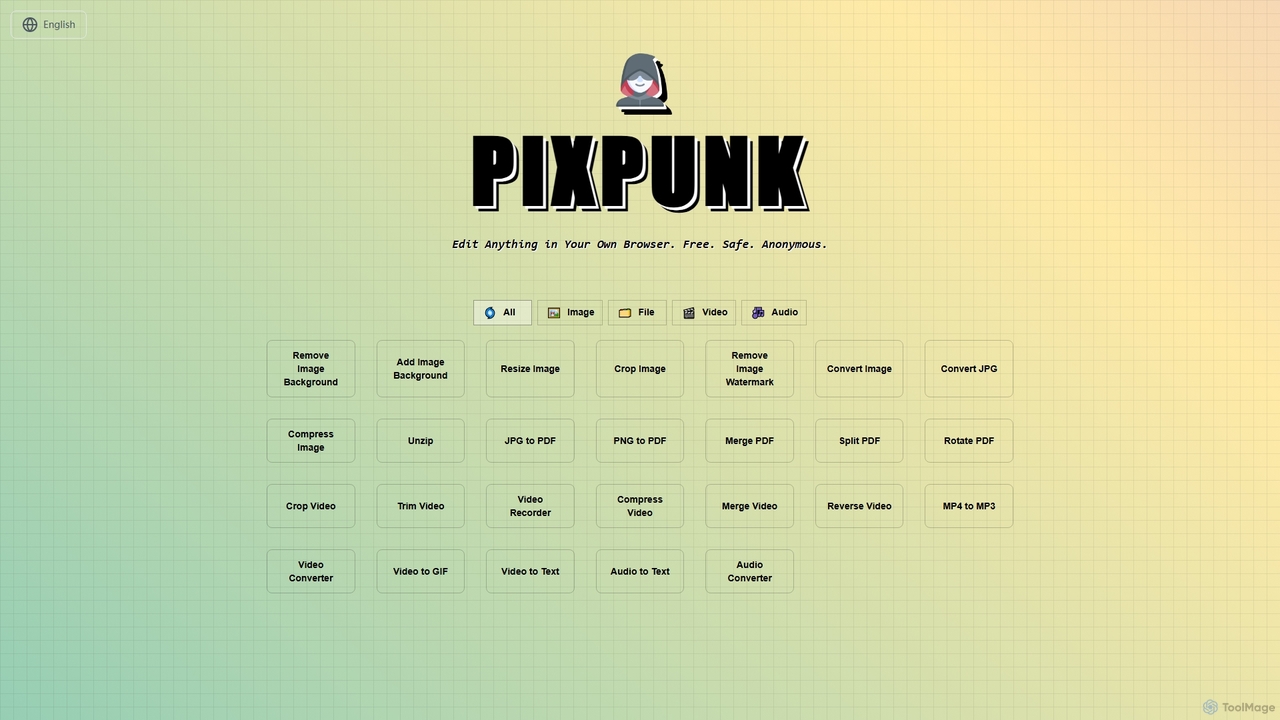
PixPunkは、無料で安全、匿名で、ブラウザ上で直接画像編集、ファイル変換、動画・音声処理ができるオンラインツールです。背景除去、画像サイズ変更、トリミング、形式変換など、アップロードやウォーターマークなしで一連の機能を提供し、最大限のプライバシーを保証します。
オーディオコンバーター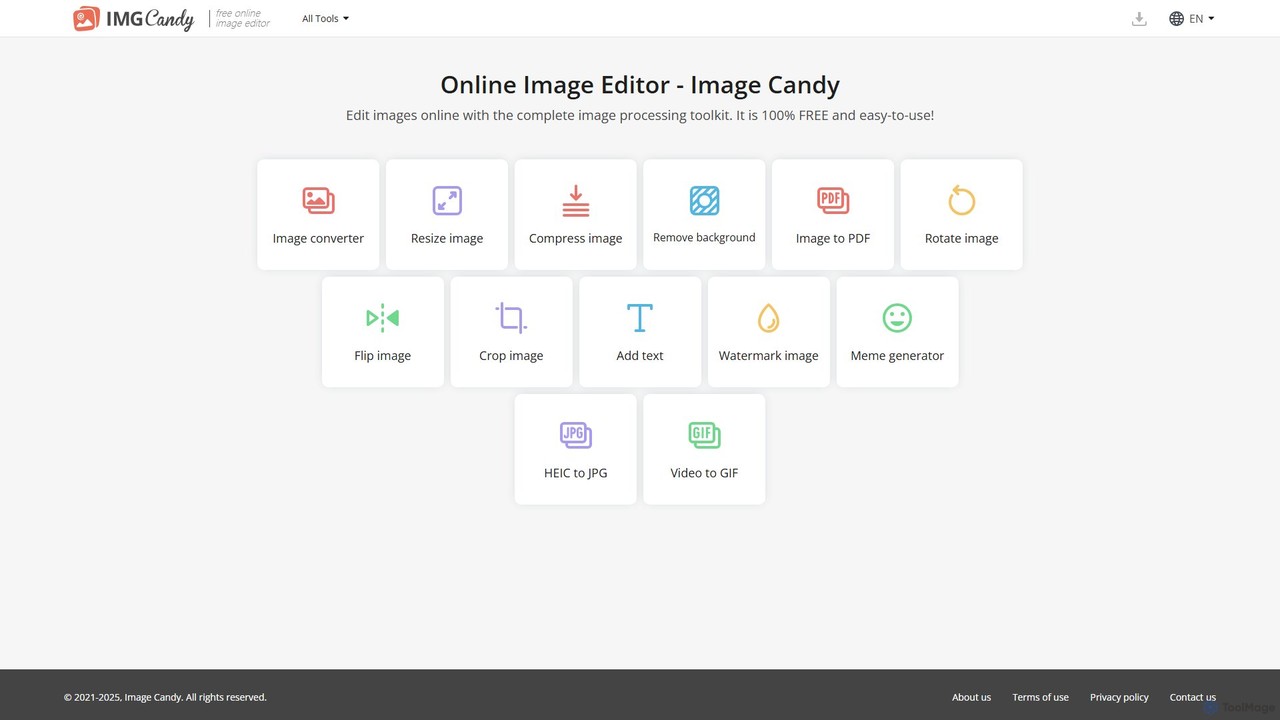
Image Candyは、包括的で100%無料のオンライン画像編集ツールキットです。ソフトウェアのインストール不要で、ブラウザ内で直接、画像の変換、リサイズ、圧縮、背景除去、その他のさまざまな画像修正を行うための使いやすいツールを幅広く提供します。
グラフィック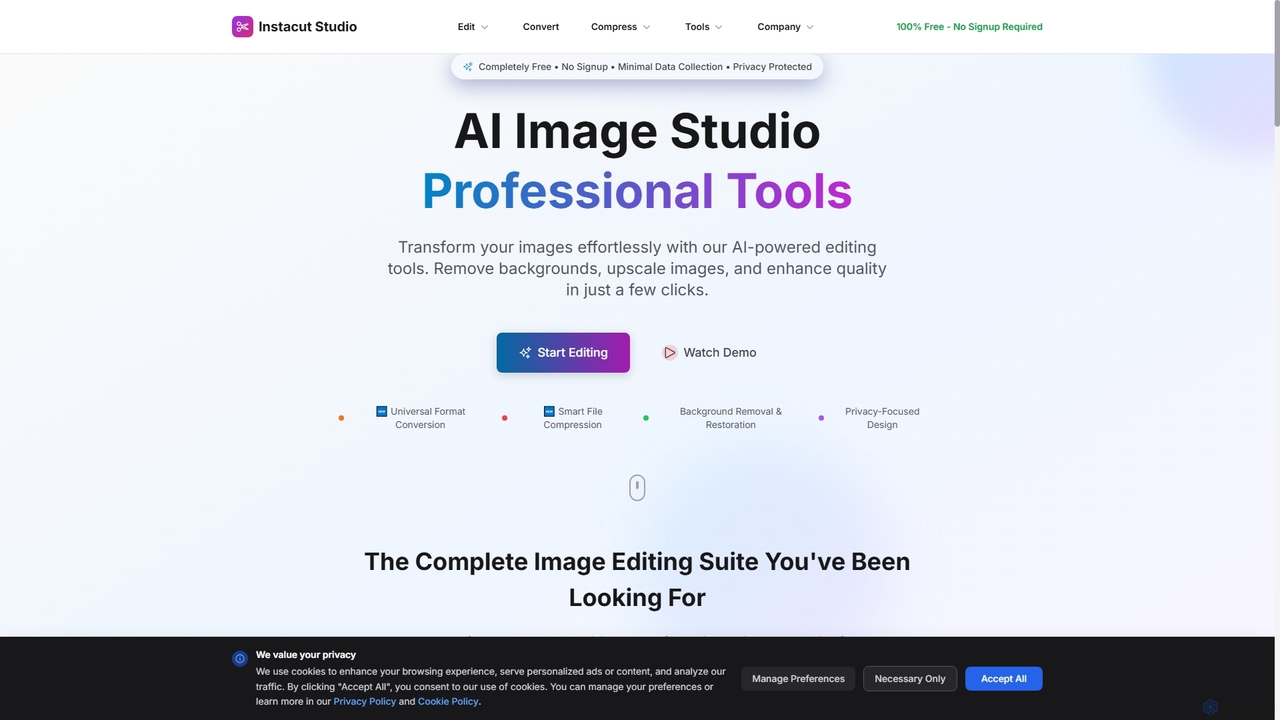
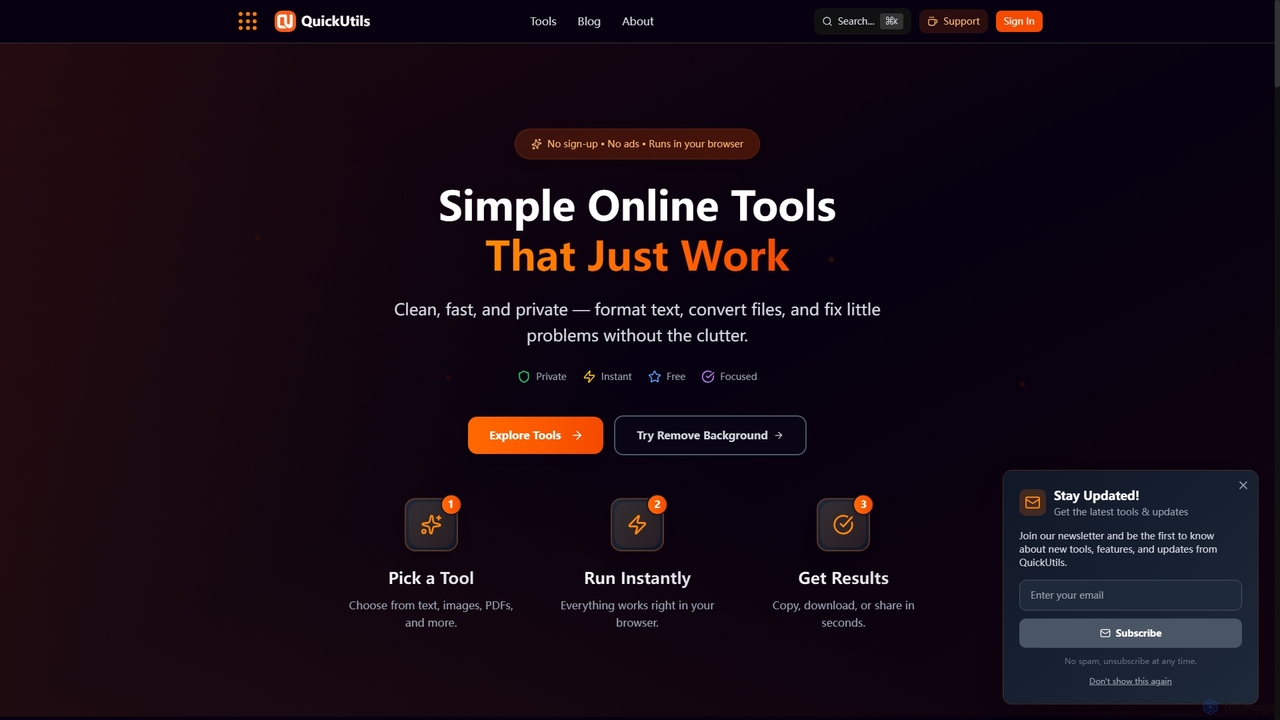
QuickUtilsは、即座の生産性向上のために設計された、無料かつプライバシー重視の包括的なオンラインツールスイートを提供します。AIを活用した画像背景除去やテキストの言い換えから、QRコード生成やJSONフォーマットまで、サインアップや広告なしでブラウザで直接動作する、クリーンで高速かつ安全なユーティリティを提供します。
変換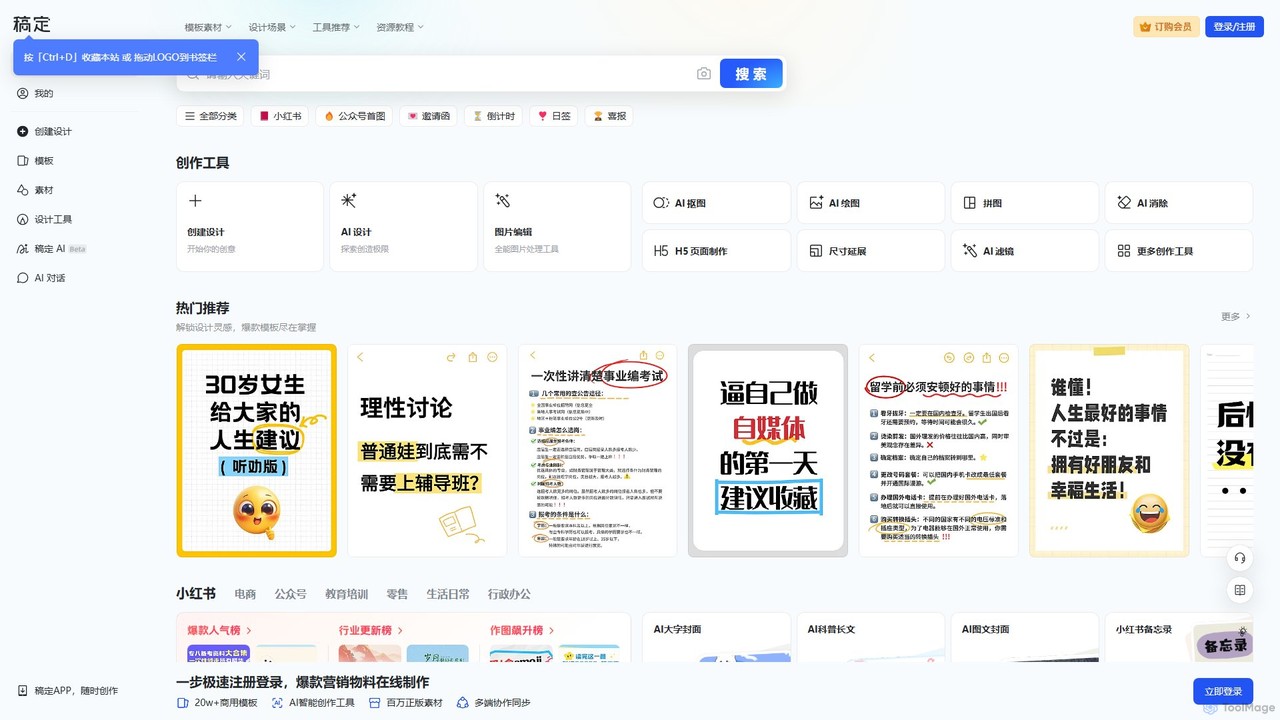
Gaoding Designは、AIを搭載したオールインワンのオンラインデザインプラットフォームです。豊富なテンプレートライブラリ、画像・動画編集用のAI駆動ツール、コンテンツ生成、スマートなデザイン自動化機能を提供します。マーケター、コンテンツ制作者、企業に最適で、共同作業ワークフローによりプロフェッショナルなマーケティング資料、SNS投稿、プレゼンテーションの作成を簡素化します。
グラフィックデザイン
Upscalepicsは、AIを搭載した画像ツールキットで、驚くほどの精度で写真を強化、アップスケール、編集します。画像解像度を最大8倍に向上させ、背景を削除し、ファイルを圧縮し、300 DPIの高品質印刷用に画像を準備できます。バッチ処理、ブラウザ拡張機能、APIアクセスなどの機能により、写真家、デザイナー、Eコマースビジネスにサービスを提供します。
画像編集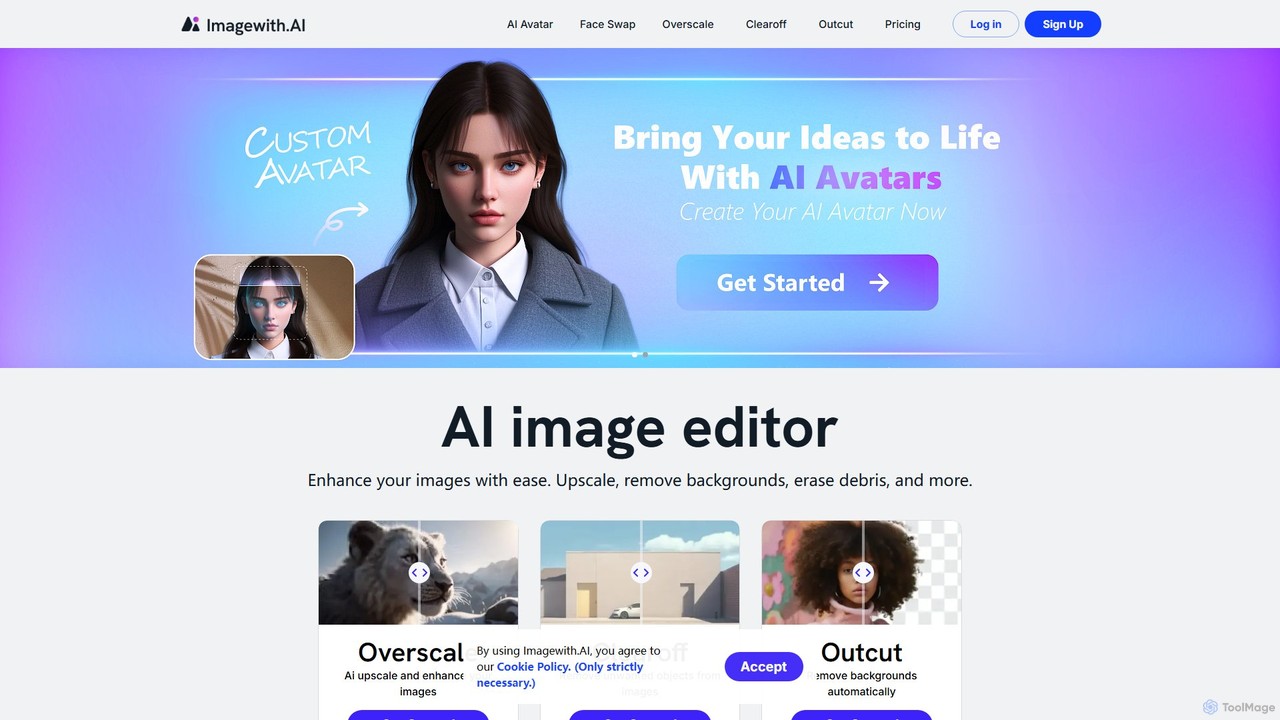
imagewith.aiは、複雑な写真編集タスクを簡素化するために設計されたAI搭載のオンライン画像編集スイートです。画像アップスケーラー(Overscale)、背景リムーバー(Outcut)、オブジェクトリムーバー(Clearoff)など、強力なツールセットを提供します。このプラットフォームにより、アマチュア写真家からeコマースの専門家まで、あらゆるスキルレベルのユーザーが数クリックで画像を強化、クリーンアップ、完成させることができ、複雑なソフトウェアなしで効率と創造性を向上させます。
商品写真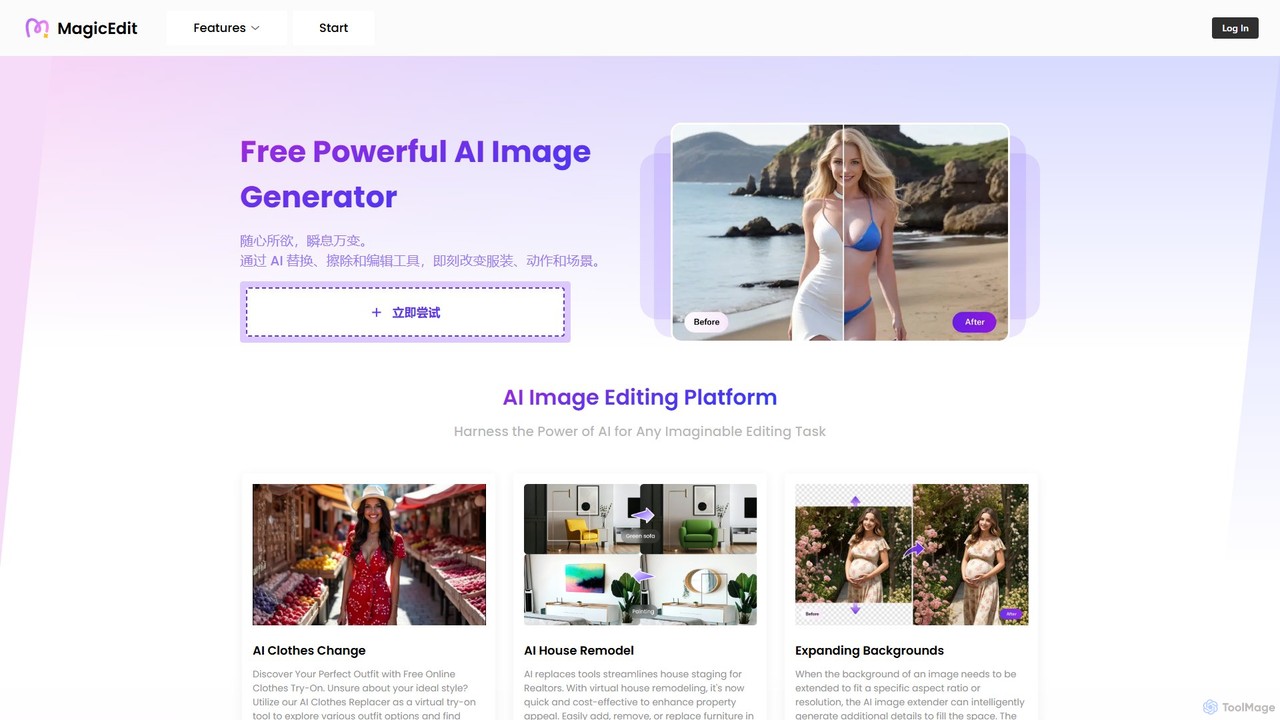

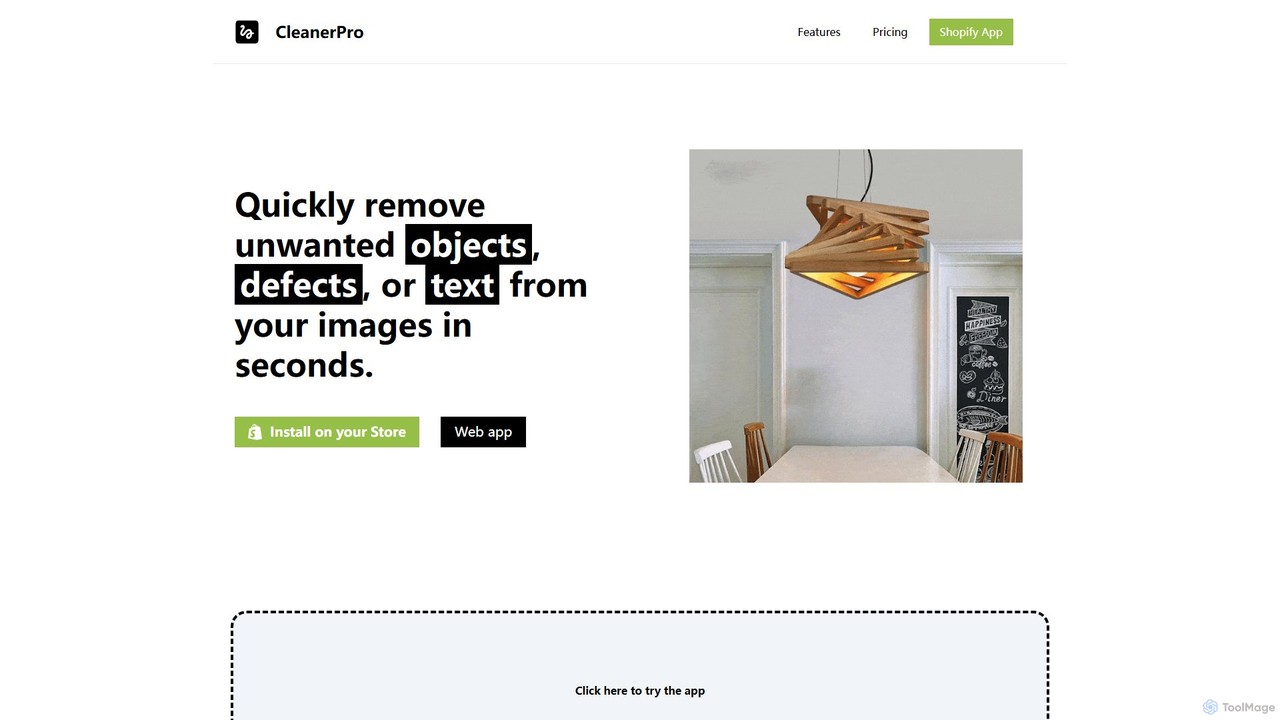
CleanerProはShopify向けのAI搭載画像編集アプリで、商品写真を簡単に強化するために設計されています。不要なオブジェクト、人物、テキストを数秒で除去し、背景を消去し、画像解像度を向上させ、ファイルサイズを圧縮することで、ストアのビジュアルをプロフェッショナルにし、迅速な読み込みを保証します。
製品画像編集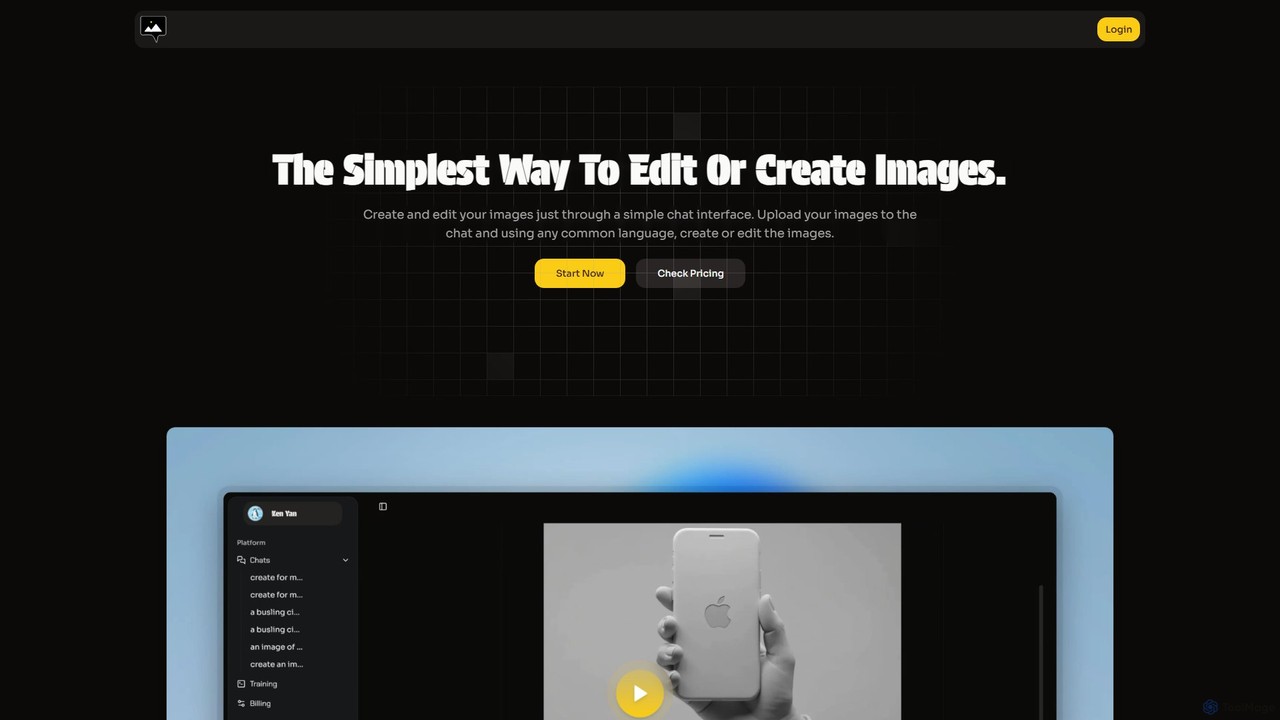
chatimagesは、シンプルで直感的なチャットインターフェースを通じて画像を編集・生成できる革新的なAIツールです。複雑なメニューやツールの代わりに、自然言語のコマンドで背景除去、オブジェクト操作、画像生成、バーチャル試着などの高度なタスクを実行できます。20以上の言語に対応し、マーケターから一般ユーザーまで、誰もが強力な画像編集機能を利用できます。
画像編集