Kel
コードアシスタント · 4.1K 月間訪問数
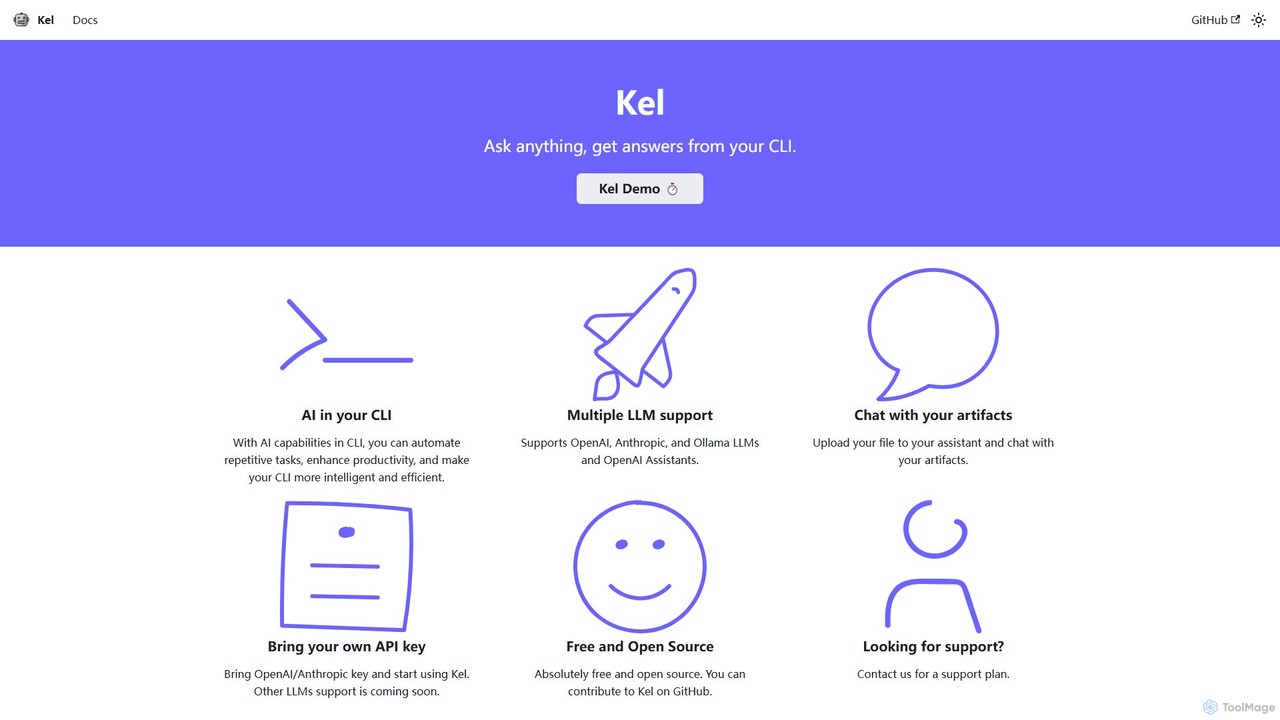
Kelは、無料のオープンソースのコマンドラインインターフェース(CLI)向けAIアシスタントです。OpenAI、Anthropic、Ollamaなどの複数のLLMと統合し、開発者やシステム管理者がターミナルから直接タスクを自動化し、コマンドを生成し、ドキュメントとチャットすることを支援します。
Kelは、無料のオープンソースのコマンドラインインターフェース(CLI)向けAIアシスタントです。OpenAI、Anthropic、Ollamaなどの複数のLLMと統合し、開発者やシステム管理者がターミナルから直接タスクを自動化し、コマンドを生成し、ドキュメントとチャットすることを支援します。
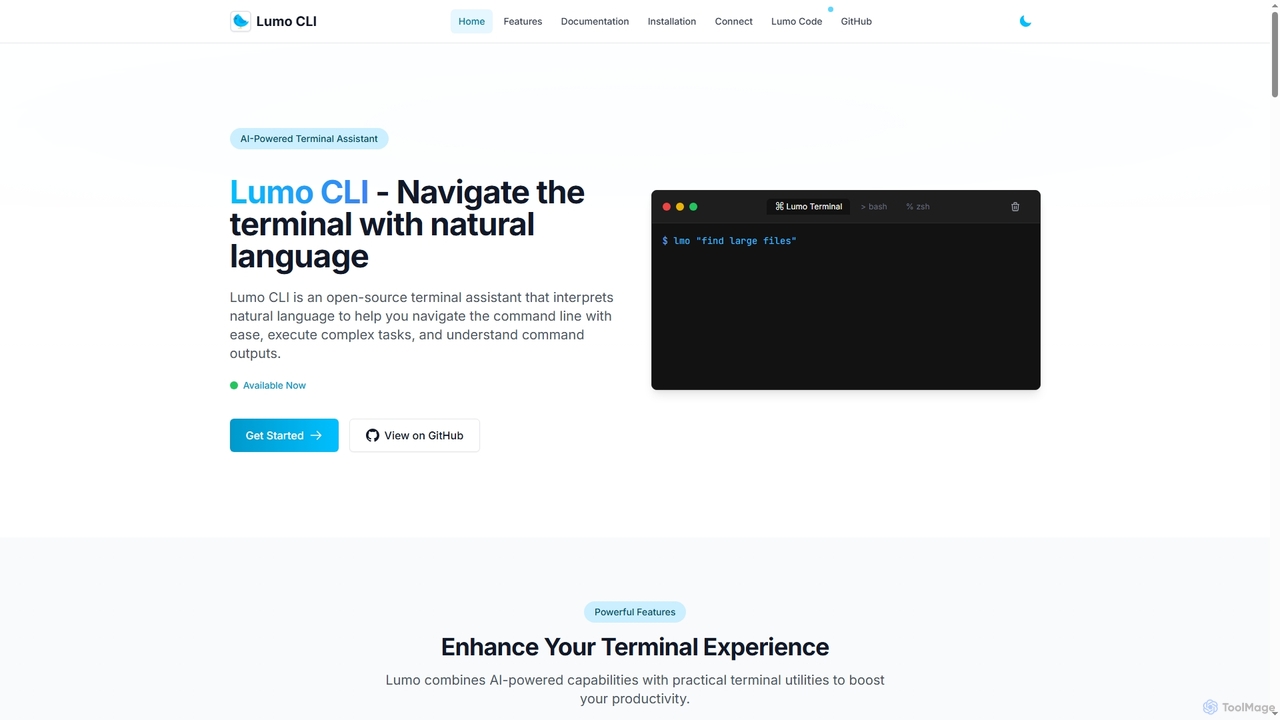
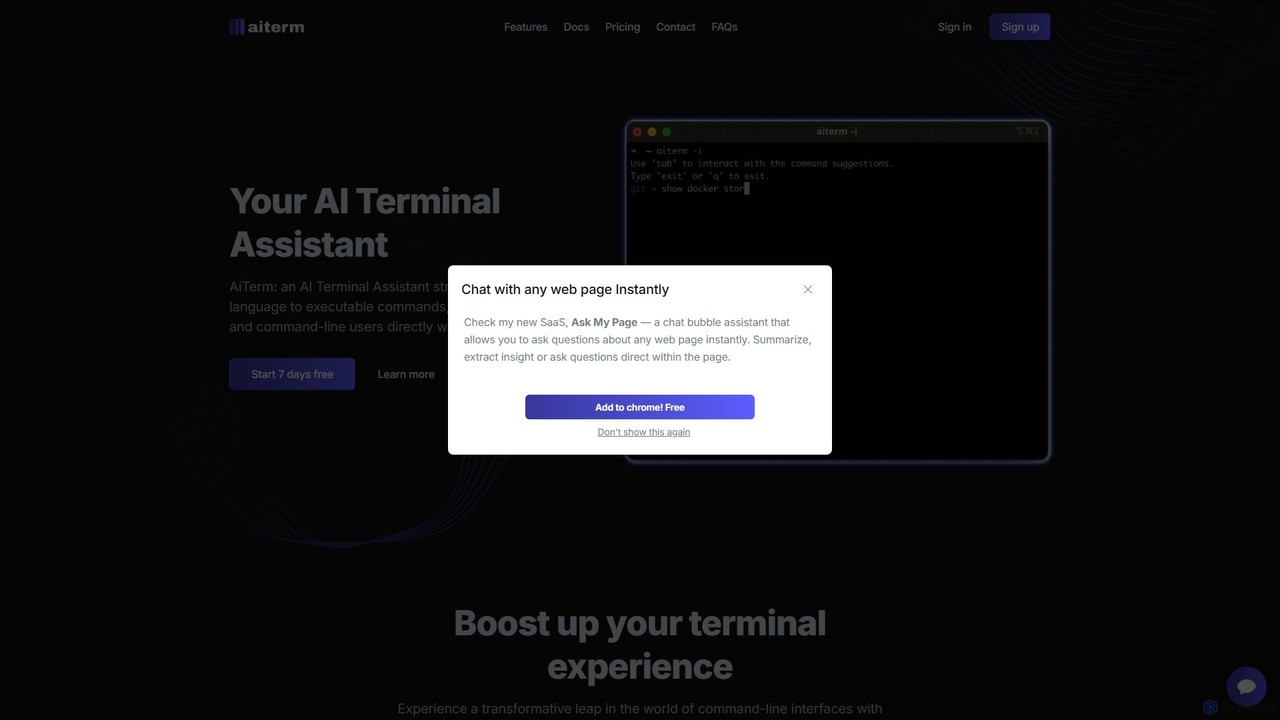
Lumoは、ユーザーが自然言語を使用してコマンドラインと対話できるようにする、オープンソースのAI搭載ターミナルアシスタントです。平易な英語を実行可能なコマンドに変換し、複雑なタスクを自動化し、システムの健全性を監視し、ローカル推論用のGemini、OpenAI、Ollamaを含む複数のAIモデルをサポートします。
Kelは、無料のオープンソースのコマンドラインインターフェース(CLI)向けAIアシスタントです。OpenAI、Anthropic、Ollamaなどの複数のLLMと統合し、開発者やシステム管理者がターミナルから直接タスクを自動化し、コマンドを生成し、ドキュメントとチャットすることを支援します。
Lumoは、ユーザーが自然言語を使用してコマンドラインと対話できるようにする、オープンソースのAI搭載ターミナルアシスタントです。平易な英語を実行可能なコマンドに変換し、複雑なタスクを自動化し、システムの健全性を監視し、ローカル推論用のGemini、OpenAI、Ollamaを含む複数のAIモデルをサポートします。
| Feature | Kel | Lumo |
|---|---|---|
| 主要カテゴリー | コードアシスタント | コードアシスタント |
| 追加日 | 2025-08-15 | 2025-12-09 |
| 価格 | フリーミアム | 無料 |
| 公式サイト | kel.qainsights.com | getlumo.dev |
| 製品タイプ | アプリ | アプリ |
| Performance data | ||
| ユーザー評価 | 未確認 | 未確認 |
| コメント | 0 | 0 |
| 月間訪問数 | 4.1K | 4.9K |
| 月間成長率 | 未確認 | 未確認 |
| お気に入り | 132 | 77 |
| Details | 詳細を見る | 詳細を見る |
Compare Kel and Lumo by monthly reach, traffic trend, visit depth, top regions, and acquisition sources.
In the Kel vs Lumo monthly traffic comparison, Kel currently shows 4.1K visits and Lumo shows 4.9K; Lumo has about 1.2 times the visible traffic of Kel, an absolute difference of about 777 visits. This reflects visible reach, not feature quality or paid users.
Both values come from visits recorded inside ToolMage. They can indicate relative interest on this site, but not total website traffic or global market share.
This in-depth Kel vs Lumo comparison uses only the product records, taxonomy, audience, traffic, and community signals available on this page. Kel is primarily listed under “コードアシスタント”, while Lumo is primarily listed under “コードアシスタント”, so the first decision is whether your actual task matches their recorded scope.
The structured fields currently show these decision-relevant differences: Primary category (Kel: コードアシスタント; Lumo: コードアシスタント); Pricing (Kel: Freemium; Lumo: Free); Monthly visits (Kel: 4.1K; Lumo: 4.9K); Favorites (Kel: 132; Lumo: 77); Website (Kel: kel.qainsights.com; Lumo: getlumo.dev). These facts are more useful for selection than brand visibility alone.
In the Kel vs Lumo monthly traffic comparison, Kel currently shows 4.1K visits and Lumo shows 4.9K; Lumo has about 1.2 times the visible traffic of Kel, an absolute difference of about 777 visits. This reflects visible reach, not feature quality or paid users.
Both values come from visits recorded inside ToolMage. They can indicate relative interest on this site, but not total website traffic or global market share.
The current traffic scope is not sufficient for a reliable product ranking. Treat monthly visits as a market-interest signal, then decide using taxonomy, use cases, pricing, and a like-for-like trial rather than reading exposure as product capability.
Kel and Lumo currently overlap in shared categories: コマンドライン、自動化; shared tags: AIアシスタント、自動化、コマンドラインインターフェース、コマンドライン、Ollama、オープンAI、オープンソース、ターミナル. This can place both on the same shortlist, but it does not prove equal implementation, depth, or cost.
Kel's unique categories/tags are コードアシスタント、アンスロピック、コーディングアシスタント、開発者ツール、生産性; Lumo's are コードアシスタント、開発者ツール、Gemini、自然言語処理、システム管理. These unique fields are the strongest differentiators: validate the product whose recorded scope matches the task instead of following traffic alone.
Kel has no verified rating, 0 comments, 132 favorites, and 105 likes;Lumo has no verified rating, 0 comments, 77 favorites, and 81 likes。
Neither product has enough rating or comment samples for a credible reputation ranking.
Put Kel on the priority trial list when the task aligns with “コードアシスタント” and especially コードアシスタント、アンスロピック、コーディングアシスタント、開発者ツール、生産性. This follows recorded positioning and does not imply unlisted capabilities are absent.
Kel also currently records: pricing is freemium, product type is app, 4.1K on-site monthly views, no verified user rating. Verify any hard requirement around price, platform, or reach before trial, and do not let sparse review data substitute for testing.
Put Lumo on the priority trial list when the task aligns with “コードアシスタント” and especially コードアシスタント、開発者ツール、Gemini、自然言語処理、システム管理, or the users include サイバーセキュリティアナリスト、データサイエンティスト、DevOpsエンジニア、ITサポートスペシャリスト. This follows recorded positioning and does not imply unlisted capabilities are absent.
Lumo also currently records: pricing is free, product type is app, 4.9K on-site monthly views, no verified user rating. Verify any hard requirement around price, platform, or reach before trial, and do not let sparse review data substitute for testing.
The available data describes positioning, public visibility, and community signals, but it cannot prove output quality, speed, integration effort, privacy, or long-term cost in your workflow. Before deciding, run the same representative tasks in Kel and Lumo, then record completion time, accuracy, manual corrections, and the real paid threshold. A like-for-like trial turns this comparison into a defensible adoption decision.
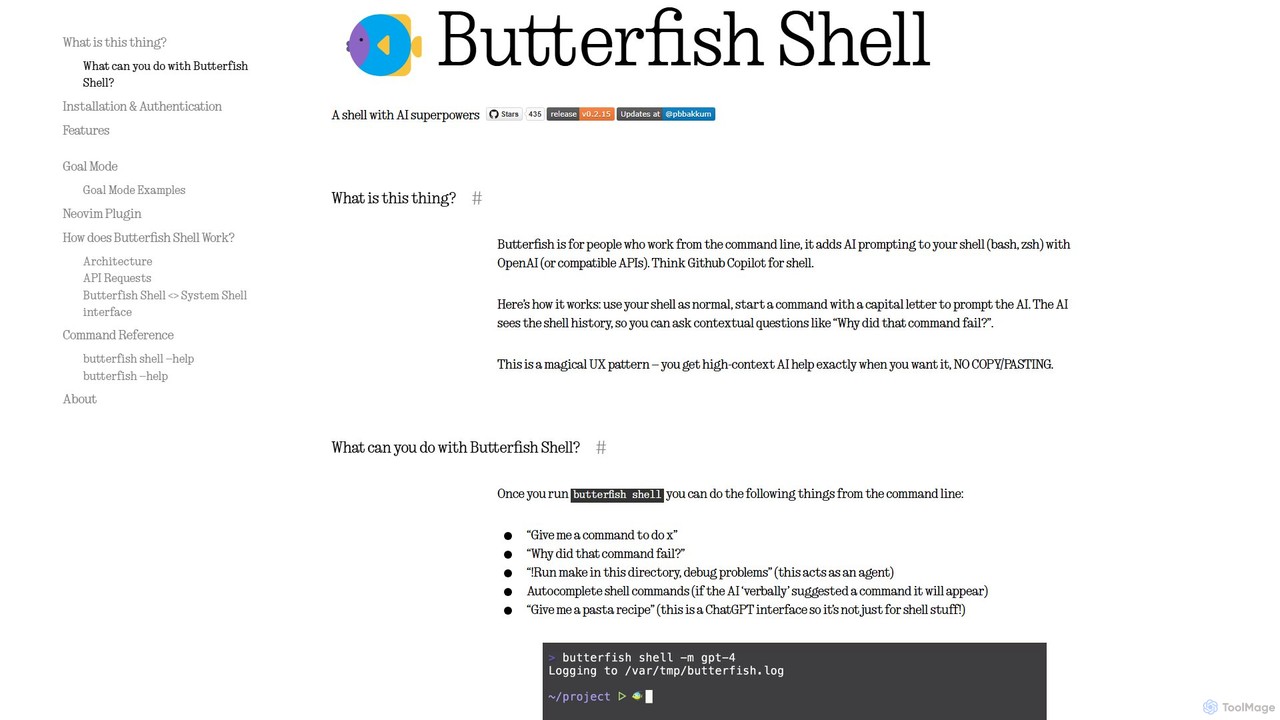
butterfishは、シェル(bash、zsh)にAI機能を追加するオープンソースのCLIツールです。コマンドライン版GitHub Copilotのように機能し、ターミナル内で直接自然言語プロンプトを使用してコマンドの生成、エラーのデバッグ、タスクの自動化を可能にします。シェル履歴のコンテキストを維持し、開発者やシステム管理者に高い関連性の支援を提供し、生産性を向上させます。
コードアシスタント
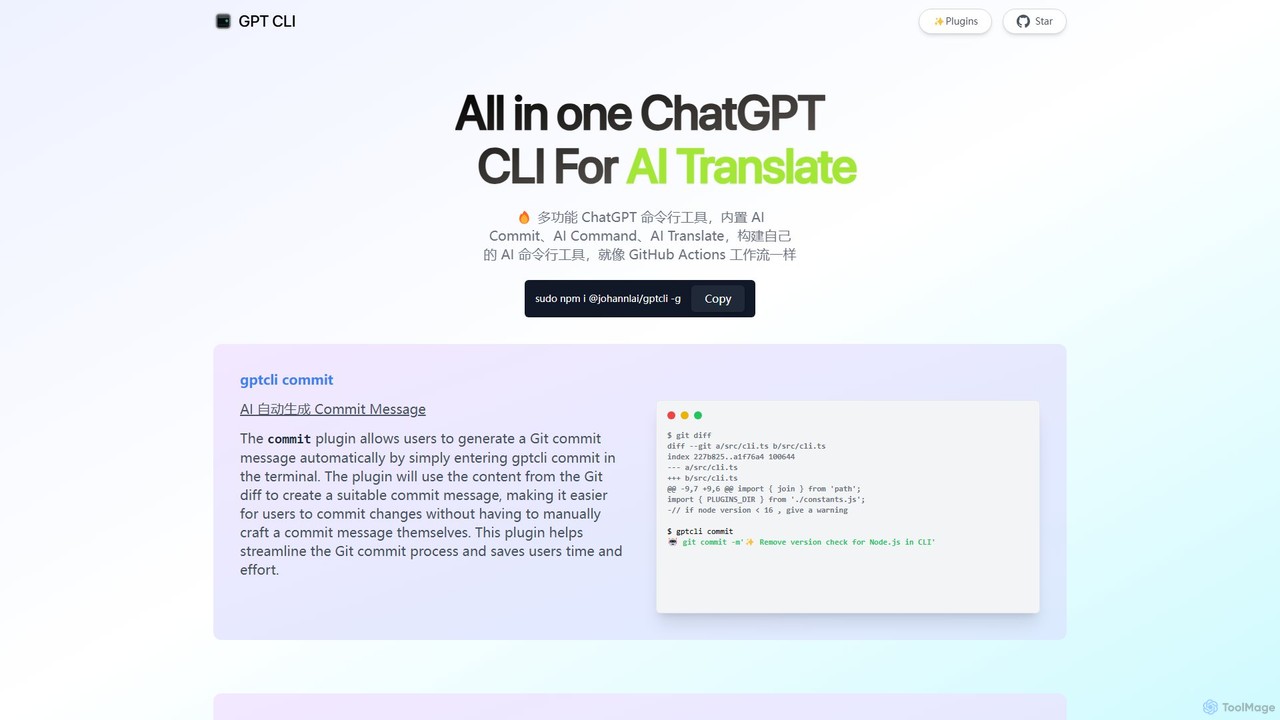
OpenAIのDALL-Eモデルと対話するための強力なコマンドラインインターフェース(CLI)ツールです。ターミナルから直接AI画像を生成、編集、管理でき、開発者、スクリプト作成者、クリエイティブワークフローの自動化に最適です。
コマンドラインインターフェース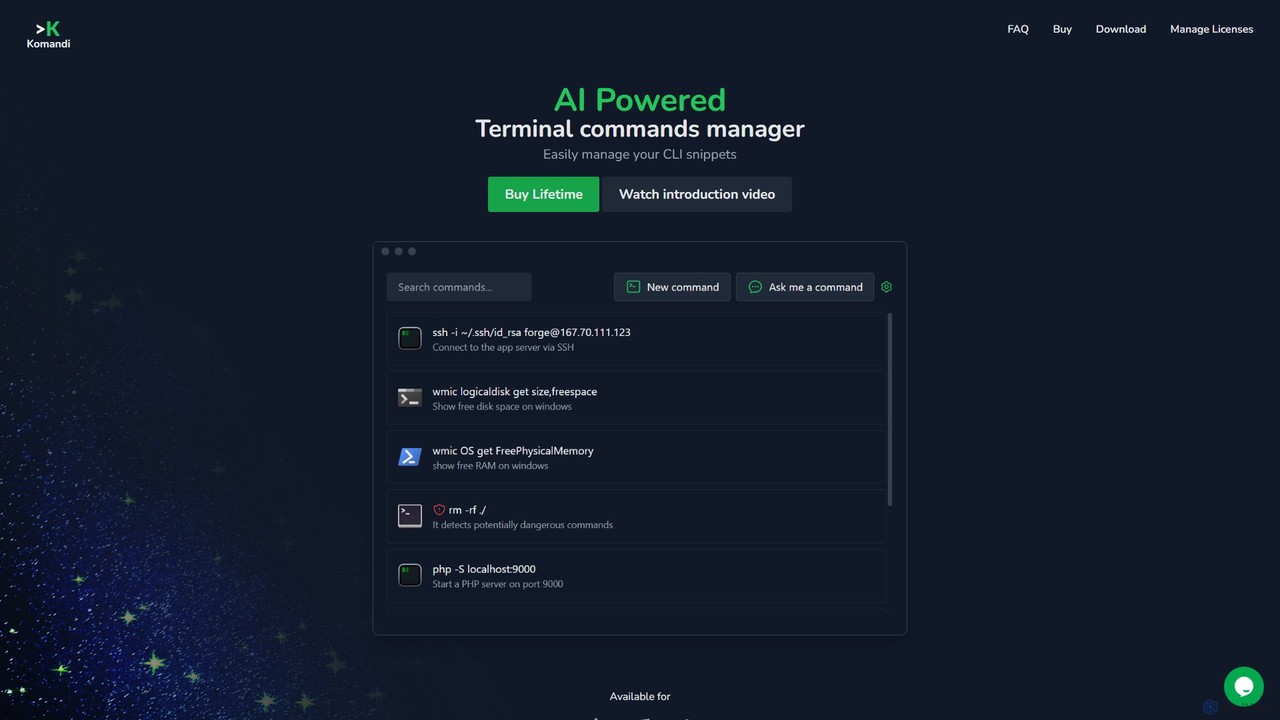
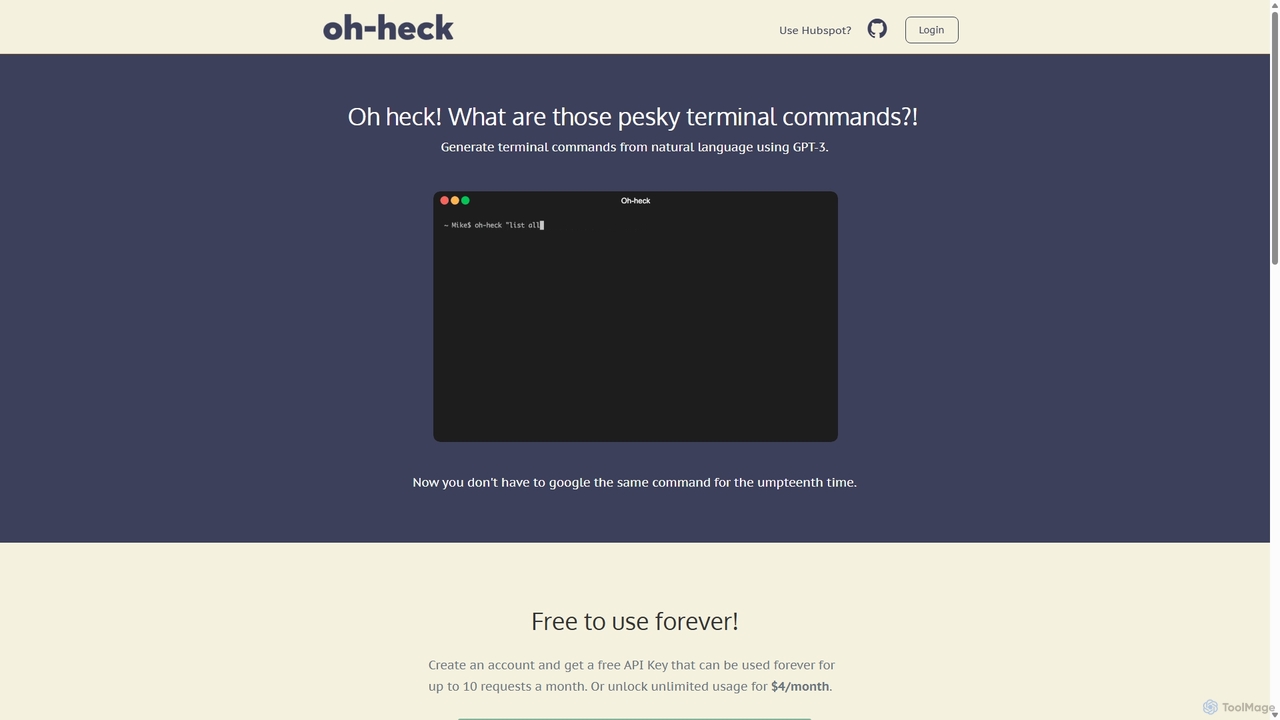

Charmは、コマンドラインインターフェース(CLI)を華やかで強力なものにするために設計された、オープンソースのツールとライブラリのエコシステムです。AIによるコーディング(Crush、Mods)、美しいターミナルUI(Bubble Tea)、Markdownレンダリング(Glow)、セルフホスト型Gitサーバー(Soft Serve)などのアプリケーションを開発者に提供します。Charmは、開発者がモダンでエレガント、かつ高機能なツールでターミナルワークフローを構築、スタイル付け、強化することを可能にします。
コードアシスタント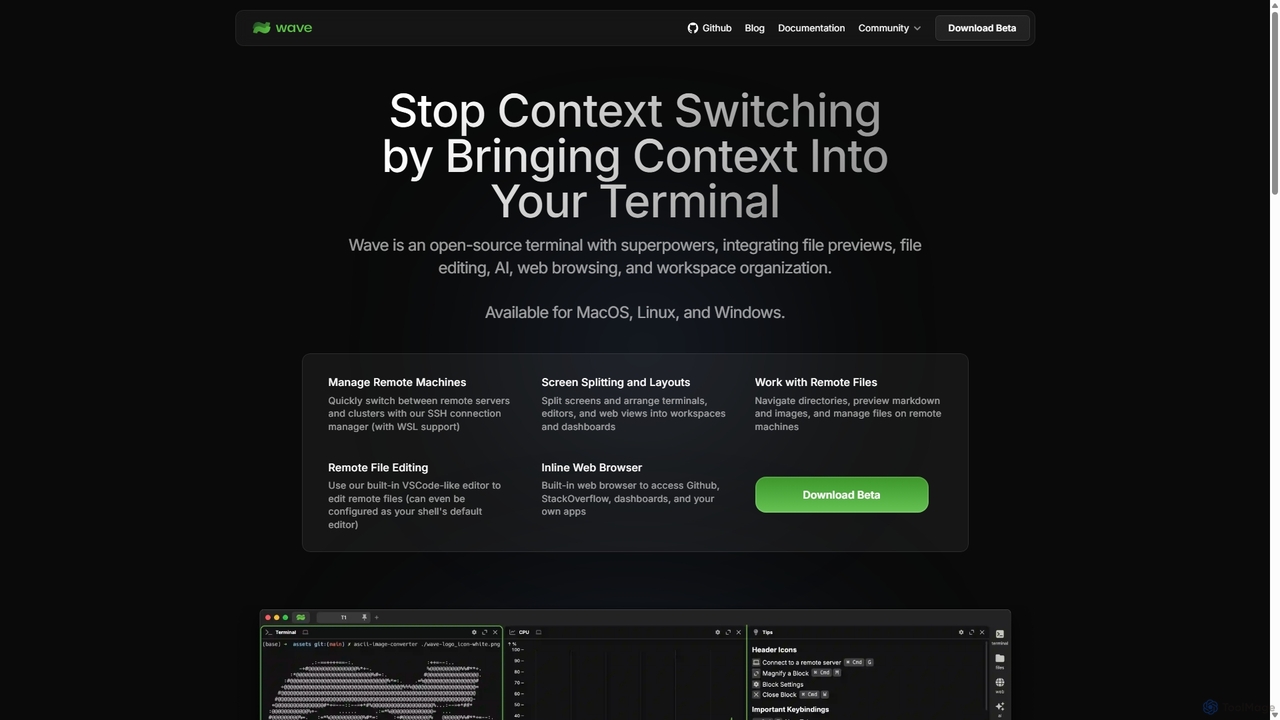
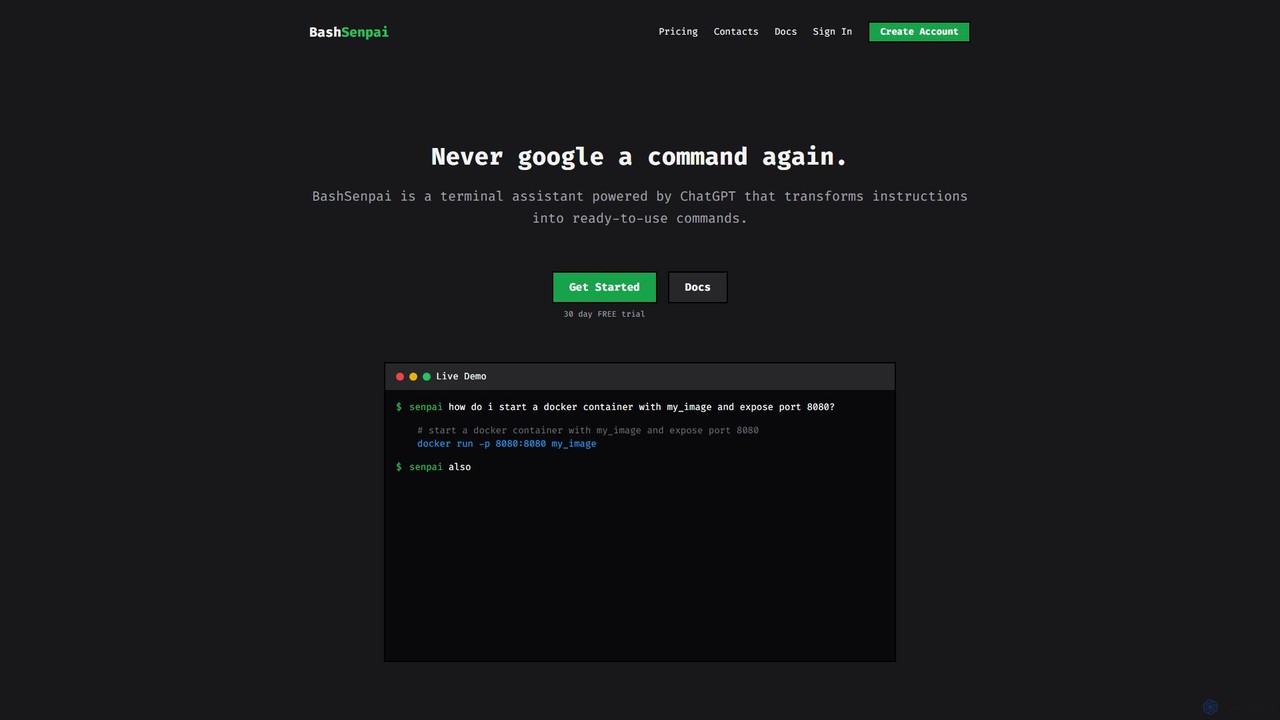
BashSenpaiは、自然言語の指示をすぐに使えるシェルコマンドに変換するChatGPT搭載のターミナルアシスタントです。ターミナル内で直接動作し、開発者やシステム管理者に文脈を考慮した正確なコマンドを提供し、オンラインで検索する必要をなくします。
コードアシスタント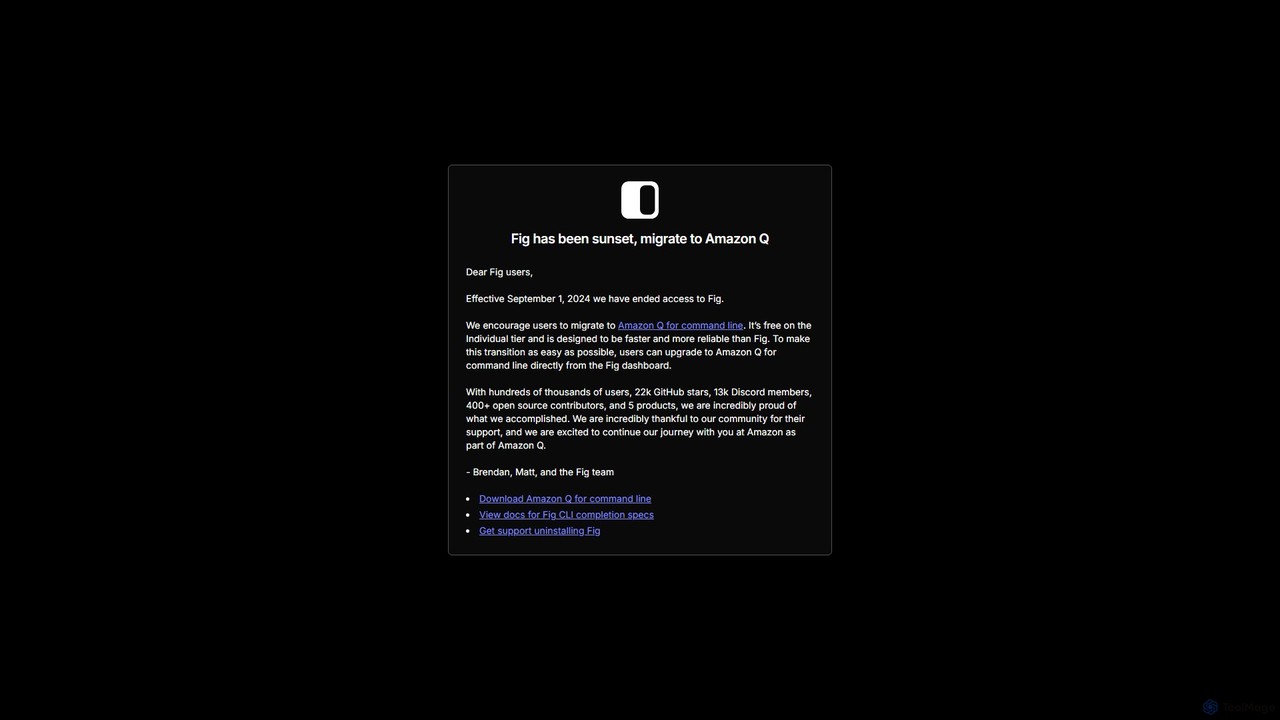
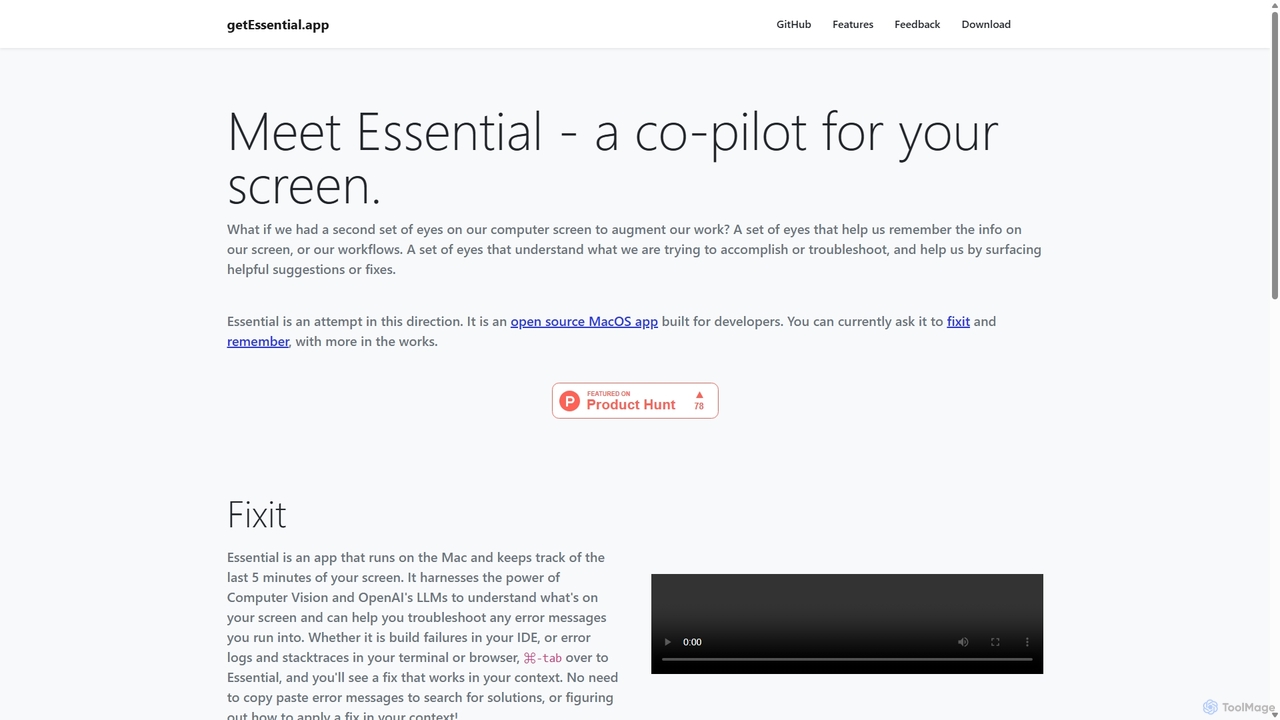
getEssentialは、画面を継続的に記録してエラーを即座にトラブルシューティングするAI搭載のMacアプリケーションです。コンピュータビジョンとLLMを使用して、ビルドの失敗、エラーログ、スタックトレースを分析し、手動検索なしで文脈に応じた修正を提供します。開発者やIT専門家向けの生産性向上ツールです。
コードアシスタント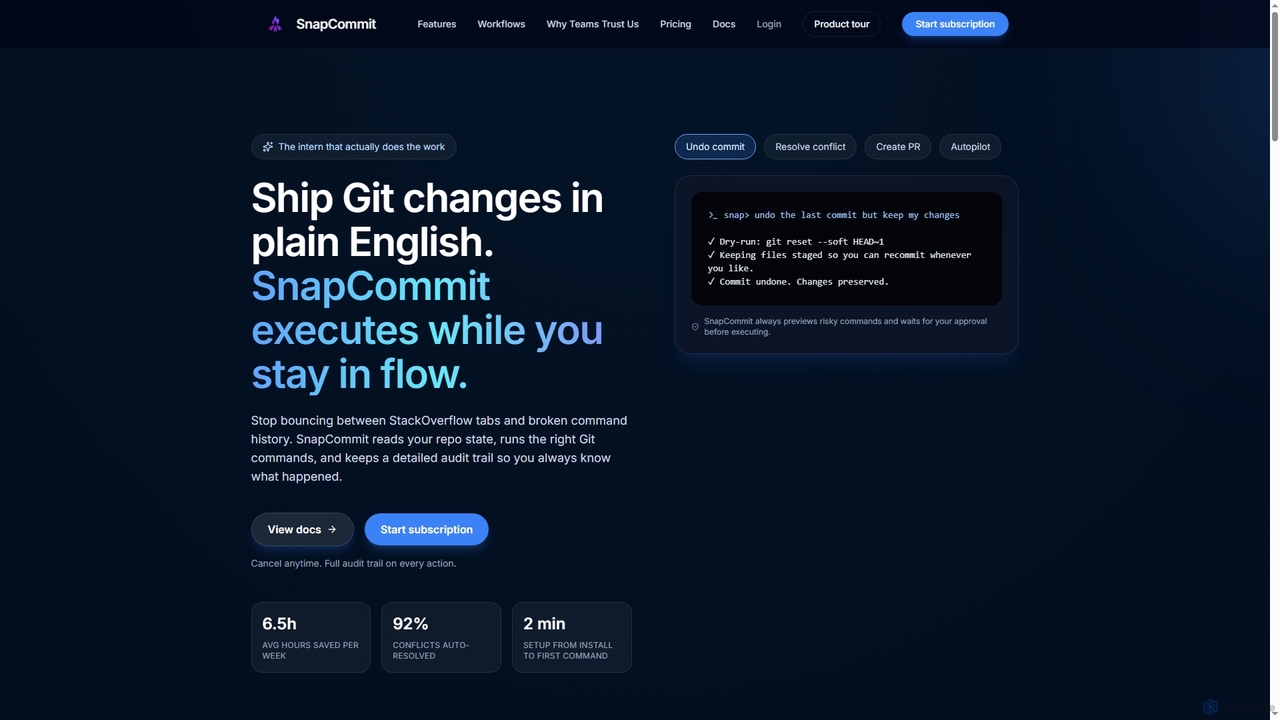
SnapCommitは、開発者が平易な英語コマンドでGit操作を管理できるAI搭載のターミナルGitアシスタントです。コミット、競合解決、プルリクエスト作成などの複雑なワークフローを自動化し、ドライランプレビューと詳細な監査証跡により生産性を向上させ、コードの整合性を確保します。
コードアシスタント
Aiderは、ターミナルで直接動作するAI搭載のペアプログラマーです。コードベース全体をインテリジェントにマッピングし、複雑なタスクに対して完全なプロジェクトコンテキストを提供します。Gitとシームレスに統合され、コミットを自動化し、使い慣れたツールでAIによる変更を管理できます。Aiderは100以上のプログラミング言語をサポートし、主要なクラウドおよびローカルLLMに接続し、音声や画像入力にも対応しているため、ワークフローを加速しコード品質を向上させたいすべての開発者にとって、多機能で強力なアシスタントとなります。
プログラミング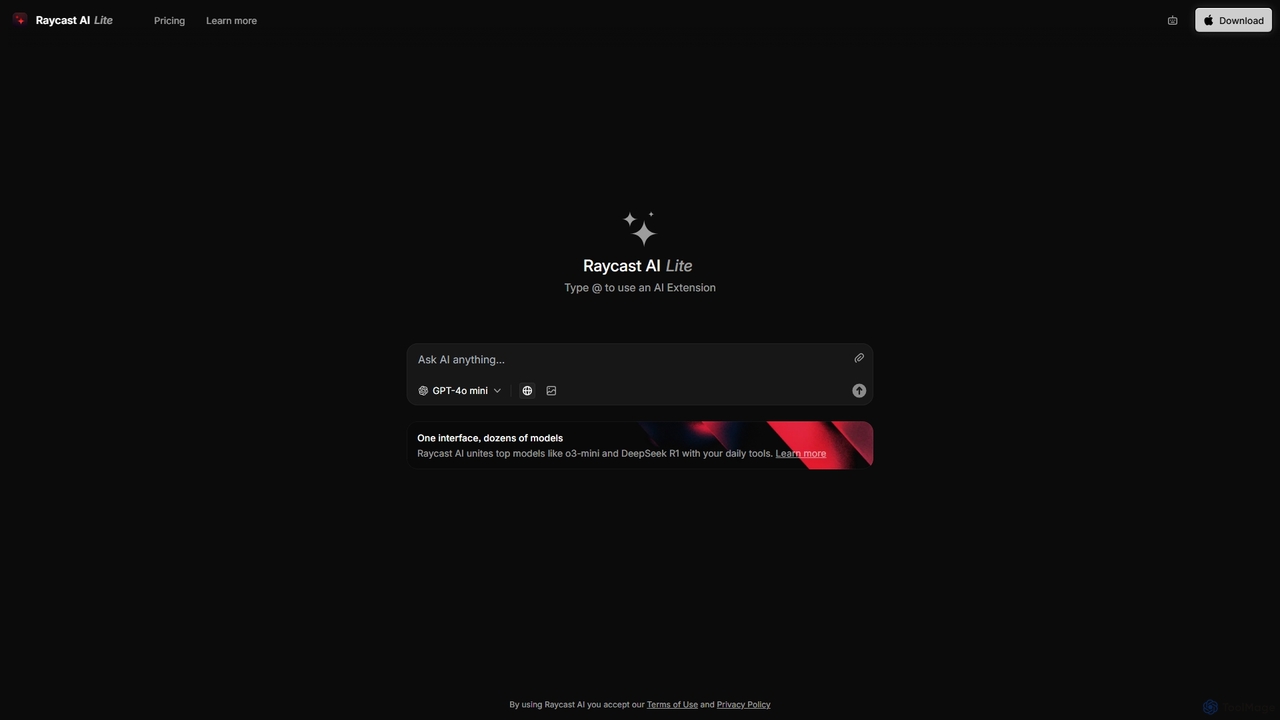
Raycastは、生産性を飛躍的に向上させるmacOS向けの超高速で拡張可能なランチャーです。中央コマンドバーとして機能し、AI、豊富な拡張機能ストア、ウィンドウ管理やクリップボード履歴などの強力な組み込み機能を統合して、ツールを制御します。コンテキストスイッチを減らし、フロー状態を維持できるように設計されています。
パーソナルアシスタント