KineMaster
モバイルツール · 301.2K 月間訪問数
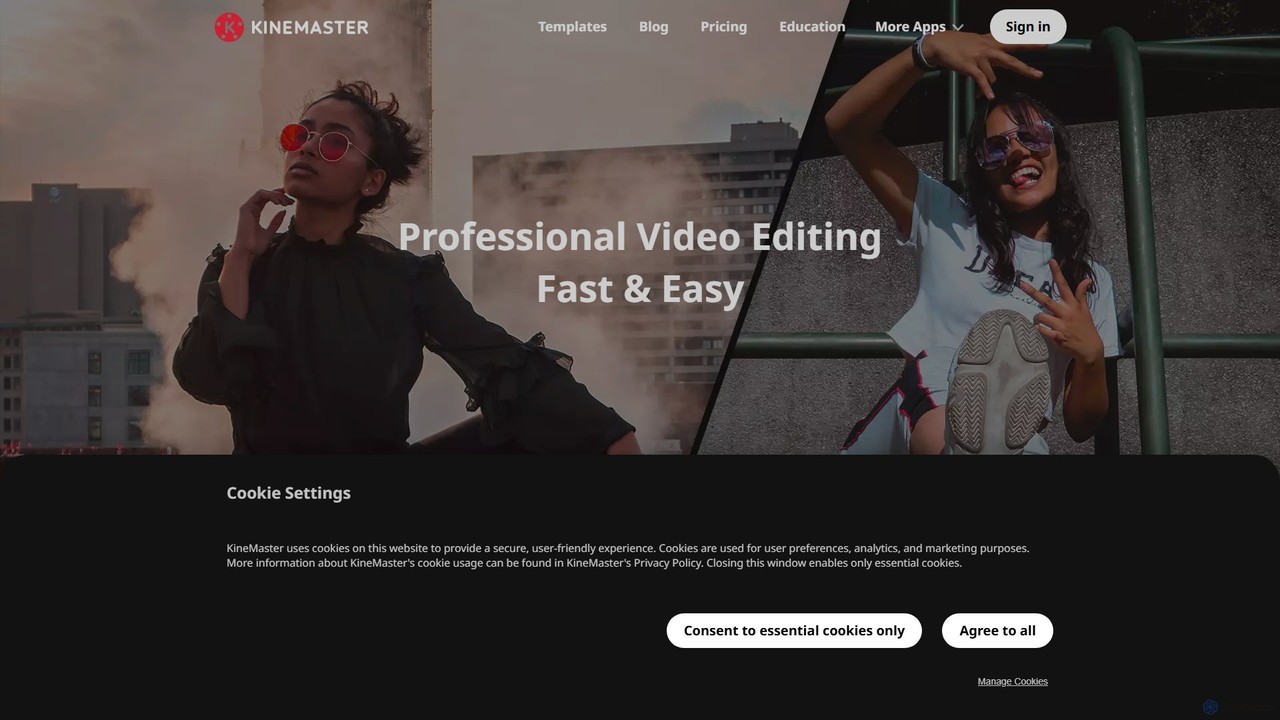
KineMasterは、強力なAI機能を搭載したプロ級のモバイル動画編集アプリです。多層タイムライン、4Kエクスポート、豊富なテンプレートとアセットライブラリを提供し、スマートフォンで直接、ソーシャルメディア、Vlog、マーケティング用の素晴らしい動画を簡単に作成できます。
KineMasterは、強力なAI機能を搭載したプロ級のモバイル動画編集アプリです。多層タイムライン、4Kエクスポート、豊富なテンプレートとアセットライブラリを提供し、スマートフォンで直接、ソーシャルメディア、Vlog、マーケティング用の素晴らしい動画を簡単に作成できます。
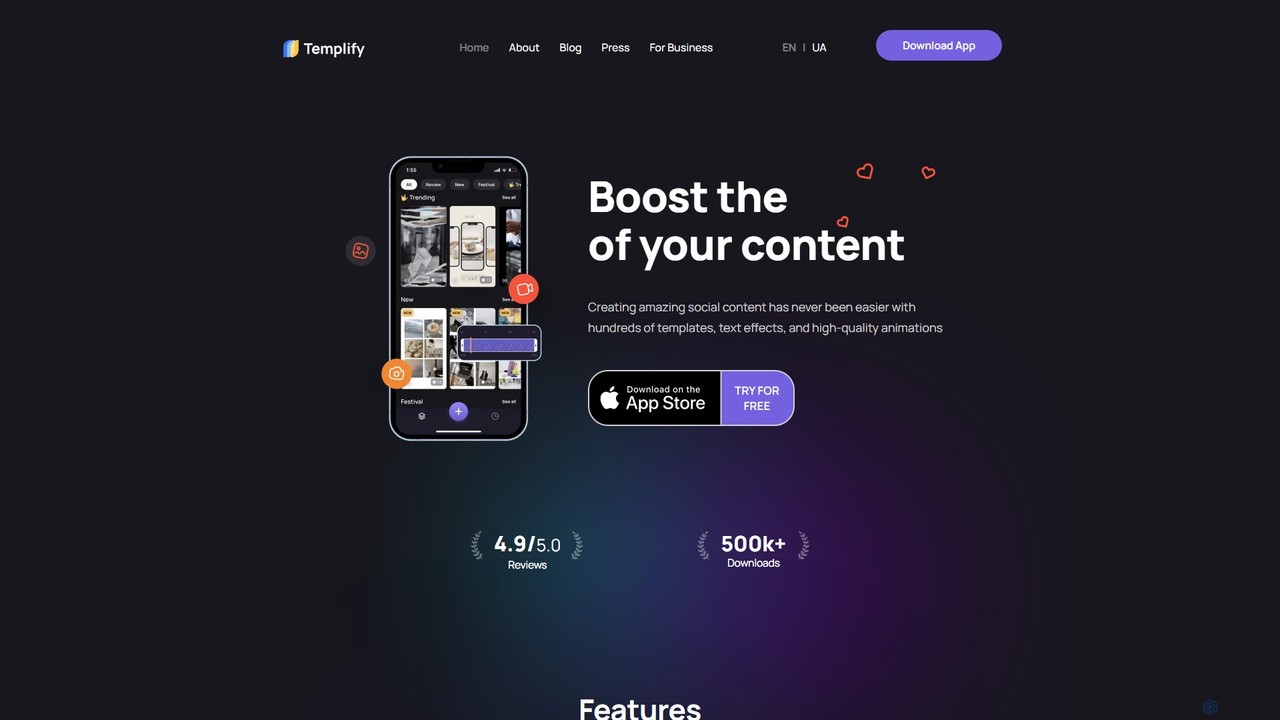
Templifyは、ソーシャルメディアコンテンツの作成を簡素化するために設計されたAI搭載のモバイル動画編集アプリです。何百もの既製テンプレート、自動編集、自動ビートシンク機能を提供し、ユーザーは数分でプロフェッショナルで魅力的な動画を作成できます。複雑な編集スキルなしで高品質な動画コンテンツでソーシャルメディアでの存在感を高めたい中小企業、クリエイター、マーケターに最適です。
KineMasterは、強力なAI機能を搭載したプロ級のモバイル動画編集アプリです。多層タイムライン、4Kエクスポート、豊富なテンプレートとアセットライブラリを提供し、スマートフォンで直接、ソーシャルメディア、Vlog、マーケティング用の素晴らしい動画を簡単に作成できます。
Templifyは、ソーシャルメディアコンテンツの作成を簡素化するために設計されたAI搭載のモバイル動画編集アプリです。何百もの既製テンプレート、自動編集、自動ビートシンク機能を提供し、ユーザーは数分でプロフェッショナルで魅力的な動画を作成できます。複雑な編集スキルなしで高品質な動画コンテンツでソーシャルメディアでの存在感を高めたい中小企業、クリエイター、マーケターに最適です。
| Feature | KineMaster | Templify |
|---|---|---|
| 主要カテゴリー | モバイルツール | ソーシャルメディアマーケティング |
| 追加日 | 2025-08-12 | 2025-08-04 |
| 価格 | フリーミアム | フリーミアム |
| 公式サイト | kinemaster.com | templify.video |
| 製品タイプ | アプリ | アプリ |
| Performance data | ||
| ユーザー評価 | 未確認 | 未確認 |
| コメント | 0 | 0 |
| 月間訪問数 | 301.2K | 3K |
| 月間成長率 | -19% | -14.5% |
| お気に入り | 127 | 73 |
| Details | 詳細を見る | 詳細を見る |
Compare KineMaster and Templify by monthly reach, traffic trend, visit depth, top regions, and acquisition sources.
In the KineMaster vs Templify monthly traffic comparison, KineMaster currently shows 301.2K visits and Templify shows 3K; KineMaster has about 98.9 times the visible traffic of Templify, an absolute difference of about 298.1K visits. This reflects visible reach, not feature quality or paid users.
Both tools provide verified traffic details, so monthly trends, visit depth, regions, and acquisition sources can be compared on the same basis.
| Country/region | Percentage | Traffic |
|---|---|---|
| 🇺🇸United States | 33.09% | 99.7K |
| 🇻🇳Vietnam | 28.77% | 86.6K |
| 🇮🇳India | 17.25% | 52K |
| 🇧🇷Brazil | 11.75% | 35.4K |
| 🇨🇴Colombia | 9.14% | 27.5K |
| Source type | Percentage | Traffic |
|---|---|---|
| ダイレクト | 89.73% | 270.2K |
| 参照元 | 9.33% | 28.1K |
| Eメール | 0.94% | 2.8K |
| Country/region | Percentage | Traffic |
|---|---|---|
| 🇺🇸United States | 95.18% | 2.9K |
| 🇬🇧United Kingdom | 4.82% | 147 |
This in-depth KineMaster vs Templify comparison uses only the product records, taxonomy, audience, traffic, and community signals available on this page. KineMaster is primarily listed under “モバイルツール”, while Templify is primarily listed under “ソーシャルメディアマーケティング”, so the first decision is whether your actual task matches their recorded scope.
The structured fields currently show these decision-relevant differences: Primary category (KineMaster: モバイルツール; Templify: ソーシャルメディアマーケティング); Monthly visits (KineMaster: 301.2K; Templify: 3K); Monthly growth (KineMaster: -19%; Templify: -14.5%); Favorites (KineMaster: 127; Templify: 73); Website (KineMaster: kinemaster.com; Templify: templify.video). These facts are more useful for selection than brand visibility alone.
In the KineMaster vs Templify monthly traffic comparison, KineMaster currently shows 301.2K visits and Templify shows 3K; KineMaster has about 98.9 times the visible traffic of Templify, an absolute difference of about 298.1K visits. This reflects visible reach, not feature quality or paid users.
Both tools provide verified traffic details, so monthly trends, visit depth, regions, and acquisition sources can be compared on the same basis.
If public market visibility is an important first-pass criterion, investigate KineMaster first. The final choice should still follow taxonomy, use case, and a real trial because higher traffic does not prove broader capabilities or better workflow fit.
KineMaster and Templify currently overlap in shared categories: コンテンツ作成、ビデオ編集; shared tags: AI動画編集、モバイル動画編集、ソーシャルメディア動画、ビデオエディター. This can place both on the same shortlist, but it does not prove equal implementation, depth, or cost.
KineMaster's unique categories/tags are モバイルツール、4Kビデオ、自動キャプション、背景除去、クロマキー、コンテンツ作成、グリーンバック、テキスト読み上げ; Templify's are ソーシャルメディアマーケティング、テンプレート、インスタグラムストーリーズ、ミュージックビデオメーカー、リール作成者、中小企業、テンプレートベースの動画、ティックトック動画. These unique fields are the strongest differentiators: validate the product whose recorded scope matches the task instead of following traffic alone.
KineMaster has no verified rating, 0 comments, 127 favorites, and 124 likes;Templify has no verified rating, 0 comments, 73 favorites, and 71 likes。
Neither product has enough rating or comment samples for a credible reputation ranking.
Put KineMaster on the priority trial list when the task aligns with “モバイルツール” and especially モバイルツール、4Kビデオ、自動キャプション、背景除去、クロマキー、コンテンツ作成. This follows recorded positioning and does not imply unlisted capabilities are absent.
KineMaster also currently records: pricing is freemium, product type is app, 301.2K verified monthly visits, no verified user rating. Verify any hard requirement around price, platform, or reach before trial, and do not let sparse review data substitute for testing.
Put Templify on the priority trial list when the task aligns with “ソーシャルメディアマーケティング” and especially ソーシャルメディアマーケティング、テンプレート、インスタグラムストーリーズ、ミュージックビデオメーカー、リール作成者、中小企業. This follows recorded positioning and does not imply unlisted capabilities are absent.
Templify also currently records: pricing is freemium, product type is app, 3K verified monthly visits, no verified user rating. Verify any hard requirement around price, platform, or reach before trial, and do not let sparse review data substitute for testing.
The available data describes positioning, public visibility, and community signals, but it cannot prove output quality, speed, integration effort, privacy, or long-term cost in your workflow. Before deciding, run the same representative tasks in KineMaster and Templify, then record completion time, accuracy, manual corrections, and the real paid threshold. A like-for-like trial turns this comparison into a defensible adoption decision.
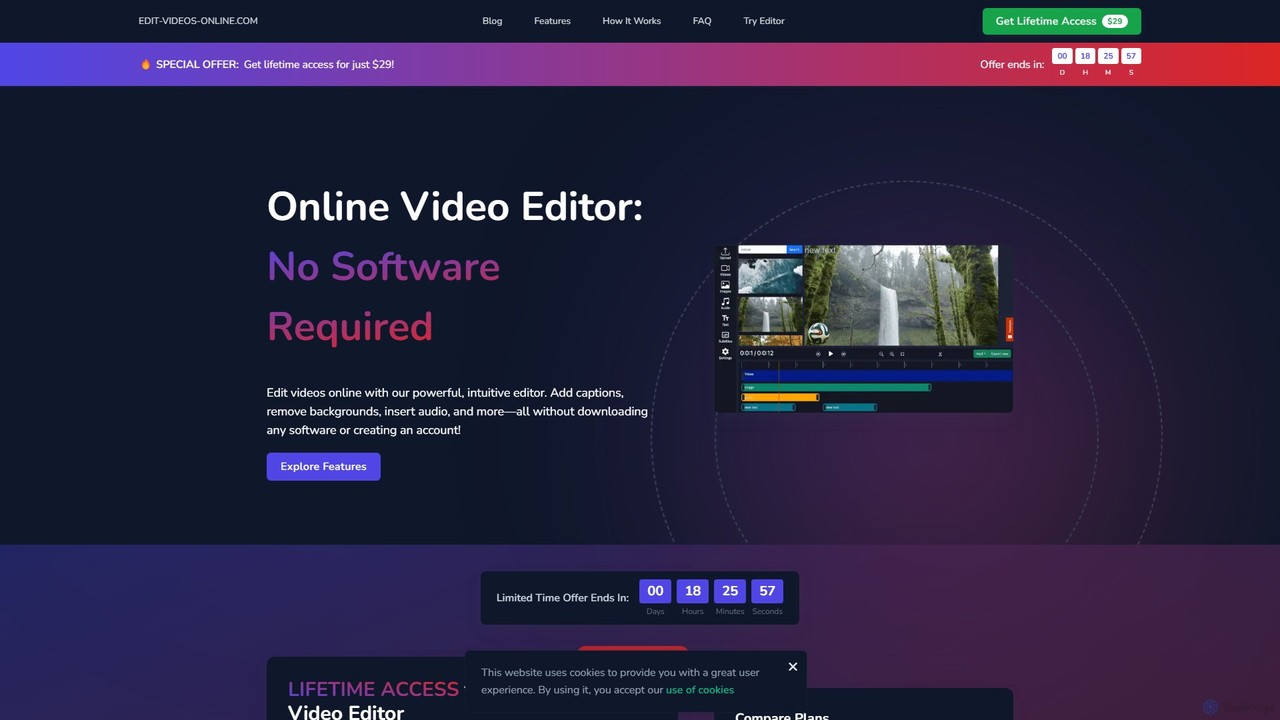
edit_videos_onlineは、AIを活用してコンテンツ制作を簡素化する強力なブラウザベースの動画編集ツールです。ワンクリックで動画の背景を簡単に削除し、正確なキャプションを自動生成し、AIナレーションを作成し、動的なテキストやウォーターマークを追加できます。複雑なソフトウェアなしで、TikTok、Instagram、YouTubeなどのプラットフォーム向けにプロ品質の動画を制作したいソーシャルメディアクリエイターやマーケターに最適です。
広告


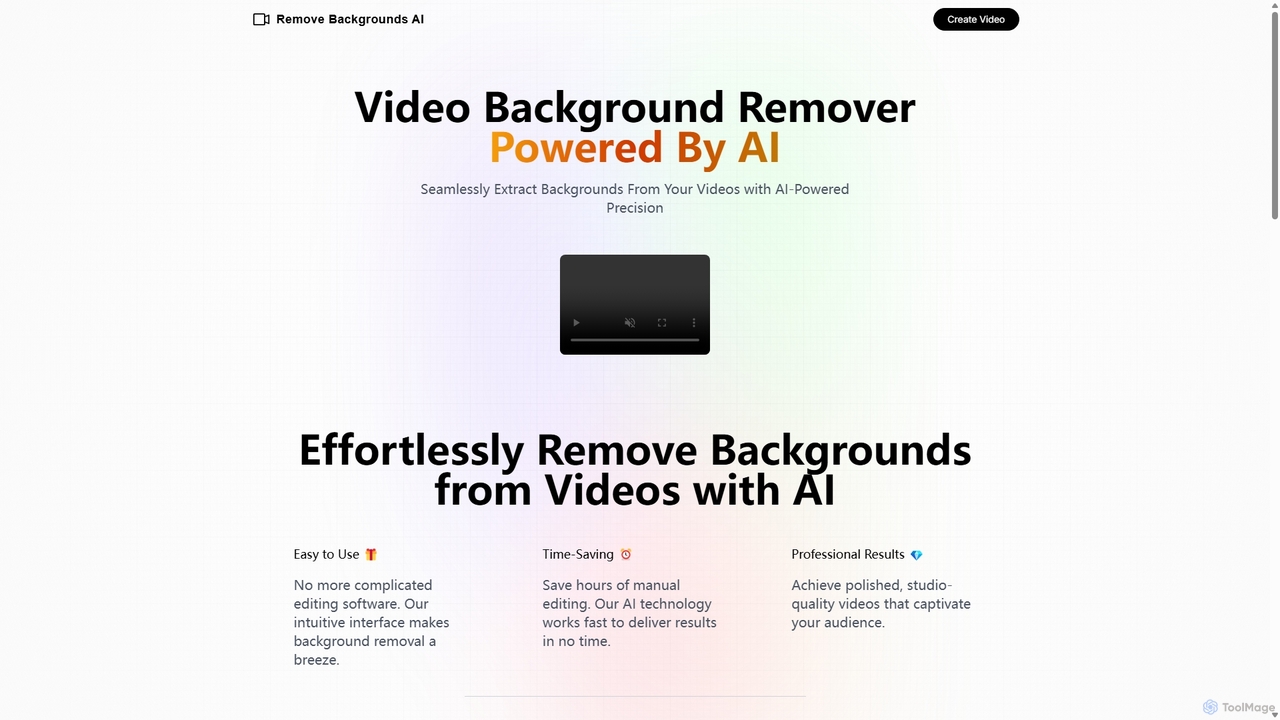
Remove Backgrounds AIは、AIを活用した動画背景除去ツールです。特に人物動画のマッティングに特化しており、再帰型ニューラルネットワークを使用して被写体を背景から迅速かつ正確に分離します。コンテンツ制作者やマーケターに最適で、直感的なインターフェースと動画ごとのシンプルな料金体系で、複雑な編集作業を簡素化し、数分でプロ品質の結果を提供します。
ソーシャルメディア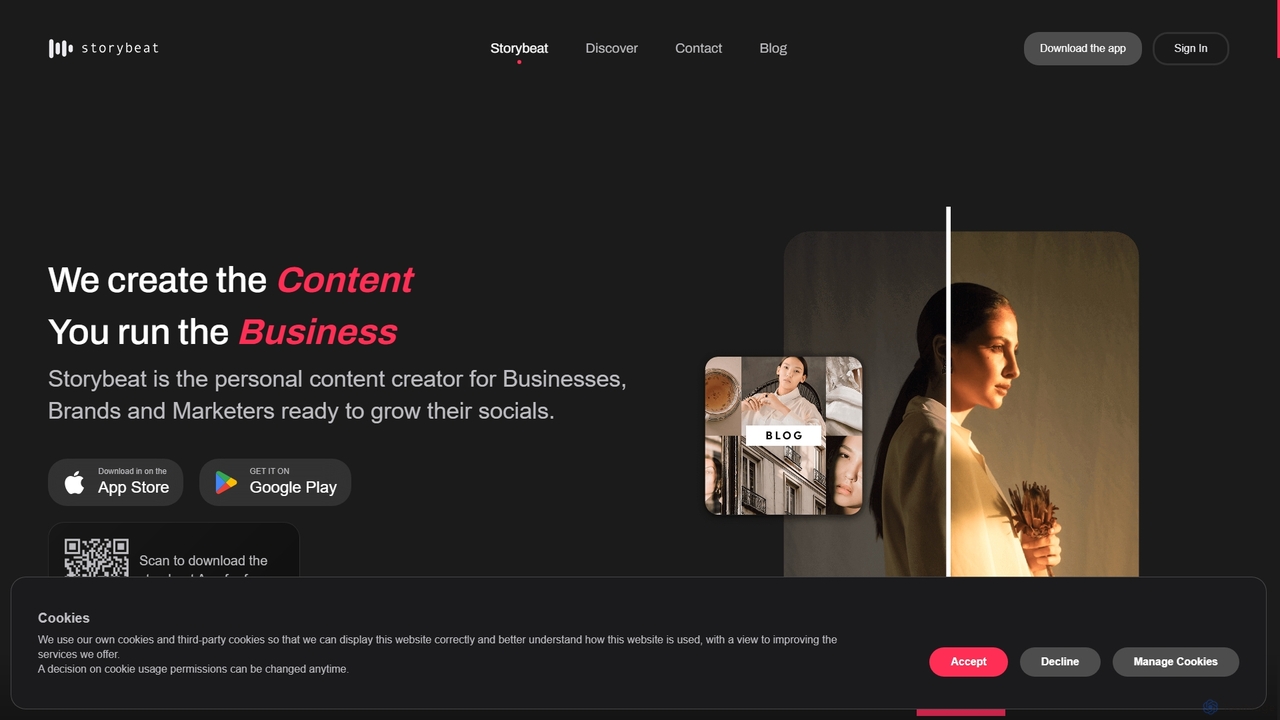
Storybeatは、魅力的なソーシャルメディアのストーリーやリールを作成するためのAI搭載モバイルアプリです。豊富なテンプレート、フィルター、音楽ライブラリに加え、自動デザイン、AIキャプション、AIアバターなどのAIツールを提供し、企業、ブランド、クリエイターがソーシャルでの存在感を簡単に高めるのを支援します。
ソーシャルメディアマーケティング

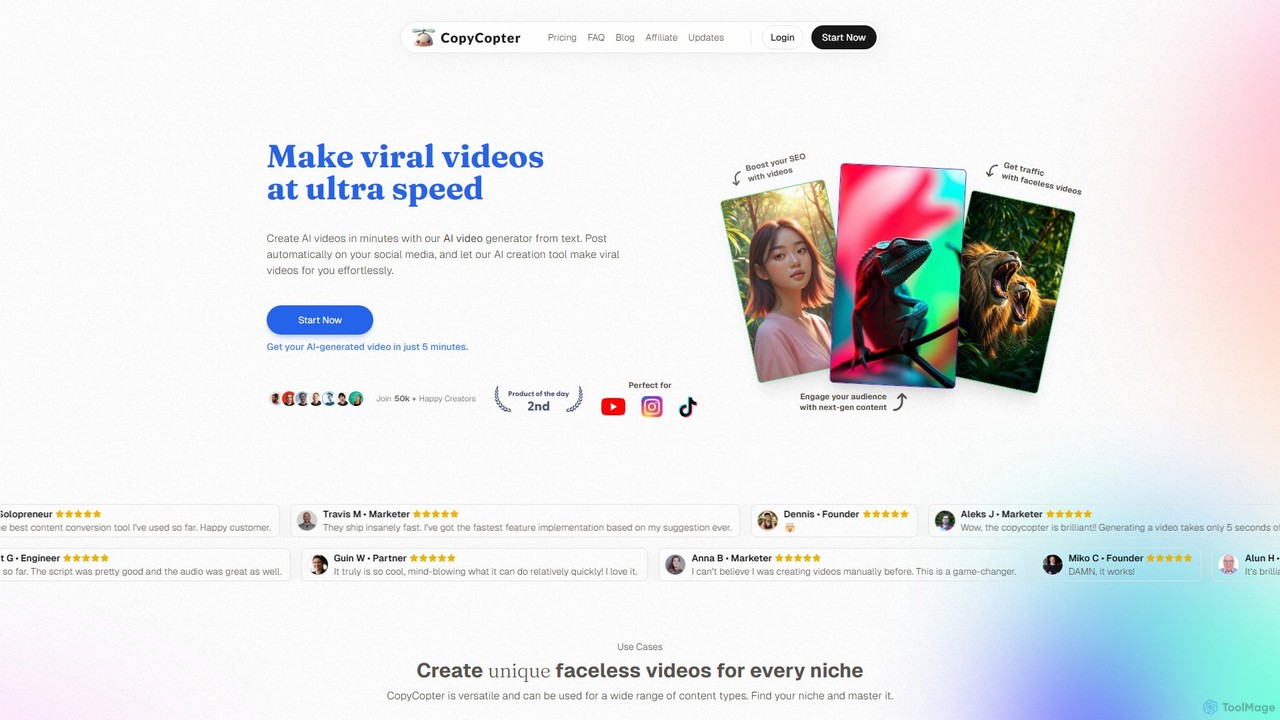
CopyCopterは、アイデア、記事、リンクを数分で魅力的なバイラル風の動画に変換するAI搭載のテキストから動画へのジェネレーターです。クリエイターやマーケターが、AI生成のスクリプト、リアルなナレーション、ストック素材とAI生成ビジュアルを組み合わせて、顔出しなしのソーシャルメディアコンテンツを簡単に制作できるように設計されています。
自動化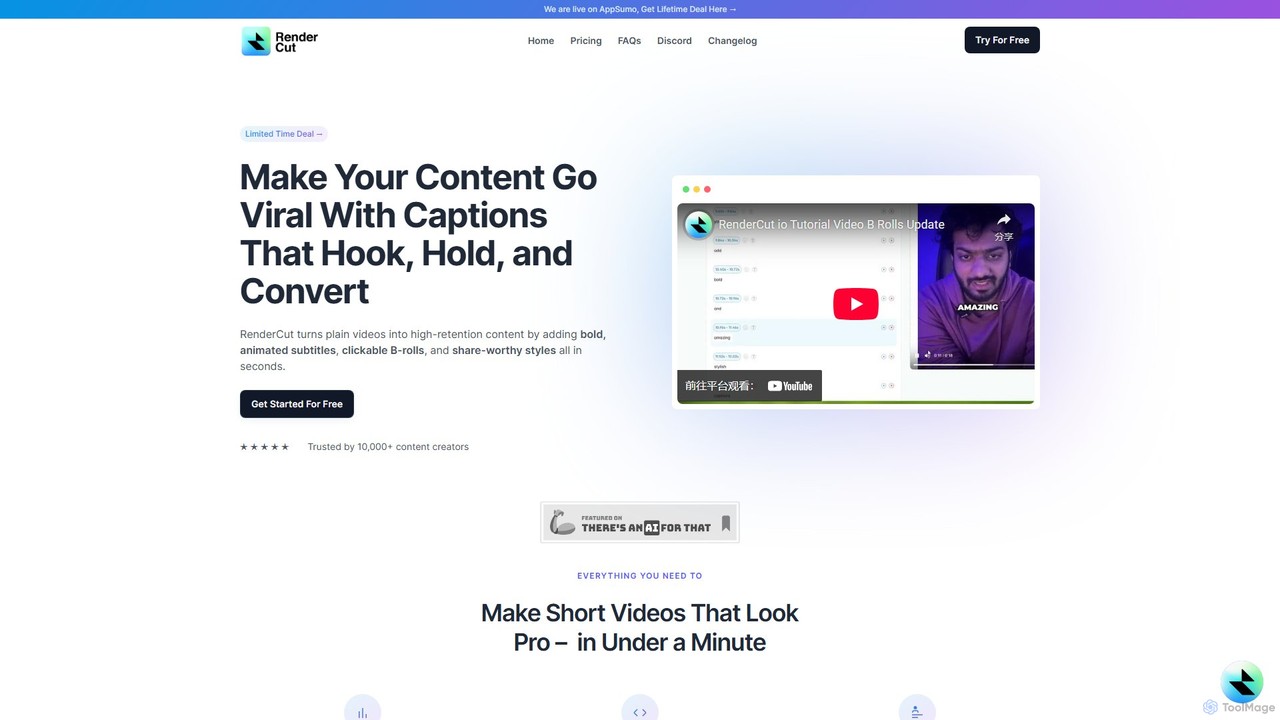
RenderCutは、魅力的なショート動画の制作を自動化するAI搭載の動画編集ツールです。スタイリッシュなアニメーション字幕、Bロール、絵文字、効果音を即座に追加し、通常の動画や音声をTikTok、Reels、Shortsなどのプラットフォーム向けに高い視聴維持率を誇るコンテンツに変換します。コンテンツ制作者、マーケター、企業が数時間ではなく数分でプロ級の動画を制作できるよう設計されています。
ビデオマーケティング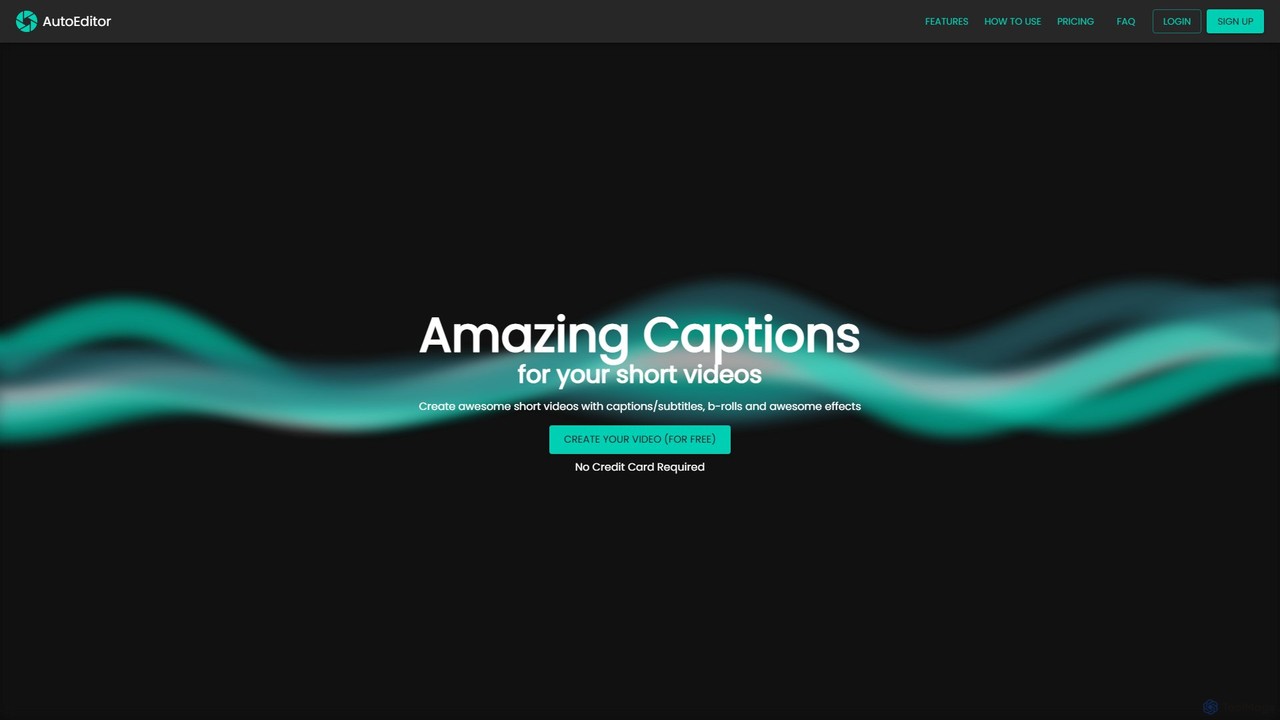
AutoEditorは、魅力的なショートビデオの制作を簡素化するために設計されたAI搭載のビデオ編集ツールです。40以上の言語で自動的にキャプションを生成し、無音部分を検出して削除し、ユーザーが簡単にBロール、ウォーターマーク、エフェクトを追加できるようにします。時間を節約し、ソーシャルメディア用のビデオを強化したいコンテンツクリエーターに最適です。
自動化