Klu
ワークフロー · 5.3K 月間訪問数
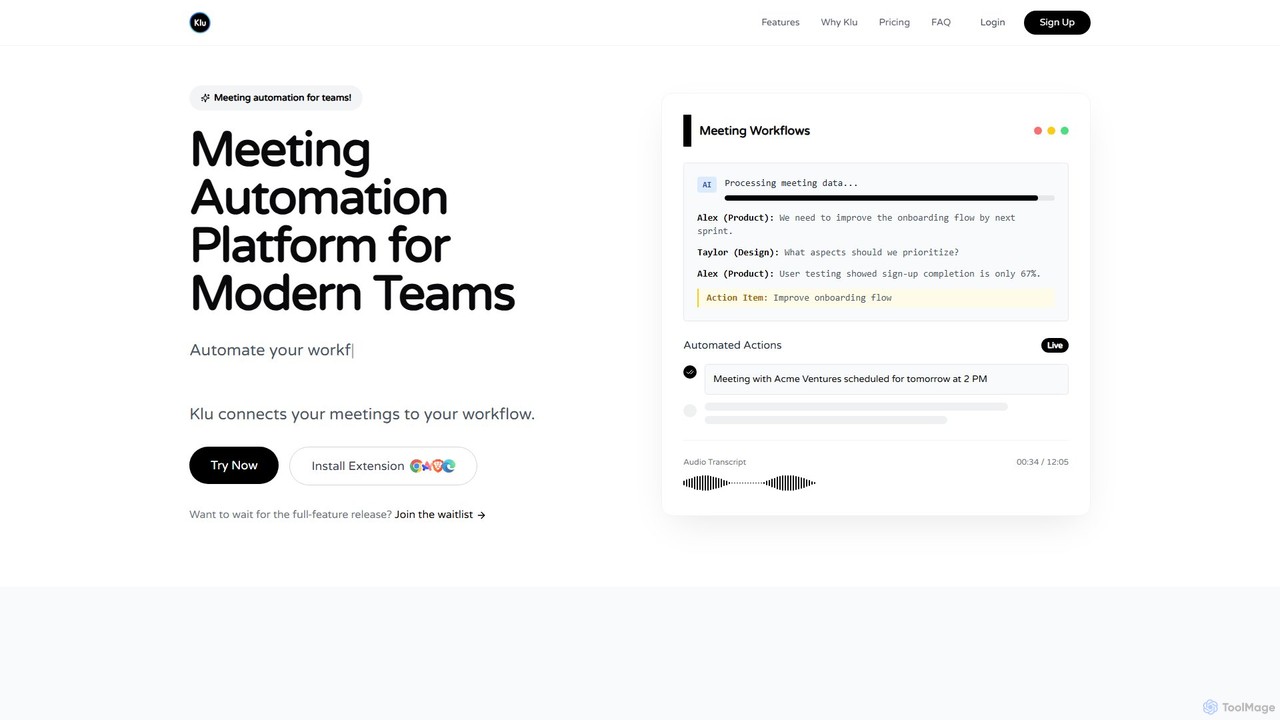
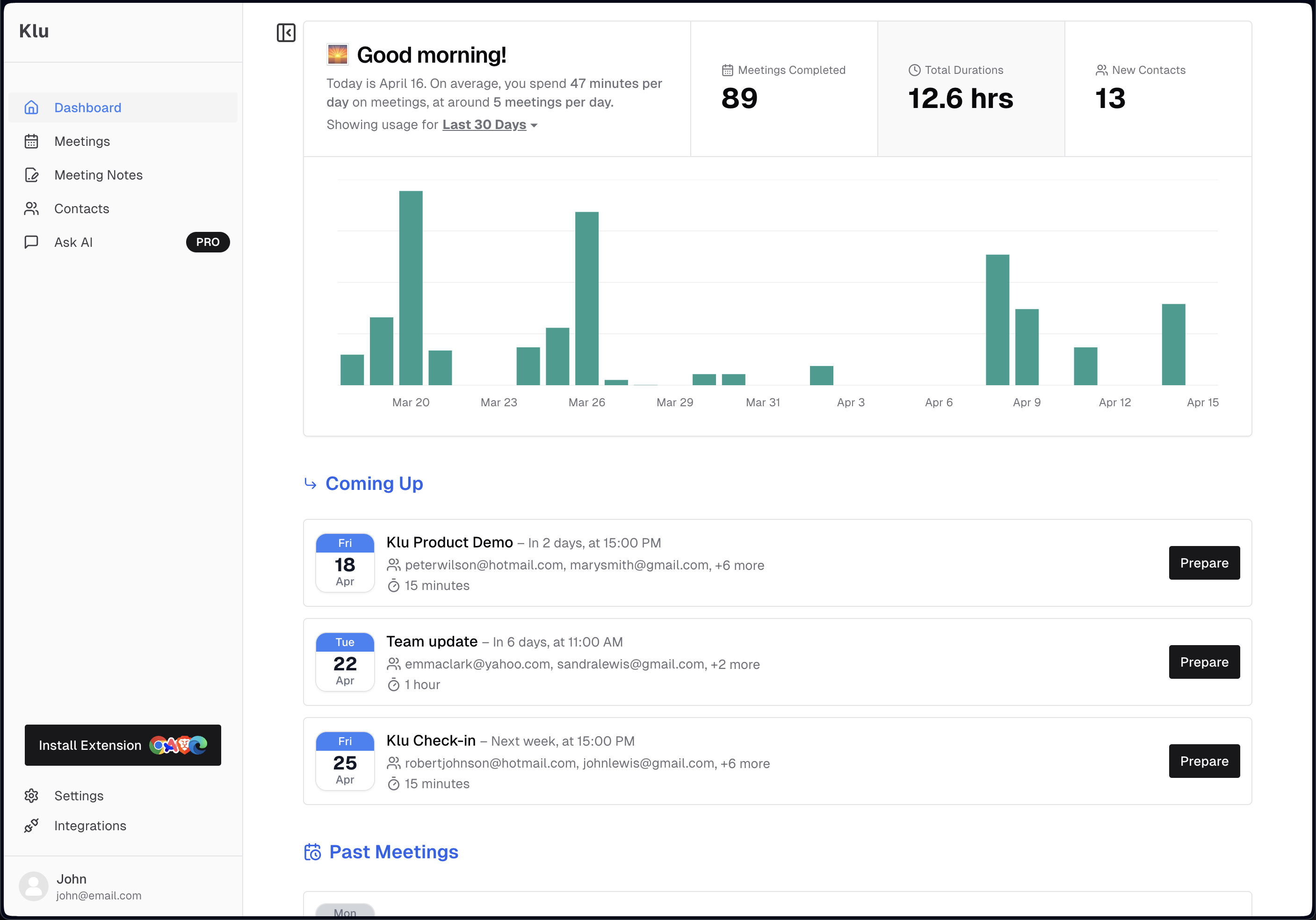
Kluは、現代のチーム向けに設計されたAI搭載の会議自動化プラットフォームです。会議を録音、文字起こし、要約し、アクションアイテムや重要なインサイトを自動的に抽出します。Notion、Slack、Asanaなどの既存のワークフローツールと統合することで、会議後のタスクを自動化し、時間を節約し、生産性を向上させます。
Kluは、現代のチーム向けに設計されたAI搭載の会議自動化プラットフォームです。会議を録音、文字起こし、要約し、アクションアイテムや重要なインサイトを自動的に抽出します。Notion、Slack、Asanaなどの既存のワークフローツールと統合することで、会議後のタスクを自動化し、時間を節約し、生産性を向上させます。
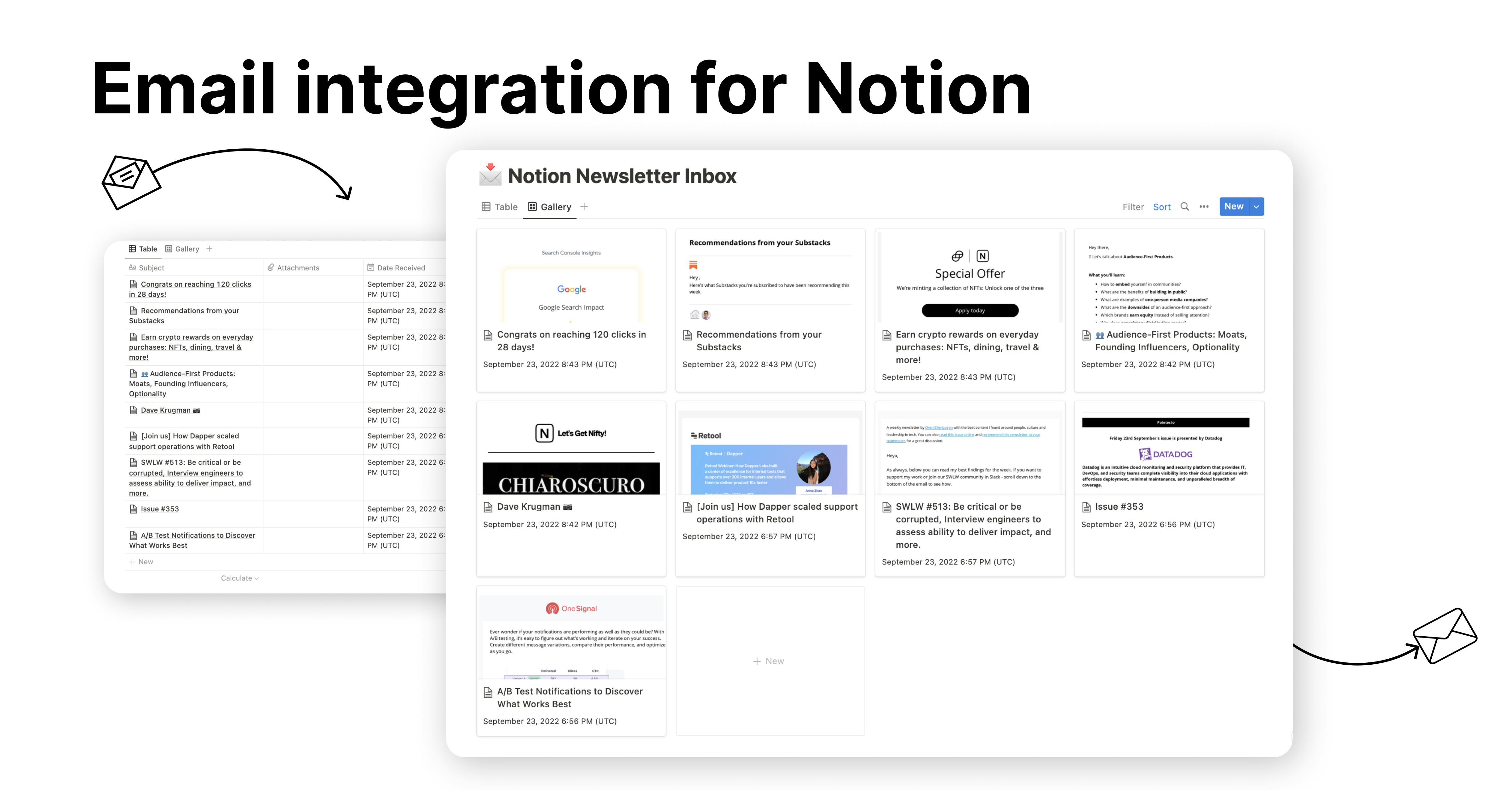
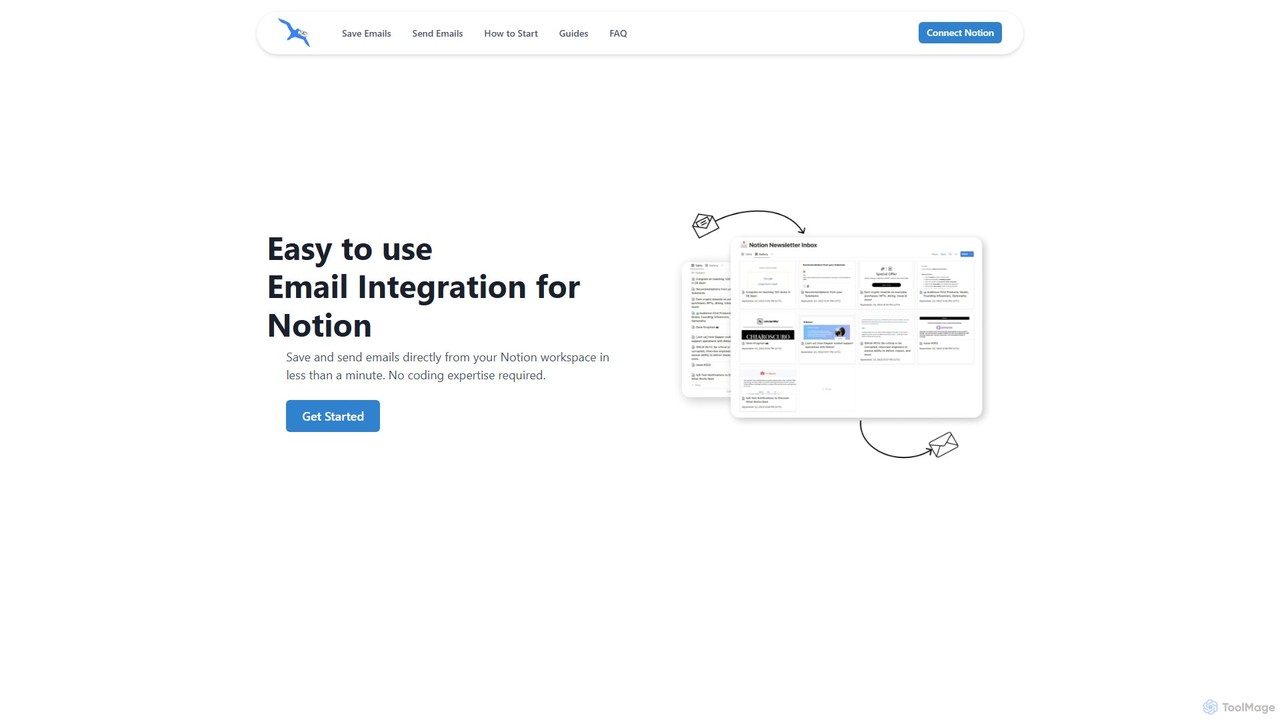
NotionSenderは、Notionワークスペース内で直接メールの送受信を可能にするNotion用のメール統合ツールです。Notionデータベースを強力なメールハブに変え、添付ファイル付きのメールを保存したり、AIを使って請求書の詳細などのデータを自動抽出したり、Notionページをテンプレートとして動的なパーソナライズメールを送信したりできます。アプリを切り替えることなく、コミュニケーションとプロジェクト管理を効率化します。
Kluは、現代のチーム向けに設計されたAI搭載の会議自動化プラットフォームです。会議を録音、文字起こし、要約し、アクションアイテムや重要なインサイトを自動的に抽出します。Notion、Slack、Asanaなどの既存のワークフローツールと統合することで、会議後のタスクを自動化し、時間を節約し、生産性を向上させます。
NotionSenderは、Notionワークスペース内で直接メールの送受信を可能にするNotion用のメール統合ツールです。Notionデータベースを強力なメールハブに変え、添付ファイル付きのメールを保存したり、AIを使って請求書の詳細などのデータを自動抽出したり、Notionページをテンプレートとして動的なパーソナライズメールを送信したりできます。アプリを切り替えることなく、コミュニケーションとプロジェクト管理を効率化します。
Compare Klu and NotionSender by monthly reach, traffic trend, visit depth, top regions, and acquisition sources.
In the Klu vs NotionSender monthly traffic comparison, Klu currently shows 5.3K visits and NotionSender shows 14.7K; NotionSender has about 2.8 times the visible traffic of Klu, an absolute difference of about 9.4K visits. This reflects visible reach, not feature quality or paid users.
Both tools provide verified traffic details, so monthly trends, visit depth, regions, and acquisition sources can be compared on the same basis.
| Country/region | Percentage | Traffic |
|---|---|---|
| 🇺🇸United States | 50.69% | 2.7K |
| 🇮🇳India | 22.49% | 1.2K |
| 🇧🇷Brazil | 18.64% | 995 |
| 🇻🇪Venezuela | 8.18% | 437 |
| Country/region | Percentage | Traffic |
|---|---|---|
| 🇺🇸United States | 86.79% | 12.8K |
| 🇩🇪Germany | 3.7% | 545 |
| 🇿🇦South Africa | 3.61% | 532 |
| 🇮🇳India | 3.47% | 511 |
| 🇦🇺Australia | 2.43% | 358 |
| Source type | Percentage | Traffic |
|---|---|---|
| ダイレクト | 100% | 14.7K |
This in-depth Klu vs NotionSender comparison uses only the product records, taxonomy, audience, traffic, and community signals available on this page. Klu is primarily listed under “ワークフロー”, while NotionSender is primarily listed under “ワークフロー”, so the first decision is whether your actual task matches their recorded scope.
The structured fields currently show these decision-relevant differences: Monthly visits (Klu: 5.3K; NotionSender: 14.7K); Monthly growth (Klu: 4%; NotionSender: 34.1%); Favorites (Klu: 105; NotionSender: 90); Website (Klu: klu.so; NotionSender: www.notionsender.com); Added (Klu: 2025-08-07; NotionSender: 2025-08-04). These facts are more useful for selection than brand visibility alone.
In the Klu vs NotionSender monthly traffic comparison, Klu currently shows 5.3K visits and NotionSender shows 14.7K; NotionSender has about 2.8 times the visible traffic of Klu, an absolute difference of about 9.4K visits. This reflects visible reach, not feature quality or paid users.
Both tools provide verified traffic details, so monthly trends, visit depth, regions, and acquisition sources can be compared on the same basis.
If public market visibility is an important first-pass criterion, investigate NotionSender first. The final choice should still follow taxonomy, use case, and a real trial because higher traffic does not prove broader capabilities or better workflow fit.
Klu and NotionSender currently overlap in shared categories: ワークフロー; shared tags: 自動化、生産性、ワークフロー. This can place both on the same shortlist, but it does not prove equal implementation, depth, or cost.
Klu's unique categories/tags are 会議、タスク管理、CRM、AI要約、会議アシスタント、議事録、ノート取り、チームコラボレーション; NotionSender's are 抽出、メール管理、CRM、データ抽出、メール、Gmail、Notion、Outlook. These unique fields are the strongest differentiators: validate the product whose recorded scope matches the task instead of following traffic alone.
Klu has no verified rating, 0 comments, 105 favorites, and 113 likes;NotionSender has no verified rating, 0 comments, 90 favorites, and 100 likes。
Neither product has enough rating or comment samples for a credible reputation ranking.
Put Klu on the priority trial list when the task aligns with “ワークフロー” and especially 会議、タスク管理、CRM、AI要約、会議アシスタント、議事録. This follows recorded positioning and does not imply unlisted capabilities are absent.
Klu also currently records: pricing is freemium, product type is website, 5.3K verified monthly visits, no verified user rating. Verify any hard requirement around price, platform, or reach before trial, and do not let sparse review data substitute for testing.
Put NotionSender on the priority trial list when the task aligns with “ワークフロー” and especially 抽出、メール管理、CRM、データ抽出、メール、Gmail. This follows recorded positioning and does not imply unlisted capabilities are absent.
NotionSender also currently records: pricing is freemium, product type is website, 14.7K verified monthly visits, no verified user rating. Verify any hard requirement around price, platform, or reach before trial, and do not let sparse review data substitute for testing.
The available data describes positioning, public visibility, and community signals, but it cannot prove output quality, speed, integration effort, privacy, or long-term cost in your workflow. Before deciding, run the same representative tasks in Klu and NotionSender, then record completion time, accuracy, manual corrections, and the real paid threshold. A like-for-like trial turns this comparison into a defensible adoption decision.
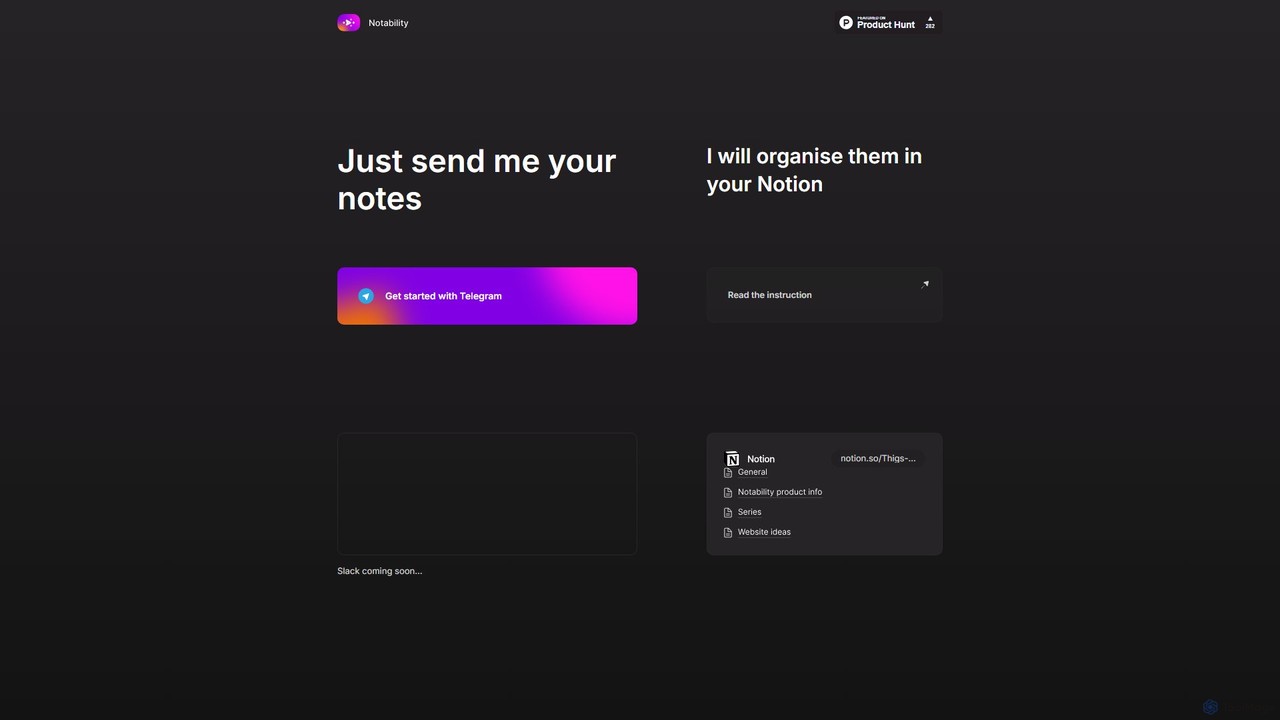
Notabilityは、TelegramからのメモをNotionワークスペースに自動的に整理することで、ワークフローを効率化するAI搭載アシスタントです。Telegramボットにテキスト、音声メモ、リンクを送信するだけで、AIが情報をインテリジェントに処理、分類、構造化し、指定したNotionのページやデータベースに格納します。手作業でのデータ入力をなくし、摩擦のない知識管理システムを構築することを目的としています。
ワークフロー自動化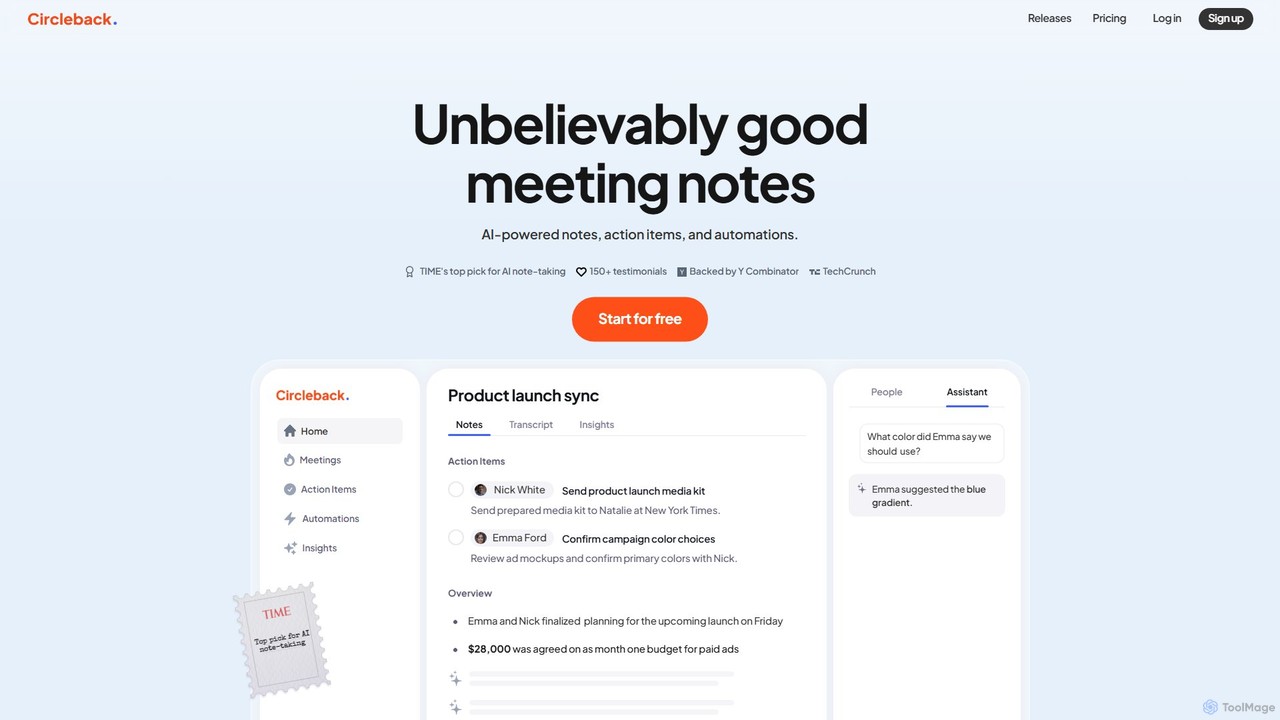
Circlebackは、バーチャルおよび対面会議の両方で、詳細な議事録を自動生成し、アクションアイテムを割り当て、正確な文字起こしを提供するAI搭載の会議アシスタントです。お気に入りのアプリと連携して会議後のワークフローを自動化し、時間の節約、整理整頓、そして会話への集中を支援します。
ワークフロー
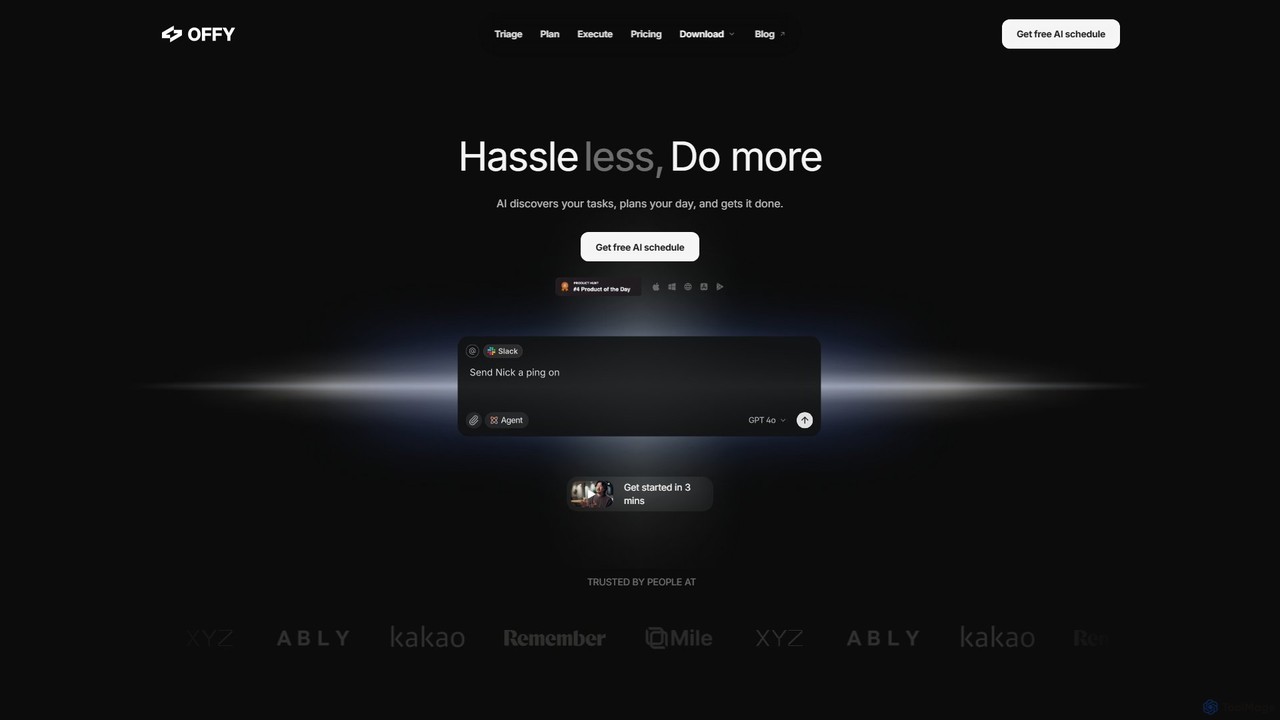
OFFLIGHTは、GmailやSlackなどのアプリからタスクを自動的に検出し、インテリジェントな時間ベースの計画を作成し、その実行を支援するAI搭載のタスク管理ツールです。パーソナルAIアシスタント「Offy」でワークフローを一元化し、生産性を向上させます。
パーソナルアシスタント
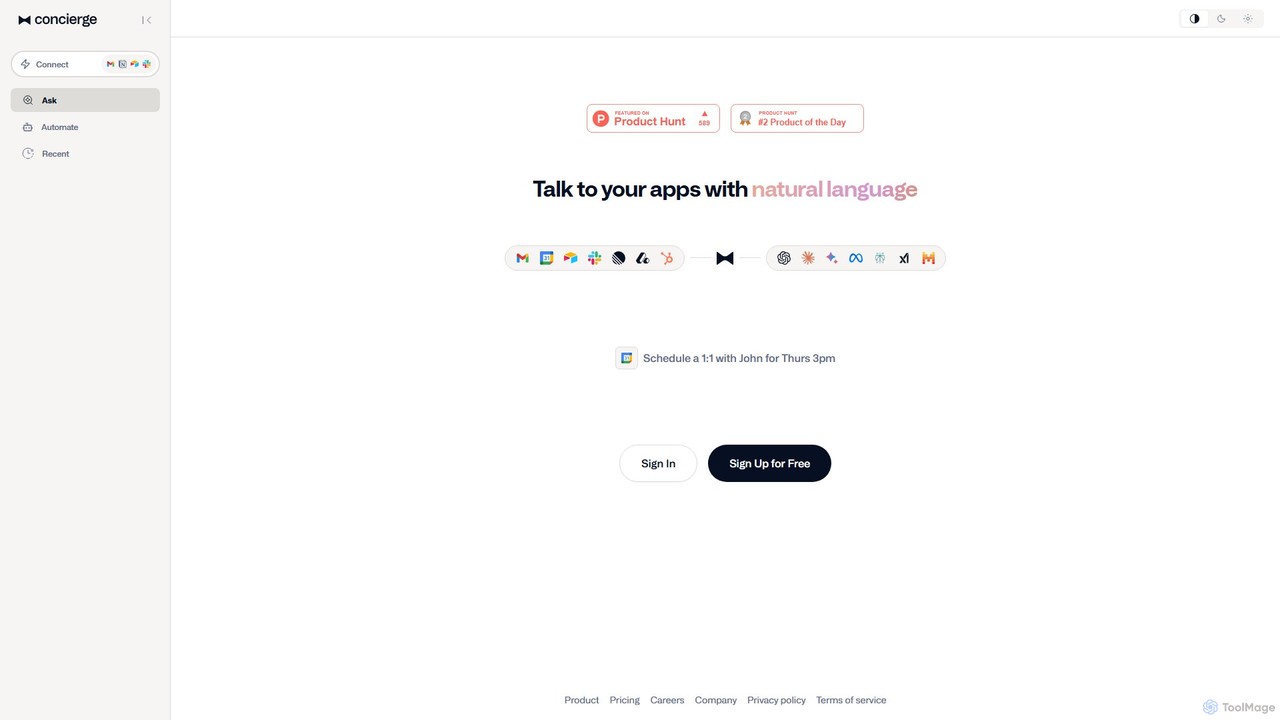
Concierge AIは、お使いのアプリケーションに接続し、簡単な自然言語コマンドでタスク管理、会議のスケジュール設定、ワークフローの自動化を可能にするインテリジェントアシスタントです。個人やチームの生産性を向上させるデジタルツールの中央ハブとして機能します。
ワークフロー管理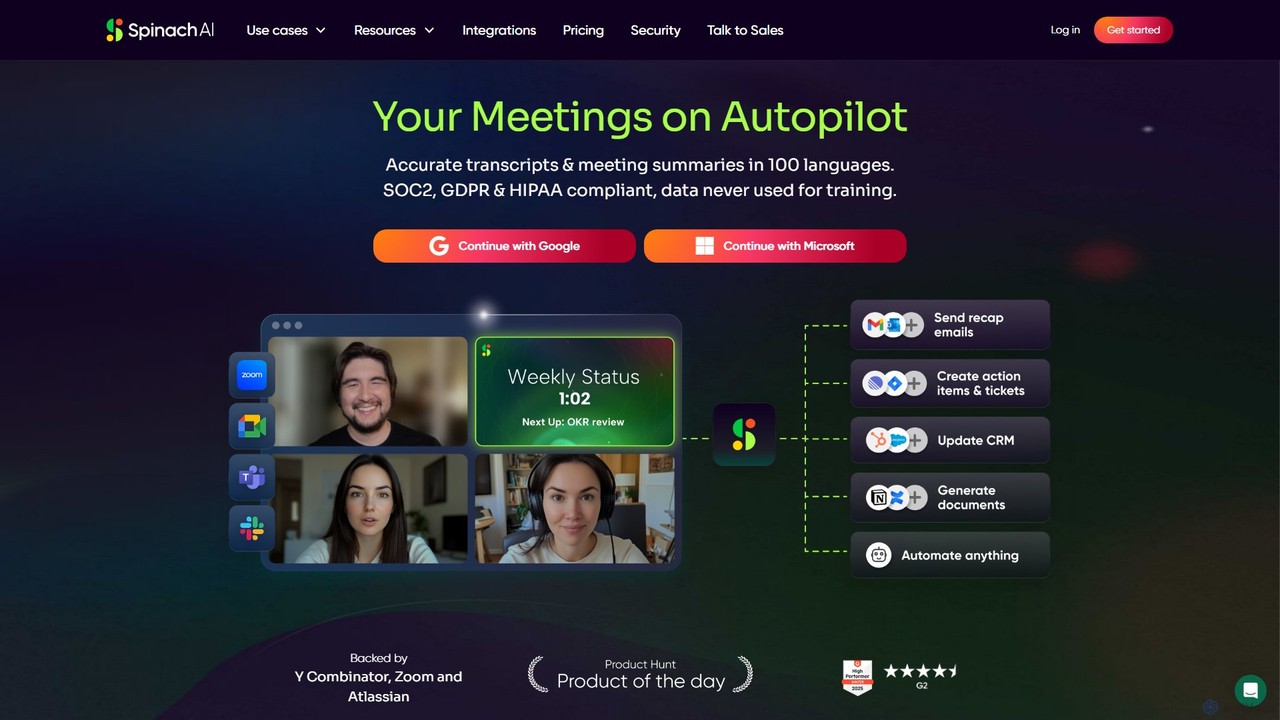
Spinach AIは、会議に自動で参加し、録音、文字起こし、要約を行うインテリジェントな会議アシスタント兼AIスクラムマスターです。主要な決定事項やアクションアイテムを捉え、Jira、Slack、Salesforceなどのツールとシームレスに連携し、ワークフローを合理化してチームの生産性を向上させます。
プロジェクト管理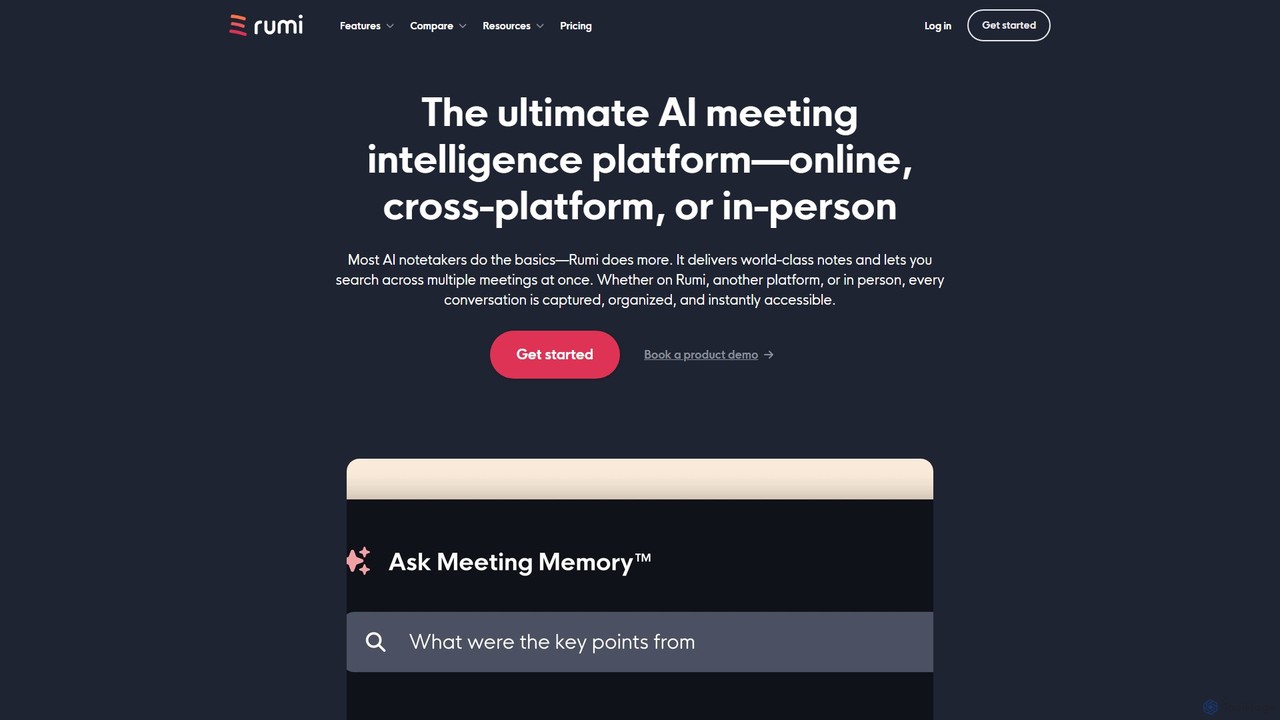
Rumi.aiは、従来のビデオ会議ツールに代わるオールインワンのAI会議インテリジェンスプラットフォームです。世界クラスのAIノート、要約、アクションアイテムを提供します。その際立った特徴である「ミーティングメモリー™」により、チームの過去のすべての会話を横断的に検索し、組織の知識を即座にアクセス可能で実行可能なリソースに変えることができます。
チームコラボレーション
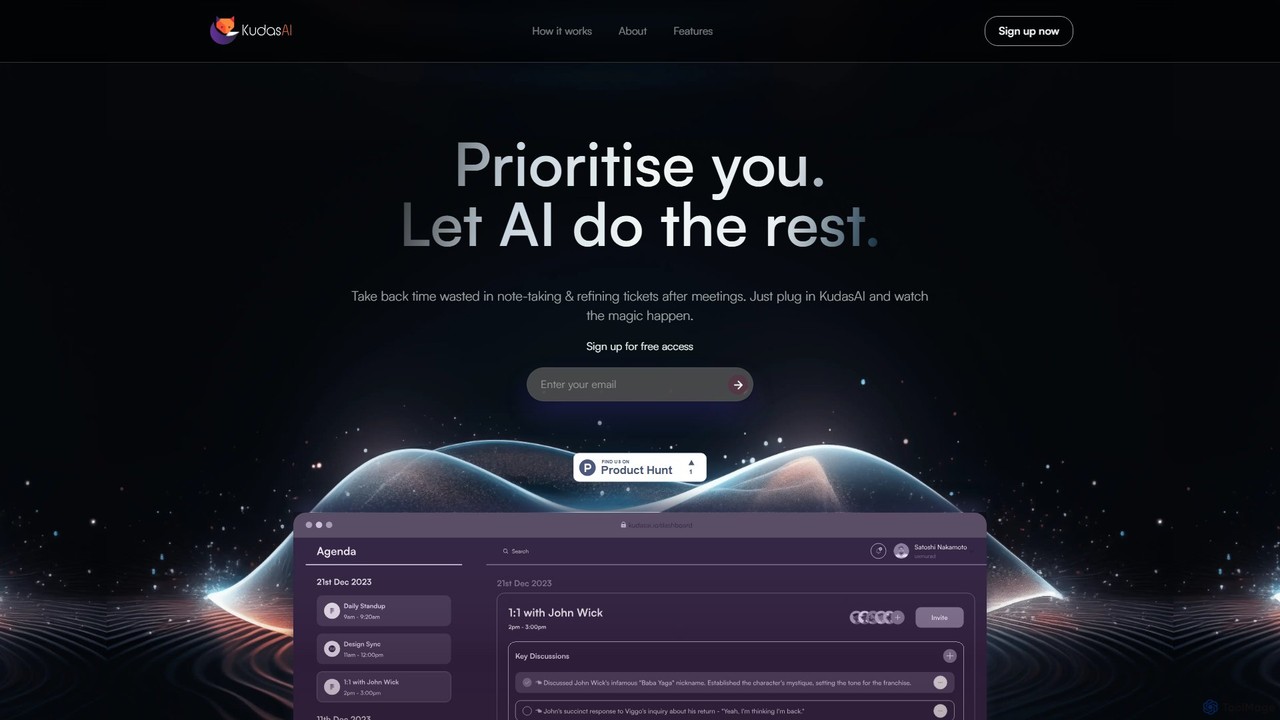
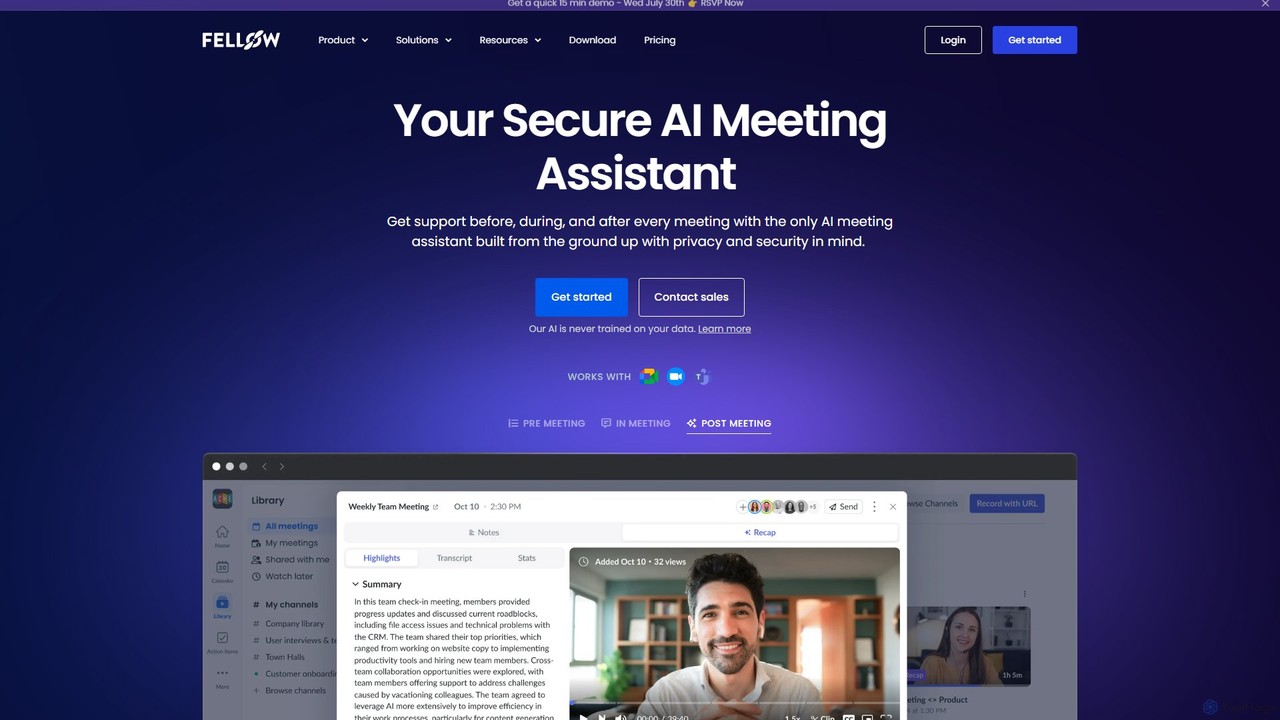
Fellow.appは、会議のライフサイクル全体の生産性を向上させるために設計された、安全なAI会議アシスタントです。会議の録音、文字起こし、要約、アクションアイテムの割り当てを自動化し、チームがコラボレーションに集中できるようにします。プライバシーを重視しており、会議データを常に保護します。
チームコラボレーション