Explain by Whybug
デバッグ · 278 月間訪問数
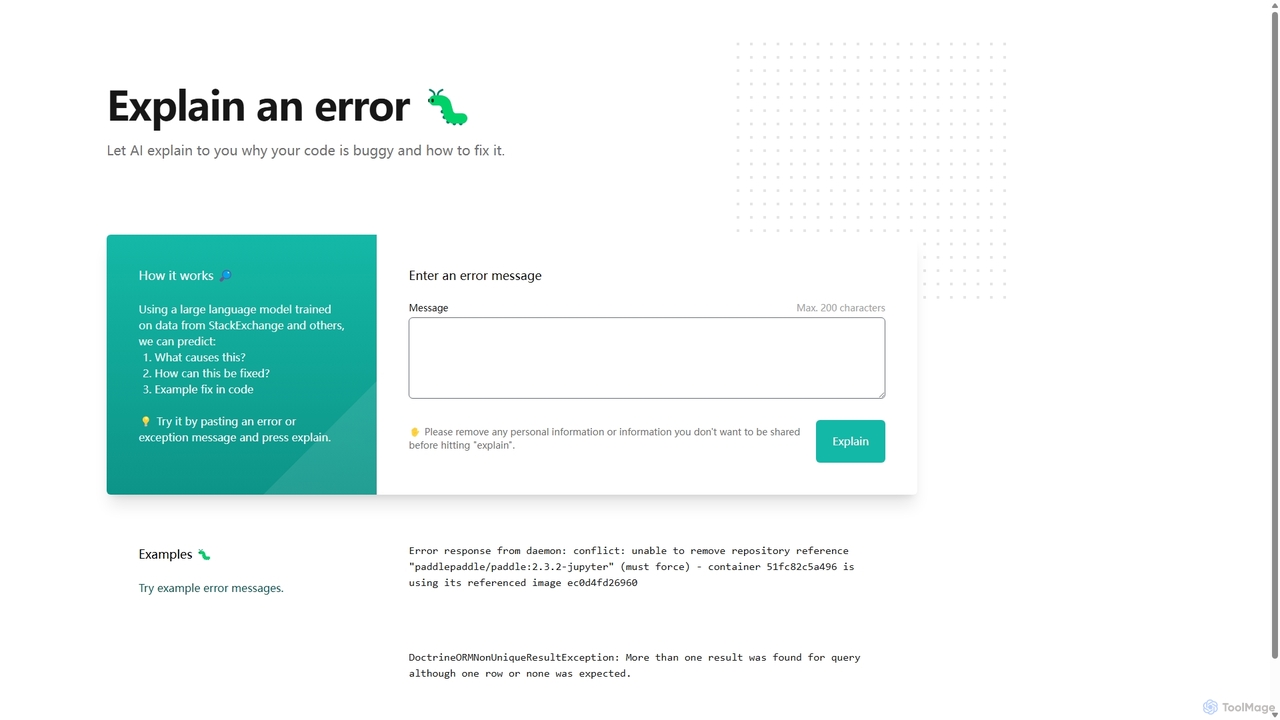
Explain by Whybugは、開発者向けのAI搭載ツールで、不可解なコードエラーを即座に解明します。エラーメッセージを貼り付けるだけで、AIが根本原因を明確に説明し、バグを迅速かつ効率的に修正するための実用的な提案やコード例を提供します。
Explain by Whybugは、開発者向けのAI搭載ツールで、不可解なコードエラーを即座に解明します。エラーメッセージを貼り付けるだけで、AIが根本原因を明確に説明し、バグを迅速かつ効率的に修正するための実用的な提案やコード例を提供します。
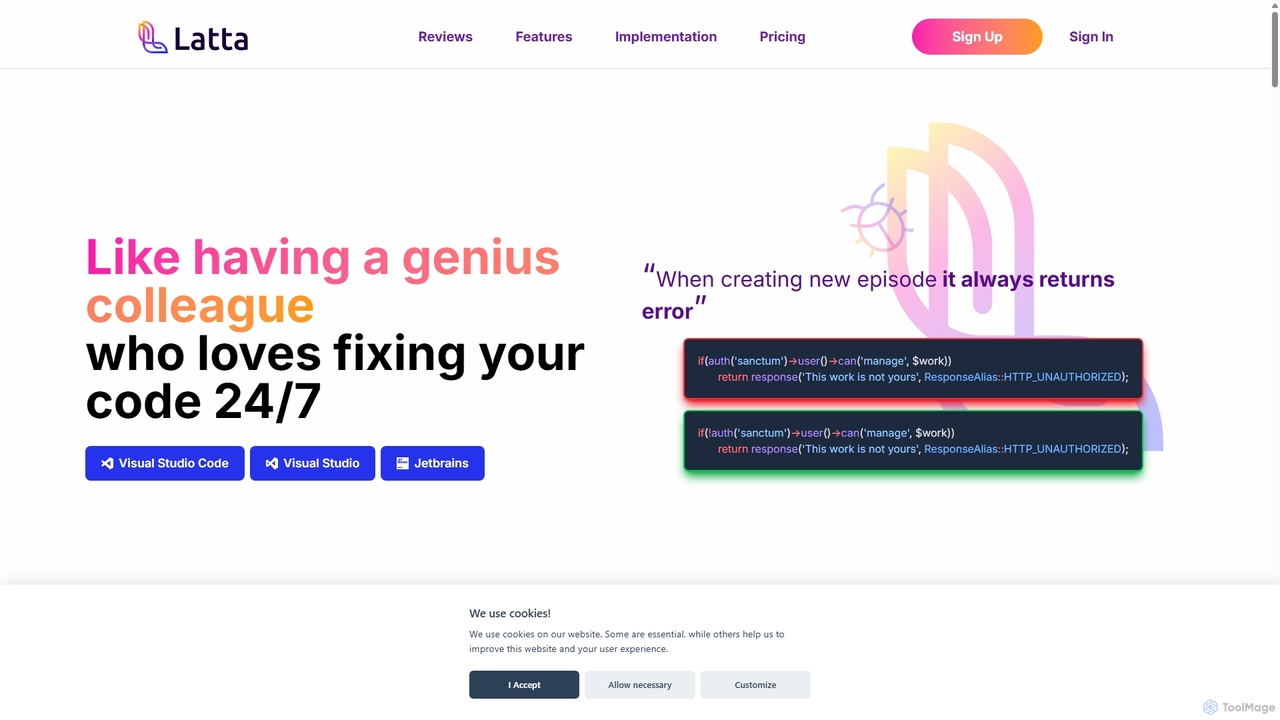
Lattaは、デバッグのための24時間365日稼働する天才的な同僚となるよう設計されたAI搭載コーディングアシスタントです。VS CodeやJetBrainsなどの人気IDEと統合し、複雑なプロジェクト全体でバグを発見・修正します。ユーザーセッションのリプレイやGit統合などの機能により、Lattaはバグ報告と解決を効率化し、開発者の時間と労力を大幅に節約します。
Explain by Whybugは、開発者向けのAI搭載ツールで、不可解なコードエラーを即座に解明します。エラーメッセージを貼り付けるだけで、AIが根本原因を明確に説明し、バグを迅速かつ効率的に修正するための実用的な提案やコード例を提供します。
Lattaは、デバッグのための24時間365日稼働する天才的な同僚となるよう設計されたAI搭載コーディングアシスタントです。VS CodeやJetBrainsなどの人気IDEと統合し、複雑なプロジェクト全体でバグを発見・修正します。ユーザーセッションのリプレイやGit統合などの機能により、Lattaはバグ報告と解決を効率化し、開発者の時間と労力を大幅に節約します。
Compare Explain by Whybug and Latta by monthly reach, traffic trend, visit depth, top regions, and acquisition sources.
In the Explain by Whybug vs Latta monthly traffic comparison, Explain by Whybug currently shows 278 visits and Latta shows 354; Latta has about 1.3 times the visible traffic of Explain by Whybug, an absolute difference of about 76 visits. This reflects visible reach, not feature quality or paid users.
Both tools provide verified traffic details, so monthly trends, visit depth, regions, and acquisition sources can be compared on the same basis.
| Country/region | Percentage | Traffic |
|---|---|---|
| 🇺🇸United States | 100% | 278 |
| Country/region | Percentage | Traffic |
|---|---|---|
| 🇺🇸United States | 100% | 354 |
This in-depth Explain by Whybug vs Latta comparison uses only the product records, taxonomy, audience, traffic, and community signals available on this page. Explain by Whybug is primarily listed under “デバッグ”, while Latta is primarily listed under “デバッグ”, so the first decision is whether your actual task matches their recorded scope.
The structured fields currently show these decision-relevant differences: Pricing (Explain by Whybug: Free; Latta: Freemium); Monthly visits (Explain by Whybug: 278; Latta: 354); Monthly growth (Explain by Whybug: -25.5%; Latta: -43.4%); Favorites (Explain by Whybug: 138; Latta: 109); Website (Explain by Whybug: explain.whybug.com; Latta: latta.ai). These facts are more useful for selection than brand visibility alone.
In the Explain by Whybug vs Latta monthly traffic comparison, Explain by Whybug currently shows 278 visits and Latta shows 354; Latta has about 1.3 times the visible traffic of Explain by Whybug, an absolute difference of about 76 visits. This reflects visible reach, not feature quality or paid users.
Both tools provide verified traffic details, so monthly trends, visit depth, regions, and acquisition sources can be compared on the same basis.
If public market visibility is an important first-pass criterion, investigate Latta first. The final choice should still follow taxonomy, use case, and a real trial because higher traffic does not prove broader capabilities or better workflow fit.
Explain by Whybug and Latta currently overlap in shared categories: デバッグ、コードアシスタント; shared tags: AIコードアシスタント、バグ修正; shared roles: DevOpsエンジニア、品質保証エンジニア、ソフトウェア開発者. This can place both on the same shortlist, but it does not prove equal implementation, depth, or cost.
Explain by Whybug's unique categories/tags are プログラミング、開発者向けAI、コード分析、コードデバッガー、デバッグツール、開発者生産性、エラーの説明、プログラミングヘルプ; Latta's are エラー監視、コード修復、デバッグ、開発者ツール、GitHub連携、GitLab連携、JetBrains プラグイン、セッションリプレイ. These unique fields are the strongest differentiators: validate the product whose recorded scope matches the task instead of following traffic alone.
Explain by Whybug has no verified rating, 0 comments, 138 favorites, and 138 likes;Latta has no verified rating, 0 comments, 109 favorites, and 109 likes。
Neither product has enough rating or comment samples for a credible reputation ranking.
Put Explain by Whybug on the priority trial list when the task aligns with “デバッグ” and especially プログラミング、開発者向けAI、コード分析、コードデバッガー、デバッグツール、開発者生産性, or the users include バックエンド開発者、データサイエンティスト、フロントエンド開発者、学生. This follows recorded positioning and does not imply unlisted capabilities are absent.
Explain by Whybug also currently records: pricing is free, product type is website, 278 verified monthly visits, no verified user rating. Verify any hard requirement around price, platform, or reach before trial, and do not let sparse review data substitute for testing.
Put Latta on the priority trial list when the task aligns with “デバッグ” and especially エラー監視、コード修復、デバッグ、開発者ツール、GitHub連携、GitLab連携, or the users include 最高技術責任者、フリーランス開発者、プロジェクトマネージャー. This follows recorded positioning and does not imply unlisted capabilities are absent.
Latta also currently records: pricing is freemium, product type is website, 354 verified monthly visits, no verified user rating. Verify any hard requirement around price, platform, or reach before trial, and do not let sparse review data substitute for testing.
The available data describes positioning, public visibility, and community signals, but it cannot prove output quality, speed, integration effort, privacy, or long-term cost in your workflow. Before deciding, run the same representative tasks in Explain by Whybug and Latta, then record completion time, accuracy, manual corrections, and the real paid threshold. A like-for-like trial turns this comparison into a defensible adoption decision.
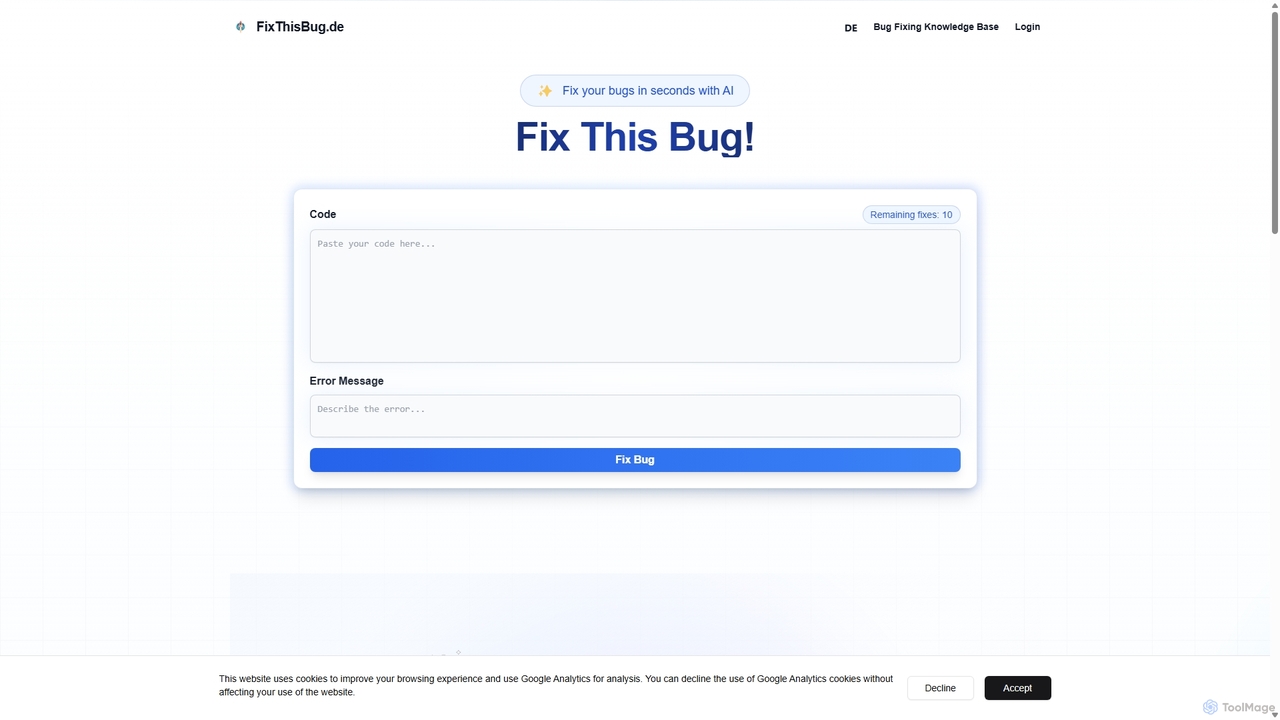
FixThisBugは、開発者向けのAI搭載デバッグアシスタントです。コードとエラーメッセージを即座に分析し、正確な修正と詳細な説明を提供します。すべての主要なプログラミング言語をサポートし、ドイツのサーバーで自己ホスト型モデルを使用することでプライバシーを最優先し、100%のGDPR準拠を保証します。バグをより速く修正し、コーディングしながら学びましょう。
コード修正
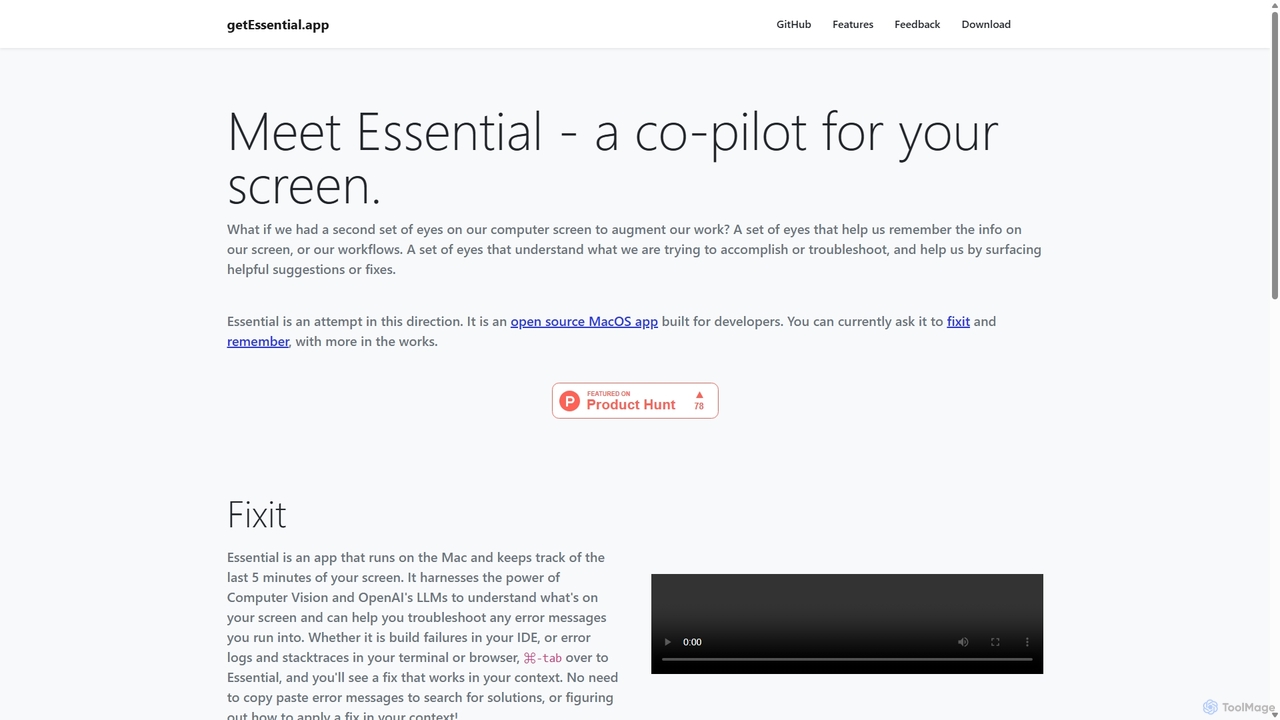
getEssentialは、画面を継続的に記録してエラーを即座にトラブルシューティングするAI搭載のMacアプリケーションです。コンピュータビジョンとLLMを使用して、ビルドの失敗、エラーログ、スタックトレースを分析し、手動検索なしで文脈に応じた修正を提供します。開発者やIT専門家向けの生産性向上ツールです。
コードアシスタント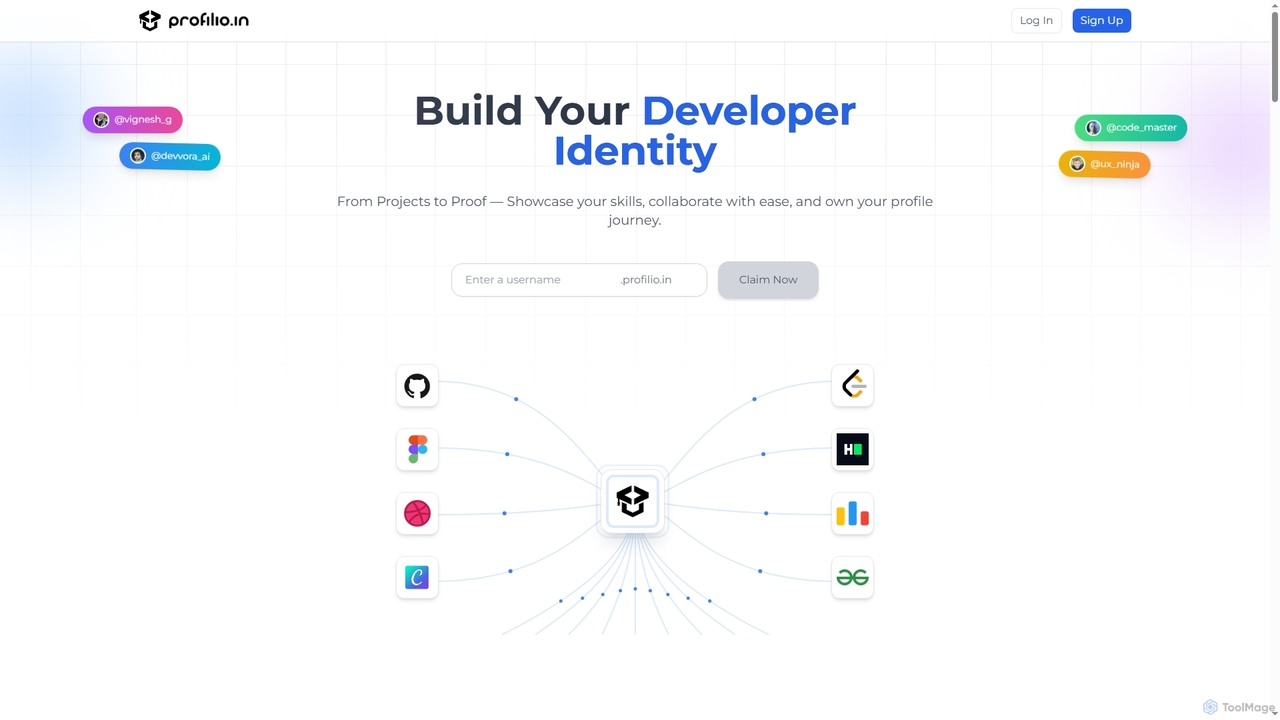
Profilioは、開発者が包括的なオンラインポートフォリオを即座に作成、管理、共有できるように設計されたAI搭載プラットフォームです。GitHub、Dev.to、LeetCodeなどの様々なプラットフォームからのコーディングプロファイル、プロジェクト、実績を1つの中央ダッシュボードに統合します。リアルタイム同期、スマートアナリティクス、AI検証済みスキルなどの機能により、Profilioは開発者が強力なデジタルアイデンティティを構築し、潜在的な雇用主や協力者に専門知識を効果的にアピールするのに役立ちます。
スキル検証

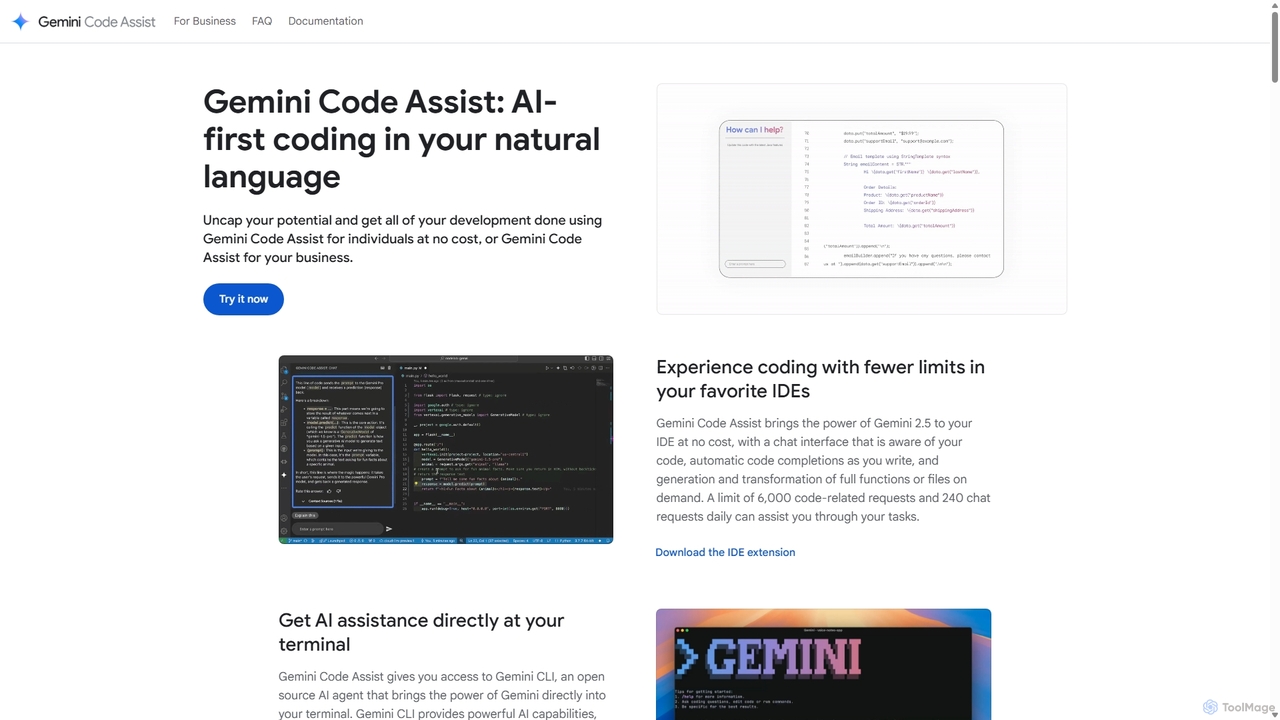
Gemini Code Assistは、Gemini 2.5モデルを搭載したGoogleのAI搭載コーディングアシスタントです。お気に入りのIDE、ターミナル、開発プラットフォームに統合し、コード補完、生成、自然言語チャット、自動コードレビューなどの機能でソフトウェア開発ライフサイクル全体を加速させます。
コードアシスタント

Enso は、開発者が単一プロジェクト内で複数の AI エージェント間でインテリジェンスを並列化できるように設計された AI 駆動型開発環境です。高度な Git 制御、堅牢なコードエディター、AI 駆動型コードレビューを統合し、各ブランチに永続的な AI セッションを提供することで、シームレスなワークフローを実現します。
Development