Motion
プレゼンテーション · 2.3K 月間訪問数
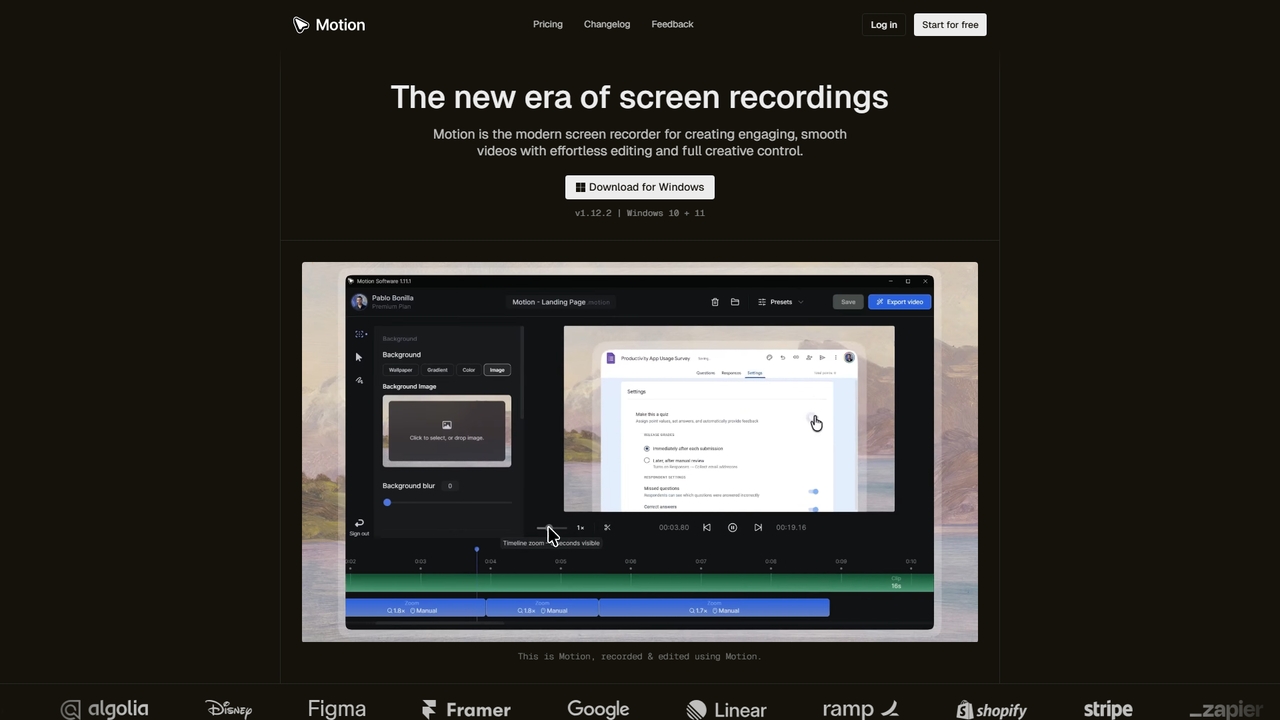
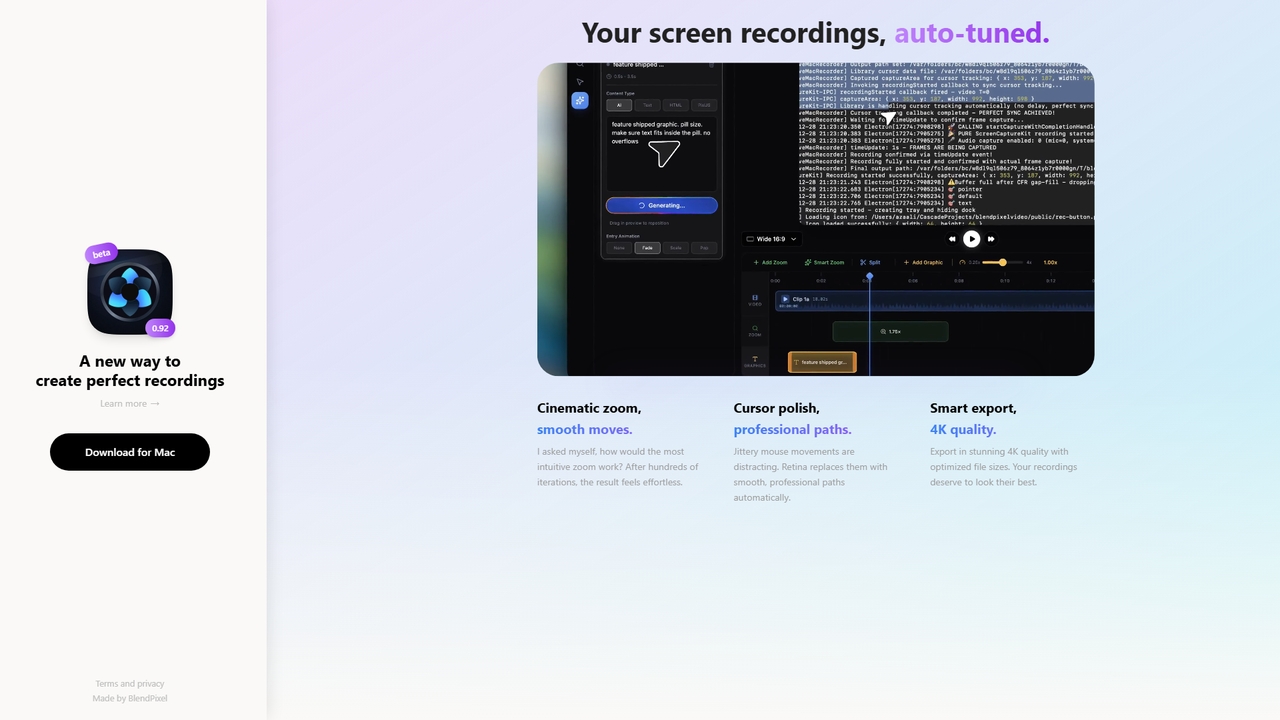
MotionはWindows専用に設計された最新の画面録画・動画編集ツールです。カーソルアニメーションやズーム効果を自動処理するスマート編集ツールにより、滑らかでプロフェッショナルな画面録画動画を簡単に作成できます。チュートリアル、デモ、マーケティングコンテンツなどを作成するのに最適で、初心者からプロフェッショナルまでが利用できる強力で直感的なワークスペースを提供します。
MotionはWindows専用に設計された最新の画面録画・動画編集ツールです。カーソルアニメーションやズーム効果を自動処理するスマート編集ツールにより、滑らかでプロフェッショナルな画面録画動画を簡単に作成できます。チュートリアル、デモ、マーケティングコンテンツなどを作成するのに最適で、初心者からプロフェッショナルまでが利用できる強力で直感的なワークスペースを提供します。
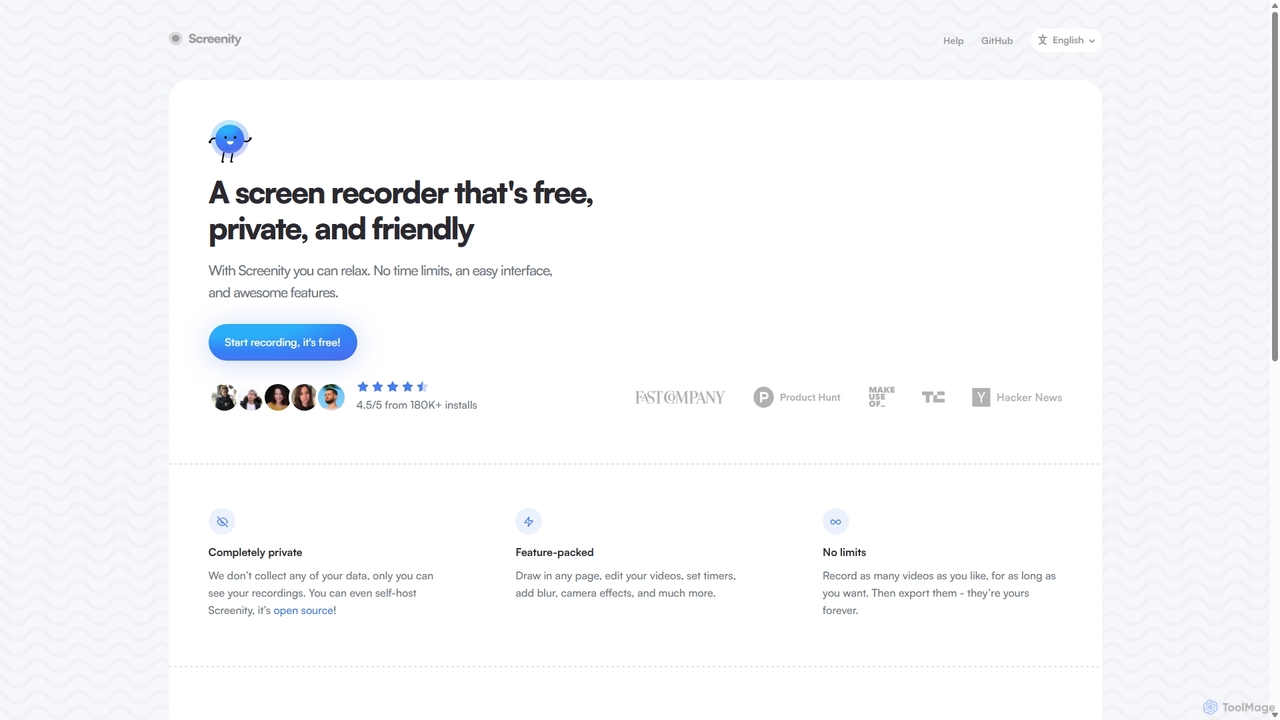
Screenityは、強力で無料、プライバシーを重視したChrome向けの画面・カメラレコーダーです。ユーザーデータを一切収集せず、無制限の録画、注釈ツール、基本的な動画編集機能を提供します。チュートリアル、デモ、プレゼンテーションの作成に最適です。
MotionはWindows専用に設計された最新の画面録画・動画編集ツールです。カーソルアニメーションやズーム効果を自動処理するスマート編集ツールにより、滑らかでプロフェッショナルな画面録画動画を簡単に作成できます。チュートリアル、デモ、マーケティングコンテンツなどを作成するのに最適で、初心者からプロフェッショナルまでが利用できる強力で直感的なワークスペースを提供します。
Screenityは、強力で無料、プライバシーを重視したChrome向けの画面・カメラレコーダーです。ユーザーデータを一切収集せず、無制限の録画、注釈ツール、基本的な動画編集機能を提供します。チュートリアル、デモ、プレゼンテーションの作成に最適です。
| Feature | Motion | Screenity |
|---|---|---|
| 主要カテゴリー | プレゼンテーション | バグレポート |
| 追加日 | 2026-03-17 | 2025-09-10 |
| 価格 | フリーミアム | 無料 |
| 公式サイト | www.motion.software | screenity.io |
| 製品タイプ | アプリ | ブラウザ拡張 |
| Performance data | ||
| ユーザー評価 | 未確認 | 未確認 |
| コメント | 0 | 0 |
| 月間訪問数 | 2.3K | 43.8K |
| 月間成長率 | -27.3% | -1.6% |
| お気に入り | 6 | 116 |
| Details | 詳細を見る | 詳細を見る |
Compare Motion and Screenity by monthly reach, traffic trend, visit depth, top regions, and acquisition sources.
In the Motion vs Screenity monthly traffic comparison, Motion currently shows 2.3K visits and Screenity shows 43.8K; Screenity has about 18.7 times the visible traffic of Motion, an absolute difference of about 41.5K visits. This reflects visible reach, not feature quality or paid users.
Both tools provide verified traffic details, so monthly trends, visit depth, regions, and acquisition sources can be compared on the same basis.
| Country/region | Percentage | Traffic |
|---|---|---|
| 🇮🇳India | 58.26% | 1.4K |
| 🇺🇸United States | 41.74% | 978 |
| Country/region | Percentage | Traffic |
|---|---|---|
| 🇺🇸United States | 46.14% | 20.2K |
| 🇮🇳India | 21.26% | 9.3K |
| 🇫🇷France | 12.83% | 5.6K |
| 🇧🇷Brazil | 10.03% | 4.4K |
| 🇻🇳Vietnam | 9.74% | 4.3K |
| Source type | Percentage | Traffic |
|---|---|---|
| ダイレクト | 81.8% | 35.9K |
| 参照元 | 18.2% | 8K |
This in-depth Motion vs Screenity comparison uses only the product records, taxonomy, audience, traffic, and community signals available on this page. Motion is primarily listed under “プレゼンテーション”, while Screenity is primarily listed under “バグレポート”, so the first decision is whether your actual task matches their recorded scope.
The structured fields currently show these decision-relevant differences: Primary category (Motion: プレゼンテーション; Screenity: バグレポート); Product type (Motion: App; Screenity: Browser extension); Pricing (Motion: Freemium; Screenity: Free); Monthly visits (Motion: 2.3K; Screenity: 43.8K); Monthly growth (Motion: -27.3%; Screenity: -1.6%). These facts are more useful for selection than brand visibility alone.
In the Motion vs Screenity monthly traffic comparison, Motion currently shows 2.3K visits and Screenity shows 43.8K; Screenity has about 18.7 times the visible traffic of Motion, an absolute difference of about 41.5K visits. This reflects visible reach, not feature quality or paid users.
Both tools provide verified traffic details, so monthly trends, visit depth, regions, and acquisition sources can be compared on the same basis.
If public market visibility is an important first-pass criterion, investigate Screenity first. The final choice should still follow taxonomy, use case, and a real trial because higher traffic does not prove broader capabilities or better workflow fit.
Motion and Screenity currently overlap in shared categories: 画面録画; shared tags: 画面録画; shared roles: コンテンツクリエイター、教育者、マーケティングマネージャー、プロダクトマネージャー、ソフトウェア開発者. This can place both on the same shortlist, but it does not prove equal implementation, depth, or cost.
Motion's unique categories/tags are プレゼンテーション、ビデオ編集、コンテンツ作成、demo videos、プレゼンテーションツール、チュートリアル作成、ビデオエディター、ビデオ書き出し; Screenity's are バグレポート、チュートリアル作成、動画作成、アノテーション、Chrome拡張機能、無料ツール、オープンソース、プライバシー. These unique fields are the strongest differentiators: validate the product whose recorded scope matches the task instead of following traffic alone.
Motion has no verified rating, 0 comments, 6 favorites, and 8 likes;Screenity has no verified rating, 0 comments, 116 favorites, and 119 likes。
Neither product has enough rating or comment samples for a credible reputation ranking.
Put Motion on the priority trial list when the task aligns with “プレゼンテーション” and especially プレゼンテーション、ビデオ編集、コンテンツ作成、demo videos、プレゼンテーションツール、チュートリアル作成, or the users include カスタマーサポートスペシャリスト、プロジェクトマネージャー、ソーシャルメディアマネージャー、トレーナー. This follows recorded positioning and does not imply unlisted capabilities are absent.
Motion also currently records: pricing is freemium, product type is app, 2.3K verified monthly visits, no verified user rating. Verify any hard requirement around price, platform, or reach before trial, and do not let sparse review data substitute for testing.
Put Screenity on the priority trial list when the task aligns with “バグレポート” and especially バグレポート、チュートリアル作成、動画作成、アノテーション、Chrome拡張機能、無料ツール, or the users include カスタマーサポート、QAテスター、営業担当者、UI/UXデザイナー. This follows recorded positioning and does not imply unlisted capabilities are absent.
Screenity also currently records: pricing is free, product type is browser extension, 43.8K verified monthly visits, no verified user rating. Verify any hard requirement around price, platform, or reach before trial, and do not let sparse review data substitute for testing.
The available data describes positioning, public visibility, and community signals, but it cannot prove output quality, speed, integration effort, privacy, or long-term cost in your workflow. Before deciding, run the same representative tasks in Motion and Screenity, then record completion time, accuracy, manual corrections, and the real paid threshold. A like-for-like trial turns this comparison into a defensible adoption decision.
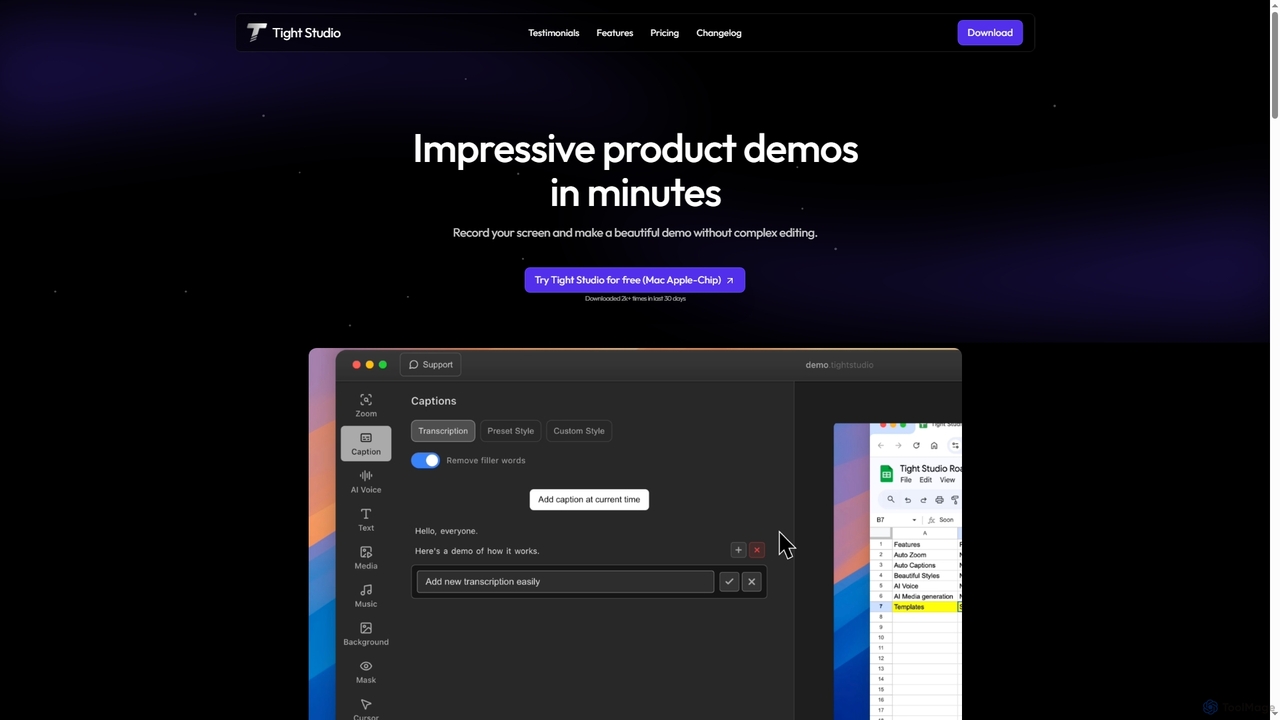
Tight Studioは、プロフェッショナルな製品デモやチュートリアルを数分で作成するために設計された、Mac向けのAI搭載スクリーン録画およびビデオ編集アプリケーションです。スマートズーム、自動キャプション、AIナレーション、直感的なエディタを特徴とし、編集スキルがないユーザーでも高品質で魅力的なビデオを簡単に制作できます。
チュートリアル
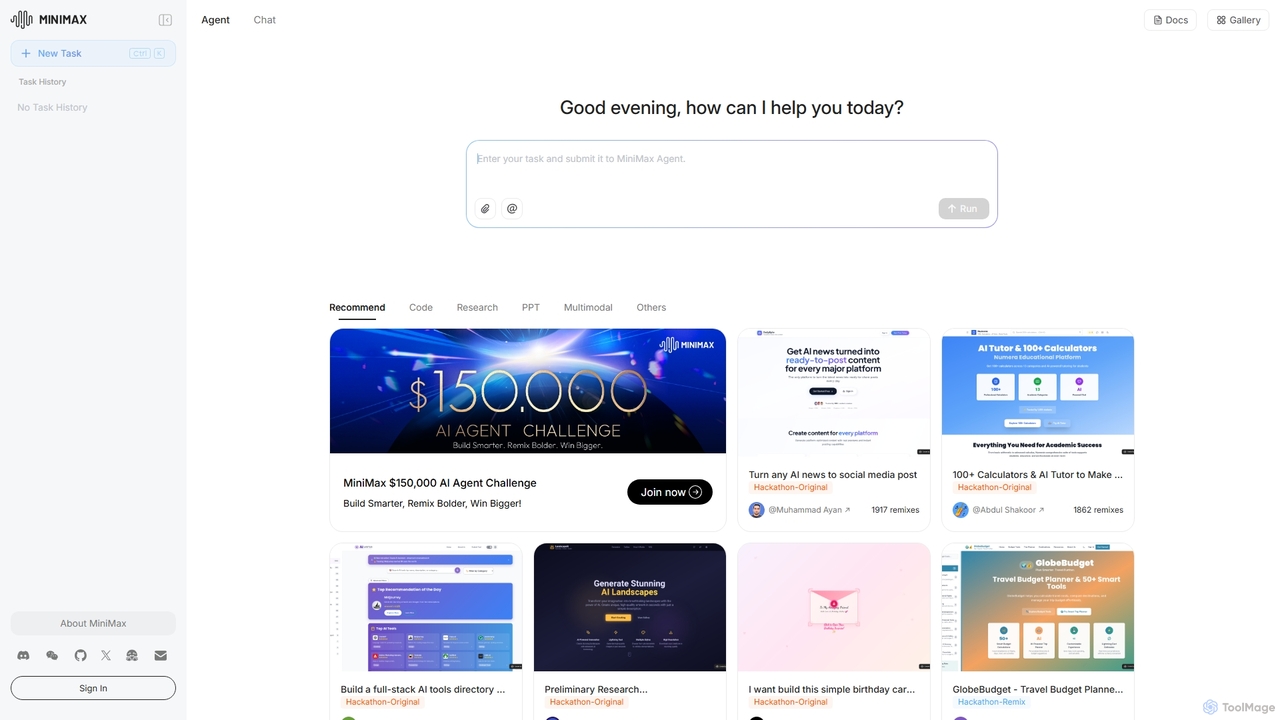
MiniMax Agentは、フルスタックのウェブサイト構築やプレゼンテーション作成から、詳細なリサーチまで、複雑なタスクを自動化するために設計された強力なAIエージェントプラットフォームです。自然言語のプロンプトを活用することで、ユーザーは労力を最小限に抑え、知能を最大限に引き出し、これまでにないスピードと効率で高度なデジタル製品やコンテンツを作成できます。このプラットフォームは、プロジェクトを共有しリミックスするための共同ギャラリーを備えています。
ローコード・ノーコード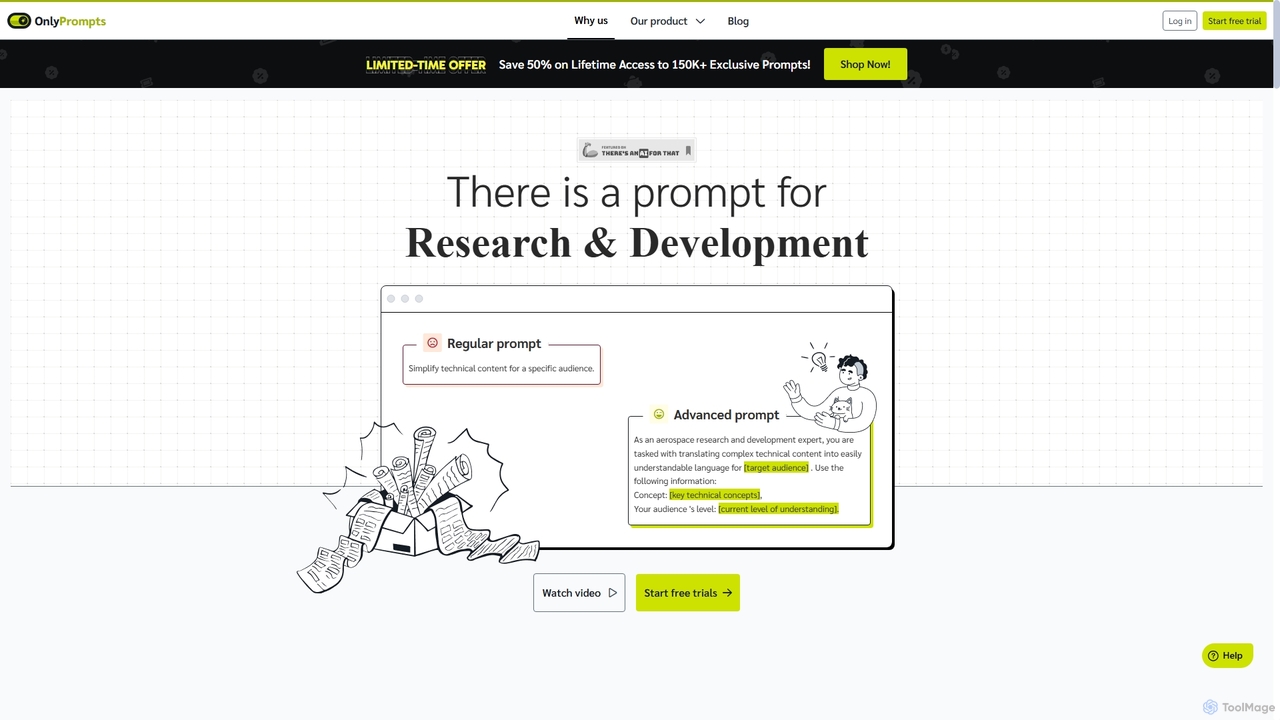
OnlyPromptsは、37,000以上のタスクに対応する15万件以上の専門的に作成されたプロンプトを提供する究極のAIプロンプトライブラリです。GPT-4やClaude 3と互換性のある統合AIアシスタント、プロンプトの並行テスト、カスタマイズ可能なテンプレートを特徴としています。マーケティング、人事、金融などの専門家向けに設計され、ワークフローを合理化し、生産性を向上させ、AI生成コンテンツの品質を高めます。
業務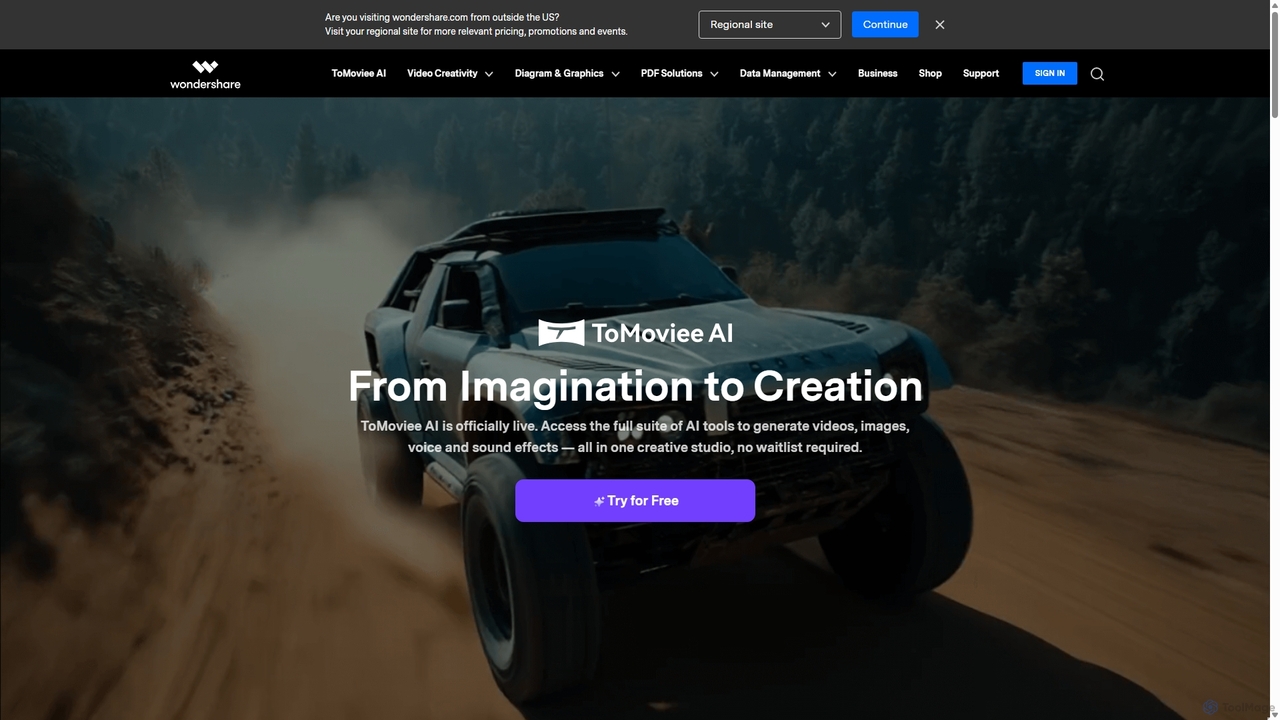
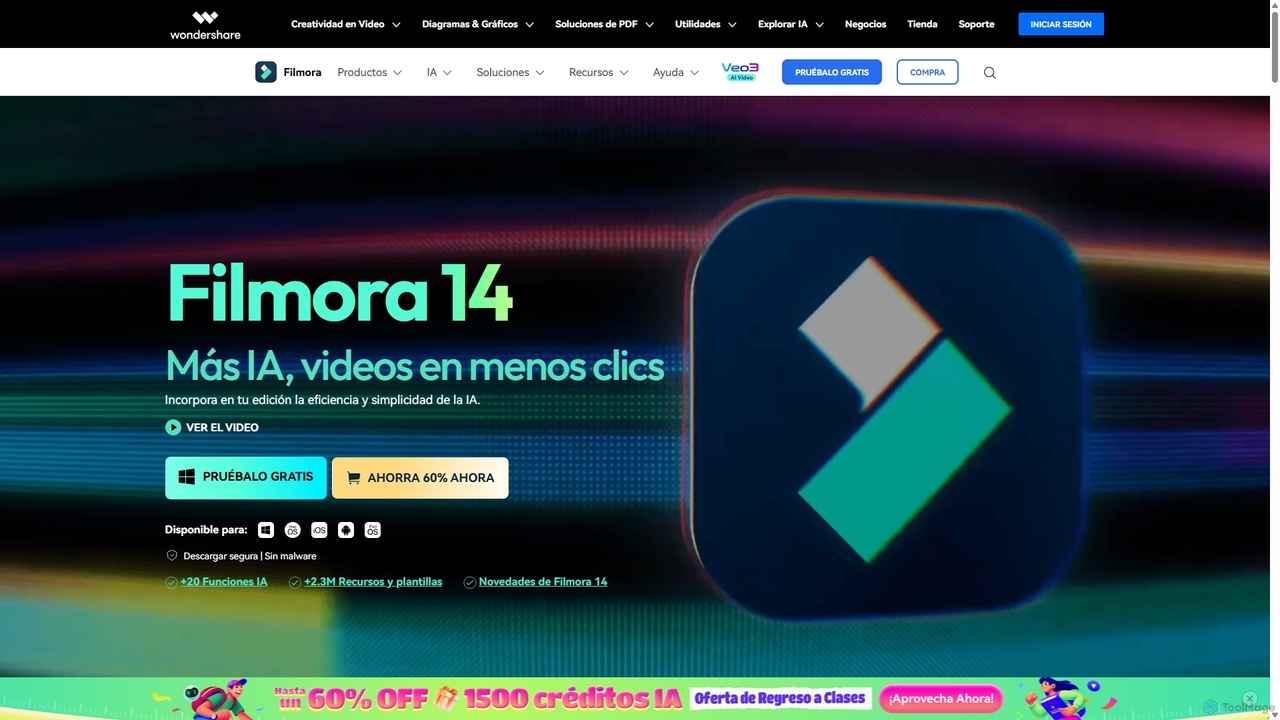
Wondershareは、クリエイティビティ、生産性、ユーティリティのためのAI搭載ソフトウェアの包括的なスイートを提供します。高度な動画編集ソフトFilmoraやAIコンテンツジェネレーターToMovieeから、強力なPDFelementやデータ復元ツールまで、Wondershareは世界中の何百万人ものユーザーのデジタル体験を簡素化します。コンテンツクリエーター、ビジネス、個人がデジタル資産を簡単に作成、管理、保護するための直感的で強力なソリューションを提供します。
図解作成

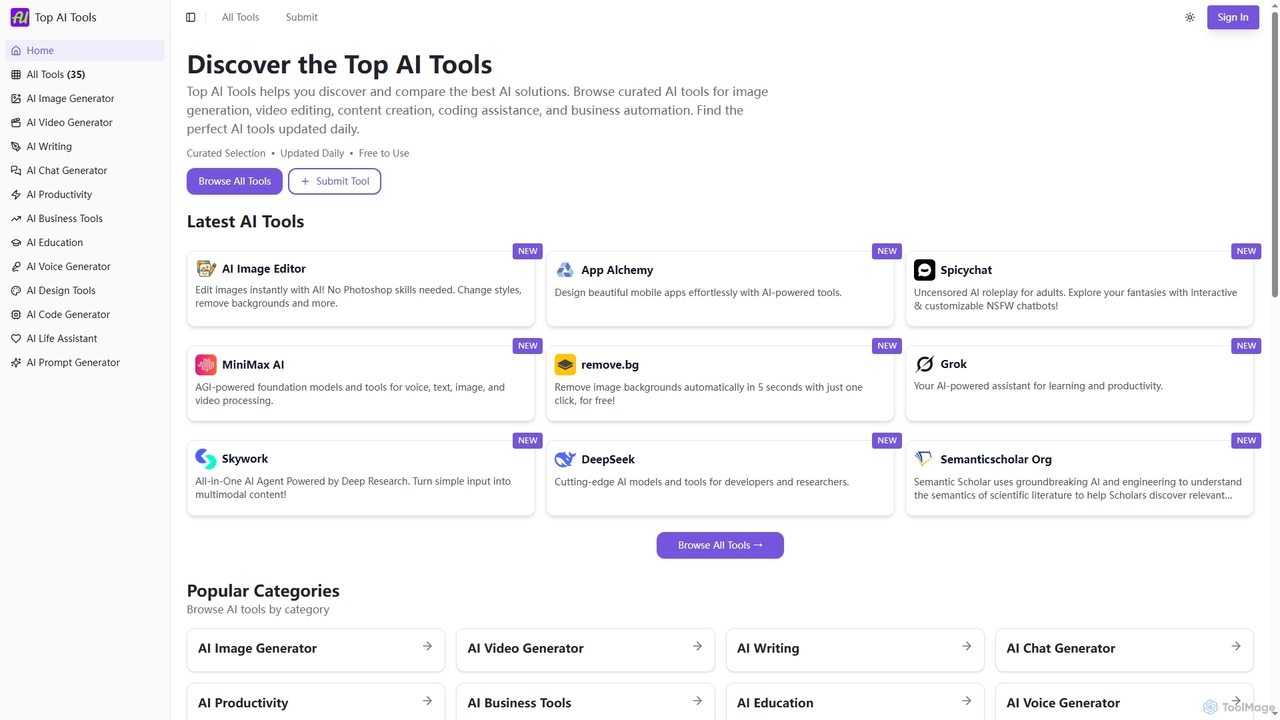
Top AI Toolsは、様々なカテゴリの最高のAI搭載ソフトウェアソリューションを発見、比較、探索できる包括的で無料のディレクトリです。厳選されたリスト、機能と価格に関する詳細情報、そして毎日の更新を提供し、あらゆるニーズに合った完璧なAIツールを見つけるプロセスを簡素化します。
発見