olocr
抽出 · 9.5K 月間訪問数
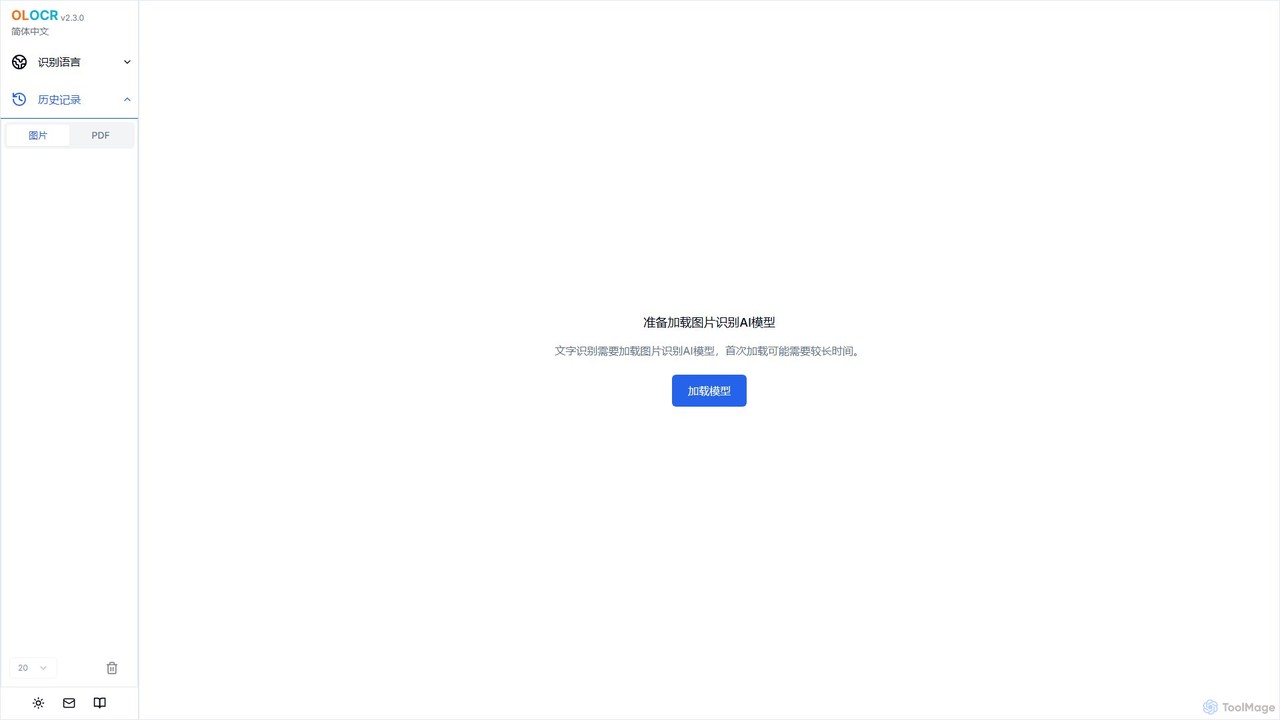
olocrは、プライバシーを重視した無料のAI OCRツールで、ブラウザ内で直接画像やPDFからテキストを抽出します。70以上の言語とバッチ処理に対応し、ファイルをアップロードすることなく検索可能なPDFを作成でき、完全なデータセキュリティを保証します。
olocrは、プライバシーを重視した無料のAI OCRツールで、ブラウザ内で直接画像やPDFからテキストを抽出します。70以上の言語とバッチ処理に対応し、ファイルをアップロードすることなく検索可能なPDFを作成でき、完全なデータセキュリティを保証します。
ScantextAIは、画像を即座に編集可能なテキストに変換する無料のウェブベースOCRツールです。50以上の言語と様々な画像形式をサポートし、テキストをPDFやWord(DOCX)ファイルにエクスポートできます。プライバシーを重視し、ファイルはデバイス上でローカルに処理されるため、データの安全性が確保されます。登録不要で、学生や専門家、文書のデジタル化が必要なすべての人にとって迅速かつ効率的なソリューションです。
olocrは、プライバシーを重視した無料のAI OCRツールで、ブラウザ内で直接画像やPDFからテキストを抽出します。70以上の言語とバッチ処理に対応し、ファイルをアップロードすることなく検索可能なPDFを作成でき、完全なデータセキュリティを保証します。
ScantextAIは、画像を即座に編集可能なテキストに変換する無料のウェブベースOCRツールです。50以上の言語と様々な画像形式をサポートし、テキストをPDFやWord(DOCX)ファイルにエクスポートできます。プライバシーを重視し、ファイルはデバイス上でローカルに処理されるため、データの安全性が確保されます。登録不要で、学生や専門家、文書のデジタル化が必要なすべての人にとって迅速かつ効率的なソリューションです。
Compare olocr and ScantextAI by monthly reach, traffic trend, visit depth, top regions, and acquisition sources.
In the olocr vs ScantextAI monthly traffic comparison, olocr currently shows 9.5K visits and ScantextAI shows 3.1K; olocr has about 3.1 times the visible traffic of ScantextAI, an absolute difference of about 6.4K visits. This reflects visible reach, not feature quality or paid users.
Both tools provide verified traffic details, so monthly trends, visit depth, regions, and acquisition sources can be compared on the same basis.
olocr is registered at the olocr.com/ocr/chinese_simplified subpage. Because the current data does not state whether other host pages are excluded, treat this as domain-level context rather than independent traffic for one product or project.
| Country/region | Percentage | Traffic |
|---|---|---|
| 🇺🇸United States | 50% | 4.7K |
| 🇻🇳Vietnam | 23.26% | 2.2K |
| 🇮🇳India | 10.42% | 988 |
| 🇷🇺Russia | 10.03% | 951 |
| 🇩🇪Germany | 6.29% | 596 |
| Source type | Percentage | Traffic |
|---|---|---|
| ダイレクト | 98.54% | 9.3K |
| 参照元 | 1.46% | 138 |
| Country/region | Percentage | Traffic |
|---|---|---|
| 🇺🇸United States | 63.37% | 1.9K |
| 🇬🇧United Kingdom | 36.63% | 1.1K |
This in-depth olocr vs ScantextAI comparison uses only the product records, taxonomy, audience, traffic, and community signals available on this page. olocr is primarily listed under “抽出”, while ScantextAI is primarily listed under “OCR”, so the first decision is whether your actual task matches their recorded scope.
The structured fields currently show these decision-relevant differences: Primary category (olocr: 抽出; ScantextAI: OCR); Monthly visits (olocr: 9.5K; ScantextAI: 3.1K); Monthly growth (olocr: -40.2%; ScantextAI: 255.5%); Favorites (olocr: 95; ScantextAI: 116); Website (olocr: olocr.com; ScantextAI: scantextai.com). These facts are more useful for selection than brand visibility alone.
In the olocr vs ScantextAI monthly traffic comparison, olocr currently shows 9.5K visits and ScantextAI shows 3.1K; olocr has about 3.1 times the visible traffic of ScantextAI, an absolute difference of about 6.4K visits. This reflects visible reach, not feature quality or paid users.
Both tools provide verified traffic details, so monthly trends, visit depth, regions, and acquisition sources can be compared on the same basis.
olocr is registered at the olocr.com/ocr/chinese_simplified subpage. Because the current data does not state whether other host pages are excluded, treat this as domain-level context rather than independent traffic for one product or project.
olocr is registered under a olocr.com subpath, so its large visible total may include the host platform. The current data does not justify choosing olocr for traffic alone; shortlist by unique taxonomy and use case, then validate with the same tasks.
olocr and ScantextAI currently overlap in shared categories: 文書管理; shared tags: ドキュメントのデジタル化、無料OCR、画像からテキスト、OCR、プライバシー. This can place both on the same shortlist, but it does not prove equal implementation, depth, or cost.
olocr's unique categories/tags are 抽出、スキャナー、データ抽出、多言語OCR、PDFをテキストに、検索可能なPDF、テキスト認識; ScantextAI's are OCR、コンバーター、データ入力、ドキュメントスキャナー、PDF変換、テキスト抽出、ワード変換. These unique fields are the strongest differentiators: validate the product whose recorded scope matches the task instead of following traffic alone.
olocr has no verified rating, 0 comments, 95 favorites, and 114 likes;ScantextAI has no verified rating, 0 comments, 116 favorites, and 136 likes。
Neither product has enough rating or comment samples for a credible reputation ranking.
Put olocr on the priority trial list when the task aligns with “抽出” and especially 抽出、スキャナー、データ抽出、多言語OCR、PDFをテキストに、検索可能なPDF. This follows recorded positioning and does not imply unlisted capabilities are absent.
olocr also currently records: pricing is free, product type is website, 9.5K monthly visits shown for the registered host (subpage scope unknown), no verified user rating. Verify any hard requirement around price, platform, or reach before trial, and do not let sparse review data substitute for testing.
Put ScantextAI on the priority trial list when the task aligns with “OCR” and especially OCR、コンバーター、データ入力、ドキュメントスキャナー、PDF変換、テキスト抽出. This follows recorded positioning and does not imply unlisted capabilities are absent.
ScantextAI also currently records: pricing is free, product type is website, 3.1K verified monthly visits, no verified user rating. Verify any hard requirement around price, platform, or reach before trial, and do not let sparse review data substitute for testing.
The available data describes positioning, public visibility, and community signals, but it cannot prove output quality, speed, integration effort, privacy, or long-term cost in your workflow. Before deciding, run the same representative tasks in olocr and ScantextAI, then record completion time, accuracy, manual corrections, and the real paid threshold. A like-for-like trial turns this comparison into a defensible adoption decision.
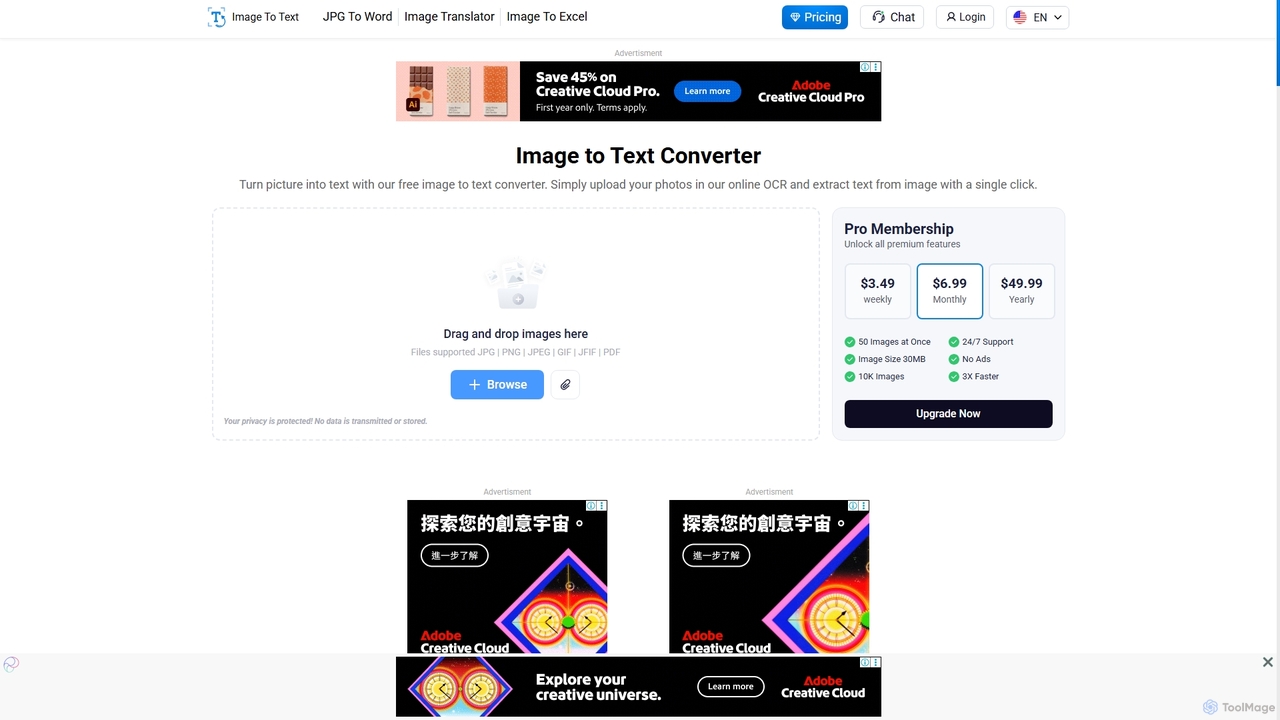
画像を正確に編集可能なテキストに変換する強力なオンラインOCRツールです。様々なフォーマットや多言語に対応し、低解像度の画像や数式からもテキストを抽出できます。学生、専門家、そして無料で迅速に文書をデジタル化したいすべての人に最適です。
学習ツール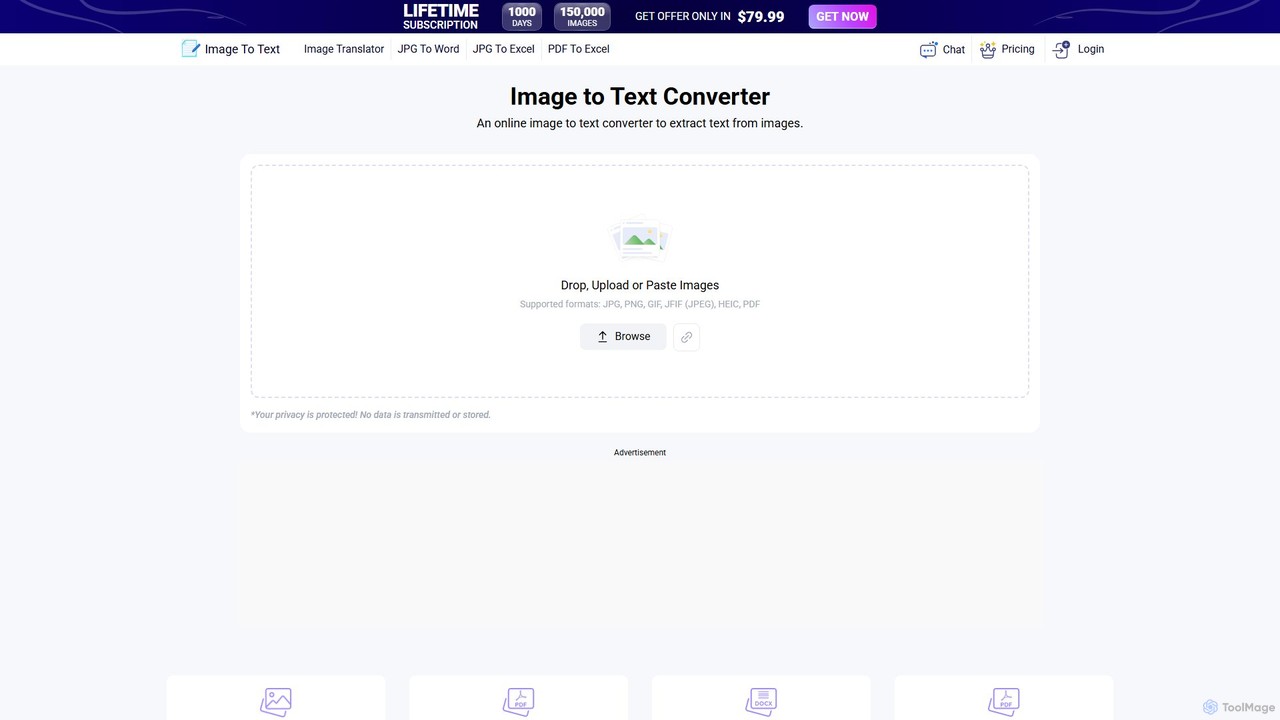
画像からテキストを正確に抽出する、AI搭載の無料オンラインOCRツールです。登録不要で、多数の言語と画像形式に対応。画像、文書、メモを編集可能なテキストに簡単に変換し、.txtファイルとしてダウンロードしたり、クリップボードにコピーしたりできます。
ノート作成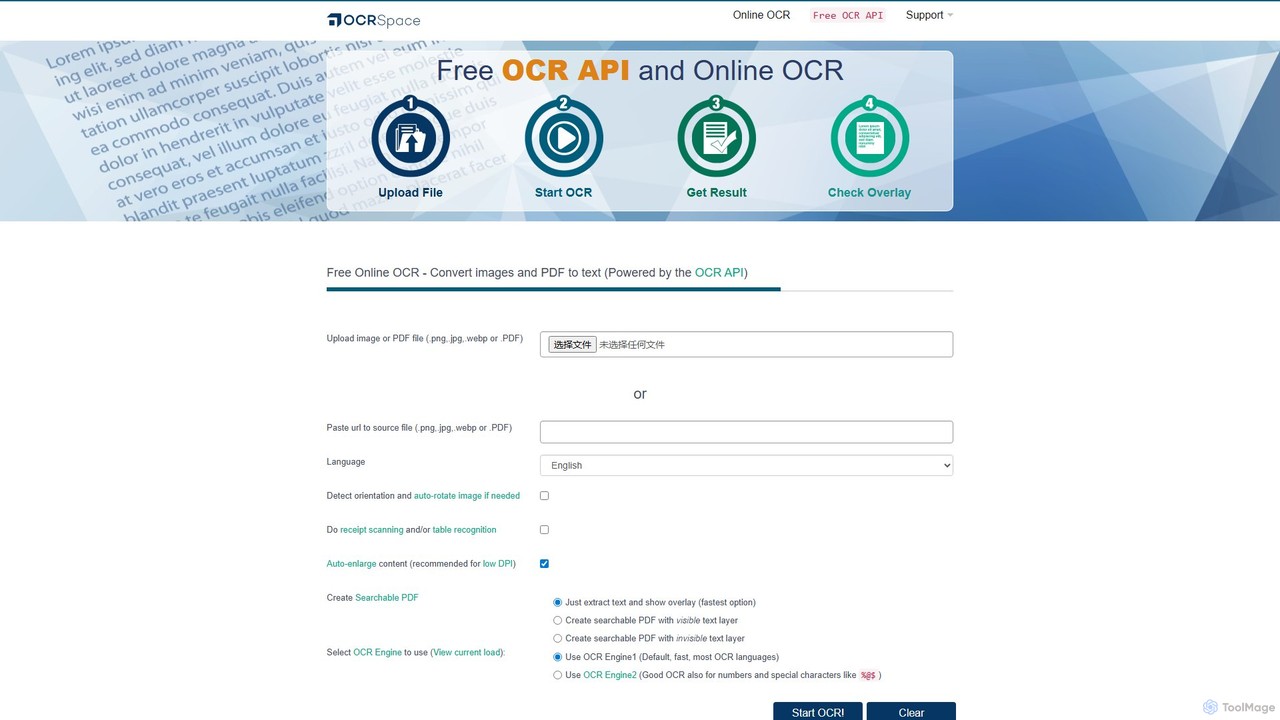
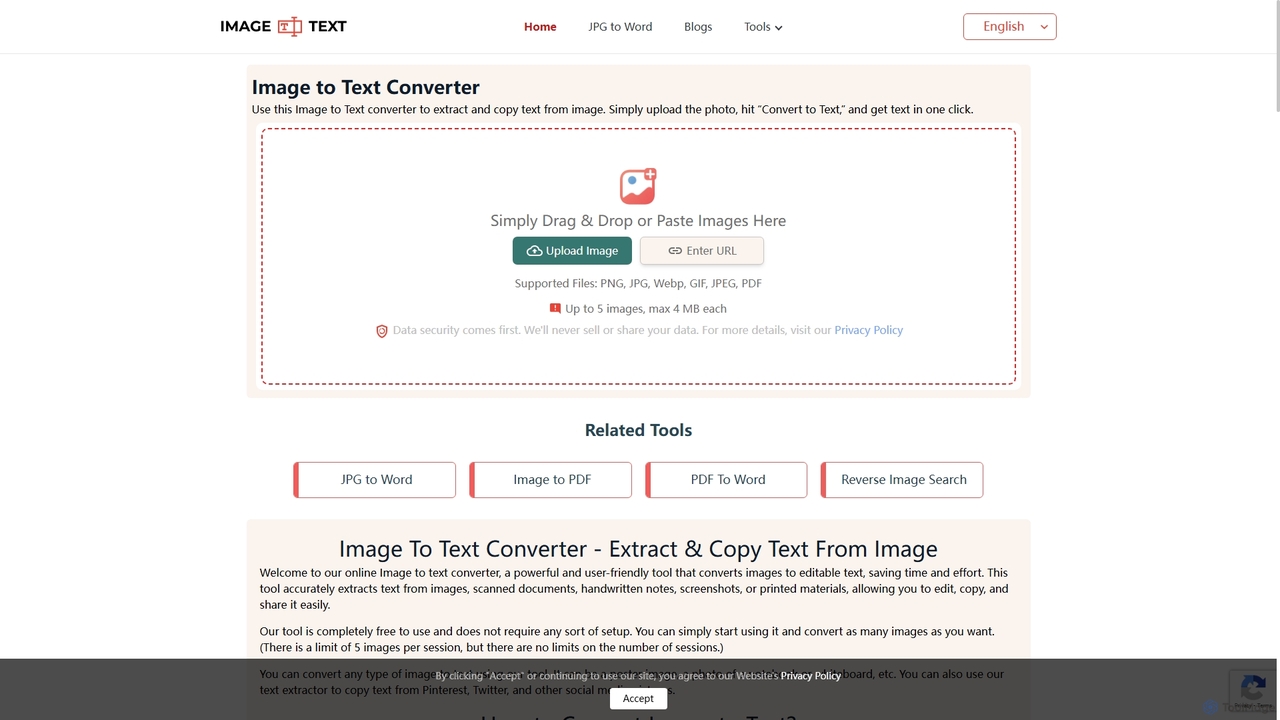
画像、スキャン文書、手書きメモからテキストを正確に抽出する無料のオンラインOCRツールです。多言語と複数ファイル形式をサポートし、登録不要でJPGからWord、画像からPDFへの追加コンバーターも備えています。
学習ツール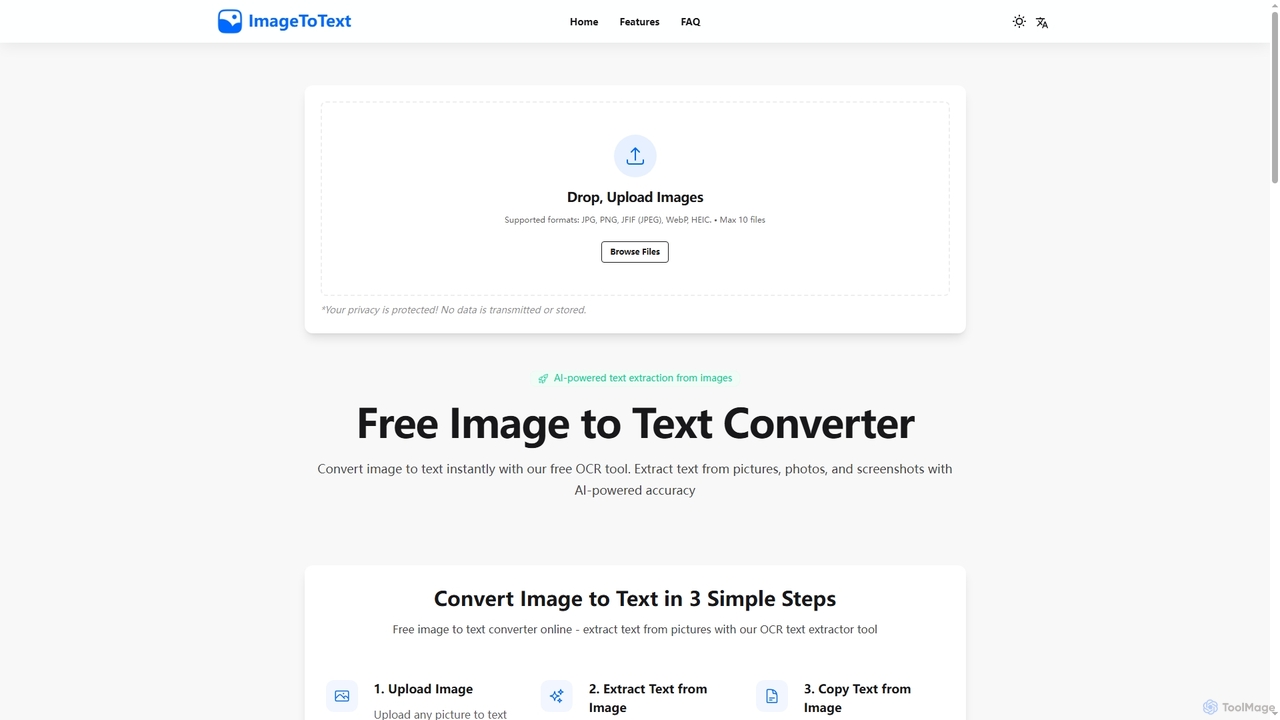
画像を即座にテキストに変換する、無料のAI搭載オンラインOCRツールです。JPG、PNGなどの様々な形式や手書きのメモからも正確にテキストを抽出し、エンドツーエンド暗号化とデータ非保存によりユーザーのプライバシーを保護します。
デジタル化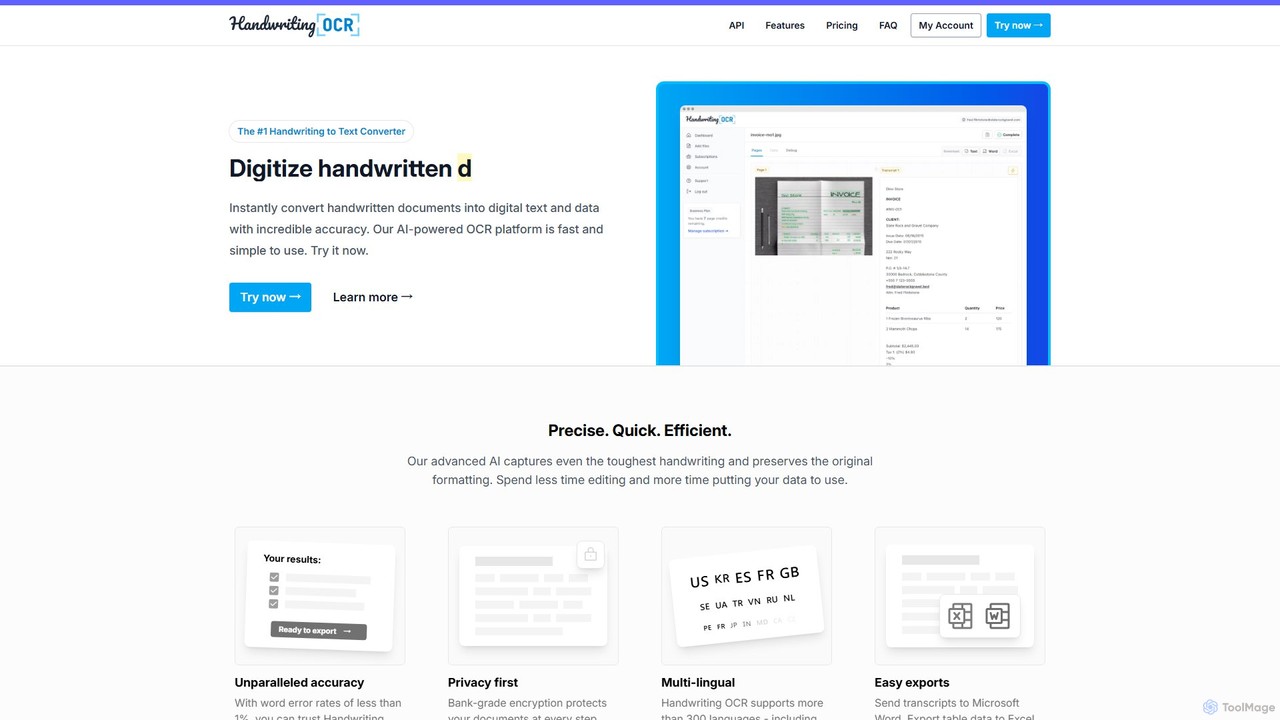
Handwriting OCRは、手書きや印刷された文書を驚異的な精度で即座に編集可能なデジタルテキストに変換するAI搭載プラットフォームです。300以上の言語、様々なファイル形式(PDF、JPG、PNG)をサポートし、Word、Excel、プレーンテキストへのエクスポートが可能です。企業、研究者、個人向けに設計されており、銀行レベルの暗号化と厳格なデータ非学習ポリシーでセキュリティを最優先しています。
データ入力
画像やPDF文書からテキストを正確に抽出する高度なオンラインOCRツールです。バッチ処理、多言語、様々なファイル形式に対応しています。また、内蔵の翻訳機能も提供しており、テキストベースのコンテンツを無料でデジタル化し処理するための多機能なソリューションです。
光学文字認識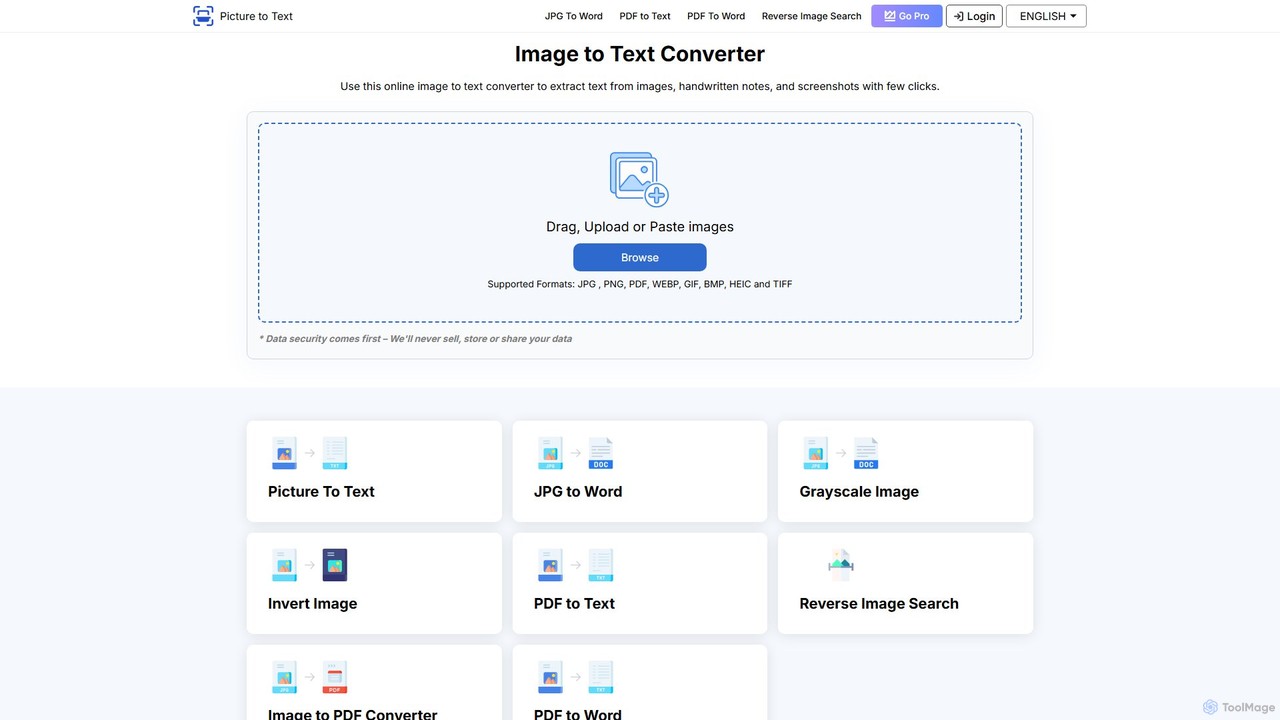
AIを搭載したOCRツールで、画像を編集可能なテキストに正確に変換します。様々なフォーマット、バッチ処理、20以上の言語に対応。使いやすいインターフェースとデータプライバシーへの配慮により、文書のデジタル化、データ入力の自動化、学習効率の向上に最適です。
データ入力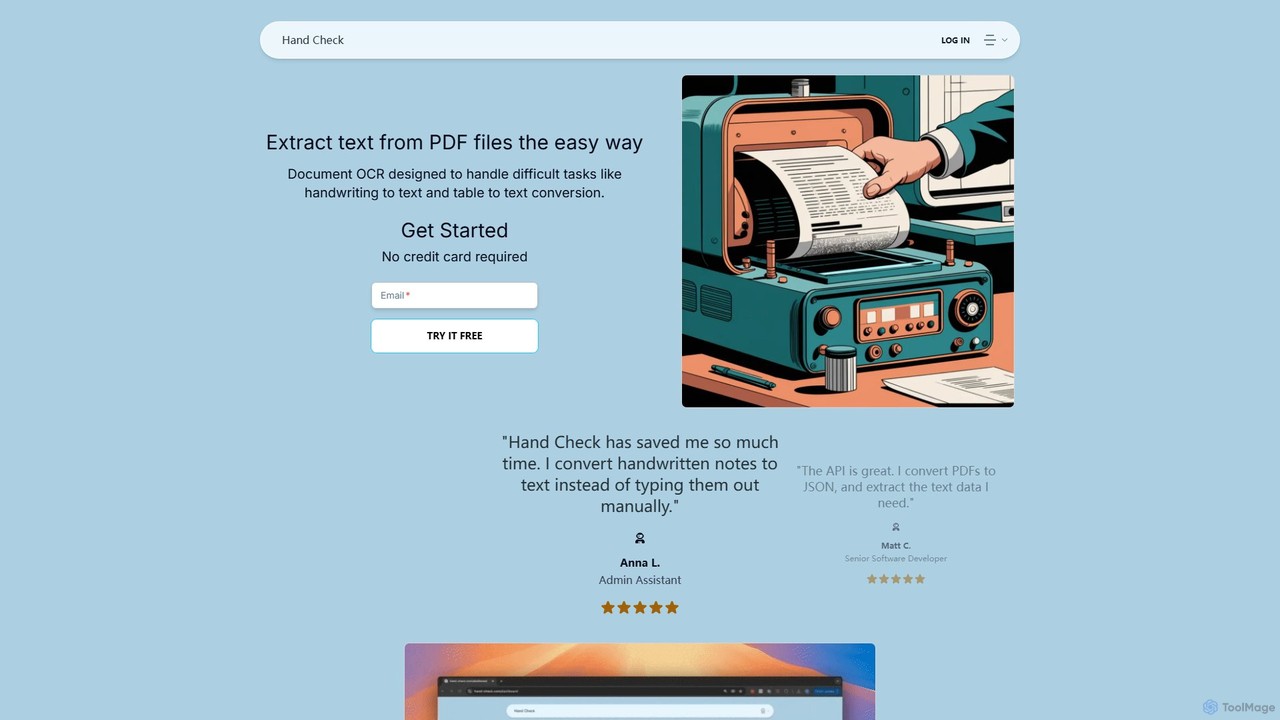
hand_checkは、機械学習を用いてPDFや画像からテキストを抽出する高度なOCRツールです。手書きのメモや表などの複雑な文書を、編集可能なテキストや構造化されたJSONデータに変換することに特化しています。使いやすいインターフェースと開発者向けの強力なAPIを備え、文書処理やデータ抽出を自動化したい個人、開発者、企業に最適です。
データ抽出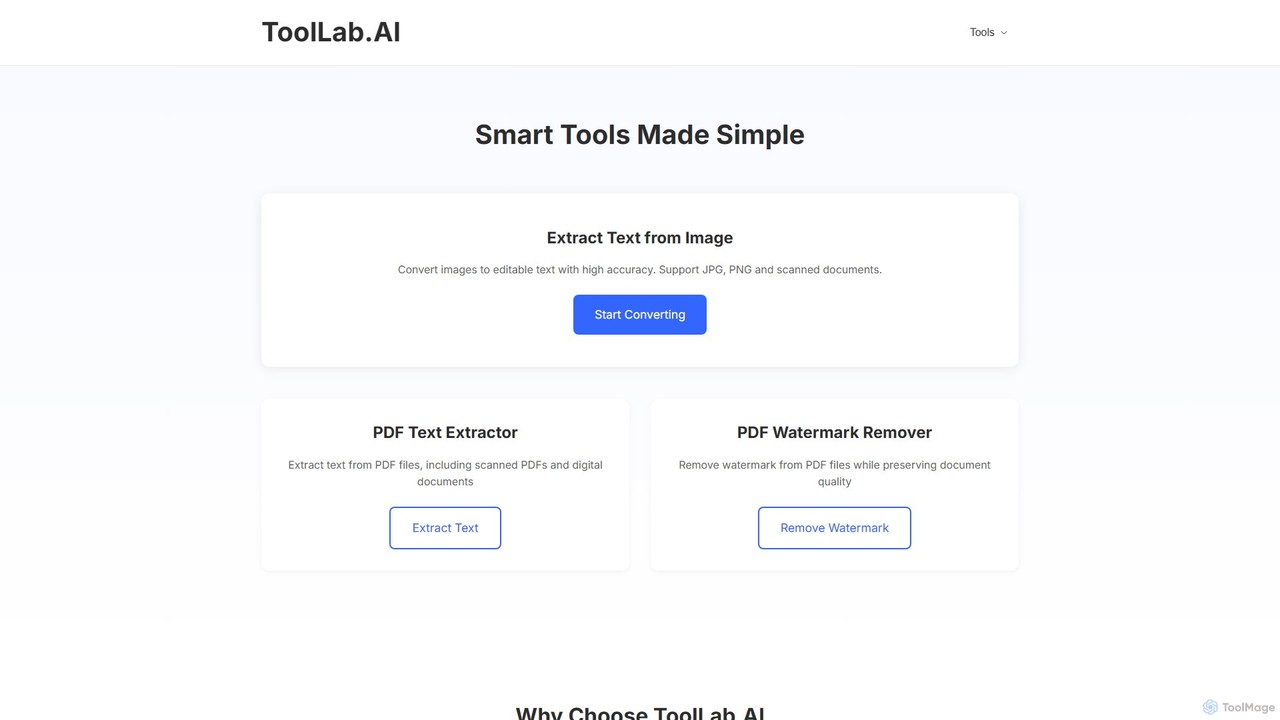
ToolLab.AIは、シンプルで効率的な文書処理のための、AIを搭載した無料のオンラインツールスイートを提供します。画像(OCR)やPDFからの高精度なテキスト抽出、PDFの透かし除去に特化しています。速度とセキュリティを重視して設計されており、使いやすいインターフェースで即座に結果を提供します。
文書処理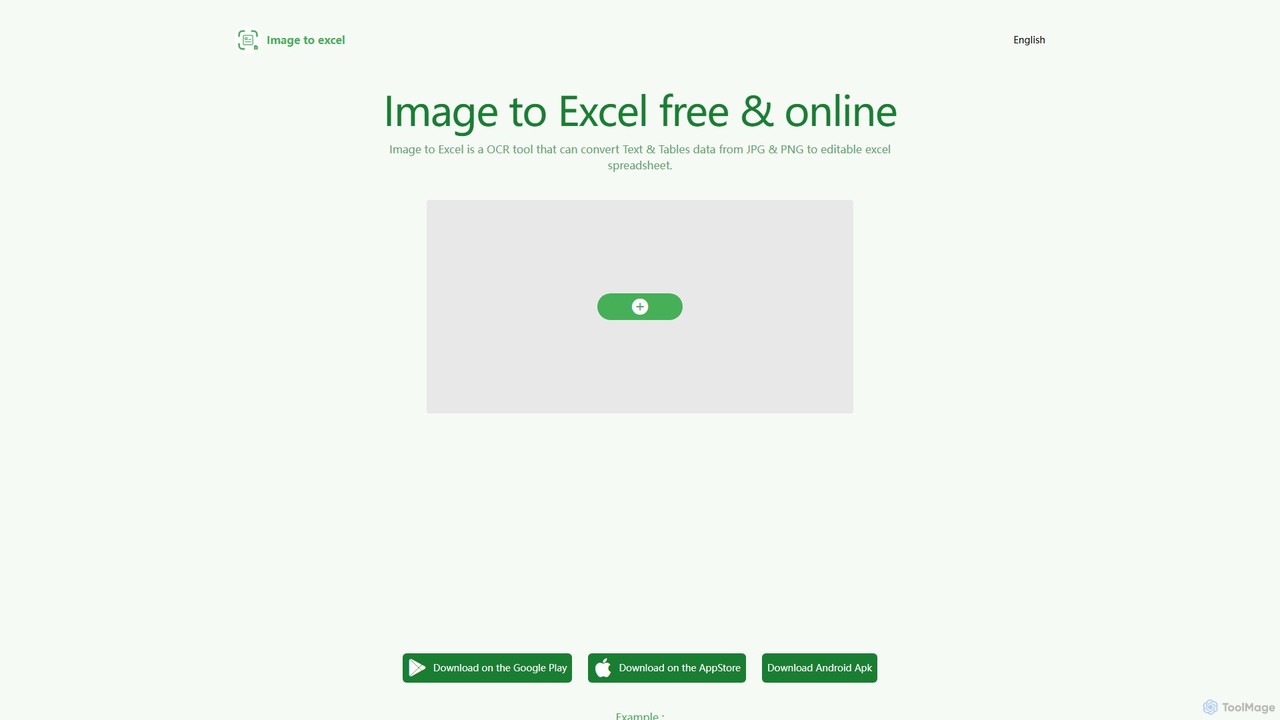
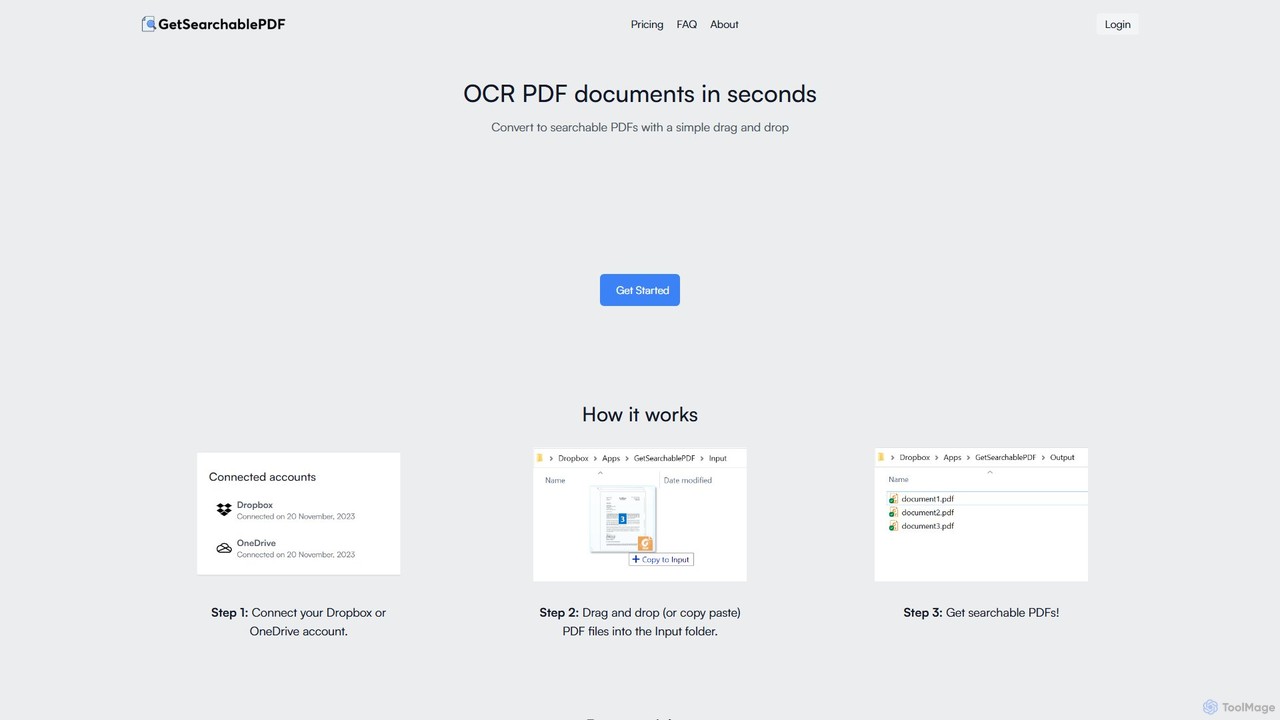
GetSearchablePDFは、スキャンした文書、画像、さらには手書きのメモまで、完全に検索可能で索引付け可能なPDFに簡単に変換するAI搭載のOCRツールです。DropboxやOneDriveと統合し、簡単なドラッグ&ドロップのワークフローで変換プロセスを自動化し、すべてのファイルに対して高い精度と最高レベルのセキュリティを保証します。
自動化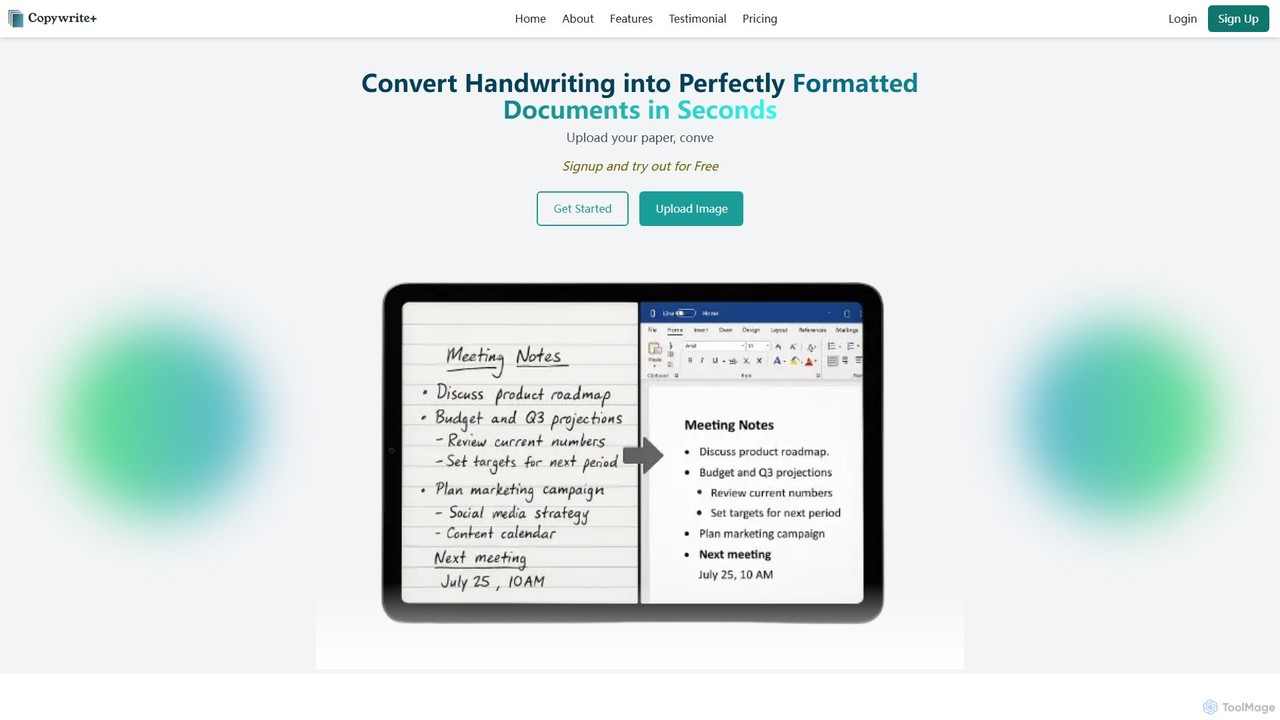
Copywriteeは、手書きのメモ、表、文書を99%の精度で完璧にフォーマットされた編集可能なデジタルテキストに変換するAI搭載プラットフォームです。単なる変換ツールではなく、直感的なエディタ、スプレッドシート対応、シームレスな共同作業機能を備えた完全なクラウドベースの文書管理エコシステムです。
データ入力