onerecovery
修理 · 3.2K 月間訪問数
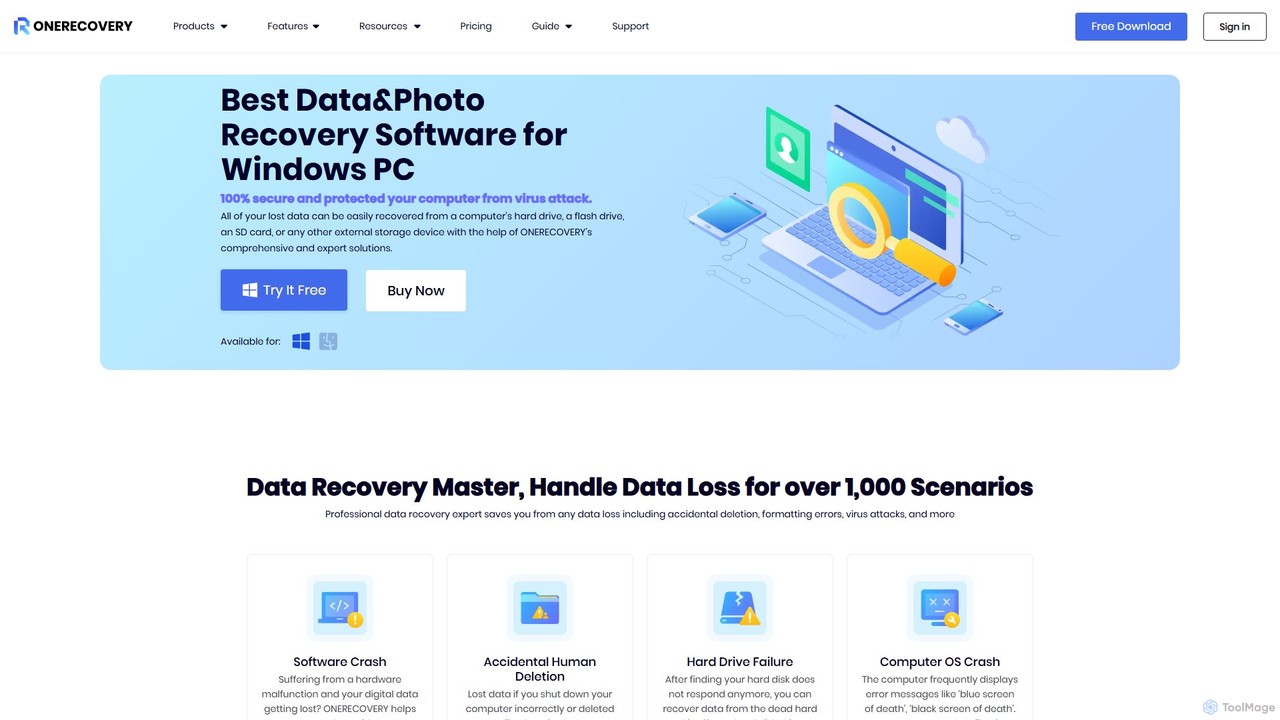
onerecoveryは、WindowsおよびMac向けのプロフェッショナルなデータ復元ソフトウェアです。誤削除、フォーマット、システムクラッシュなど様々なシナリオから1000種類以上のファイルを復元します。HDD、SSD、SDカードを含む2000以上のデバイスをサポートし、破損した写真や動画を修復するAI搭載ツールも備え、高い成功率を保証します。
onerecoveryは、WindowsおよびMac向けのプロフェッショナルなデータ復元ソフトウェアです。誤削除、フォーマット、システムクラッシュなど様々なシナリオから1000種類以上のファイルを復元します。HDD、SSD、SDカードを含む2000以上のデバイスをサポートし、破損した写真や動画を修復するAI搭載ツールも備え、高い成功率を保証します。
TinyFromは、AIを搭載した生産性向上およびユーティリティツールを統合したオールインワンスイートです。データ復旧、PDF編集、画像補正、ファイル管理、データ転送のソリューションを提供し、Windows、Mac、オンラインユーザーのデジタルライフをよりスマートで効率的にします。
onerecoveryは、WindowsおよびMac向けのプロフェッショナルなデータ復元ソフトウェアです。誤削除、フォーマット、システムクラッシュなど様々なシナリオから1000種類以上のファイルを復元します。HDD、SSD、SDカードを含む2000以上のデバイスをサポートし、破損した写真や動画を修復するAI搭載ツールも備え、高い成功率を保証します。
TinyFromは、AIを搭載した生産性向上およびユーティリティツールを統合したオールインワンスイートです。データ復旧、PDF編集、画像補正、ファイル管理、データ転送のソリューションを提供し、Windows、Mac、オンラインユーザーのデジタルライフをよりスマートで効率的にします。
| Feature | onerecovery | TinyFrom |
|---|---|---|
| 主要カテゴリー | 修理 | 画像編集 |
| 追加日 | 2025-08-03 | 2025-08-14 |
| 価格 | フリーミアム | フリーミアム |
| 公式サイト | www.onerecovery.online | www.tinyfrom.com |
| 製品タイプ | アプリ | ウェブサイト |
| Performance data | ||
| ユーザー評価 | 未確認 | 未確認 |
| コメント | 0 | 0 |
| 月間訪問数 | 3.2K | 10.4K |
| 月間成長率 | -41.1% | -72.9% |
| お気に入り | 119 | 150 |
| Details | 詳細を見る | 詳細を見る |
Compare onerecovery and TinyFrom by monthly reach, traffic trend, visit depth, top regions, and acquisition sources.
In the onerecovery vs TinyFrom monthly traffic comparison, onerecovery currently shows 3.2K visits and TinyFrom shows 10.4K; TinyFrom has about 3.3 times the visible traffic of onerecovery, an absolute difference of about 7.3K visits. This reflects visible reach, not feature quality or paid users.
Both tools provide verified traffic details, so monthly trends, visit depth, regions, and acquisition sources can be compared on the same basis.
| Country/region | Percentage | Traffic |
|---|---|---|
| 🇮🇳India | 37.54% | 1.2K |
| 🇺🇸United States | 35.92% | 1.1K |
| 🇩🇪Germany | 12.69% | 401 |
| 🇮🇹Italy | 8.26% | 261 |
| 🇬🇧United Kingdom | 5.59% | 177 |
| Country/region | Percentage | Traffic |
|---|---|---|
| 🇮🇩Indonesia | 27.15% | 2.8K |
| 🇮🇳India | 21.35% | 2.2K |
| 🇨🇦Canada | 19.12% | 2K |
| 🇺🇸United States | 18.98% | 2K |
| 🇷🇺Russia | 13.4% | 1.4K |
This in-depth onerecovery vs TinyFrom comparison uses only the product records, taxonomy, audience, traffic, and community signals available on this page. onerecovery is primarily listed under “修理”, while TinyFrom is primarily listed under “画像編集”, so the first decision is whether your actual task matches their recorded scope.
The structured fields currently show these decision-relevant differences: Primary category (onerecovery: 修理; TinyFrom: 画像編集); Product type (onerecovery: App; TinyFrom: Website); Monthly visits (onerecovery: 3.2K; TinyFrom: 10.4K); Monthly growth (onerecovery: -41.1%; TinyFrom: -72.9%); Favorites (onerecovery: 119; TinyFrom: 150). These facts are more useful for selection than brand visibility alone.
In the onerecovery vs TinyFrom monthly traffic comparison, onerecovery currently shows 3.2K visits and TinyFrom shows 10.4K; TinyFrom has about 3.3 times the visible traffic of onerecovery, an absolute difference of about 7.3K visits. This reflects visible reach, not feature quality or paid users.
Both tools provide verified traffic details, so monthly trends, visit depth, regions, and acquisition sources can be compared on the same basis.
If public market visibility is an important first-pass criterion, investigate TinyFrom first. The final choice should still follow taxonomy, use case, and a real trial because higher traffic does not prove broader capabilities or better workflow fit.
onerecovery and TinyFrom currently overlap in shared categories: ファイル管理、データ復旧; shared tags: データ復旧、写真修復、ビデオ修復. This can place both on the same shortlist, but it does not prove equal implementation, depth, or cost.
onerecovery's unique categories/tags are 修理、ディスク復旧、ファイル復元、ハードドライブ、Mac、SDカード、SSD、システムクラッシュ; TinyFrom's are 画像編集、重複ファイル検索、ファイル管理、画像高画質化、PDFエディター、生産性スイート、WhatsApp 転送. These unique fields are the strongest differentiators: validate the product whose recorded scope matches the task instead of following traffic alone.
onerecovery has no verified rating, 0 comments, 119 favorites, and 126 likes;TinyFrom has no verified rating, 0 comments, 150 favorites, and 133 likes。
Neither product has enough rating or comment samples for a credible reputation ranking.
Put onerecovery on the priority trial list when the task aligns with “修理” and especially 修理、ディスク復旧、ファイル復元、ハードドライブ、Mac、SDカード. This follows recorded positioning and does not imply unlisted capabilities are absent.
onerecovery also currently records: pricing is freemium, product type is app, 3.2K verified monthly visits, no verified user rating. Verify any hard requirement around price, platform, or reach before trial, and do not let sparse review data substitute for testing.
Put TinyFrom on the priority trial list when the task aligns with “画像編集” and especially 画像編集、重複ファイル検索、ファイル管理、画像高画質化、PDFエディター、生産性スイート. This follows recorded positioning and does not imply unlisted capabilities are absent.
TinyFrom also currently records: pricing is freemium, product type is website, 10.4K verified monthly visits, no verified user rating. Verify any hard requirement around price, platform, or reach before trial, and do not let sparse review data substitute for testing.
The available data describes positioning, public visibility, and community signals, but it cannot prove output quality, speed, integration effort, privacy, or long-term cost in your workflow. Before deciding, run the same representative tasks in onerecovery and TinyFrom, then record completion time, accuracy, manual corrections, and the real paid threshold. A like-for-like trial turns this comparison into a defensible adoption decision.
Tenorshareは、iOS、Android、Windows、Mac向けのデータ復元、システム修復、パスワード解除、デバイス管理のための包括的なソフトウェアソリューションスイートを提供します。AIを統合し、PDF編集やコンテンツの人間化などのツールで生産性を向上させます。
システム修復
EaseUS Repairは、破損した動画、写真、ドキュメントを修復するために設計されたAI搭載のオンラインツールです。幅広いフォーマットをサポートし、カメラ、ドローン、PCなど様々なデバイスのファイルを修復できます。アップロード、自動修復、保存前のプレビューという簡単な3ステップのプロセスを提供し、元の品質を維持しながら高い成功率を保証します。
写真編集
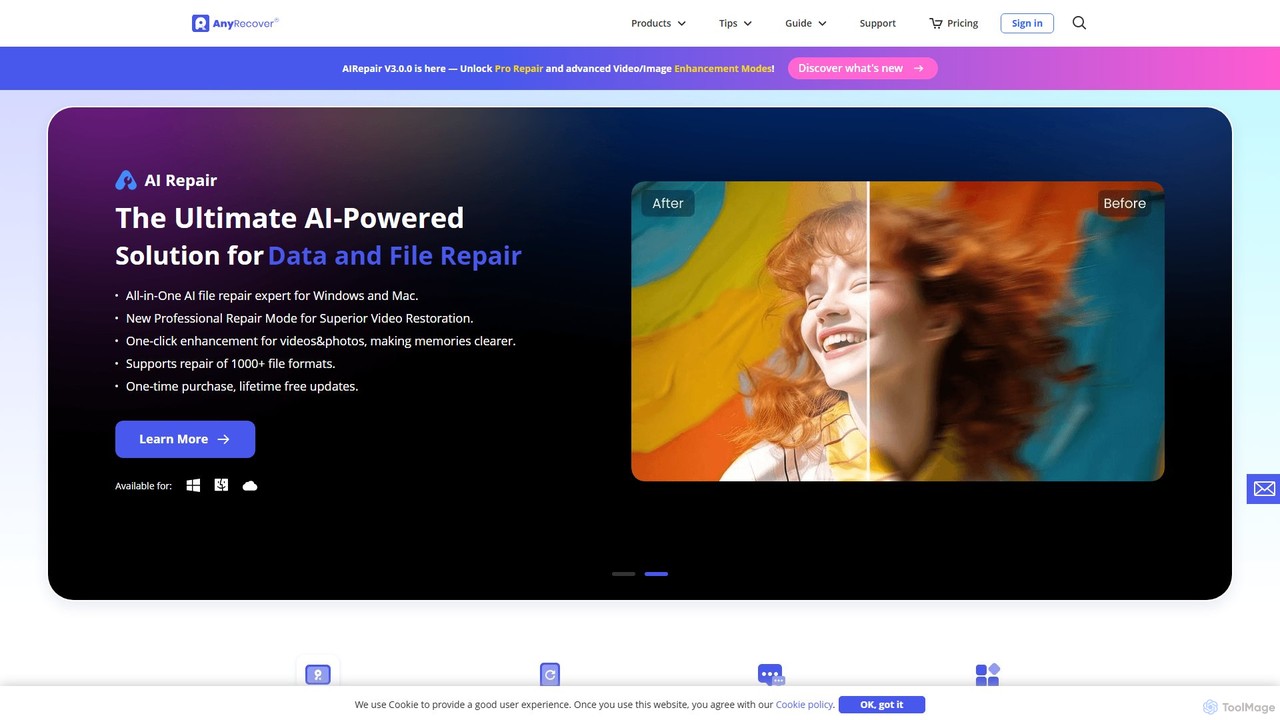
AnyRecoverは、AIを搭載したオールインワンのデータ復元およびファイル修復ソリューションです。Windows、Mac、iOS、Androidを含む2000以上のストレージデバイスから1000種類以上のファイルを復元します。また、破損した写真、動画、ドキュメントをAIで修復する機能や、画質・動画品質を向上させるAIエンハンサーも備えています。
ユーティリティ
Wondershareは、クリエイティビティ、生産性、ユーティリティのためのAI搭載ソフトウェアの包括的なスイートを提供します。高度な動画編集ソフトFilmoraやAIコンテンツジェネレーターToMovieeから、強力なPDFelementやデータ復元ツールまで、Wondershareは世界中の何百万人ものユーザーのデジタル体験を簡素化します。コンテンツクリエーター、ビジネス、個人がデジタル資産を簡単に作成、管理、保護するための直感的で強力なソリューションを提供します。
図解作成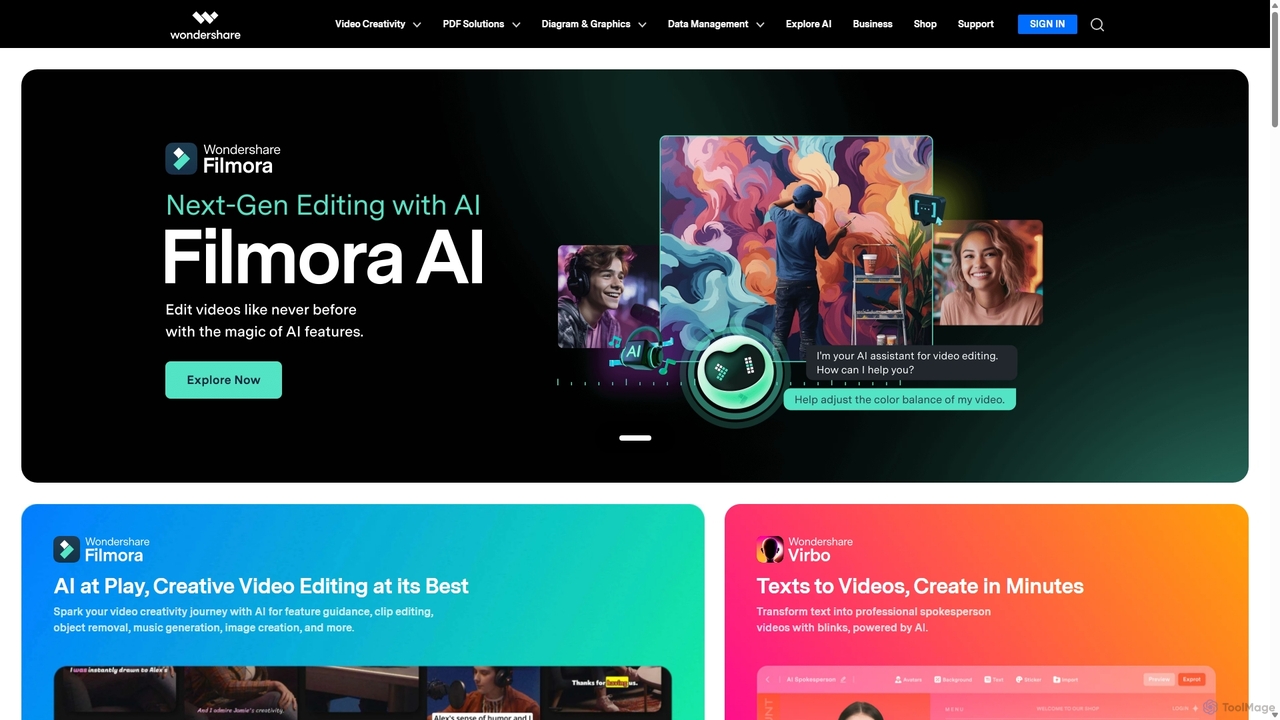
Wondershareは、創造性、生産性、実用性を向上させるために設計された、AI搭載ソフトウェアの包括的なスイートを提供します。高度な動画編集やPDF管理から、データ復元や作図まで、Wondershareは個人、ビジネス、教育者がデジタルライフとクリエイティブなワークフローを簡素化するための直感的で強力なツールを提供します。
グラフィックデザイン
Apowersoftは、ビジネスおよび日常使用向けの包括的なマルチメディアおよびユーティリティソフトウェアスイートを提供します。ビデオ編集、画面録画、ファイル変換、PDF管理、モバイルデバイス管理、データ復旧のための使いやすいソリューションを提供します。AI技術を統合することで、Apowersoftは複数のプラットフォームでシンプル、高品質、かつ効率的なクリエイティブおよびデータソリューションを提供します。
ビデオ編集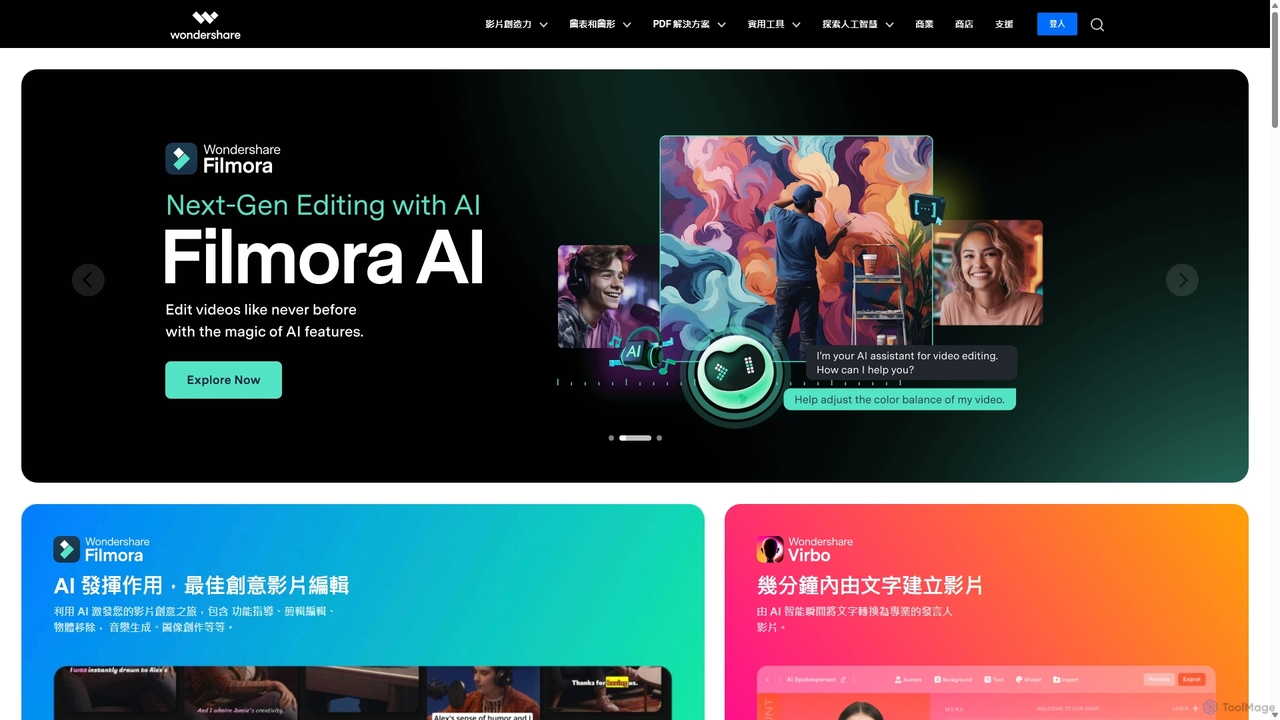
Wondershareは、AIを搭載した包括的なクリエイティブおよび生産性ソフトウェアスイートを提供します。業界をリードする動画編集ソフトFilmoraから、インテリジェントなPDFelement、多機能な作図ツールEdrawまで、Wondershareはクリエイター、プロフェッショナル、学生がアイデアを形にするのを支援します。統合されたAI機能は、ワークフローを合理化し、複雑なタスクを自動化し、動画、ドキュメント管理、ビジュアルコミュニケーションにおける新たな創造の可能性を解き放ちます。
図解作成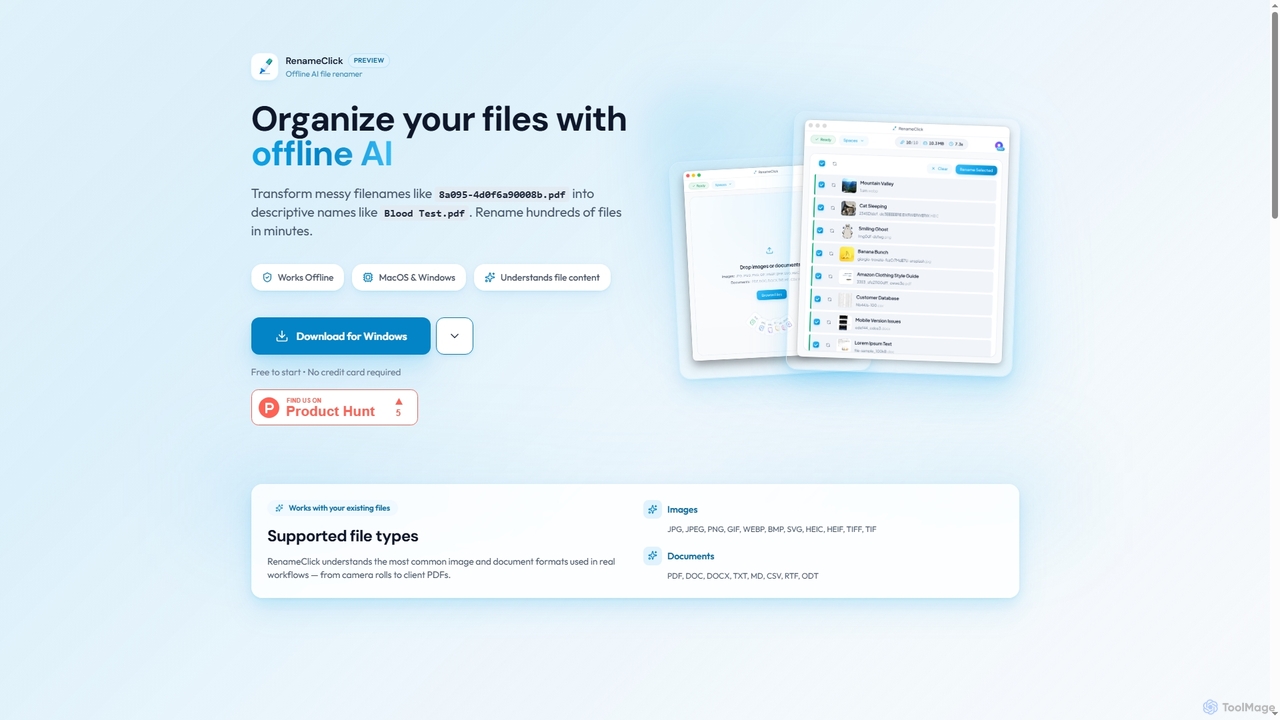
RenameClickは、MacおよびWindows向けのオフラインAIファイルリネーマーで、乱雑で整理されていないファイル名を説明的で明確なラベルにインテリジェントに変換します。ローカルAIを活用してファイルの内容を理解し、数百枚の画像やドキュメントを効率的に一括リネームしながら、完全なプライバシーを確保します。
オフライン処理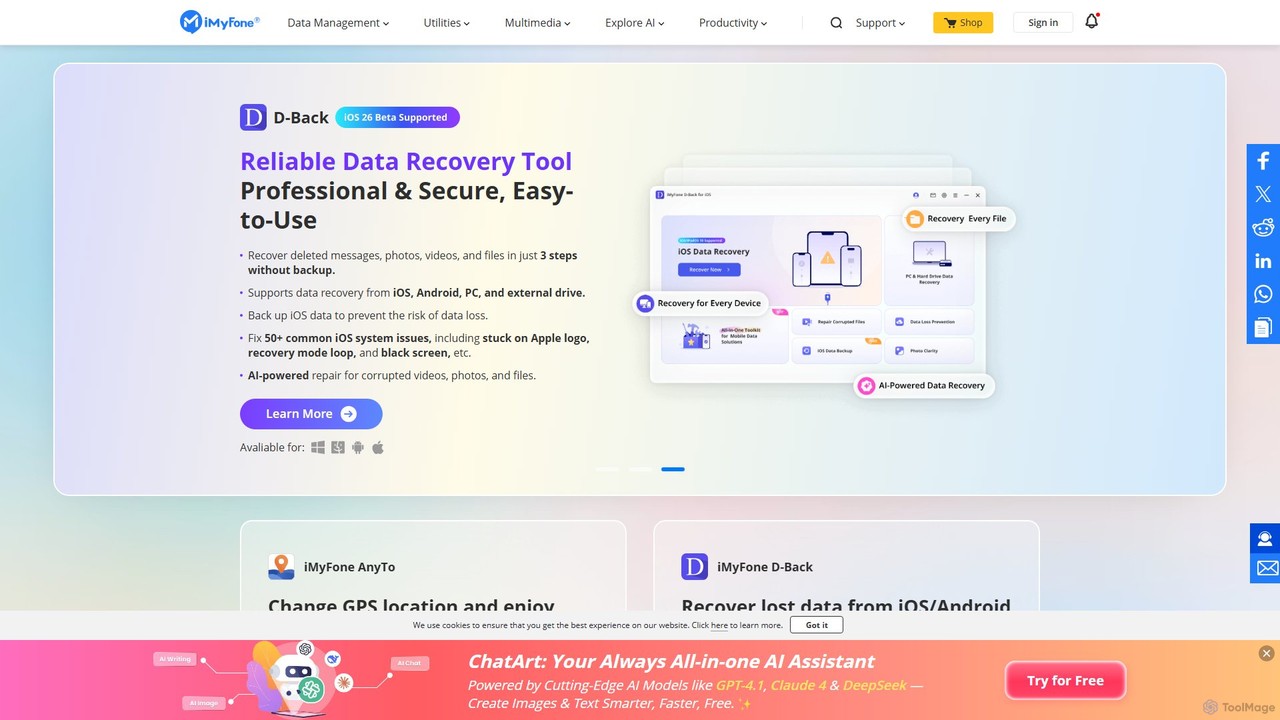
iMyFoneは、iOS、Android、Windows、Mac向けの包括的なAI搭載ソフトウェアソリューションスイートを提供しています。データ復元、システム修復、パスワード解除、クリエイティブなコンテンツ生成に特化しています。オフラインAIアシスタントのNut Studioや多機能なChatArtなどのツールにより、ユーザーは複雑なデジタル問題を解決し、最先端の人工知能で生産性を向上させることができます。
パーソナルアシスタント
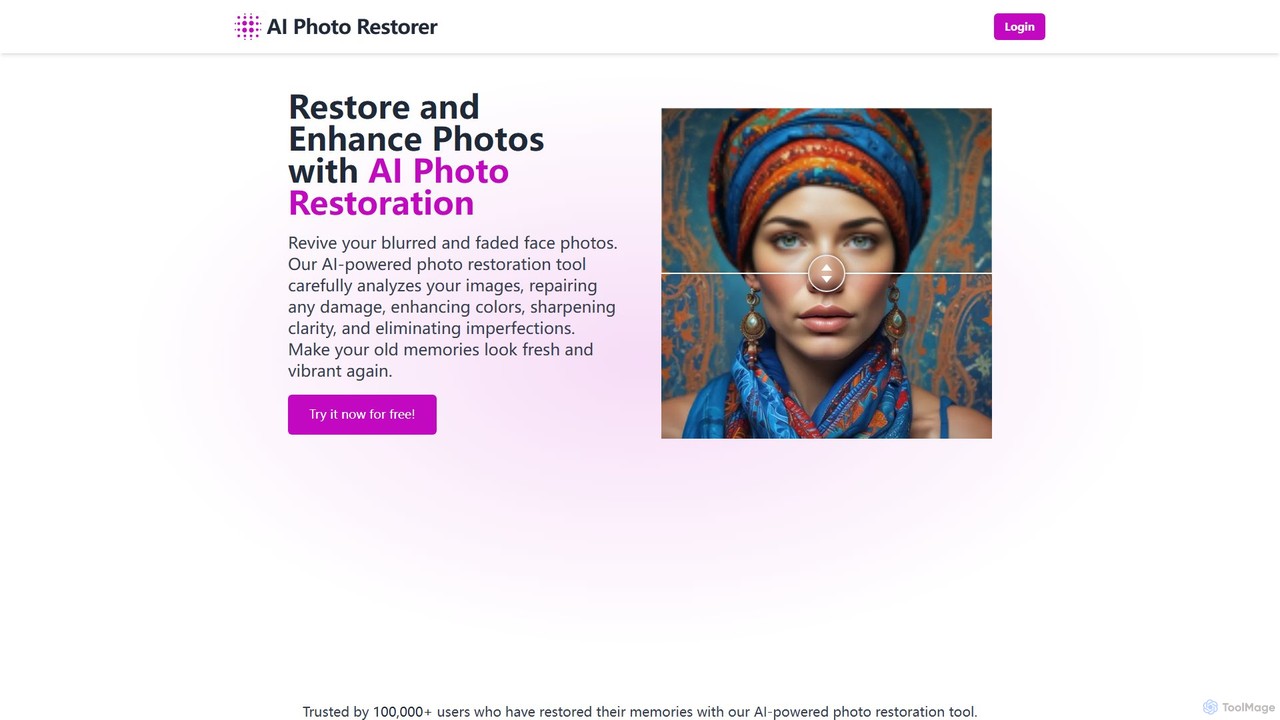
AIを活用したオンラインツールで、古い、ぼやけた、または損傷した写真を自動的に復元、強調、アップスケールします。傷を効果的に除去し、色を補正し、ディテールを鮮明にして、大切な思い出を驚くほどの鮮明さで蘇らせます。個人利用にもプロユースにも最適です。
画像強調
AIを活用したオンラインツールで、古く、ぼやけ、損傷した写真を復元するために設計されています。傷を自動的に除去し、ディテールを鮮明にし、白黒写真に色を付け、顔の特徴を強調することで、大切な思い出を数クリックで蘇らせます。
画像強調