Readvox
Chrome 拡張機能 · 44.7K 月間訪問数
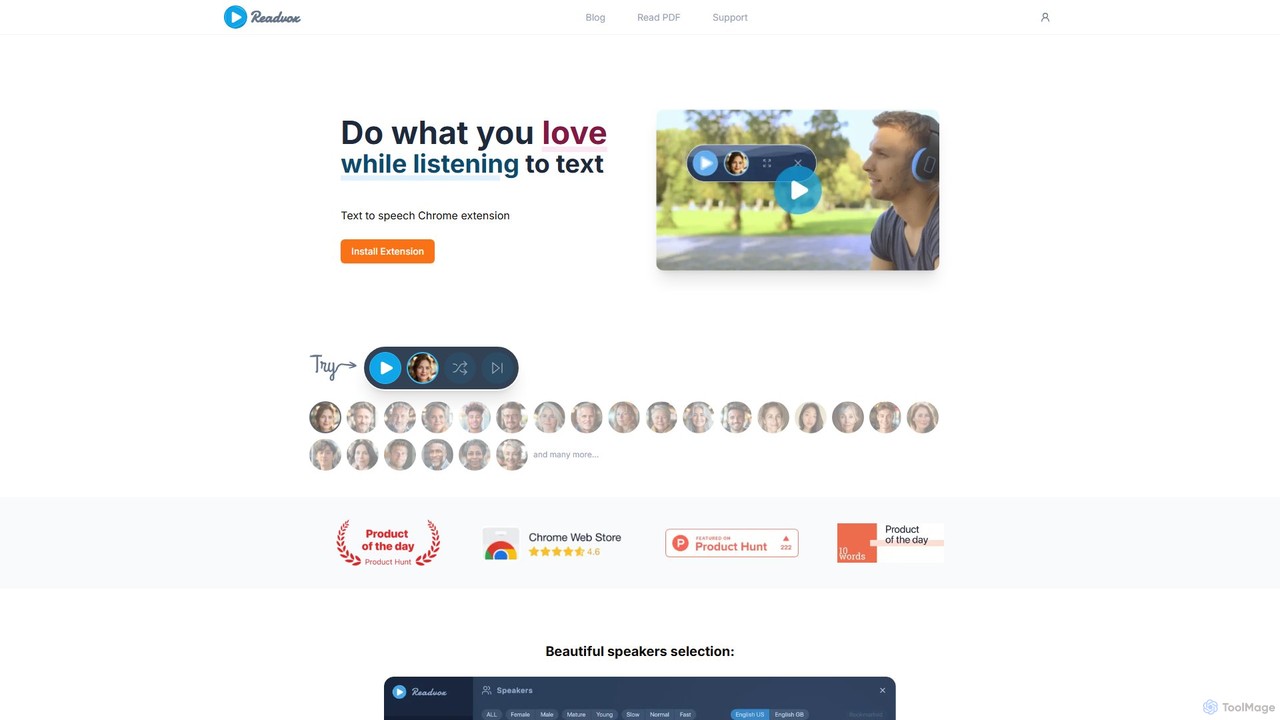
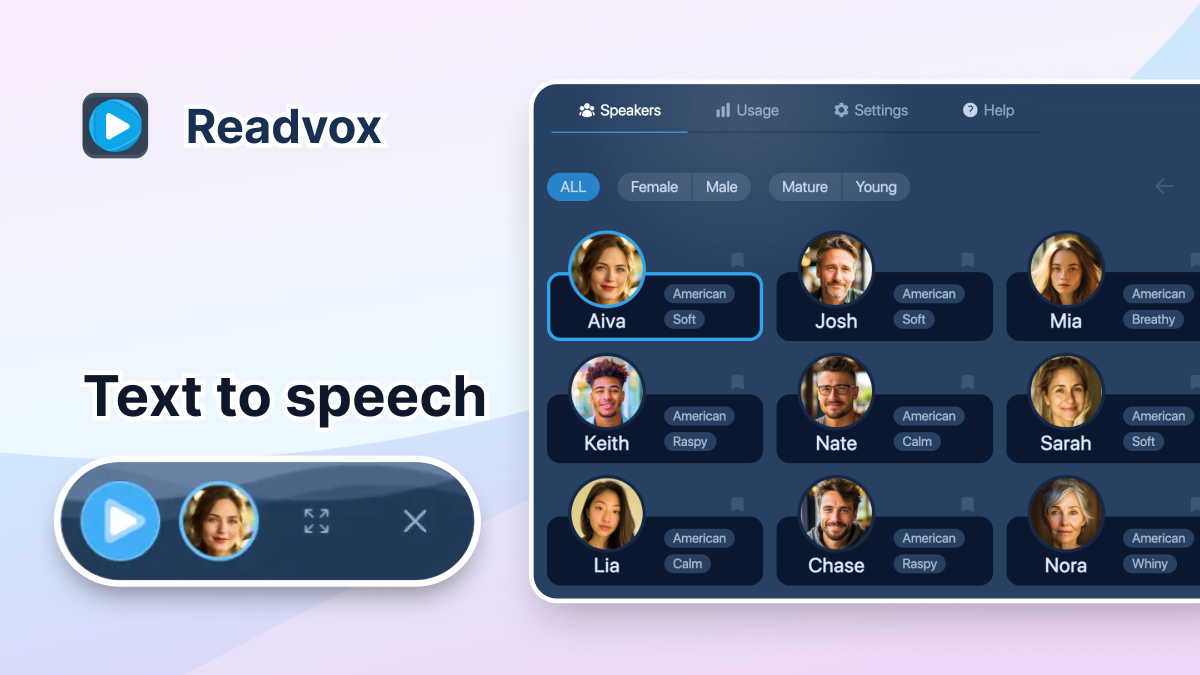
Readvoxは、ウェブページ、PDF、Googleドキュメントを自然な音声に変換するAI搭載のテキスト読み上げChrome拡張機能です。高品質な音声とカスタマイズ可能な読み上げコントロールにより、マルチタスク中に記事、書籍、ドキュメントを聞きながら、生産性とアクセシビリティを向上させます。
Readvoxは、ウェブページ、PDF、Googleドキュメントを自然な音声に変換するAI搭載のテキスト読み上げChrome拡張機能です。高品質な音声とカスタマイズ可能な読み上げコントロールにより、マルチタスク中に記事、書籍、ドキュメントを聞きながら、生産性とアクセシビリティを向上させます。
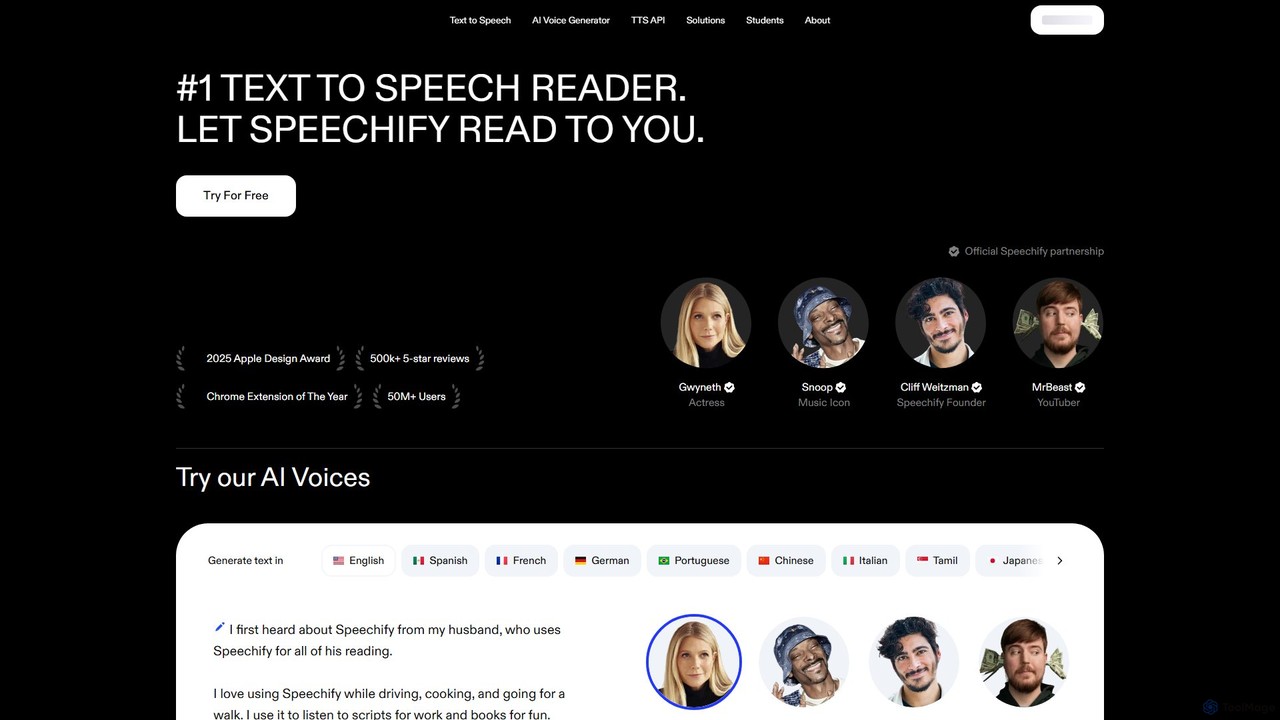
Speechifyは、あらゆるテキストを自然な音声に変換する、業界をリードするAI搭載のテキスト読み上げ(TTS)リーダーです。ユーザーがどのデバイスでもドキュメント、記事、PDF、メールを聴くことができ、生産性を向上させ、コンテンツをよりアクセスしやすくします。学生、専門家、失読症などの読書困難を抱える方に最適です。
Readvoxは、ウェブページ、PDF、Googleドキュメントを自然な音声に変換するAI搭載のテキスト読み上げChrome拡張機能です。高品質な音声とカスタマイズ可能な読み上げコントロールにより、マルチタスク中に記事、書籍、ドキュメントを聞きながら、生産性とアクセシビリティを向上させます。
Speechifyは、あらゆるテキストを自然な音声に変換する、業界をリードするAI搭載のテキスト読み上げ(TTS)リーダーです。ユーザーがどのデバイスでもドキュメント、記事、PDF、メールを聴くことができ、生産性を向上させ、コンテンツをよりアクセスしやすくします。学生、専門家、失読症などの読書困難を抱える方に最適です。
| Feature | Readvox | Speechify |
|---|---|---|
| 主要カテゴリー | Chrome 拡張機能 | テキスト読み上げ |
| 追加日 | 2025-08-06 | 2025-08-04 |
| 価格 | フリーミアム | フリーミアム |
| 公式サイト | readvox.com | speechify.com |
| 製品タイプ | ブラウザ拡張 | ウェブサイト |
| Performance data | ||
| ユーザー評価 | 未確認 | 未確認 |
| コメント | 0 | 0 |
| 月間訪問数 | 44.7K | 6.7M |
| 月間成長率 | 6.6% | -3.2% |
| お気に入り | 95 | 90 |
| Details | 詳細を見る | 詳細を見る |
Compare Readvox and Speechify by monthly reach, traffic trend, visit depth, top regions, and acquisition sources.
In the Readvox vs Speechify monthly traffic comparison, Readvox currently shows 44.7K visits and Speechify shows 6.7M; Speechify has about 149.5 times the visible traffic of Readvox, an absolute difference of about 6.6M visits. This reflects visible reach, not feature quality or paid users.
Both tools provide verified traffic details, so monthly trends, visit depth, regions, and acquisition sources can be compared on the same basis.
| Country/region | Percentage | Traffic |
|---|---|---|
| 🇺🇸United States | 57.82% | 25.9K |
| 🇧🇷Brazil | 20.66% | 9.2K |
| 🇩🇪Germany | 7.61% | 3.4K |
| 🇬🇧United Kingdom | 7.57% | 3.4K |
| 🇨🇦Canada | 6.34% | 2.8K |
| Source type | Percentage | Traffic |
|---|---|---|
| ダイレクト | 90.15% | 40.3K |
| 参照元 | 9.04% | 4K |
| Eメール | 0.81% | 362 |
| Country/region | Percentage | Traffic |
|---|---|---|
| 🇺🇸United States | 73.83% | 4.9M |
| 🇬🇧United Kingdom | 11.18% | 747.3K |
| 🇨🇦Canada | 5.38% | 359.6K |
| 🇦🇺Australia | 5.05% | 337.5K |
| 🇧🇷Brazil | 4.56% | 304.8K |
| Source type | Percentage | Traffic |
|---|---|---|
| ダイレクト | 93.58% | 6.3M |
| 参照元 | 4.25% | 284.1K |
| Eメール | 2.17% | 145K |
This in-depth Readvox vs Speechify comparison uses only the product records, taxonomy, audience, traffic, and community signals available on this page. Readvox is primarily listed under “Chrome 拡張機能”, while Speechify is primarily listed under “テキスト読み上げ”, so the first decision is whether your actual task matches their recorded scope.
The structured fields currently show these decision-relevant differences: Primary category (Readvox: Chrome 拡張機能; Speechify: テキスト読み上げ); Product type (Readvox: Browser extension; Speechify: Website); Monthly visits (Readvox: 44.7K; Speechify: 6.7M); Monthly growth (Readvox: 6.6%; Speechify: -3.2%); Favorites (Readvox: 95; Speechify: 90). These facts are more useful for selection than brand visibility alone.
In the Readvox vs Speechify monthly traffic comparison, Readvox currently shows 44.7K visits and Speechify shows 6.7M; Speechify has about 149.5 times the visible traffic of Readvox, an absolute difference of about 6.6M visits. This reflects visible reach, not feature quality or paid users.
Both tools provide verified traffic details, so monthly trends, visit depth, regions, and acquisition sources can be compared on the same basis.
If public market visibility is an important first-pass criterion, investigate Speechify first. The final choice should still follow taxonomy, use case, and a real trial because higher traffic does not prove broader capabilities or better workflow fit.
Readvox and Speechify currently overlap in shared categories: 支援技術; shared tags: アクセシビリティ、オーディオリーダー、生産性、読み上げ、スクリーンリーダー、テキスト読み上げ、音声合成. This can place both on the same shortlist, but it does not prove equal implementation, depth, or cost.
Readvox's unique categories/tags are Chrome 拡張機能、テキスト読み上げ、Chrome拡張機能、Google ドキュメント、Kindleリーダー、PDFリーダー; Speechify's are テキスト読み上げ、読書、AI 音声、失読症、音声ジェネレーター. These unique fields are the strongest differentiators: validate the product whose recorded scope matches the task instead of following traffic alone.
Readvox has no verified rating, 0 comments, 95 favorites, and 101 likes;Speechify has no verified rating, 0 comments, 90 favorites, and 81 likes。
Neither product has enough rating or comment samples for a credible reputation ranking.
Put Readvox on the priority trial list when the task aligns with “Chrome 拡張機能” and especially Chrome 拡張機能、テキスト読み上げ、Chrome拡張機能、Google ドキュメント、Kindleリーダー、PDFリーダー. This follows recorded positioning and does not imply unlisted capabilities are absent.
Readvox also currently records: pricing is freemium, product type is browser extension, 44.7K verified monthly visits, no verified user rating. Verify any hard requirement around price, platform, or reach before trial, and do not let sparse review data substitute for testing.
Put Speechify on the priority trial list when the task aligns with “テキスト読み上げ” and especially テキスト読み上げ、読書、AI 音声、失読症、音声ジェネレーター. This follows recorded positioning and does not imply unlisted capabilities are absent.
Speechify also currently records: pricing is freemium, product type is website, 6.7M verified monthly visits, no verified user rating. Verify any hard requirement around price, platform, or reach before trial, and do not let sparse review data substitute for testing.
The available data describes positioning, public visibility, and community signals, but it cannot prove output quality, speed, integration effort, privacy, or long-term cost in your workflow. Before deciding, run the same representative tasks in Readvox and Speechify, then record completion time, accuracy, manual corrections, and the real paid threshold. A like-for-like trial turns this comparison into a defensible adoption decision.
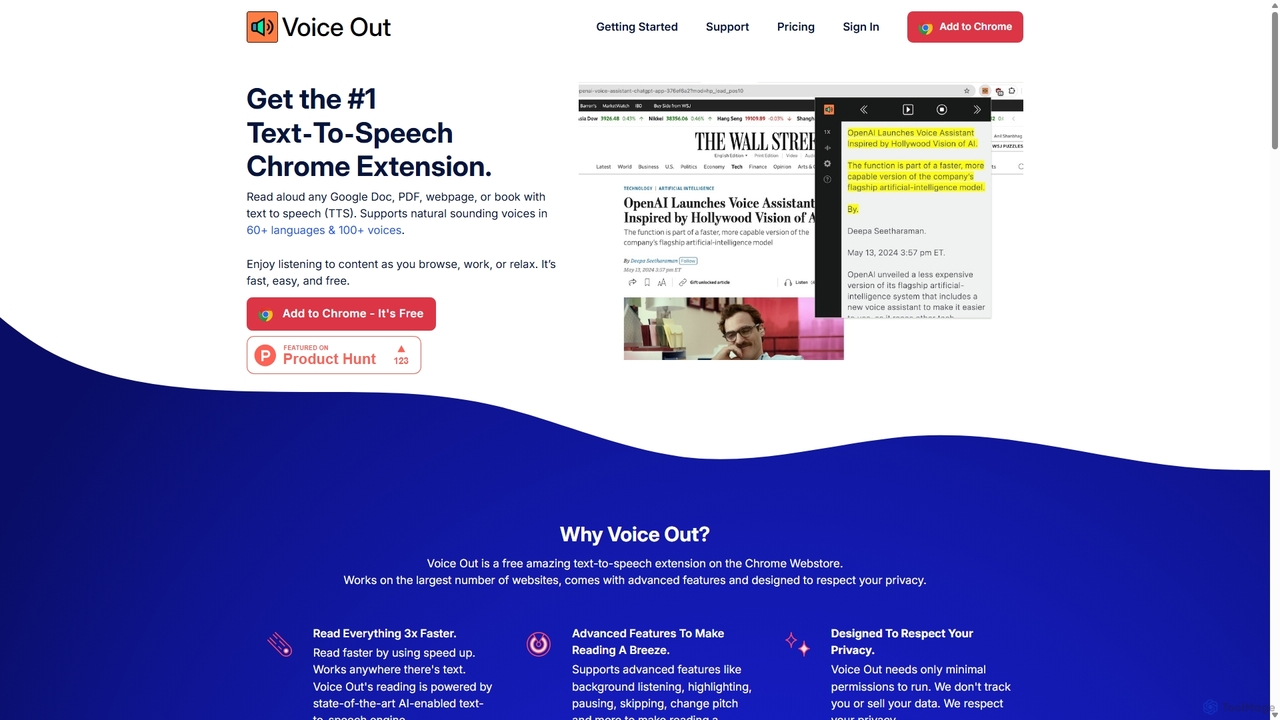
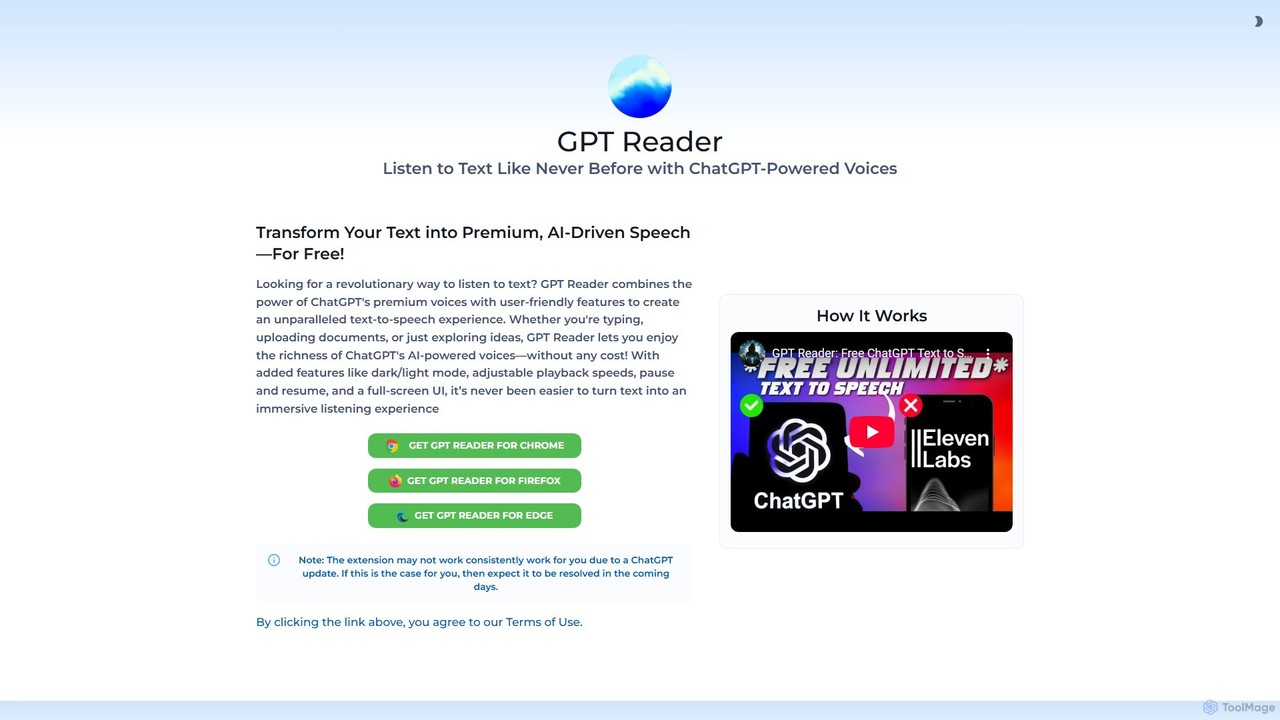
ChatGPTのプレミアムで自然な音声を使用する、無料のテキスト読み上げブラウザ拡張機能です。記事、ドキュメント、選択したテキストを高品質の音声に変換し、生産性とアクセシビリティを向上させます。
スクリーンリーダー
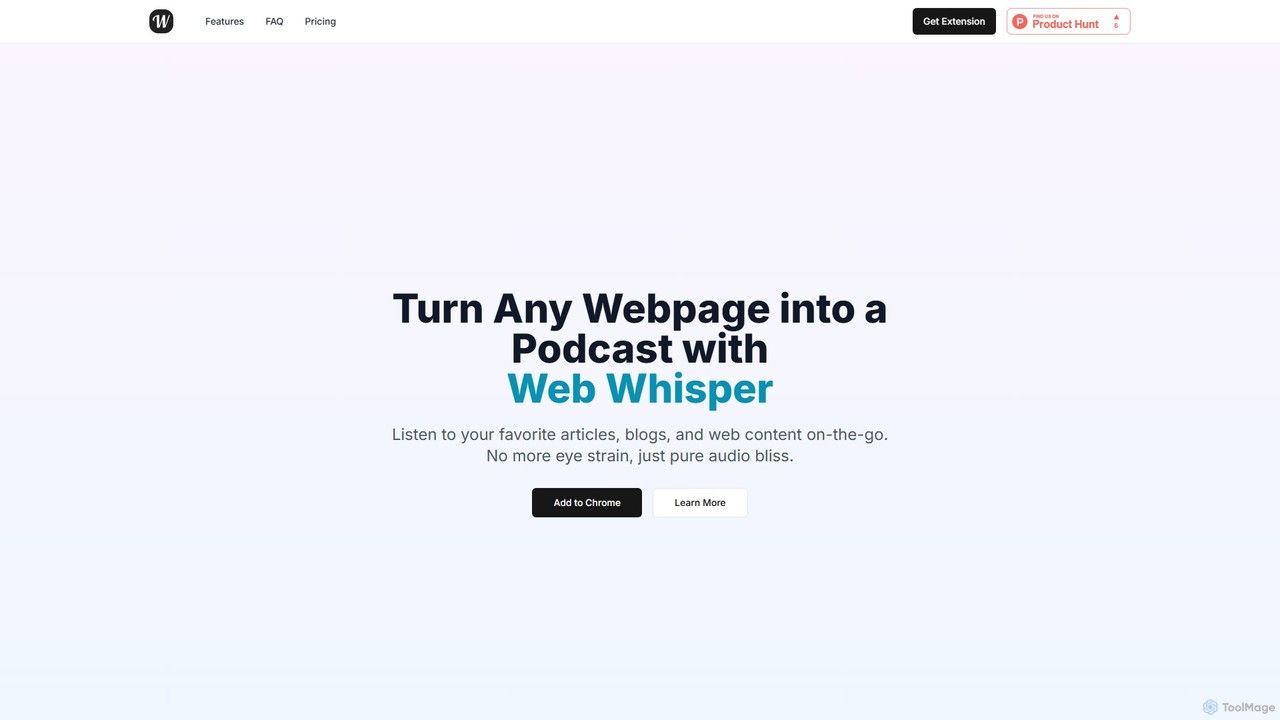
WebWhisperは、あらゆるウェブページ、記事、ブログ投稿を即座に高品質のオーディオポッドキャストに変換する無料のChrome拡張機能です。移動中にウェブコンテンツを聴いたり、後で聴くためのプレイリストを作成したり、オフラインでアクセスしたりすることもできます。自然なAI音声と自動言語検出機能により、読書体験を手軽なリスニング体験に変え、目の疲れを軽減し、生産性を向上させます。
スクリーンリーダー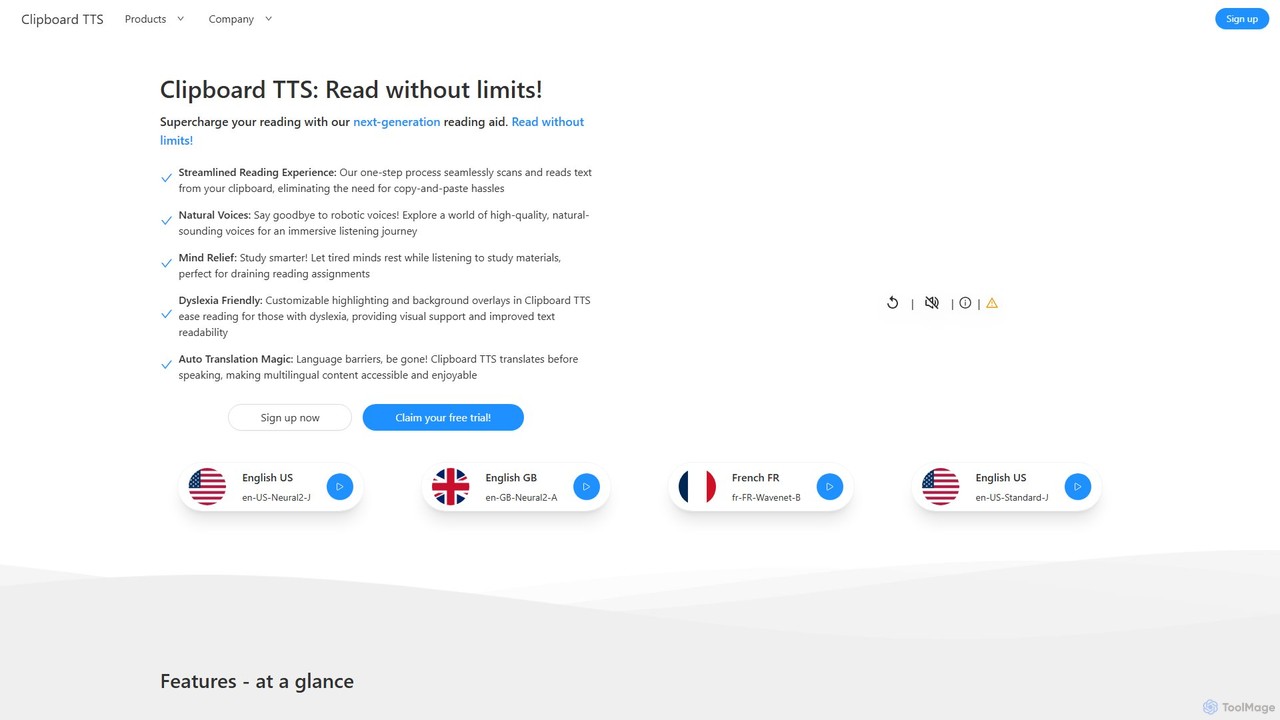
クリップボードのテキストを自動的に読み上げる、WindowsおよびLinux向けの高度なテキスト読み上げアプリケーションです。自然な音声、自動翻訳、OCR、ディスレクシア対応オプションを含む広範なアクセシビリティ機能を備え、シームレスで強力な読書体験を創出します。
読書補助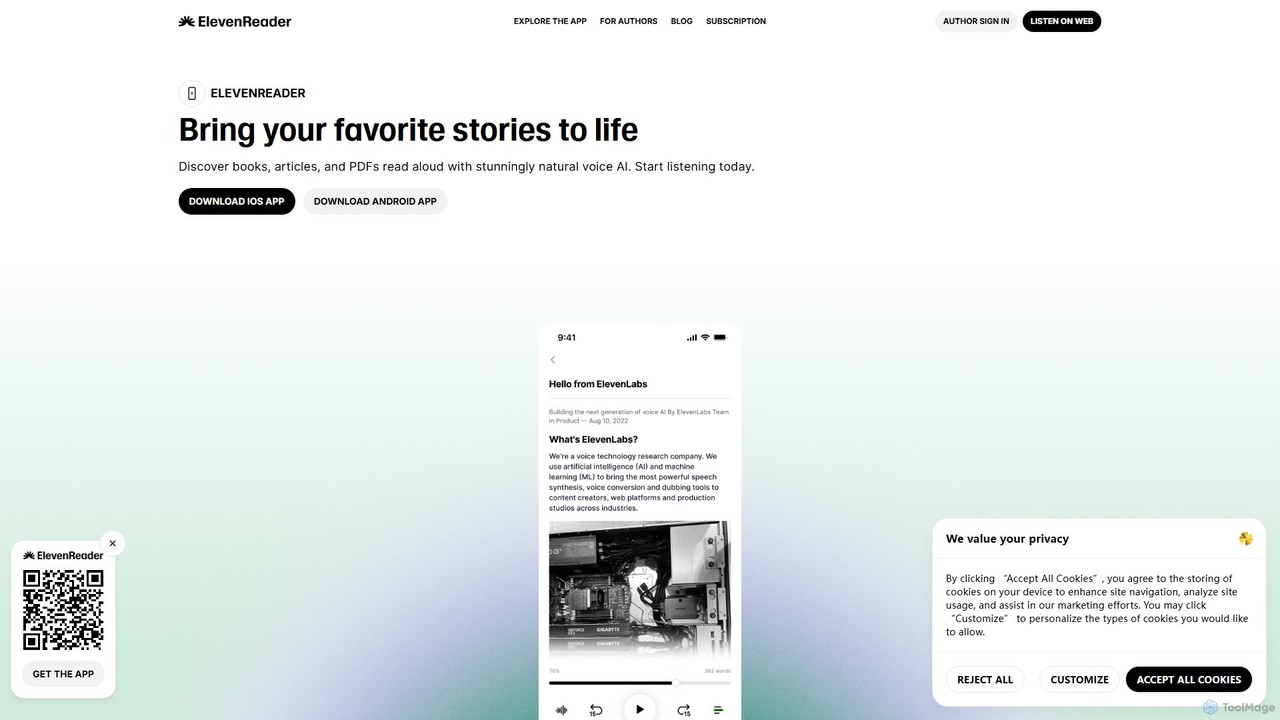
ElevenReaderは、書かれたテキストを驚くほど自然な音声に変換する、先進的なAI搭載のテキスト読み上げアプリケーションです。ElevenLabsの最先端の音声合成技術を活用し、記事、文書、PDF、メールを移動中に聞くことができます。マルチタスク、学習、アクセシビリティに最適で、ElevenReaderはあなたの読書資料を、幅広いリアルな音声と言語で個人のオーディオブックライブラリに変えます。
読書アシスタント
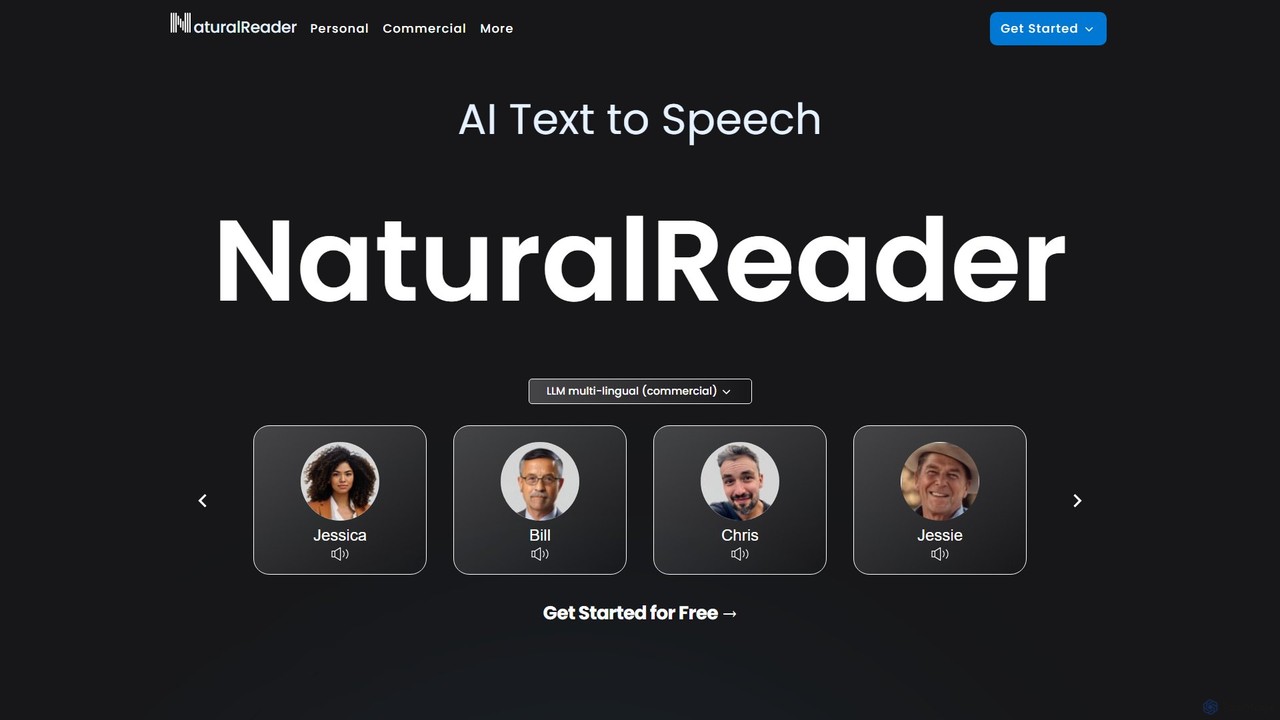
NaturalReaderは、テキスト、PDF、ウェブページを自然な音声に変換する高度なAIテキスト読み上げプラットフォームです。LLM技術を活用して高品質な多言語音声を提供し、音声クローン、OCR、商用ナレーション作成などの機能を備えています。個人、教育、プロフェッショナル向けに設計されており、ウェブ、モバイルアプリ、ブラウザ拡張機能で利用できます。
音声生成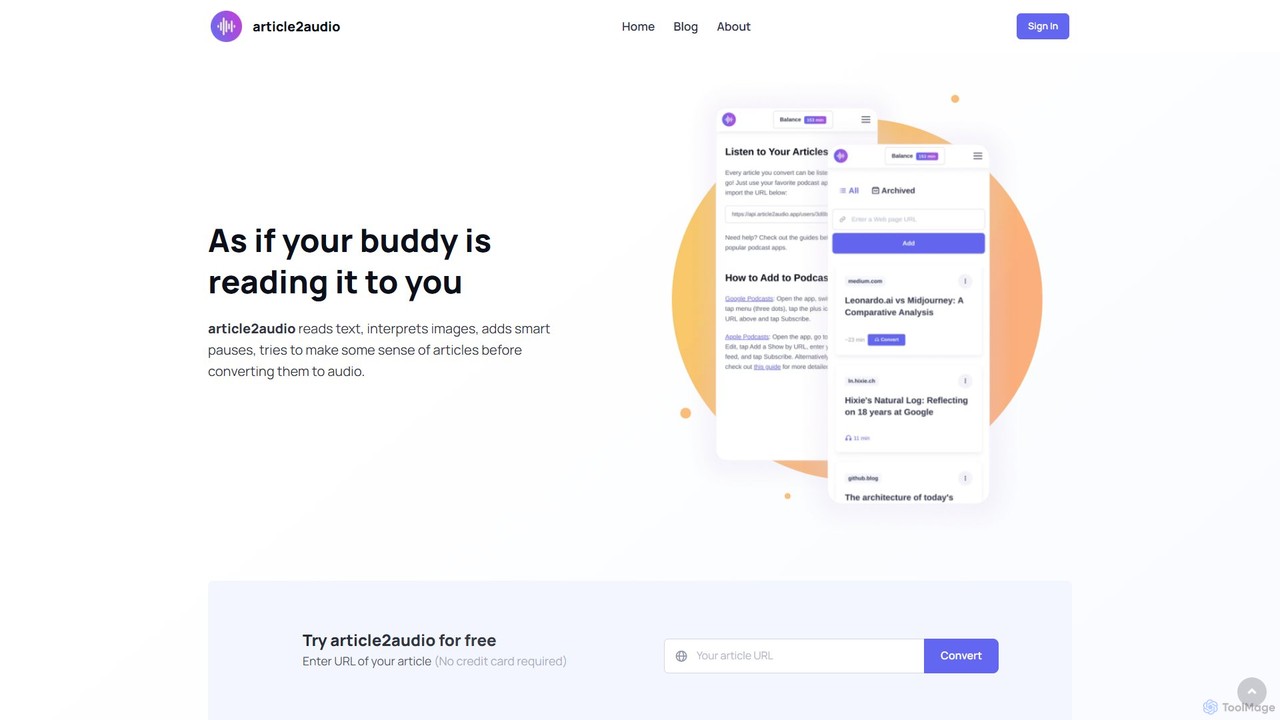
article2audioは、オンライン記事を自然で人間らしい音声に変換する先進的なAIテキスト読み上げツールです。画像の解釈、表の要約、コードのような複雑なテキストの処理により、単なるナレーションを超えた体験を提供します。まるで友人が読んでくれているかのように、ウェブコンテンツをより魅力的で有益なものにします。読書リストを個人用ポッドキャストに変えるのに最適です。
音声生成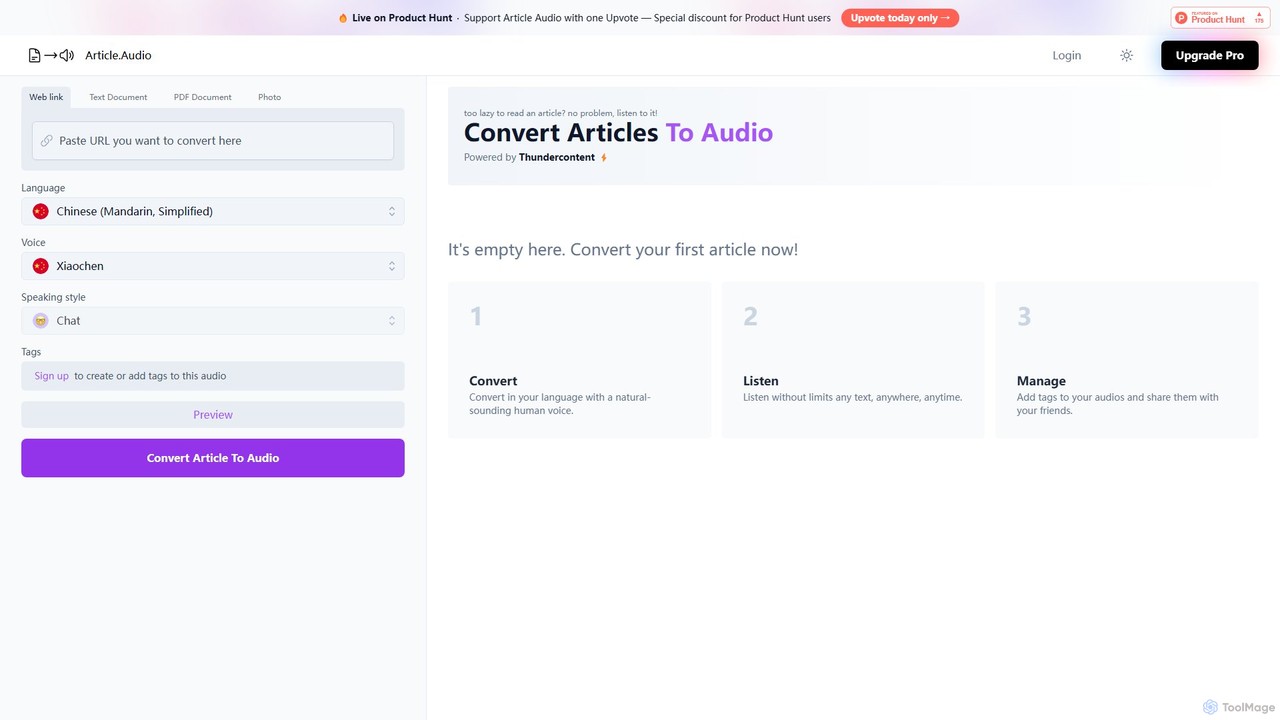
Article Audioは、AIを活用してウェブ記事を瞬時に高品質で自然な音声に変換するツールです。多様な言語と声から選択し、移動中でもコンテンツを聴くことができ、マルチタスク、学習、アクセシビリティに最適です。
読書補助