ReMind
ユーティリティ · 2.1K 月間訪問数
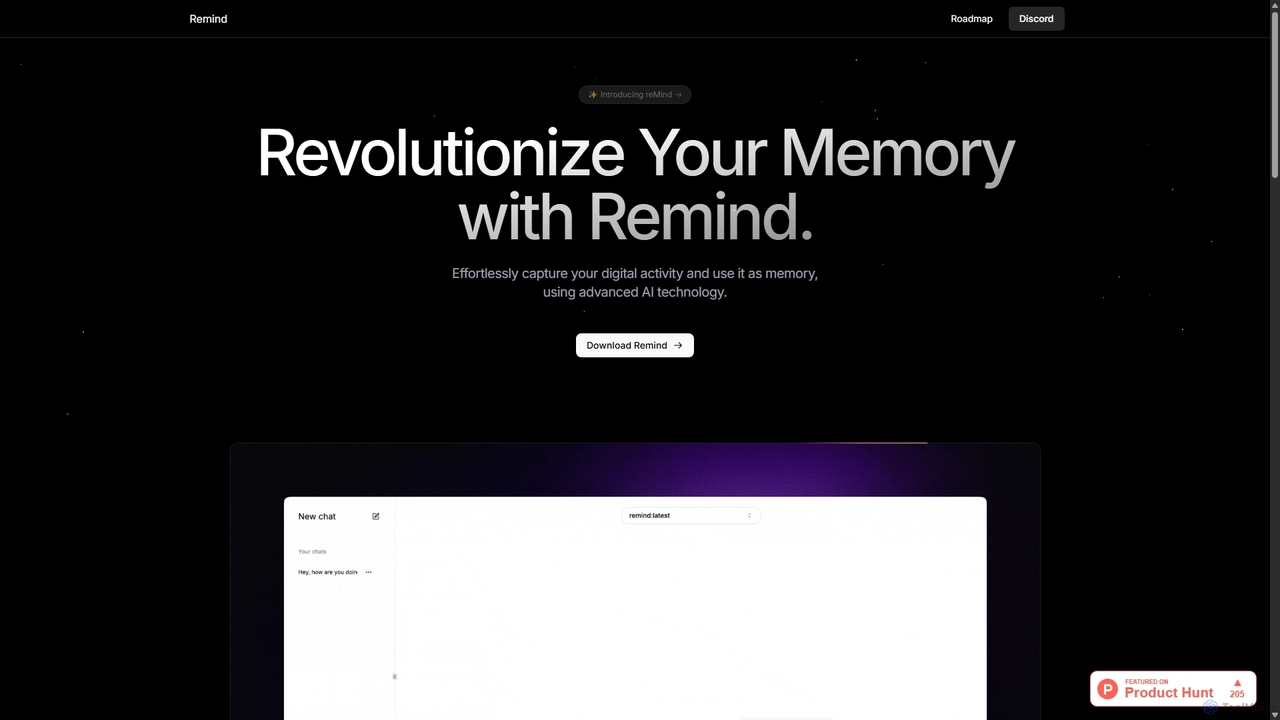
reMindは、あなたの個人的な記憶として機能する、オープンソースでプライバシーを第一に考えたAIツールです。デジタル活動をローカルでキャプチャし、自然言語を使ってコンピュータで見たことや行ったことを何でも検索・想起できます。最大限のセキュリティのため、完全にあなたのマシン上で実行されます。
reMindは、あなたの個人的な記憶として機能する、オープンソースでプライバシーを第一に考えたAIツールです。デジタル活動をローカルでキャプチャし、自然言語を使ってコンピュータで見たことや行ったことを何でも検索・想起できます。最大限のセキュリティのため、完全にあなたのマシン上で実行されます。
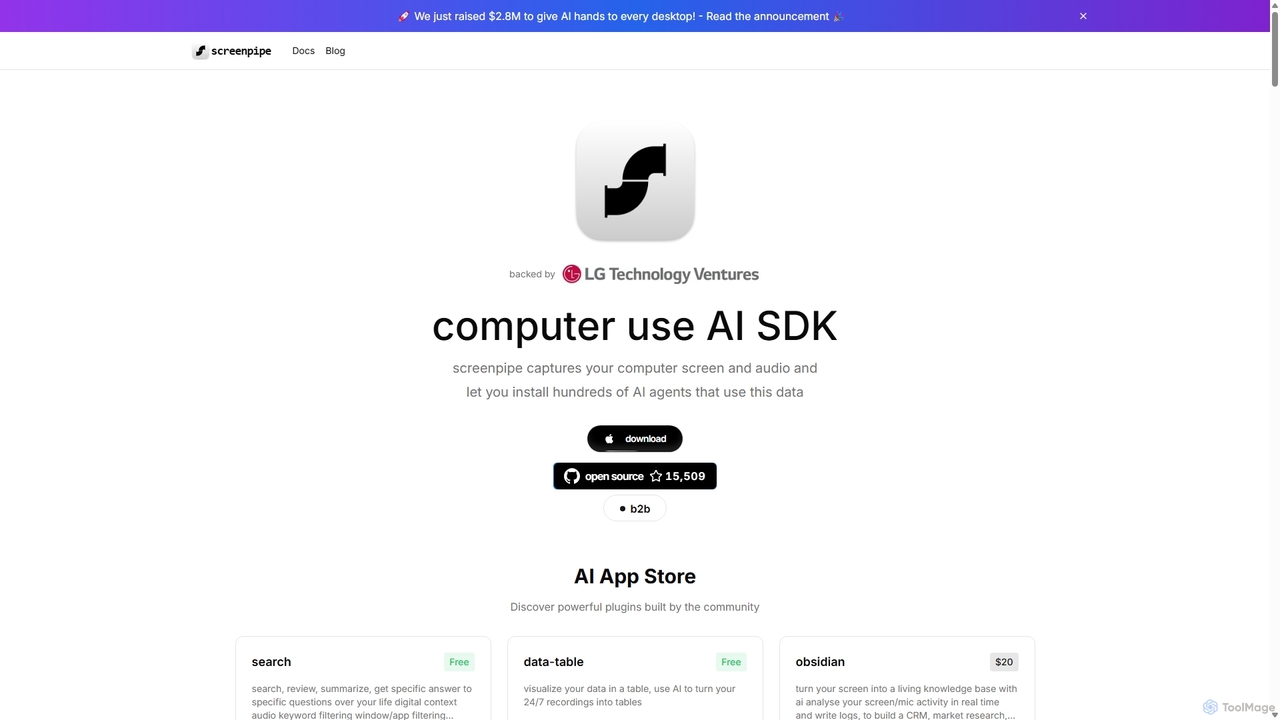
screenpipeは、コンピュータの画面と音声を24時間365日キャプチャし、ローカルでプライベートなデジタルメモリを作成するオープンソースのAI SDKです。これにより、完全なデジタルコンテキストに基づいて検索、要約、タスクの自動化を行う豊富なAIエージェントのエコシステムを強化し、コンピュータの使用を強力なパーソナライズされたAIに変えます。
reMindは、あなたの個人的な記憶として機能する、オープンソースでプライバシーを第一に考えたAIツールです。デジタル活動をローカルでキャプチャし、自然言語を使ってコンピュータで見たことや行ったことを何でも検索・想起できます。最大限のセキュリティのため、完全にあなたのマシン上で実行されます。
screenpipeは、コンピュータの画面と音声を24時間365日キャプチャし、ローカルでプライベートなデジタルメモリを作成するオープンソースのAI SDKです。これにより、完全なデジタルコンテキストに基づいて検索、要約、タスクの自動化を行う豊富なAIエージェントのエコシステムを強化し、コンピュータの使用を強力なパーソナライズされたAIに変えます。
| Feature | ReMind | Screenpipe |
|---|---|---|
| 主要カテゴリー | ユーティリティ | 個人データ |
| 追加日 | 2025-09-06 | 2025-09-11 |
| 価格 | 無料 | フリーミアム |
| 公式サイト | recallmemory.io | screenpi.pe |
| 製品タイプ | アプリ | アプリ |
| Performance data | ||
| ユーザー評価 | 未確認 | 未確認 |
| コメント | 0 | 0 |
| 月間訪問数 | 2.1K | 49.4K |
| 月間成長率 | 362.6% | -12.6% |
| お気に入り | 96 | 76 |
| Details | 詳細を見る | 詳細を見る |
Compare ReMind and Screenpipe by monthly reach, traffic trend, visit depth, top regions, and acquisition sources.
In the ReMind vs Screenpipe monthly traffic comparison, ReMind currently shows 2.1K visits and Screenpipe shows 49.4K; Screenpipe has about 23.9 times the visible traffic of ReMind, an absolute difference of about 47.3K visits. This reflects visible reach, not feature quality or paid users.
Both tools provide verified traffic details, so monthly trends, visit depth, regions, and acquisition sources can be compared on the same basis.
| Country/region | Percentage | Traffic |
|---|---|---|
| 🇺🇸United States | 65.56% | 1.4K |
| 🇮🇳India | 34.44% | 710 |
| Country/region | Percentage | Traffic |
|---|---|---|
| 🇺🇸United States | 54.22% | 26.8K |
| 🇮🇳India | 17.53% | 8.7K |
| 🇷🇺Russia | 10.04% | 5K |
| 🇩🇪Germany | 9.54% | 4.7K |
| 🇹🇼Taiwan | 8.67% | 4.3K |
| Source type | Percentage | Traffic |
|---|---|---|
| ダイレクト | 81.67% | 40.3K |
| 参照元 | 12.34% | 6.1K |
| Eメール | 5.99% | 3K |
This in-depth ReMind vs Screenpipe comparison uses only the product records, taxonomy, audience, traffic, and community signals available on this page. ReMind is primarily listed under “ユーティリティ”, while Screenpipe is primarily listed under “個人データ”, so the first decision is whether your actual task matches their recorded scope.
The structured fields currently show these decision-relevant differences: Primary category (ReMind: ユーティリティ; Screenpipe: 個人データ); Pricing (ReMind: Free; Screenpipe: Freemium); Monthly visits (ReMind: 2.1K; Screenpipe: 49.4K); Monthly growth (ReMind: 362.6%; Screenpipe: -12.6%); Favorites (ReMind: 96; Screenpipe: 76). These facts are more useful for selection than brand visibility alone.
In the ReMind vs Screenpipe monthly traffic comparison, ReMind currently shows 2.1K visits and Screenpipe shows 49.4K; Screenpipe has about 23.9 times the visible traffic of ReMind, an absolute difference of about 47.3K visits. This reflects visible reach, not feature quality or paid users.
Both tools provide verified traffic details, so monthly trends, visit depth, regions, and acquisition sources can be compared on the same basis.
If public market visibility is an important first-pass criterion, investigate Screenpipe first. The final choice should still follow taxonomy, use case, and a real trial because higher traffic does not prove broader capabilities or better workflow fit.
ReMind and Screenpipe currently overlap in shared tags: 知識管理、ローカルAI、オープンソース、プライバシー、生産性; shared roles: コンテンツクリエイター、データアナリスト、知識労働者、プロダクトマネージャー、ソフトウェア開発者. This can place both on the same shortlist, but it does not prove equal implementation, depth, or cost.
ReMind's unique categories/tags are ユーティリティ、ローカルAI、知識管理、デスクトップアシスタント、Ollama、個人的な記憶、リコール、スクリーンショット; Screenpipe's are 個人データ、SDK、デスクトップ強化、自動化、AIエージェント、AI SDK、音声文字変換、コンテキストレイヤー. These unique fields are the strongest differentiators: validate the product whose recorded scope matches the task instead of following traffic alone.
ReMind has no verified rating, 0 comments, 96 favorites, and 91 likes;Screenpipe has no verified rating, 0 comments, 76 favorites, and 92 likes。
Neither product has enough rating or comment samples for a credible reputation ranking.
Put ReMind on the priority trial list when the task aligns with “ユーティリティ” and especially ユーティリティ、ローカルAI、知識管理、デスクトップアシスタント、Ollama、個人的な記憶, or the users include 研究者、学生、作家. This follows recorded positioning and does not imply unlisted capabilities are absent.
ReMind also currently records: pricing is free, product type is app, 2.1K verified monthly visits, no verified user rating. Verify any hard requirement around price, platform, or reach before trial, and do not let sparse review data substitute for testing.
Put Screenpipe on the priority trial list when the task aligns with “個人データ” and especially 個人データ、SDK、デスクトップ強化、自動化、AIエージェント、AI SDK, or the users include AI研究者、創業者、市場調査員、生産性向上推進者. This follows recorded positioning and does not imply unlisted capabilities are absent.
Screenpipe also currently records: pricing is freemium, product type is app, 49.4K verified monthly visits, no verified user rating. Verify any hard requirement around price, platform, or reach before trial, and do not let sparse review data substitute for testing.
The available data describes positioning, public visibility, and community signals, but it cannot prove output quality, speed, integration effort, privacy, or long-term cost in your workflow. Before deciding, run the same representative tasks in ReMind and Screenpipe, then record completion time, accuracy, manual corrections, and the real paid threshold. A like-for-like trial turns this comparison into a defensible adoption decision.
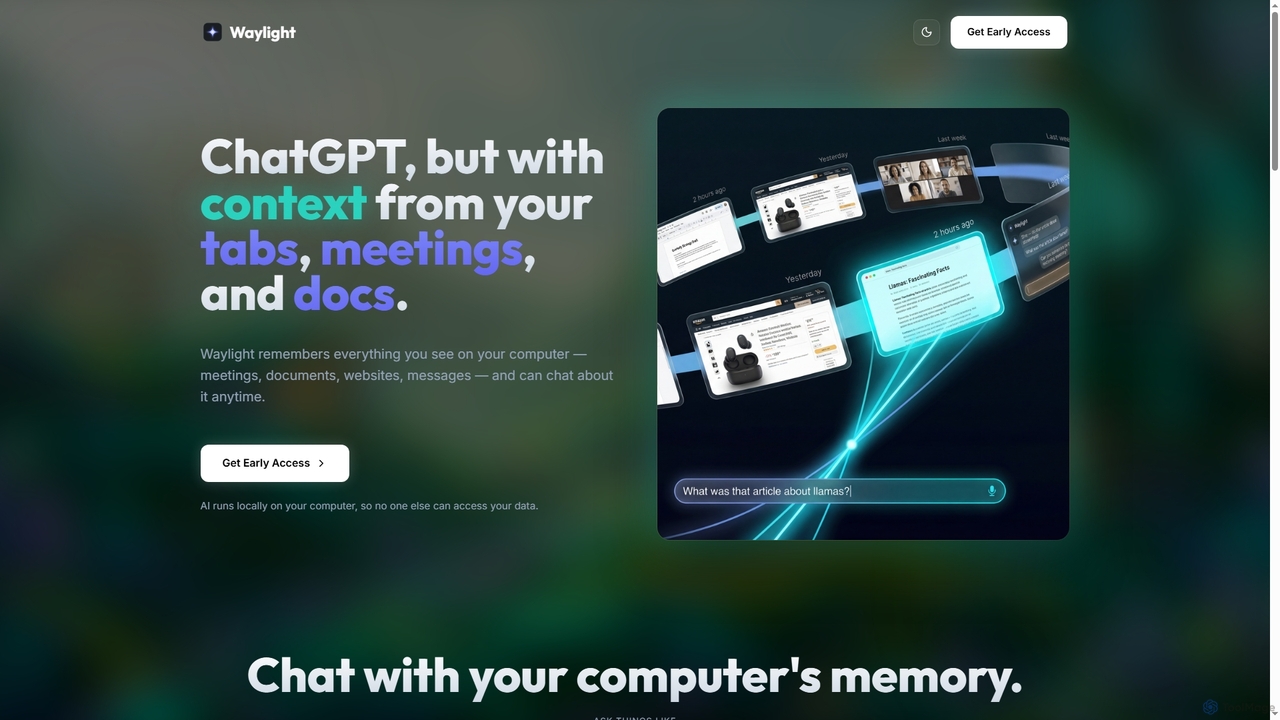
Waylightは、プライバシーを最優先するAIアシスタントで、お使いのコンピュータ上でローカルに動作します。会議、ドキュメント、ウェブサイトなど、あなたが見るすべてを記憶し、データをクラウドにアップロードすることなく対話できる検索可能なメモリを作成します。
デスクトップアシスタント
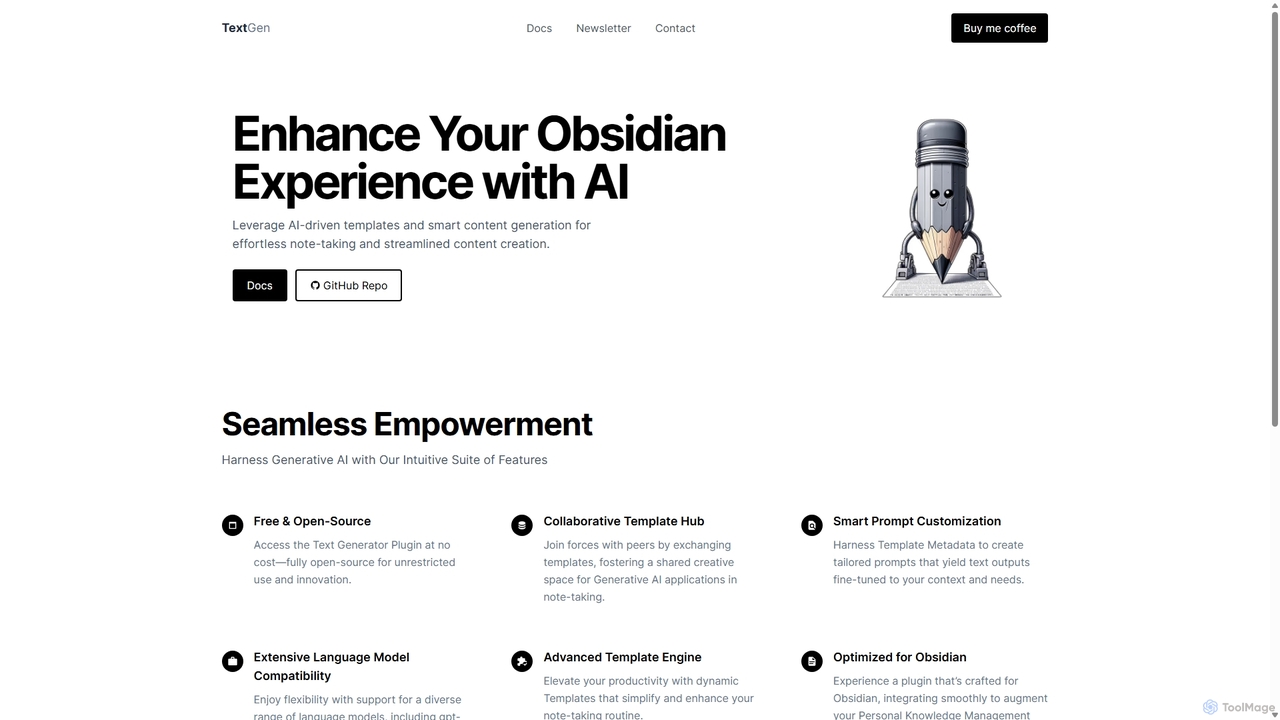
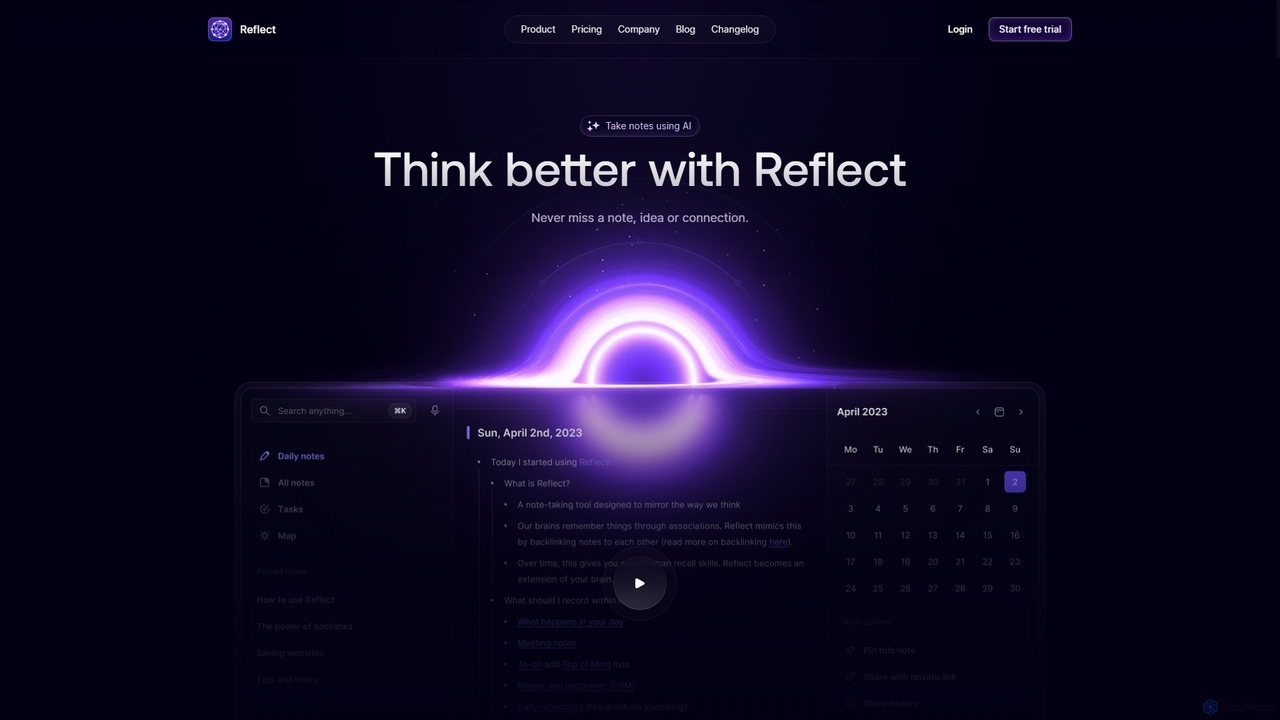
Reflectは、より良い思考を支援するために設計されたAI搭載のネットワーク型ノートアプリです。バックリンクでノートをつなぎ、アイデアのグラフを作成することで「第二の脳」として機能します。AIによる文字起こし、要約、エンドツーエンド暗号化、シームレスなデバイス間同期などの機能を備え、スピード、セキュリティ、そしてスムーズな思考のキャプチャを実現します。
パーソナルアシスタント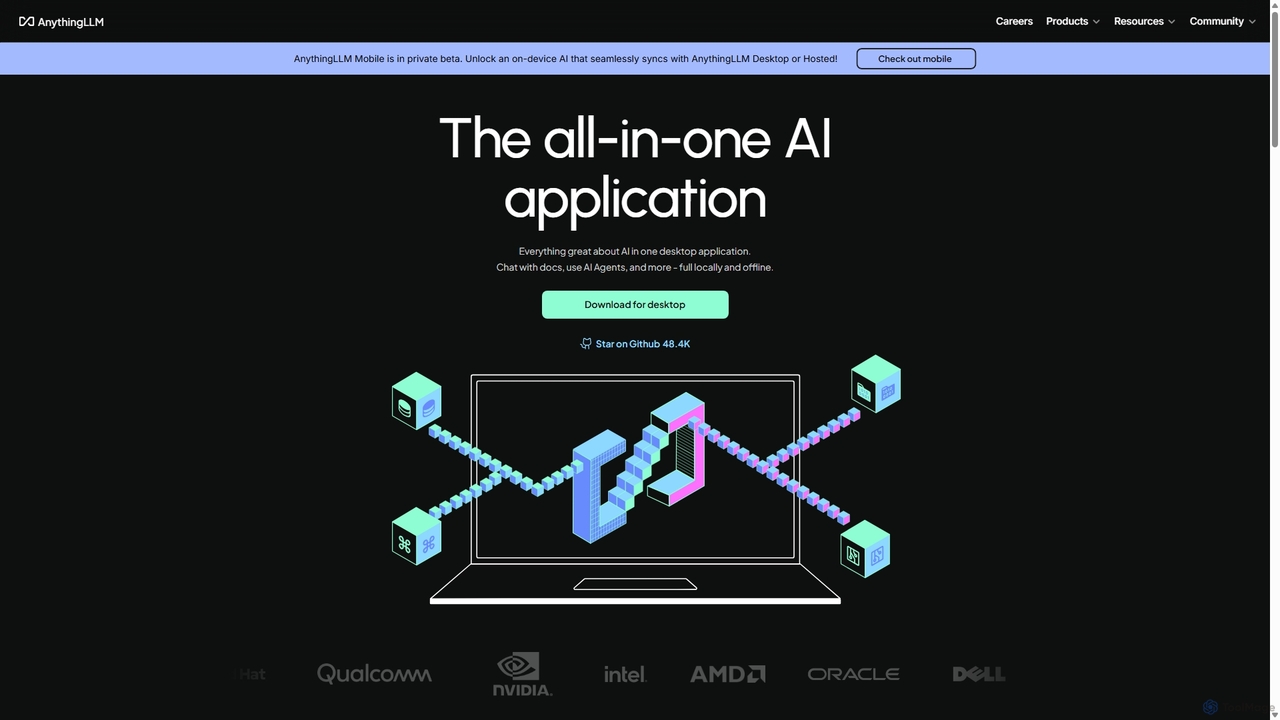
AnythingLLMは、デスクトップでローカルに実行したり、自己ホストしたりできるオープンソースのオールインワンAIアプリケーションです。あらゆるドキュメントからプライベートなナレッジベースを作成し、データとチャットし、強力なAIエージェントを活用しながら、完全なデータプライバシーと制御を保証します。
文書管理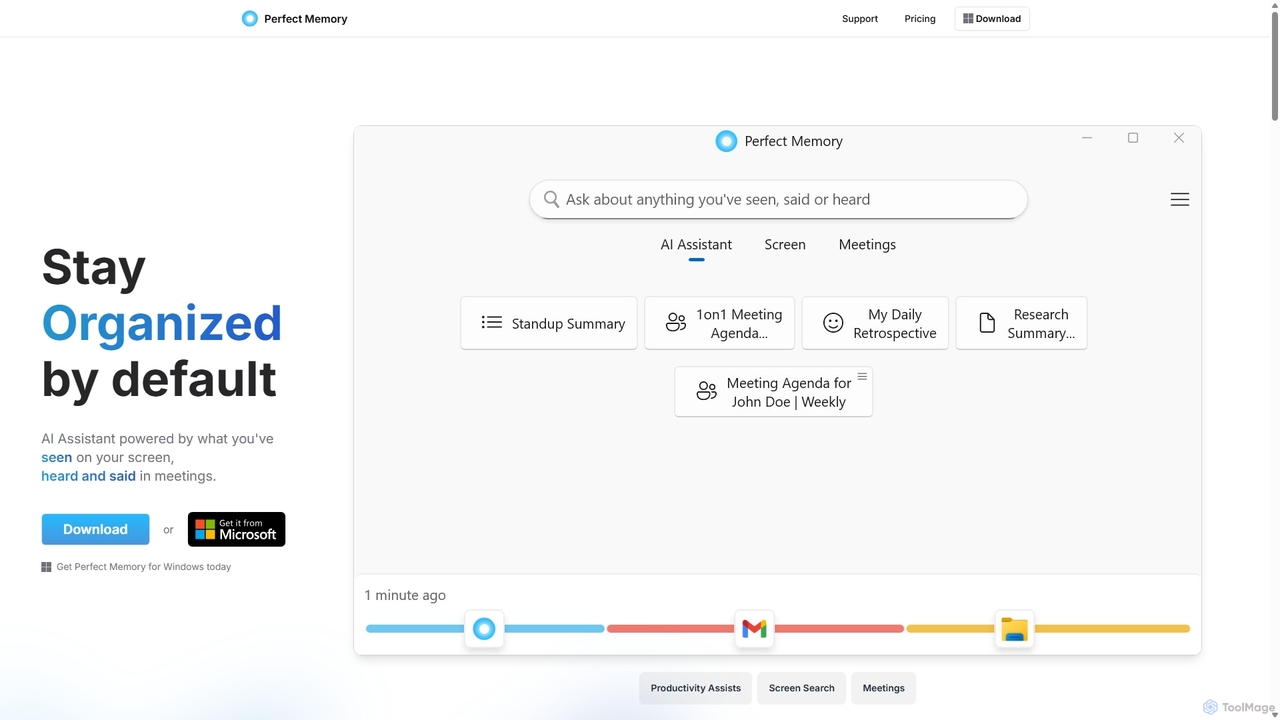
Perfect Memory AIは、プライバシーを重視した生産性アシスタントであり、あなたの「第二の脳」として機能します。画面のアクティビティや会議を記録し、あなたが見聞きしたすべてを完全に検索可能にします。強力なAIアシスタントにより、情報の思い出し、リサーチの要約、会議の準備を支援し、すべてのデータをローカルデバイスに安全に保管します。
ローカル処理

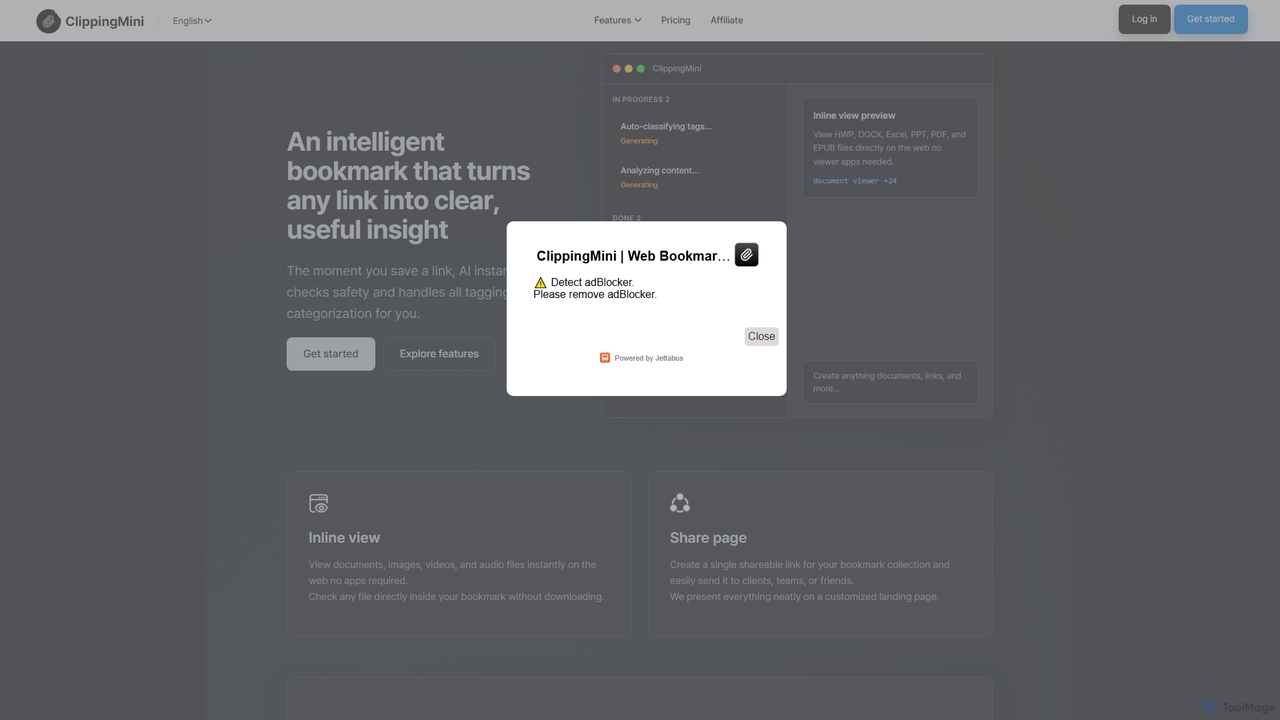
ClippingMiniは、AIを使用してリンクを検索可能なナレッジベースに自動的に整理するインテリジェントなブックマークマネージャーです。安全性チェック、タグ付け、コンテンツの分類を即座に行い、ダウンロードなしで様々なファイルタイプのインラインプレビューが可能です。
情報キュレーション
Irisは、macOS向けのシームレスなAIアシスタントで、ワークフローに統合されるように設計されています。GPT-4oやClaude 3.5などのトップAIモデルに即座にアクセスし、現在のアプリケーションを離れることなくチャットしたり、コンテキストのために画面をキャプチャしたり、回答を得ることができます。直感的なジェスチャーと強力なショートカットにより、Irisは必要な時に現れ、不要な時には見えなくなります。
コーディングアシスタント