KAI
メールアシスタント · 1.5K 月間訪問数
KAIは、ChatGPTのような機能をあらゆるアプリに直接統合するiPhone向けのAI搭載キーボードです。文章作成の質を向上させ、アイデアをブレインストーミングし、テキストを翻訳し、即座に回答を得ることで、外出先での生産性と創造性を高めます。
KAIは、ChatGPTのような機能をあらゆるアプリに直接統合するiPhone向けのAI搭載キーボードです。文章作成の質を向上させ、アイデアをブレインストーミングし、テキストを翻訳し、即座に回答を得ることで、外出先での生産性と創造性を高めます。
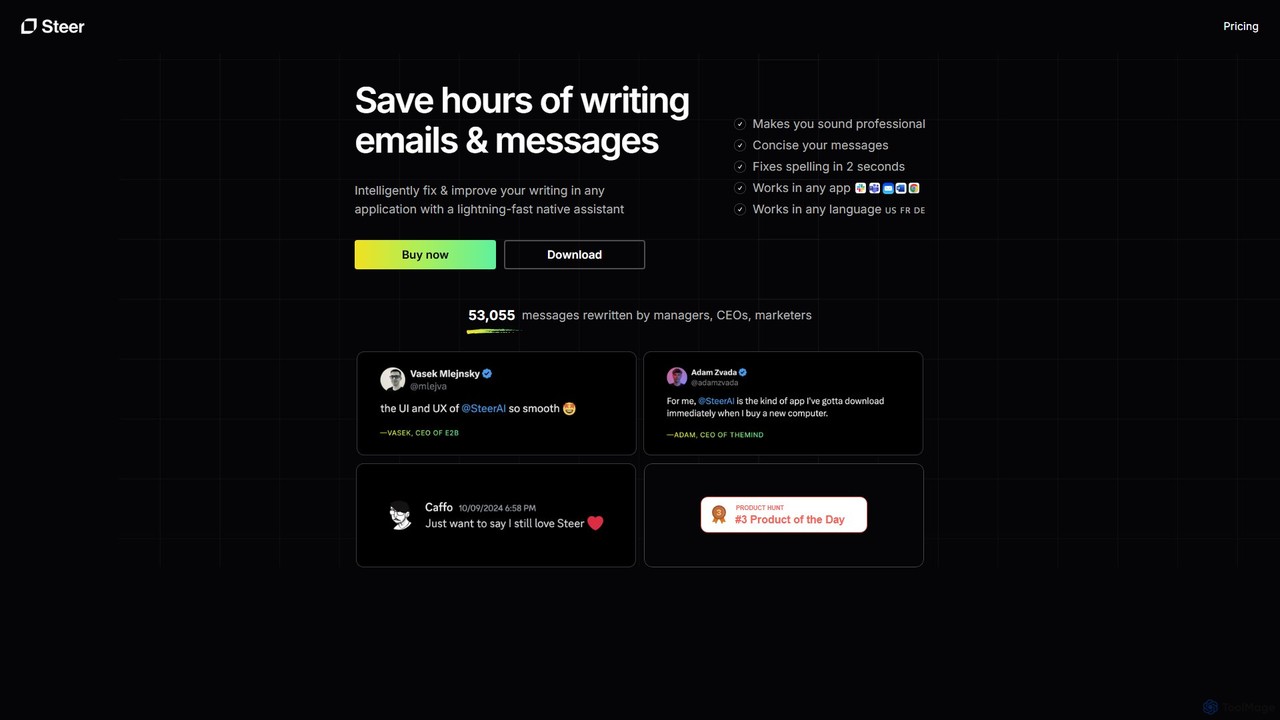
SteerはmacOSおよびWindows向けのネイティブAIライティングアシスタントで、文章作成の時間を何時間も節約します。文法をインテリジェントに修正し、トーンを改善し、メッセージをプロフェッショナルな響きに高めます。これらすべてを、ワークフローを中断することなく、あらゆるアプリケーション内で直接行います。
KAIは、ChatGPTのような機能をあらゆるアプリに直接統合するiPhone向けのAI搭載キーボードです。文章作成の質を向上させ、アイデアをブレインストーミングし、テキストを翻訳し、即座に回答を得ることで、外出先での生産性と創造性を高めます。
SteerはmacOSおよびWindows向けのネイティブAIライティングアシスタントで、文章作成の時間を何時間も節約します。文法をインテリジェントに修正し、トーンを改善し、メッセージをプロフェッショナルな響きに高めます。これらすべてを、ワークフローを中断することなく、あらゆるアプリケーション内で直接行います。
| Feature | KAI | Steer |
|---|---|---|
| 主要カテゴリー | メールアシスタント | メールアシスタント |
| 追加日 | 2025-08-15 | 2025-08-06 |
| 価格 | フリーミアム | フリーミアム |
| 公式サイト | trykai.app | steerapp.ai |
| 製品タイプ | アプリ | アプリ |
| Performance data | ||
| ユーザー評価 | 未確認 | 未確認 |
| コメント | 0 | 0 |
| 月間訪問数 | 1.5K | 4K |
| 月間成長率 | 160.1% | 未確認 |
| お気に入り | 104 | 114 |
| Details | 詳細を見る | 詳細を見る |
Compare KAI and Steer by monthly reach, traffic trend, visit depth, top regions, and acquisition sources.
In the KAI vs Steer monthly traffic comparison, KAI currently shows 1.5K visits and Steer shows 4K; Steer has about 2.7 times the visible traffic of KAI, an absolute difference of about 2.5K visits. This reflects visible reach, not feature quality or paid users.
Only KAI has complete third-party traffic details; Steer uses visits recorded inside ToolMage. These scopes cannot estimate market share directly, and on-site views should not be treated as the product’s total website traffic.
| Country/region | Percentage | Traffic |
|---|---|---|
| 🇺🇸United States | 95.83% | 1.4K |
| 🇮🇹Italy | 4.17% | 62 |
This in-depth KAI vs Steer comparison uses only the product records, taxonomy, audience, traffic, and community signals available on this page. KAI is primarily listed under “メールアシスタント”, while Steer is primarily listed under “メールアシスタント”, so the first decision is whether your actual task matches their recorded scope.
The structured fields currently show these decision-relevant differences: Monthly visits (KAI: 1.5K; Steer: 4K); Favorites (KAI: 104; Steer: 114); Website (KAI: trykai.app; Steer: steerapp.ai); Added (KAI: 2025-08-15; Steer: 2025-08-06). These facts are more useful for selection than brand visibility alone.
In the KAI vs Steer monthly traffic comparison, KAI currently shows 1.5K visits and Steer shows 4K; Steer has about 2.7 times the visible traffic of KAI, an absolute difference of about 2.5K visits. This reflects visible reach, not feature quality or paid users.
Only KAI has complete third-party traffic details; Steer uses visits recorded inside ToolMage. These scopes cannot estimate market share directly, and on-site views should not be treated as the product’s total website traffic.
The current traffic scope is not sufficient for a reliable product ranking. Treat monthly visits as a market-interest signal, then decide using taxonomy, use cases, pricing, and a like-for-like trial rather than reading exposure as product capability.
KAI and Steer currently overlap in shared categories: メールアシスタント、ライティングアシスタント; shared tags: AIライター、文法チェッカー、ライティングアシスタント. This can place both on the same shortlist, but it does not prove equal implementation, depth, or cost.
KAI's unique categories/tags are iOSアプリ、ChatGPT、iOS、iPhone、キーボード、モバイルAI、生産性、言い換えツール; Steer's are ユーティリティ、メールアシスタント、macOS、メッセージエディター、プロフェッショナルコミュニケーション、校正、テキスト改善、Windows. These unique fields are the strongest differentiators: validate the product whose recorded scope matches the task instead of following traffic alone.
KAI has no verified rating, 0 comments, 104 favorites, and 99 likes;Steer has no verified rating, 0 comments, 114 favorites, and 114 likes。
Neither product has enough rating or comment samples for a credible reputation ranking.
Put KAI on the priority trial list when the task aligns with “メールアシスタント” and especially iOSアプリ、ChatGPT、iOS、iPhone、キーボード、モバイルAI. This follows recorded positioning and does not imply unlisted capabilities are absent.
KAI also currently records: pricing is freemium, product type is app, 1.5K verified monthly visits, no verified user rating. Verify any hard requirement around price, platform, or reach before trial, and do not let sparse review data substitute for testing.
Put Steer on the priority trial list when the task aligns with “メールアシスタント” and especially ユーティリティ、メールアシスタント、macOS、メッセージエディター、プロフェッショナルコミュニケーション、校正. This follows recorded positioning and does not imply unlisted capabilities are absent.
Steer also currently records: pricing is freemium, product type is app, 4K on-site monthly views, no verified user rating. Verify any hard requirement around price, platform, or reach before trial, and do not let sparse review data substitute for testing.
The available data describes positioning, public visibility, and community signals, but it cannot prove output quality, speed, integration effort, privacy, or long-term cost in your workflow. Before deciding, run the same representative tasks in KAI and Steer, then record completion time, accuracy, manual corrections, and the real paid threshold. A like-for-like trial turns this comparison into a defensible adoption decision.
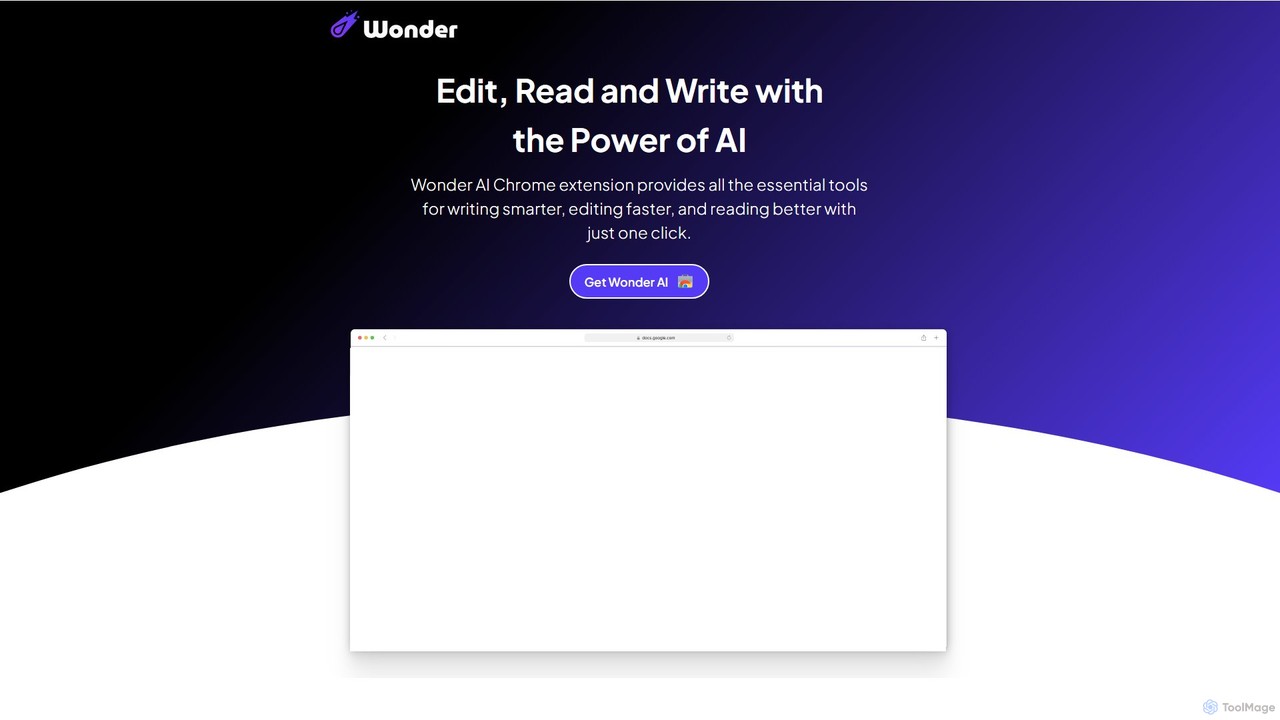
Wonder AIは、ライティング、編集、読書を強化する強力なChrome拡張機能です。ブラウザに直接統合され、テキストの書き換え、文法チェック、記事の要約、複雑な概念の説明、コンテンツの翻訳をワンクリックで行うツールを提供し、日々の生産性とコミュニケーションスキルを向上させます。
Chrome 拡張機能
RewriteBarは、あなたのパーソナルAIライティングアシスタントとして機能するネイティブのmacOSメニューバーアプリです。すべてのアプリケーションでシームレスに動作し、簡単なキーボードショートカットで文法を即座に修正し、トーンを変更し、テキストを翻訳し、コンテンツを要約することができます。12以上のAIプロバイダーをサポートし、究極のプライバシー保護のためのローカルモデルも含まれており、強力で柔軟なライティング強化体験を提供します。
コードアシスタント
Compose AIは、AIを搭載したライティングアシスタント兼Chrome拡張機能で、執筆プロセスを加速させます。メールからドキュメントまで、お気に入りのすべてのサイトでインテリジェントなオートコンプリート、テキスト生成、リフレーズ機能を提供します。あなたの個人的なライティングスタイルを学習し、より速く、より効果的に書く手助けをし、最大40%の時間を節約します。
Chrome 拡張機能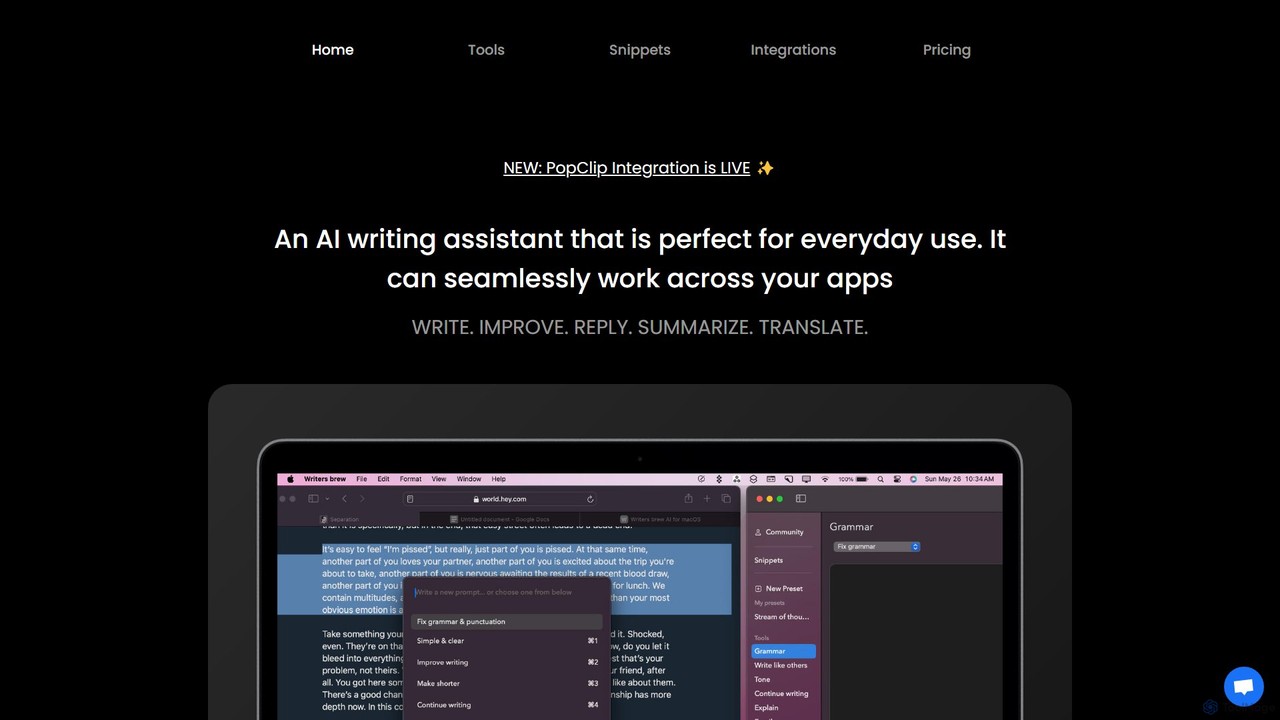
Writers brewは、すべてのアプリケーションにシームレスに統合されるmacOS向けのネイティブAIライティングアシスタントです。簡単なキーボードショートカットでどこでもテキストの作成、改善、要約、翻訳、返信を支援し、テキストスニペット、OCR、その他の生産性ユーティリティも備えています。
macOS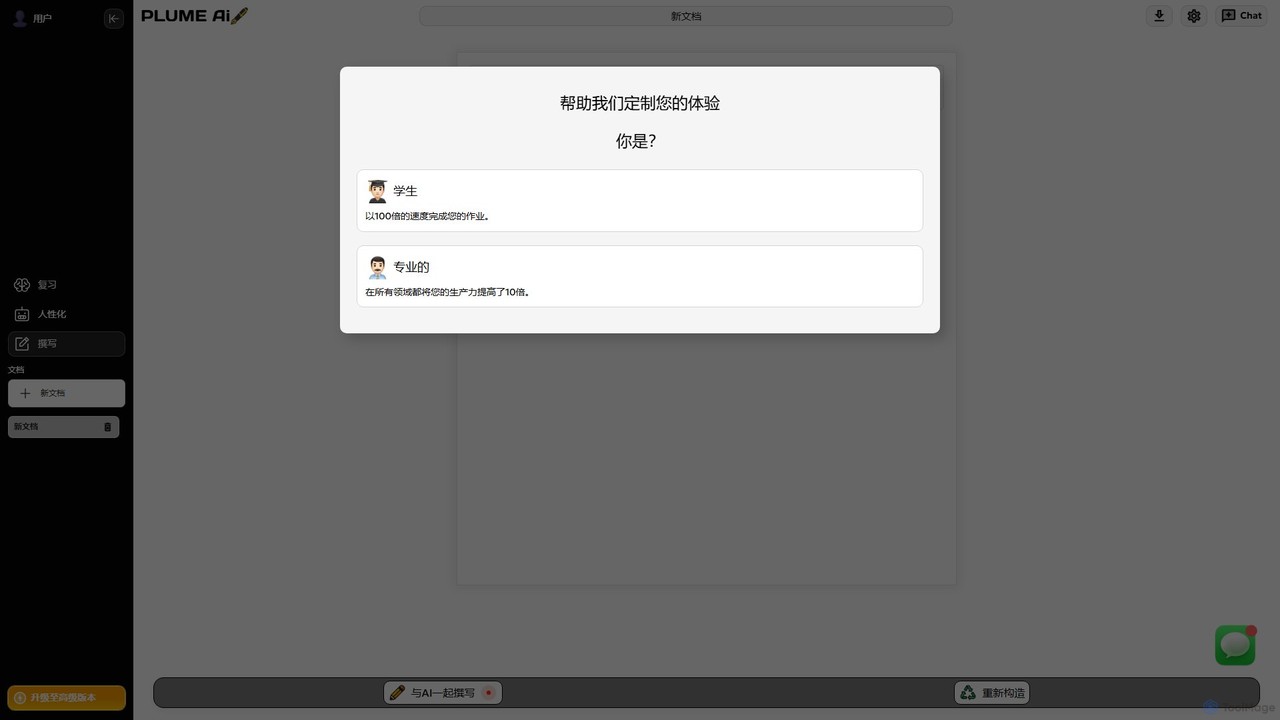
Plume AIは、学生やプロフェッショナル向けに設計された高度なAIライティングアシスタントです。テキストの執筆、リフレーズ、レビュー、人間化を支援し、生産性を向上させ、コンテンツの品質を高めます。高品質で自然な響きのドキュメントを10倍速く作成します。
アカデミックライティング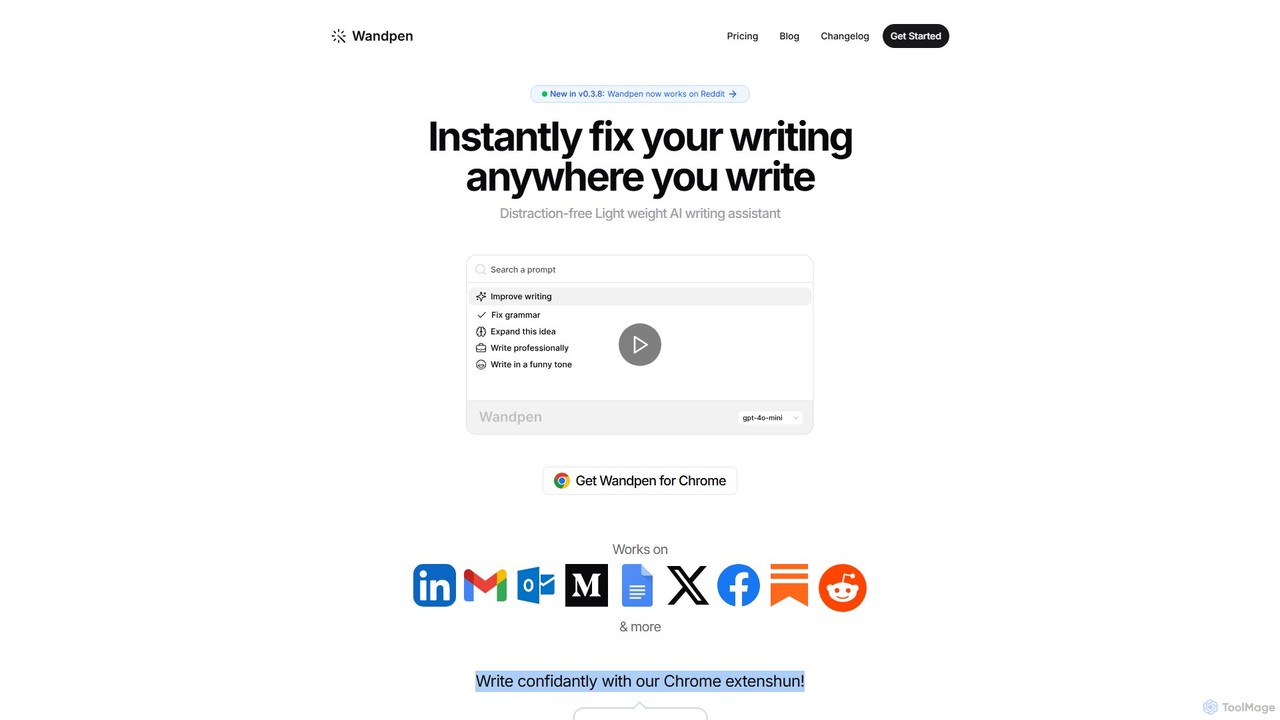
Wandpenは、ワークフローにシームレスに統合される軽量なChrome向けAIライティングアシスタントです。Googleドキュメント、Reddit、LinkedInなど、あらゆるウェブサイトで文法を即座に修正し、テキストを書き換え、アイデアをブレインストーミングできます。タブの切り替えをなくすことで、WandpenはGPT-4o、Claude 3.5、Geminiなどの強力なAIモデルを使用し、生産性と執筆の自信を高めます。
Chrome 拡張機能


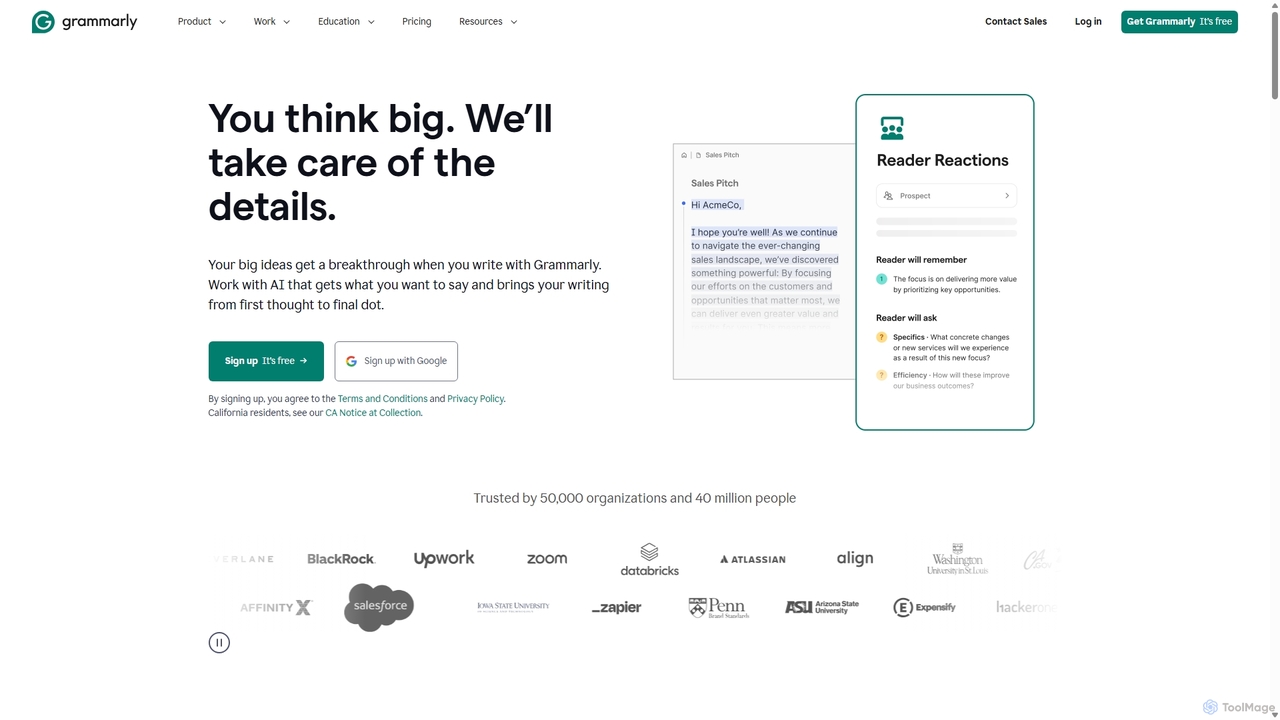


Pointer AIは、ChatGPTのような機能をGoogleドキュメントに直接統合する強力なChrome拡張機能です。AIがドキュメント内で直接変更を加えることで、面倒なコピー&ペーストや再フォーマット作業をなくし、執筆・編集プロセスを効率化します。AIが提案をタイピングするのを見て承認するだけで、元のドキュメントのスタイルは維持されます。
Chrome 拡張機能