swapme
アシスタント · 7.9K 月間訪問数
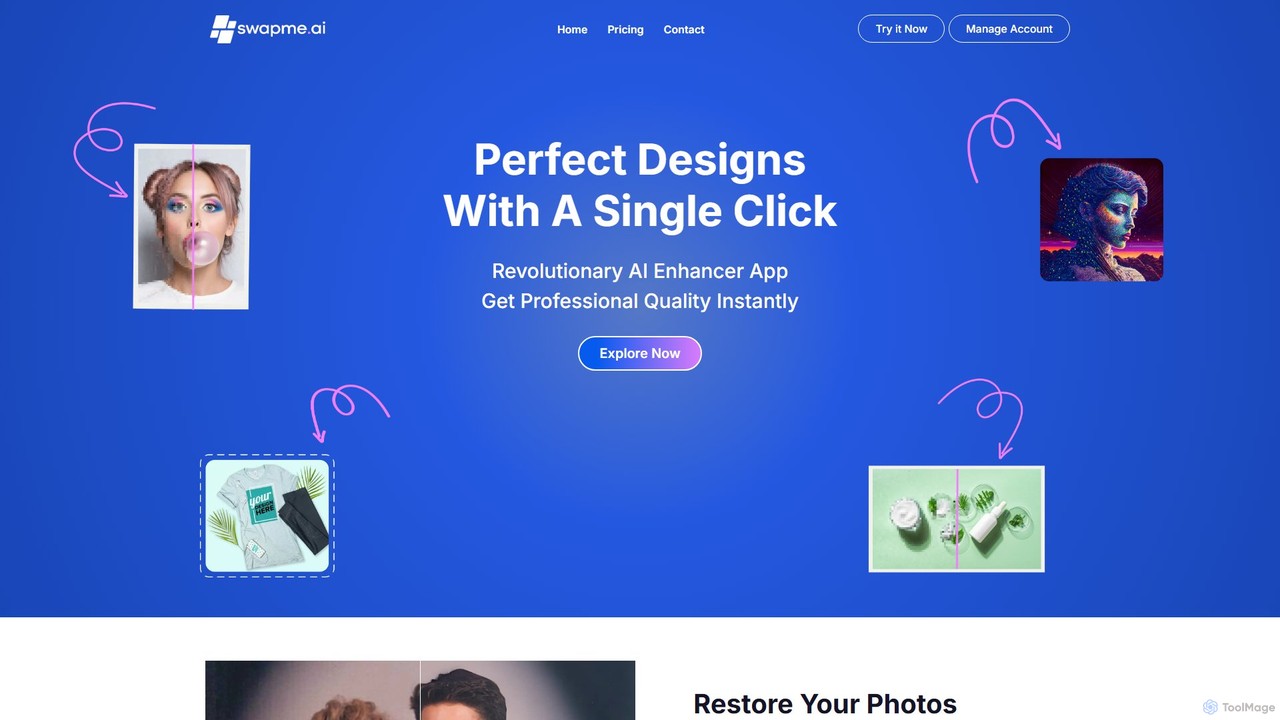
swapmeは、Canvaに直接統合された強力なAI画像エンハンサーおよびアップスケーラーです。50万人以上のユーザーに信頼されており、ワンクリックで画像解像度を最大1000%向上させ、ぼやけたりピクセル化された写真を修正し、古い写真を復元することができます。印刷物、ウェブ、ソーシャルメディア向けの高品質なビジュアルを必要とするデザイナー、マーケター、クリエイターに最適です。
swapmeは、Canvaに直接統合された強力なAI画像エンハンサーおよびアップスケーラーです。50万人以上のユーザーに信頼されており、ワンクリックで画像解像度を最大1000%向上させ、ぼやけたりピクセル化された写真を修正し、古い写真を復元することができます。印刷物、ウェブ、ソーシャルメディア向けの高品質なビジュアルを必要とするデザイナー、マーケター、クリエイターに最適です。
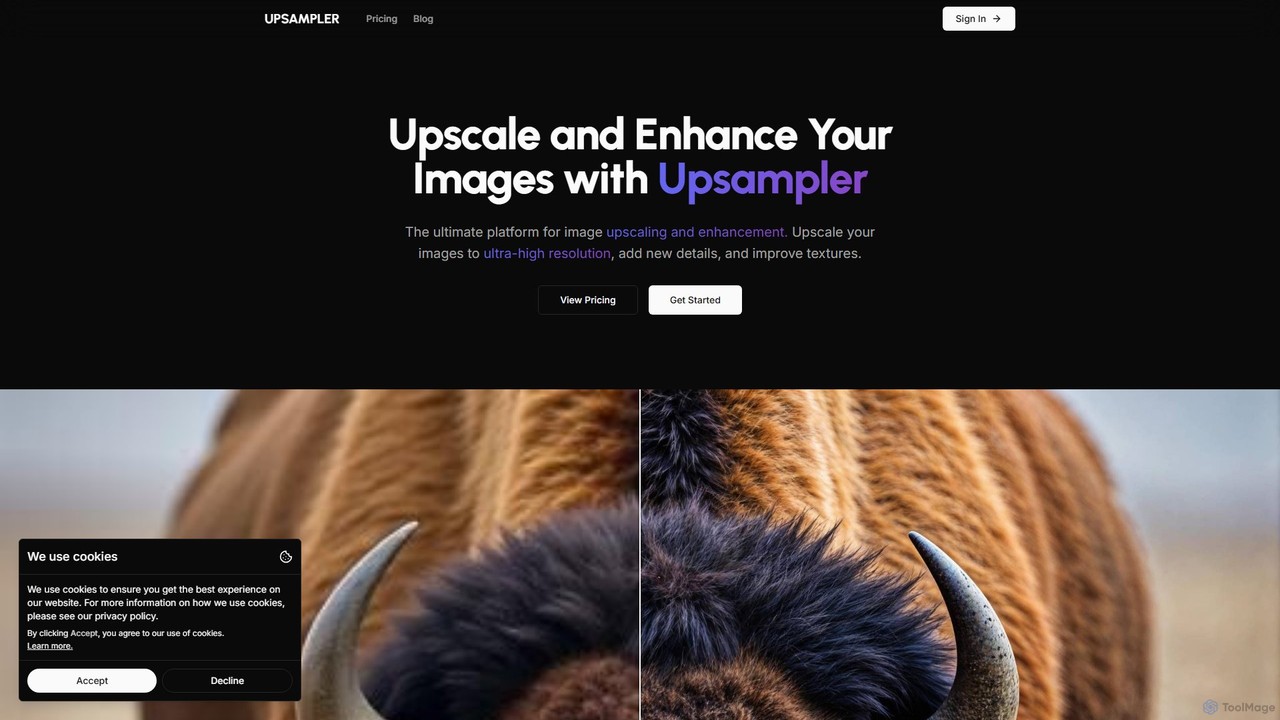
Upsamplerは、画像のアップスケーリング、エンハンス、復元、生成のための包括的なAI搭載オンラインプラットフォームです。スマート、ダイナミック、プレサイスといった複数のアップスケーリングモードを備え、AIアートから実写写真まで様々な画像タイプに対応します。また、ジェネレーティブフィル、写真復元機能も提供し、GPT-4oやImagenなどのトップAIモデルを統合して画像作成をサポートします。
swapmeは、Canvaに直接統合された強力なAI画像エンハンサーおよびアップスケーラーです。50万人以上のユーザーに信頼されており、ワンクリックで画像解像度を最大1000%向上させ、ぼやけたりピクセル化された写真を修正し、古い写真を復元することができます。印刷物、ウェブ、ソーシャルメディア向けの高品質なビジュアルを必要とするデザイナー、マーケター、クリエイターに最適です。
Upsamplerは、画像のアップスケーリング、エンハンス、復元、生成のための包括的なAI搭載オンラインプラットフォームです。スマート、ダイナミック、プレサイスといった複数のアップスケーリングモードを備え、AIアートから実写写真まで様々な画像タイプに対応します。また、ジェネレーティブフィル、写真復元機能も提供し、GPT-4oやImagenなどのトップAIモデルを統合して画像作成をサポートします。
| Feature | swapme | Upsampler |
|---|---|---|
| 主要カテゴリー | アシスタント | 画像生成 |
| 追加日 | 2025-08-03 | 2025-08-08 |
| 価格 | フリーミアム | フリーミアム |
| 公式サイト | www.swapme.ai | upsampler.com |
| 製品タイプ | アプリ | ウェブサイト |
| Performance data | ||
| ユーザー評価 | 未確認 | 未確認 |
| コメント | 0 | 0 |
| 月間訪問数 | 7.9K | 713.2K |
| 月間成長率 | -60.9% | -7.3% |
| お気に入り | 114 | 122 |
| Details | 詳細を見る | 詳細を見る |
Compare swapme and Upsampler by monthly reach, traffic trend, visit depth, top regions, and acquisition sources.
In the swapme vs Upsampler monthly traffic comparison, swapme currently shows 7.9K visits and Upsampler shows 713.2K; Upsampler has about 90.6 times the visible traffic of swapme, an absolute difference of about 705.4K visits. This reflects visible reach, not feature quality or paid users.
Both tools provide verified traffic details, so monthly trends, visit depth, regions, and acquisition sources can be compared on the same basis.
| Country/region | Percentage | Traffic |
|---|---|---|
| 🇧🇷Brazil | 49.81% | 3.9K |
| 🇺🇸United States | 19.36% | 1.5K |
| 🇮🇳India | 18.81% | 1.5K |
| 🇮🇹Italy | 7.11% | 560 |
| 🇦🇺Australia | 4.91% | 387 |
| Country/region | Percentage | Traffic |
|---|---|---|
| 🇺🇸United States | 41.09% | 293.1K |
| 🇻🇳Vietnam | 19.5% | 139.1K |
| 🇮🇳India | 16.26% | 116K |
| 🇬🇧United Kingdom | 14.08% | 100.4K |
| 🇩🇪Germany | 9.07% | 64.7K |
| Source type | Percentage | Traffic |
|---|---|---|
| ダイレクト | 86.4% | 616.2K |
| 参照元 | 13.24% | 94.4K |
| Eメール | 0.36% | 2.6K |
This in-depth swapme vs Upsampler comparison uses only the product records, taxonomy, audience, traffic, and community signals available on this page. swapme is primarily listed under “アシスタント”, while Upsampler is primarily listed under “画像生成”, so the first decision is whether your actual task matches their recorded scope.
The structured fields currently show these decision-relevant differences: Primary category (swapme: アシスタント; Upsampler: 画像生成); Product type (swapme: App; Upsampler: Website); Monthly visits (swapme: 7.9K; Upsampler: 713.2K); Monthly growth (swapme: -60.9%; Upsampler: -7.3%); Favorites (swapme: 114; Upsampler: 122). These facts are more useful for selection than brand visibility alone.
In the swapme vs Upsampler monthly traffic comparison, swapme currently shows 7.9K visits and Upsampler shows 713.2K; Upsampler has about 90.6 times the visible traffic of swapme, an absolute difference of about 705.4K visits. This reflects visible reach, not feature quality or paid users.
Both tools provide verified traffic details, so monthly trends, visit depth, regions, and acquisition sources can be compared on the same basis.
If public market visibility is an important first-pass criterion, investigate Upsampler first. The final choice should still follow taxonomy, use case, and a real trial because higher traffic does not prove broader capabilities or better workflow fit.
swapme and Upsampler currently overlap in shared categories: 画像編集; shared tags: 画像アップスケーラー、写真修復、オンデマンド印刷. This can place both on the same shortlist, but it does not prove equal implementation, depth, or cost.
swapme's unique categories/tags are アシスタント、Canva、Canvaアプリ、デザインツール、画像高画質化、画質、ノイズリダクション、解像度; Upsampler's are 画像生成、画像アップスケーリング、マーケティング、4K解像度、AI画像生成、アニメアップスケーラー、API、生成塗りつぶし. These unique fields are the strongest differentiators: validate the product whose recorded scope matches the task instead of following traffic alone.
swapme has no verified rating, 0 comments, 114 favorites, and 109 likes;Upsampler has no verified rating, 0 comments, 122 favorites, and 135 likes。
Neither product has enough rating or comment samples for a credible reputation ranking.
Put swapme on the priority trial list when the task aligns with “アシスタント” and especially アシスタント、Canva、Canvaアプリ、デザインツール、画像高画質化、画質. This follows recorded positioning and does not imply unlisted capabilities are absent.
swapme also currently records: pricing is freemium, product type is app, 7.9K verified monthly visits, no verified user rating. Verify any hard requirement around price, platform, or reach before trial, and do not let sparse review data substitute for testing.
Put Upsampler on the priority trial list when the task aligns with “画像生成” and especially 画像生成、画像アップスケーリング、マーケティング、4K解像度、AI画像生成、アニメアップスケーラー. This follows recorded positioning and does not imply unlisted capabilities are absent.
Upsampler also currently records: pricing is freemium, product type is website, 713.2K verified monthly visits, no verified user rating. Verify any hard requirement around price, platform, or reach before trial, and do not let sparse review data substitute for testing.
The available data describes positioning, public visibility, and community signals, but it cannot prove output quality, speed, integration effort, privacy, or long-term cost in your workflow. Before deciding, run the same representative tasks in swapme and Upsampler, then record completion time, accuracy, manual corrections, and the real paid threshold. A like-for-like trial turns this comparison into a defensible adoption decision.

Upscale.mediaは、数秒で画像を自動的に高画質化・拡大する無料のAIツールです。品質を損なうことなく画像解像度を最大8倍に向上させ、ディテールを鮮明にし、ノイズを除去します。Eコマース、写真家、個人利用に最適で、ウェブ、モバイルアプリ、APIアクセスを提供し、シームレスな統合を実現します。
画像編集
imgupscalerは、品質を損なうことなく画像を拡大・高画質化するために設計されたAI搭載ツールです。高度なディープラーニングアルゴリズムを使用し、写真、アニメアート、デジタルグラフィックスを最大8倍までアップスケールし、インテリジェントにディテールを追加、ノイズを低減、ぼやけを修正します。プロから趣味で使う人まで、誰にとっても高速で使いやすいソリューションです。
画像強調
画像のエンハンス、アップスケーリング、生成のための包括的なAI搭載プラットフォームです。ノイズリダクション、シャープ化、色補正、背景除去、テキストからの新規画像作成などのツールスイートを提供します。プロ品質の結果を求める写真家、Eコマース事業者、コンテンツ制作者に最適です。
画像編集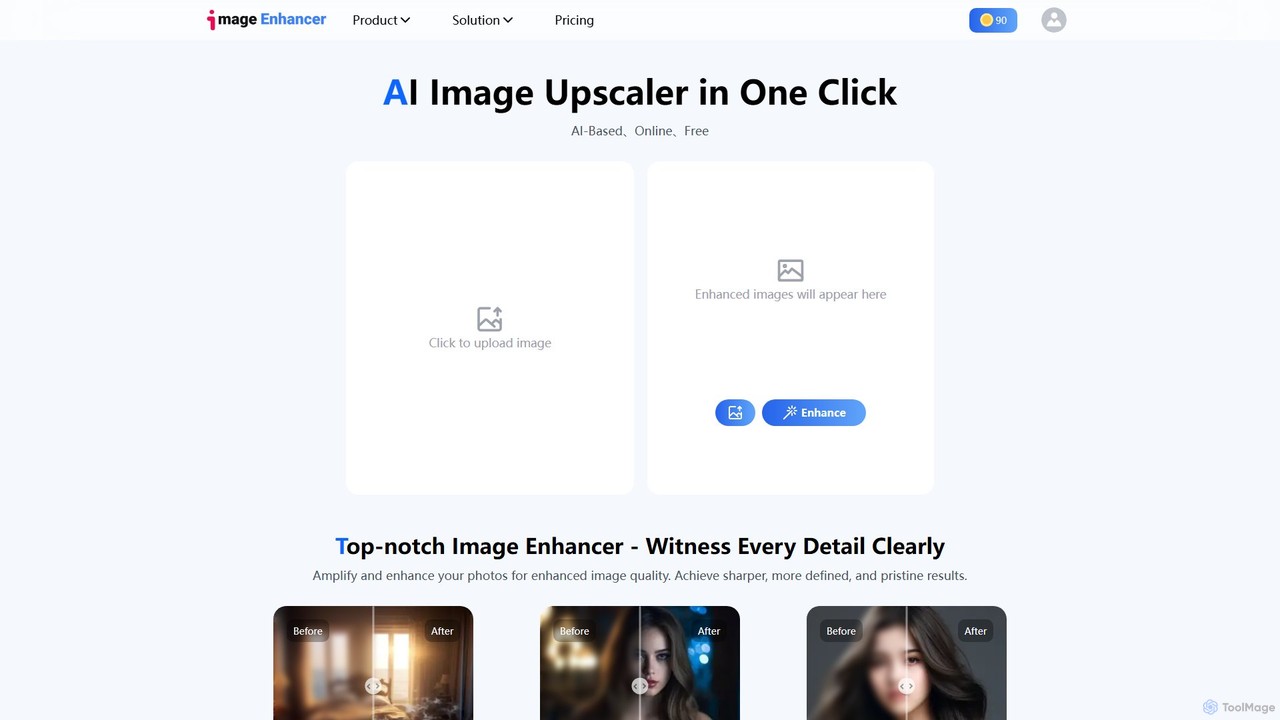
AIを搭載した画像・動画編集ツールスイート。ワンクリックでのアップスケーリング、シャープ化、ノイズ除去、背景削除、そしてカートゥーン化や顔交換などのクリエイティブ機能を提供します。写真家、デザイナー、SNSユーザーが手軽にビジュアル品質を向上させるのに最適です。
生成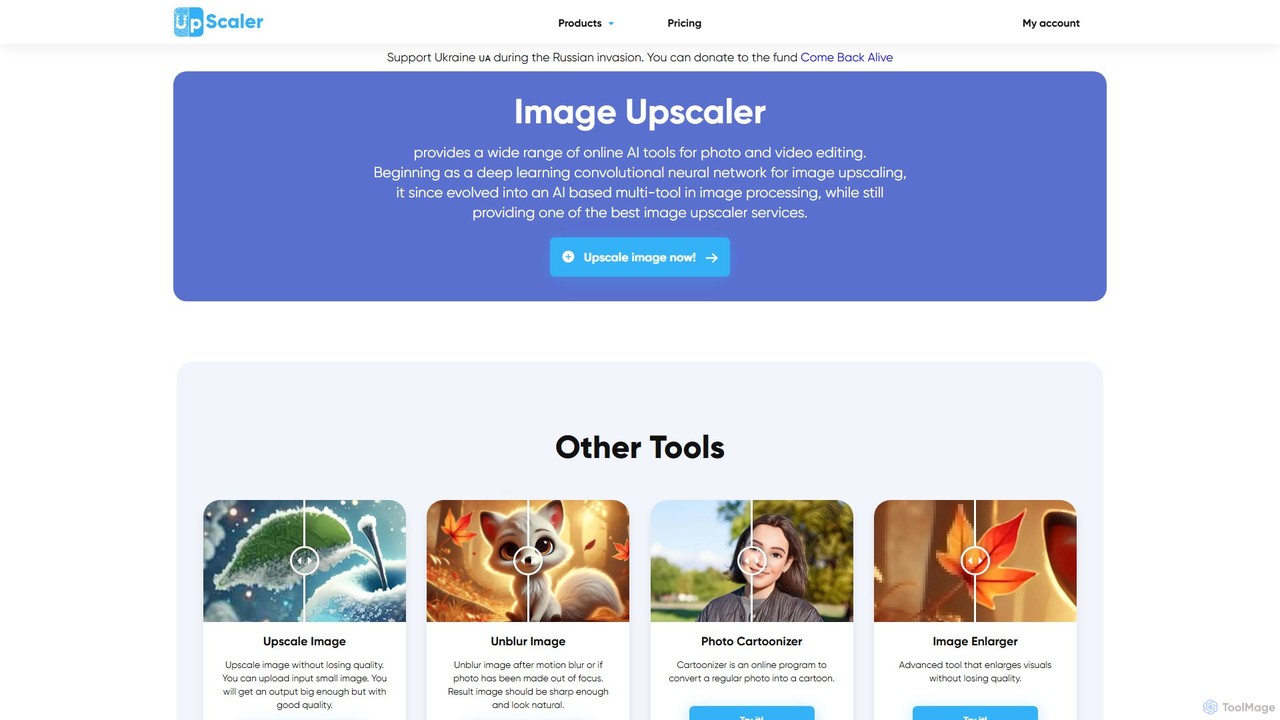
オールインワンのAI搭載画像補正プラットフォーム。品質を損なうことなく写真を最大4倍にアップスケールし、背景を削除、画像のぼかしを修正、テキストからアートを生成し、カートゥーン化、カラー化、オブジェクト除去など幅広いクリエイティブツールを活用できます。プロフェッショナルから趣味の方まで理想的です。
グラフィック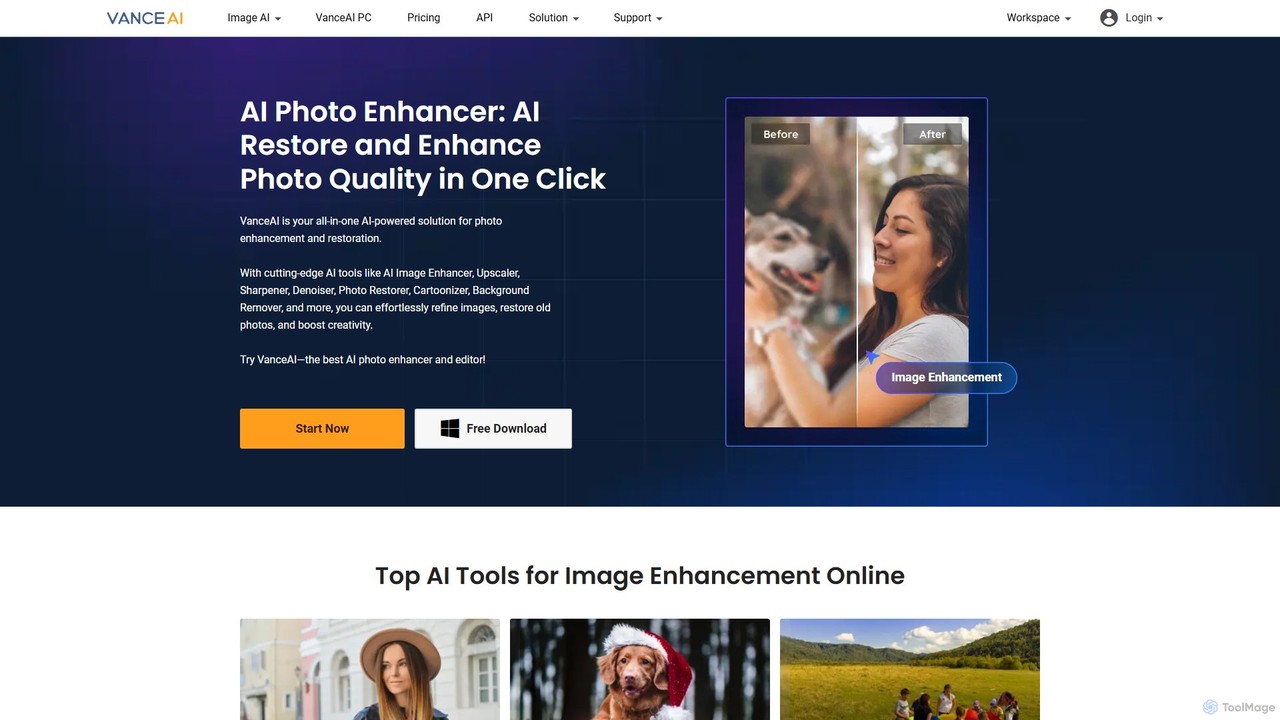
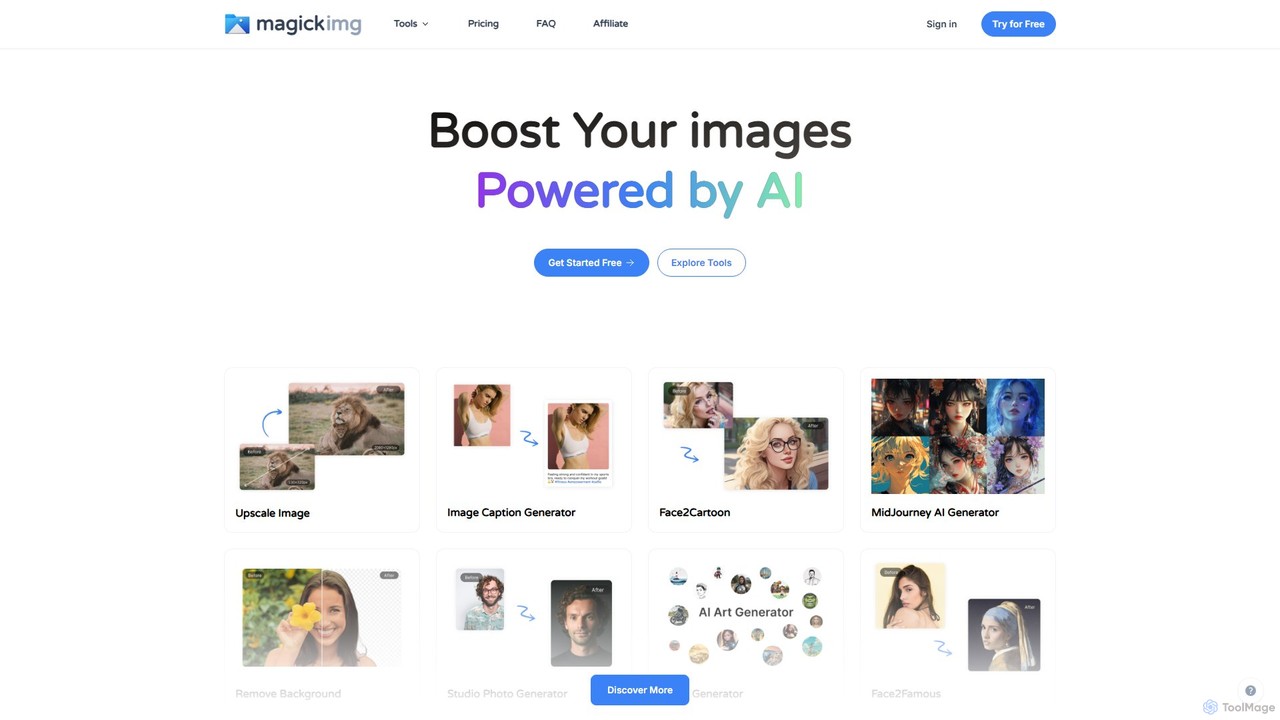
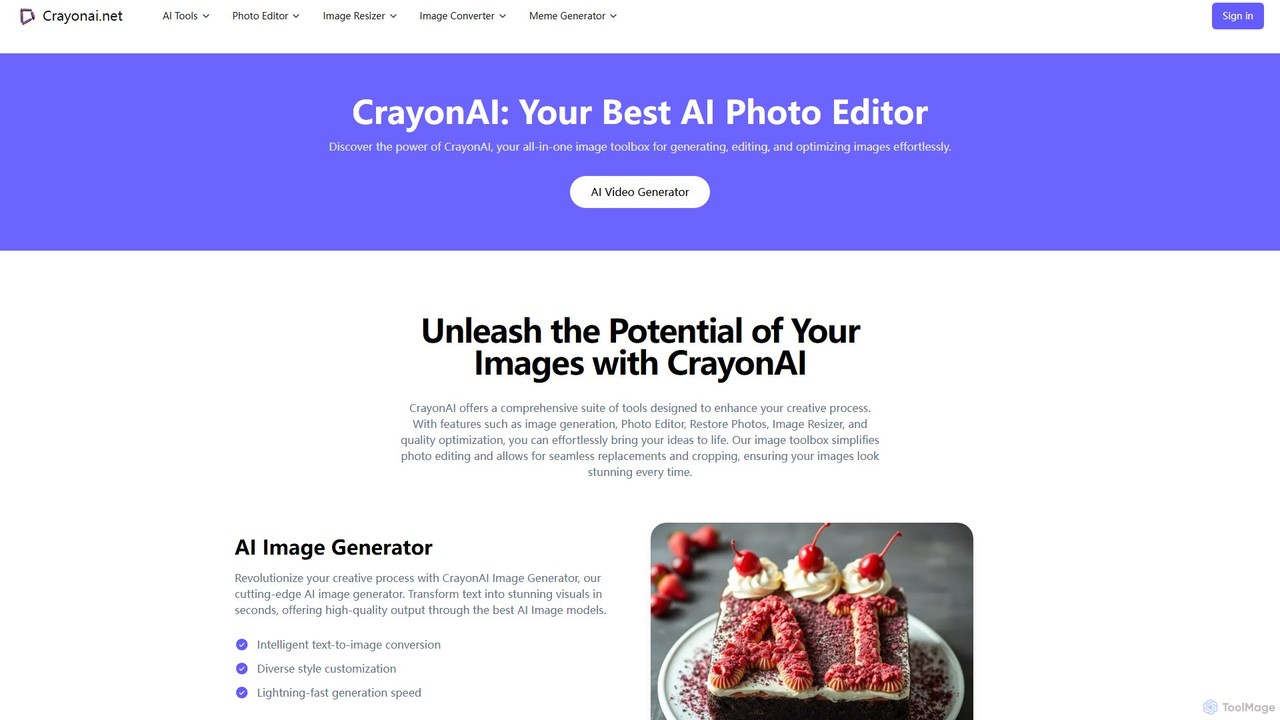
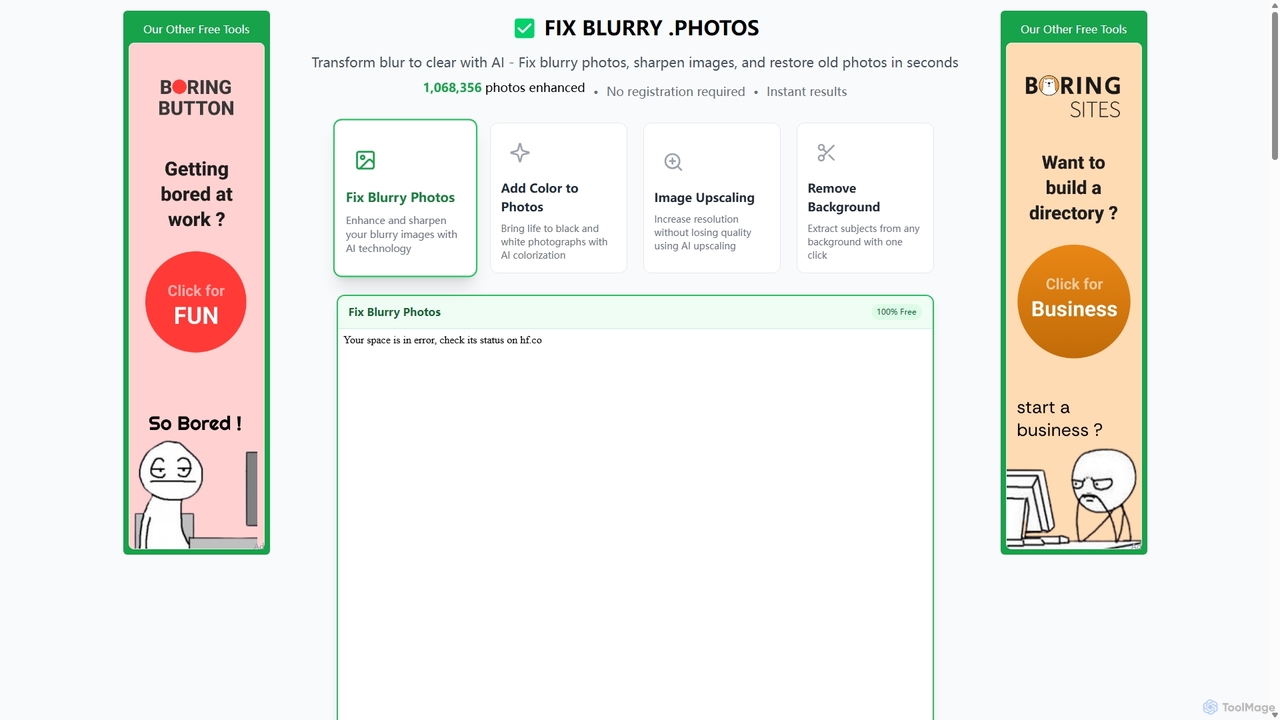
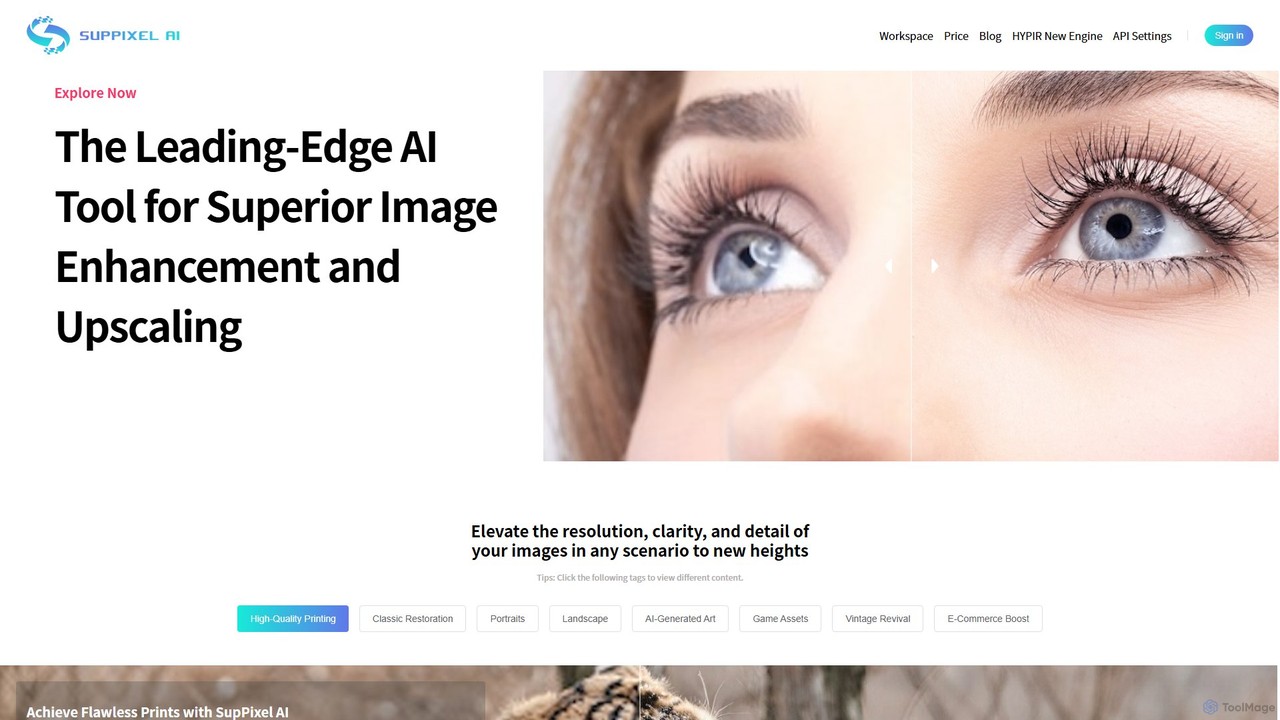
SupPixel AIは、優れた画像強調とアップスケーリングのための最先端AIツールです。あらゆる画像の解像度、鮮明さ、ディテールを向上させ、高品質な印刷、写真修復、Eコマース、AI生成アートの強化に最適です。
画像編集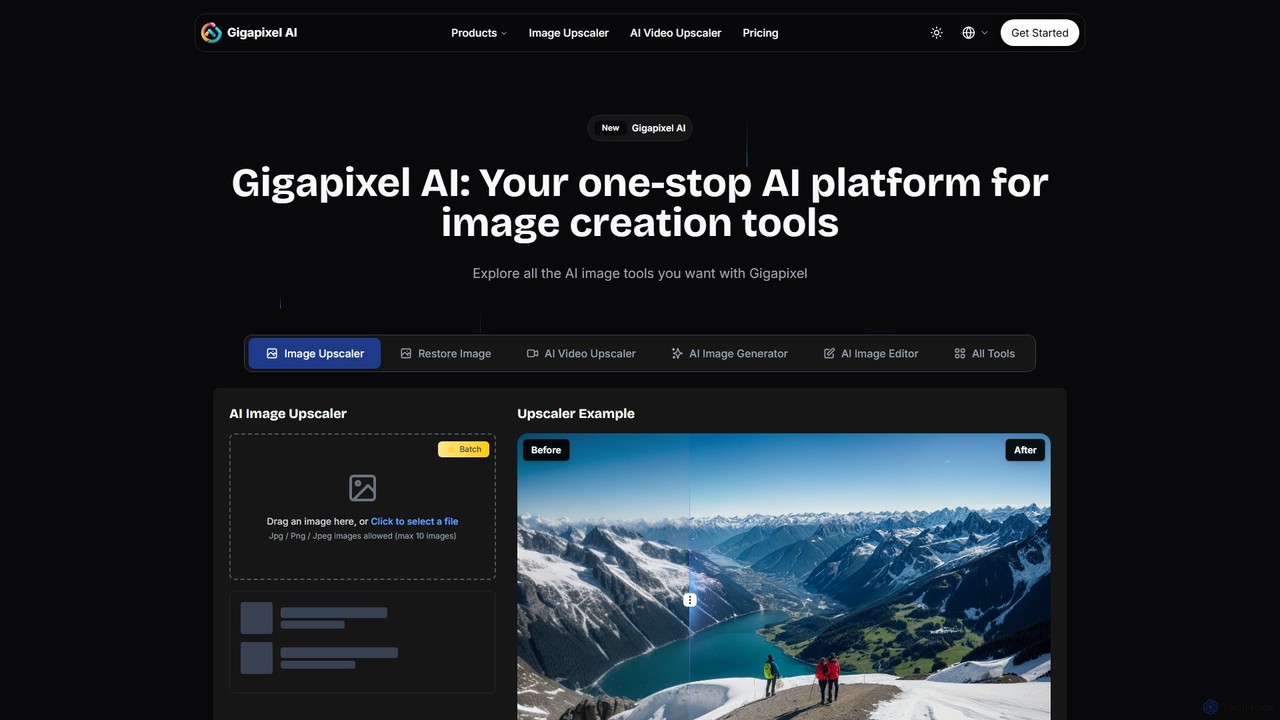
Gigapixel AIは、包括的なオールインワンAI画像・動画制作プラットフォームです。高度な画像・動画アップスケーラー、多機能な画像ジェネレーター、精密な画像エディター、背景リムーバーなど、強力なツール群を提供します。クリエイター、マーケター、開発者がプロ品質と効率でビジュアルコンテンツを強化、生成、編集するために設計されています。
画像編集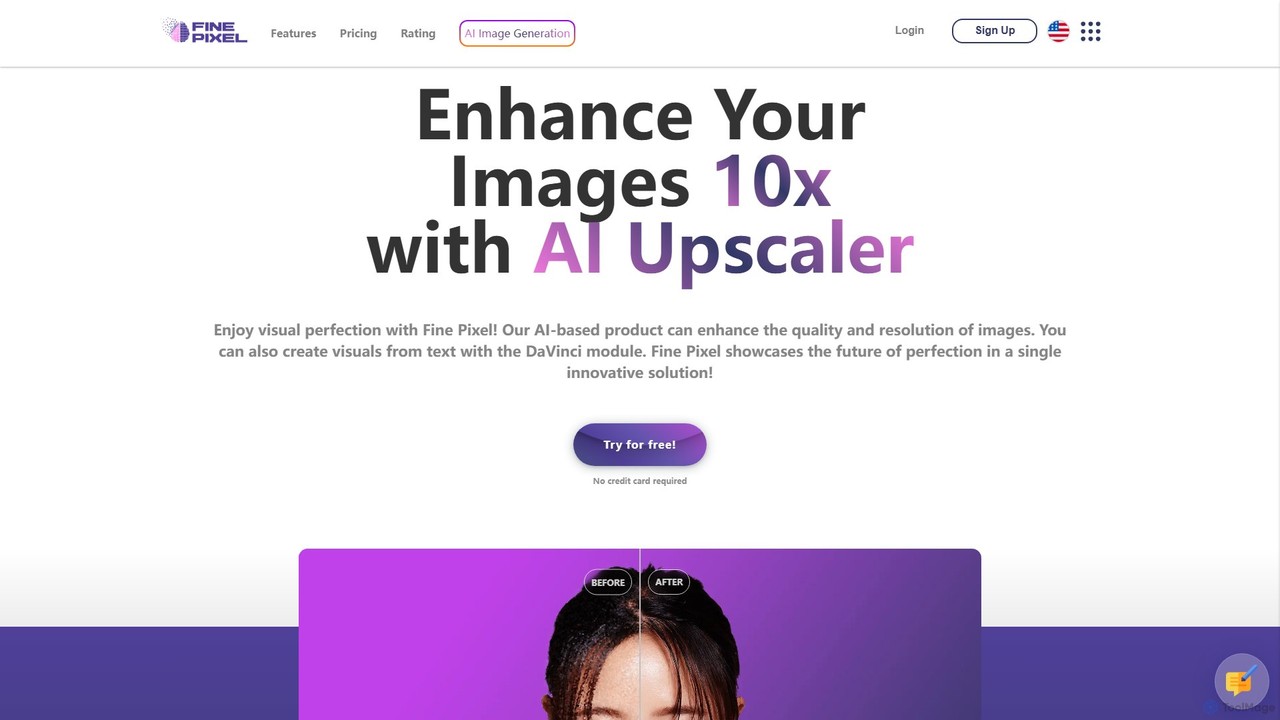
Fine Pixelは、ビジュアルを強化、生成、編集するオールインワンのAI搭載イメージスイートです。印刷品質(300+ DPI)を実現する高解像度画像アップスケーラー、即座の創造性を可能にするテキストから画像へのジェネレーター(DaVinci Diffusion XL)、写真からオブジェクトをシームレスに追加・削除するインペインティングツールを備えています。マーケターやデザイナーから個人ユーザーまで、あらゆるスキルレベルのユーザー向けに設計されており、プロ級の画像操作を数秒で実現します。
画像編集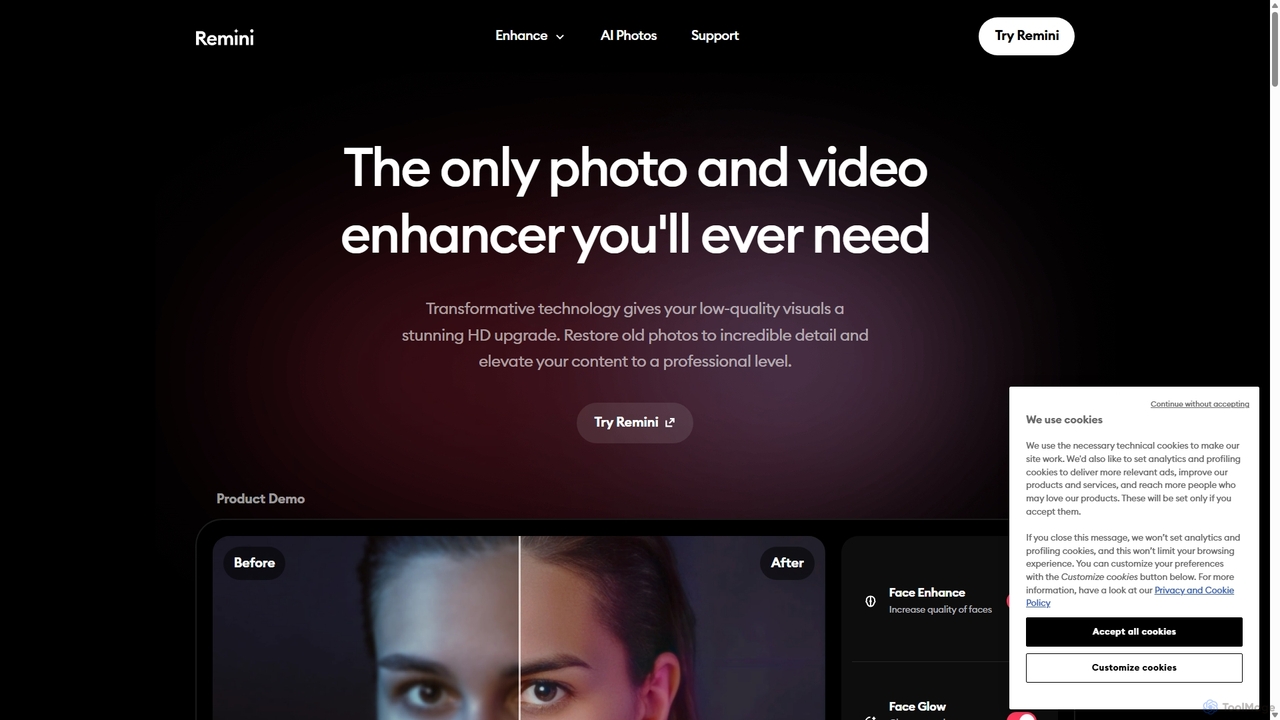
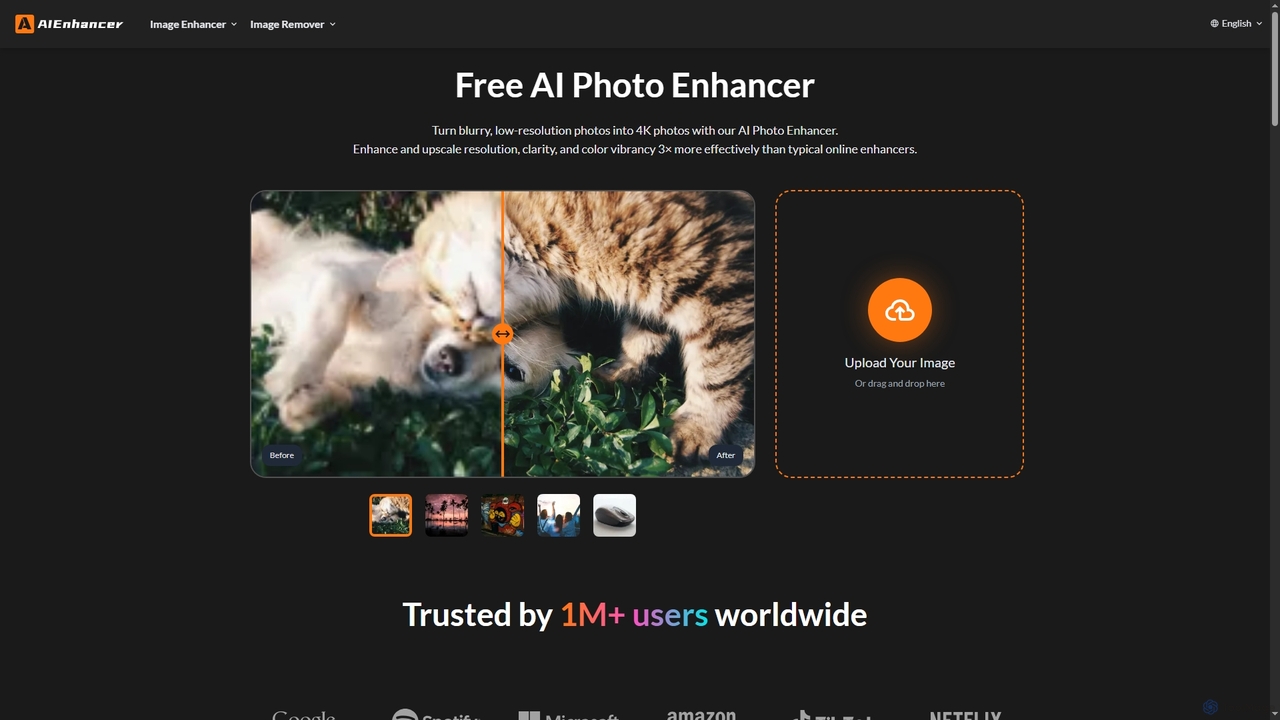
AIEnhancerは、画像を変換し完璧にする強力なオンラインAIツールです。解像度を向上させ、古い写真を復元し、ぼかしやノイズを除去し、細部をシャープにし、HDに変換し、背景を正確に除去することで、誰もがプロフェッショナルな写真編集にアクセスしやすく、簡単に行えるようにします。
背景除去